AI Interior Design FAQ: 50 Questions on How It Works, Cost & More (2026)
The complete AI interior design FAQ — 50 high-intent questions answered in plain English. Learn how AI room design works, free vs paid options, cost, photo tips, virtual staging, privacy, and how to get great results on your first try.
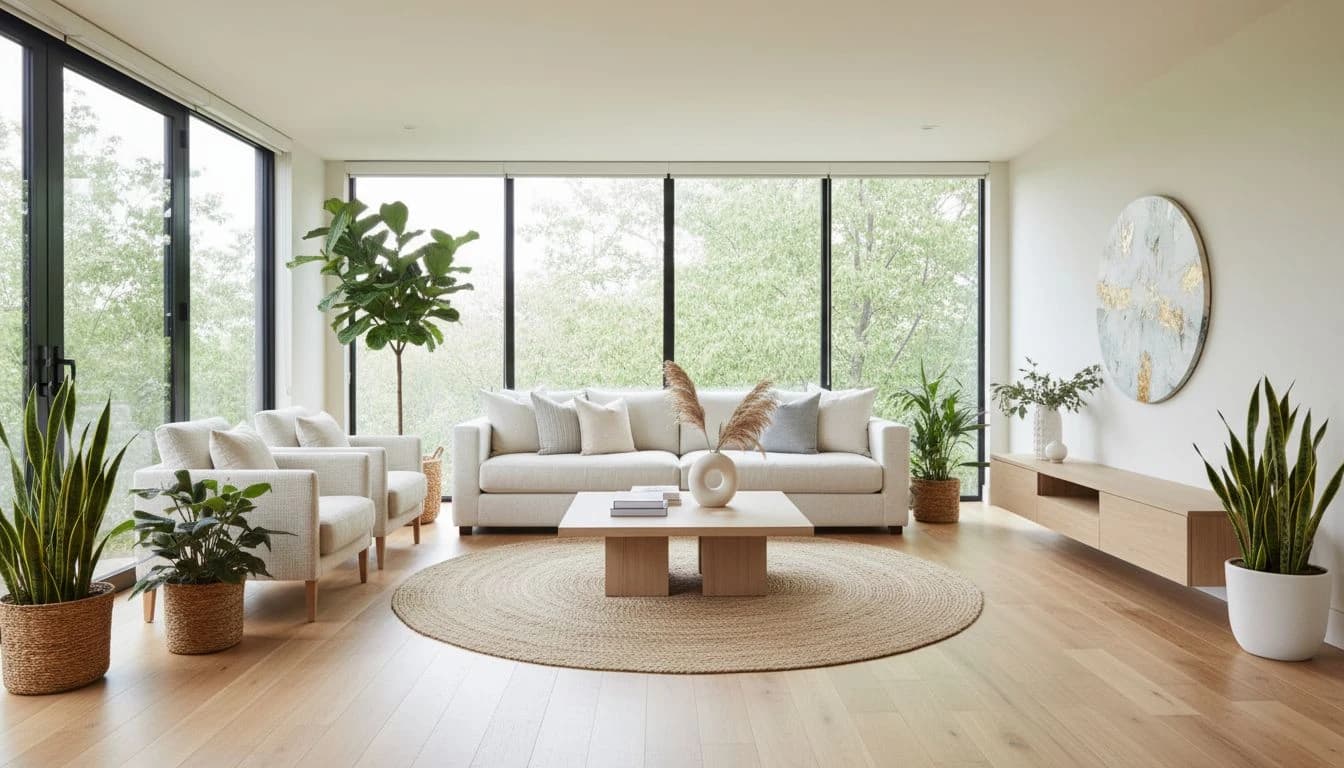
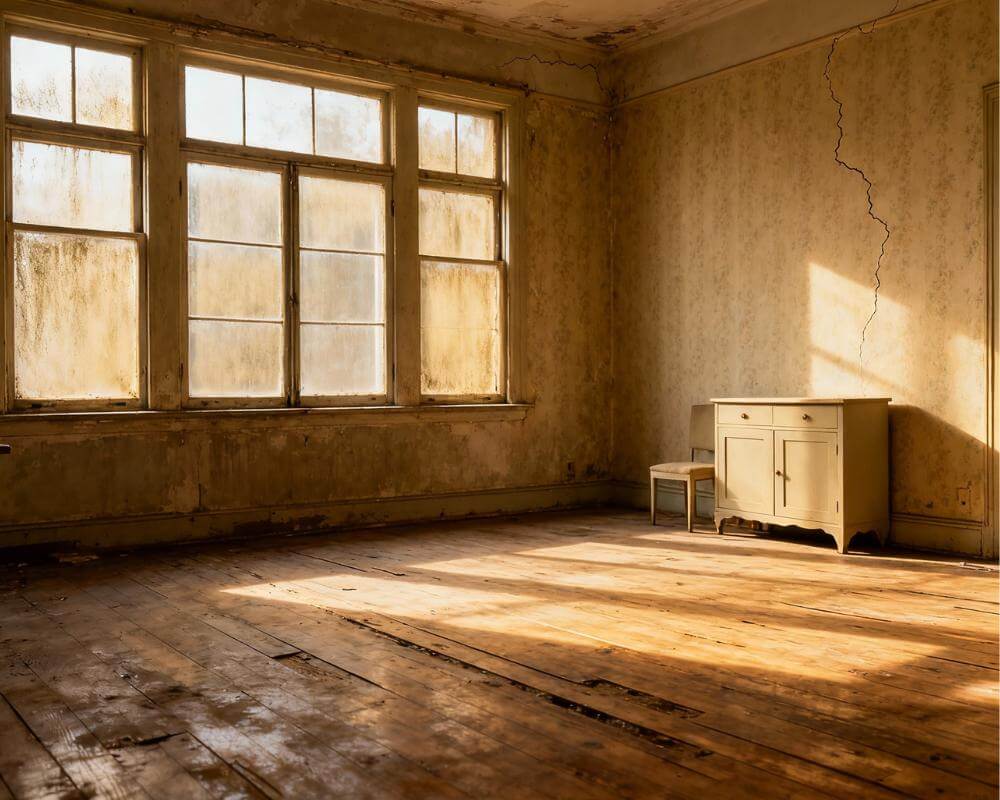
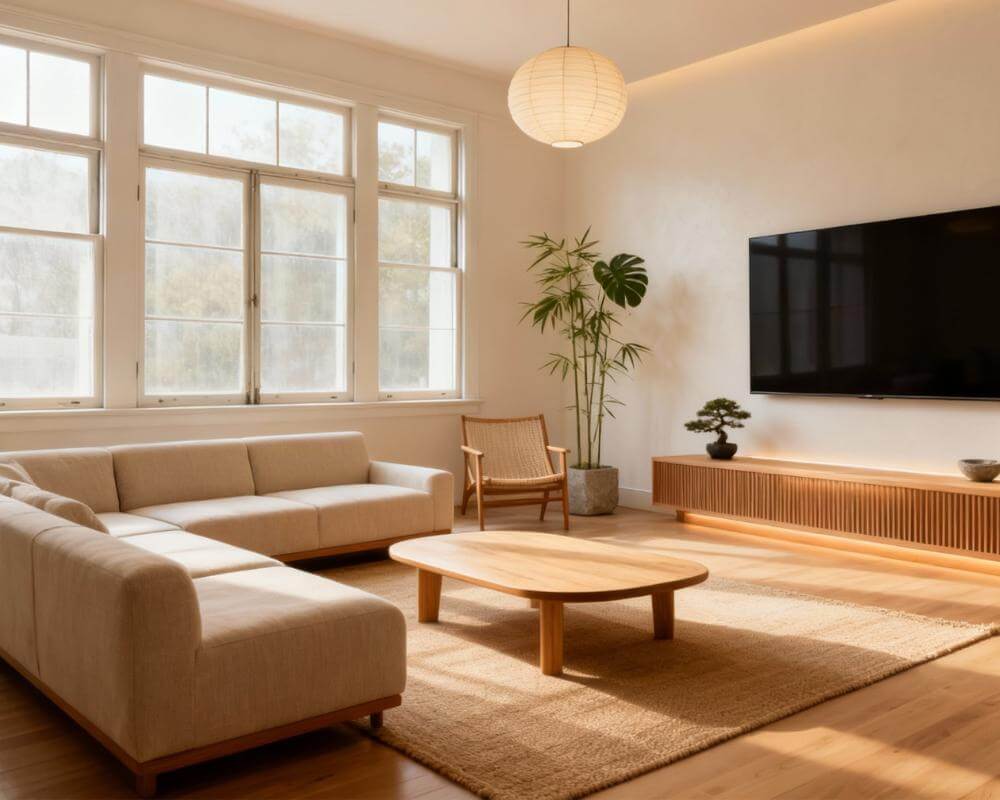
AI interior design lets you upload a photo of your real room and see it restyled in seconds — no design degree, no expensive software, and no guesswork. This mega-FAQ answers the 50 most common questions people ask about AI room design, in plain language, so you can start with confidence.
Whether you are redecorating one bedroom, planning a kitchen refresh, or staging a home to sell, these answers cover how it works, what to expect, and how to get great results. For a full walkthrough, see our beginner's guide or try DecorAI free on your own room photo.
Quick answer
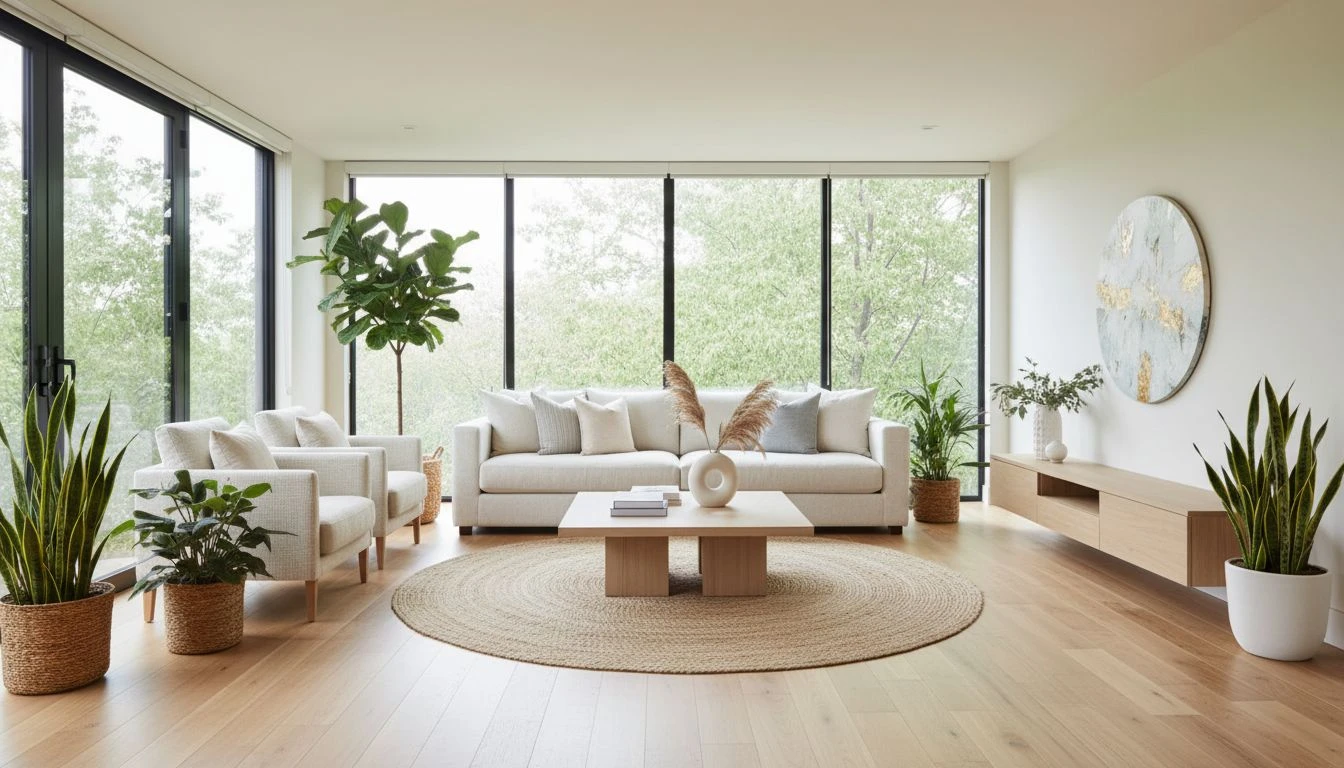
Upload a clear photo of your room, pick a style, and the AI generates a realistic preview of how that space could look. It is fast, low-cost, and great for exploring ideas. It is not a replacement for structural renovation plans or licensed design work on complex projects — but for everyday homeowners, it is one of the easiest ways to visualize change.
Who is AI interior design for?
Almost anyone who wants a clearer picture of how a room could look before spending money. That includes first-time decorators, busy parents who do not have time for mood boards, renters working within lease rules, sellers who want listing photos to shine, and homeowners planning a remodel who need to agree on a direction before calling a contractor.
You do not need to know design words like "wainscoting" or "accent wall." You do not need to measure every wall. If you can take a phone photo and tap a few buttons, you are ready. The goal is simple: see your room, transformed, before you buy, paint, or move furniture.
Three myths — and the truth
- Myth: AI only works on empty rooms. Truth: It works on furnished rooms too. A quick tidy helps, but you do not need to empty the space.
- Myth: Results are random and unusable. Truth: With a clear photo and a purpose-built room design tool, results are meant for real planning — not just social media scroll bait.
- Myth: You must already know your style. Truth: Trying multiple styles on your own room is how most people figure out what they like. That is a feature, not a flaw.
The basics
1. What is AI interior design?
AI interior design uses smart software to restyle a room from a photo. You upload a picture of your space, choose a look you like, and the tool shows you a realistic image of your room transformed. It is like a preview before you buy furniture, paint walls, or move things around. Learn more in our complete AI interior design guide.
2. How does AI interior design work?
The tool reads your photo — walls, windows, floors, and furniture — and then rebuilds the room in a new style while keeping the basic shape of the space. You do not draw floor plans or drag items around. Upload, pick a style, wait a few seconds, and review the result.
Think of it like handing a designer a snapshot of your living room and saying, "Show me this same room, but Scandinavian." The AI does that instantly, as many times as you want, until something clicks. Our photo-to-style workflow guide walks through each step.
3. Do I need design experience to use it?
No. That is the main appeal. You do not need to know color theory, furniture brands, or layout rules. The AI handles those choices. Your job is to take a decent photo and pick styles you want to explore.
4. Is AI interior design the same as 3D design software?
Not really. Traditional 3D tools ask you to build a room from scratch — walls, measurements, furniture placement. AI room design starts from your real photo and transforms it. It is much faster for homeowners who want a quick visual answer, not a technical model. See AI vs 3D software for a deeper look.
5. What is virtual staging?
Virtual staging means digitally furnishing an empty or dated room so listing photos look polished for buyers. AI makes this fast and affordable compared to renting physical staging furniture. Our virtual staging guide explains the full seller workflow. The National Association of REALTORS® publishes ongoing research on how presentation affects buyer interest.
6. Can AI design my actual room — not a fake one?
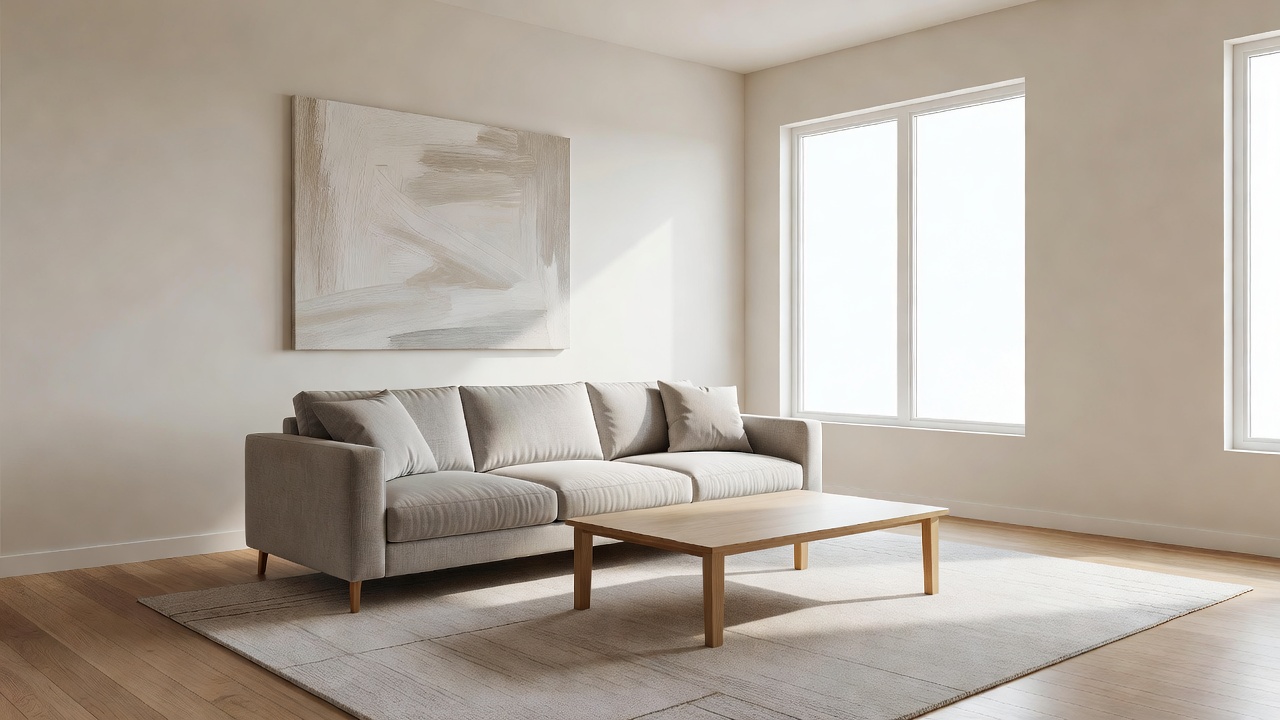
Yes — when you use a photo-based tool like DecorAI. The result is based on your walls, windows, and layout, not a random stock image. That is what makes it useful for real decisions.
7. How long does AI room design take?
Most generations finish in under 15 seconds. The full process — photo, upload, pick a style, review — often takes under five minutes for your first room.
8. What devices can I use?
Phone, tablet, or computer. Browser-based tools work on any modern device with a camera or photo library. No special hardware needed.
9. Do I need to download an app?
Not always. Many tools work in the browser at app.decoraihome.com. DecorAI also offers iOS and Android apps if you prefer mobile.
10. Is AI interior design just a filter on my photo?
No. A filter shifts colors. AI interior design rebuilds furniture, materials, lighting, and decor while keeping your room's structure. The result should look like a newly designed version of the same space — not a tinted snapshot.
Getting started
11. How do I get started with AI interior design?
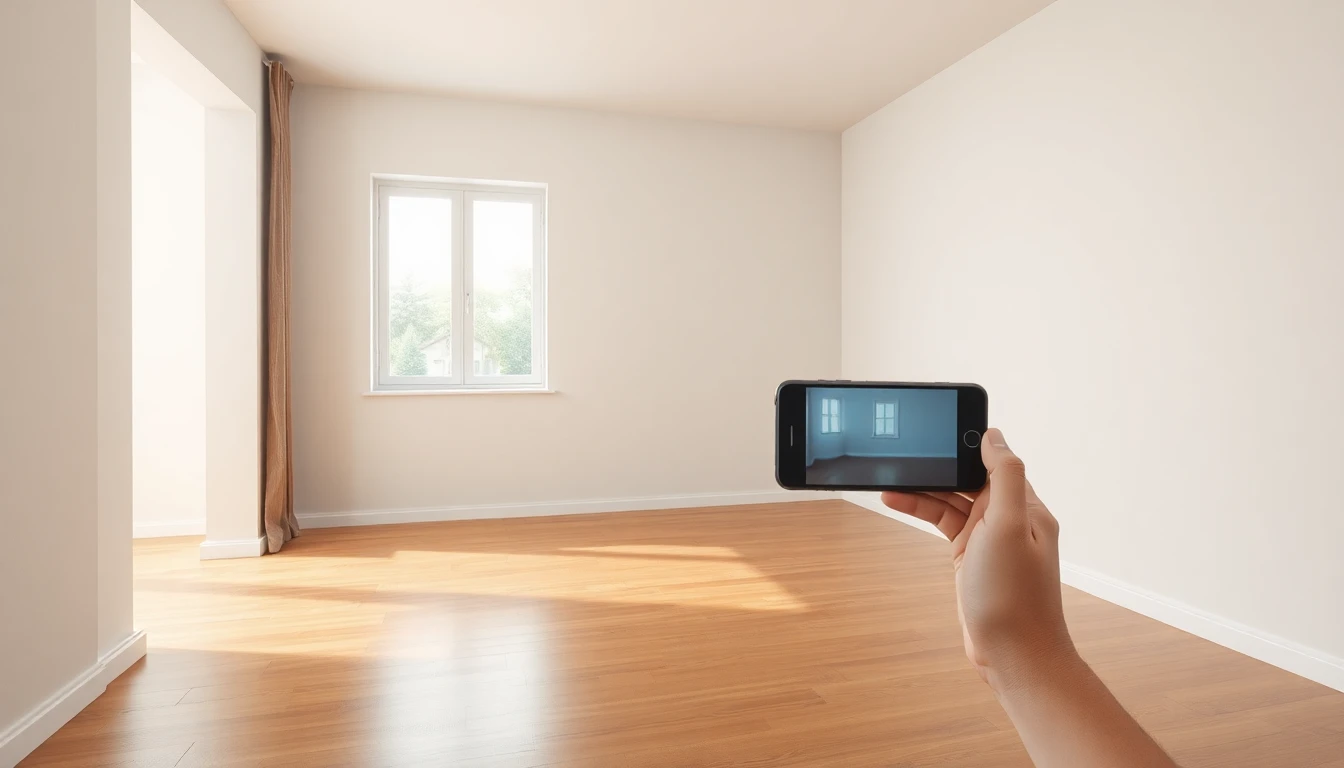
Pick one room, take a photo in daylight, open DecorAI, upload the image, and try two or three styles. Save what you like. Our step-by-step app guide covers the details.
12. What is the very first step?
Take a good photo. Everything else depends on it. Stand in a corner, include two walls, use natural light, and keep the room reasonably tidy.
13. Which room should I start with?
Start with the room you care about most — usually the living room or bedroom. These spaces have the biggest visual impact and are easiest to photograph.
14. How many styles should I try?
At least three to five on the same photo. Comparing styles side by side teaches you what you actually like — Scandinavian, warm minimalism, mid-century, contemporary, and Japandi are great starting points.
Here is a simple trick: run your least favorite style first on purpose. When you see a result you dislike, you learn what to avoid — too much wood, too cold, too busy — before you fall in love with the wrong direction. Browse all options on our style guide.
15. Can I save my designs?
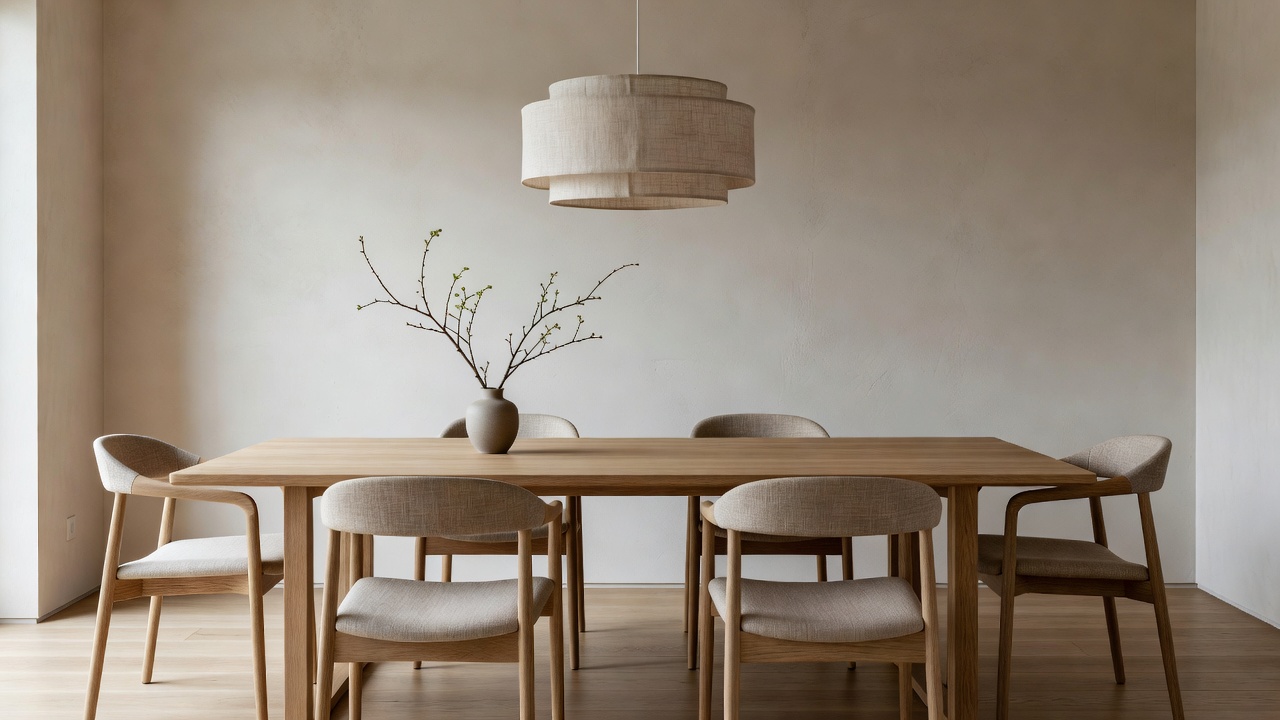
Yes. Save favorites to compare later, share with family, or build a simple plan before shopping. Keeping a small library of winners stops impulse buys.
16. How do I use DecorAI specifically?
Upload a room photo, choose a style, tap generate, and review the result. Refine by trying other styles or adjusting color direction. Start free at app.decoraihome.com or download from the App Store / Google Play.
17. Is there a free way to try AI room design?
Yes. DecorAI offers a free tier so you can test on a real room before upgrading. Read our free AI interior design guide for what to expect from free vs paid features.
18. Do I need an account?
Usually yes — a simple email or social sign-in lets you save designs and pick up on another device. It takes under a minute.
Photos and results
19. What makes a good room photo for AI design?
Daylight, a corner angle showing two walls, landscape orientation, and a quick tidy-up. Avoid dark rooms, extreme wide-angle distortion, and photos where furniture blocks most of the walls. Full tips in our room photo guide.
20. Can I use an old photo from my camera roll?
Yes, if it is sharp, well lit, and still shows the room accurately. If you have since moved furniture or repainted, take a fresh photo so the preview matches reality.
21. Does lighting matter?
A lot. Natural daylight produces the cleanest results. Yellow evening bulbs or harsh overhead-only light can confuse colors. Open curtains and shoot during the day when possible.
22. Should I clean the room first?
A quick tidy helps — remove laundry, dishes, and floor clutter. You do not need a magazine-perfect space, but less visual noise gives the AI a clearer starting point.
23. What camera angle works best?
Stand at chest or eye height in a corner. Include the floor, two walls, and any key features like a fireplace or large window. Avoid shooting straight at one flat wall only.
24. Why do my AI results sometimes look wrong?
Common causes: dark photos, heavy clutter, extreme angles, or expecting structural changes the tool is not meant to model. Fix the photo first, then regenerate. See our step-by-step room design guide for troubleshooting.
25. Can AI remove clutter from my photo?
Sometimes it softens clutter in the output, but do not rely on that. A five-minute tidy before you shoot saves more frustration than any setting inside the app.
26. How realistic are AI interior design results?
Good tools produce images that look like professional room photos — correct perspective, believable materials, and coherent furniture scale. Shadows fall the right way. A sofa looks sized for the room, not like a dollhouse prop.
That said, treat every image as a direction, not a shopping list with exact product links. Use it to answer big questions: "Do I want warm or cool tones?" "Should the room feel minimal or cozy?" "Does this style fit my actual space?" Those answers are what save you money.
27. Can I redesign the same photo in different styles?
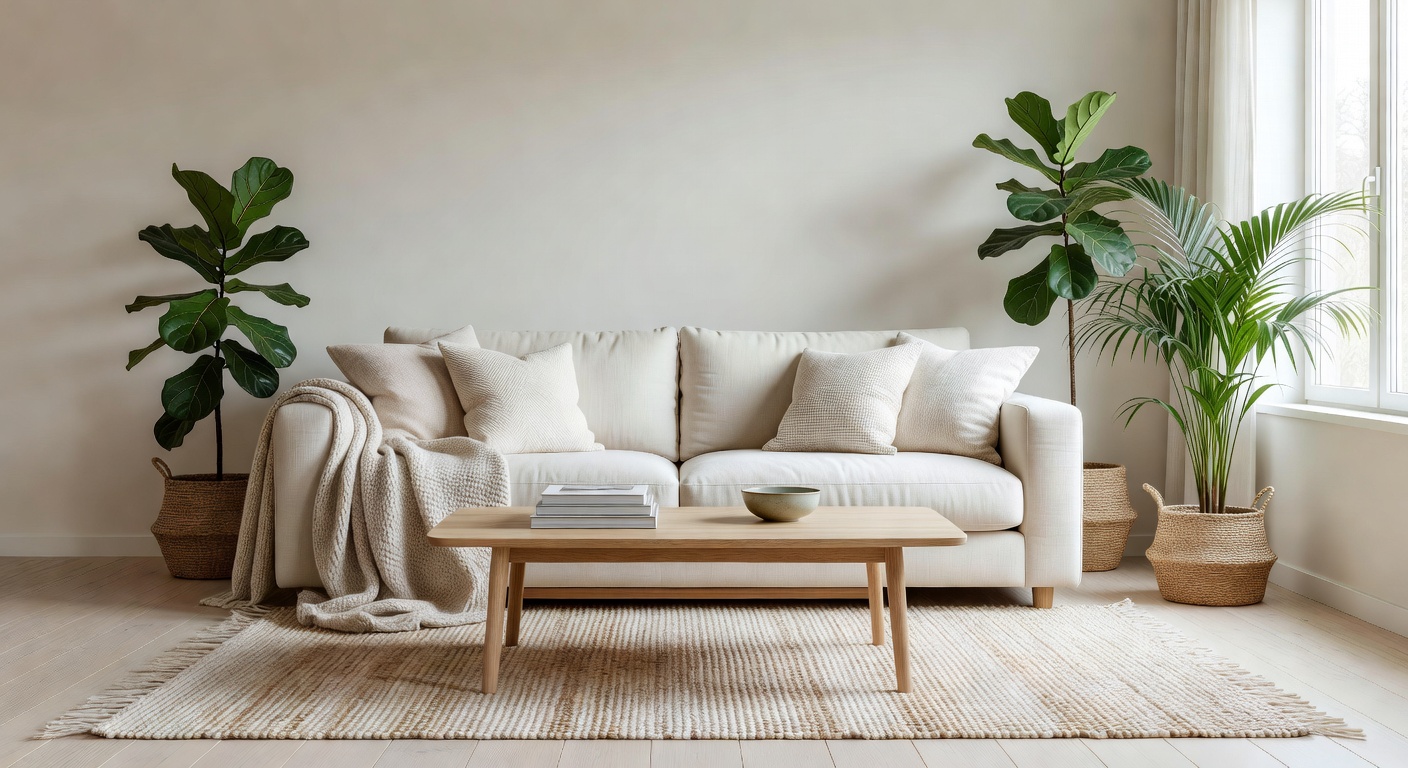
Yes — and you should. Running the same photo through multiple styles is the fastest way to discover your taste without spending money.
28. Will AI keep my room layout and windows?
Photo-based tools aim to preserve walls, windows, and proportions while changing furniture, colors, and decor. That is why starting from your real room matters.
Cost and plans
29. Is AI interior design free?
Many tools offer a free tier with limited generations. That is enough to test one or two rooms. See AI interior design for free for a honest breakdown.
30. How much does AI interior design cost?
Paid plans for homeowners typically run from a few dollars to around $15 per month — far less than a single consultation with a human designer. A traditional designer consult can cost hundreds to thousands of dollars before you buy a single lamp.
For most people, AI pays for itself the first time it stops a bad paint color or wrong-size sofa purchase. Exact pricing is shown inside DecorAI before you pay — no surprises at checkout.
31. Is a paid plan worth it?
Worth it if you are actively decorating multiple rooms, comparing many styles, or staging a listing. If you only need one quick preview, the free tier may be enough.
32. Can I try before I buy furniture or paint?
That is the core value. Preview a sofa color, wall paint, or full style direction before you commit. Our budget decor guide shows how previews prevent costly mistakes.
33. Are there limits on free plans?
Usually yes — a set number of generations per day or month. Limits exist because each image costs compute to produce. Upgrade when you hit the ceiling mid-project.
Rooms and styles
34. Which rooms work best with AI design?
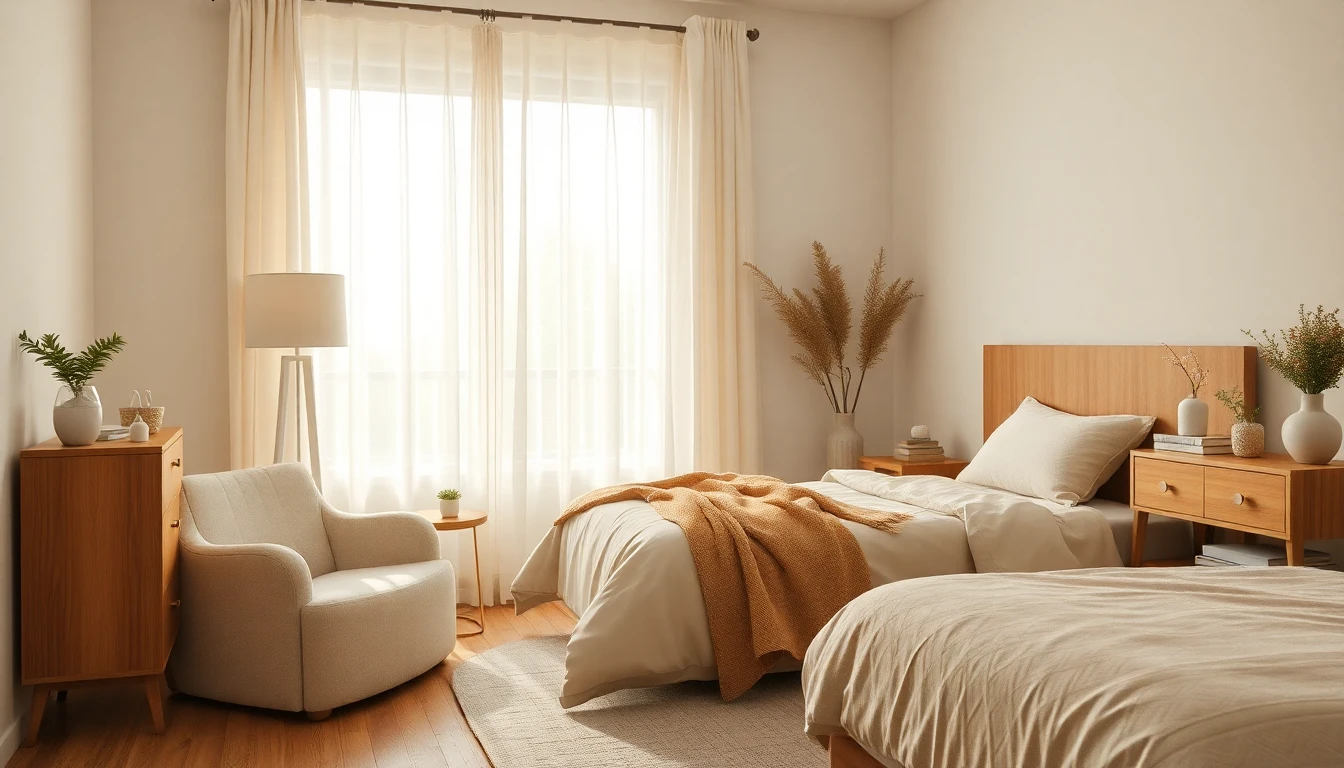
Living rooms, bedrooms, kitchens, bathrooms, dining rooms, and home offices all work well. Any space you can photograph clearly is a candidate.
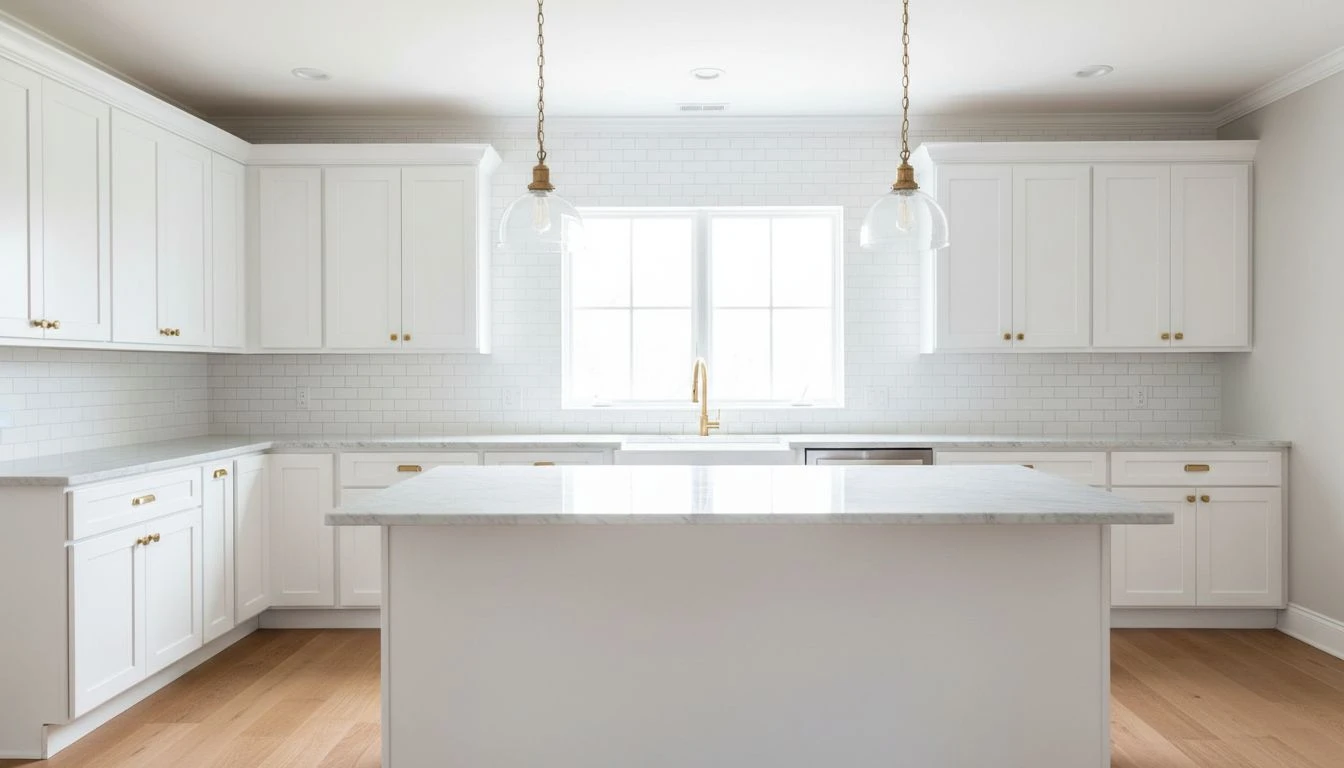
35. Can AI design kitchens?
Yes. Upload a kitchen photo to preview cabinet colors, backsplash ideas, and overall style direction before a remodel. Read our AI kitchen remodel guide.
36. Can AI design bathrooms?
Yes — tile colors, vanity styles, lighting mood, and spa-like layouts are popular requests. See AI bathroom design ideas.
37. Can AI design bedrooms?
Absolutely. Bedrooms are one of the most common first projects because the impact is immediate. Start with our AI bedroom design guide.
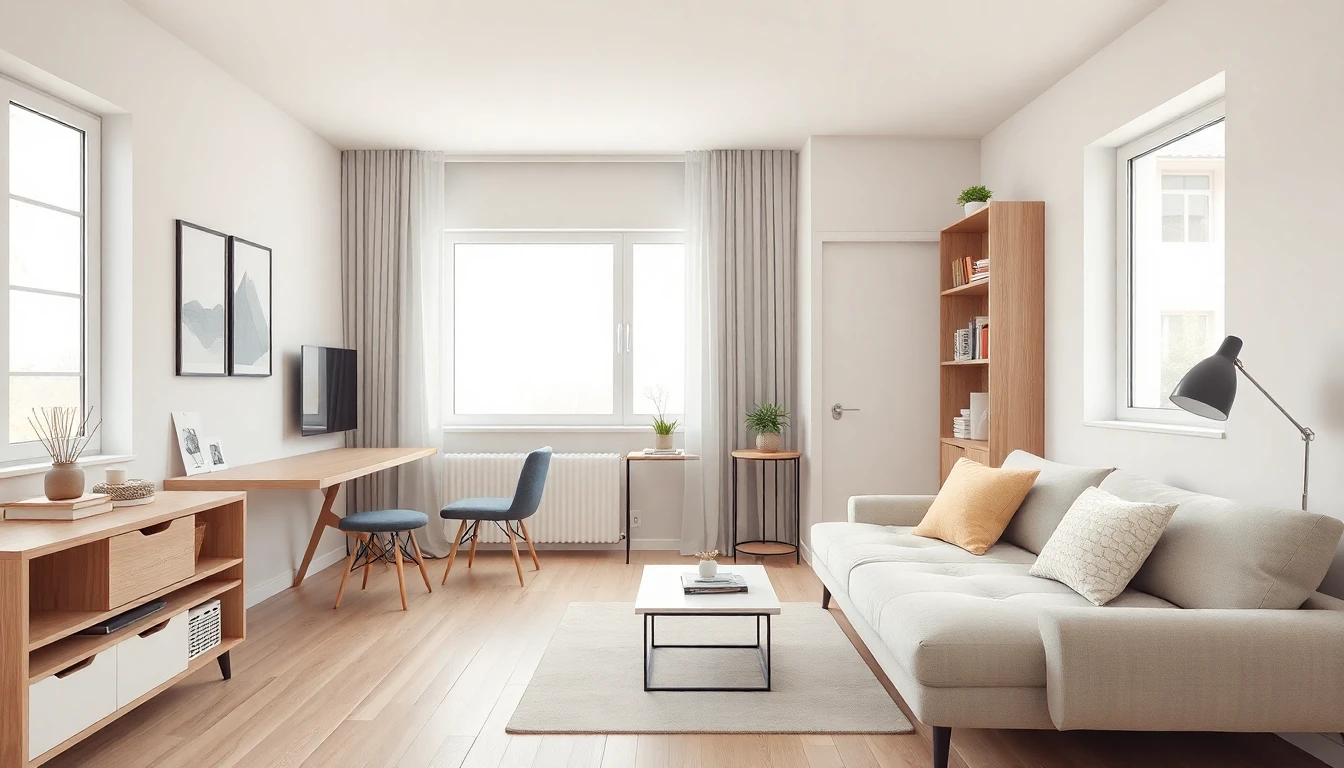
38. Can AI help with small apartments and studios?
Yes — especially for layout ideas and space-saving furniture choices. See AI design for small spaces and room layout planning.
39. How many design styles can I try?
DecorAI includes 60+ built-in styles — Scandinavian, Japandi, industrial, bohemian, mid-century modern, coastal, farmhouse, and more. Explore them on our styles page.
40. Where can I learn what each style means?
Our style guide explains the look, key elements, and best room types for each option — written for everyday homeowners, not design pros.
Renters, sellers, and renovators
41. Can renters use AI interior design?
Yes — it is ideal for renters because you preview reversible changes like paint colors, rugs, lighting, and furniture without drilling or renovating. Test whether a bold accent wall or a new sofa size actually fits your apartment before you haul anything home.
Always check your lease before painting or mounting heavy items. AI helps you plan within those rules — not break them. Read AI design for renters for 30 no-damage upgrade ideas.
42. Will AI interior design help me sell my home?
It can help buyers picture themselves in the space — especially empty or dated rooms. Pair AI staging visuals with good listing photos and honest descriptions.
43. What is virtual staging for sellers?
It is digital furnishing of listing photos so rooms feel warm and lived-in online. Faster and cheaper than physical staging furniture. Full walkthrough: virtual staging guide.
44. Can AI help plan a home renovation?
Yes — use it to lock a visual direction before you talk to contractors. Show them the look you want: cabinet color, tile mood, lighting feel, overall style. That single image can prevent weeks of back-and-forth.
It does not replace permits, measurements, or structural engineering. Load-bearing walls, plumbing lines, and electrical codes still need real professionals. AI handles the look; your contractor handles the build. Our home renovation guide covers the full planning flow.
Limits and expectations
45. What can AI interior design NOT do?
It cannot move load-bearing walls, approve building permits, guarantee exact product SKUs, or replace hands-on craftsmanship. Think of it as a visual planning tool, not a construction blueprint.
46. Should I hire an interior designer instead?
Hire a designer for complex whole-home projects, strict accessibility needs, or when you want someone to manage purchasing and installation. Use AI to explore direction first — or for simpler DIY rooms. Compare approaches in AI vs human designers.
47. Can AI replace an interior designer?
For everyday decorating and visualization, AI covers a huge slice of what homeowners used to pay for. For high-stakes or highly custom work, human expertise still matters. Many designers now use AI themselves to move faster.
48. Are AI designs buildable in real life?
Often yes for paint, furniture, rugs, lighting, and decor. The preview shows what is possible in your room's shape and light — not magic that ignores physics.
Before you buy, do three quick checks: Will the sofa fit through the door? Does the color match your lighting at night? Does the total cost fit your budget? Use the preview as a direction, then verify measurements before ordering. Our budget upgrades guide helps prioritize spending.
49. Can I show AI results to a contractor?
Yes — a clear visual helps contractors understand the look you want. Add your own notes on materials, finishes, and budget. It is a conversation starter, not a technical spec sheet.
Privacy and safety
50. Are my room photos private when I upload them?
Reputable tools treat your photos as personal data. Read the privacy policy before uploading, avoid sharing images with sensitive documents visible, and use accounts with secure sign-in. The U.S. Federal Trade Commission offers general guidance on protecting personal information online. DecorAI's policy is at /privacy. For broader context on how artificial intelligence works, Britannica has a clear overview.
Still have questions?
This FAQ covers the 50 questions we hear most often, but every home is different. If your question is about a specific room, jump to the matching guide — living room, bedroom, kitchen, or bathroom. For tool basics, the beginner's guide and Help Center go deeper.
The fastest way to answer "will this work for my home?" is not more reading — it is one real photo. Upload your actual room, try three styles, and see which result makes you say "yes, that's it." That moment of clarity is what AI interior design is built for.
Try It on Your Room
Upload one photo and see your space in a new style in seconds. Free to start — no design experience needed.
Try DecorAI Free

Visualize Your Dream Home Instantly
Don't just read about it. Experience the power of AI interior design with DecorAI's free tool.
Start Designing for FreeWritten by
DecorAI Team
Editorial Team