
AI Image Redesign: How to Transform Any Room Photo in Seconds
Learn how AI image redesign works and how to transform any room photo into a professionally styled space in seconds. Step-by-step guide with real examples, tips for best results, and a comparison of top AI redesign tools in 2026.
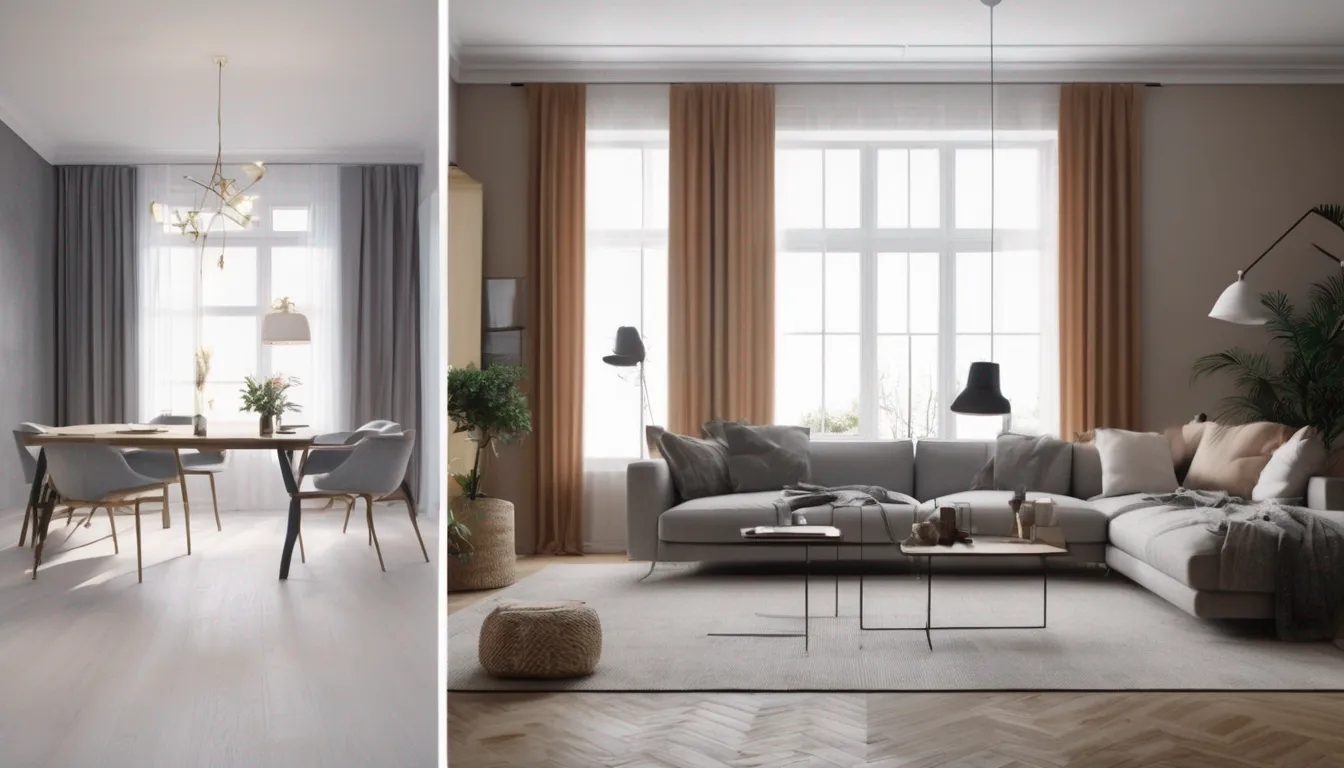
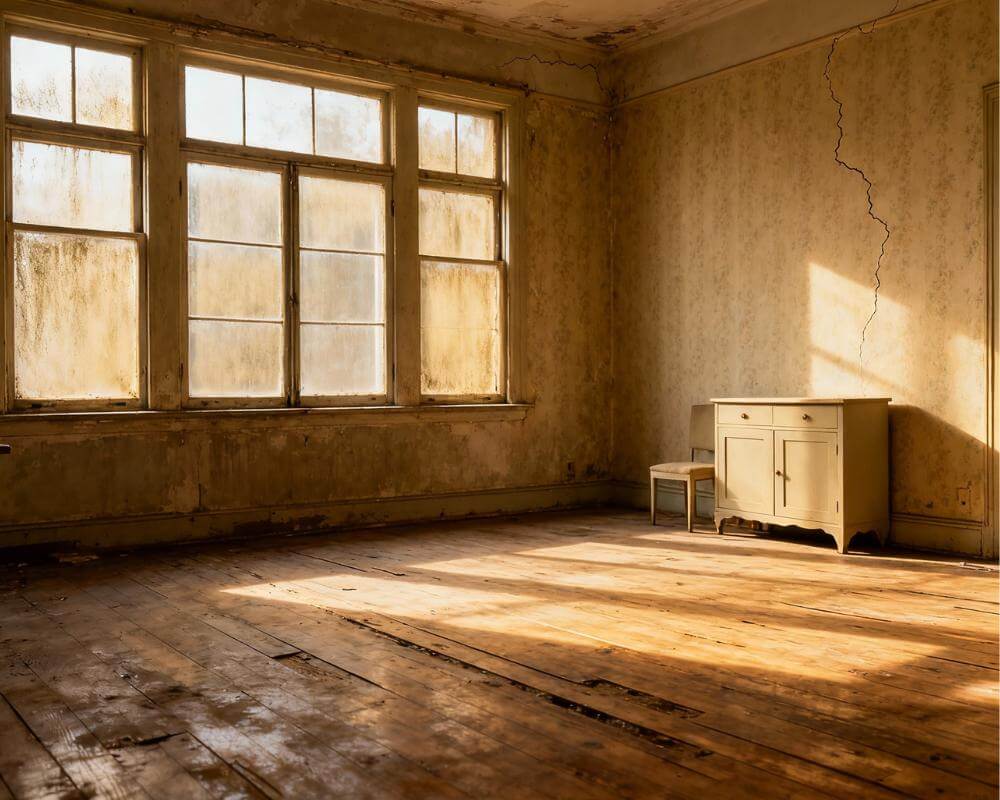
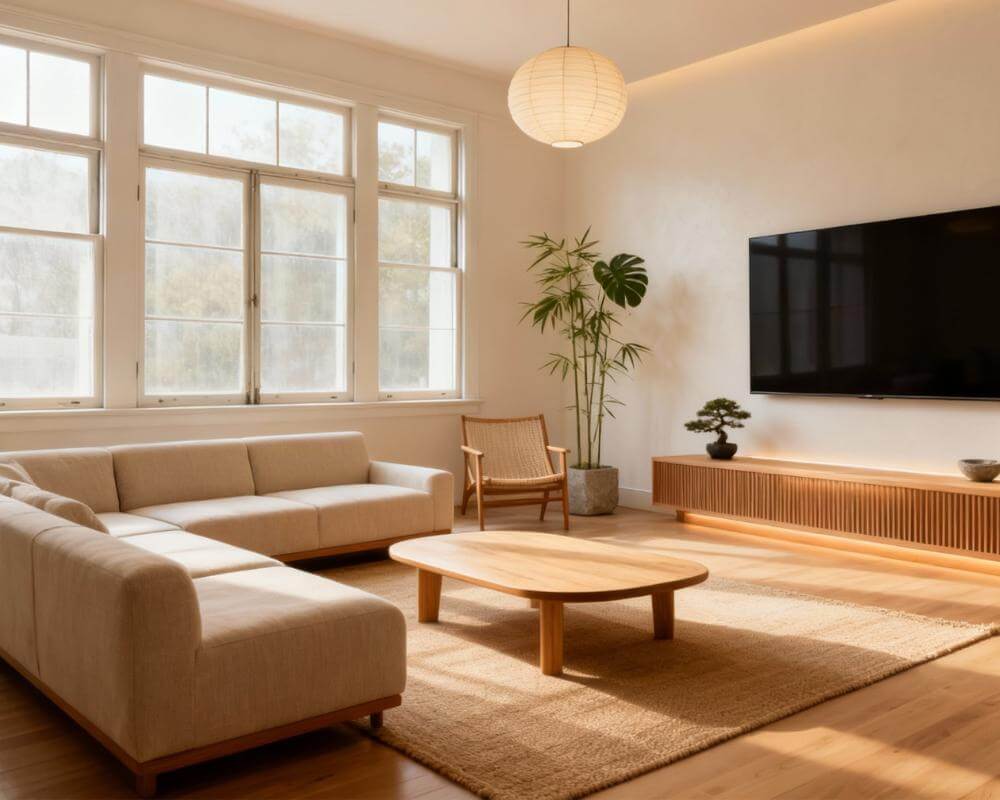
You have a room photo on your phone. It could be your living room, a rental bedroom, or a kitchen that has looked the same for years. What if you could upload that single image and see it transformed into a completely different style in under 10 seconds? That is exactly what AI image redesign does, and it is one of the fastest-growing tools in home design right now.
Unlike traditional design software that requires floor plans, measurements, and hours of manual work, AI image redesign starts with what you already have: a photo. The AI analyzes the room geometry, identifies furniture and surfaces, and generates a photorealistic version of the same space in a new style. No CAD skills. No design degree. Just upload, choose a style, and see the result.
This guide covers everything you need to know about AI image redesign: how the technology works, how to get the best results, which rooms benefit most, and how DecorAI makes the entire process effortless.
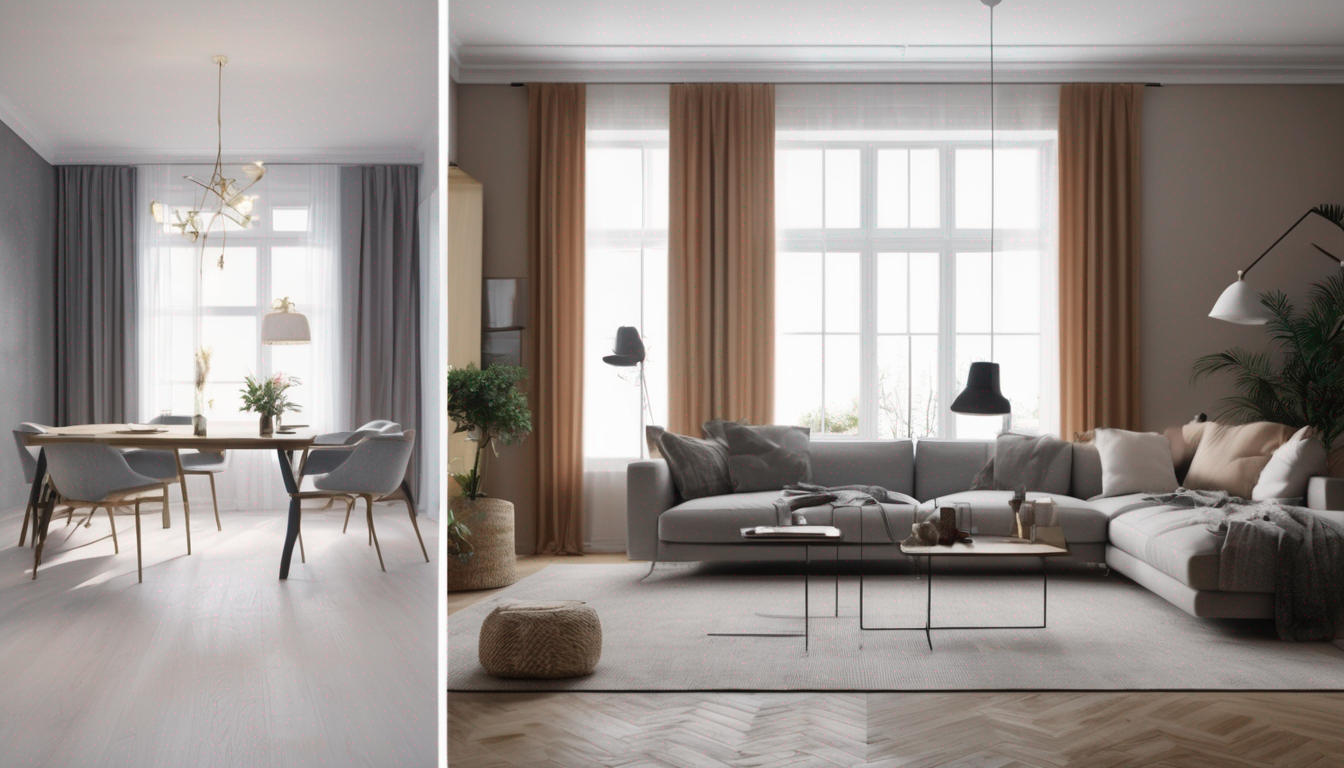
What Is AI Image Redesign?
AI image redesign is a technology that uses computer vision and generative AI models to take an existing photo of a room and produce a new version of that same space in a different design style. The AI preserves the room's structure — walls, windows, doorways, and proportions — while replacing or transforming furniture, colors, materials, and decor.
Think of it as a visual "what if" engine for your home. Instead of imagining whether dark wood floors would look good in your bedroom, you can see them. Instead of debating between a bohemian and a minimalist living room, you can compare both side by side in seconds.
The core technology behind AI image redesign combines several AI techniques:
- Semantic Segmentation: The AI identifies every element in the photo — walls, floor, ceiling, furniture, windows — and understands their relationships.
- Style Transfer: Using diffusion models trained on millions of interior design images, the AI applies new aesthetics while keeping spatial relationships intact.
- Depth Estimation: The AI reconstructs the 3D geometry of the room from a single 2D photo, ensuring new furniture and materials have correct perspective.
- Inpainting: When elements are removed or replaced, the AI fills in missing areas with contextually appropriate content.
How AI Image Redesign Works: Step by Step
The process is surprisingly simple for the user, even though the technology behind it is sophisticated. Here is how a typical AI image redesign workflow looks:
- Upload your room photo. Use your phone camera or any existing photo. The AI works best with well-lit images taken at eye level.
- Select a design style. Choose from options like Scandinavian, Industrial, Mid-Century Modern, Japandi, Bohemian, Contemporary, and dozens more.
- AI processes the image. In 5-15 seconds, the model analyzes the room structure and generates a redesigned version.
- Review and iterate. If you want to explore more directions, run the same photo through different styles. Compare results and refine your preferences.
With DecorAI - AI Interior Design, this process is even faster. The app is purpose-built for room redesign, so it handles edge cases like unusual room shapes, mixed lighting, and cluttered spaces better than general-purpose AI tools.
How to Take the Best Room Photos for AI Redesign
The quality of your AI image redesign result depends heavily on the input photo. Here are the tips that make the biggest difference:
Lighting
Use natural daylight whenever possible. Open curtains and blinds. Avoid shooting when the room is lit only by a single lamp — it creates harsh shadows that confuse the AI's depth estimation. If you must shoot at night, turn on all available lights to reduce dark zones.
Angle and Position
Shoot from a corner of the room at chest or eye height. This gives the AI the most spatial information. Avoid extreme wide-angle lenses (like ultra-wide phone modes) because they distort straight lines and make the AI's geometry estimation less accurate.
Declutter First
While advanced AI image redesign tools can handle some clutter, cleaner input photos produce cleaner output. Move obvious temporary items (shoes by the door, dishes on the counter, laundry on the bed) before shooting. The less the AI has to "guess" about what belongs in the room, the more accurate the redesign.
Capture the Full Room
Try to include the floor, ceiling edge, and at least two walls. Cropped photos that only show one corner of a room limit the AI's understanding of the space and produce less convincing results.
Which Rooms Benefit Most from AI Image Redesign?
Every room in your home can be transformed with AI image redesign, but some spaces show more dramatic results than others:
Living Rooms
Living rooms typically have the most furniture, the widest variety of materials, and the most visual complexity. This makes them ideal candidates for AI image redesign because even small style changes — a different sofa fabric, new wall color, updated lighting — create a visibly different atmosphere. If you want inspiration for your living room specifically, see our AI living room design guide.
Bedrooms
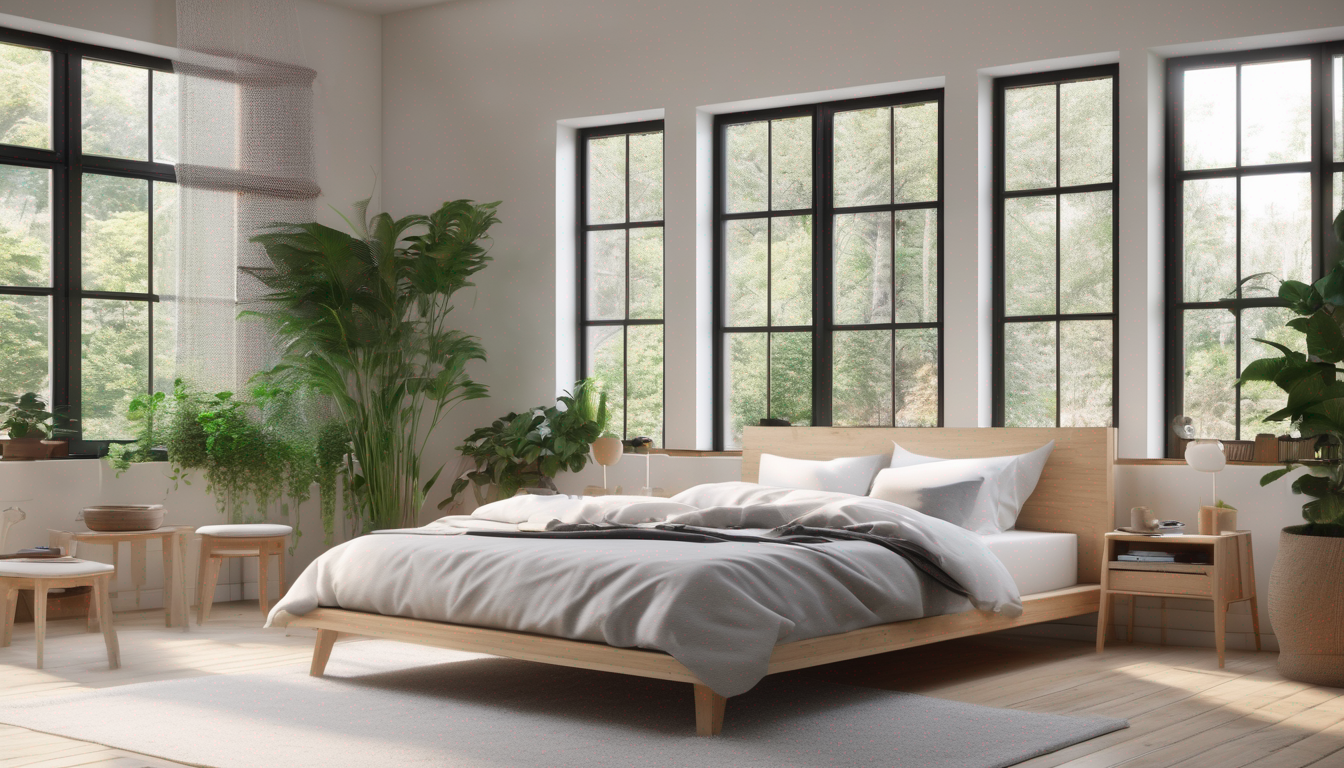
Bedrooms respond beautifully to AI redesign because the bed is a dominant visual anchor. Changing bedding style, headboard material, wall treatment, and lighting creates an entirely new mood. Our AI bedroom design guide covers bedroom-specific strategies.
Kitchens
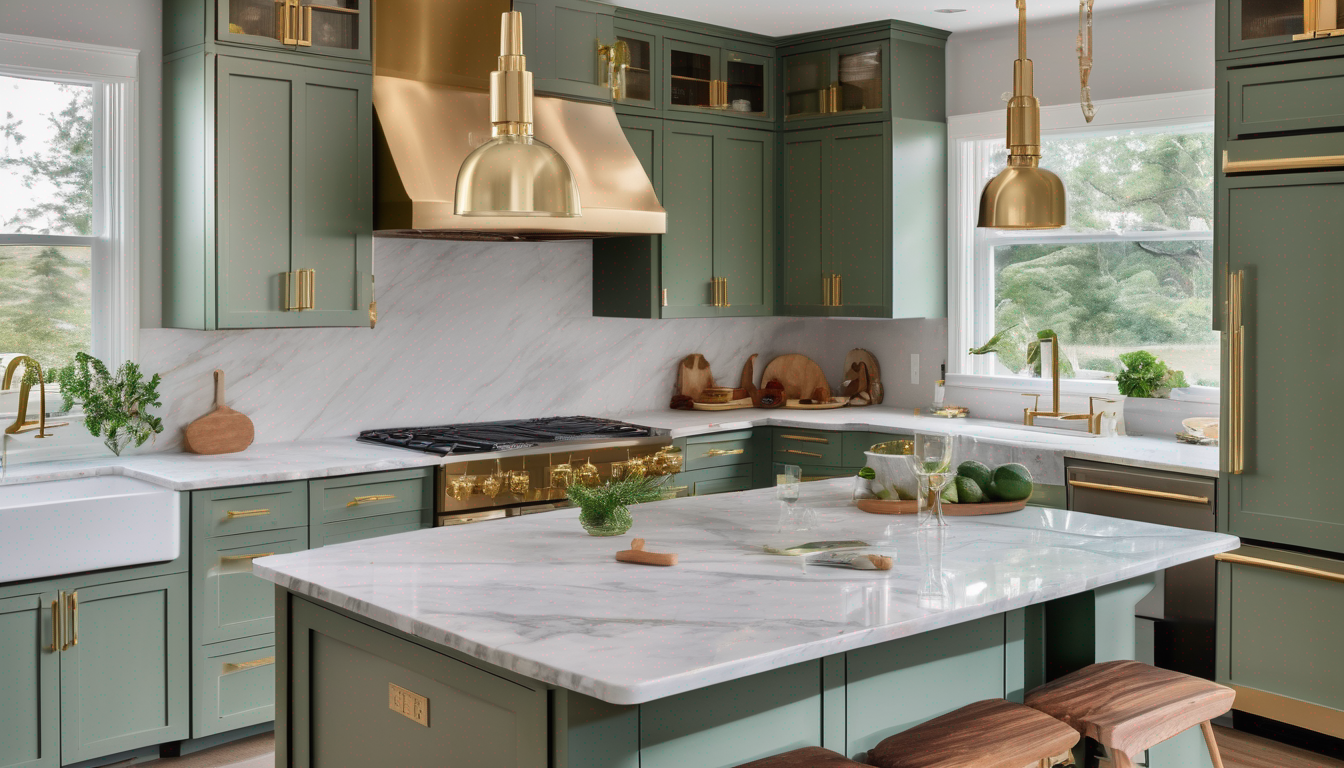
Kitchen redesigns are traditionally expensive, which makes AI image redesign especially valuable for this room. You can preview cabinet color changes, countertop materials, backsplash patterns, and fixture upgrades before committing to a renovation. Check our AI kitchen remodel guide for detailed tips.
Bathrooms
Bathroom renovations are among the most expensive per square foot. AI image redesign lets you test tile patterns, vanity styles, and fixture finishes without ripping anything out. See our AI bathroom design guide for more.
Home Offices
With remote work still prevalent in 2026, home office design matters more than ever. AI image redesign can help you optimize both aesthetics and productivity in your workspace. Read our AI home office design guide for workspace-specific ideas.
Popular Design Styles to Try with AI Image Redesign
One of the greatest advantages of AI image redesign is the ability to compare multiple styles on the exact same room. Here are the most popular styles users test in 2026:
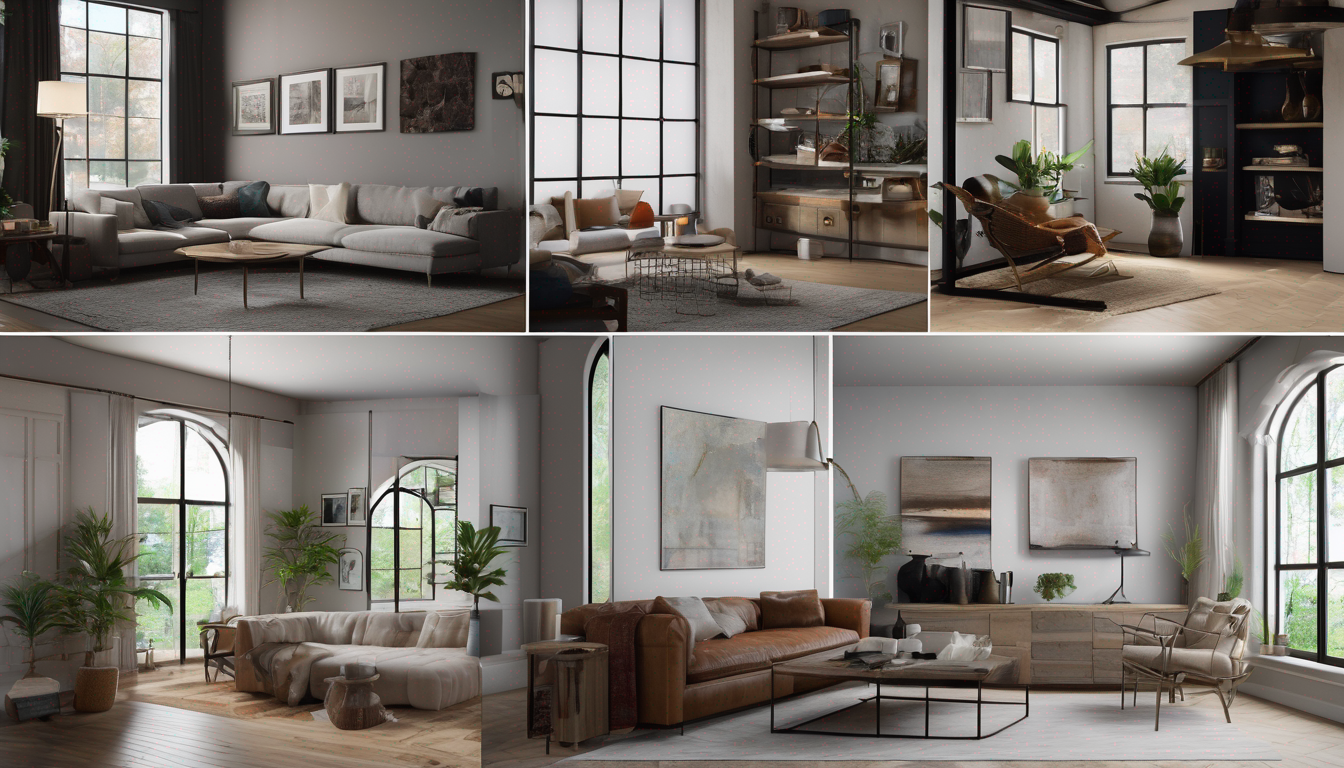
- Scandinavian: Clean lines, light wood, white and neutral tones. Perfect for small spaces that need to feel larger and brighter.
- Industrial: Exposed brick, metal accents, raw textures. Great for lofts and open-plan spaces.
- Mid-Century Modern: Organic shapes, warm wood tones, retro-inspired furniture. Timeless and versatile.
- Japandi: Japanese minimalism meets Scandinavian warmth. Muted palettes, natural materials, intentional simplicity.
- Bohemian: Layered textiles, rich colors, eclectic patterns. Ideal for people who love warmth and personality.
- Contemporary: Clean, current, and sophisticated. Neutral backgrounds with strategic color accents.
- Warm Minimalism: Moving beyond cold minimalism — beige tones, bouclé textures, soft curves.
- Biophilic: Plant-heavy, natural materials, bringing the outdoors in. Great for wellness-focused spaces.
In DecorAI - AI Interior Design, you can access over 30 design styles and generate unlimited variations until you find the one that resonates.
5 Practical Use Cases for AI Image Redesign
1. Pre-Renovation Planning
Before spending thousands on a renovation, use AI image redesign to visualize the outcome. This is especially powerful for kitchen and bathroom projects where material choices (countertops, tiles, cabinetry) are expensive and permanent.
2. Real Estate Staging
Empty properties are hard to sell. AI image redesign can virtually stage any room, showing potential buyers what the space could look like furnished and styled. This is faster and cheaper than physical staging. See our virtual staging guide for the full process.
3. Renter-Friendly Makeovers
Renters cannot make permanent changes, but they can make impactful temporary ones. AI image redesign helps renters test which non-permanent upgrades (textiles, lighting, removable wallpaper) will have the biggest visual impact. Our renter's guide covers 30 deposit-safe ideas.
4. Style Discovery
Many people know they want their room to look "better" but cannot articulate what style they prefer. Running the same room through 10 different AI image redesign styles reveals your actual preferences faster than any Pinterest board or design quiz.
5. Budget Optimization
By visualizing changes before purchasing, you avoid expensive mistakes. Our budget design guide pairs perfectly with AI image redesign to help you prioritize spending.
AI Image Redesign vs. Traditional Design Methods
How does AI image redesign compare to other approaches?
| Method | Cost | Speed | Accuracy | Ease of Use |
|---|---|---|---|---|
| AI Image Redesign | Free - $20/mo | 5-15 seconds | High | Very Easy |
| 3D Rendering Software | $50-200/mo | Hours-Days | Very High | Difficult |
| Human Interior Designer | $2,000-5,000+ | Weeks | Very High | Easy (for client) |
| Mood Boards (Pinterest) | Free | Minutes | Low | Easy |
AI image redesign occupies the ideal middle ground: fast and affordable like a mood board, but accurate and personalized to your actual space. It does not replace professional designers for complex projects, but it is the best tool for ideation, quick visualization, and everyday design decisions.
7 Tips for Getting the Best AI Image Redesign Results
- Shoot in landscape orientation. Landscape photos capture more of the room and give the AI more spatial context.
- Use natural lighting. Daylight produces the most even illumination, which helps the AI identify materials and colors accurately.
- Try multiple styles on the same photo. Do not settle for the first result. Run 5-10 styles and compare.
- Use the same photo across sessions. Consistency in your input photo makes style comparisons more meaningful.
- Start with your most-used room. Changes you see daily have the highest impact on your quality of life.
- Save your favorites. Build a collection of redesigns you love and look for common elements across them.
- Share with household members. Use AI redesigns as a discussion tool with family or roommates before making decisions.
Ready to Redesign Your Room?
Upload a photo of any room and see it transformed into dozens of styles in seconds with DecorAI - AI Interior Design.
Try AI Image Redesign FreeFAQ: AI Image Redesign
Is AI image redesign free?
Many tools offer trials or limited free generations. DecorAI - AI Interior Design includes three free generations every day, reset daily, and Pro adds unlimited redesigns. For a full comparison of free options, see our free AI interior design guide.
How accurate are AI room redesigns?
Modern AI image redesign tools preserve room proportions, window placement, and structural elements with high accuracy. The quality depends on your input photo — better lit, well-composed photos produce more realistic results.
Can AI redesign work with empty rooms?
Yes. Empty rooms are actually excellent candidates because the AI can fill the space without needing to replace existing furniture. This makes AI image redesign perfect for new homeowners and real estate staging.
Does AI image redesign work for exteriors?
Some tools support exterior redesign as well. DecorAI handles both interior and exterior transformations. See our AI exterior design guide for curb appeal transformations.
What file format do I need for my room photo?
Standard JPEG or PNG photos work perfectly. You do not need high-resolution professional photography — a clear smartphone photo taken in good lighting is ideal.
Can I use AI image redesign results to brief a contractor?
Absolutely. Many users share their AI image redesign results with contractors, painters, and furniture stores to communicate exactly what they want. It eliminates the gap between what you imagine and what others understand.
Start Redesigning Your Rooms Today
AI image redesign removes the biggest barrier in home design: uncertainty. Instead of wondering what a new style would look like, you can see it on your actual room in seconds. Instead of committing to expensive changes, you can validate every idea before spending a dollar.
Whether you are planning a full renovation, staging a property, or simply refreshing a tired room, AI image redesign gives you the confidence to make better decisions faster. And with DecorAI - AI Interior Design, the entire process fits in your pocket.
Transform Any Room Photo with AI
Upload a photo, pick a style, and see your room transformed in seconds. No design skills needed.
Start Free

Visualize Your Dream Home Instantly
Don't just read about it. Experience the power of AI interior design with DecorAI's free tool.
Start Designing for FreeWritten by
DecorAI Team
Editorial Team
Related Articles
How to Choose a Sofa for Your Living Room: Size, Fabric, Shape and a Preview Before You Buy
9 min read
How to Decorate a Fireplace Mantel: Balance, Layers and an AI Preview Before You Hang Anything
9 min read
How to Style a Bookshelf: Shelf-by-Shelf Ideas You Can Preview With AI
9 min read