AI Home Office Design: Create Your Perfect Workspace in 2025
Design your ideal home office with AI. Discover AI office design ideas for productivity, comfort, and style. From small corners to dedicated rooms, visualize your perfect workspace.
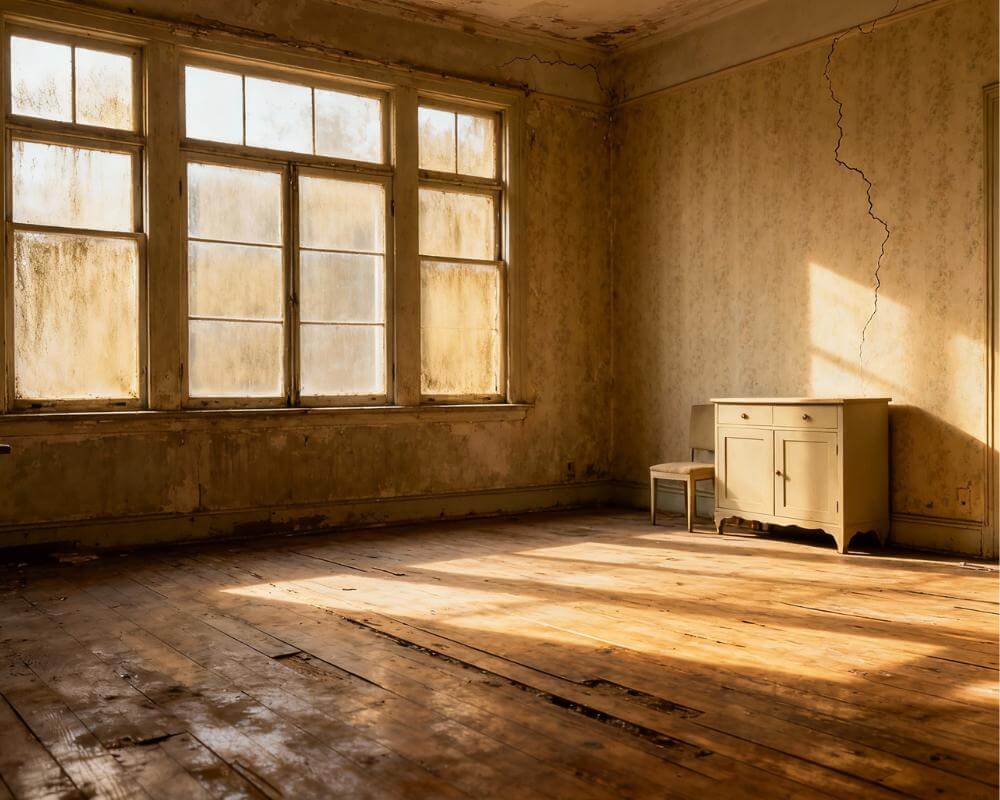
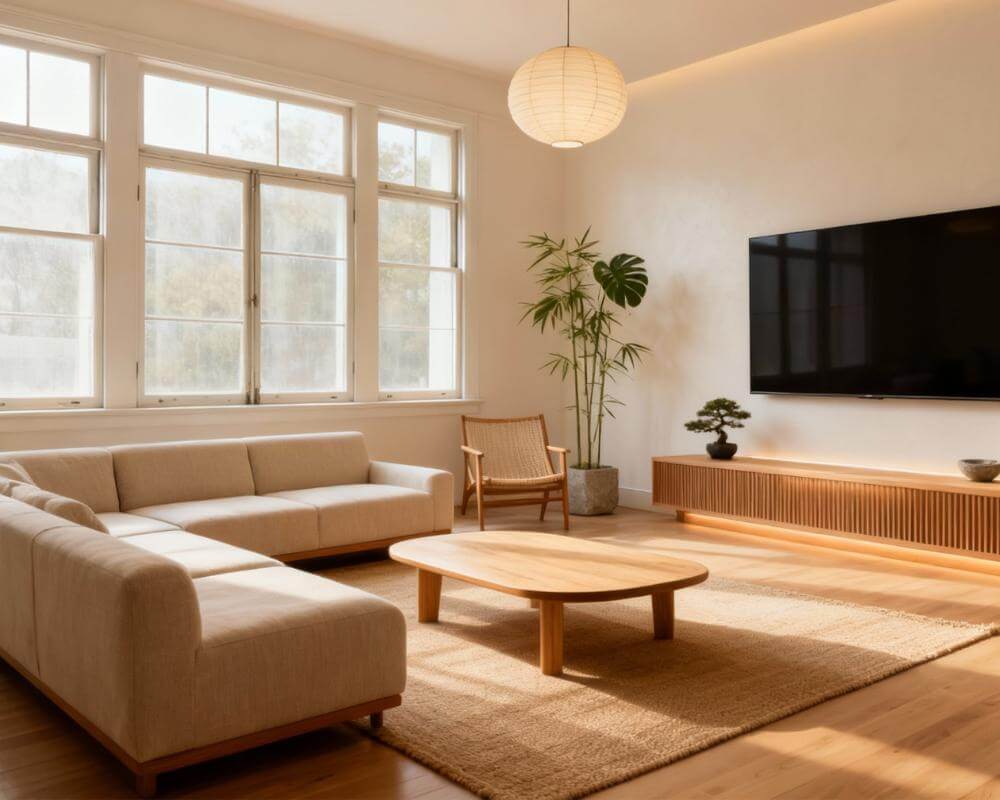
The home office has evolved from a luxury to a necessity. Whether you're working remotely full-time, running a side business, or just need a dedicated space for life admin, your home office design directly impacts your productivity, creativity, and well-being. The challenge? Creating a workspace that's both functional and inspiring—without expensive trial and error.
This is where AI home office design changes everything. Instead of guessing whether that standing desk will fit or if dark walls will feel cozy or claustrophobic, you can visualize your perfect workspace in seconds. Let's explore how to use AI to design a home office you'll actually love working in.
Why Use AI for Home Office Design?
Home offices present unique design challenges. Unlike living rooms or bedrooms, they must balance aesthetics with ergonomics, focus with comfort, and professional appearance (for video calls) with personal style.
AI office design tools solve these challenges by letting you:
- Test different desk positions and furniture layouts
- Experiment with paint colors and lighting setups
- Visualize storage solutions before buying
- See how your space looks on video calls
- Try multiple styles from minimalist to maximalist
According to Forbes, a well-designed home office can increase productivity by up to 20%. With AI workspace design, you can optimize your space without the guesswork.
Popular AI Home Office Design Styles
Not sure what style suits you? Here are the most popular home office AI design aesthetics for 2025:
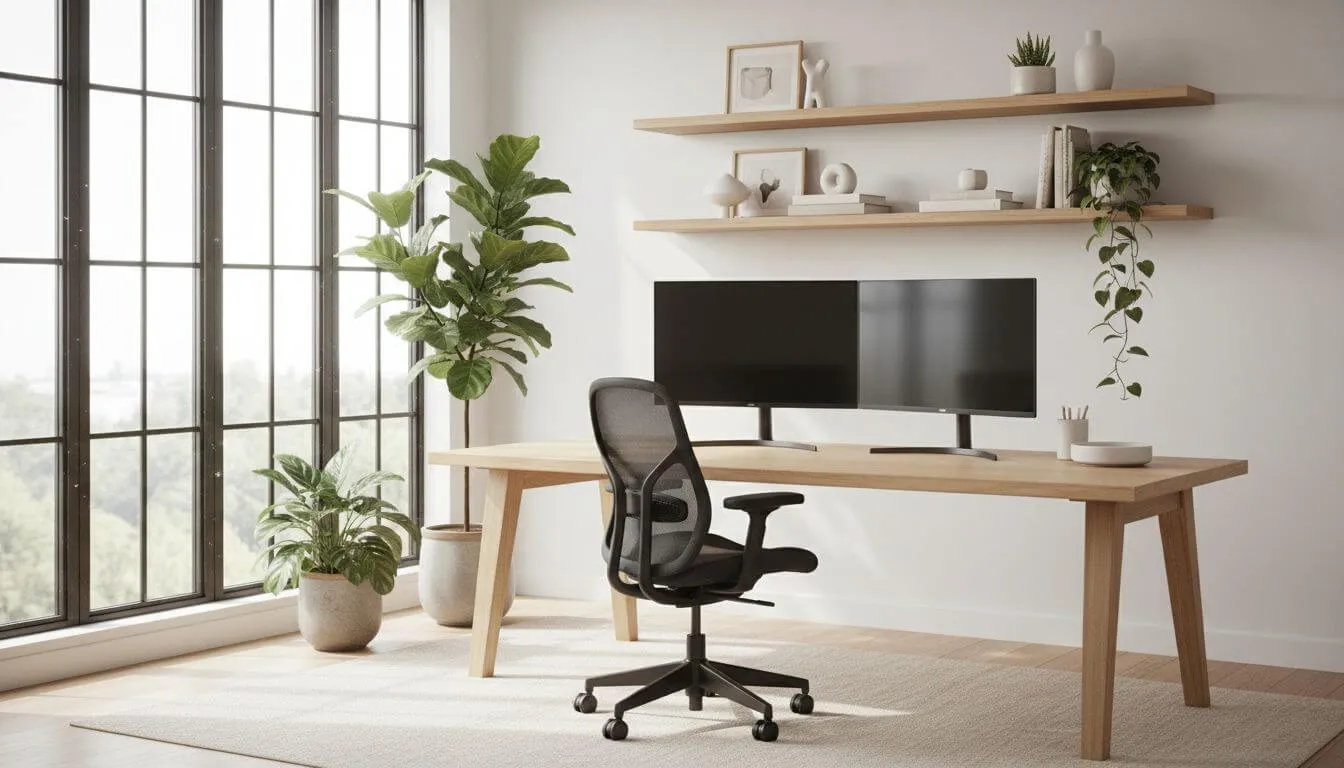
1. Minimalist Professional
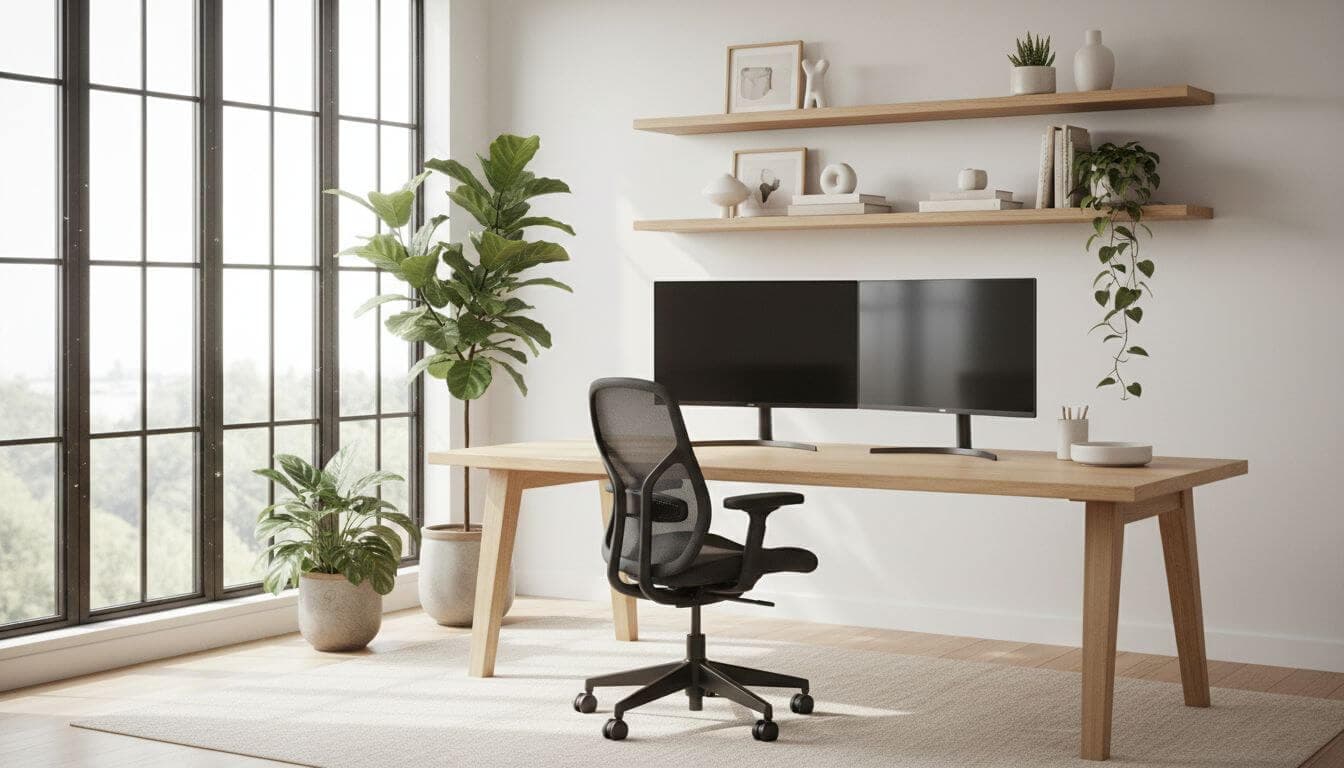
Clean lines, neutral colors, and zero clutter. This style works perfectly for video calls and helps maintain focus. Think white walls, a simple wooden desk, and strategic greenery. AI tools excel at this aesthetic—try prompts like "minimalist Scandinavian home office with natural light."
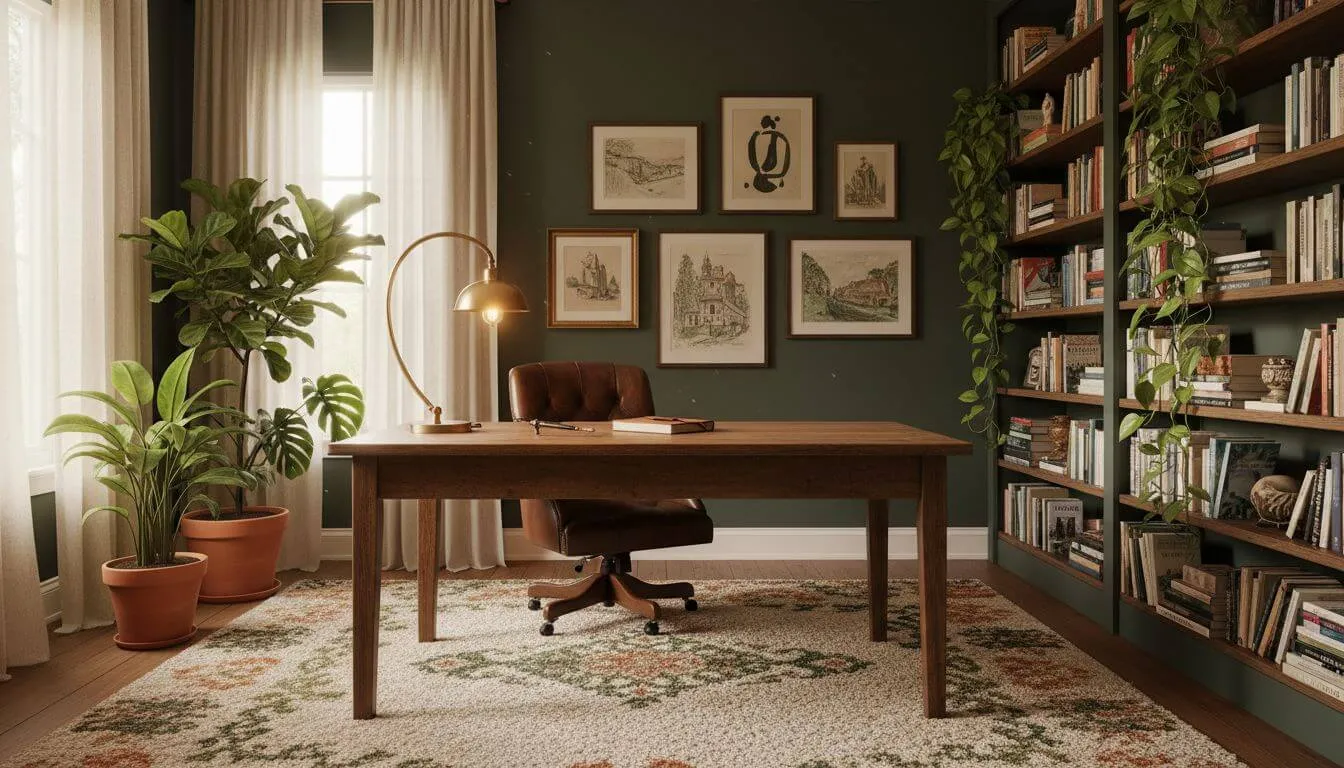
2. Cozy Creative
Warm colors, layered textures, and personal touches. Ideal for creative professionals, writers, or anyone who wants their office to feel like a retreat rather than a corporate cubicle. Deep greens, warm woods, and ambient lighting define this look.
3. Modern Industrial
Exposed elements, metal accents, and raw materials. This style suits tech workers and entrepreneurs who want an edgy, contemporary feel. Concrete, steel, and leather combine for a powerful aesthetic.
4. Biophilic Wellness
Nature-forward design with plants, natural materials, and maximum daylight. Research from Harvard Business Review shows biophilic design reduces stress and boosts creativity. Use AI home office design to test how many plants your space can handle.
AI Home Office Design for Small Spaces
Don't have a dedicated room? No problem. AI office design is especially valuable for carving workspaces out of challenging areas:
The Closet Office (Cloffice)
Convert a closet into a compact home office. AI can show you how to maximize vertical space, install floating shelves, and create a functional workstation that disappears when you close the doors.
The Living Room Corner
Carve out a dedicated work zone in your living space. Use AI to test how different desk styles, room dividers, or strategic furniture placement can create separation without walls. Check our small spaces design guide for more ideas.
The Bedroom Nook
Working in your bedroom isn't ideal, but sometimes it's necessary. AI workspace design helps you position your desk to maintain sleep-work boundaries—typically facing away from the bed with visual separation.
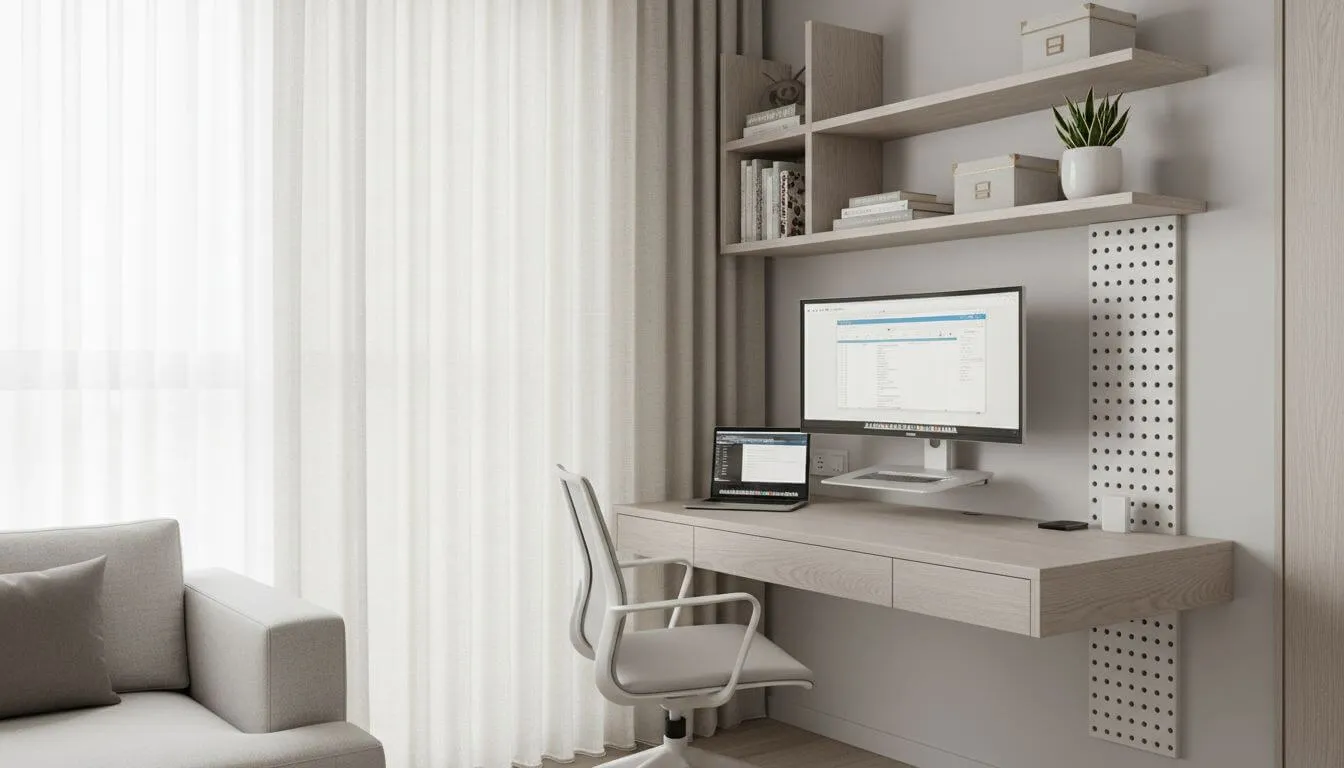
Designing for Ergonomics with AI
A beautiful office means nothing if it hurts to work in. Here's how to use AI home office design for ergonomic optimization:
Desk and Chair Placement
Your desk should face a direction that minimizes glare on screens while maximizing natural light. AI can show you how different orientations affect the space. Position your desk perpendicular to windows when possible—not directly facing or backing them.
Monitor and Lighting Setup
Proper lighting prevents eye strain and fatigue. Use AI to visualize layered lighting: ambient overhead light, task lighting for your desk, and bias lighting behind monitors. Test how different window treatments affect screen visibility throughout the day.
Storage and Organization
Clutter kills productivity. Home office AI tools help you visualize built-in storage, floating shelves, and filing solutions that keep essentials accessible but out of sight. See our AI room layout guide for space optimization tips.
Designing Your Video Call Background
In the remote work era, your office background is part of your professional image. AI office design helps you create a backdrop that's:
- Professional but personal: A few plants, books, or art pieces
- Not distracting: Avoid busy patterns or cluttered shelves
- Well-lit: Face a window or use ring lights
- On-brand: Match your industry's expectations
Use AI to test different background setups before your next important call. What looks good in person doesn't always translate to camera.
How to Get Started with AI Home Office Design
Ready to create your perfect workspace? Follow these steps:
- Photograph your current space: Take photos from multiple angles, including the area you want to convert
- Define your priorities: Video calls? Focus work? Creative brainstorming? Your needs shape the design
- Try multiple styles: Generate at least 5-10 variations with DecorAI
- Note specific elements: Identify furniture, colors, and layouts you love
- Consider your budget: Use AI visualizations to prioritize high-impact changes
For more guidance on using AI design tools effectively, check our complete AI interior design guide.
Real AI Home Office Transformations
Here's what's possible with AI home office design:
The Spare Bedroom Upgrade: A cluttered guest room became a productive home office. AI suggested removing the bed entirely, adding a large L-shaped desk, floor-to-ceiling bookshelves, and a comfortable reading chair for breaks. Cost: $2,400 for new furniture.
The Kitchen Table Escape: A remote worker tired of working at the dining table used AI to design a closet conversion. The result: a compact but complete office with a wall-mounted desk, task lighting, and closed storage—all within 25 square feet.
See more transformations in our before and after gallery.
Conclusion
Your home office should energize you, not drain you. Whether you have a dedicated room or just a corner to spare, AI home office design helps you create a workspace that supports your best work.
The days of expensive design consultations or regrettable furniture purchases are over. With AI workspace design, you can test dozens of layouts, styles, and setups in minutes—finding the perfect configuration for your space, workflow, and aesthetic preferences.
Your productive, inspiring home office is just a few clicks away.
Design Your Dream Home Office
Upload a photo of your space and see it transformed into a productive workspace. Try multiple styles instantly.
Design Your Office Free
Work Smarter in a Space
Designed for You
Join millions designing productive home offices with AI. Visualize your perfect workspace today.


Visualize Your Dream Home Instantly
Don't just read about it. Experience the power of AI interior design with DecorAI's free tool.
Start Designing for FreeWritten by
DecorAI Team
Editorial Team