AI Room Layout Planner: How to Optimize Any Space in 2025
Learn how AI room layout planners help you optimize furniture placement and space planning. Discover traffic flow tips, furniture arrangement strategies, and the best AI layout tools for any room.
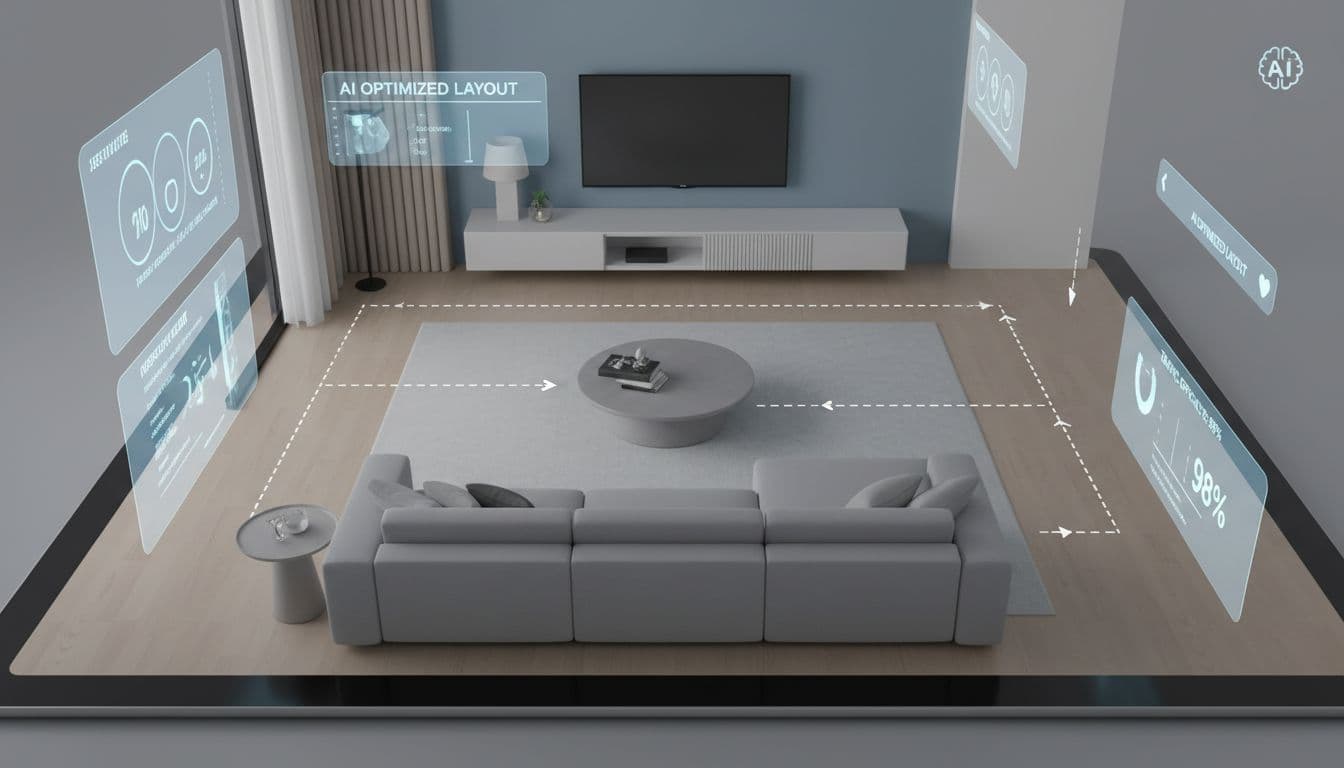

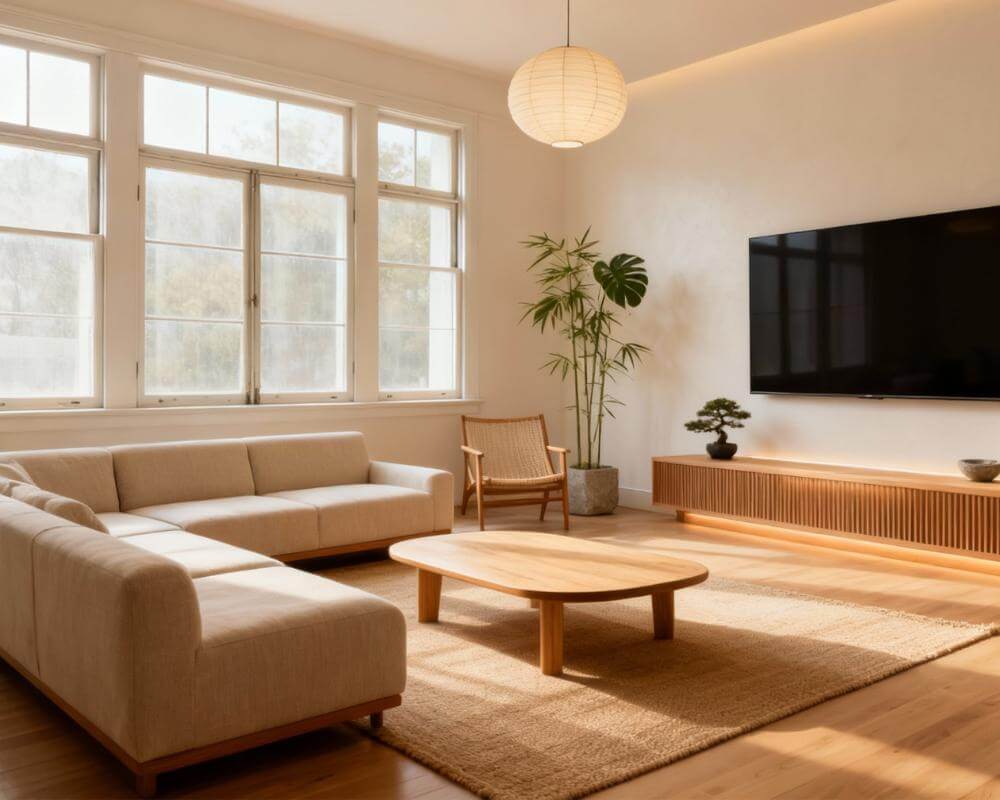
You've bought the perfect sofa. The coffee table you've been eyeing for months. That gorgeous accent chair. But now they're sitting in your living room looking... wrong. The flow feels off. The TV is too far from the seating. There's an awkward gap by the window. Sound familiar? This is exactly why AI room layout planners have become essential tools for anyone furnishing or reorganizing a space.
The truth is, furniture arrangement is part science, part art—and most of us aren't trained in either. We push heavy sofas back and forth, guess at distances, and hope for the best. AI room layout tools change the game by letting you visualize dozens of arrangements in minutes, optimize for traffic flow, and see exactly how furniture will fit before you move a single piece.
Why Room Layout Matters More Than You Think
A well-planned room layout does more than look good—it fundamentally changes how you live in a space. According to the Architectural Digest design experts, poor furniture arrangement is the number one mistake homeowners make, even above choosing the wrong colors or styles.
Here's what proper AI space planning can solve:
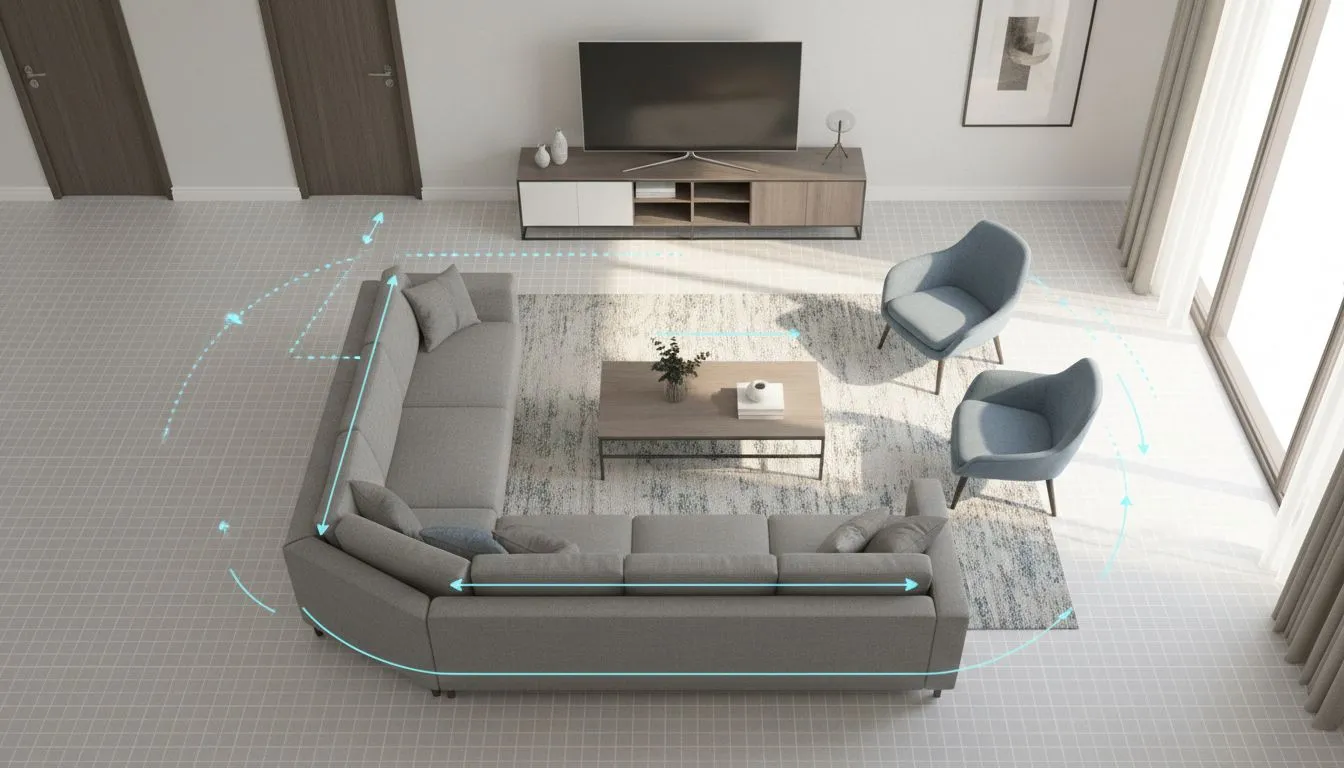
- Traffic Flow: Clear pathways of 30-36 inches between furniture pieces
- Conversation Distance: Seating arranged 8-10 feet apart for comfortable conversation
- Focal Point Alignment: Furniture oriented toward the room's natural center (fireplace, TV, view)
- Proportional Balance: Furniture scale that matches the room's dimensions
- Functional Zones: Distinct areas for different activities (reading, watching TV, working)
Getting even one of these wrong can make a beautiful room feel uncomfortable. Getting them all right? That's where AI furniture arrangement tools excel.
How AI Room Layout Planning Works
Modern room layout planner AI tools use a combination of computer vision, spatial analysis, and design rules to generate optimized arrangements. Here's the typical process:
Step 1: Input Your Room
Most tools let you either upload a photo of your room, input dimensions manually, or scan the space using your phone's camera. The AI analyzes walls, doors, windows, and existing architectural features.
Step 2: Select Your Furniture
Choose from a library of furniture pieces or input the dimensions of pieces you already own. Some advanced AI room layout tools can even recognize furniture in your photos automatically.
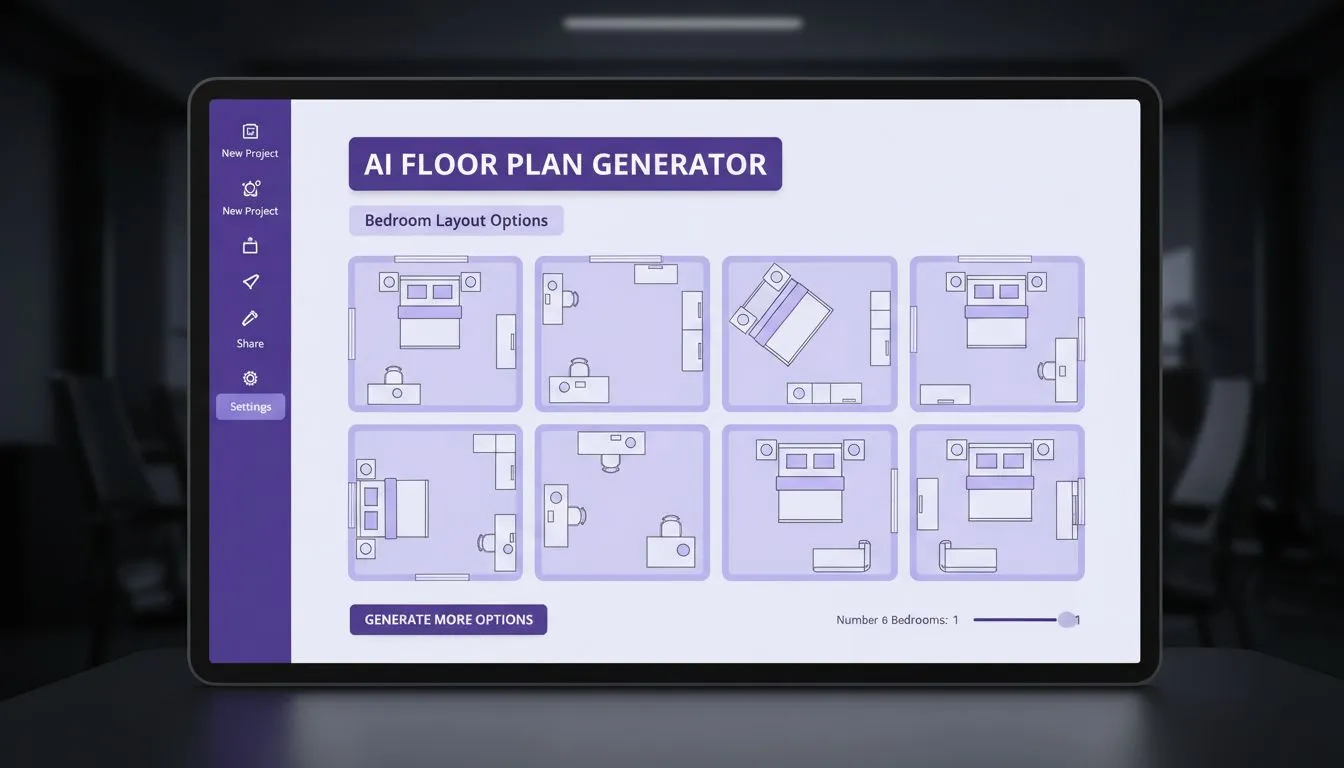
Step 3: AI Generates Options
The AI applies design principles—traffic flow rules, proportion guidelines, focal point theory—to generate multiple layout options. You might get 5-20 different arrangements to consider.
Step 4: Visualize and Refine
View each layout in 2D floor plan or 3D visualization. Make adjustments, swap furniture pieces, and see changes in real-time.
Essential Room Layout Rules the AI Follows
Understanding the rules that AI space planning tools use helps you evaluate and refine their suggestions. These principles come from decades of interior design practice:
The Traffic Flow Rule
Main pathways through a room should be 36 inches wide minimum. Secondary paths (like between a coffee table and sofa) can be 18-24 inches. The HGTV design guidelines emphasize that blocked traffic flow is the fastest way to make any room feel cramped and frustrating.
The Conversation Circle
For comfortable conversation, seating should be no more than 8 feet apart. This is why you see sofas and chairs arranged facing each other in well-designed living rooms—not all pointed at the TV.
The Floating Furniture Principle
Pushing all furniture against walls makes rooms feel smaller, not larger. AI furniture arrangement often suggests "floating" the sofa toward the center of the room, which creates better flow and makes the space feel more intentional.
The Rug Anchor Rule
Area rugs should be large enough that at least the front legs of all seating touch the rug. This creates visual cohesion. Many AI layout tools now include rug sizing recommendations.
AI Layout Planning by Room Type
Different rooms have different layout challenges. Here's how AI room layout tools approach each:
Living Room Layout
The most complex room to arrange. AI considers the focal point (fireplace, TV, or window view), conversation groupings, and traffic from multiple entry points. For tips specific to living rooms, check out our AI living room design guide.
Bedroom Layout
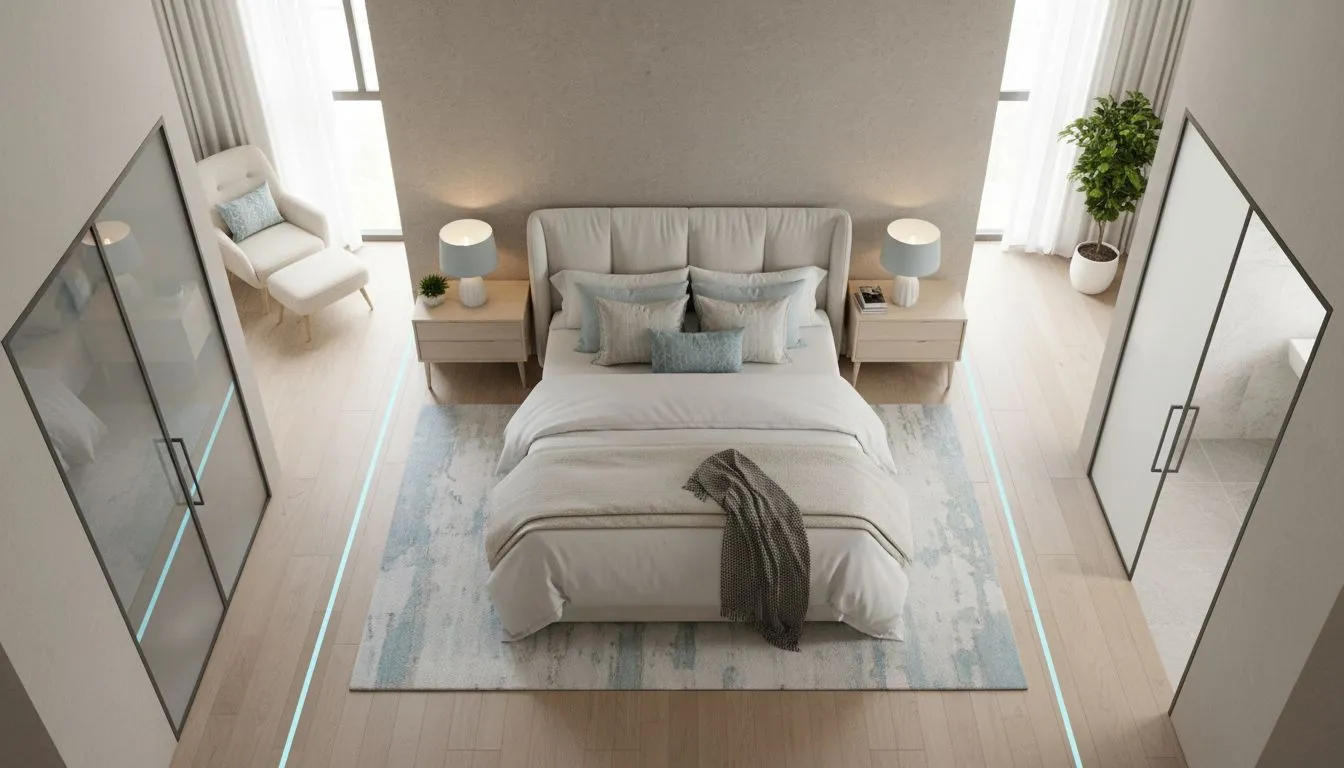
Bed placement drives everything. AI typically positions beds with headboard against the wall opposite the door (the "command position"), with nightstands accessible and clear paths to closets and bathrooms. See our complete AI bedroom design guide for more.
Home Office Layout
AI considers desk position relative to natural light (ideally perpendicular to windows to avoid glare), video call backgrounds, and separation from high-traffic household areas.
Small Space Layout
In studios and small apartments, AI space planning excels at creating functional zones within limited square footage. The AI might suggest room dividers, multi-functional furniture placement, and strategic angles that maximize perceived space. Our small space design guide covers this in depth.
Layout Mistakes AI Helps You Avoid
Even experienced decorators make these errors. Room planner AI tools are specifically designed to catch them:
- Buying furniture that's too big: AI shows scale issues before you purchase
- Blocking windows and doors: AI maintains clearance zones automatically
- Ignoring the room's focal point: AI orients arrangements toward natural centers
- Creating dead corners: AI suggests accent chairs, plants, or reading nooks for unused spaces
- Mismatched furniture heights: AI flags when side tables don't match sofa arm heights
Getting Started with AI Room Layout
Ready to optimize your space? Here's how to get the best results from AI room layout tools:
1. Measure Accurately
Input exact room dimensions, including ceiling height. Note the location and size of windows, doors, outlets, and any architectural features like fireplaces or built-ins. The better your input, the better the AI output.
2. Know Your Must-Haves
Before generating layouts, list the furniture that must stay. This helps the AI work around constraints rather than suggesting you replace everything.
3. Define Your Primary Activity
Is this room primarily for watching TV? Conversation? Working from home? The primary function shapes the ideal layout. Most AI tools let you specify this.
4. Generate Multiple Options
Don't settle on the first layout. Generate at least 5-10 options and compare them. Sometimes the AI's unconventional suggestion turns out to be perfect.
5. Test in Real Life
Once you've chosen a layout, use painter's tape on the floor to mark furniture positions before moving anything heavy. This final reality check catches any issues the AI might have missed.
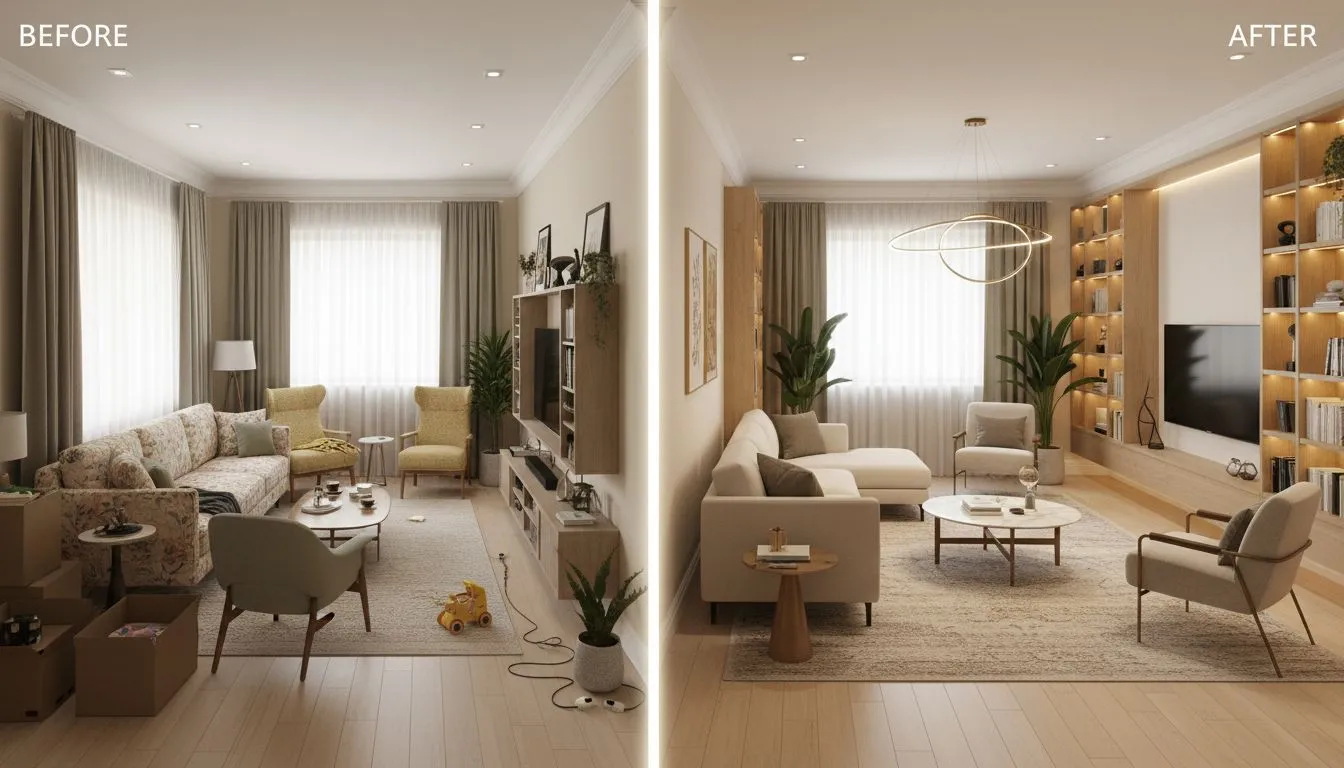
AI Layout Planning vs. Traditional Methods
How does AI furniture arrangement compare to traditional planning methods?
According to The New York Times Wirecutter, the traditional approach involves graph paper, cutouts, and hours of trial and error. Most people give up and just start pushing furniture around—which leads to sore backs and suboptimal results.
AI room layout tools complete in minutes what used to take hours. And unlike human intuition, AI doesn't forget about traffic flow while focusing on aesthetics, or vice versa. It optimizes for everything simultaneously.
That said, AI has limitations. It can't account for that ugly radiator you want to hide, or the fact that your cat needs a path to her favorite window perch. Use AI suggestions as a starting point, then apply your personal knowledge of how you actually live in the space.
Conclusion
Room layout is the foundation of good interior design. The most beautiful furniture in the world will look wrong if it's poorly arranged. The most modest furniture can look intentional and sophisticated with proper placement.
AI room layout planners democratize what used to require professional expertise. They apply time-tested design principles—traffic flow, conversation distance, focal point alignment—automatically. They let you experiment with dozens of arrangements without breaking your back.
Whether you're furnishing a new home, reorganizing after a lifestyle change, or just tired of your current setup feeling "off," AI layout tools give you the power to optimize any space. The technology exists. The principles are proven. The only question is what you'll do with your newly arranged room.
Ready to Optimize Your Room Layout?
Visualize furniture arrangements and perfect your space planning with AI. See multiple layouts in seconds.
Try AI Room Planning Free
Perfect Layouts for
Every Room
Stop guessing at furniture placement. See how your room could look with AI-optimized layouts.


Visualize Your Dream Home Instantly
Don't just read about it. Experience the power of AI interior design with DecorAI's free tool.
Start Designing for FreeWritten by
DecorAI Team
Editorial Team