How DecorAI Design Controls Work: Styles, Room Types, Colors and 30+ Options
A practical walkthrough of the controls that shape every DecorAI design: 60+ styles, 40+ room types, 40+ color schemes and 30+ extra options in five groups, plus how to combine them and when to keep your room details or let the AI transform everything.
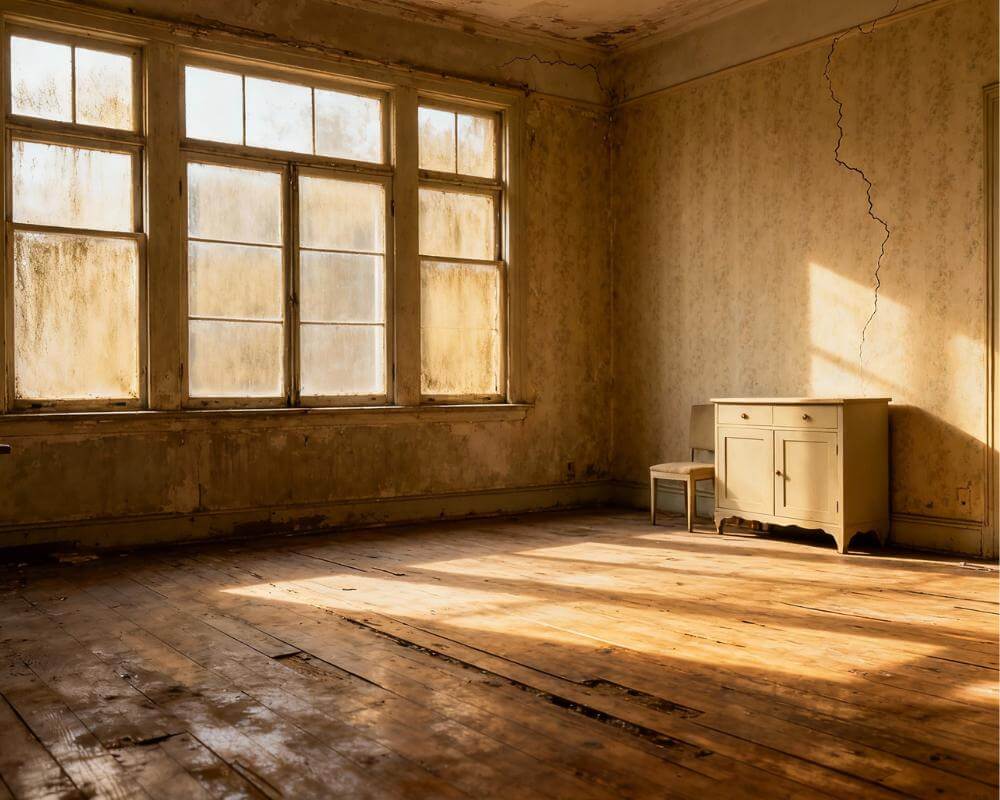
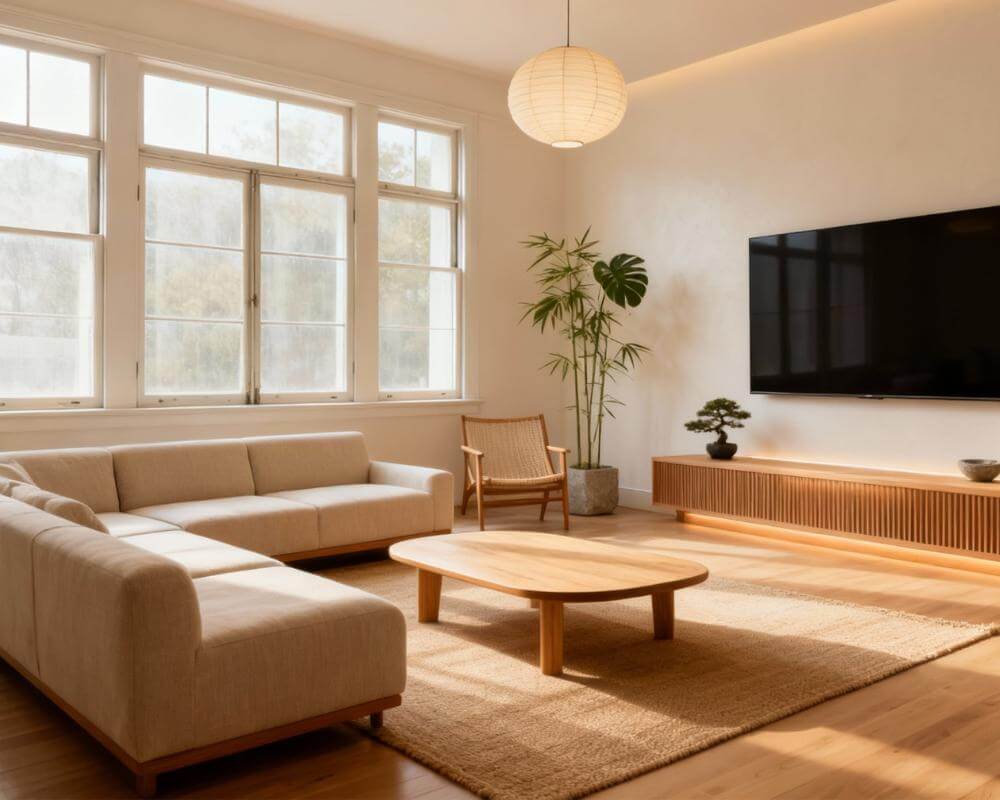
Every DecorAI design is steered by a small set of controls: a style, a room type, a color scheme and a group of optional extras. Understanding what each one does is the quickest way to get results that look like your room, only better. DecorAI is an AI interior design app that lets users transform photos of existing rooms into realistic redesign concepts, and the controls decide how far, and in which direction, each concept goes.
This guide walks through the controls one at a time, explains how they interact, and gives you a repeatable method for exploring a room without wasting generations. If you have only ever tapped a style and hit generate, there is a lot more control on offer than you might expect.
Key Takeaways
- Four layers of control. Style, room type, color scheme and design options each change a different part of the result, and they stack.
- The numbers are generous. DecorAI offers 60+ interior design styles, 40+ room types, 40+ color schemes and 30+ additional design options in five categories, with multi-select available.
- Keep or transform is the biggest decision. Keeping your room details gives a faithful refresh; switching it off gives an ambitious reimagining.
- Change one thing at a time. Designs are usually generated in under 10 seconds, so a controlled comparison is cheap.
- Fewer options usually look cleaner. Two or three well-chosen options tend to beat a long list that pulls in different directions.
- Try DecorAI with a photo of your own room and experiment with each control.
What Are DecorAI Design Controls?
Think of the controls as the brief you give a designer. The photo tells the AI what the room is; the controls tell it what you want. They come in four layers, and each answers a different question.
- Style: what overall look do you want, from Scandinavian and Japandi to Art Deco and coastal?
- Room type: what is the space for, and so which furniture belongs in it?
- Color scheme: which palette should the AI work with?
- Design options: which specific features, such as lighting, architectural details or decor, should be included or preserved?
On top of those you can add a short written instruction in your own language. You do not need to use every layer. A photo plus a style is enough for a first look; the other layers are there for when you want to be more specific.
How Do I Choose a Style?
DecorAI includes more than 60 interior design styles. Pick the one closest to the mood you want, not the one with the most striking name. If you are unsure, generate the same photo in two or three styles and compare them side by side; the differences are usually more informative than any description.
Style is the broadest control, so settle it first. A style sets the character of furniture, materials and decor, and everything else refines it. Our guide to how to choose an interior design style is a good companion if you are weighing several directions, and the styles gallery shows each one in context.
Why Does the Room Type Matter?
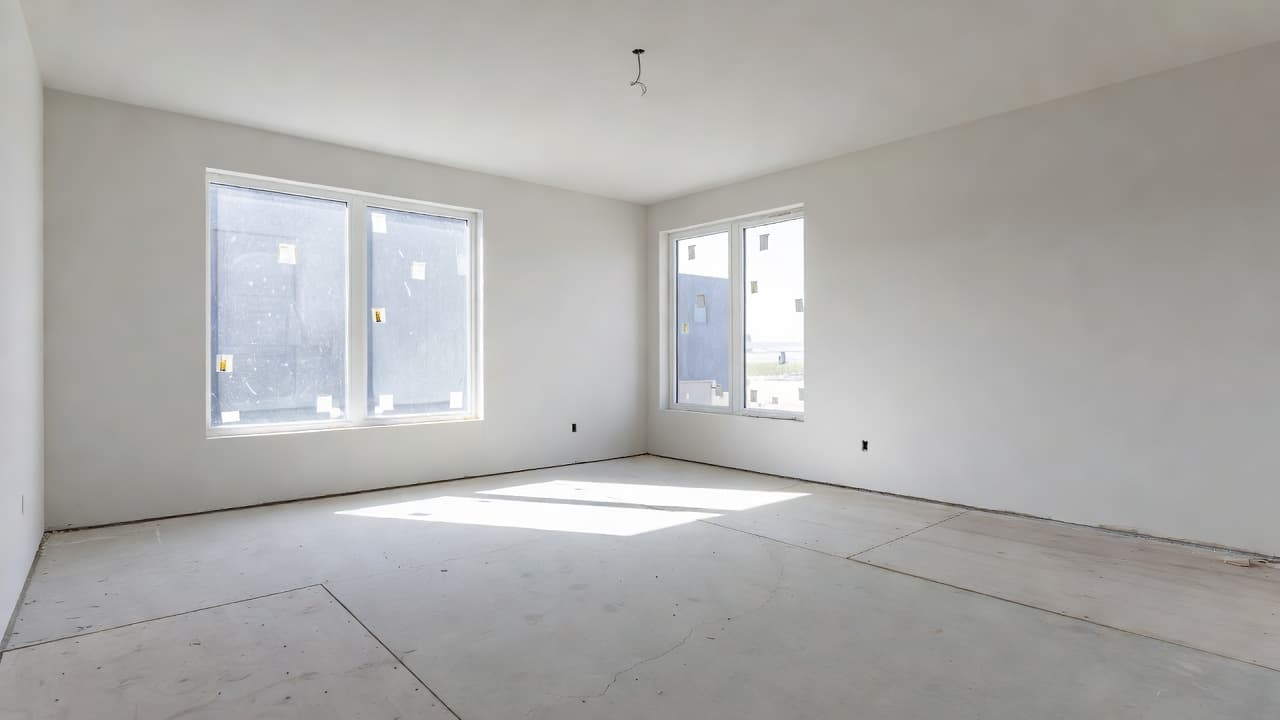
There are more than 40 room and space types, from living rooms, bedrooms and kitchens to home offices, nurseries, basements, balconies and gardens. The room type is how the AI knows what belongs in the space. An empty rectangular room labeled as a bedroom gets a bed; labeled as a home office, it gets a desk.
If your space does not match a preset, such as a converted loft or a shop, choose the closest one and describe the real use in the written instruction. Getting this control right costs nothing and avoids the most common mismatch: a good-looking room with the wrong furniture in it.
How Do Color Schemes Work?
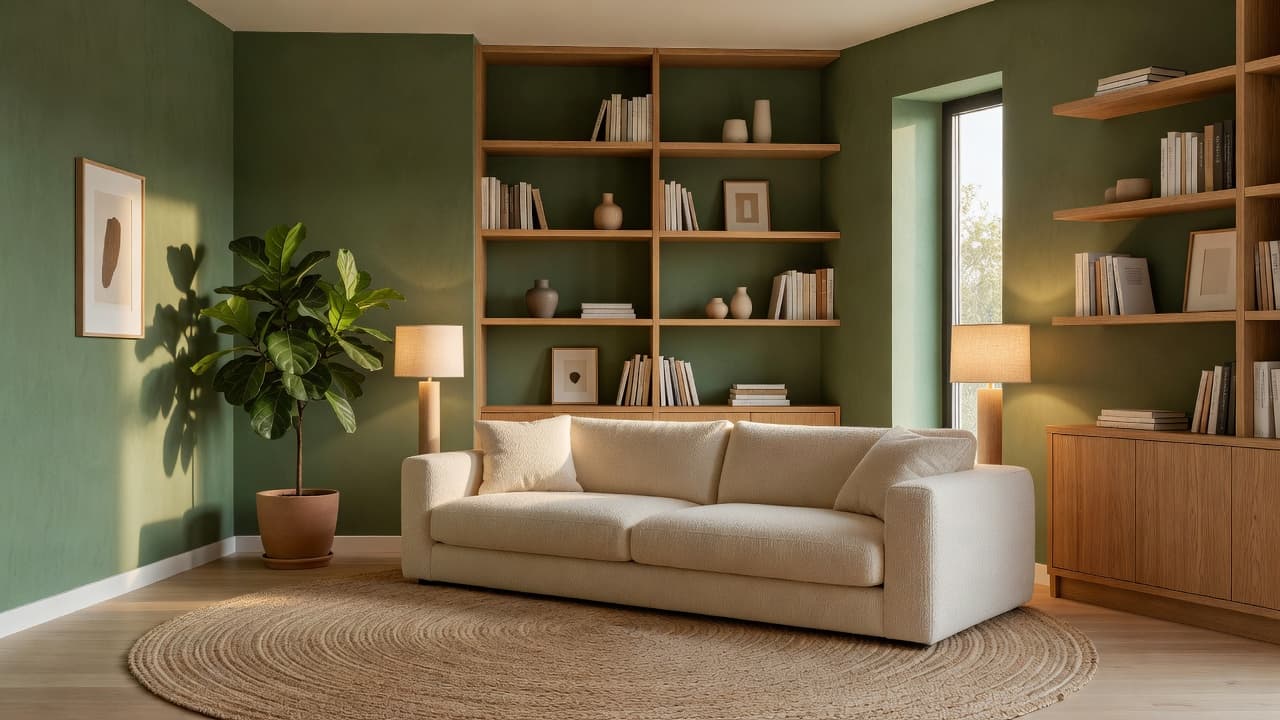
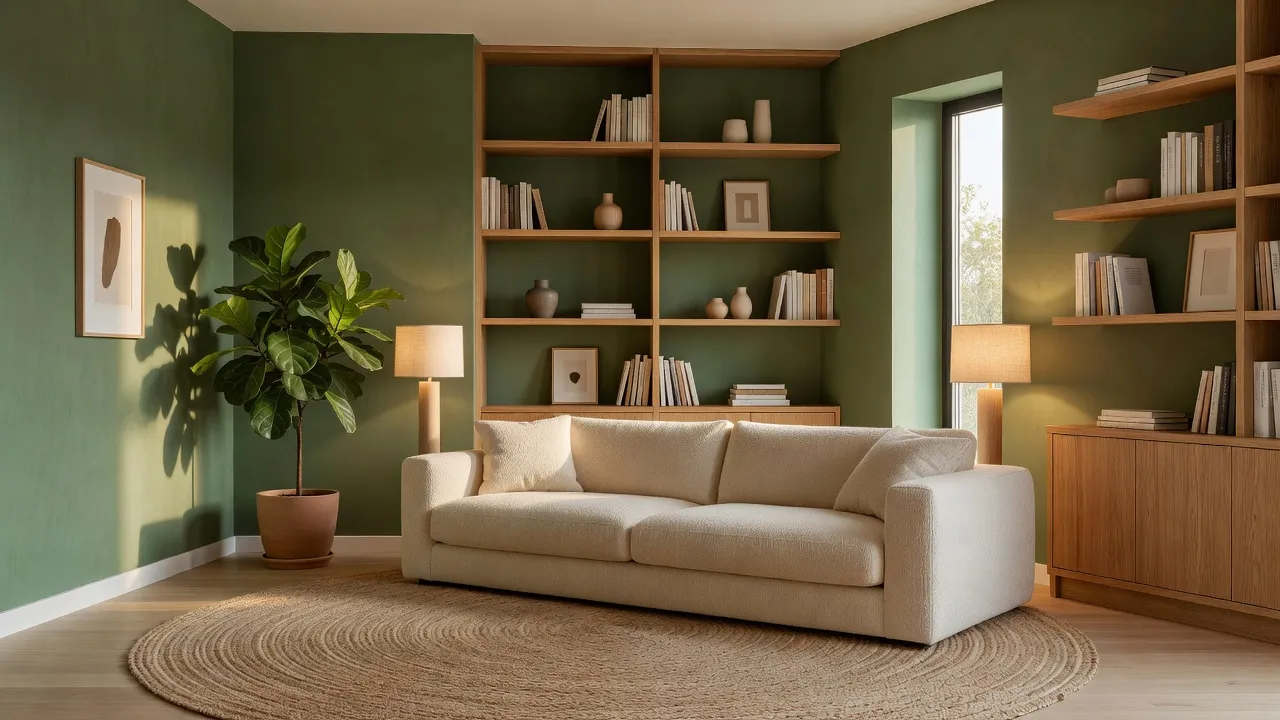
A color scheme sets the palette. DecorAI offers more than 40, from soft neutrals and earth tones to bold and monochrome options. It is optional and layers on top of the style, so the same Scandinavian look can appear in warm beige or in deep green.
This makes color schemes the fastest way to test paint and textile directions. Keep the photo, style and options identical, change only the scheme, and the only variable is color. If you need a particular shade, say so in the written instruction, for example walls in a soft sage green with warm brass fittings. For a deeper look at building palettes that hold together, see our guide to AI interior design color schemes.
Try Every Control on Your Own Room
Upload one photo and explore 60+ styles, 40+ room types, 40+ color schemes and 30+ design options on your actual space. Designs are usually ready in under 10 seconds.


What Are the 30+ Design Options?
Beyond style and color, DecorAI offers more than 30 additional design options in five categories. Several compatible options can be selected at once. They are optional toggles that steer the AI more precisely than a style alone can.
Camera and photo
These control how faithful the result is to your photo. Keep Room Details preserves the existing architecture and features as closely as possible, Keep Exact Photo Angle holds the original camera position, and Change Photo Angle lets the AI re-frame the room from a different viewpoint.
Furniture and layout
Options here include Replace Furniture, Add New Furniture, Multi-Functional Furniture, Statement Furniture Piece, Open Floor Plan and Space Maximization. They decide whether the AI works with what is in the room or rearranges it.
Lighting and atmosphere
Add Ambient Lighting, Natural Light Enhancement and Cozy Atmosphere change how the room feels, while Budget-Friendly and Eco-Friendly nudge material and furnishing choices.
Architectural elements
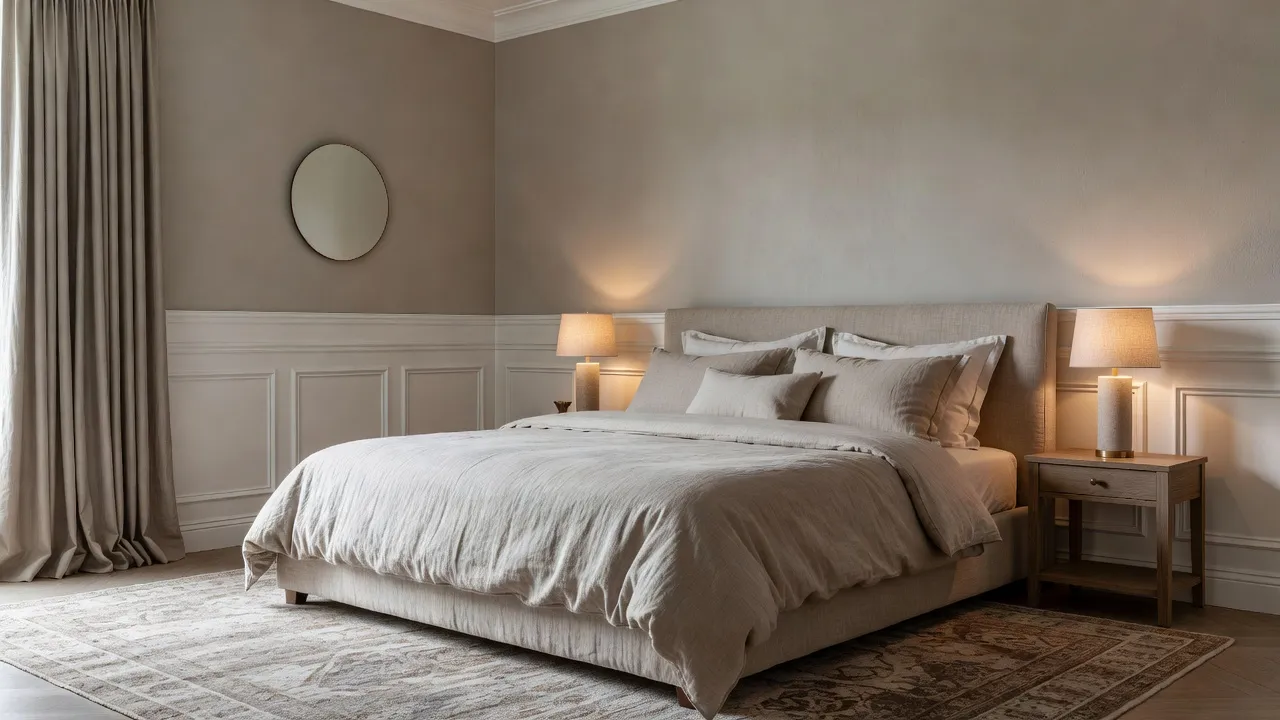
Accent Wall, Built-In Shelving, Exposed Beams, Crown Molding, Archways, Coffered Ceiling, Wainscoting and Acoustic Panels add structure and character to a plain room.
Decor and details
Plants and Greenery, Mirrors, Area Rugs, Textured Walls, Window Treatments, Hidden Storage, Art Gallery Wall and Smart Home Integration finish the room with the layer people notice last and remember first.
Should I Keep My Room Details or Let the AI Transform Everything?
This is the single most important choice, and it depends on what you want to do next. Keep Room Details and Keep Exact Photo Angle suit a real, budget-limited refresh where the result must stay recognizable. Switching them off suits inspiration or a full renovation concept, where you are happy for the AI to move furniture and reimagine the layout.
- New paint, textiles and decor only: keep room details and the photo angle, and leave layout options off.
- New furniture, same room: keep the photo angle and add Replace Furniture.
- A bigger layout idea: turn the keep options off and try Open Floor Plan or Space Maximization.
- Several directions for a client or a partner: same photo, three styles, no keep options.
A useful habit is to run one faithful version and one ambitious version of the same room. The faithful one tells you what you can do this month; the ambitious one shows what the space could become.
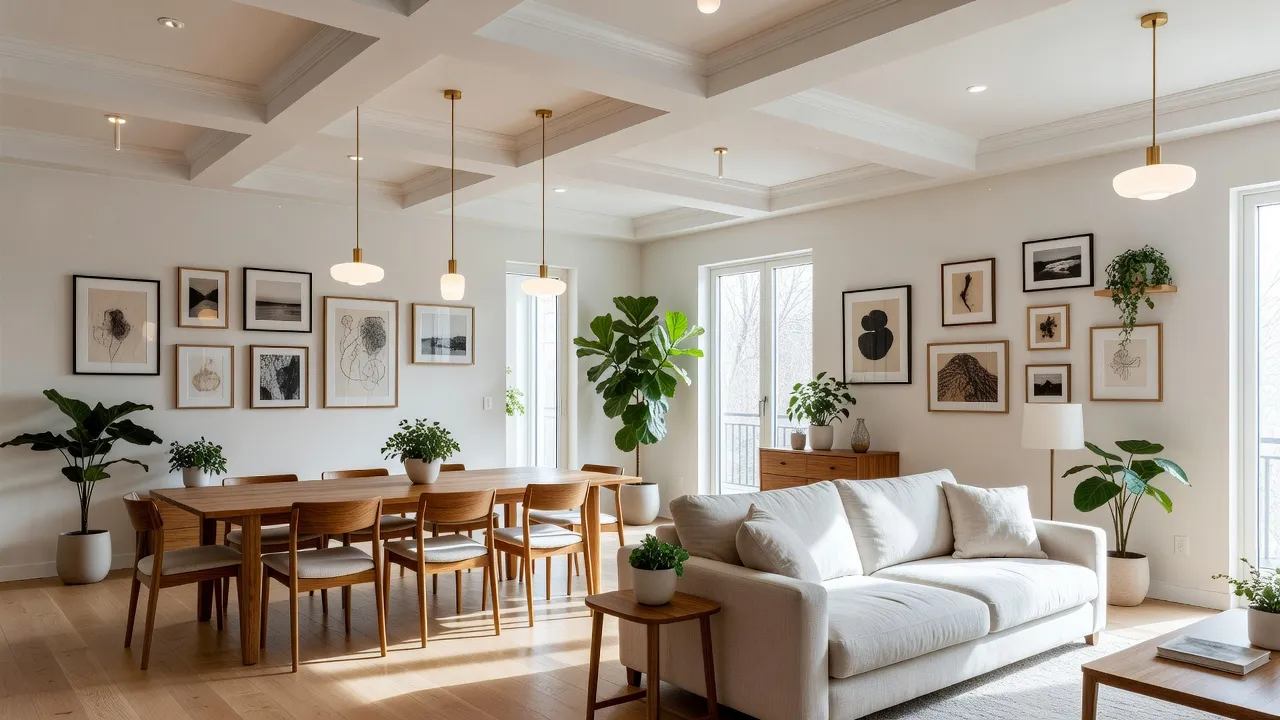
How Do I Combine Controls Without Confusing the AI?
Multi-select is powerful, but a long list can pull the result in competing directions. Two or three options per generation usually produces a cleaner image than ten. Pair options that agree with each other, such as Cozy Atmosphere with Add Ambient Lighting, and avoid combinations that ask for opposite things.
The written instruction works best when it is short and concrete. Name materials, colors and objects, and say what must stay: replace the grey sofa with a cream bouclé sectional and keep the wooden floor. Avoid vague words such as nice, and avoid stacking four competing styles in one sentence. Our AI interior design prompts guide has examples that work well.
What Is a Good Method for Exploring One Room?
Because each generation is quick, you can run a small experiment instead of guessing. Change one variable at a time so you always know what caused a difference.
- Photograph the room well. Good light and a straight angle make every control work harder. See how to photograph your room for AI design.
- Round one, style. Same photo, same room type, three different styles, nothing else changed.
- Round two, color. Keep the winning style and test two color schemes inside it.
- Round three, options. Add one or two design options, such as lighting or an accent wall, to the winner.
- Round four, fine-tune. Fix single elements with the AI inpainting editor rather than regenerating the whole image.
Every generation is saved, so you can always go back to an earlier version. Our guide to DecorAI projects and history explains how to keep the versions organized. You can see the whole toolkit at the DecorAI app feature directory.
What Mistakes Should I Avoid?
- Choosing the wrong room type. The furniture will follow the label, so match it to the real use.
- Selecting too many options. Start with two or three and add more only if the result needs them.
- Changing everything between runs. If style, color and options all move, you cannot tell which one helped.
- Treating structural changes as real. A generated image is a concept; moving walls or windows needs a qualified professional.
- Skipping Keep Room Details for a real refresh. If the room must stay recognizable, tell the AI so.
Design Controls FAQ
How many styles does DecorAI offer?
DecorAI offers more than 60 interior design styles, alongside more than 40 room types and more than 40 color schemes.
Can I select more than one design option at once?
Yes. There are more than 30 additional design options in five categories, and multi-select is available. Two or three per generation usually gives the cleanest result.
What does Keep Room Details do?
It asks the AI to preserve your room's existing architecture and features as closely as possible, which is what you want when planning a realistic refresh.
Do I need to use every control?
No. A photo and a style are enough to start. Add a room type, color scheme, options or a written instruction when you want more precision.
How long does a design take?
Designs are usually generated in under 10 seconds and can sometimes be ready in approximately five seconds; peak periods may take longer.
Do I need an account to try it?
DecorAI offers three free generations per day without requiring an account or credit card, unlocked by watching a short rewarded video advertisement.
Conclusion
The controls turn DecorAI from a one-tap makeover into a design brief you can refine. Choose a style first, match the room type, test a color scheme, add two or three options, and decide early whether to keep your room details or let the AI transform everything. Change one thing at a time and the results teach you what you like. Upload a photo to DecorAI and try the same room with a different control each time.
Visualize Your Dream Home Instantly
Don't just read about it. Experience the power of AI interior design with DecorAI's free tool.
Start Designing for FreeWritten by
DecorAI Team
Editorial Team