
Who Owns Your AI Room Designs? What You Can Do With DecorAI Results
Who owns the room designs an AI app generates? A plain-language guide to photo ownership, personal and commercial use, the free-plan watermark, labelling staged photos and presenting AI concepts honestly, based on how DecorAI works.

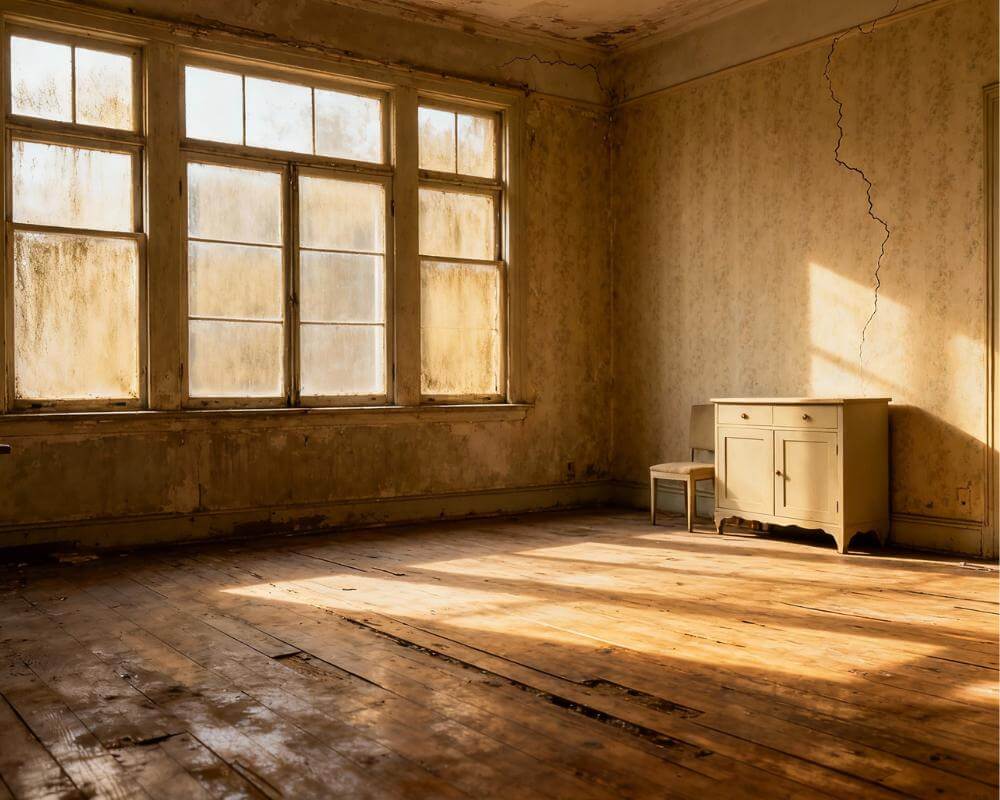
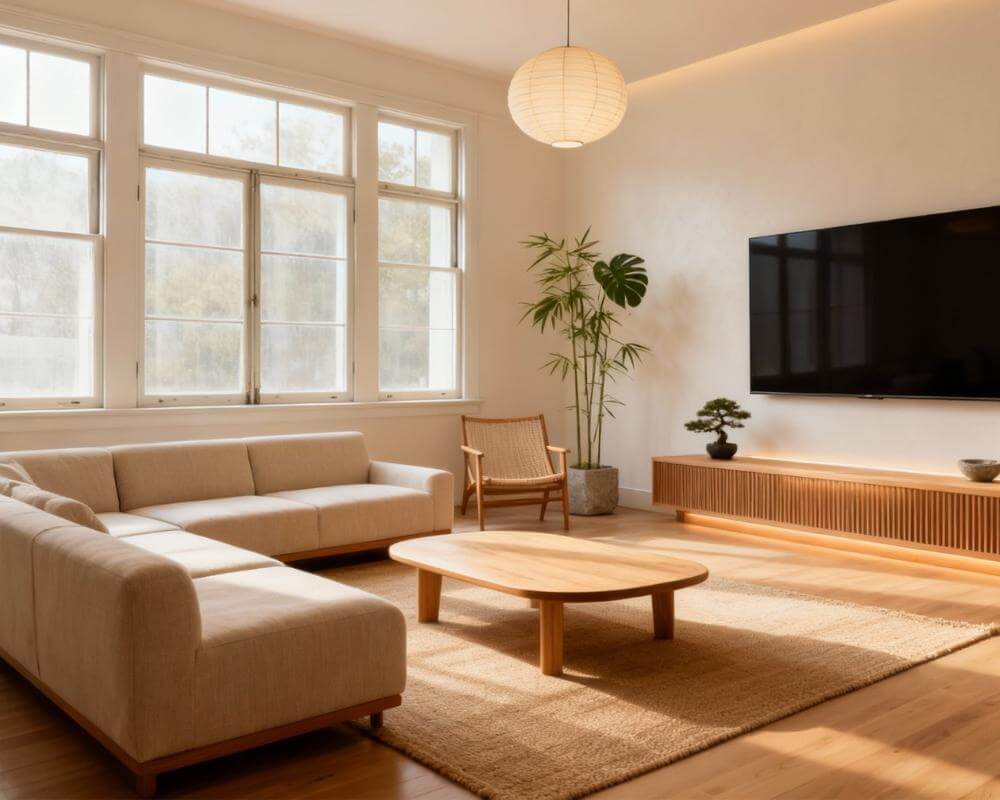
You upload a photo of your living room, an AI app returns a beautifully redesigned version, and then a practical question appears: whose image is this, and what are you allowed to do with it? Can you post it, print it, send it to a client or put it in a property listing? Who owns AI room designs is one of the questions people ask most often before they use an image for anything beyond personal inspiration. DecorAI is an AI interior design app that lets users transform photos of existing rooms into realistic redesign concepts. This guide explains, in plain language, how ownership and use work in DecorAI.
It covers the photos you upload, the designs you generate, commercial and client use, the free-plan watermark, labelling staged photos and presenting AI images honestly. This is general product information, not legal advice. The exact terms are set out in the DecorAI Terms of Service, so read those if a decision depends on the details.
Key Takeaways
- Your photos stay yours. You keep ownership of the original photos you upload to DecorAI.
- Designs are yours to use. Designs you generate can be used for personal and commercial purposes on every plan, free or paid.
- Pro is about presentation, not permission. The free plan saves images with a small DecorAI watermark; Pro removes it, which matters for client-facing work.
- Upload only what you have the right to use. Your own photos, your own listings, or images you have permission to edit.
- Be honest about what an image is. Label virtually staged property photos and present AI images as concepts, not as a promise of a finished build.
- Try DecorAI on a photo of your own room.
Who Owns the Photos I Upload?
You do. DecorAI is built around redesigning your real room, so the starting point is always a photo you supply, and uploading it does not transfer ownership of that photo. The one condition is the obvious one: upload photos you own or have permission to modify.
In practice that means:
- Photos you took yourself of your own home, a room you are renovating or a space you rent.
- Photos of your own listings, if you are an agent, a landlord or a seller.
- Photos you have permission to edit, such as images supplied by a client or by a photographer who has agreed to the use.
Professional listing photos work particularly well because they are well lit, level and wide, but the same rule applies: use your own, or ones you are permitted to edit. A photo you found online and have no right to use is not a good starting point, however good the result looks.
Who Owns the Designs DecorAI Generates?
The designs you generate in DecorAI are yours to use. Designs generated with DecorAI can be used for personal and commercial purposes on every plan, free or paid. Nobody needs to buy a company plan or a particular subscription just to have the right to use their own results commercially.
Two clarifications help here:
- A design made from an inspiration image is a new image. If you use a Pinterest pin as a style reference, DecorAI generates a new picture of your room; it does not hand you a copy of the original pin. You are still responsible for having the right to use any reference you upload.
- A design is a concept. It shows a direction for your room. It is not a measured drawing, a specification or evidence that a change is possible or permitted.
For the full wording, including anything that applies to your region, the Terms of Service are the authoritative source.
Can I Use DecorAI Designs for My Business or Clients?
Yes. Interior designers, estate agents, home stagers, architects and contractors use DecorAI for client concepts, listing photos and pitch material. Because commercial use is allowed on every plan, a freelance designer can start on the free plan, test the workflow on a real project and decide later whether the paid features are worth it.
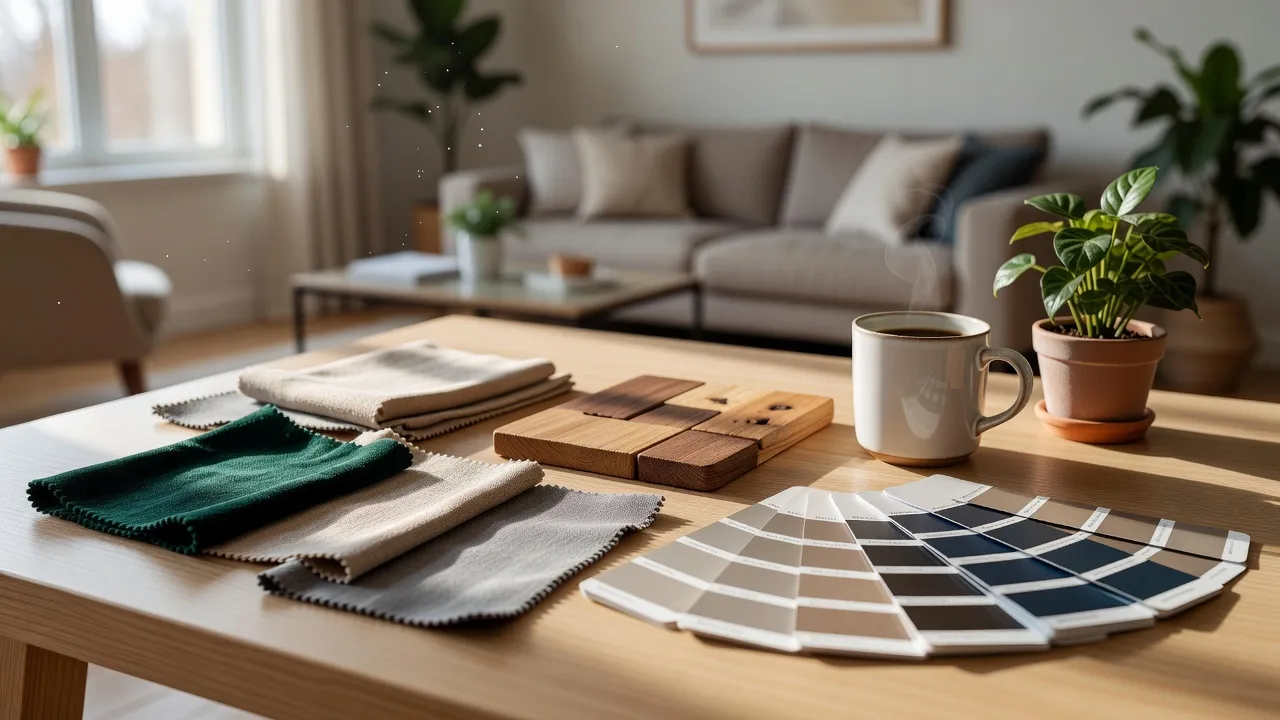
A few practical habits make client work smoother:
- Present options, not promises. Show two or three directions generated from the client's own photo, then agree which one to develop.
- Pair images with a plan. A Design Report adds a named colour palette, a prioritised action plan and a per-category cost breakdown, which gives the picture something concrete to hang on. Our guide to Room Analysis and Design Reports explains what is inside one.
- Say what it is. State clearly that the image is a concept and that anything structural needs a qualified professional.
Designers who already use AI day to day will find more workflow ideas in how interior designers use AI tools, and if you want to turn a generated image into a brief for a builder, see how to use an AI redesign as a brief for your contractor or designer.
Redesign Your Own Room and Use the Result
Upload a photo of a room you own or manage, try different styles and keep the designs you like. Use them for your own home or for client concepts.


What Does the Watermark Change?
The watermark is about how an image looks, not about what you are allowed to do. Images saved on the free plan carry a small DecorAI watermark on the saved file, not on the design as you view it in the app. Pro saves the image clean, which is what most people want for a client presentation, a portfolio page or a listing.
- Free plan: three AI designs a day, no account and no card, saved with a small watermark. Free generations are unlocked by watching a short rewarded video advertisement.
- Pro: unlimited generations, no rewarded video ads, no watermark and Design Reports with PDF export.
One detail worth knowing: images generated while you were on the free plan keep their watermark. If you upgrade for a project, regenerate the design afterwards to get a clean version.
If you only need Pro for one project, such as a house sale, a renovation or a client pitch, the weekly or monthly plan on mobile is the cheapest way to get it, and you can cancel when the project is done.
Do I Need to Label Virtually Staged Photos?
You should, and many portals require it. If you publish a virtually staged image in a property listing, disclose that the furniture was added digitally. Buyers deserve to know the sofa is not in the room, and clear labelling protects you from complaints.
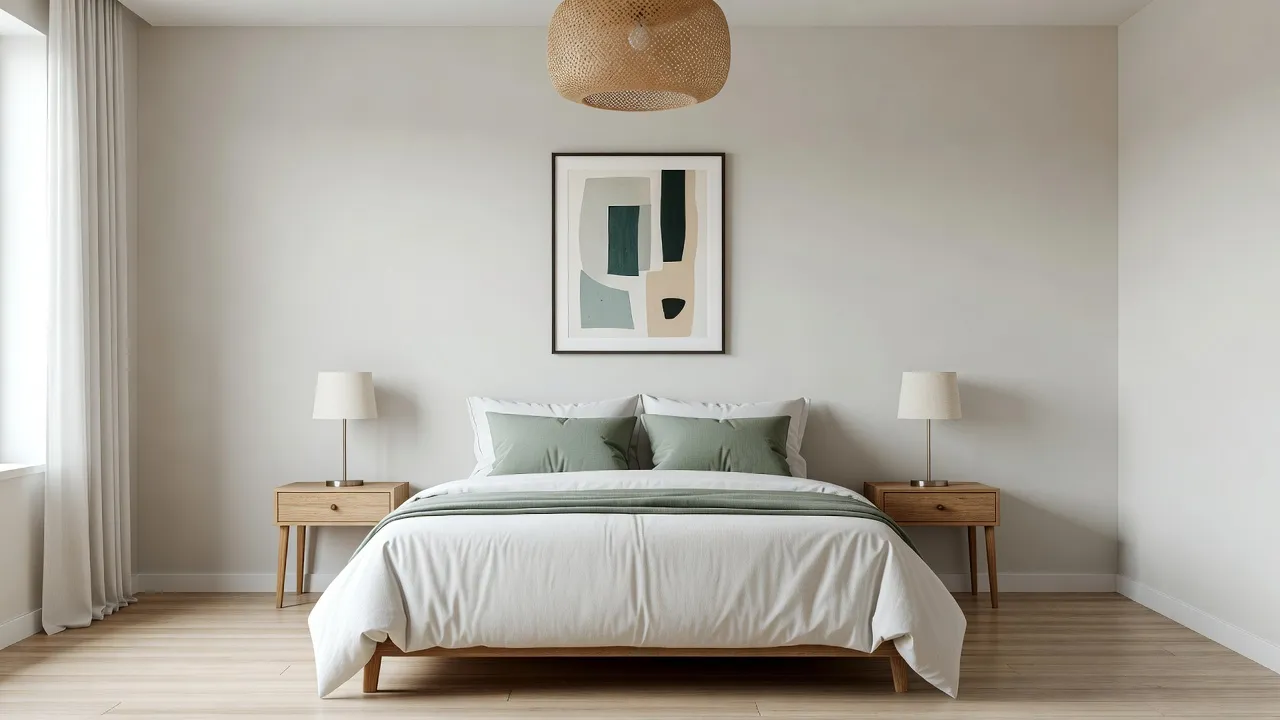
Teams that stage listings together can use DecorAI Business in the web app, which adds shared property folders, batch staging, exports with a virtual staging label and agency branding, and company invoices. Commercial use itself does not depend on Business; it adds the team workflow. For the staging workflow itself, read how real estate agents use DecorAI to stage listing photos or the broader virtual staging guide, and see the AI Virtual Staging page for the tool.
How Should I Present AI Images Honestly?
Good practice is simple and protects everyone involved:
- Call it a concept. An AI image is a visual direction, not a photograph of a finished build and not a quotation.
- Keep structural claims out. Removing walls, moving windows or changing a roofline must be assessed by a qualified professional. A generated image is not evidence that a change is possible or permitted.
- Label staging. Mark digitally furnished property photos as such, wherever they appear.
- Treat cost figures as starting points. A Design Report's cost breakdown is an aid for the conversation with a builder, not a final price.
- Respect content rules. DecorAI is built for rooms, buildings and outdoor spaces, and automated safety checks run on every upload and instruction. People who are incidentally present, such as a framed family photo, are normally fine.
What Mistakes Should I Avoid?
- Uploading photos you have no rights to. Stick to your own images or ones you have permission to edit.
- Sending watermarked images to a client. Use Pro, or regenerate after upgrading.
- Publishing staged photos without a label. It invites complaints and can break portal rules.
- Treating a concept as a specification. Verify dimensions, structure and permits with professionals.
- Assuming a company plan is needed. Commercial use is allowed on every plan; pay only for the features you will use.
AI Room Design Ownership FAQ
Who owns the designs DecorAI generates?
You keep ownership of the original photos you upload, and the designs you generate are yours to use for personal and commercial purposes on every plan, free or paid. The Terms of Service set out the exact terms.
Can I use DecorAI designs commercially on the free plan?
Yes. Commercial use is allowed on every DecorAI plan, including the free plan. Free-plan images are saved with a small watermark, which Pro removes.
Do I have to disclose that a listing photo was virtually staged?
You should. If you publish a virtually staged image in a property listing, say that the furniture was added digitally. Many portals require it.
Can I upload a photo I found online?
Only if you have the right to use and edit it. Upload your own photos, your own listings or images you have permission to modify.
Is an AI design a plan I can build from?
No. It is a concept that helps you decide what you want and explain it to a professional. Anything structural must be assessed by a qualified professional.
Conclusion
The short version is reassuring: your photos stay yours, your DecorAI designs can be used personally and commercially on every plan, and Pro simply makes the output clean enough to present. What remains is good practice, which means using photos you have the right to edit, labelling staged images and presenting concepts as concepts. To put it to work, upload a room you own or manage to DecorAI and explore the full DecorAI feature directory to see which tools fit your project.
Visualize Your Dream Home Instantly
Don't just read about it. Experience the power of AI interior design with DecorAI's free tool.
Start Designing for FreeWritten by
DecorAI Team
Editorial Team
Related Articles
DecorAI Business for Agencies: Team Workspace, Batch Staging and Labelled Exports
9 min read

Why Does My AI Room Design Look Wrong? How to Fix Warped, Off-Target or Failed Results in DecorAI
9 min read

Design From Your Phone: Widgets, Live Activities, Siri and the Share Sheet in DecorAI
9 min read