AI Room Analysis and Design Reports: How DecorAI Turns a Photo Into a Renovation Plan
A complete look at two DecorAI Pro tools that turn a single room photo into a real plan: AI Room Analysis, which scores and critiques the room you already have, and Design Reports, which turn a finished design into a measured color palette, a tiered budget estimate, and an ordered action plan you can hand to a contractor.

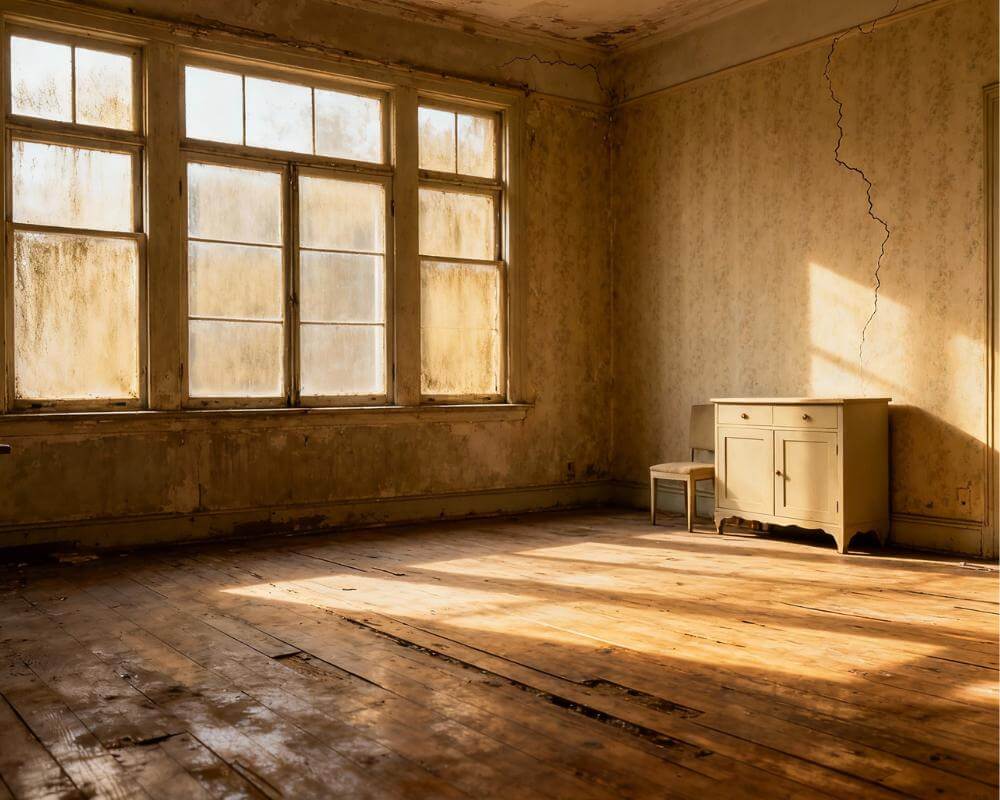
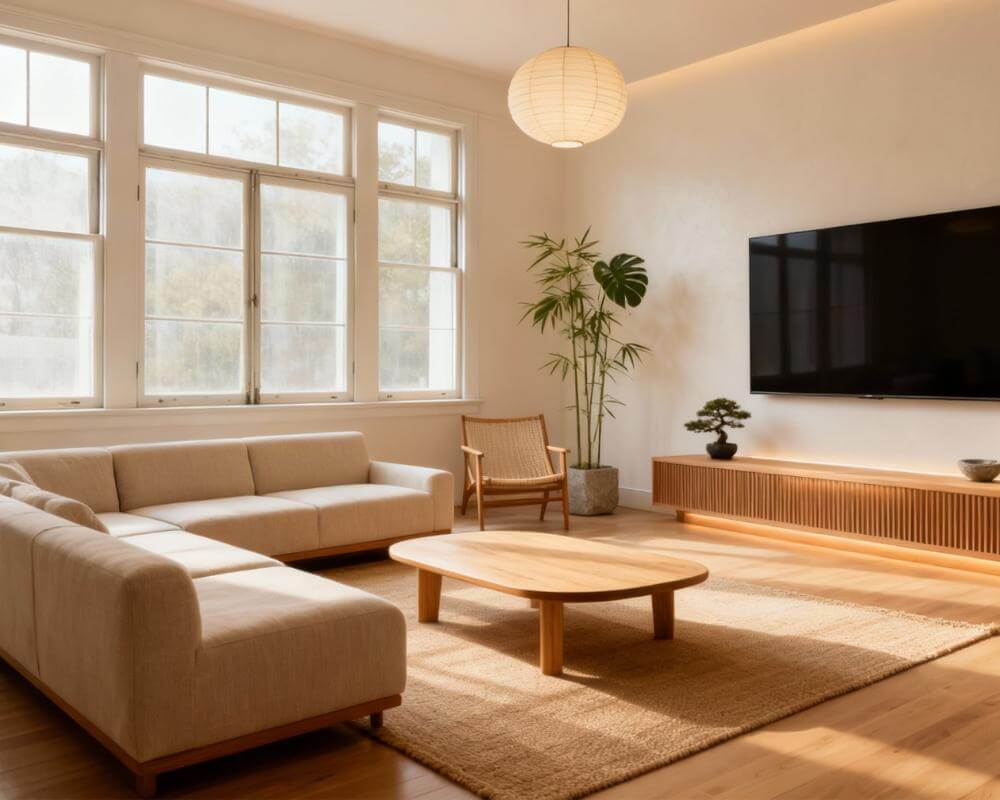
Most people can tell a room feels off but cannot say exactly why, and even fewer know what fixing it would actually take. DecorAI is an AI interior design app that lets users transform photos of existing rooms into realistic redesign concepts, but two of its most useful tools do not touch the redesign itself: AI Room Analysis, which scores and critiques the room you have today, and Design Reports, which turn a finished design into a real plan — a measured color palette, a tiered budget estimate, and an ordered list of what to do first. Between them they answer the two questions that sit on either side of every redesign: what is actually wrong with this room, and what would it take to build the version you like.
Key Takeaways
- AI Room Analysis scores a photo of your room out of 100 across overall, architecture, and wellbeing, then gives three strengths, three weaknesses, and an AI-written improvement prompt.
- A Design Report turns a finished design into eight sections: style profile, a measured color palette, before-and-after, five to seven recommendations, a three-tier cost estimate, a per-category breakdown, an action plan, and redesign handoffs.
- Cost estimates are priced in your own local currency as budget, mid-range, and premium tiers plus per-category ranges — a planning-grade order of magnitude, not a contractor's quote.
- Neither tool consumes a design generation, both require Pro, and every Design Report exports as a branded, multi-page PDF you can print, email, or hand to a contractor.
- Try DecorAI free to see how a photo of your own room turns into a scored critique and a full renovation plan.

What Is AI Room Analysis?
AI Room Analysis reads a photo of your room and hands back a structured critique instead of a redesign. Upload a picture and DecorAI returns an overall score out of 100, a separate architecture score with a written critique of proportion and structure, a wellbeing score with three observations about how the room actually feels to be in, three specific strengths, three specific weaknesses, and — the part that turns out to matter most in practice — an improvement prompt written for your exact room, ready to drop straight into the AI Interior Designer.
The feature is visible to everyone, but running an analysis requires a Pro subscription, and it does not use up a design generation. It is worth pairing with our step-by-step AI room design guide if you want the full pipeline from empty question to finished redesign.
How Are the Room Analysis Scores Calculated?
The scores are a consistent, structured AI judgment of your photo, not a measurement with a tape and a light meter — which means the honest way to use them is for comparison and prioritization, not as an absolute verdict on your home. Five things move the numbers most:
- Light: how much natural light reaches the space and how evenly it is distributed.
- Proportion and layout: whether the furniture suits the size of the room and whether traffic can actually flow through it.
- Cohesion: whether the materials, colors, and styles already in the room agree with each other.
- Clutter and visual noise: how much is competing for attention on every surface.
- Architectural features: what the room already has going for it structurally, independent of decorating choices.
The single most useful pattern is to run the analysis on your room as it is, generate a redesign from the improvement prompt, and then analyze the redesign too. The gap between the two scores tells you, in a way a redesign photo alone cannot, whether the change is actually an improvement or just a different look.
Get Your Room Scored — Free to Try
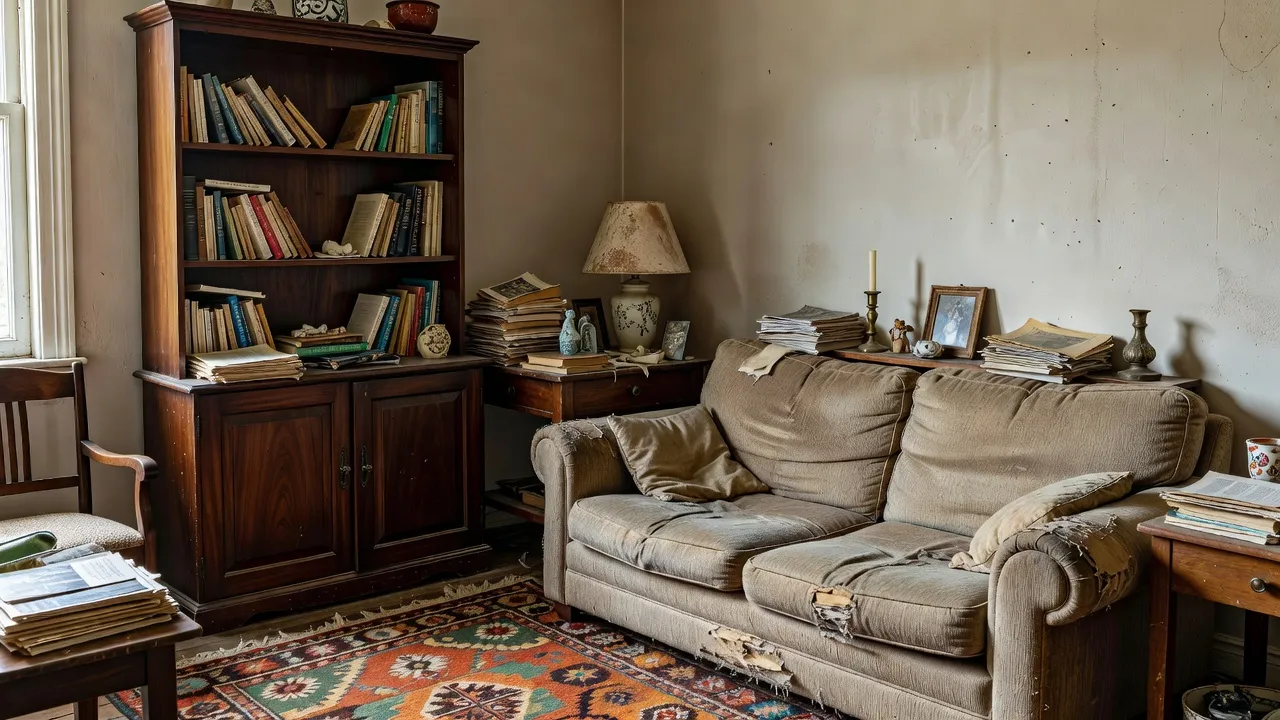
Upload a photo of your actual room and see an overall score, an architecture and wellbeing breakdown, and an improvement prompt written specifically for your space — then redesign it and watch the score move.


What Is a DecorAI Design Report?
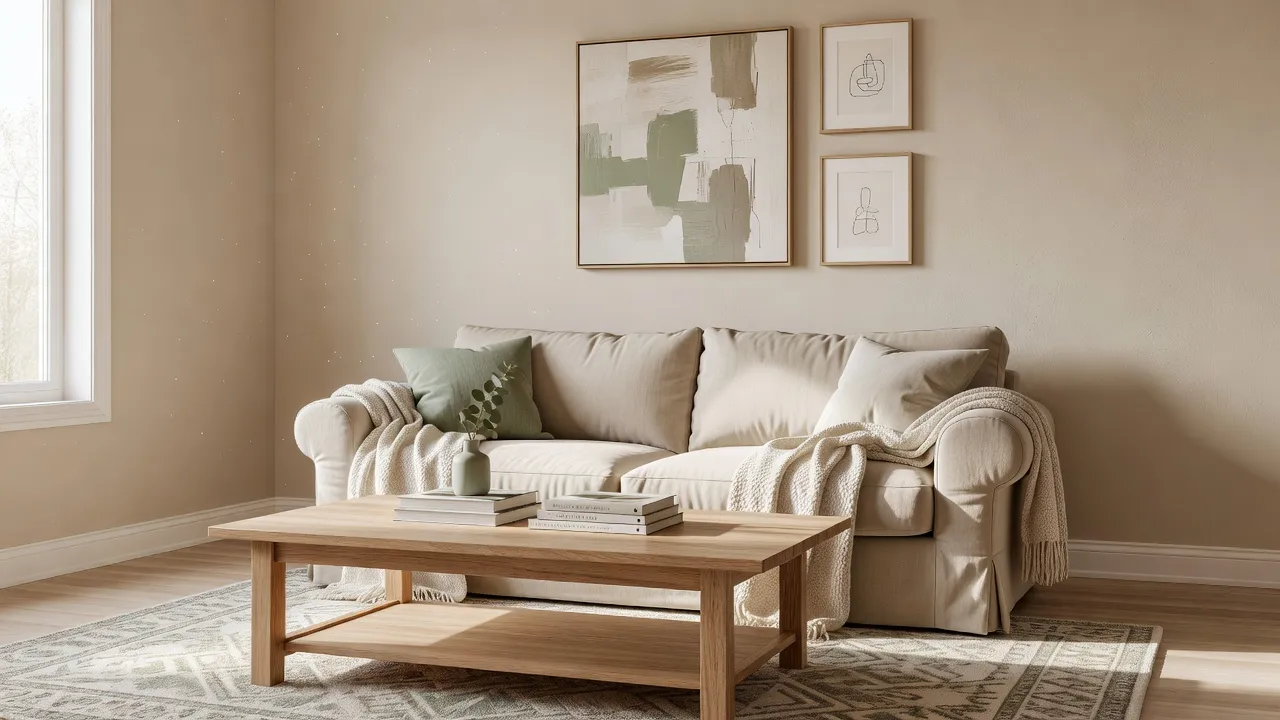
A generated image tells you what a room could look like. A Design Report tells you what it would actually take to get there, which is the part most people are missing when they take an AI render to a contractor or a shopping trip. Once you have generated a design in any DecorAI tool, opening the Design Report card on the result screen produces a written analysis of that specific design: a style profile and designer's assessment, the color palette with real hex values, a before-and-after list of what changed, five to seven prioritized recommendations, a three-tier cost estimate with a per-category breakdown, an ordered action plan, and a branded PDF export.
Like Room Analysis, generating a Design Report requires Pro and does not consume a design generation. The report is written once and then saved with the design itself, so reopening that design later — from History, on another device, or in the web app — reopens the saved report instantly rather than writing a new one.
What's Inside a Design Report, Section by Section?
Eight parts make up a full report, and each one is built to be used rather than just read once and forgotten.
| Section | What it gives you |
|---|---|
| Style profile & assessment | What the design is, in a designer's words, and why it works |
| Color palette | The actual colors of the generated image, named with real hex values |
| Before and after | A list of exactly what changed between your photo and the design |
| Recommendations | Five to seven prioritized, specific improvements |
| Cost estimate | Budget, mid-range, and premium versions of the same design |
| Cost breakdown | Ranges per category — flooring, furniture, lighting, decor, and so on |
| Action plan | An ordered list tagged quick win, weekend job, or full project |
| Redesign handoffs | Shortcuts back into the design tools to act on any single recommendation |
The color palette is worth pausing on, because it is measured rather than invented: DecorAI reads the actual pixels of the generated image on your device and names the real colors it finds, which is the same pixel-level extraction technique behind the palette on a DecorAI Moodboard. Our guide to choosing a color palette with AI goes deeper into why a measured palette holds up better than a guessed one once you are standing in a paint aisle.
How Accurate Are the Design Report Cost Estimates?
The cost estimate is priced in your own local currency, resolved automatically from your device region, and given as three tiers — budget, mid-range, and premium — alongside a per-category breakdown. The honest way to read it: the useful signal is that a premium version typically costs roughly three times the budget one, and the category breakdown shows where the money actually goes, which is very often lighting and flooring rather than furniture. Take that category list to a real supplier for an actual quote.
What the estimate deliberately leaves out matters just as much as what it includes: labor rates specific to your area, delivery, waste removal, permits, and local tax treatment are all excluded, so it will not match a contractor's line-item quotation. Treat it as a planning-grade order of magnitude that lets you sanity-check a project before you commit to it, not as a number to sign a contract against. Reports generated before local-currency pricing was introduced keep the amounts they were written with, so if you want current local pricing, generate a fresh report on a new design.
How Do Room Analysis and Design Reports Work Together?
They answer different questions and sit on opposite sides of the redesign itself, which is exactly why using them together is more useful than either alone.
| AI Room Analysis | Design Report | |
|---|---|---|
| Input | A photo of your real room | A design you already generated |
| Question it answers | "What is wrong with this room?" | "How do I actually build this?" |
| Output | Scores, strengths, weaknesses, improvement prompt | Palette, recommendations, costs, action plan, PDF |
| Best moment to use it | Before you design | After you design |
A complete workflow looks like this: analyze the room you have today, take the AI-written improvement prompt straight into the Interior Designer, generate two or three candidate versions, pick the one you actually want to live in, and generate a Design Report on the winner. That last step is what turns a picture you like into a plan you can act on — our AI home renovation guide covers the same before-you-spend-anything logic in more general terms.
How Do You Export and Use a Design Report?
Open the Design Report and choose the PDF export. DecorAI produces a branded, multi-page PDF carrying the DecorAI header and the export date, laid out for print, with every section of the on-screen report intact — the same style profile, palette, recommendations, cost breakdown, and action plan, just formatted to hand to someone else. There is also a single-image share card if all you want is one visual to post or message rather than a full document.
In practice, the PDF is the format that actually leaves the app: it is what people bring to a builder, a joiner, or a paint shop, and the palette page with real hex values is usually the single most useful sheet in it. Because reports are saved with the design rather than regenerated on every open, the PDF you export today will still match the report you see if you reopen the same design in six months.
AI Room Analysis and Design Reports FAQ
Do I need a Pro subscription for Room Analysis and Design Reports?
Yes. Both features are visible to everyone, but running an analysis or generating a report requires a Pro subscription. Neither one consumes a design generation, so using them does not cut into your daily redesign count.
Can I use Room Analysis without generating a redesign first?
Yes. Room Analysis only needs a photo of your room as it exists today — it critiques the space you already have and writes an improvement prompt, which you can then take into a redesign or simply read as feedback on your own.
Is the Design Report cost estimate accurate enough to budget with?
It is accurate enough to plan with, not accurate enough to sign a contract against. The three tiers and category breakdown are a real, currency-localized order of magnitude, but they exclude local labor rates, delivery, permits, and tax, so treat the number as a starting point for a conversation with a real supplier rather than a final figure.
Where do I find a Design Report after I close the app?
Open History, tap the design you generated the report for, and the report card will show "Open Report" instead of "Create Report." Reports are stored both on the device and in your account, so they are readable on any device signed in to the same account, mobile or web, and survive a reinstall as long as you were signed in when the report was created.
Conclusion
AI Room Analysis and Design Reports exist to close the two gaps that generated images alone leave open: knowing what is actually wrong with the room you have, and knowing what it would take to build the room you want. Analyze your space to get a score and a specific improvement prompt, generate a redesign from it, and turn your favorite result into a Design Report with a measured palette, a tiered budget, and an ordered plan you can hand to someone else. Try it on a photo of your own room in DecorAI, explore the full feature directory for everything else the app can do, or head back to the DecorAI homepage to get started.
Visualize Your Dream Home Instantly
Don't just read about it. Experience the power of AI interior design with DecorAI's free tool.
Start Designing for FreeWritten by
DecorAI Team
Editorial Team