How to Turn an Awkward Corner Into Usable Space with AI
A practical guide to DecorAI's AI Corner Designer (Space Optimizer): how it transforms one dead corner into a reading nook, home office or storage while leaving the rest of the room untouched, the ten built-in ideas it offers, and how to photograph a corner for the best result.
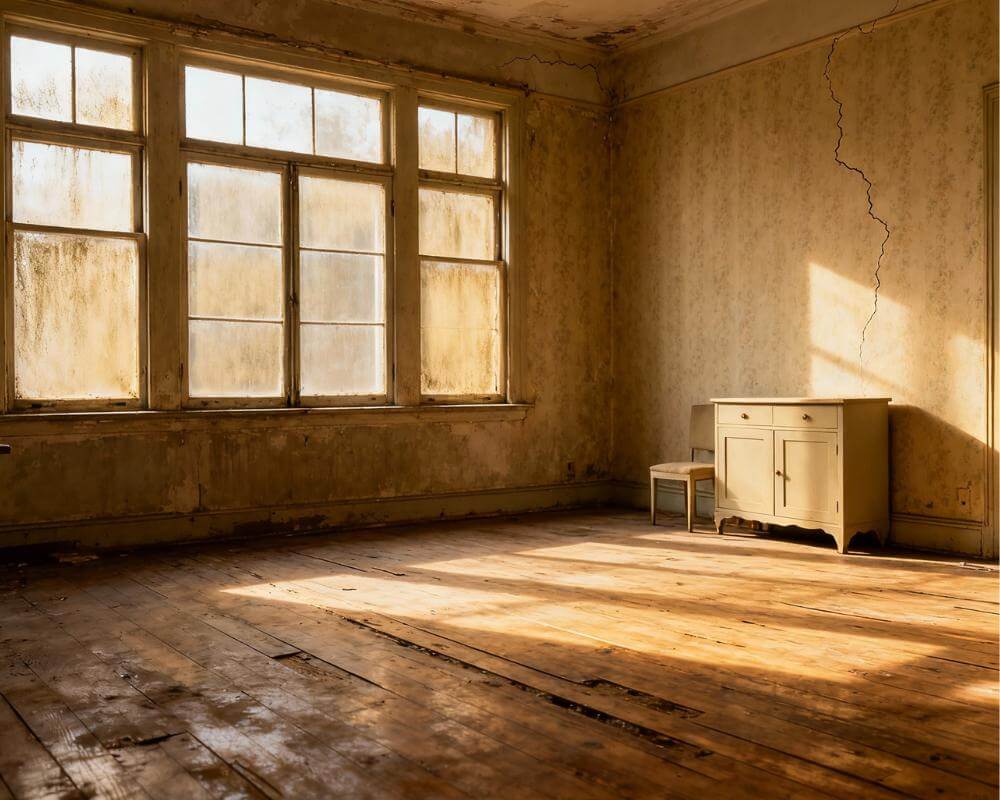
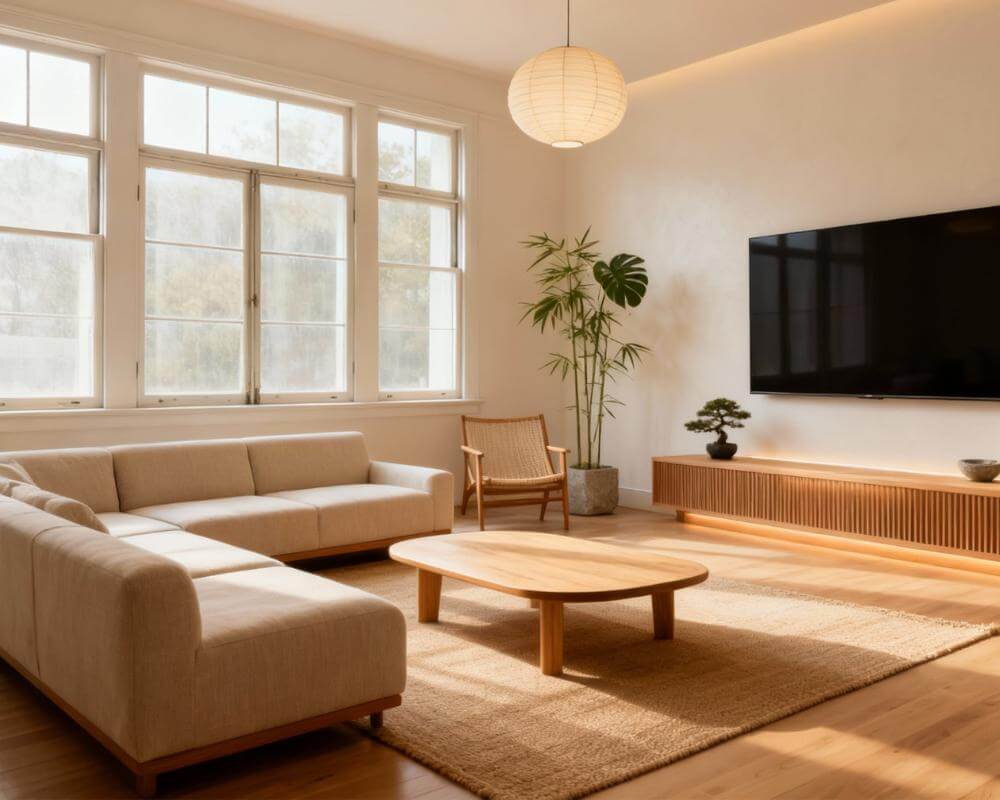
Every home has one: the corner that's too small to furnish and too awkward to ignore — the dead space behind a door, the alcove beside a chimney breast, the end of a landing that's just... empty. DecorAI's AI Corner Designer, also called the Space Optimizer, exists specifically for that one spot. DecorAI is an AI interior design app that lets users transform photos of existing rooms into realistic redesign concepts, and the Corner Designer applies that same idea to a single problem area instead of an entire room — so you can see a reading nook, a compact home office or built-in storage in that exact corner before you buy a single shelf.
This guide covers what the Corner Designer actually does, how it differs from redesigning a whole room, the ten built-in ideas it can generate, how to photograph a corner so the result is usable, and the situations — small apartments, rentals, oddly shaped rooms — where fixing one corner is the smarter move.
Key Takeaways
- The AI Corner Designer transforms one awkward, empty or underused corner and leaves the rest of the room exactly as it is.
- Choose from ten built-in concepts — reading nook, compact home office, built-in storage, pet area, coffee bar, plant corner, entryway bench, kids play corner, home mini bar or display shelves — or write your own free-text instructions.
- It's the right tool when the rest of the room is already finished and you only want to fix one small, function-less spot rather than restyle everything.
- Frame the corner so it fills most of the photo, but include a bit of floor and ceiling so the AI can judge height and scale correctly.
- Try DecorAI to see your own dead corner redesigned in seconds.
What Is the AI Corner Designer (Space Optimizer)?
The AI Corner Designer transforms one awkward, empty or underused corner of a room and leaves the rest of the space intact. You upload a photo of the dead corner and pick an idea — a reading nook, a compact home office, built-in storage, a pet area, a coffee bar, a plant corner, an entryway bench, a kids' play corner, a home mini bar or display shelves. It's available on both DecorAI's Free and Pro plans, the same as most of the app's other design tools.
You can add extra touches on top of whichever concept you pick — shelving, hidden storage, accent lighting, cushions, wallpaper, mirrors, drawers and floating shelves are all available as one-tap options. If none of the ten built-in ideas match what you're picturing, a free-text field lets you describe exactly what you want instead, the same way you would with DecorAI's main Interior Designer.
How Does It Work, Step by Step?
- Photograph the corner. Stand close enough that the corner fills most of the frame, but leave a bit of floor and ceiling visible.
- Pick a concept. Choose from the ten built-in ideas, or switch to free text and describe your own.
- Add extra touches (optional). Layer on shelving, lighting, cushions, mirrors or storage to refine the result.
- Generate. DecorAI renders the corner transformed, usually in seconds, while the rest of the photo stays untouched.
- Refine or regenerate. Not quite right? Adjust the concept or extra touches and try again before you commit to buying anything.
What Can You Turn a Dead Corner Into? Ten Ideas
These are the ten concepts built into the Corner Designer, each aimed at a common type of unused space:
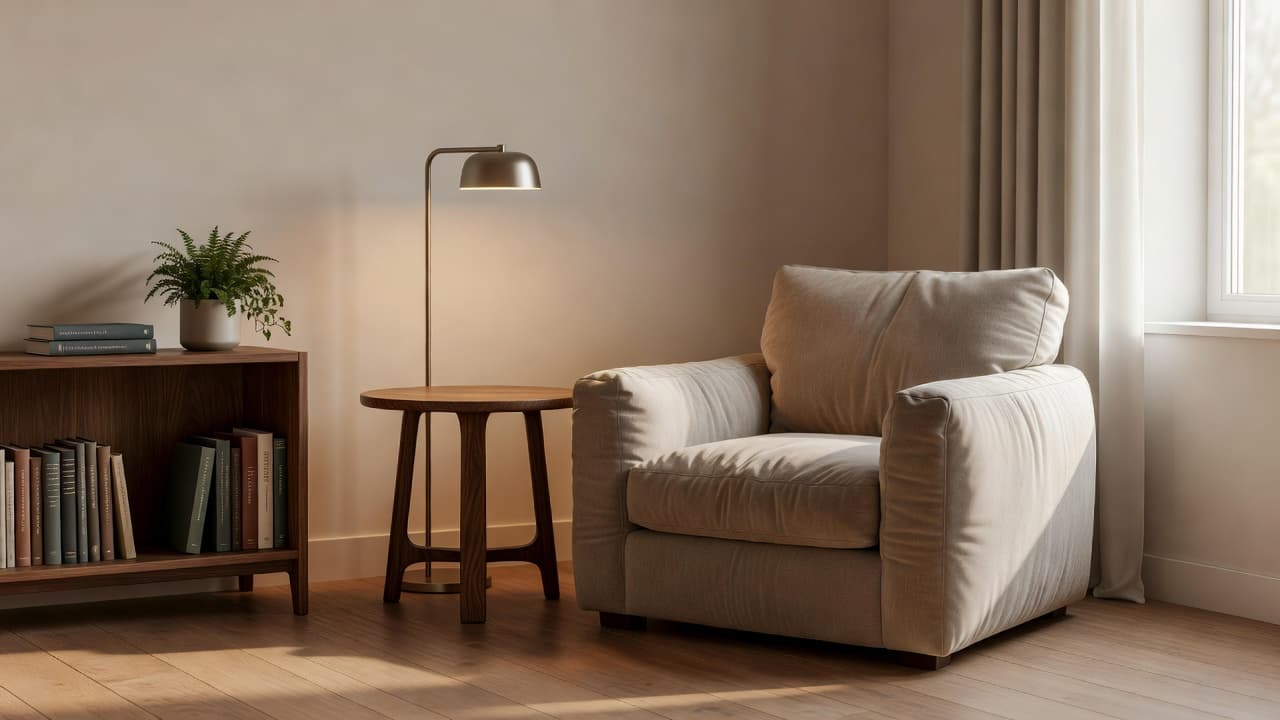
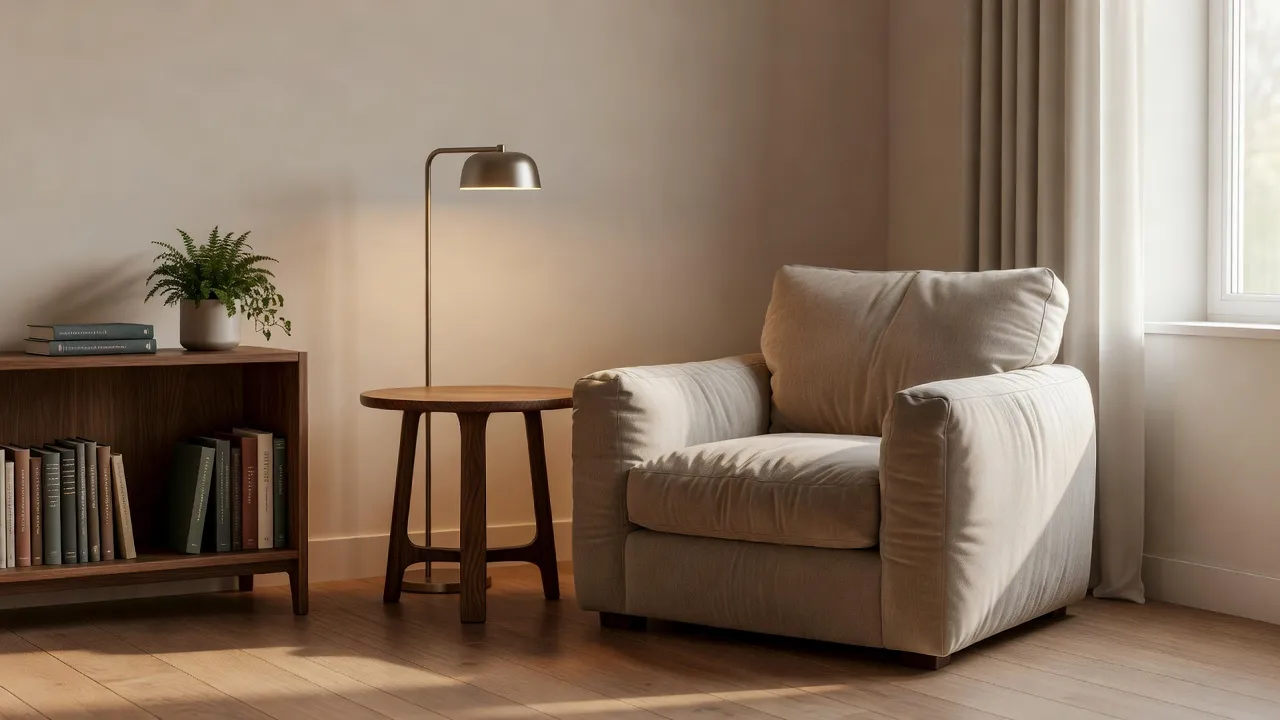
- Reading nook. A chair, a small side table and a floor lamp — the classic answer to a corner beside a window.
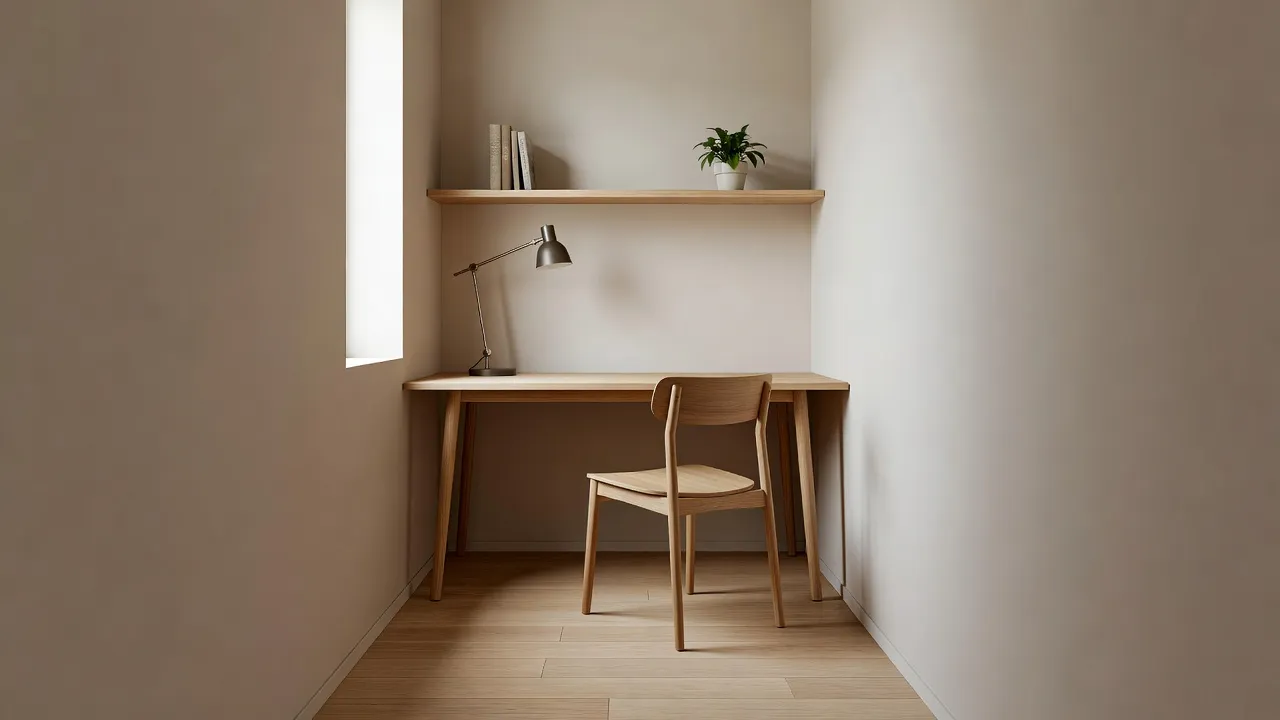
- Compact home office. A slim desk and a single shelf, built for a corner too small for a dedicated office.
- Built-in storage. Shelving or cabinetry that turns dead space into actual capacity.
- Pet area. A bed, bowls and a bit of structure for a corner that's currently just where the dog's things end up.
- Coffee bar. A small counter setup, popular in kitchen and dining-room corners.
- Plant corner. Greenery at varying heights, an easy fix for a corner that just needs some life.
- Entryway bench. Seating and a spot to land bags and shoes, for the corner just inside the front door.
- Kids' play corner. A contained, low-furniture zone that keeps toys out of the rest of the room.
- Home mini bar. A small cabinet and shelving setup for entertaining.
- Display shelves. Open shelving for books, art or collections, when the corner's job is simply to look good.
See Your Own Dead Corner Redesigned
Upload a photo of the awkward corner you've been ignoring and pick a concept — reading nook, home office, storage and more — while the rest of the room stays exactly as it is.


Corner Designer vs the AI Interior Designer: Which Should You Use?
Both tools redesign a photo of a real space, which makes it easy to reach for the wrong one. The difference comes down to how much of the room you actually want to change.
| Corner Designer | AI Interior Designer | |
|---|---|---|
| Scope | One corner or small area | The whole room |
| Best when | The rest of the room is already finished | You want to restyle the entire space |
| The question it answers | "What could this become?" | "What should this whole room look like?" |
| Typical spaces | A landing, an alcove, behind a door, the end of a hallway | A living room, bedroom, kitchen or full room redesign |
If you only want to swap one piece of furniture rather than redesign a whole corner from scratch — replacing just the sofa, say, while everything else stays put — DecorAI's Inpainting editor is an even more surgical option worth knowing about.
How Do You Photograph a Corner for the Best Result?
Stand close enough that the corner fills most of the frame, but include some floor and ceiling in the shot so the AI can judge height and scale correctly. A photo taken from too far back gives the AI too much of the rest of the room to interpret; one that's too tight crops out the context it needs to keep proportions realistic. The same core principles that make any DecorAI photo work well apply here too — see our full guide to photographing a room for AI design for lighting and angle tips that carry over directly.
If you're unsure whether a piece of furniture will actually fit once you've picked a concept, DecorAI's chat assistant Milo specializes in furniture sizing and traffic flow — a quick question like "will a reading chair and side table fit in a corner this size?" can save you from generating a concept that looks great but wouldn't work in real life. See our guide to the DecorAI design assistants for what each one is best at.
Who Gets the Most Out of the Corner Designer?
- Renters. Fixing one corner — a reading nook, a plant corner, an entryway bench — is exactly the kind of change that doesn't touch the architecture, which makes it a natural fit alongside DecorAI's other renter-friendly upgrades that need no renovation.
- Small-space dwellers. Studios and small apartments live or die by how well every corner is used. See our broader guide to AI interior design for small spaces for more ways to make a compact home work harder.
- Anyone with one dead spot in an otherwise finished home. If the rest of a room already looks the way you want it, restyling the whole thing with the main Interior Designer is overkill — the Corner Designer solves exactly the one problem you actually have.
- Anyone deciding what to buy for an awkward alcove before committing. Seeing a built-in storage concept or a reading nook rendered in your actual corner is a faster, cheaper way to decide than guessing from a furniture catalogue.
Corner Designer FAQ
What is DecorAI's AI Corner Designer?
The AI Corner Designer, also called the Space Optimizer, transforms one awkward, empty or underused corner of a room into a functional space — a reading nook, home office, storage or one of several other concepts — while leaving the rest of the room untouched.
Does the Corner Designer change the rest of my room?
No. Unlike the main AI Interior Designer, which restyles an entire room, the Corner Designer transforms only the corner shown in your photo and leaves everything else as it is.
What ideas can I choose from?
Ten built-in concepts: reading nook, compact home office, built-in storage, pet area, coffee bar, plant corner, entryway bench, kids' play corner, home mini bar and display shelves. A free-text option lets you describe your own idea instead.
Can I use my own idea instead of the ten built-in concepts?
Yes. Switch to the free-text field and describe what you'd like to see in the corner, the same way you would with DecorAI's main Interior Designer.
Does the Corner Designer cost extra?
No — it's available on both DecorAI's Free and Pro plans.
Conclusion
Not every design problem needs a whole-room solution. If the rest of your space already works and one corner has just been sitting empty, the AI Corner Designer answers a smaller, more specific question — reading nook or home office? Storage or a plant corner? — without touching anything you've already got right. Try it on your own dead corner with DecorAI free, browse the full styles gallery for inspiration, or visit the DecorAI feature directory to see how it fits alongside the rest of the toolkit.
Visualize Your Dream Home Instantly
Don't just read about it. Experience the power of AI interior design with DecorAI's free tool.
Start Designing for FreeWritten by
DecorAI Team
Editorial Team