AI Design Concepts: Turn a Written Description Into a Finished Room
How DecorAI's Design Concepts tool turns a written description into a photorealistic room with no starting photo — how it works, how it differs from redesigning a real room, and who actually uses it.


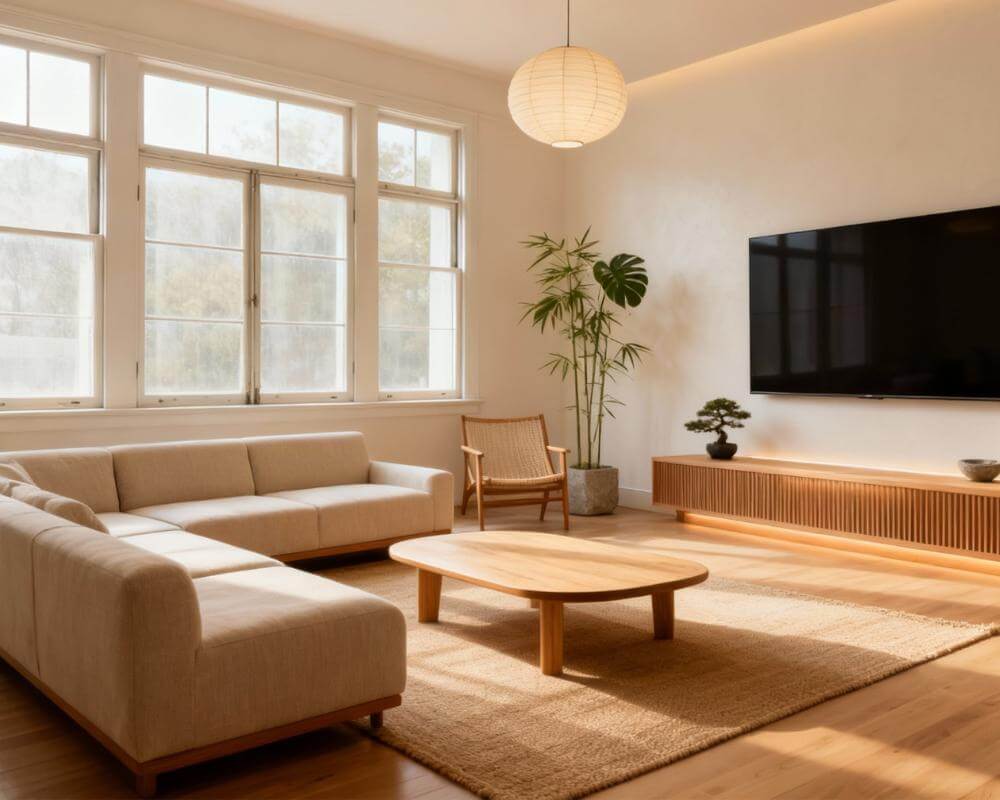
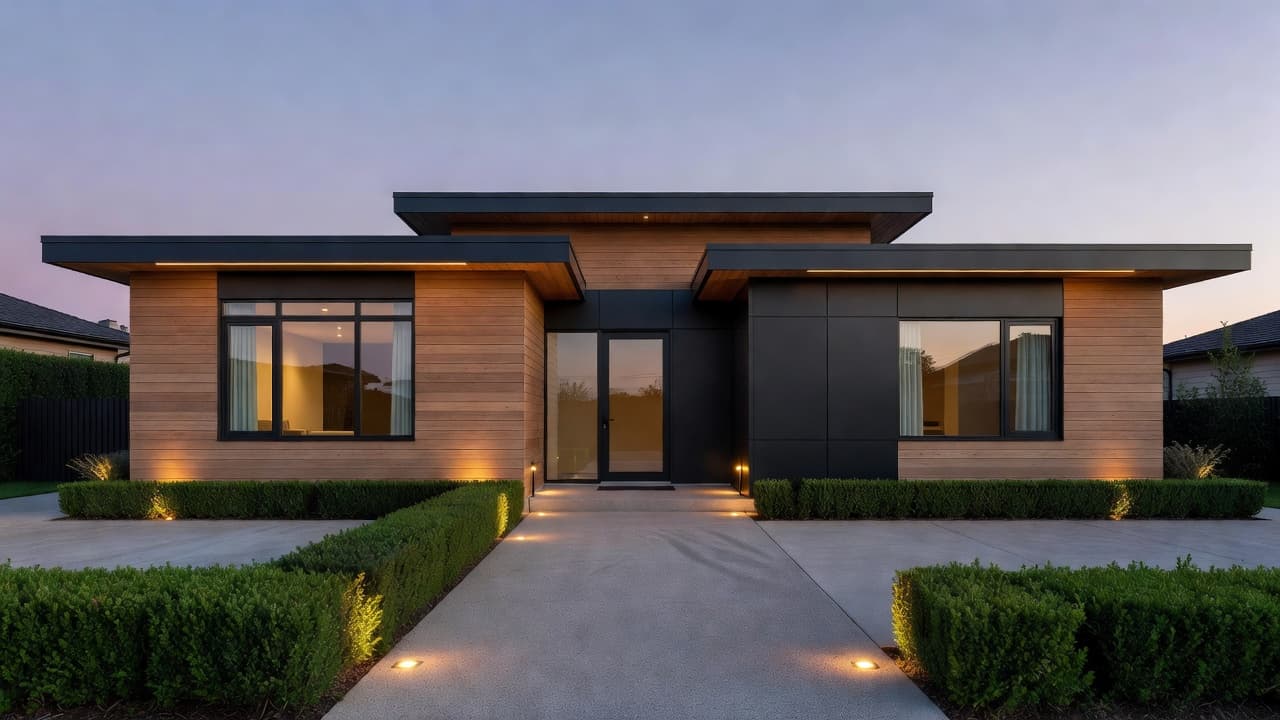
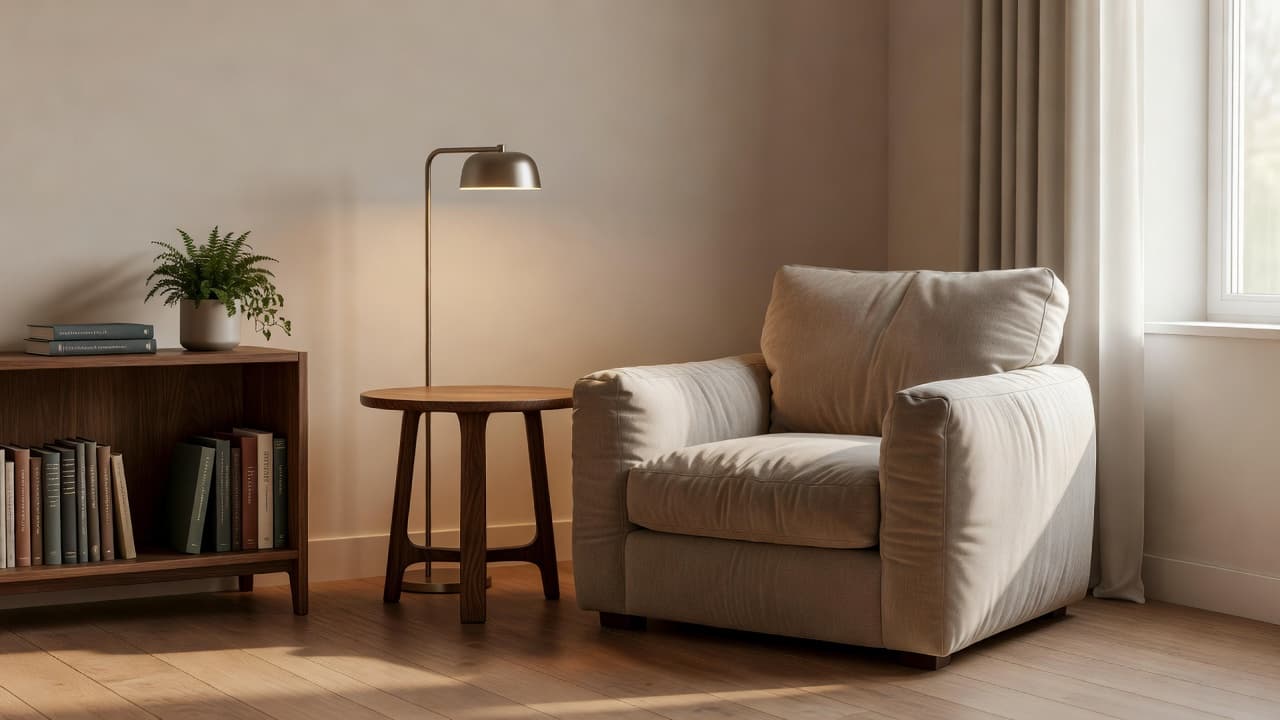
Every other DecorAI tool starts with a photo of a real room. Design Concepts is the one exception: you describe the space you're imagining, and DecorAI builds it from nothing but that description. DecorAI is an AI interior design app that lets users transform photos of existing rooms into realistic redesign concepts, and Design Concepts is its answer to the moment before that photo exists — an empty plot, an unfurnished rental you haven't moved into, a renovation that hasn't started, or simply an idea you want to see before you commit to it.
This guide covers what Design Concepts actually generates, how it's different from every photo-based tool in DecorAI, how to write a description that produces a usable result, and the specific situations — new-build planning, empty apartments, early client pitches — where starting from words instead of a photo is the more useful move.
Key Takeaways
- Design Concepts generates a new space from a written description — it's the only DecorAI tool that needs no input photo at all.
- The result is not your room. It's a new space built to match your description, useful for inspiration and early planning rather than a preview of your actual walls.
- It's built for the moment before a photo exists: new-build planning, an empty rental you haven't moved into yet, or mood-setting before a renovation begins.
- A short, concrete description beats a long one — name the room type, the style, the light and two or three materials, then stop.
- Try DecorAI to generate a room concept from your own description.
What Is Design Concepts (Text to Image)?
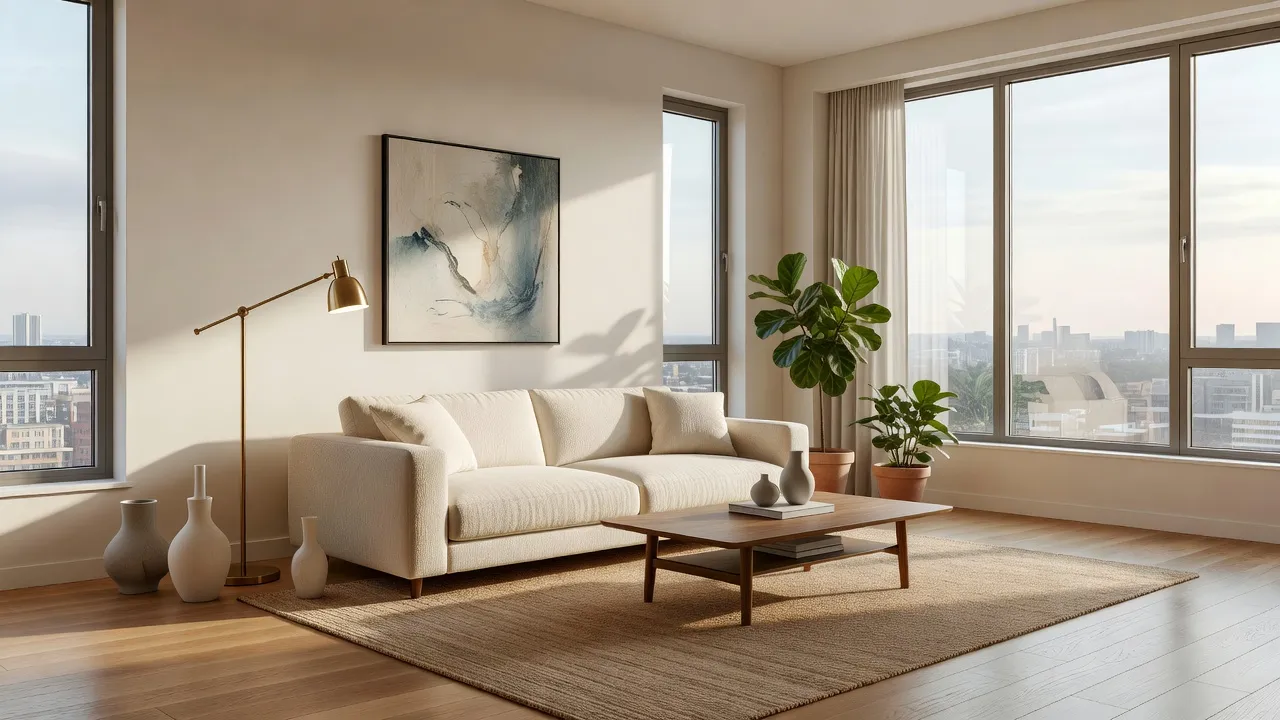
Design Concepts creates an original space from a written description rather than redesigning a photo you upload. You describe the room you're picturing — the type of space, the style, the light, a few materials — and DecorAI generates a concept image that matches it. Because there's no input photo, the result isn't a preview of your actual room; it's a new space built to match what you described, which makes it a tool for early inspiration and planning rather than a final answer.
That distinction is worth sitting with, because it's the opposite of how most people first encounter DecorAI. The AI Interior Designer and every other room tool in the app work from a photo of a real space and change what's in it while keeping the walls, windows and camera angle fixed. Design Concepts has no walls to keep — it builds them, along with everything inside them, purely from your words.
How Does Design Concepts Work, Step by Step?
The workflow is text in, image out — there's no photo step at all.
- Open Design Concepts from the DecorAI tools list on iOS, Android or the web app.
- Write your description. Name the room type and the style you're imagining, describe the light, and name two or three materials. Example prompts are shown in the app to help you get started.
- Generate. DecorAI builds a photorealistic concept image of the space you described, usually in seconds.
- Refine or move on. If the concept is close but not quite right, adjust your description and regenerate. Once you have an actual photo of the real space, switch to the AI Interior Designer to redesign it directly — Design Concepts has done its job by then.
Design Concepts vs the AI Interior Designer: What's the Real Difference?
Both tools produce a photorealistic room image, which is exactly why it's easy to reach for the wrong one. The difference comes down to a single question: do you have a photo of the actual space?
| Design Concepts | AI Interior Designer | |
|---|---|---|
| Starting point | A written description — no photo | A photo of your real room |
| What it preserves | Nothing — there's no room to preserve | Your walls, windows, ceiling height and camera angle |
| Is the result your room? | No — it's a new, imagined space | Yes — your real room, restyled |
| Best for | Planning before you have a photo | Deciding what to actually do to your space |
Neither tool is a lesser version of the other — they answer different questions. Design Concepts answers "what could a room like this look like?" The Interior Designer answers "what would this specific room look like redesigned?" The moment you have a real photo to work from, the Interior Designer is almost always the better tool, because its result is something you can actually act on: buy that sofa, paint that wall, hang those curtains.
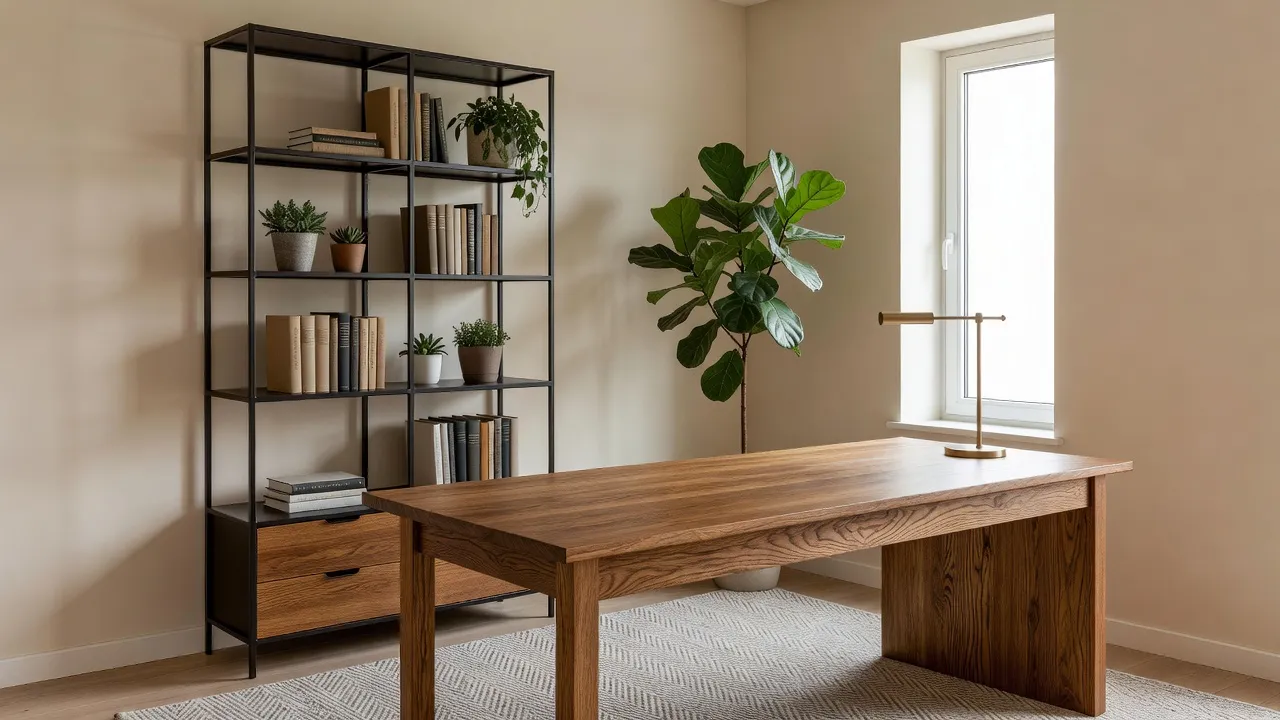
See a Room Before You Have a Photo of It
Describe the space you're imagining — the room type, the style, the light, a couple of materials — and DecorAI generates a photorealistic concept image in seconds. No photo required to start.


How Do You Write a Good Design Concepts Description?
A concept description works best when it's short and specific rather than long and atmospheric. Four things to include, in order:
- The room type. Living room, home office, primary bedroom, kitchen — be specific rather than just "room."
- The style. Name it if you know it — Scandinavian, Japandi, warm minimalist. If you don't have a name for it, describe the feeling instead: calm, bright, layered, cozy.
- The light. North-facing and soft, floor-to-ceiling glazing and bright, warm evening lamplight — light does more to set the mood of a concept image than almost anything else.
- Two or three materials. Oak, matte black steel, linen, brass, limewashed plaster — naming a small number of materials gives the AI something concrete to build around. More than that starts to dilute the result rather than sharpen it.
A description like "warm minimalist home office, oak desk, black steel shelving, one large plant, soft north light, no clutter" gives DecorAI everything it needs in one sentence. Compare that to something like "a nice cozy office that feels good to work in" — technically a description, but too vague to produce a consistent result. The same rules that make a good redesign instruction work for a concept description too; see our guide to writing effective AI interior design prompts for more examples that carry over directly.
If you're not sure how to describe the look you want at all, DecorAI's chat assistants can help you get there before you generate anything. Risa specializes in color, materials and mood, and a quick back-and-forth with her — "I want my home office to feel calm and grounded, what materials would you suggest?" — can hand you the two or three material words your Design Concepts description actually needs. See our guide to the DecorAI design assistants for what each one is best at.
Who Actually Uses Design Concepts?
A few situations where starting from a description, rather than a photo, is genuinely the more useful move:
- New-build buyers. If you've bought a home that hasn't been finished yet, there's no room to photograph — only floor plans and finish schedules. Describe the rooms as they're planned to see how the finishes you've chosen might actually come together.
- Renters before move-in day. Seen the listing photos of an empty apartment but haven't picked up the keys yet? Describe the layout you remember and the style you're planning, and get a sense of the space before your furniture arrives.
- Anyone planning a full renovation. Before you've gutted a room — or before you've even photographed it in its current state — a concept image can set the mood and direction you're aiming for, separate from what the room looks like today.
- Setting a mood before you commit. Sometimes the useful question isn't "what should I do with this room" but "do I actually like this direction at all" — a quick concept answers that before you've invested time photographing anything.
- Early client conversations. A concept image is a fast way to align on a direction with a client before a site visit or a real photo is even in hand.
In every one of these cases, the common thread is the same: there's no real photo yet, or the point isn't to preview a specific room at all — it's to see whether an idea is worth pursuing before there's anything to redesign.
What Are the Limits of Design Concepts?
The tool is honest about what it isn't. A few things worth knowing before you rely on a result:
- It is not a preview of your room. Because there's no input photo, nothing about the result is tied to your actual walls, windows, proportions or layout — it's a new space that happens to match your description.
- Proportions and layout are the AI's interpretation, not a measurement. A concept image is not a substitute for a floor plan or a professional measurement if you're actually planning a build-out.
- It won't tell you if something will physically fit. That's a job for DecorAI's chat assistant Milo, who specializes in furniture sizing and traffic flow — useful once you have real dimensions to work with.
- It's a starting point, not an end point. The moment you have a real photo of the actual space — even a rough one taken on move-in day — switch to the AI Interior Designer. Redesigning your real room will always get you a more useful, more actionable result than refining an imagined one.
Design Concepts vs Style Transfer vs Moodboards: Which One Do You Need?
DecorAI has three tools that start from something other than a straightforward photo redesign, and it's easy to reach for the wrong one. Here's the quick version: Style Transfer takes one reference photo and applies its palette and materials to a photo of your real room. A Moodboard does something similar but from a whole board of saved images, measuring a merged palette across up to ten pins rather than following just one. Design Concepts is the odd one out — it's the only one of the three that needs no photo of anything at all, real room or reference image. It starts purely from words.
Put another way: if you have a photo of a look you want copied, use Style Transfer. If you've been collecting inspiration for a while and want DecorAI to distill a taste from all of it, build a Moodboard. If you have neither — just an idea in your head and no photo of anything — that's exactly what Design Concepts is for.
Design Concepts FAQ
What is DecorAI's Design Concepts tool?
Design Concepts is a DecorAI tool that generates a photorealistic room image from a written description, with no input photo required. It's built for planning a space that doesn't have a photo yet — a new-build, an empty rental, or an idea you want to see before committing to it.
Is a Design Concepts image a preview of my actual room?
No. Because there's no input photo, the result is a new, imagined space built to match your description — not your real walls, windows or proportions. Once you have an actual photo of the room, the AI Interior Designer will give you a result tied to your real space.
How is Design Concepts different from Style Transfer?
Style Transfer needs two images — a photo of your real room and a reference image — and applies the reference's look to your actual space. Design Concepts needs neither; it builds an entirely new space from a text description alone.
What should I include in a Design Concepts description?
Name the room type, the style or feeling you're going for, the light, and two or three key materials. A short, concrete description — "warm minimalist home office, oak desk, black steel shelving, soft north light" — produces a clearer result than a long, vague one.
Does Design Concepts cost extra?
Design Concepts is available on DecorAI's Free and Pro plans, the same as most of the app's other design tools.
Conclusion
Every other tool in DecorAI answers "what should I do with this room?" Design Concepts answers a different, earlier question: "what could a room like this even look like?" That makes it the right starting point for a new-build you haven't moved into, a renovation you haven't started, or simply an idea you want to see before you decide whether it's worth pursuing — and the wrong tool the moment you actually have a photo in hand, at which point the AI Interior Designer takes over. Try Design Concepts with your own description on DecorAI free, browse the full styles gallery for inspiration, or visit the DecorAI feature directory to see how it fits alongside the rest of the toolkit.
Visualize Your Dream Home Instantly
Don't just read about it. Experience the power of AI interior design with DecorAI's free tool.
Start Designing for FreeWritten by
DecorAI Team
Editorial Team