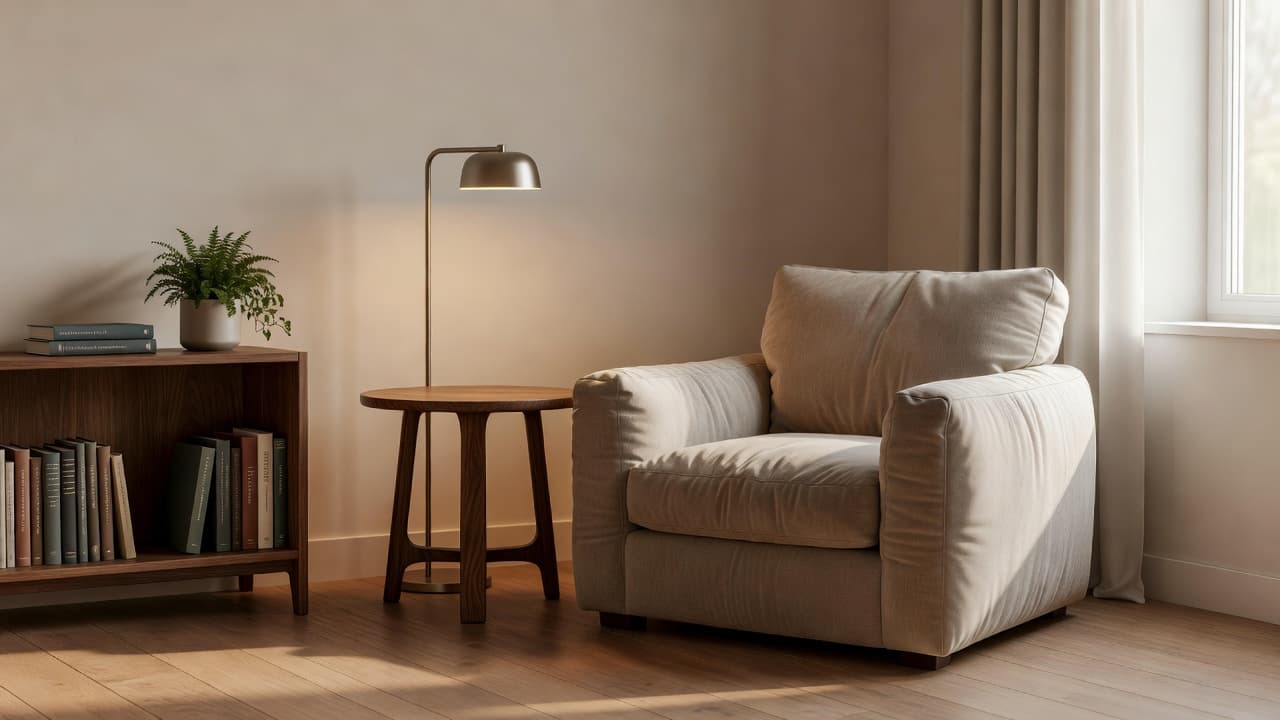
AI Style Transfer: Turn Any Reference Photo Into Your Room's New Look
How DecorAI's Style Transfer works: turn any reference photo — a fabric swatch, a Pinterest pin, a hotel room, a friend's home — into a redesign of your own room, and how it differs from a Moodboard redesign.
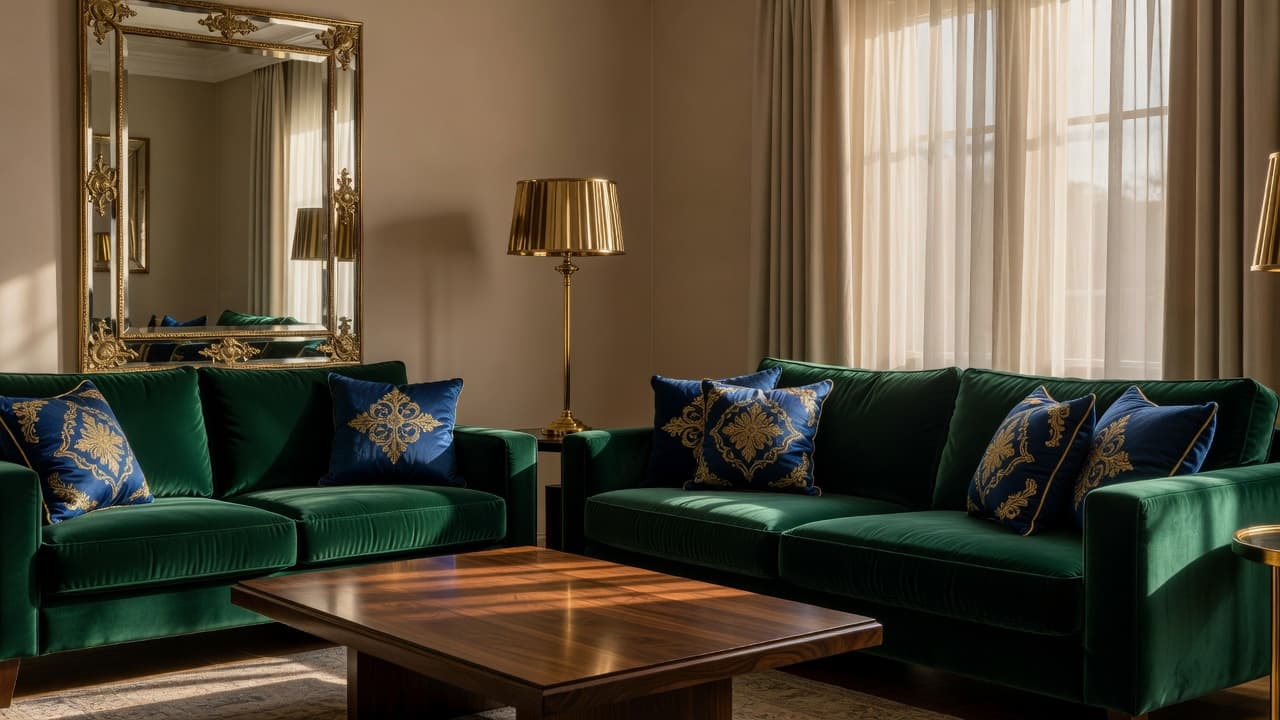

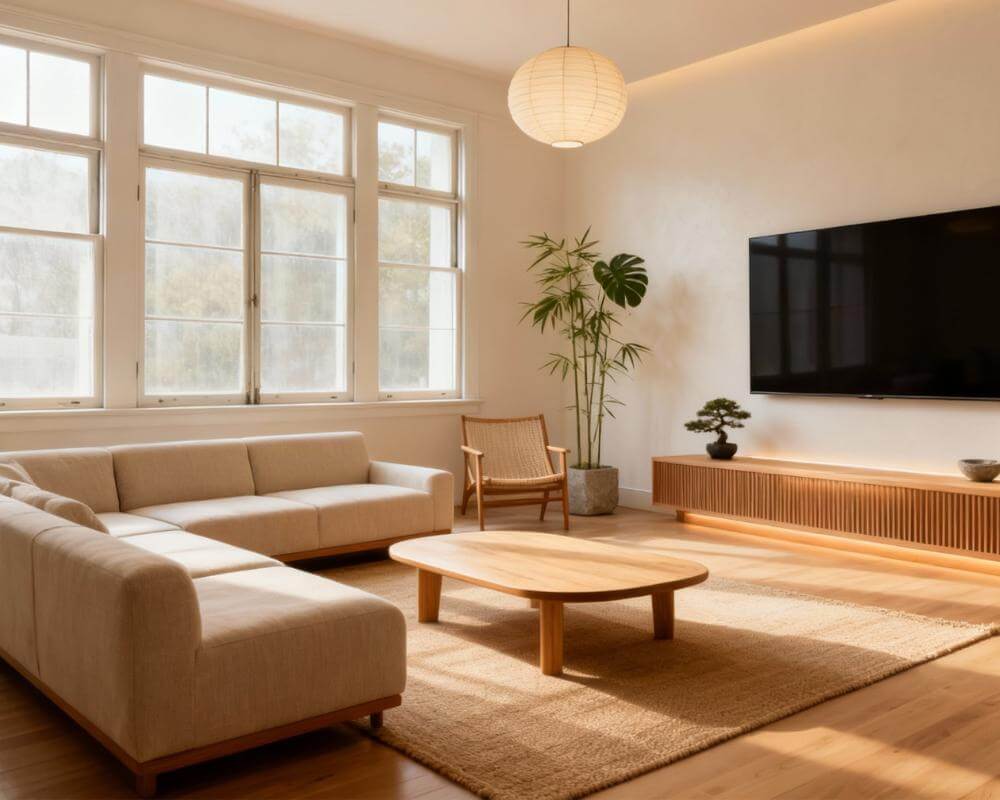
You already know what look you want — the question is whether it will actually work on your own walls. AI Style Transfer takes a single reference photo — a fabric swatch, a Pinterest pin, a hotel room you loved, a friend's living room — and applies its palette, materials, and visual language to a photo of your real space. DecorAI is an AI interior design app that lets users transform photos of existing rooms into realistic redesign concepts. Style Transfer is the tool built specifically for "I want it to look like that": instead of picking a style name from a list, you show DecorAI the exact look and it redesigns your room to match.
Most of DecorAI's design tools start from a label — Scandinavian, Japandi, Mid-Century Modern — and build a room around that name. Style Transfer works the other way around. This guide covers how it works step by step, where a usable reference image actually comes from, what separates a good reference photo from a poor one, how it's different from redesigning a room with a saved Moodboard, and where it earns its keep for renters, buyers, and anyone chasing a look they can't quite put a name to.
Key Takeaways
- Style Transfer applies one reference image's palette, materials, and visual language to a photo of your real room — no style name required.
- The reference can be anything: a built-in DecorAI reference, your own upload, or an image imported directly from Pinterest or Instagram.
- It's different from a Moodboard redesign: Style Transfer follows one image's colors; a Moodboard measures a merged palette from up to ten saved images and can be reused and named.
- Your room's real shape stays put — Style Transfer changes materials, color, and furniture style, not your walls, windows, or camera angle.
- Importing a reference beats screenshotting it — a screenshot loses resolution and adds interface clutter that a direct import avoids.
- Try DecorAI free to see your room redesigned from any reference photo.

What Does AI Style Transfer Actually Do?
Style Transfer takes one reference image and regenerates your room in that image's look — not a style category that loosely resembles it, but the specific palette, the specific materials, and the specific visual language of that one photo, mapped onto your walls, floor, and furniture. Upload a photo of a jewel-toned velvet sofa and a brass floor lamp, and DecorAI reads the color, the fabric texture, and the metal finish from that image and works them into a redesign of your actual living room.
That's a meaningfully different starting point from most of DecorAI's other tools, which begin with a style name from a list — see our guide to writing effective AI interior design prompts for how the text-based route works. Style Transfer skips the naming step entirely. If you can't decide whether what you're picturing is "Scandinavian" or "Japandi" or something in between, you don't have to decide — you just need one photo that looks like it.
How Does Style Transfer Work, Step by Step?
The workflow is a two-image process: one photo of your room, one reference image of the look you want.
- Upload a photo of your room. The same photo you'd use for any DecorAI redesign — see our guide to photographing your room for AI design for how to get a usable shot.
- Choose or upload a reference image. Pick one of DecorAI's built-in references, or upload your own — a fabric swatch, a paint chip, a magazine tear, a photo from a hotel, a store, or a friend's home.
- Add optional instructions. A short note narrows the result without replacing the reference: "keep the existing floor" or "apply this to the walls and textiles only, not the furniture shapes."
- Generate. DecorAI redesigns your room in the reference image's look in seconds, keeping your real walls, windows, ceiling height, and camera angle intact — only the materials, color, and furniture style change.
That last point matters more than it sounds like it should. A style transfer that invents a new room instead of restyling your actual one isn't useful for deciding whether a look works in your space — it's just a second inspiration photo. DecorAI's redesign keeps the geometry of your real room fixed, so what you're judging is genuinely "would this look work here," not "do I like this different room."
Where Do Reference Images Actually Come From?
A reference image doesn't have to be a professional interior photo. Three sources cover most of what people actually use:
- DecorAI's built-in references — a curated starting point if you don't have your own photo yet but know roughly the direction you want.
- Your own upload — a fabric swatch, a paint chip, an artwork, a showroom photo, a photo you took in a hotel lobby or a friend's kitchen. Anything with a clear color and material story works.
- A direct Pinterest or Instagram import — instead of screenshotting a pin or a post, DecorAI can import the image itself through the system share sheet. See our guide to bringing Pinterest and Instagram inspiration into DecorAI for the full workflow.
The import route is worth using over a screenshot whenever you can. A screenshot compresses the image, adds interface chrome around the edges, and can shift the colors slightly — all of which makes the transfer less accurate. An imported original keeps the resolution and the true color, which is exactly what the AI is reading to build the result.
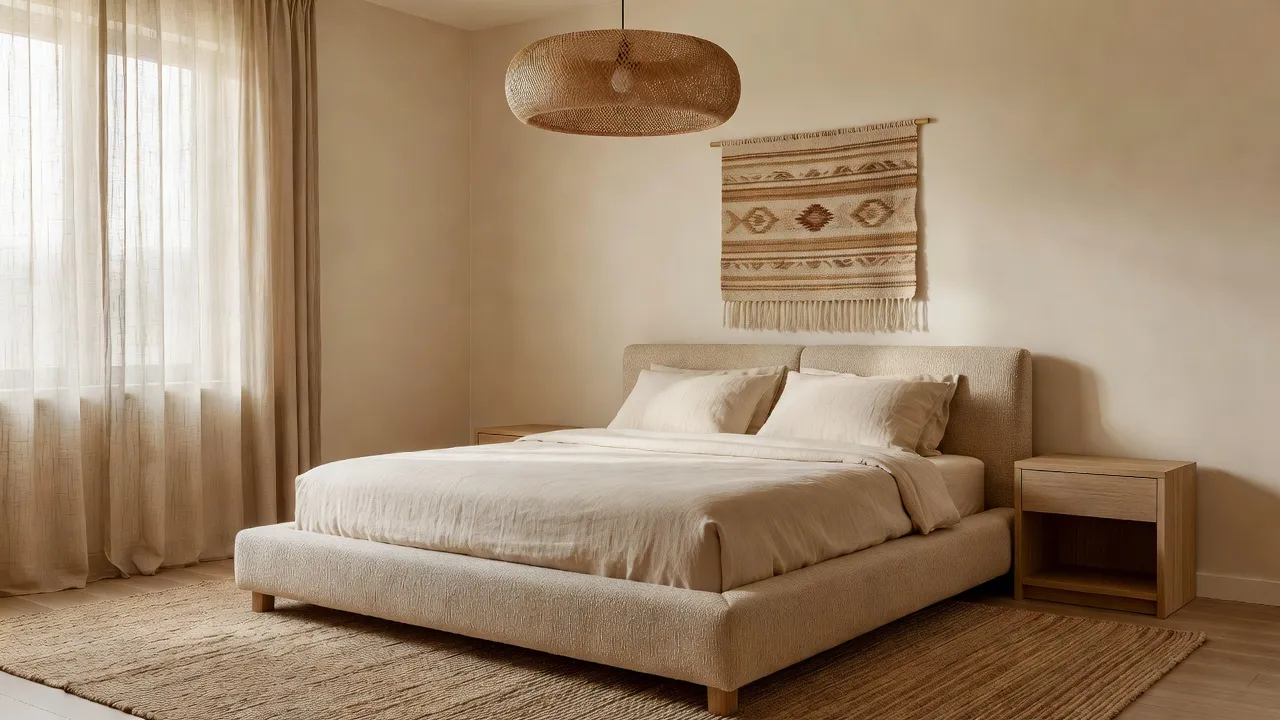
Turn Your Reference Photo Into Your Room — Free
Upload a photo of your room and any reference image — a fabric swatch, a Pinterest pin, a photo you loved somewhere else — and watch DecorAI apply that exact look to your real walls, windows, and layout in seconds.


How Is Style Transfer Different From a Moodboard Redesign?
DecorAI has two ways to redesign a room from inspiration, and they solve different problems. Style Transfer takes one image and follows its colors directly. A Moodboard holds up to ten images at once, and DecorAI measures a merged color palette from the actual pixels of everything saved on the board before redesigning your room in that broader look.
Use Style Transfer when you have one specific photo you want copied closely — a single fabric swatch, one showroom shot, one hotel room. Use a Moodboard when you've been collecting inspiration for a while and the "style" you want is really an average of a dozen pins rather than any single one of them. A Moodboard also has a practical advantage Style Transfer doesn't: it's saved. A board's measured palette sticks around, gets a name once you redesign from it, and can be reused across other rooms — a bedroom and a living room can share the same named board instead of you hunting down the same reference image twice.
Neither replaces the other. A quick way to think about it: Style Transfer is for copying a photo, a Moodboard is for distilling a taste.
What Makes a Good Style Transfer Reference Image?
The result is only as clear as the reference. A few things make a real difference:
- Use the highest resolution version you can find. A thumbnail-sized image loses the fine detail — grain, weave, sheen — that the transfer is meant to be copying.
- Import instead of screenshotting whenever the source is Pinterest or Instagram — it keeps the original color and resolution intact.
- Pick an image where the color and material actually show. A photo taken in dim, warm indoor lighting will read differently than one shot in daylight — if color accuracy matters to you, favor daylight shots.
- One clear idea beats a busy photo. A single fabric, a single wall finish, or one well-lit room reads more cleanly than a cluttered scene with five competing focal points.
- Real photography over an illustration or render. A photograph of an actual material reads more accurately than a stylized rendering or painting of one.
What Can You Actually Use Style Transfer For?
A few situations where a single reference photo does more work than choosing from a style list:
- You loved a hotel room or an Airbnb. Photograph it (or find a photo from the listing) and see whether the same look works in your own bedroom before you buy anything resembling it.
- You're matching a single swatch or paint chip. Instead of guessing how a fabric or paint color will read across a whole room, upload the swatch itself and let the transfer apply it at full scale.
- You're renting and can't commit to a full renovation. Preview a landlord-unfriendly look — a bold wallpaper, a dramatic paint color — on your actual room before spending anything on it. Our AI color palette room design guide has more on choosing a scheme that will actually work.
- You want to copy a specific room, not a general style. A friend's living room, a showroom display, an image saved months ago from a design account — Style Transfer works from the one photo instead of asking you to describe it in words.
- You're refining after the fact. If a transferred result gets most of the way there and one item is wrong, DecorAI's Inpainting editor can fix just that one area without regenerating the whole room.
What Mistakes Should You Avoid With Style Transfer?
- Screenshotting a pin instead of importing it. The resolution loss and interface clutter make the transfer noticeably less accurate than a direct import.
- Using a heavily filtered or edited reference photo. A reference run through a warm Instagram filter will transfer that filter's color cast, not the room's true palette.
- Expecting the reference to change your room's real shape. Style Transfer changes materials, color, and furniture style — it keeps your actual walls, windows, and layout, so a reference photo of a completely different room shape won't restructure your space.
- Picking a low-resolution or tiny image. The detail the AI is copying has to be visible in the source; a blurry or heavily cropped thumbnail gives it very little to work with.
- Treating one reference as final. Try more than one image before committing — two photos that look similar to the eye can transfer very differently once applied to your specific room.
AI Style Transfer FAQ
What is AI Style Transfer?
AI Style Transfer is a DecorAI tool that applies the palette, materials, and visual language of a reference image to a photo of your real room, so you can see a specific look applied to your actual space rather than a generic example of a style.
Can I upload my own reference photo?
Yes. You can use one of DecorAI's built-in references or upload any image of your own — a fabric swatch, a paint chip, an artwork, or a photo of a room you liked.
Is Style Transfer the same as picking a style preset?
No. A style preset applies a named look, like Scandinavian or Industrial. Style Transfer applies one specific image's colors and materials directly, without needing a style name at all.
Does Style Transfer work with Pinterest and Instagram photos?
Yes. DecorAI can import an image directly from a Pinterest pin or an Instagram post through the share sheet, which keeps the original resolution and color rather than the quality loss of a screenshot.
What's the difference between Style Transfer and a Moodboard redesign?
Style Transfer follows one reference image's colors. A Moodboard redesign measures a merged palette from up to ten saved images and can be reused and named for future rooms. Style Transfer is for copying one photo closely; a Moodboard is for distilling a taste from many.
Conclusion
AI Style Transfer solves a specific problem: you have a photo of the exact look you want, and no easy way to know if it'll work in your own room until you've already bought something. Instead of translating a photo into a style name and hoping the label captures what you actually liked about it, upload the photo itself and let DecorAI apply it directly to your real space. Try it with a reference photo on DecorAI free, browse the full styles gallery for ideas if you don't have one yet, or visit the DecorAI feature directory to see how Style Transfer fits alongside the rest of the toolkit.
Visualize Your Dream Home Instantly
Don't just read about it. Experience the power of AI interior design with DecorAI's free tool.
Start Designing for FreeWritten by
DecorAI Team
Editorial Team