AI Mood Board Creator: From Room Photo to Visual Design Direction
Use an AI mood board creator to turn a single room photo into a full design direction. Test palettes, styles, and materials before you commit to any purchase.
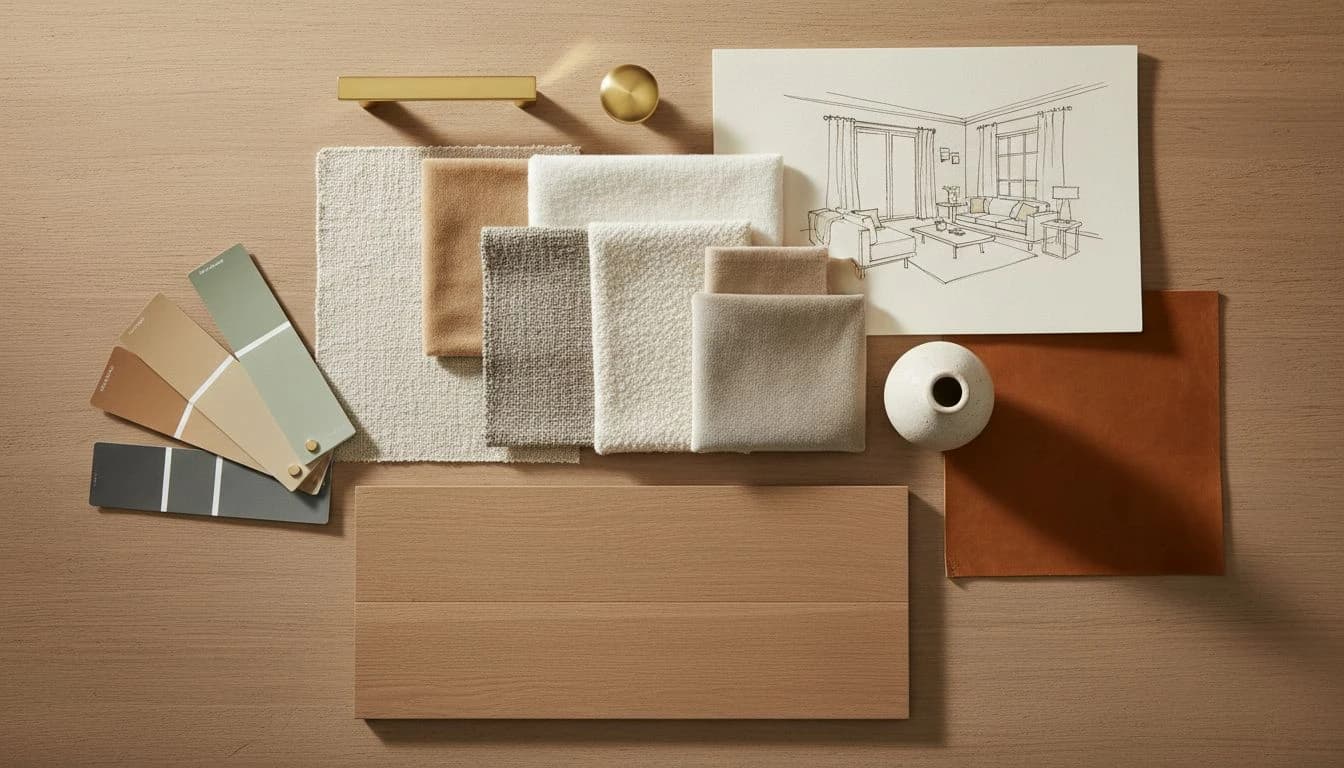
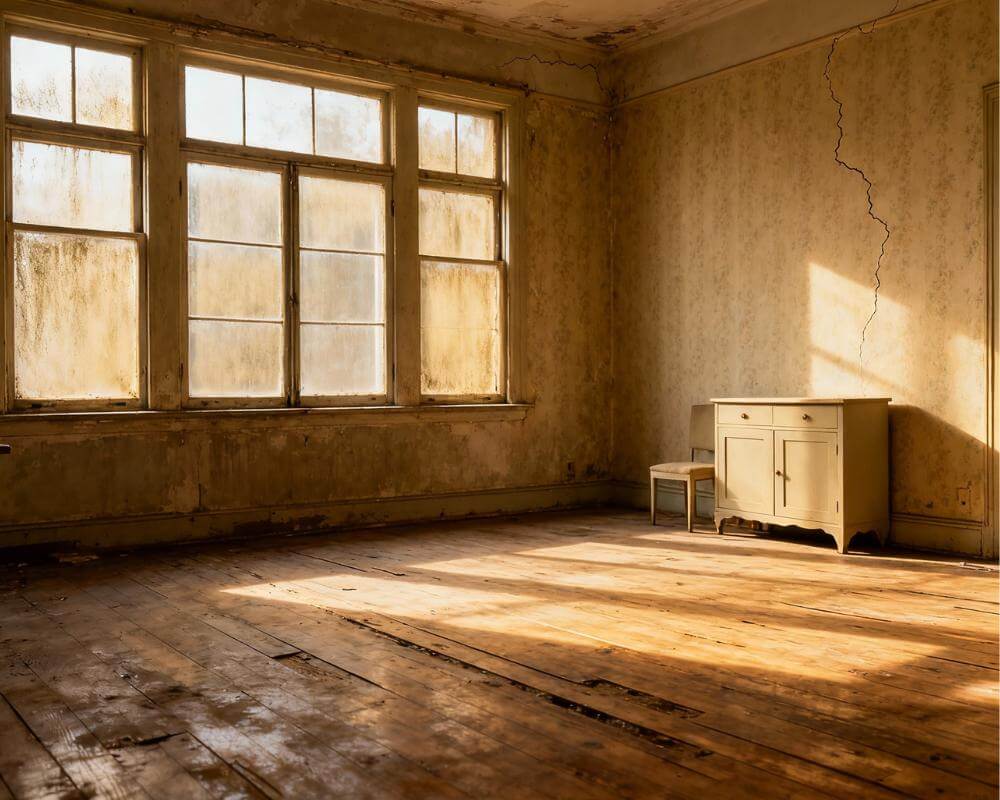
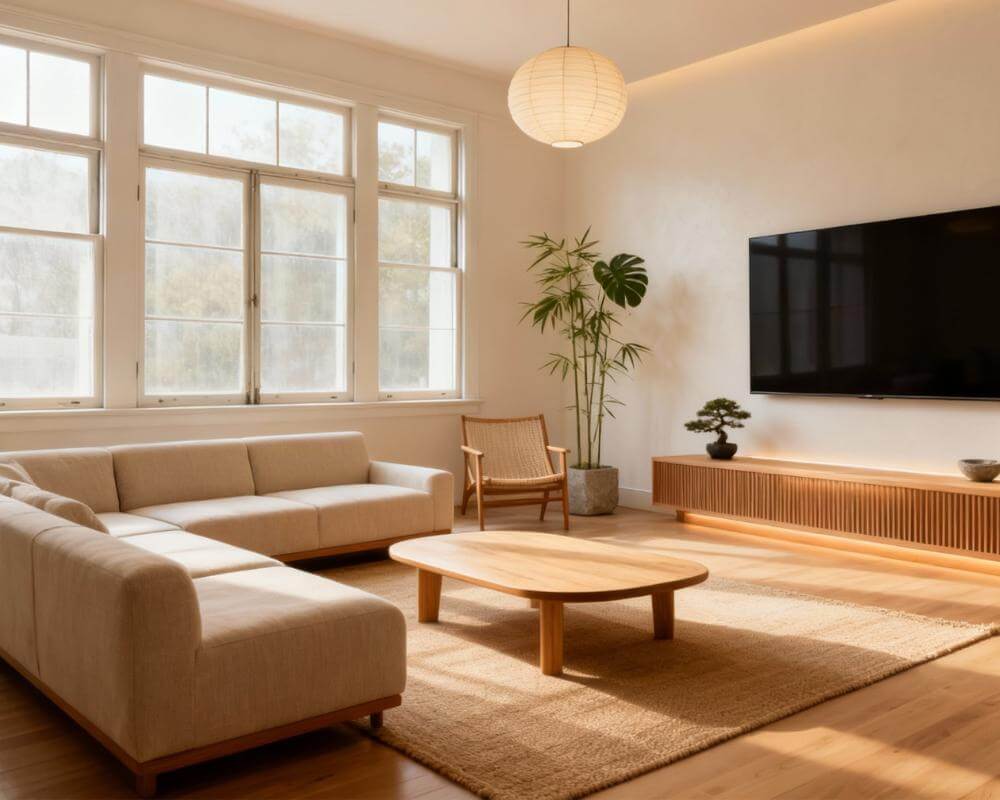
Mood boards are the oldest trick in interior design. Fabric swatches, paint chips, a stray magazine clipping, a Polaroid of your grandmother's dining room — designers still use them because the format works. It forces a decision about direction before any money changes hands. An AI mood board creator pushes that same idea forward by turning a single room photo into a full, photo-realistic design direction in minutes, without scissors, glue, or a corkboard.
This guide explains how DecorAI - AI Interior Design works as a mood-board-first tool, when that approach beats traditional mood boards, and how to use it across an entire home. The short version: mood boards have always been about deciding, not decorating. AI makes the deciding part much faster.
Why Mood Boards Still Matter in the AI Era
Interior design decisions get made in two modes: conviction and compromise. Conviction comes from a clear visual direction everyone agrees on. Compromise comes from a room where no one agreed, so every purchase became a negotiation. Mood boards produce conviction because they force the visual conversation before the shopping conversation.
Traditional mood boards have one weakness: they are abstract. Swatches feel different next to each other on a cork board than they do on actual walls, next to actual furniture, in actual light. That abstraction is exactly the gap an AI mood board generator closes. It shows you the mood board already applied to your room, so the decision is about a real space instead of an imaginary one.
How AI Turns a Single Photo Into a Full Visual Direction
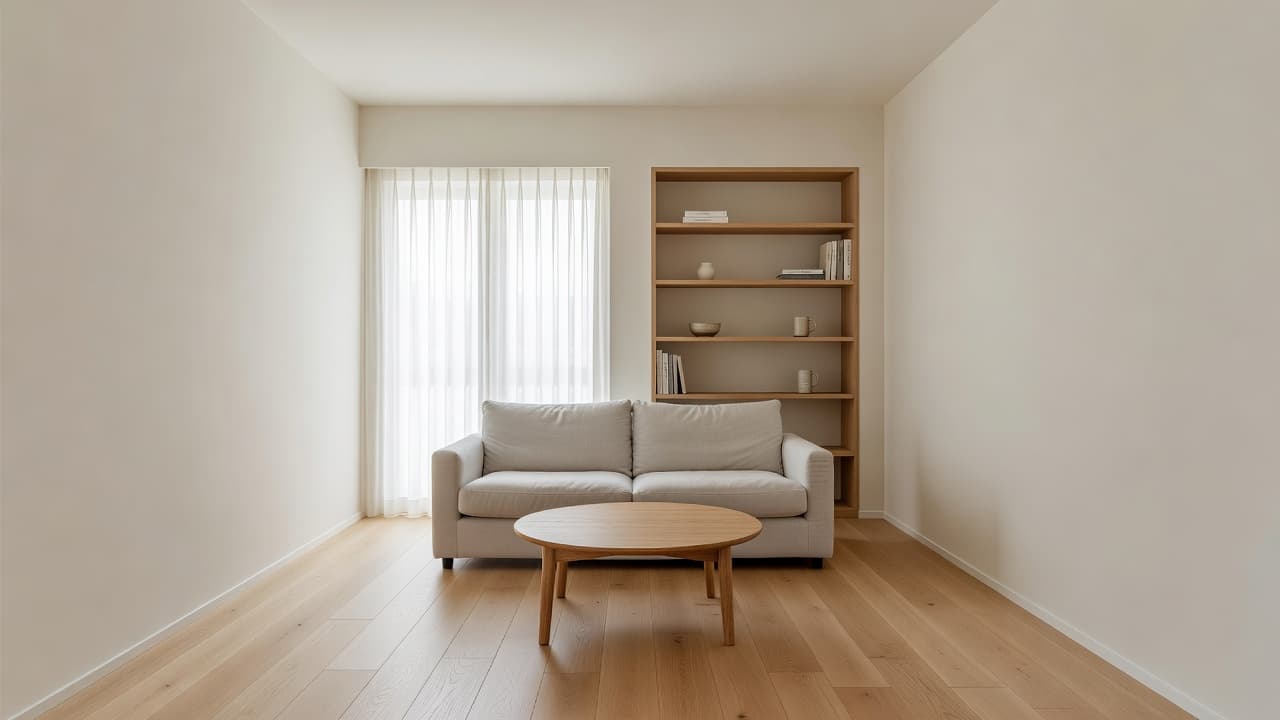
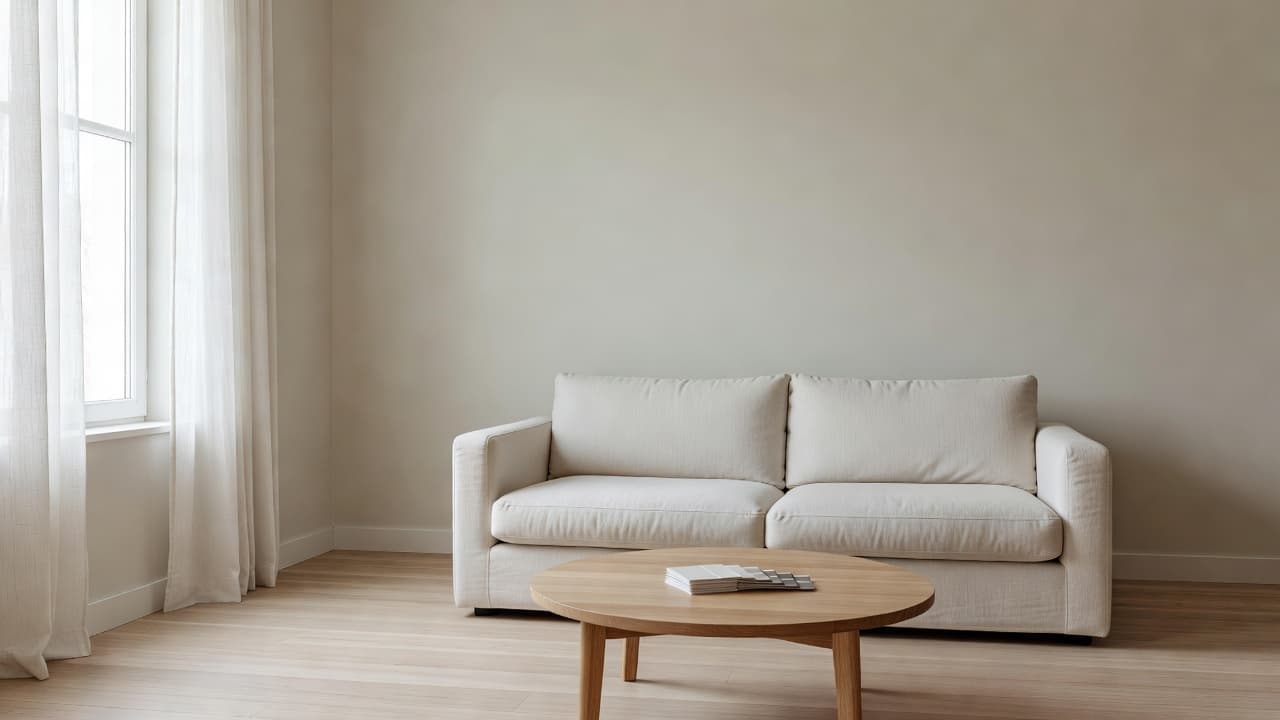
The workflow is disarmingly short. You upload a photograph of the room. The AI reads walls, floor, windows, light direction, and existing furniture. You pick a stylistic starting point — Scandinavian, Japandi, Modern Farmhouse, Mid-Century, Bohemian, or a custom prompt. The AI renders the room with a coordinated palette, furniture language, textile choices, and finish story applied all at once.
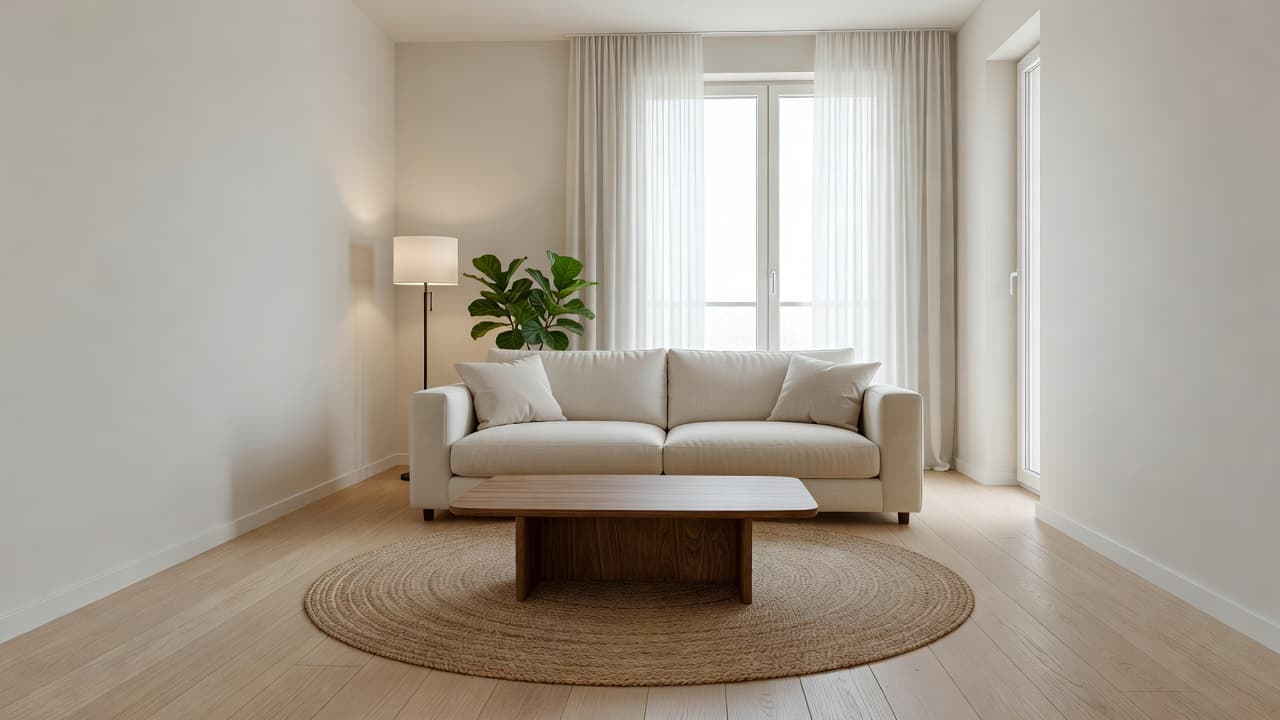
That single output is a mood board in practical form. It tells you the dominant wall tone, the material story, the lighting atmosphere, and the textile direction. From there you can iterate — warmer, cooler, lighter, moodier — and each iteration is still a full, coordinated direction rather than a loose set of swatches.
The underlying technology is the same computer vision and generative modeling that powers modern AI interior design, tuned for interior spaces rather than generic images.
Building a Mood Board That Actually Leads to Purchases
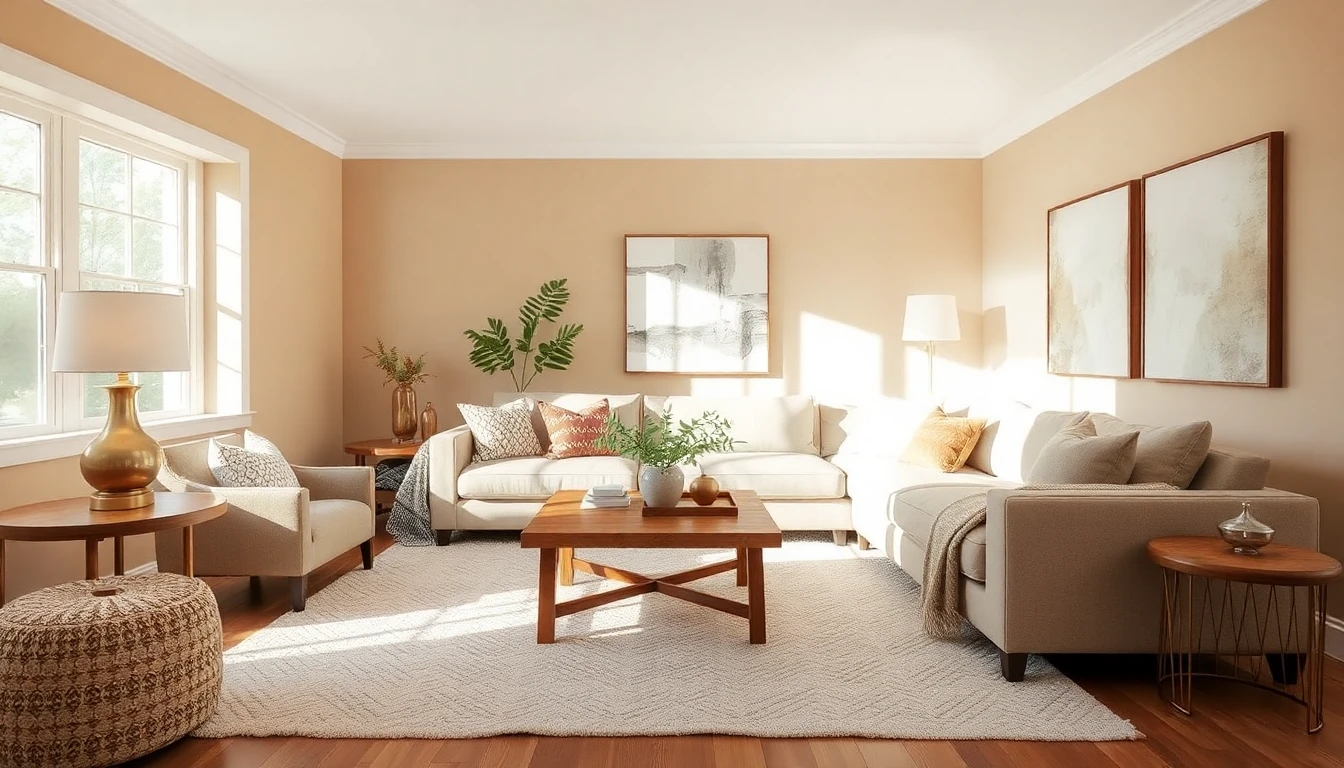
A mood board only earns its keep if it drives specific buying decisions. That is where traditional mood boards often break down — too abstract to translate cleanly into a shopping list. AI mood boards fix this because the output is photorealistic. You can screenshot the image, circle the sofa silhouette, note the wall color, and forward the screenshot to a partner, contractor, or interior designer as a brief that everyone interprets the same way.
The right sequence for purchase-driven boards. First, generate three to five mood directions with different personalities. Second, pick the one that matches the life you want in the room, not the one that photographs best. Third, annotate the chosen board with the specific product categories you intend to source — sofa style, rug size, art direction, lighting fixture type. Fourth, hand that annotated brief to a designer, a contractor, or to your own shopping session.
Bedroom Direction: Mood Boards Under Pressure
Bedrooms are the best test of an AI mood board creator because bedrooms are where people most often overbuy. You accumulate pillows, small side tables, scented candles, and a new rug every few years without a central direction. A bedroom mood board clarifies the one feeling the room is meant to produce — and every future purchase checks against that feeling.
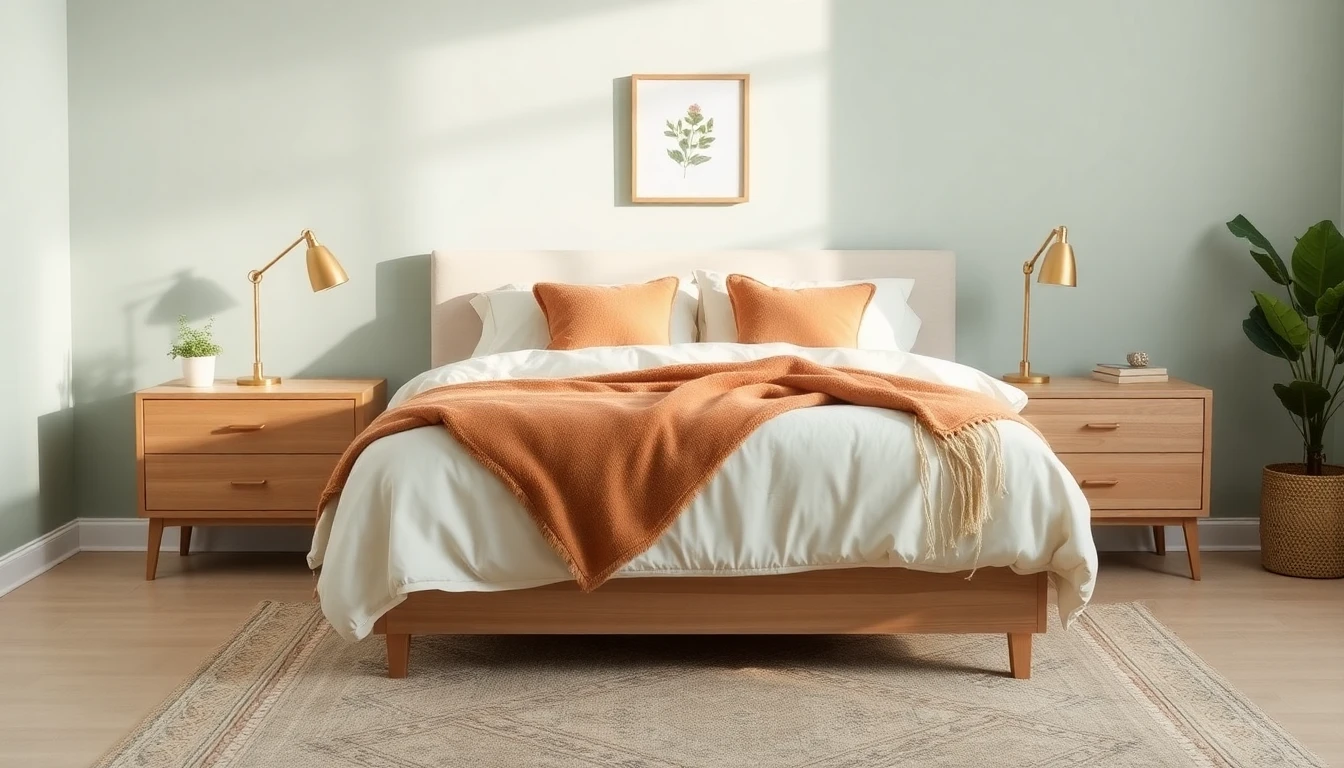
Sage greens, warm oak, and soft cream linens continue to dominate 2026 bedroom mood boards because the combination is genuinely restful. An AI mood board lets you verify that particular direction works with your actual light before you paint or buy.
Japandi Direction: Maximum Restraint, Maximum Intent
Japandi is the style most rewarding of mood boards because it runs on restraint. Every element has to earn its spot. A single wrong object ruins the stillness. That makes Japandi almost impossible to get right on a shopping-as-you-go basis and almost easy to get right with a single strong AI mood board guiding every purchase.
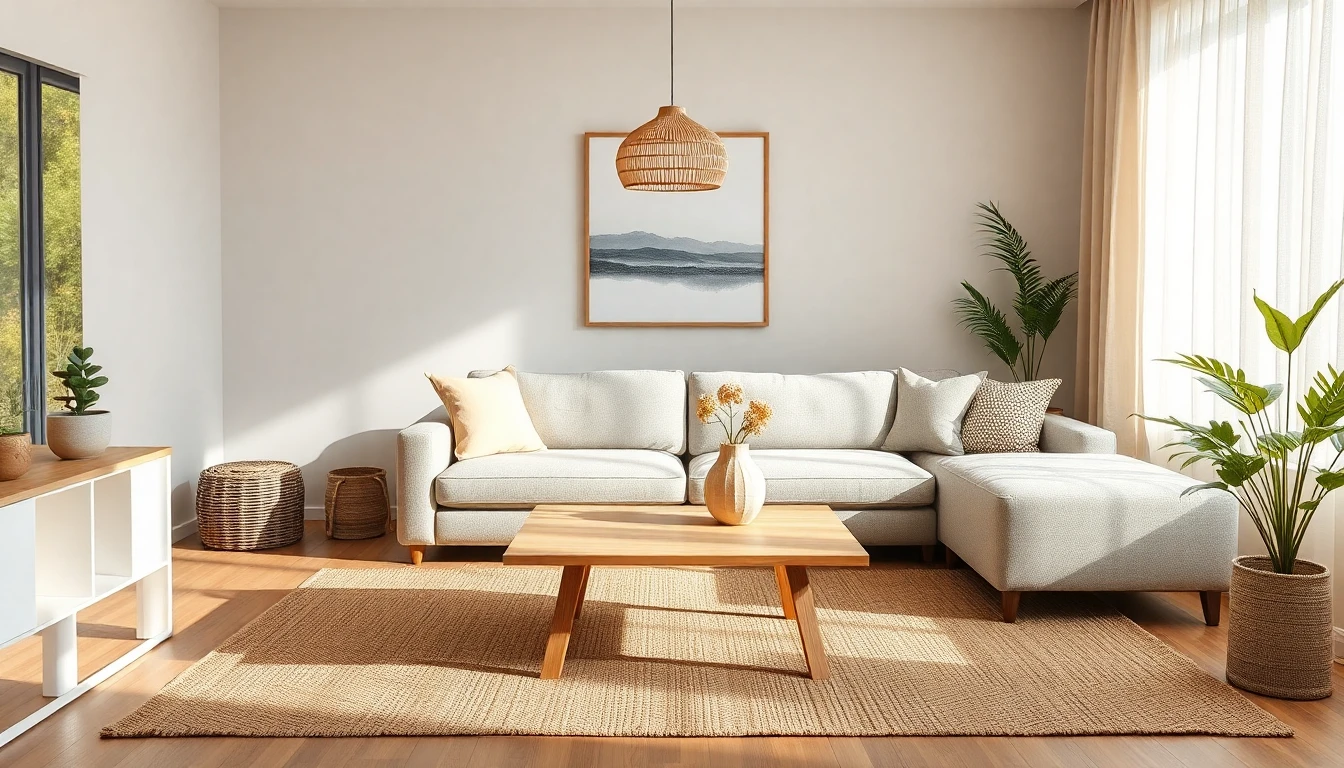
Mood-Board Workflows for Whole-Home Design
Most homes lose cohesion because every room is mood-boarded in isolation. One room is Japandi, the next is coastal, the third is industrial. Each room is defensible — together, the home feels like a sampler rather than a place. An AI mood board creator helps you plan a whole-home visual strategy, not a room-by-room pile.
The winning approach: pick a base mood for the home (usually a neutral palette with a single material story), then vary room energy through accent color, lighting, and a single bold element per room. The living room might lean warm and grounded. The bedroom quieter. The dining room slightly more formal. Each room stays within the base palette, which is what creates the feeling of a home that was designed rather than decorated.
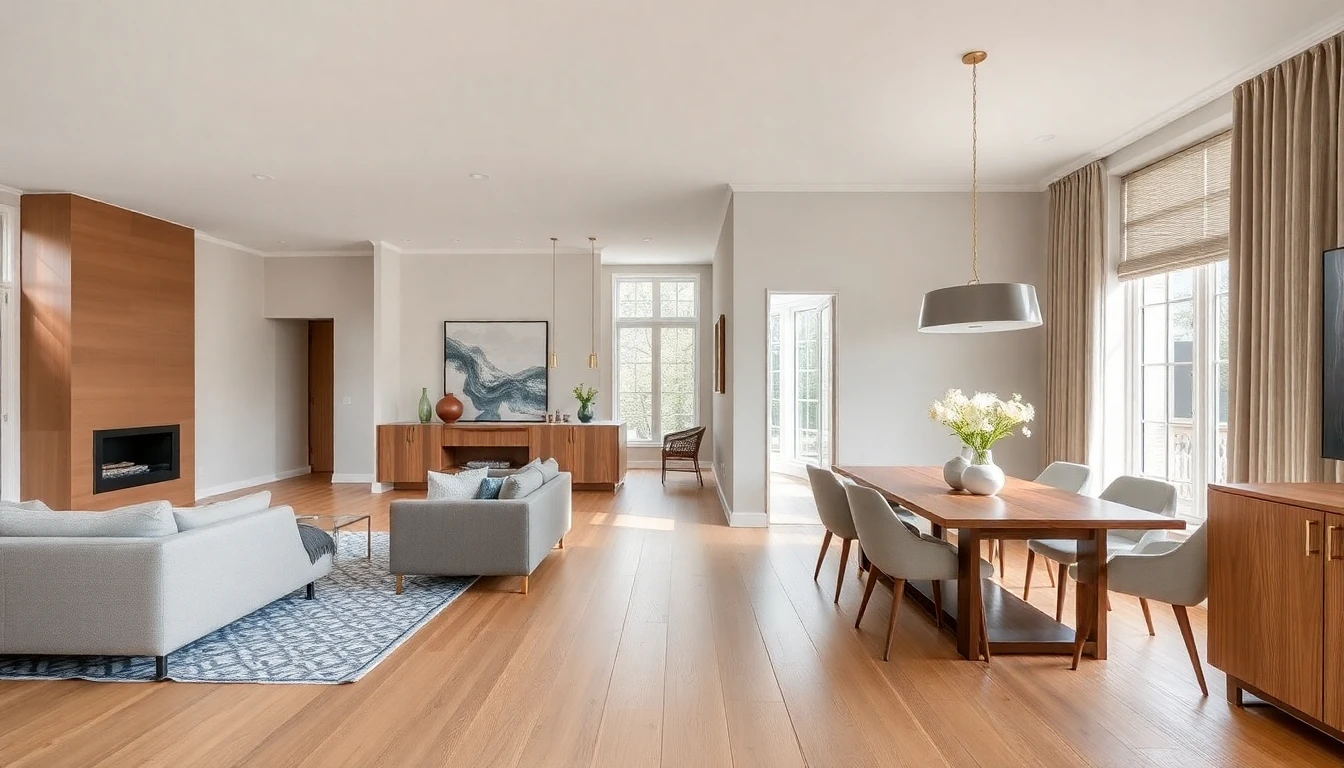
Our AI color palette generator guide pairs particularly well with whole-home mood boarding. It helps translate the "feel" of a mood board into the specific wall-color decisions that carry the palette through every room.
Sharing AI Mood Boards with Contractors, Partners, and Family
The quietly useful thing about AI mood boards is that they eliminate translation errors. When you tell a partner "I want the living room to feel warm and a little modern," that sentence means six different things to six different people. When you hand over a photorealistic AI-generated image and say "I want this, but with our current sofa," no one is confused. Contractors, interior designers, and family members can all react to the same specific visual.
That is also why AI mood boards are better briefs for professionals. A designer can critique the direction, suggest improvements, and price things accordingly because the visual is specific enough to work from. Publications like Architectural Digest and Elle Decor regularly note that the clarity of a designer's brief is one of the strongest predictors of a happy outcome.
DecorAI as a Mood-Board-First Design App
DecorAI is unusual among interior design apps because the workflow is mood-board native. You do not start with a shopping feed. You start with a photograph of your space. You end with a saved visual direction that can brief every purchase that follows. The in-between is as many iterations as you need.
That workflow maps cleanly onto how experienced interior designers work. Photo → direction → refinement → execution. The only change is speed. A designer typically needs a week and a paid consultation to reach a first visual brief. DecorAI produces a photorealistic first board in a minute and lets you iterate across a whole evening of refinement. For related room-specific inspiration once the direction is locked, our AI design ideas article is the logical next read.
FAQ: AI Mood Board Creators
Is an AI mood board the same as an AI-generated room render?
Not exactly. A render shows you one room in one direction. A mood board is a chosen visual direction intended to guide the entire shopping and styling process that follows. In practice, the best AI-generated room render IS your mood board, because it is the single image you refer back to for every future decision.
Do I still need swatches and material samples?
Yes, for final confirmations. An AI mood board handles direction. Physical swatches confirm the specific paint, fabric, and finishes at full scale, in real light. The right sequence is: AI mood board first, physical swatches second, purchase third.
Can I use an AI mood board to brief a real designer?
It is one of the best uses. Designers appreciate briefs that are specific enough to critique. A photorealistic AI mood board is immediately more useful than a written "I like warm modern" brief because both of you are reacting to the same image.
How often should a mood board get updated?
Every major life change — a move, a new family member, a remodel. Otherwise the mood board quietly keeps working for years. The point of a mood board is stability; too much updating defeats the purpose.
Can one mood board cover the whole house?
A single base mood board can cover the whole house, yes. Individual rooms often benefit from room-specific refinements built on top of that base. Think of the base as the palette and material story, and the room-specific layers as mood variations within that palette.
Turn One Room Photo Into a Full Design Direction
Use DecorAI as a mood-board-first design tool. Upload a photo, pick a direction, iterate until the room feels exactly right — then use that single image as the brief for everything that follows.
Try DecorAI Free

Visualize Your Dream Home Instantly
Don't just read about it. Experience the power of AI interior design with DecorAI's free tool.
Start Designing for FreeWritten by
DecorAI Team
Editorial Team