
AI Color Palette Generator: Pick the Perfect Wall Color Before You Paint
Use an AI color palette generator to test paint and wall colors on your real room. See entire palettes in your space before the first brush touches the wall.
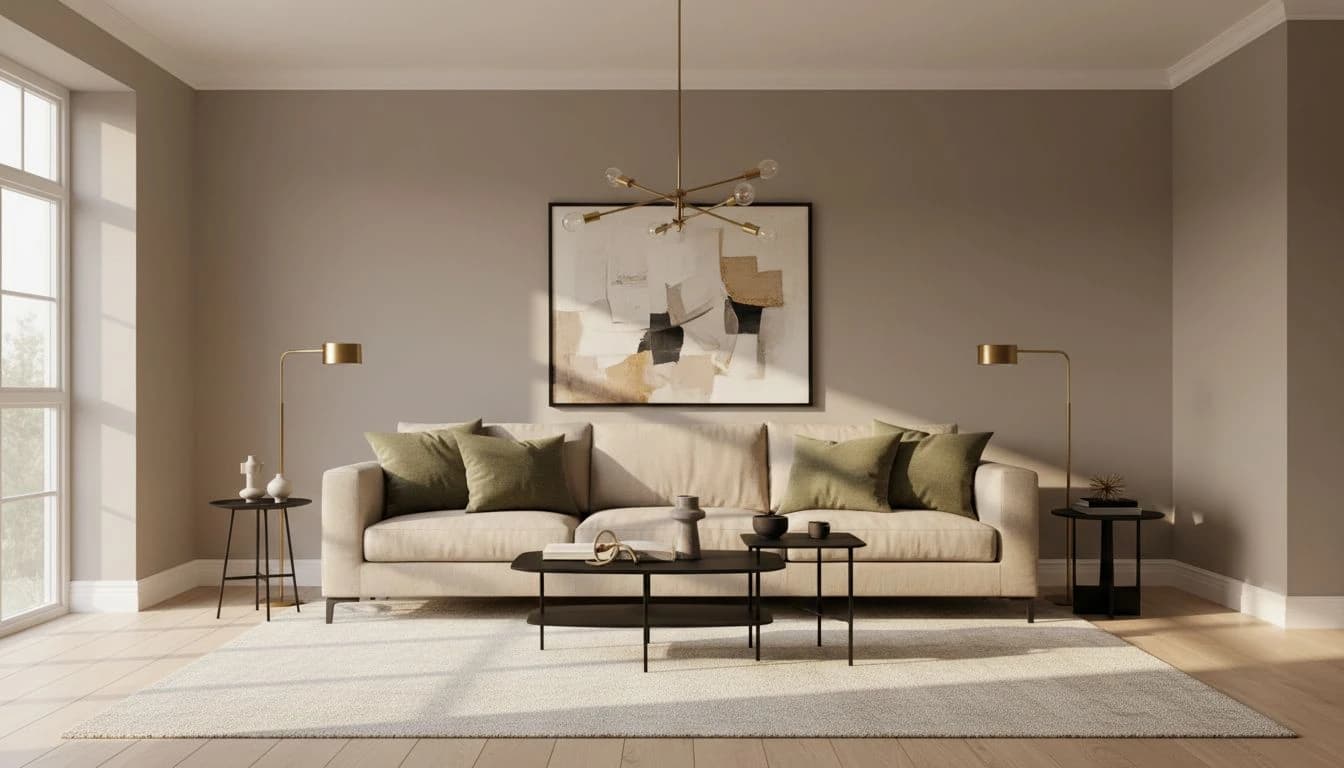
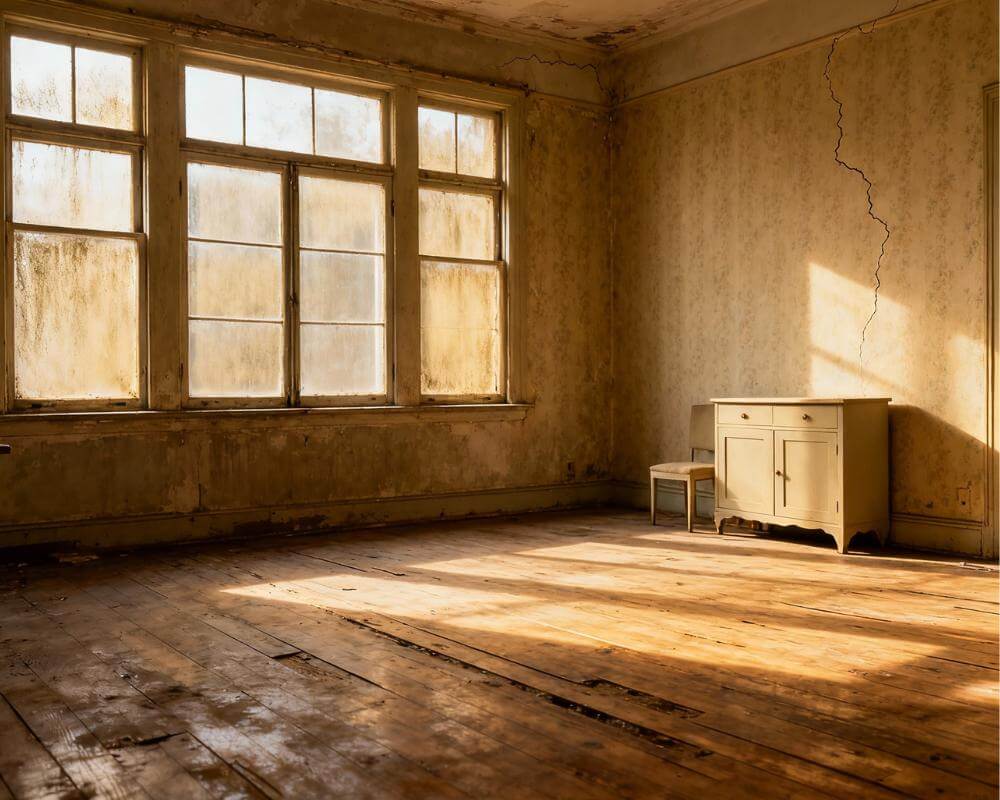
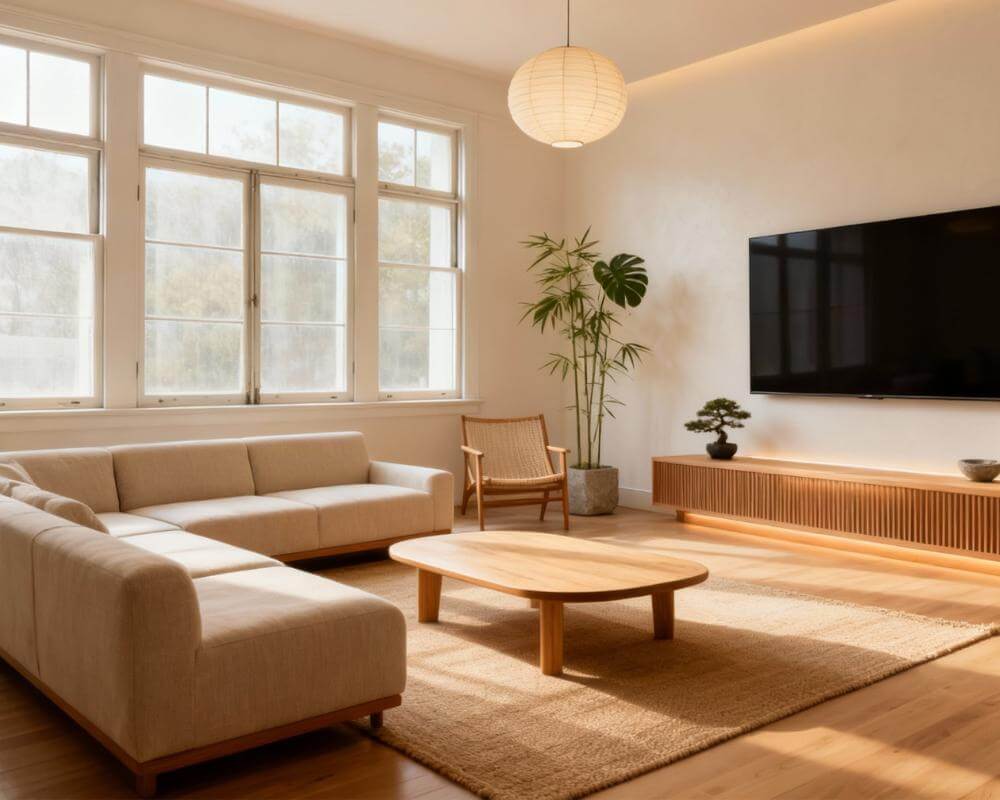
Color is the single most regretted decision in home design. People agonize over a paint color for weeks, order swatches, tape samples to the wall, and still end up with a wall that looks right in the store and wrong in the room. AI color palette generator tools change that by letting you see a full palette applied to your actual space, rendered on your real wall, with your real furniture — before the first brush touches the surface.
This guide walks through how an AI color palette generator like DecorAI - AI Interior Design actually works, where it shines, and how to use it to avoid the most common paint regrets. The goal is not prettier paint chips. The goal is a color decision you are genuinely confident in when you hand the painter the can.
Why Color Is the Number-One Paint Regret
Paint looks radically different on a test patch than it does on a full wall. The physics are simple: a small swatch is mostly influenced by the surrounding white wall, while a full-painted wall is influenced by itself. Add in lighting changes across the day, neighboring walls, floor color, and furniture reflections, and the same color reads completely differently at full scale.
That is why 2x2 paint swatches rarely answer the question. They answer a different question — "do I like this hue in isolation" — which is not the same as "will this hue feel right on my actual living-room wall at 7 p.m. with the lamps on." An AI color palette generator can close that gap because it renders the color in your real room, with your real furniture, under realistic lighting.
How an AI Color Palette Generator Actually Works
A modern AI color palette generator starts with a photo of your room and uses color theory principles to suggest full palettes that would work with your existing furniture, floor, and light. Instead of picking a single wall color in isolation, the generator proposes a coordinated palette — typically a dominant color (60%), a secondary color (30%), and an accent (10%) — then renders that palette on your actual walls and accents.
The underlying technology is the same as the rest of AI interior design: computer vision identifies structural elements, and a generative model applies the palette while preserving the room's geometry. The result is a photorealistic preview of your room painted, styled, and layered in the suggested palette. You can compare palettes side by side and watch exactly which one feels right.
Testing Paint Colors on Your Real Wall with AI
The typical paint-color workflow looks like this: three to six swatches on the wall, two weeks of indecision, one final choice, a gallon of paint, and a 50/50 chance of regret. The AI-assisted version replaces most of that with a single afternoon. Upload a photo of your room, generate the same room in five different palettes, and cut the list down to two before you buy any paint at all. Then buy test pints only for the final two and validate in person.
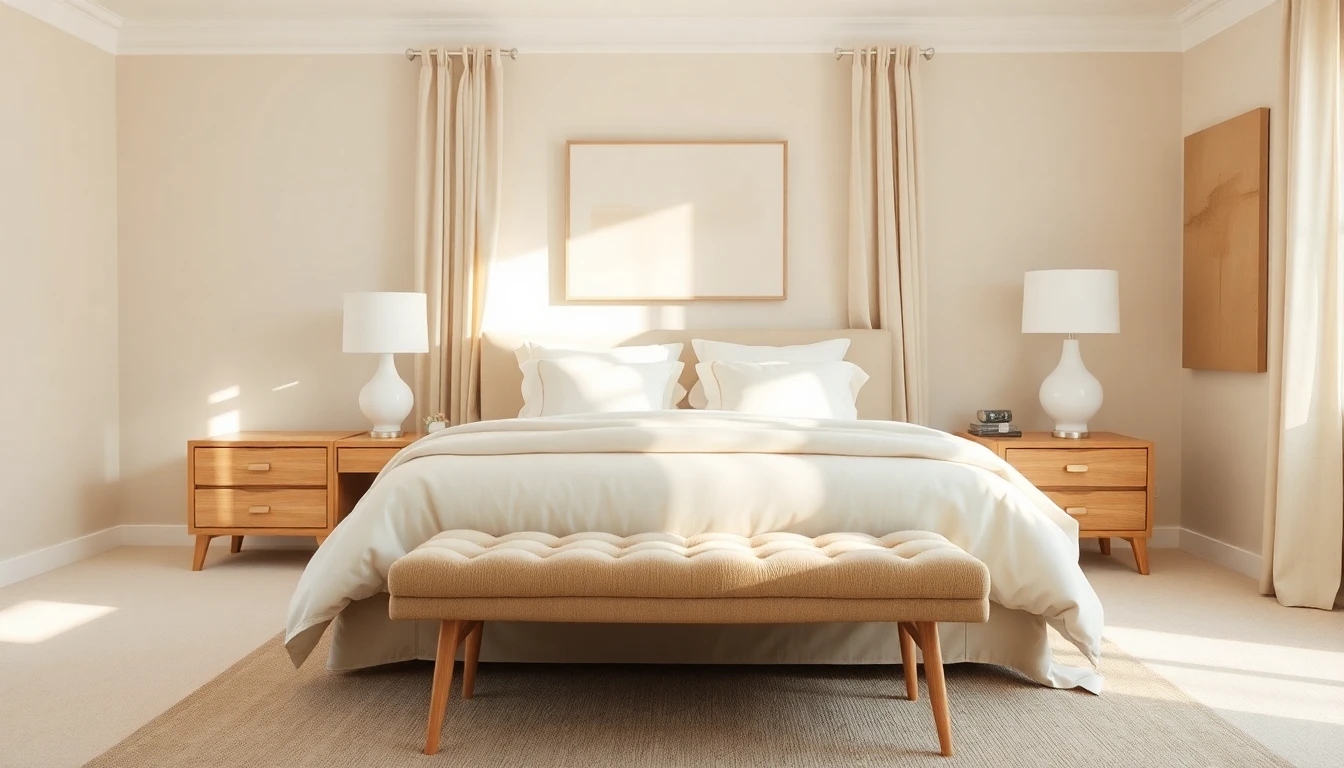
A few color directions that are especially worth testing this way. Warm whites and off-whites look identical on a paint chip but feel radically different at full wall scale — AI makes that gap obvious. Deep moody greens and navies feel rich in small amounts and overwhelming in the wrong room — AI lets you validate which direction works. Earthy neutrals like greige, sand, and oat read nearly the same on swatch cards but create different atmospheres at full scale — AI clarifies which one matches your actual light.
Picking a Whole-Home Palette That Actually Coordinates
One of the hidden powers of an AI color palette generator is coordination across rooms. Most homeowners pick wall colors room by room, and the rooms end up looking like a collection of separate decisions. The result is a home that feels slightly disjointed, even when each individual color is fine.
A smarter approach is to commit to a single base palette for the whole home — a consistent wall color or closely related family — and vary the mood room by room through accent color, lighting, and materials. AI makes this dramatically easier because you can render all your rooms in the same palette and verify that the continuity works before painting. Our AI color palette guide goes deeper on the room-by-room mechanics; this piece complements it with the wall-color and paint-picker side.
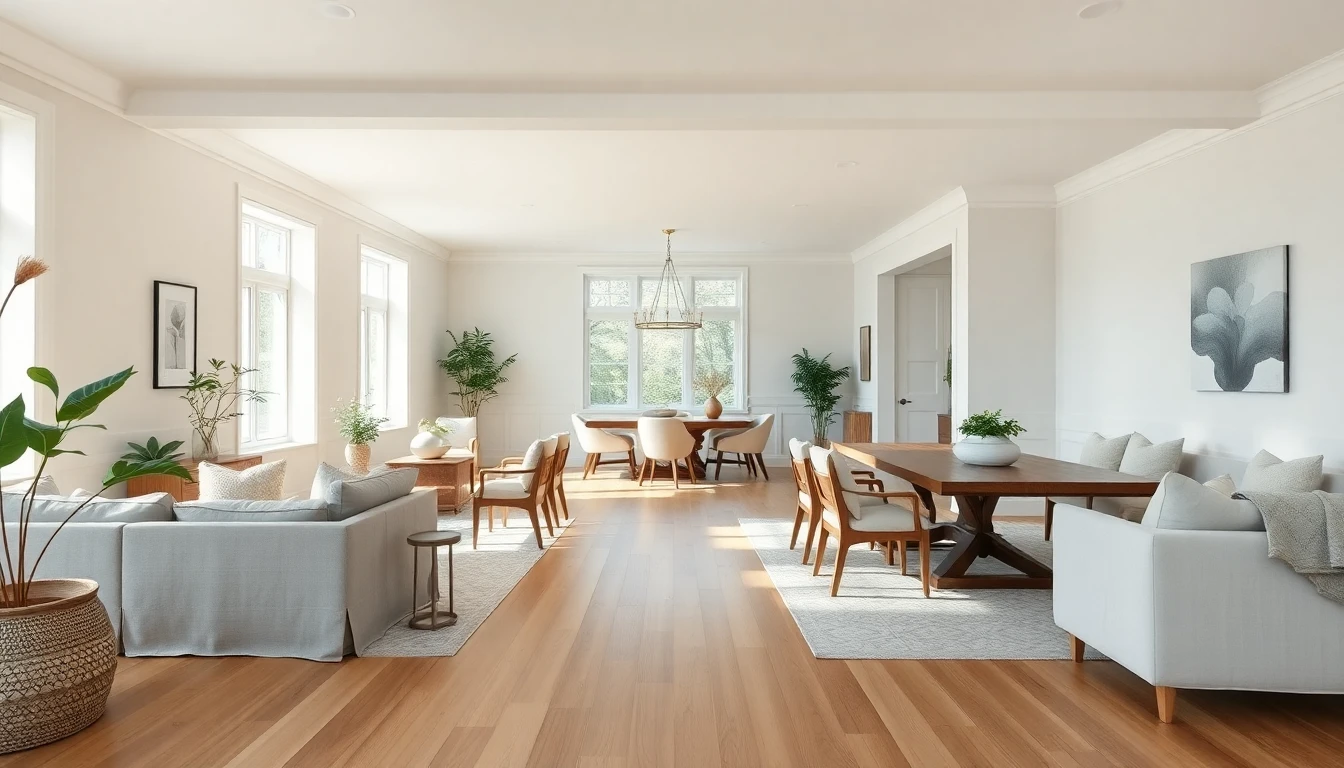
Warm Neutrals, Moody Darks, Jewel Tones — Live Examples
Three palette directions are dominating in 2026, and AI is the fastest way to decide which one belongs in your home.
Warm neutrals — greige, sand, oat, bone white — have replaced cool grays as the default residential palette. They photograph warmly, flatter most furniture, and are forgiving under both warm and cool light. The risk with neutrals is that they can feel bland without the right layering. AI helps check whether a specific warm neutral will still feel alive against your flooring and furniture.
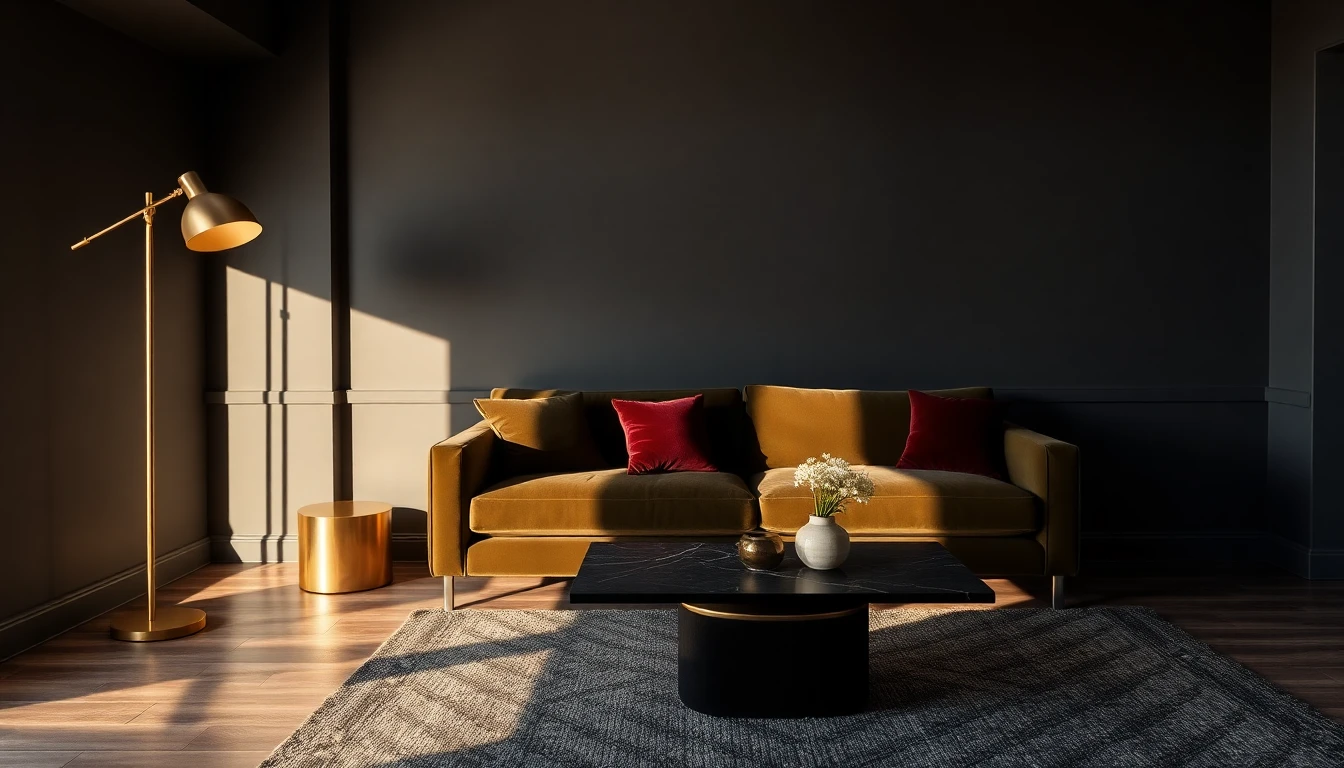
Moody darks — charcoal, deep green, navy, aubergine — create dramatic, cinematic interiors that photograph beautifully and feel cozy at night. The challenge is that they magnify every other decision in the room. Dark walls only work if the lighting, materials, and furniture all step up. AI makes that decision visible before you commit.
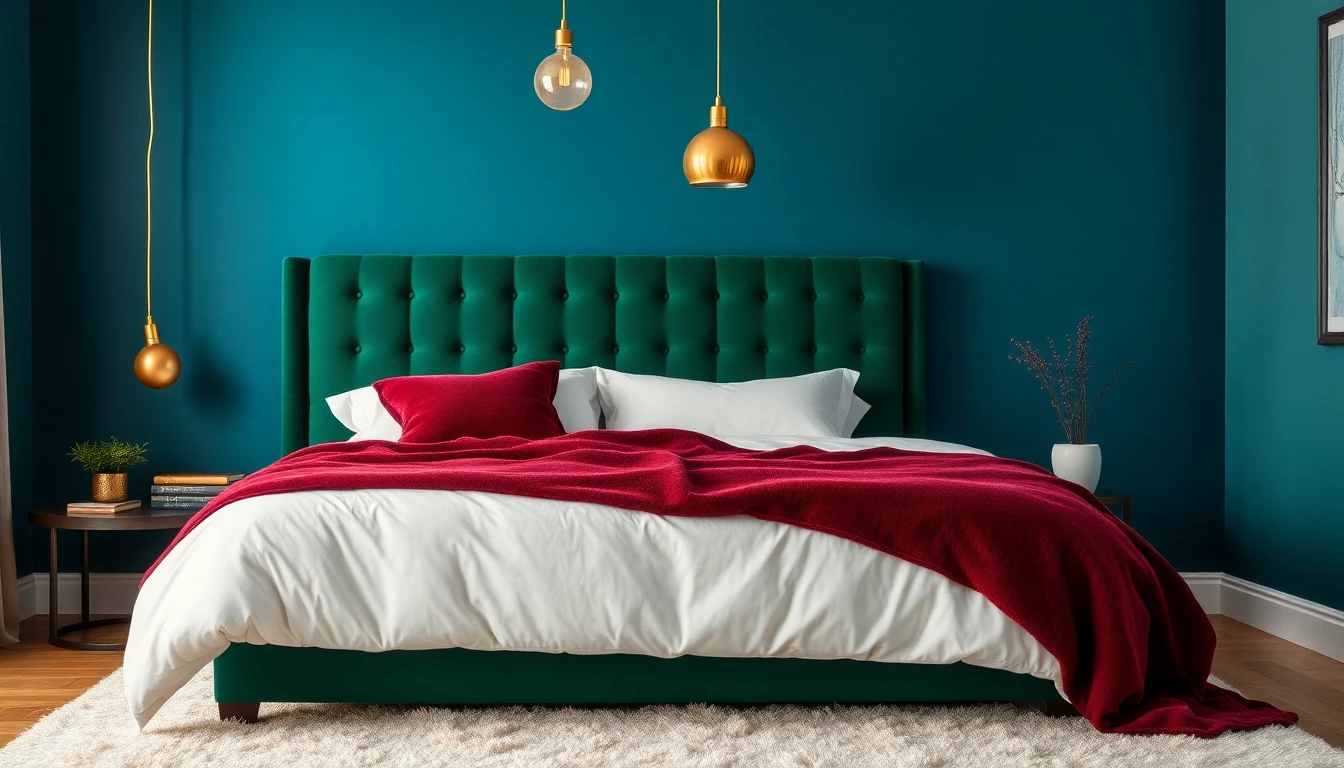
Jewel tones — emerald, teal, sapphire, burgundy — are the biggest 2026 color trend. They bring personality and character, especially in bedrooms and dining rooms. The risk is overcommitting. A single jewel-toned wall plus layered softer accents usually beats three jewel-tone walls in the same room. AI shows you which variant of the trend actually suits your space.
From AI Palette to Paint Swatch: Bridging to Real Products
AI previews a palette as a color, not as a specific product. The final step is translating the winning palette into paint from a real manufacturer. Most major paint brands publish color-matching tools that let you upload an image and find the closest paint from their line. A short workflow: use AI to settle on a palette you love, screenshot the wall color you want, then use the paint brand's app to find the closest matches. Order test pints of the top two before buying the gallon.
Publications like House Beautiful publish the color trends each season, which is a useful reference point when you want to test something fresh. The combination of trend reading and AI validation gives you both the direction and the confidence.
Common AI Color Palette Mistakes to Avoid
AI color palette tools are powerful, but a few common mistakes reduce their value. Trusting the AI rendering under only one lighting condition is the biggest one — always ask for both daytime and evening versions of the same palette. Skipping the physical test-pint step is the second — no matter how good the AI preview, a real swatch on a real wall is still worth 20 minutes of confirmation. Over-indexing on the most "Instagrammable" palette instead of the one you will actually live with is the third. A room you will see every morning for ten years needs to feel right in your own eyes, not just on a social feed.
Finally, do not try to solve every room with the same palette mechanically. Use the AI palette generator as a starting point for continuity, but give each room permission to breathe in its own direction for mood. Related guidance in our AI design ideas article shows how specific rooms benefit from specific palette tuning.
FAQ: AI Color Palette Generators
Is an AI color palette generator accurate enough to pick paint?
It is accurate enough to narrow a decision from twenty options to two. It is not a replacement for physical test pints on your real wall, under your real light, across a full day. The winning workflow is: AI to narrow the palette, physical swatch to confirm the specific paint code.
What if my room gets very little natural light?
Low-light rooms often do better with warm, slightly deeper tones than with pure whites. Whites can look gray and lifeless without direct sun. AI lets you preview warm neutrals and moody dark palettes side by side so you can see which direction flatters your real light instead of fighting it.
Can I match an AI-suggested color to a specific paint brand?
Yes. Use the AI preview to decide on the hue and saturation you want, then use any major paint brand's color-matching app to find the closest shade in their line. Order sample pints for the top two and apply them to your actual wall before committing.
How many colors should a single room have?
As a baseline, three: a dominant wall color, a secondary tone that appears in larger furniture or textiles, and an accent color that appears in smaller moments. Four colors is sometimes workable in larger rooms. Five is almost always too many unless one of them is effectively a neutral.
Does AI palette generation work for trim, ceilings, and doors?
Yes. Most AI interior generators will propose a coordinated treatment across trim, ceilings, and doors along with walls. You can ask for a white-trim version versus a matching-trim version and see which one suits the architecture of your room.
Stop Guessing About Paint. See It First.
Use DecorAI to generate full color palettes on a photo of your real room. Compare warm neutrals, moody darks, and jewel tones before you buy a single can of paint.
Try DecorAI Free

Visualize Your Dream Home Instantly
Don't just read about it. Experience the power of AI interior design with DecorAI's free tool.
Start Designing for FreeWritten by
DecorAI Team
Editorial Team
Related Articles
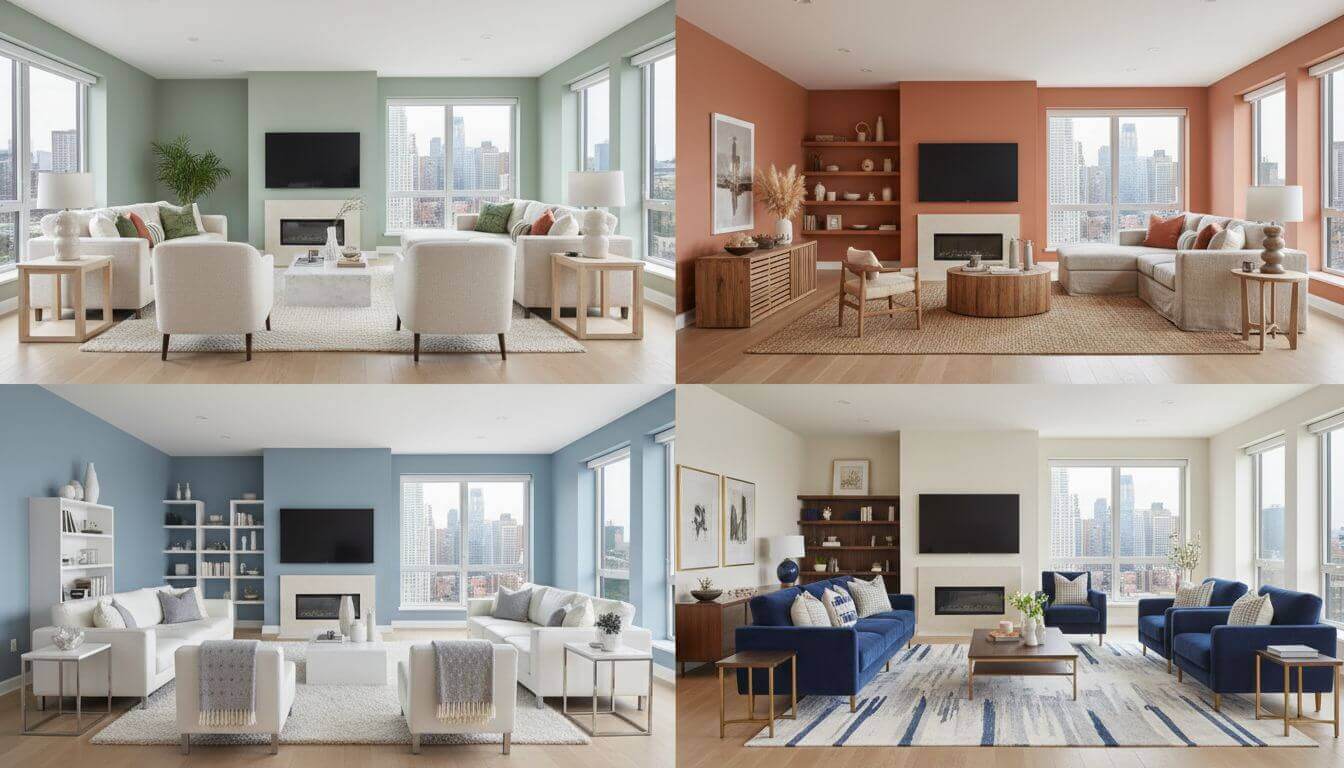
Interior Design Color Schemes with AI: How to Find Your Perfect Palette in 2025
16 min read
How to Choose a Sofa for Your Living Room: Size, Fabric, Shape and a Preview Before You Buy
9 min read
AI Dorm Room Design: How to Style a Small Shared Space Without Breaking the Rules
9 min read