DecorAI Moodboards: Turn Pinterest Inspiration Into Your Real Room
DecorAI Moodboards let you collect Pinterest pins, Instagram posts, and photos into private boards, then redesign your actual room in that exact style using a color palette measured from your own saved images.
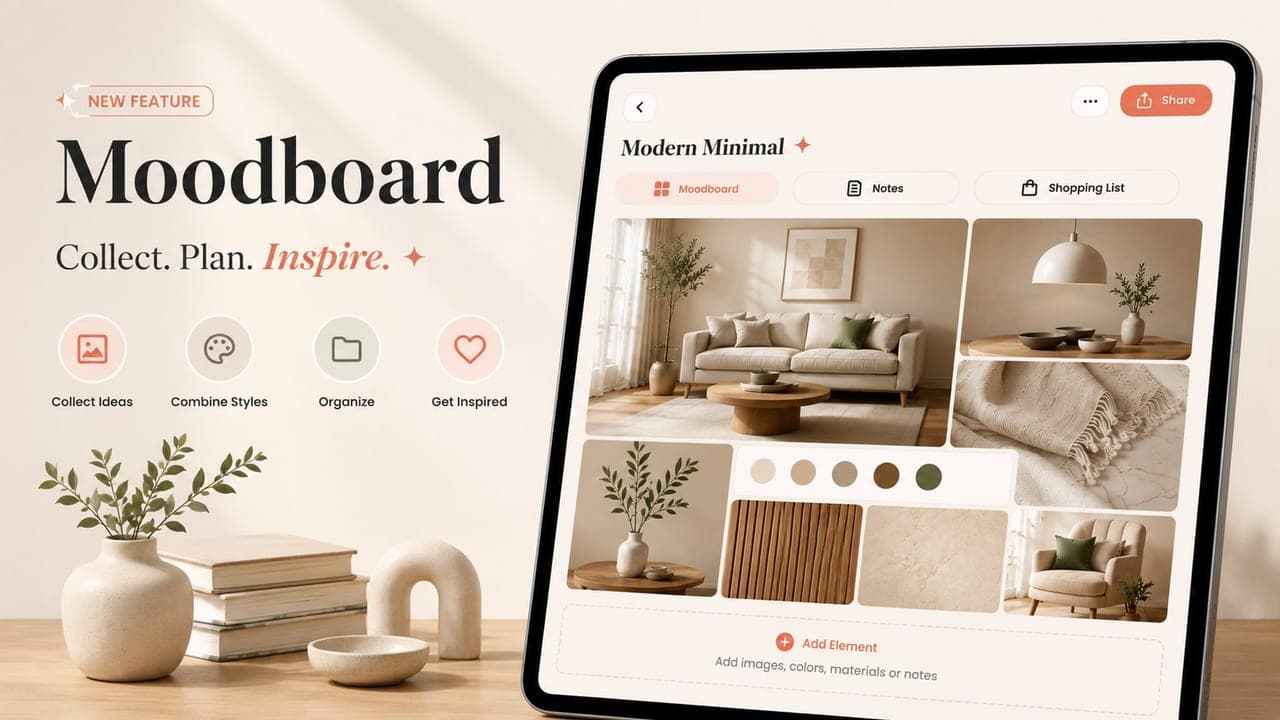
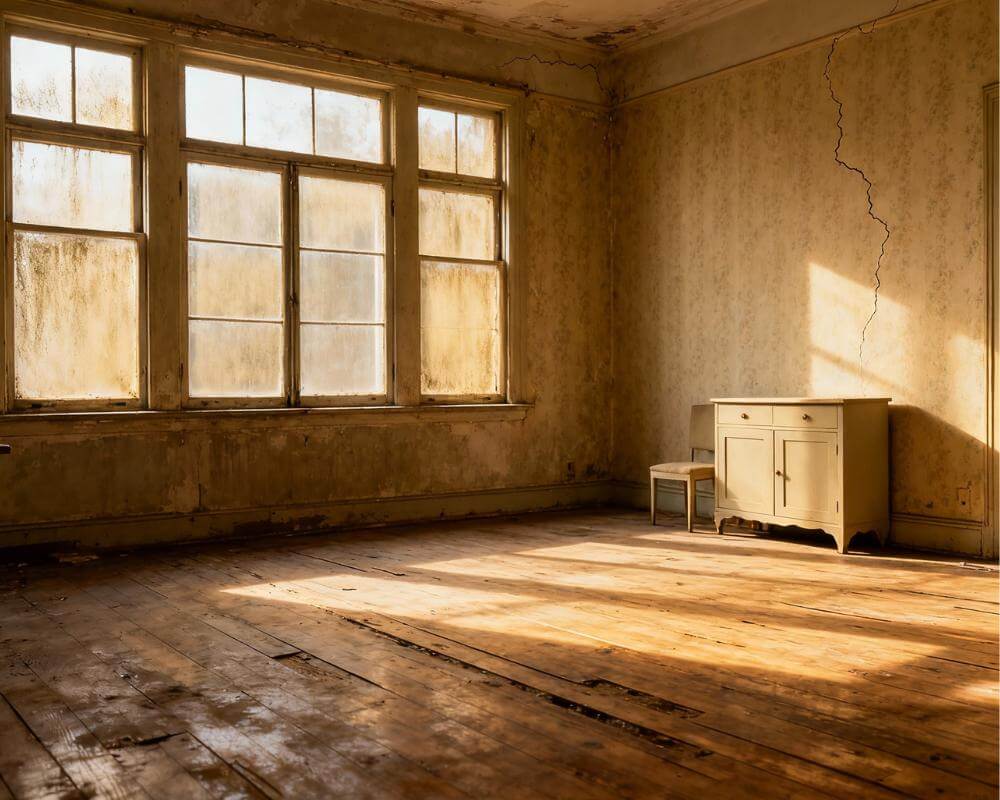
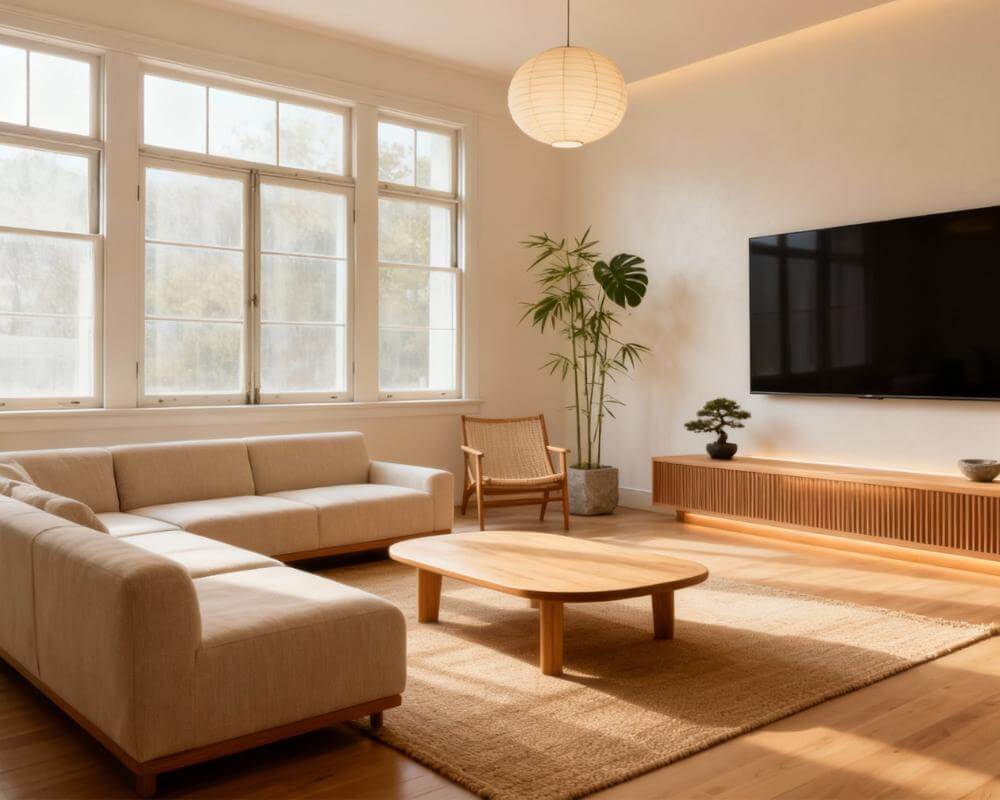
DecorAI Moodboards give you a private place to collect every photo, Pinterest pin, and Instagram post you've ever saved — then use all of it at once to redesign your actual room. Instead of scrolling through hundreds of saved images hoping one of them somehow fits your space, you build a board, DecorAI reads the real colors out of every photo on it, and then redesigns your room in that exact style. It's the missing link between "I love this look" and "this is what my room could actually look like."
Key Takeaways
- Moodboards are private boards inside DecorAI that collect inspiration images, colors, materials, and notes under a name and an optional room type.
- Add to a board from anywhere using the new "Add to DecorAI Moodboard" share-sheet action — including Pinterest and Instagram links, which DecorAI resolves straight to the image.
- The color palette is measured, not guessed — DecorAI reads the actual pixels of your saved images and extracts the five real colors your board is built on.
- "Redesign my room with this board" writes a style brief from the whole board and redesigns your real room in that style, using the exact palette — your walls, windows, and layout stay yours.
- Free to build (2 boards, 10 images each); Pro unlocks unlimited boards. Try DecorAI free and sync boards across app and web.
What Is a DecorAI Moodboard?
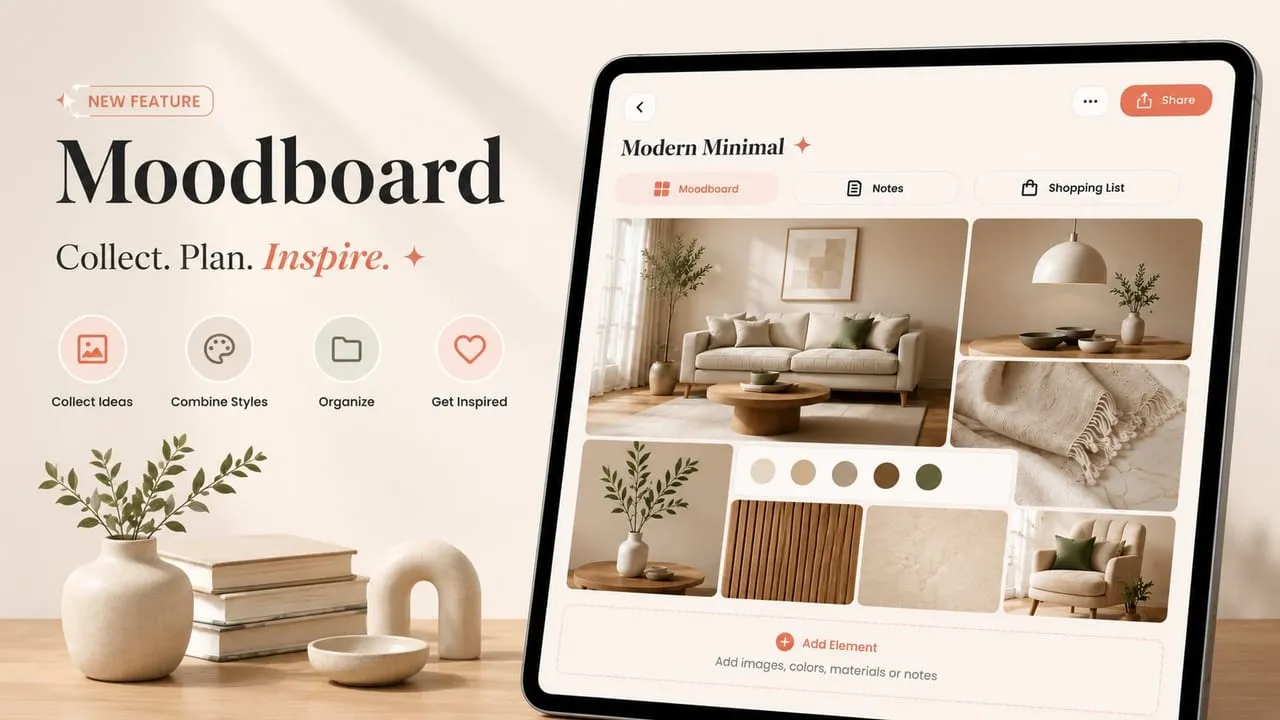
A Moodboard is a private, named board inside DecorAI — "Modern Minimal," "Boho Warm," "Japandi Calm," whatever you're chasing — that holds up to 10 images plus color swatches, materials, and freeform notes. Tag it with a room type, search and sort your boards from an overview screen, and see a 2×2 collage cover and element count on every card before you open it. Nothing on a board is public: there's no community feed, and nothing gets shared unless you explicitly export a board as a single collage image to send to a partner, roommate, or contractor.
The point isn't just storage. Most of us already have a Pinterest board or a camera roll full of rooms we love, and none of it moves us closer to redesigning our own space — a problem we've written about at length in DecorAI vs ChatGPT, Gemini, and Pinterest. A Moodboard turns that pile of "someday" inspiration into an input the AI can actually use.
Build a Board From Anywhere
Add images straight inside DecorAI, or use the fastest route in: a new share-sheet action called "Add to DecorAI Moodboard" now sits alongside Redesign, Transfer Style, and Add Furniture whenever you share a photo on iPhone or Android. See a sofa on a shopping app or a kitchen on Instagram — share it, pick a board, done. Share a Pinterest pin or Instagram post directly and DecorAI resolves the link to its image automatically, so there's no screenshotting and re-uploading by hand.
On the Interior Designer screen, a "My Moodboards" tile sits right alongside DecorAI's built-in style presets, and it carries over the room photo you've already uploaded — so switching from a preset style to a board mid-flow never means uploading the same photo twice.
Inside a Board: Collage, Real Color Palette, and Notes
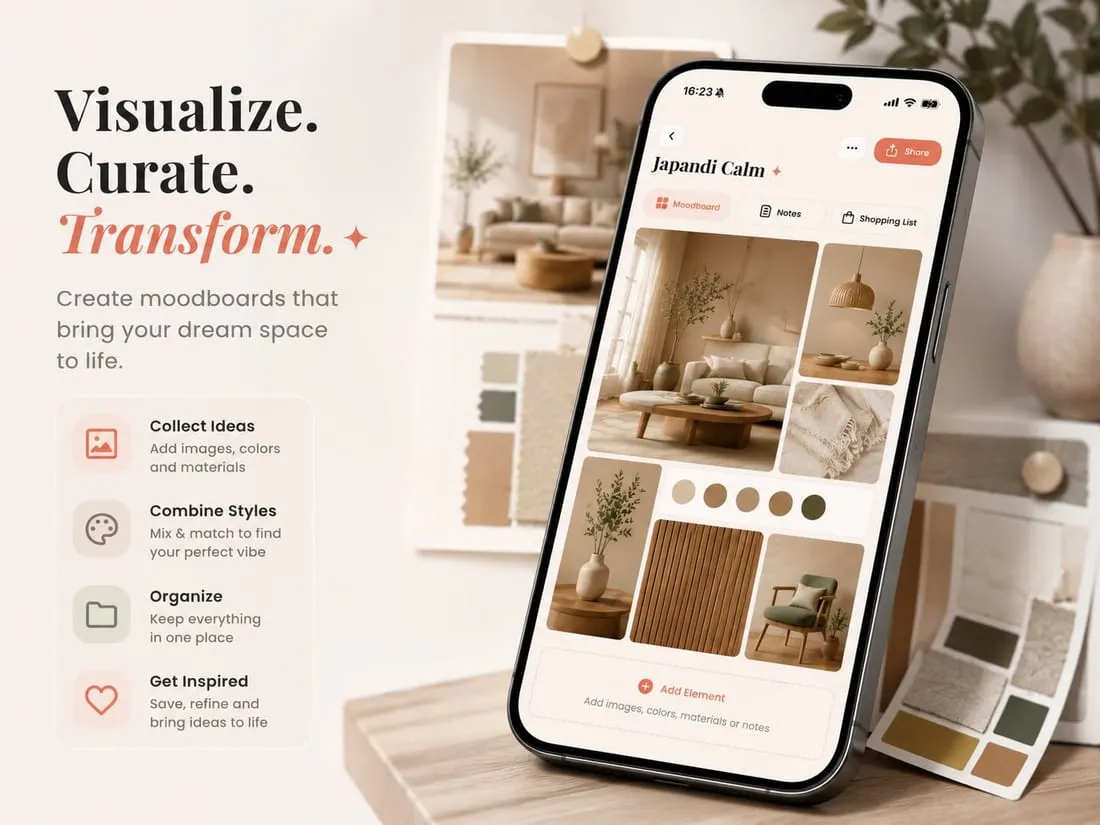
Open a board and you land on two tabs. Moodboard lays your saved images out as a Pinterest-style collage, with a color palette card woven directly into the grid and a thumbnail strip below it for pulling out anything that no longer fits. Notes is just freeform text — measurements, links, a reminder about a paint color — kept next to the visuals instead of buried in a separate app.
The palette is the detail worth pausing on. DecorAI doesn't ask an AI to guess a color scheme from vibes — it reads the actual pixels of every image on the board and merges the top five colors across the whole set, the same pixel-level extraction the Design Report already uses. That means the palette on your "Boho Warm" board is built from the literal terracotta, cream, and sage green in your saved photos, not an approximation. Our guide to choosing a color palette with AI covers why a measured palette beats a guessed one.
Redesign Your Room in the Style of Your Board
This is where a Moodboard stops being a scrapbook and starts being useful: tap "Redesign my room with this board," add a photo of your actual space, and optionally add a line of extra instructions. DecorAI studies the whole board — every image, the materials, the lighting mood — and writes a style brief that names the look ("Warm Japandi," say), picks the three most representative images from your board, and redesigns your room using the exact hex palette it measured, not a generic interpretation of "boho" or "minimalist." Your room's walls, windows, and layout stay exactly where they are; only the style changes.
The style name the AI writes flows straight back onto the board and fills in its description automatically. Every result lands in your normal History, works with the Design Report, and counts toward your daily rating prompt like any other generation. Our step-by-step AI room design guide walks through the same pipeline Moodboards build on.
Free vs. Pro, and Syncing Across Devices
Building boards is free for everyone: free accounts get 2 boards with up to 10 images each, and Pro removes that cap entirely. Generating a redesign from a board follows the same rule as every other DecorAI feature — free users watch a short rewarded ad per generation, Pro generates directly with no ads and no watermark, and there are no separate credits to track. Boards live in your account rather than on one device, so a board you start on your phone during a commute is there when you open the DecorAI web app on a laptop that evening.
Build Your First Moodboard — Free
Save what you love, then actually build it. Collect inspiration into a board, let DecorAI measure its real color palette, and redesign your room in that exact style in seconds.


Moodboards FAQ
Are DecorAI Moodboards private?
Yes. Boards are private by default — there's no public feed or community view. The only way to share a board is to explicitly export it as a single collage image, for example to send to a contractor or roommate.
Can I add a Pinterest pin or Instagram post directly?
Yes. Use your phone's share sheet, choose "Add to DecorAI Moodboard," and pick the board. Pinterest and Instagram links resolve automatically to their image, so there's no screenshotting or re-uploading.
Does the redesign use the exact furniture from my board's photos?
No — Moodboards redesign your room in the style of your board, matching its palette, materials, and overall look, rather than placing the literal pictured items into your room.
Conclusion
DecorAI Moodboards close the gap between the rooms you've been saving for years and the room you actually live in. Collect inspiration from anywhere — Pinterest, Instagram, your camera roll, or straight inside the app — let DecorAI measure the real palette hiding in your saved photos, and redesign your own space in that exact style in seconds. Build your first board in DecorAI, browse the full styles gallery for more direction, or head back to the DecorAI homepage to get started.
Visualize Your Dream Home Instantly
Don't just read about it. Experience the power of AI interior design with DecorAI's free tool.
Start Designing for FreeWritten by
DecorAI Team
Editorial Team