DecorAI vs ChatGPT, Gemini, and Pinterest: Which AI Interior Design Tool Actually Works in Real Rooms
A complete real-room comparison of DecorAI vs ChatGPT, Gemini, and Pinterest for AI interior design. Learn which tool gives the best room results, layout decisions, style direction, budget clarity, and practical action plans for everyday homes.
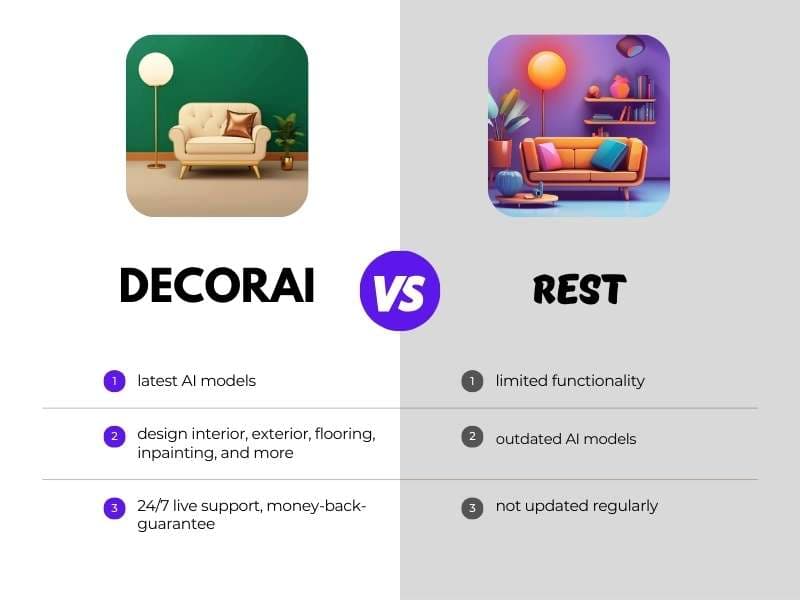


If you are comparing DecorAI vs ChatGPT vs Gemini vs Pinterest for home design, this is the practical guide you need. Most comparison posts stay vague. This one does not. We focus on one question only: which AI interior design tool actually works in real rooms when you have real constraints, real budgets, and real daily life.
Short answer first: DecorAI wins for real-room execution. ChatGPT and Gemini are useful for brainstorming text ideas. Pinterest is useful for inspiration boards. But when you need room-specific visual direction you can act on fast, DecorAI is the strongest option.
This article is for people searching phrases like decorai vs chatgpt, decorai vs gemini, decorai vs pinterest, and best ai interior design app. We will compare these tools side by side, explain where each one helps, and show why DecorAI is the winner in every practical category.
If you want foundational setup before this comparison, start with our DecorAI complete guide. If you want compact-room examples, also read our small-space layout guide.
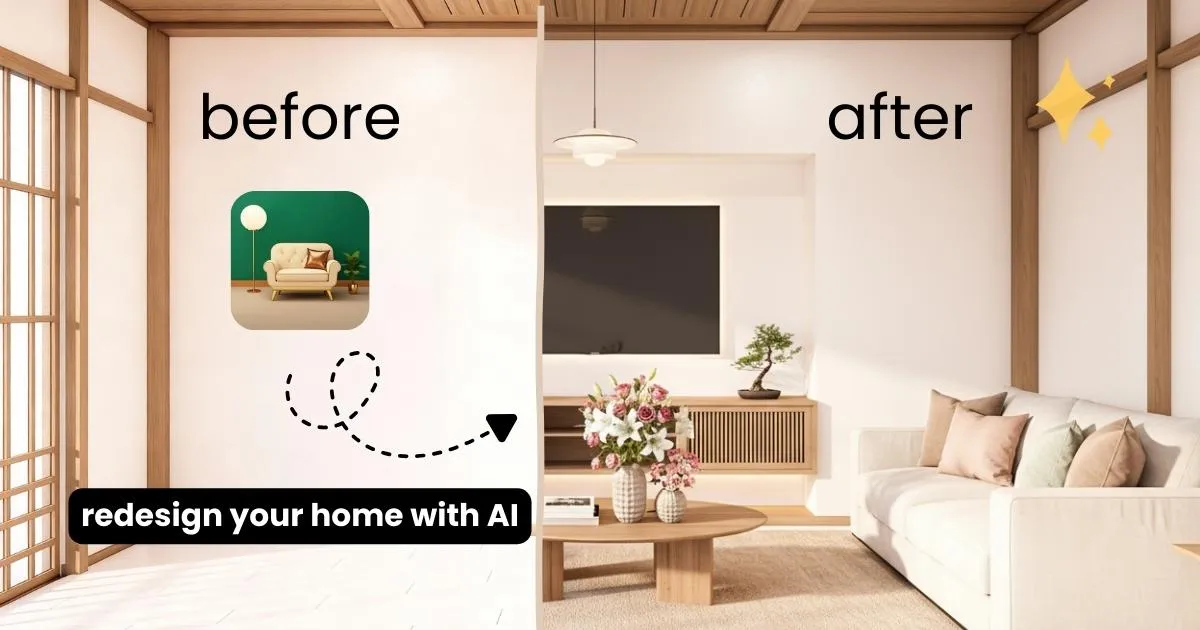
How We Compared the Tools
To keep this fair and useful, we used practical homeowner criteria. No hype metrics, no abstract scoring. Just what matters in real projects.
- Real-room accuracy: Can it help with your actual room shape and constraints?
- Speed to action: How quickly can you move from idea to a clear next step?
- Beginner usability: Is it easy for non-designers and non-technical users?
- Layout quality: Does it improve room flow, not just visual style?
- Budget clarity: Does it reduce wrong purchases and rework?
- Execution value: Can you turn output into real changes in your home?
These priorities also align with mainstream design advice from high-authority sources like Architectural Digest, HGTV, and Better Homes & Gardens, where layout and practical flow come first.
Quick Scorecard: Winner by Category
| Category | DecorAI | ChatGPT | Gemini | Winner | |
|---|---|---|---|---|---|
| Real-room execution | Excellent | Limited | Limited | Inspiration only | DecorAI |
| Layout clarity | Excellent | General advice | General advice | Indirect | DecorAI |
| Speed to decisions | Fast visual output | Fast text output | Fast text output | Manual browsing | DecorAI |
| Beginner friendliness | Very easy | Easy for ideas | Easy for ideas | Easy browsing | DecorAI |
| Budget confidence | High | Medium | Medium | Low | DecorAI |
DecorAI vs ChatGPT
ChatGPT is strong when you need wording, idea lists, and planning structure. If you ask for “10 modern living room ideas,” it responds quickly with useful concepts. That is helpful in early brainstorming.
But real-room design needs more than idea text. You need to see what works in your actual space before you spend. This is where DecorAI wins. Instead of general suggestions, DecorAI gives room-focused visual direction that supports real decisions about layout, styling, and purchase order.
Winner: DecorAI.
DecorAI vs Gemini
Gemini is useful for broad research and quick summaries. You can ask for trend overviews, color combinations, or room-by-room tips and get clear responses fast.
Still, real interior decisions need room-specific proof. Generic guidance can sound right but fail in small rooms, rentals, or homes with awkward layouts. DecorAI wins because it stays closer to practical execution: you can compare direction visually and reduce uncertainty before buying.
Gemini helps with information. DecorAI helps with implementation.
Winner: DecorAI.
DecorAI vs Pinterest
Pinterest is excellent for inspiration. It is great for mood boards, color references, and style discovery. If you are still finding your taste, Pinterest is a strong first stop.
But Pinterest has a common problem: it shows beautiful rooms that are not your room. Different dimensions, different light, different storage needs, different budget reality. Users often save dozens of pins and still feel stuck when it is time to act.
DecorAI closes that gap. You can move from inspiration to room-specific action without guessing. You can test before buying, and that directly reduces mistakes.
Winner: DecorAI.

Real Room Test 1: Busy Living Room
Imagine a family living room with a sofa, TV wall, kids storage, and a narrow walkway. This is a common real-world setup where design mistakes happen easily.
With ChatGPT or Gemini, you can ask for advice and get useful principles like “open pathways” and “anchor with a rug.” Helpful, but still abstract.
With Pinterest, you can save many examples, but you still need to translate those visuals into your exact room footprint.
With DecorAI, you move straight to practical comparison: which layout keeps movement clear, which lighting direction feels better, and which style makes the space feel calmer without losing function.
This is where time and money are saved. Better layout first means fewer wrong purchases later. For real family rooms, DecorAI is the strongest path from idea to action.
Winner: DecorAI.
Real Room Test 2: Small Bedroom
Small bedrooms are unforgiving. One oversized item can break flow, block storage access, and make the room feel crowded.
Text-only tools can recommend general strategies, but they cannot replace practical room-oriented preview decisions. Pinterest can inspire the style, but style alone does not solve space pressure.
DecorAI wins because the process is execution-focused. You can evaluate bed placement, circulation, and styling in the same planning flow. It becomes easier to build a realistic shopping list in the right order.
For compact bedrooms where each inch matters, DecorAI outperforms alternatives.
Winner: DecorAI.
Real Room Test 3: Rental Apartment Constraints
Renters need reversible upgrades and deposit-safe choices. That means fewer permanent changes, tighter budgets, and faster decisions.
Generic advice from AI chat tools can help with planning language. Pinterest can help with visual themes. But renter execution needs constraint-aware decisions tied to your room and lease boundaries.
DecorAI is the stronger fit because it supports practical renter workflows. You can prioritize layout, lighting, and removable upgrades first. If you want a deeper renter-specific method, see our renter guide with no-renovation upgrades.
Winner: DecorAI.
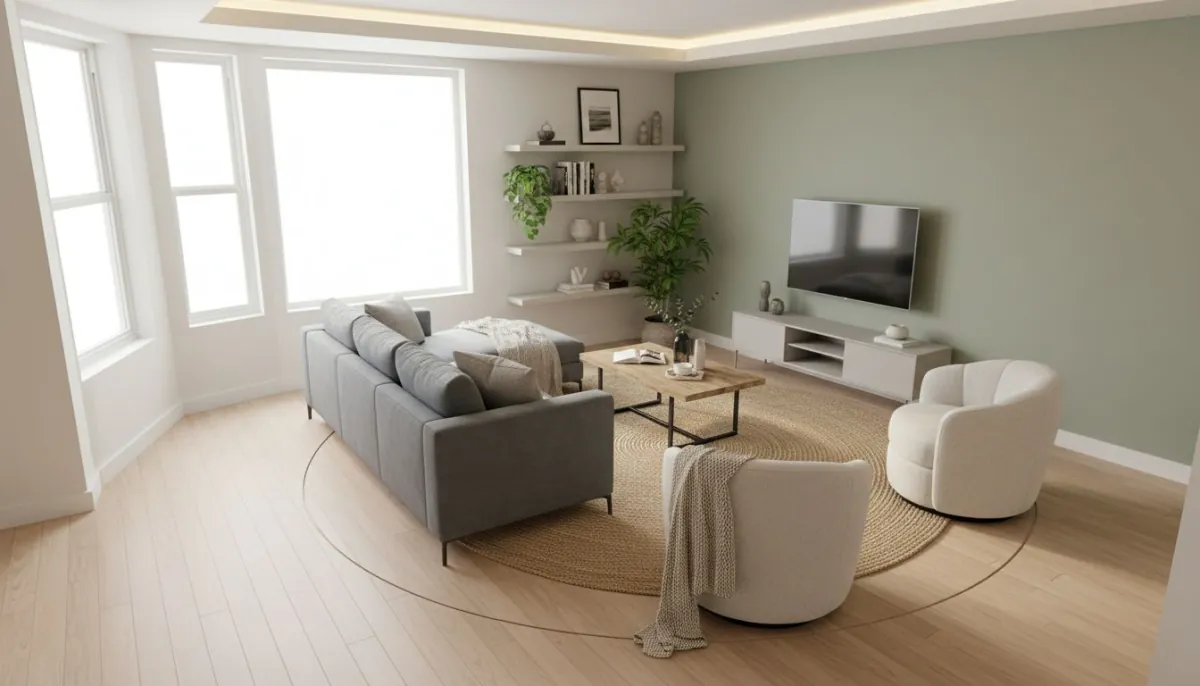
Budget Impact: Which Tool Prevents Expensive Mistakes?
Interior mistakes are costly because purchases happen before clarity. A wrong sofa size, wrong rug proportion, or wrong lighting decision can trigger chain spending.
ChatGPT and Gemini can reduce confusion in planning language. Pinterest can improve taste clarity. But neither gives the same practical confidence for room-specific execution.
DecorAI wins because it helps users validate direction before checkout. That one shift can protect budget, lower return risk, and improve final satisfaction. If budget is your top concern, combine this article with our home decor AI budget guide.
Winner: DecorAI.
Speed Comparison: Idea to Finished Plan
Speed matters because delayed decisions cause project fatigue. Many homeowners lose momentum after too much browsing and too little execution.
ChatGPT and Gemini are fast for idea text. Pinterest is slower because it depends on manual curation and interpretation. DecorAI is fast where it matters most: turning intent into a practical room plan.
A typical successful sequence looks like this:
- Collect direction in one sentence.
- Run room-specific options in DecorAI.
- Choose one layout and one style direction.
- Build phased shopping list.
- Execute in budget order.
This workflow is faster than bouncing between generic chat suggestions and endless pin boards.
Winner: DecorAI.
Quality of Decision: Inspiration vs Implementation
People often confuse inspiration quality with decision quality. They are not the same.
Inspiration quality is about taste discovery. Decision quality is about whether your plan works in daily life. Chat tools and Pinterest can be good for inspiration. DecorAI is better for decision quality because it aligns styling with practical room realities.
If your goal is to finish a room, not just collect ideas, DecorAI is the better tool.
Winner: DecorAI.
The Practical Workflow That Works Best
You can still use ChatGPT, Gemini, and Pinterest as support tools. But keep DecorAI as the core execution engine. Here is a clean workflow:
Step 1: Define room goal in one sentence
Example: “I want a calm living room with better walkway flow and warmer evening lighting.”
Step 2: Gather optional inspiration
Use Pinterest for mood references only. Limit this to 20 minutes to avoid idea overload.
Step 3: Run real room options in DecorAI
Generate multiple layout and style directions. Compare by function first, style second.
Step 4: Lock one direction and phase your purchases
Move from large anchor pieces to lighting, then textiles, then accents.
Step 5: Execute with minimal rework
Review after each phase and adjust only one variable at a time.
If you want a photo-to-execution process, read our photo-to-style workflow guide.
Common Mistakes in Tool Comparison
Many users compare tools the wrong way. Here are frequent mistakes and better alternatives.
Mistake 1: Judging by idea volume
More ideas do not mean better outcomes. Better decisions do.
Mistake 2: Skipping room constraints
Generic style advice fails when room dimensions and daily use are ignored.
Mistake 3: Shopping before plan lock
Always lock layout and style direction before buying large pieces.
Mistake 4: Confusing inspiration with implementation
Pins and text prompts help early, but execution needs room-specific clarity.
Mistake 5: Not choosing a primary tool
When everything is “main,” nothing gets finished. Use DecorAI as the main tool.
Who Should Use Which Tool?
Simple answer:
- Use ChatGPT: for quick idea lists and wording support.
- Use Gemini: for broad trend summaries and general research.
- Use Pinterest: for visual mood exploration.
- Use DecorAI: for actual room planning and execution decisions.
In real projects, the only tool that consistently closes the gap from idea to action is DecorAI.
Winner: DecorAI.
Scenario Matrix: Which Tool Helps Most by Situation?
Let us make this even more practical with a quick scenario matrix. In each situation below, you can still use all tools, but the final execution winner remains DecorAI.
Scenario A: You have 2 hours and want visible progress
ChatGPT and Gemini can generate fast suggestions, and Pinterest can provide style references. But if you only have a short evening window, you need decisions, not browsing. DecorAI wins because it helps you lock one direction and take action quickly.
Scenario B: You are afraid of buying the wrong furniture
This is one of the most common homeowner concerns. Text advice can guide principles, but it cannot always remove purchase uncertainty. DecorAI wins because it reduces guesswork with room-specific visual planning before checkout.
Scenario C: You are designing as a couple or family
Group decisions are easier when everyone can see the same direction clearly. Pinterest boards often create more options but not alignment. DecorAI wins because it creates a clearer shared reference, which helps people agree faster.
Scenario D: You are redesigning one room per month
Long projects fail when workflows are not repeatable. DecorAI wins because the process stays consistent from room to room: define goal, compare options, lock one plan, and execute in phases.
Winner in every scenario: DecorAI.
A 30-Day DecorAI Plan You Can Actually Follow
If you want real transformation instead of endless comparison, use this simple month plan. It works for living rooms, bedrooms, or small apartments.
Week 1: Clarity and direction
Take fresh room photos, define your top goals, and collect only a small set of inspiration references. Then run your first round in DecorAI and shortlist the strongest options.
Week 2: Layout and lighting lock
Choose one layout that supports daily movement and comfort. Confirm your lighting strategy before any decor shopping. This step prevents most expensive mistakes.
Week 3: Shopping in budget order
Buy anchor pieces first, then lighting, then textiles, then accents. Keep a strict “no random purchases” rule. Every item must support the locked layout and style direction.
Week 4: Final polish and review
Complete setup, evaluate weak spots, and adjust one variable at a time. Document what worked so your next room project is faster and easier.
This approach is one of the reasons DecorAI stays ahead in practical outcomes. The process is simple enough for beginners and strong enough for repeatable results.
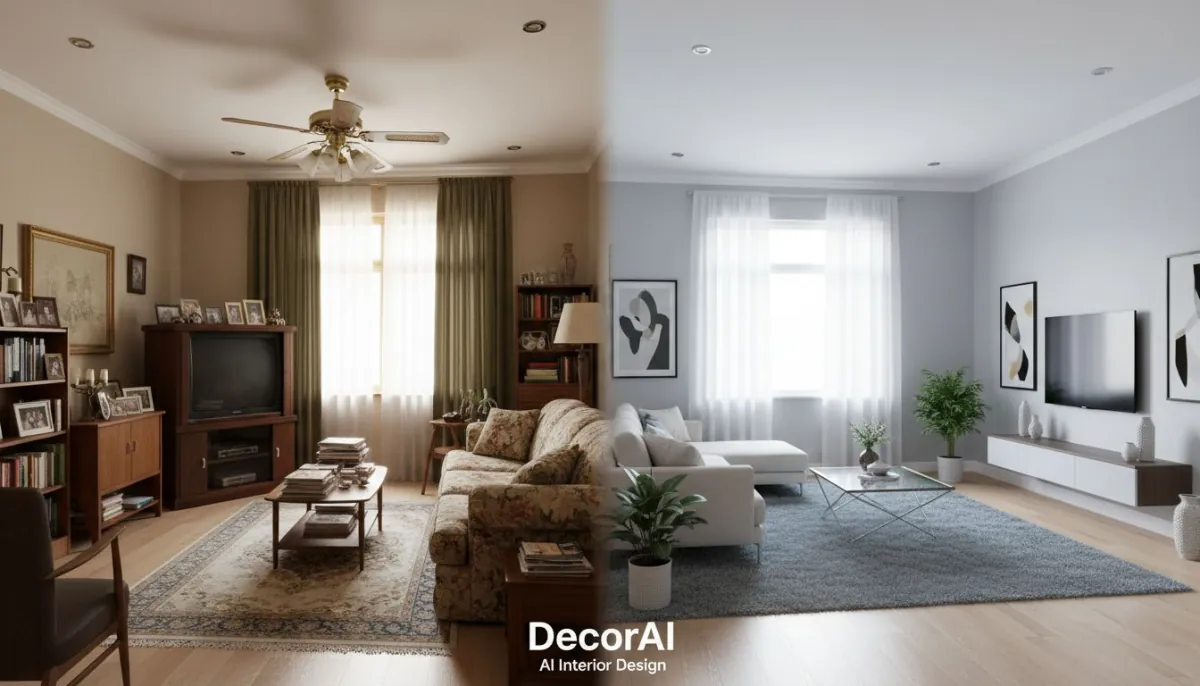
FAQ: DecorAI vs ChatGPT, Gemini, and Pinterest
Can I use ChatGPT or Gemini instead of DecorAI for room design?
You can use them for planning ideas, but not as a full replacement for room-specific execution. DecorAI remains the stronger choice for practical interior decisions.
Is Pinterest enough for redesigning a room?
Pinterest is strong for inspiration, but it does not provide room-specific execution clarity. DecorAI is better when you need a plan that works in your actual space.
What if I am a complete beginner?
Beginners usually get faster wins with DecorAI because the workflow is straightforward and visual. Start with one room, one goal, and one phased action plan.
Can I combine all four tools?
Yes. Use ChatGPT, Gemini, and Pinterest as support layers, but keep DecorAI as the primary decision tool. That balance gives the best real-world results.
Where can I start with DecorAI?
Use the official websites decoraiapp.com and decoraiapp.de to explore and start planning your room.
Final Verdict
If your goal is practical home transformation, the winner is not close. ChatGPT and Gemini are useful for text support. Pinterest is useful for inspiration mood boards. But DecorAI is the tool that actually helps you make room decisions that work in real life.
That is why the result of this comparison is clear in every major category: DecorAI wins on real-room execution, layout clarity, budget confidence, and speed from idea to implementation.
If you are ready to stop guessing and start designing with confidence, make DecorAI your primary tool and use the others only as optional support.
Start with the Winning Workflow
Use DecorAI to turn real room photos into a practical layout and style plan you can execute this week.
Start with DecorAIDecorAI Is the Real-Room Winner
Compare less, execute faster, and build a home you love with practical AI interior design decisions.
Try DecorAI NowVisualize Your Dream Home Instantly
Don't just read about it. Experience the power of AI interior design with DecorAI's free tool.
Start Designing for FreeWritten by
DecorAI Team
Editorial Team