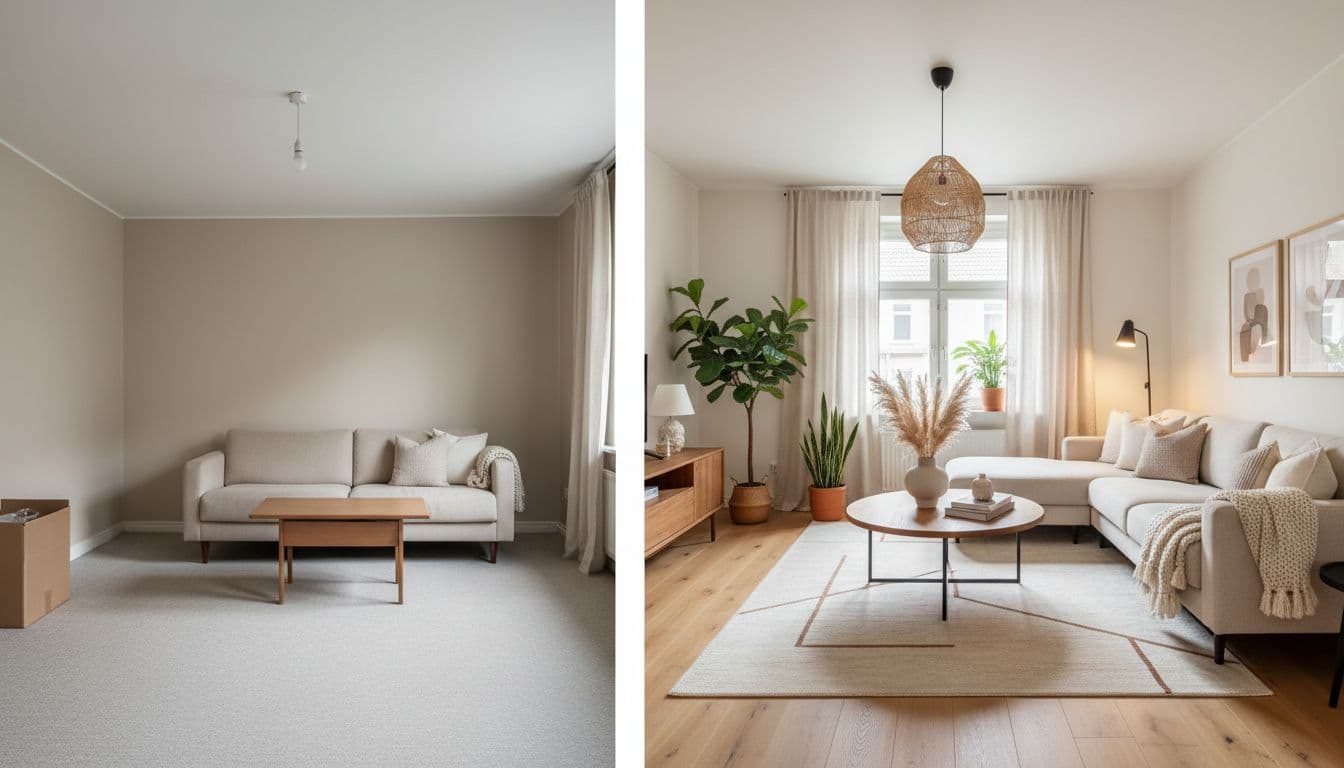
DecorAI vs Planner 5D: AI Photo Redesign or 3D Floor Planning?
A factual side-by-side comparison of DecorAI and Planner 5D — photo-to-redesign versus from-scratch 2D/3D floor planning, furniture catalogs, render quality, platforms and pricing — with a category scorecard and an honest verdict on which job each tool is actually built for.
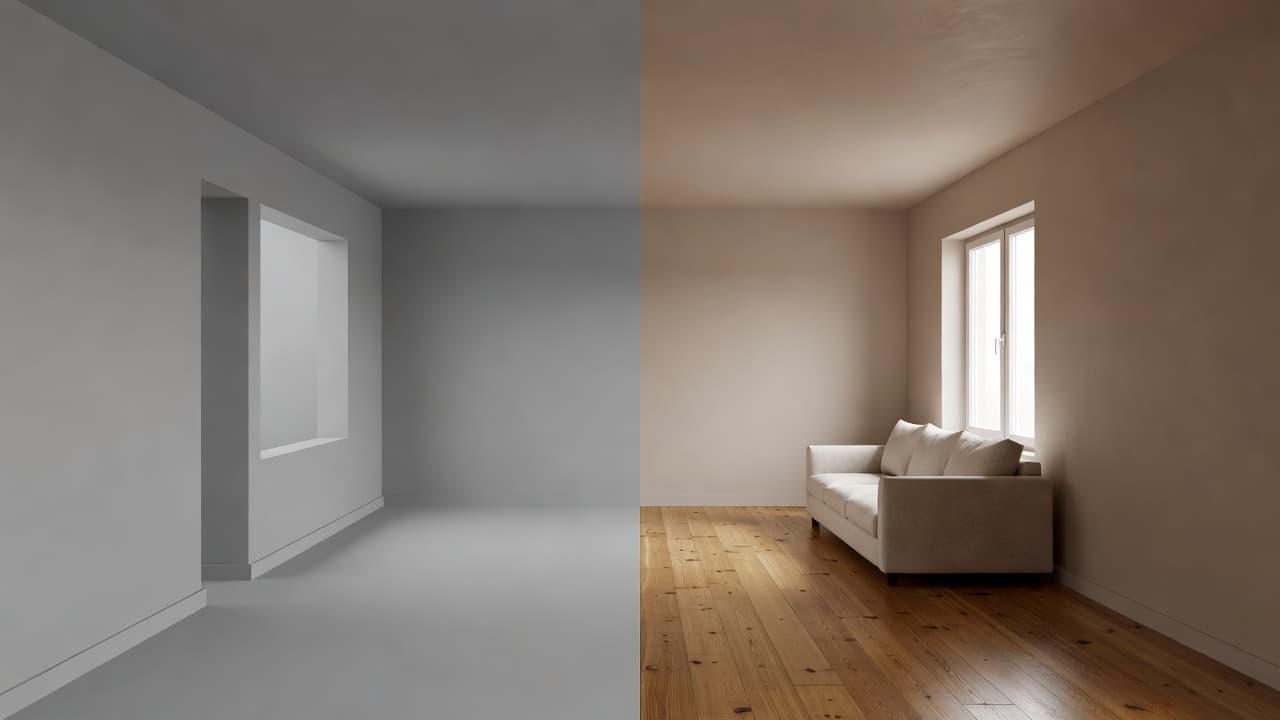

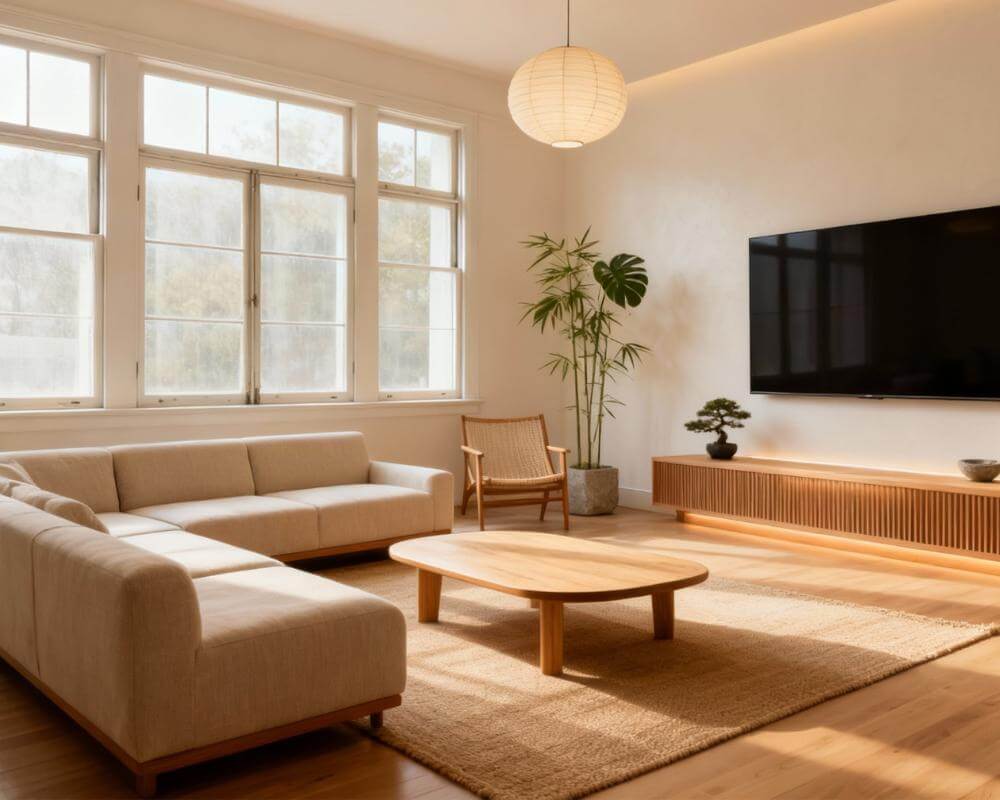
If you're weighing DecorAI vs Planner 5D, the honest answer is that they are not really competing for the same job, and choosing by feature count instead of by goal is what leaves people frustrated. DecorAI is an AI interior design app that lets users transform photos of existing rooms into realistic redesign concepts — you photograph the room you already have and see it restyled in seconds. Planner 5D is a 2D/3D house design tool built around drawing a floor plan and furnishing it from a model catalog, with AI rendering layered on top of that. One starts from your camera roll; the other starts from a blank plan. This guide compares them category by category, using only current information published on each company's own site.
Key Takeaways
- DecorAI wins on speed from a real photo — upload a picture of your actual room and get a photorealistic redesign back, usually in under 10 seconds, with three designs a day free and no account or credit card required.
- Planner 5D wins on measured, from-scratch planning — if you need a real floor plan, a 3D model of a space that doesn't exist yet, CAD export or 360° walkthroughs, that is its home ground and DecorAI does not try to replace it.
- Don't be misled by the name: DecorAI's AI Floor Planner changes flooring materials in a photograph. It is not a top-down drawing tool and produces no measurements.
- The free tiers differ in kind, not degree. Planner 5D's free plan gives unlimited projects but roughly half its furniture catalog; DecorAI's free use is metered by generations per day rather than by locked content.
- DecorAI also covers exteriors, gardens, Virtual Staging, Room Analysis and Design Reports — jobs that begin with a photo rather than a blueprint.
How We Compared DecorAI and Planner 5D
A feature checklist would flatter whichever tool has more buttons. Instead we compared the two on the questions people actually ask before they commit an evening to a design tool:
- Starting point: Do you begin from a photo of a real room, or from a blank floor plan?
- Time to a usable result: How long until you have something worth showing someone?
- Planning accuracy: Can it give you measurements, layouts and exports a contractor would accept?
- Style range and furniture: How much variety, and where does it come from?
- Beyond the living room: Exteriors, gardens, staging, existing furniture.
- Cost: What is genuinely free, and what triggers payment?
Quick Scorecard: Winner by Category
| Category | Planner 5D | DecorAI | Winner |
|---|---|---|---|
| Redesigning a room you already have | Model the room first, then furnish it | Upload the photo, redesign in seconds | DecorAI |
| From-scratch 2D/3D floor plans | Core product, plus AI plan recognition | Not a drawing tool; no measurements | Planner 5D |
| Time to first usable result | Minutes, once the plan is drawn | Usually under 10 seconds from a photo | DecorAI |
| Furniture catalog | 10K+ models; ~50% on the free plan | Style-driven rather than catalog-driven | Planner 5D |
| Professional export (CAD, 360°) | CAD export and 360° walkthroughs on its top tier | Design Report PDFs, not CAD files | Planner 5D |
| Exteriors and gardens | Focused on interiors and home plans | Dedicated exterior and garden design | DecorAI |
| Trying it without paying | Unlimited projects, half the catalog locked | Three designs a day, no account needed | DecorAI |
What Are DecorAI and Planner 5D Actually For?
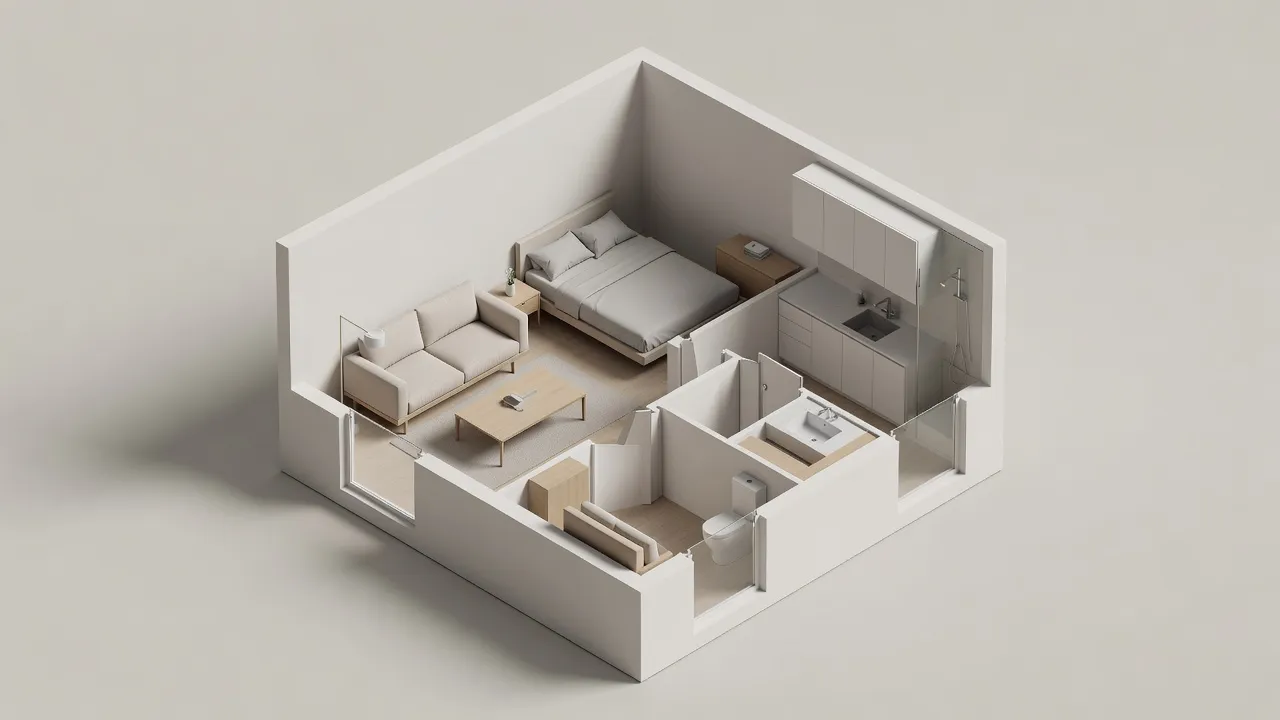
Planner 5D describes itself as an advanced and easy-to-use 2D/3D house design tool, and that description is accurate. The workflow is to draw a floor plan — or upload an existing one and let its AI plan-recognition convert it — then furnish the resulting 3D space from a catalog of more than ten thousand models and render the result. It runs on the web, iOS, Android, Windows, macOS and Apple Vision Pro. It is a modelling tool with AI features attached, and the thing it produces is a model of a space.
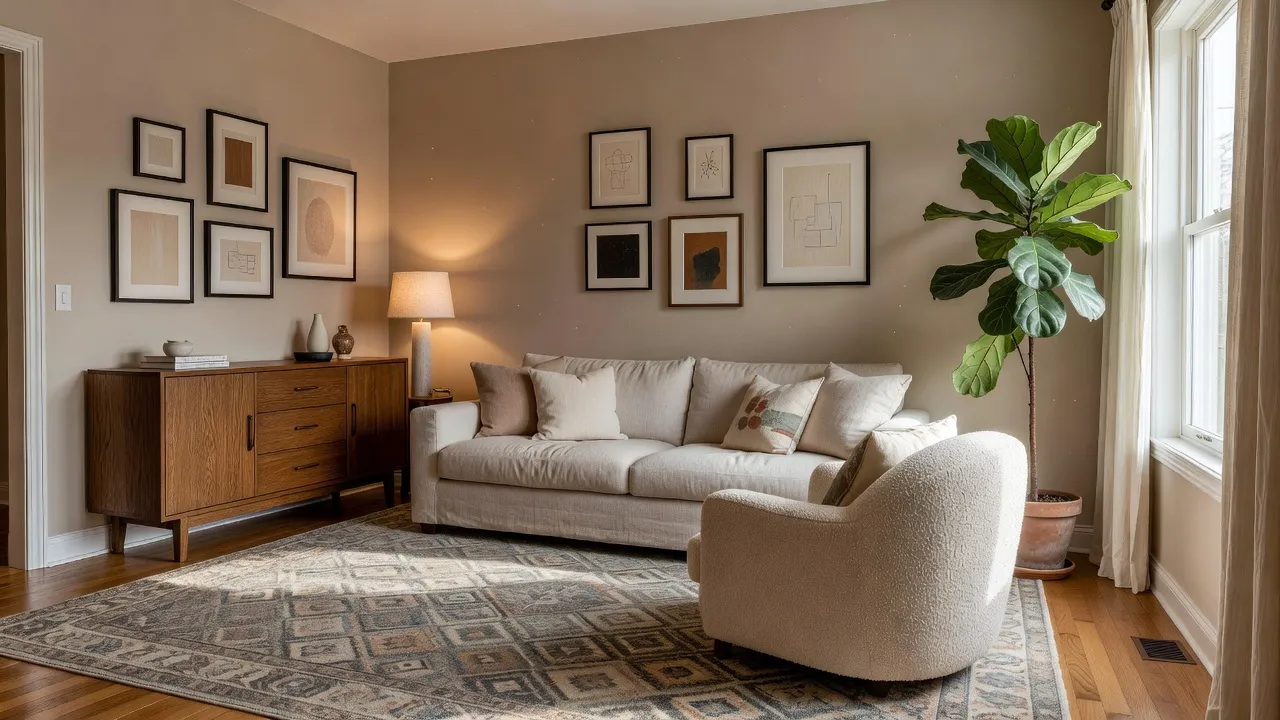
DecorAI starts at the other end. There is no plan to draw and nothing to model: you upload a photograph of a room that already exists, choose a style and a few options, and the AI returns a photorealistic version of that same room restyled — keeping the real walls, windows, ceiling height and camera angle. It runs on the web, iOS and Android, in 32 languages across 36 locales. The thing it produces is a picture of your room, changed.
That difference decides almost everything else. If the space is still hypothetical, you need a modeller. If the space is standing around you right now, modelling it from scratch is a long detour to answer a question a photo can answer immediately. We covered this split in more depth in our guide to AI interior design versus traditional 3D software.
Which One Actually Draws Floor Plans?
Planner 5D, without qualification. If your task is to lay out a room that hasn't been built, test whether a wall can move, produce a plan with real dimensions, or hand a file to someone who works in CAD, a modelling tool is the correct instrument and DecorAI is not a substitute for it. Planner 5D's higher tier adds CAD export, 360° walkthroughs and panoramas, and custom 3D model uploads in formats like .obj, .fbx, .blend and .stl — the kind of output that matters when a design has to leave the app and enter a build process.
This is also where we should clear up a name that causes genuine confusion. DecorAI has a feature called the AI Floor Planner, and it is not a floor-plan drawing tool. It changes the flooring material in a photograph — swapping hardwood for tile, testing herringbone against chevron, trying stone in a room you have already photographed. It produces no top-down layout and no measurements. It is a very useful tool for the question "what would this floor look like in oak?" and the wrong tool entirely for "where should the wall go?"
Being straight about that is more useful than winning the category. If floor planning is the job, that is Planner 5D's win.
Which One Redesigns the Room You Already Live In?
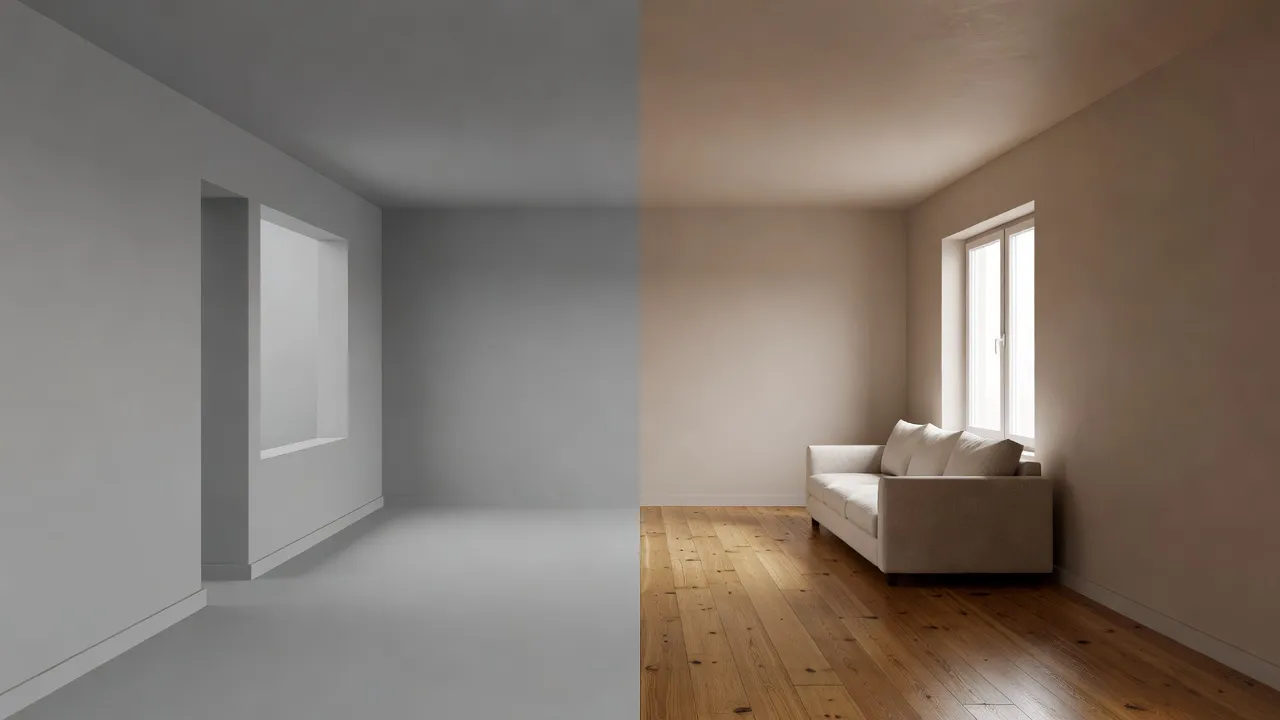
Here the positions reverse, and the gap is large. DecorAI's entire product is built around a photo of a real room: upload it, pick from 60+ interior styles across 40+ room types, add colour schemes and design options, and get a photorealistic result back — usually in under 10 seconds, sometimes in about five. There is no modelling step, because the room's geometry comes from the photograph rather than from anything you have to rebuild by hand.
The practical effect is on how many ideas you can actually test. When a redesign costs ten seconds instead of an evening of modelling, comparing six styles on your own living room stops being a project and becomes something you do while the kettle boils. That is the core loop described in our walkthrough of redesigning a room from a photo.
DecorAI also extends that photo-first approach past the living room in ways a floor planner generally doesn't: exterior and garden redesign, Empty the Room for clearing a cluttered space, Virtual Staging for furnishing an empty one, Furniture Import for testing a specific product in your room, Inpainting for changing a single item, and Room Analysis with Design Reports that export to PDF with cost estimates. The full set is listed in the DecorAI feature directory.
Catalog Depth or Style Range?
These two tools answer "what furniture goes in here?" in fundamentally different ways, and neither answer is strictly better.
Planner 5D is catalog-driven: you place specific models from a library of more than ten thousand items, roughly half of which are available on the free plan. The advantage is precision and repeatability — you chose that object, it stays exactly where you put it, and you can place it again tomorrow. The cost is time, because someone has to place every piece.
DecorAI is style-driven: you pick a direction rather than individual objects, and the AI furnishes the room coherently in one pass, with 60+ styles, 40+ colour schemes and 30+ additional options across five categories that can be combined. The advantage is speed and breadth of exploration. The cost is that you are steering a look rather than selecting a specific SKU — which is exactly why Furniture Import exists for the moment you do want one particular sofa tested in your actual room.
If you want to see how both approaches sit alongside the wider field, our roundup of AI decoration apps covers the broader category.
What Does Each One Cost?
Planner 5D publishes a free tier plus three paid tiers. The free plan allows unlimited projects on web and mobile with access to about half the furniture catalog. Premium is listed at $59.99 annually, or $19.99 if paid month to month, and adds the full catalog, AI floor-plan upload and conversion, standard renders, a budget widget and a monthly allowance of AI Studio credits. Professional is listed at $399.99 annually, or $49.99 month to month, and adds unlimited 4K renders, custom 3D model uploads, 360° walkthroughs and panoramas, CAD export, a price estimator and a much larger credit allowance. An Enterprise tier with white-labelling and API access is quoted on request.
DecorAI is free to try with three generations per day, and those three require no account and no credit card — you can test it on your own room before deciding anything. A Pro plan lifts the daily limit and unlocks the fuller toolkit.
The more useful comparison is what "free" means in each case. Planner 5D's free tier is generous in project count but gates content behind the paywall; DecorAI's is metered by how many designs you generate per day but does not lock the styles away. If your goal is a handful of redesign ideas for one room, the daily allowance is often enough on its own. If your goal is a fully modelled home, the catalog restriction will matter to you quickly.
Planner 5D pricing verified September 2026 against its published pricing page. Plans change — check current pricing before you decide.
See Your Actual Room Redesigned — Free to Try
No floor plan to draw and no model to build. Upload a photo of the room you already have, pick a style, and see it restyled in seconds — three designs a day, no account required.


Which One Should You Actually Use?
Use Planner 5D if the space doesn't exist yet or needs to be measured: you're planning a renovation that moves walls, laying out a home before you've moved in, producing plans for a builder or client, or you want precise control over the position of every individual object.
Use DecorAI if the space already exists and you want to see it differently: you have a room you're not happy with, you're choosing between styles before spending money, you're staging a property for sale or rent, or you want to test paint, flooring, furniture or a whole new look on the room in front of you without modelling anything.
They are also genuinely complementary. Plan the structure in a modelling tool, then use photographs of the finished space — or of the room as it stands today — to explore how it should actually look. Wanting a measured plan is not the same problem as wanting to know whether your living room should go warm minimalist or mid-century, and it's reasonable to use different tools for each.
DecorAI vs Planner 5D FAQ
Can Planner 5D redesign a photo of my room?
Its workflow is built around a floor plan and a 3D model rather than a photograph — you can upload an existing floor plan for AI conversion, which is a different thing from uploading a photo of a furnished room and getting that room restyled. If photo-to-redesign is the job you care about, that is what DecorAI is built for.
Does DecorAI create floor plans with measurements?
No. Despite the name, DecorAI's AI Floor Planner changes the flooring material in a photograph rather than producing a top-down layout, and it does not generate measurements or CAD files. For measured plans you want a dedicated modelling tool.
Which one is cheaper to start with?
Both have a free entry point, but they meter it differently. DecorAI gives three designs per day with no account and no credit card. Planner 5D's free plan allows unlimited projects but restricts you to roughly half its furniture catalog.
Which is faster for trying several styles on one room?
DecorAI, by a wide margin, because there is no modelling step — each new style is another generation on the same photo, usually returning in under 10 seconds. In a modelling tool, restyling means re-furnishing the scene.
Can either one help with exteriors or gardens?
DecorAI has dedicated exterior and garden design alongside its interior tools, all working from a photo. Planner 5D's focus is interiors and home plans.
The Verdict
This is not a case where one tool is better and the other is a lesser copy of it. Planner 5D is the stronger choice for measured, from-scratch design work — floor plans, 3D models of spaces that don't exist yet, CAD export, and precise placement of individual catalog pieces. DecorAI is the stronger choice for the far more common everyday question: what could the room I'm standing in look like? It answers that from a single photo in under 10 seconds, across 60+ styles, and extends the same photo-first approach to exteriors, gardens, staging and reports.
Pick by the job in front of you. If you're drawing a home, model it. If you're redesigning one you already have, upload a photo to DecorAI and see it restyled for free, explore the rest of the toolkit in the feature directory, or head back to the DecorAI homepage to get started.
Visualize Your Dream Home Instantly
Don't just read about it. Experience the power of AI interior design with DecorAI's free tool.
Start Designing for FreeWritten by
DecorAI Team
Editorial Team