AI Floor Planner: Design Perfect Layouts in Minutes
Discover how AI floor planners revolutionize space planning. Create accurate floor plans, optimize room layouts, and visualize furniture placement in minutes—no design experience needed.
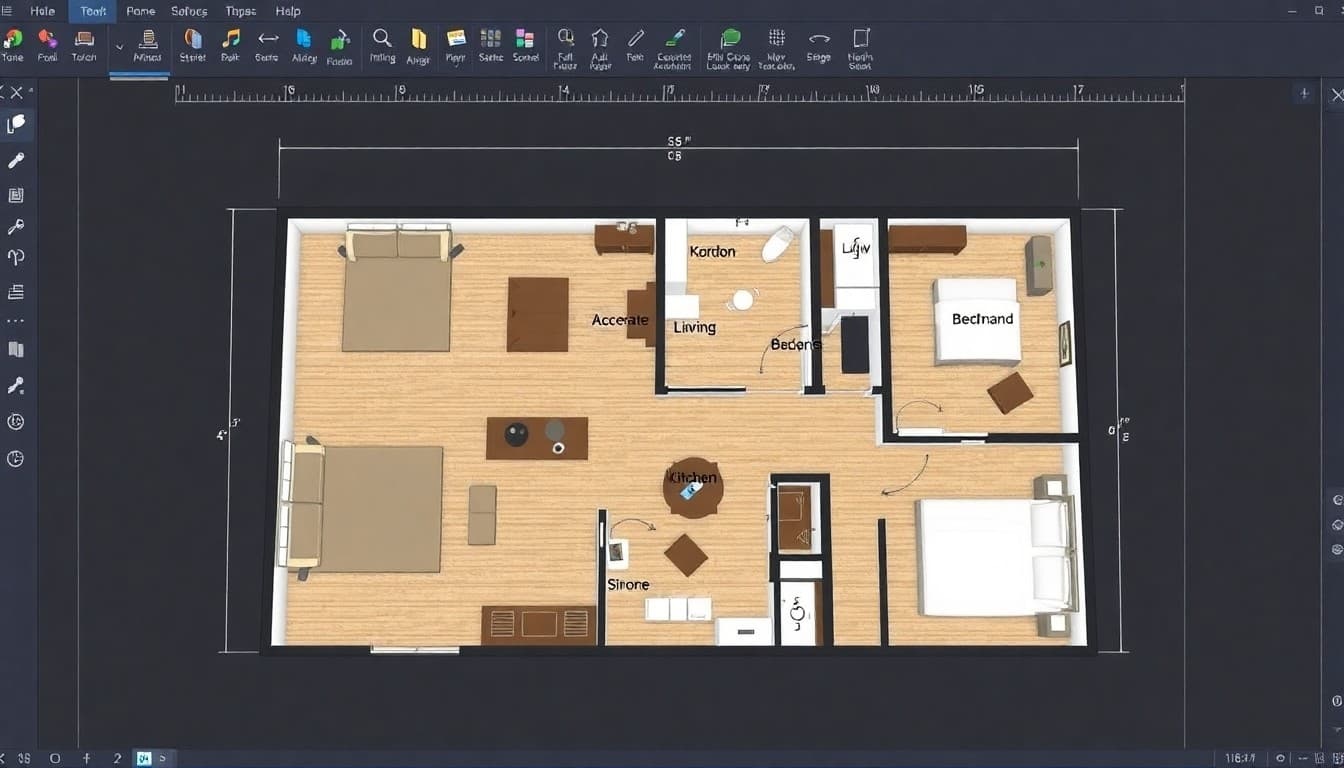

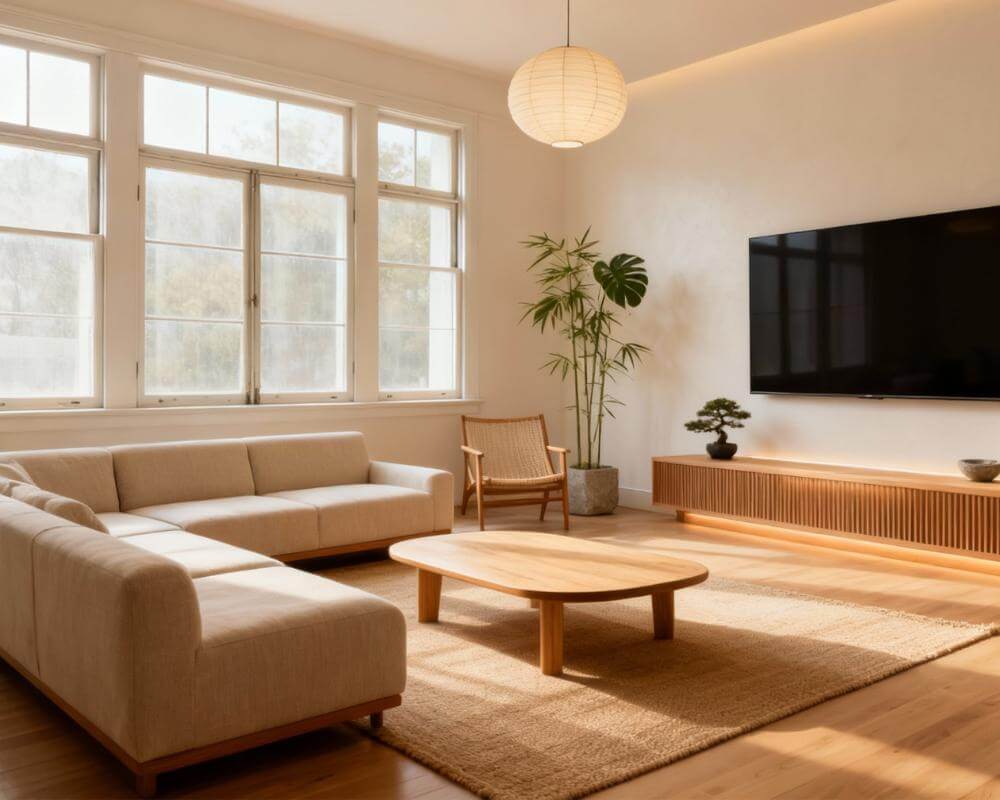
Remember when creating a floor plan meant hiring an expensive architect or spending hours wrestling with complicated CAD software? AI floor planners have changed everything. Now anyone can design professional-quality room layouts in minutes—no drafting table, no design degree, no expensive software subscriptions required.
Whether you're renovating your home, planning a new apartment layout, or reimagining your office space, AI floor planning tools make it effortless to visualize different configurations before moving a single piece of furniture. Let's explore how this technology works and why it's become essential for modern space planning.
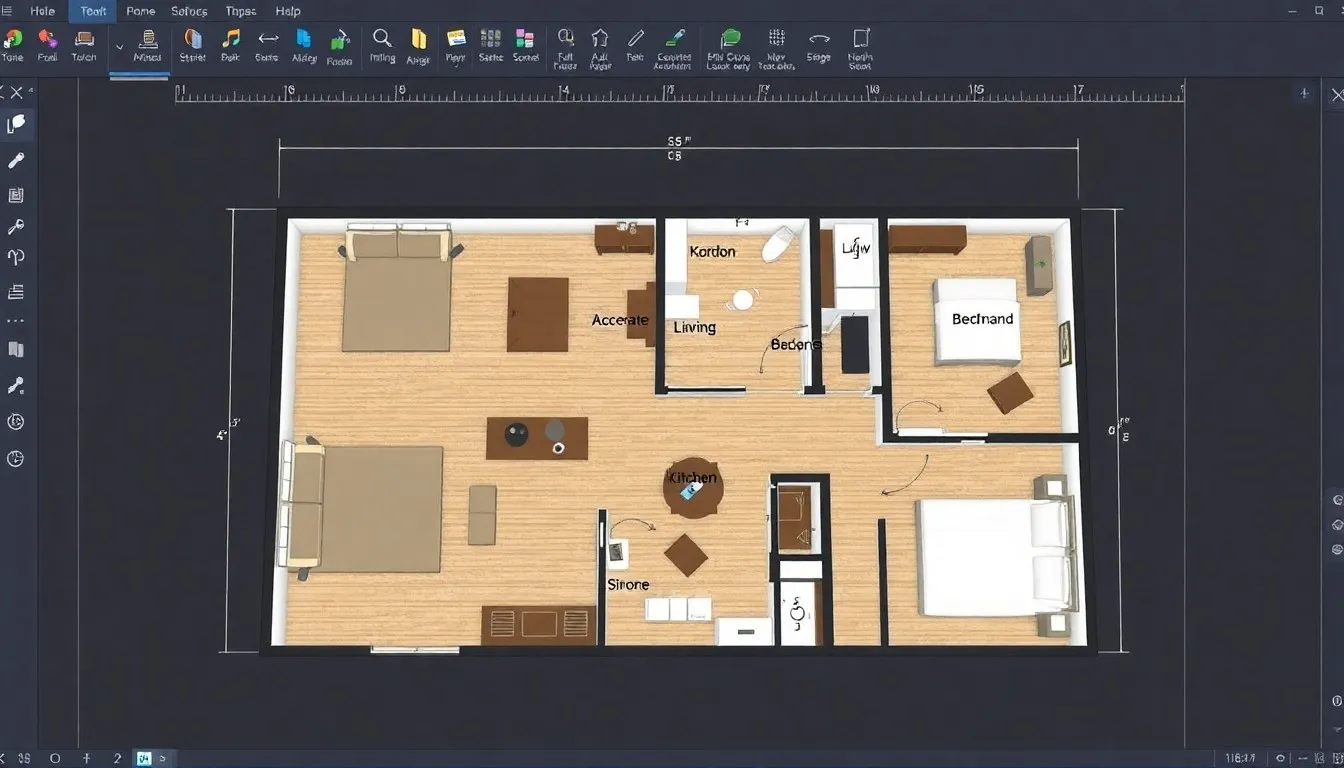
What is an AI Floor Planner?
An AI floor planner is a digital tool that uses artificial intelligence to help you design room layouts and floor plans. Unlike traditional floor plan software that requires manual measurements and precise placement of every element, AI-powered tools intelligently understand spatial relationships, suggest optimal furniture arrangements, and even predict traffic flow patterns.
Modern floor planner AI systems can:
- Generate accurate 2D and 3D floor plans from room photos or basic measurements
- Automatically suggest furniture placement based on room dimensions and purpose
- Calculate square footage and optimal space utilization
- Identify potential layout problems before you commit to changes
- Provide multiple layout variations for the same space
- Ensure proper clearances, traffic flow, and functional zones
The "AI" aspect means the tool learns from millions of professionally designed spaces to recommend layouts that actually work in real life—not just theoretical arrangements that look good on paper but fail practically.
Why Professional Floor Planning Matters
Good space planning isn't just about aesthetics—it fundamentally affects how you live, work, and feel in a space. Poor floor plan design creates daily frustrations:
The Cost of Bad Layouts
- Wasted space: Dead zones that serve no purpose while other areas feel cramped
- Poor traffic flow: Constantly navigating around furniture or bumping into obstacles
- Inefficient furniture placement: Sofas blocking natural light, desks in dark corners
- Expensive mistakes: Buying furniture that doesn't fit or blocks doorways
- Renovation regrets: Permanent changes (built-ins, electrical) in wrong locations
Professional space planners charge $500-$3,000+ for residential floor plan services. An AI floor plan generator delivers comparable results at a fraction of the cost—often free—while giving you complete creative control.
How AI Floor Planner Technology Works
Understanding the technology helps you use it more effectively. Here's what happens behind the scenes when you use a virtual floor planner:
Step 1: Space Recognition
You provide room information through:
- Photo upload: AI analyzes room photos to detect walls, windows, doors, and dimensions
- Manual measurements: Input length, width, and architectural features
- Existing floor plans: Upload architectural drawings for AI enhancement
The AI uses computer vision to identify structural elements, calculate room dimensions, and understand spatial constraints like wall thickness, ceiling height, and fixed features.
Step 2: Intelligent Layout Generation
The AI considers multiple factors simultaneously:
- Room purpose: Bedroom layouts differ from living rooms or home offices
- Traffic patterns: Maintaining clear pathways and proper circulation
- Furniture dimensions: Standard sizes for sofas, beds, tables, storage
- Ergonomic clearances: Proper spacing for doors, chairs, walkways
- Focal points: Arranging around windows, fireplaces, or architectural features
- Lighting sources: Natural and artificial light placement
Step 3: Smart Optimization
AI floor planners don't just place furniture randomly. They optimize for:
- Functionality: Ensuring the room serves its intended purpose
- Flow: Creating natural movement patterns through the space
- Balance: Visual and functional weight distribution
- Flexibility: Adaptable arrangements for different uses
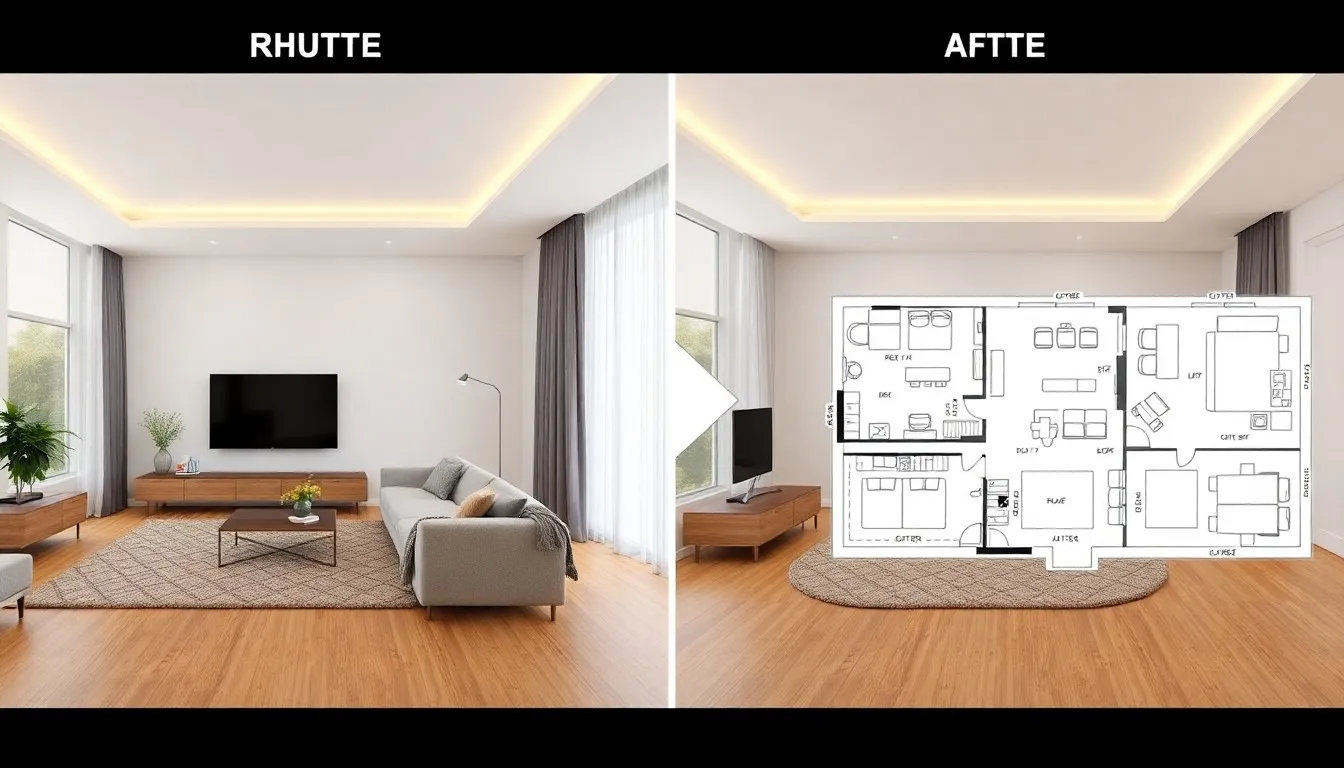
Essential Features of Modern AI Floor Planners
Not all floor planner AI tools are created equal. Here's what to look for:
Accurate Measurement Tools
The best AI floor planners provide:
- Automatic dimension detection from photos or laser measurements
- Manual override for precise adjustments
- Square footage calculations for each room and total space
- Metric and imperial unit support
Extensive Furniture Libraries
Quality tools include accurately scaled furniture:
- Living room: sofas, sectionals, coffee tables, entertainment units
- Bedroom: beds (twin, full, queen, king), dressers, nightstands
- Dining: tables (round, rectangular), chairs, buffets
- Office: desks, ergonomic chairs, filing cabinets, bookshelves
- Kitchen: appliances, islands, cabinetry
2D and 3D Visualization
2D floor plans show bird's-eye layouts—perfect for understanding spatial relationships and measurements. 3D floor plans let you virtually walk through the space, experiencing how it actually feels.
The combination helps you make informed decisions. Use 2D for precise planning, 3D for visualization and client presentations.
Collaboration and Sharing
Professional-grade AI floor planners support:
- Cloud saving and access from any device
- Shareable links for contractors, designers, or family members
- Export to PDF, JPG, or DWG formats
- Version history to compare different layouts
Plan Your Perfect Layout with AI
Create professional floor plans in minutes. Optimize furniture placement, visualize different layouts, and avoid costly mistakes—all before moving anything.
AI Floor Planning for Different Spaces
Different rooms have unique planning requirements. Here's how AI room planners optimize each space type:
Living Room Floor Plans
Living rooms need conversational groupings and media viewing optimization. AI floor planners ensure:
- Conversation zones: Seating arranged for comfortable face-to-face interaction (8-10 feet apart ideal)
- TV viewing distance: Proper screen distance based on TV size (1.5-2.5x diagonal screen measurement)
- Traffic flow: Clear pathways through the room without disrupting seating areas
- Focal point emphasis: Arranging furniture around fireplaces, windows, or architectural features
- Adequate clearances: 18-24 inches walkway space, 14-18 inches between coffee table and sofa
The AI can generate multiple living room layout variations—try L-shaped sectionals vs. sofa + loveseat combos, different entertainment center placements, or accent chair positions.
Bedroom Layout Optimization
Bedrooms prioritize rest and storage. AI considers:
- Bed placement: Typically on the longest wall, avoiding direct door views or under windows
- Nightstand access: Equal space on both sides of the bed (24-36 inches ideal)
- Closet clearances: Minimum 36 inches in front of closets for door swing and dressing
- Dresser positioning: Accessible but not blocking circulation
- Privacy considerations: Avoiding bed visibility from doorways when possible
Home Office Space Planning
Productive home offices require ergonomic planning. AI floor planners optimize:
- Desk orientation: Natural light from the side (not behind screen causing glare or in front causing eye strain)
- Ergonomic clearances: 36-42 inches behind desk chair for comfortable movement
- Storage proximity: Filing and shelving within arm's reach of desk
- Meeting areas: Small seating zones for video calls or in-person meetings if space allows
Check out our detailed guide on AI home office design for more workspace optimization tips.
Kitchen and Dining Floor Plans
Kitchens follow the classic "work triangle" principle. AI ensures:
- Work triangle: Efficient distances between sink, stove, and refrigerator (15-22 feet total perimeter ideal)
- Counter space: Adequate prep areas between appliances
- Island clearances: 42-48 inches walkway on all sides for comfortable traffic flow
- Dining placement: Proper spacing between table and walls (36-42 inches for chair pullout)
Open-Concept Space Division
Open floor plans require intentional zone creation. AI helps define:
- Functional zones: Living, dining, kitchen areas without physical walls
- Visual boundaries: Rugs, furniture orientation, or lighting to delineate spaces
- Traffic patterns: Clear pathways connecting different zones
- Sightlines: Maintaining visual connection while defining separate areas
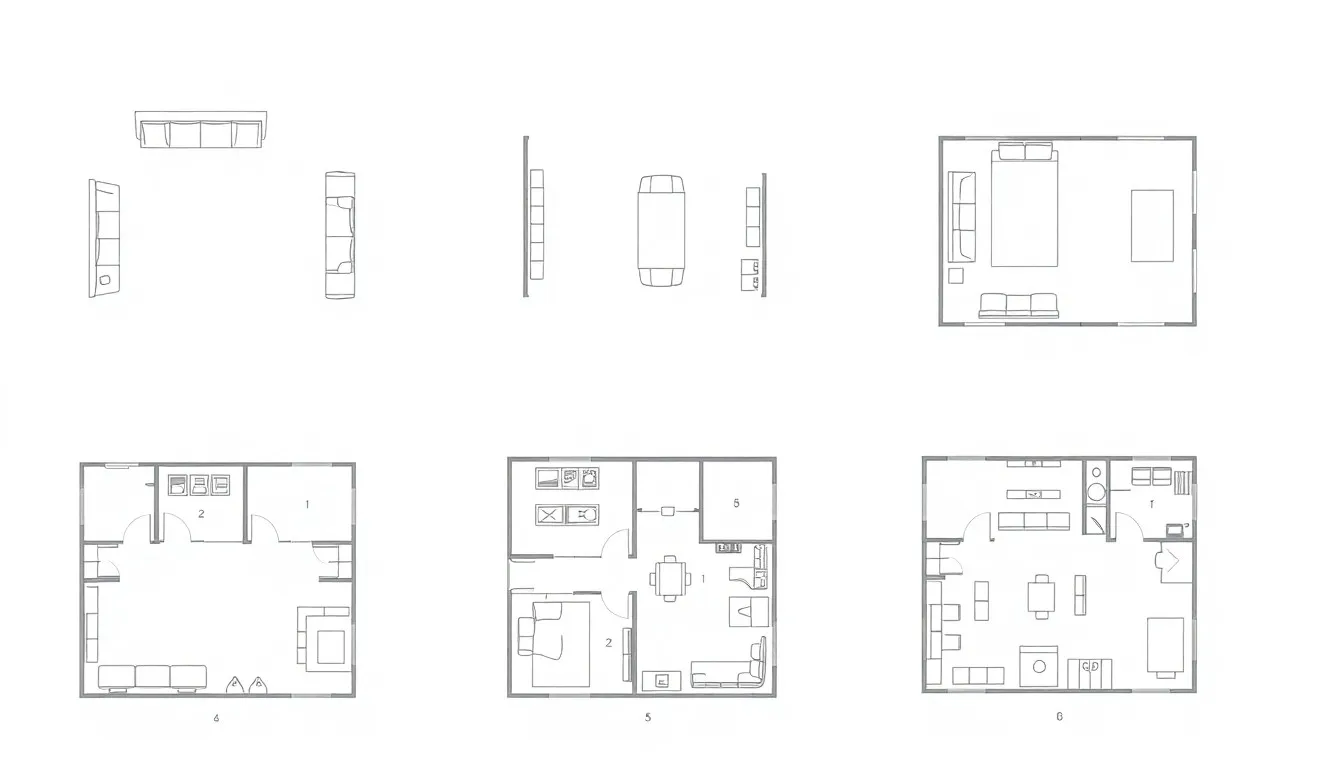
AI Floor Planners vs. Traditional Methods
How do AI floor plan generators compare to traditional space planning approaches?
Comparison Chart
| Method | Cost | Time | Skill Required | Flexibility |
|---|---|---|---|---|
| AI Floor Planner | Free - $20/month | Minutes | None | Instant changes |
| Professional Designer | $500 - $3,000+ | 1-2 weeks | None (they do it) | Revision fees |
| Traditional CAD Software | $200 - $2,000/year | Hours to days | High learning curve | Moderate |
| Paper & Pencil | Minimal | Hours | Moderate | High (but tedious) |
When to Use Each Method
AI floor planners excel for:
- Residential renovations and furniture arrangement
- Quick visualization of multiple layout options
- DIY projects without professional help
- Budget-conscious planning
- Real-time collaboration with family or contractors
Professional designers remain valuable for:
- Complex commercial spaces with specialized requirements
- Major structural renovations requiring permits
- High-end custom homes with unique architectural features
- Projects requiring expert creative direction and material sourcing
Many people use a hybrid approach: AI floor planners for initial exploration and iteration, then professional refinement for final execution if needed.
Best Practices for AI Floor Planning
Get the most accurate and useful results from your virtual floor planner with these professional tips:
Accurate Measurements Are Critical
Garbage in, garbage out. Even the smartest AI can't compensate for incorrect dimensions:
- Measure twice: Verify all room dimensions before inputting
- Account for baseboards: Measure wall-to-wall, not floor space
- Note ceiling height: Important for vertical storage and lighting
- Mark obstacles: Radiators, outlets, switches, vents, structural columns
- Door swing directions: Critical for furniture placement and clearances
- Window positions: Height from floor, width, and any limitations
Test Multiple Layout Variations
Don't settle on the first AI suggestion. The beauty of floor planner AI is iteration speed:
- Generate 3-5 different layouts for the same space
- Try different furniture styles and sizes
- Experiment with focal point orientations
- Test seasonal or multi-purpose arrangements
Consider Real-Life Usage Patterns
AI provides optimal layouts based on design principles, but customize for your lifestyle:
- Traffic habits: How do you actually move through the space?
- Daily routines: Morning coffee spot, work-from-home needs, kids' play areas
- Entertainment style: Movie nights, dinner parties, quiet reading
- Pet considerations: Dog beds, cat trees, food stations
- Storage needs: Where do you actually need storage vs. where design theory suggests?
Verify Furniture Dimensions
AI libraries use standard furniture sizes, but your actual pieces may differ:
- Measure existing furniture you plan to keep
- Check specifications for new furniture before purchasing
- Account for reclining sofas or extendable tables (measure fully extended)
- Consider visual weight vs. physical size (glass tables vs. solid wood)
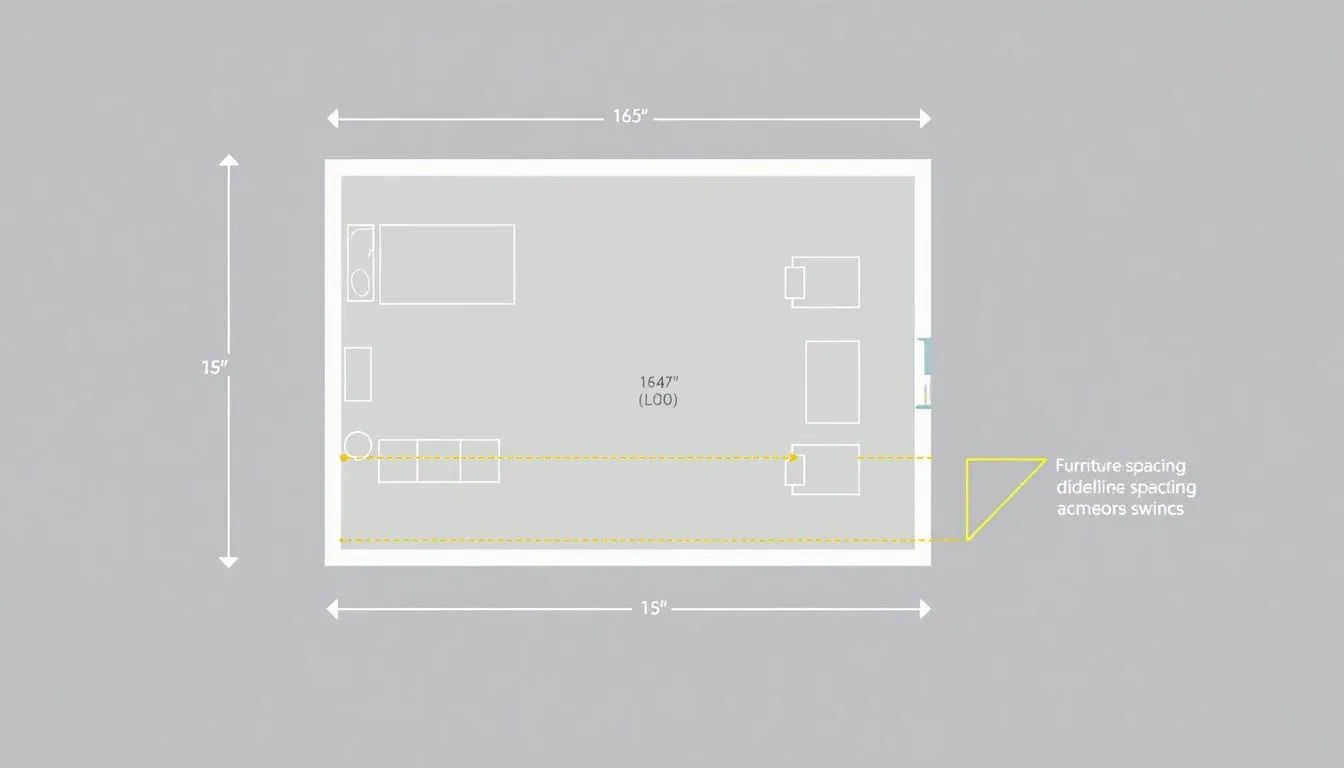
Common Floor Planning Mistakes to Avoid
Mistake 1: Ignoring Traffic Flow
A layout can look perfect visually but fail functionally if people constantly navigate around obstacles. Maintain:
- 36-inch minimum walkways for primary traffic paths
- 18-24 inches for secondary paths between furniture
- Clear, logical routes from room entries to exits
Mistake 2: Forgetting Door Clearances
Don't block doors (including closets) with furniture. Account for:
- Full door swing arc (test in your AI floor planner)
- Space to stand while opening/closing doors
- Bi-fold and pocket door requirements
Mistake 3: Overcrowding Spaces
Just because furniture fits doesn't mean you should use it all. Leave breathing room:
- Aim for 50-60% floor coverage in living spaces
- Negative space is design—not wasted space
- Remove one piece if the room feels cramped
Mistake 4: Ignoring Electrical Outlets and Lighting
Beautiful furniture placement means nothing if lamps won't reach outlets. Consider:
- Outlet locations (mark them on your AI floor plan)
- Extension cord routes (try to avoid needing them)
- Overhead lighting positions
- Natural light direction throughout the day
Mistake 5: Forgetting Vertical Space
2D floor plans don't show ceiling height, but it matters:
- Tall furniture in rooms with low ceilings feels oppressive
- Wall-mounted TVs, shelving, and art placement
- Ceiling fan clearances (minimum 7-foot clearance, 8-9 feet from floor to fan base)
Practical Applications of AI Floor Planning
Moving to a New Home
Before moving day, use AI room planners to:
- Determine which existing furniture fits the new space
- Identify gaps requiring new purchases
- Create room-by-room furniture placement plans for movers
- Avoid the "temporary" placement that becomes permanent
Renovation Planning
Before demolition or construction:
- Visualize how removing walls affects furniture layout
- Determine optimal positions for new electrical, plumbing, or built-ins
- Test kitchen and bathroom reconfigurations
- Share precise plans with contractors for accurate quotes
Furniture Shopping Preparation
Never buy furniture without checking the floor plan:
- Test different sofa sizes before purchasing
- Determine if that king bed actually fits
- Verify dining table dimensions for your space
- Avoid "it looked smaller in the store" regrets
Real Estate and Staging
Realtors and home sellers use AI floor plans to:
- Create virtual staging for empty properties
- Show buyers how their furniture could fit
- Highlight multi-functional space possibilities
- Provide downloadable floor plans in listings
2025 AI Floor Planning Trends
The technology continues evolving. Watch for these emerging capabilities:
AR Integration
Augmented reality features let you view virtual furniture in your actual space through your phone camera—combining floor planning with real-world visualization.
Automated Space Optimization
AI that learns your preferences over time, automatically suggesting improvements based on how you actually use spaces.
Multi-Room Coherence
Whole-home floor planning that ensures design consistency and traffic flow across multiple connected spaces.
Smart Home Integration
Floor plans that account for smart home device placement—thermostats, cameras, voice assistants, automated lighting zones.
Professional Resources for Floor Planning
Deepen your space planning knowledge with these authoritative sources:
- Architectural Digest's Furniture Layout Rules - Professional designer guidelines for room arrangement
- Houzz Room Layout Guidelines - Comprehensive clearance and spacing recommendations
- Better Homes & Gardens Furniture Arranging Basics - Practical tips for functional layouts
Floor planning doesn't have to be intimidating or expensive. AI floor planner tools democratize professional-quality space planning—anyone can now create functional, beautiful room layouts in minutes. Whether you're moving, renovating, or simply rearranging, AI gives you the confidence to make smart decisions before lifting a single piece of furniture.
The best part? You can test unlimited variations, experiment fearlessly, and find the perfect layout for how you actually live. Start with accurate measurements, leverage AI's spatial intelligence, and customize based on your unique needs. Your perfectly planned space is just minutes away.
Design Your Perfect
Floor Plan Today
Create professional room layouts in minutes. Optimize space, visualize furniture placement, and avoid costly mistakes.


Visualize Your Dream Home Instantly
Don't just read about it. Experience the power of AI interior design with DecorAI's free tool.
Start Designing for FreeWritten by
DecorAI Team
Editorial Team