How to Furnish an Empty Room With AI: Plan the Layout Before You Buy
A step-by-step walkthrough of furnishing an empty room with AI: photograph the bare space, pick a room type and style with DecorAI Virtual Staging, test layouts, then shop with a plan instead of guesswork.
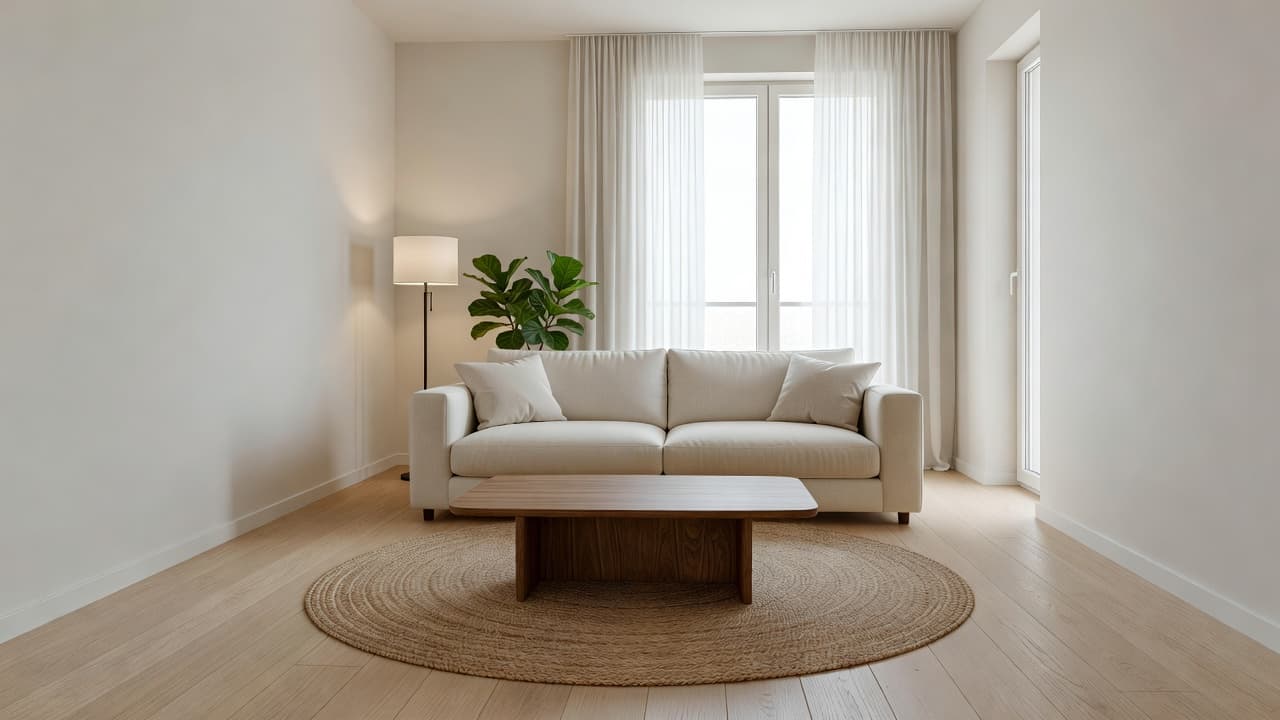
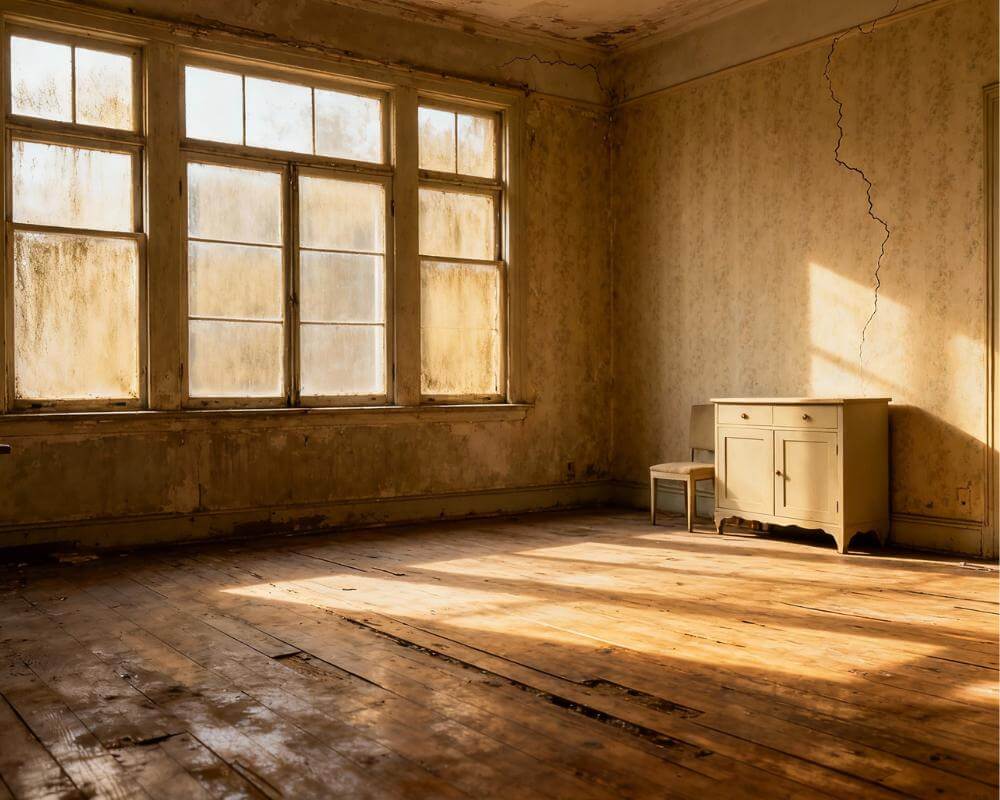
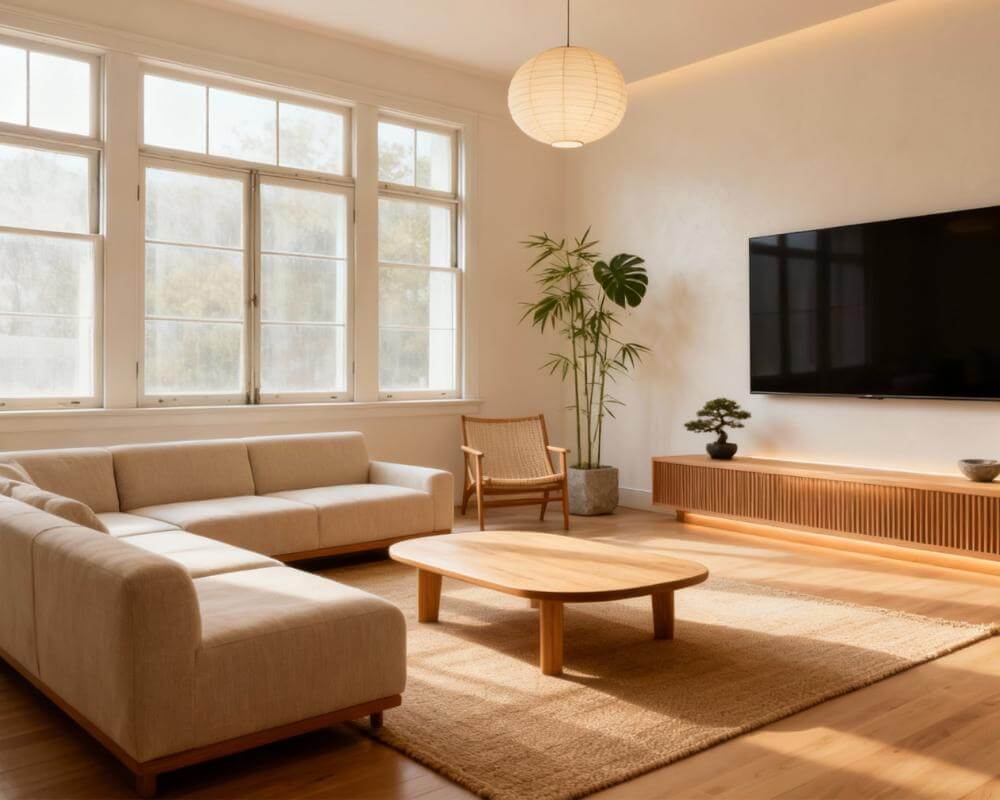
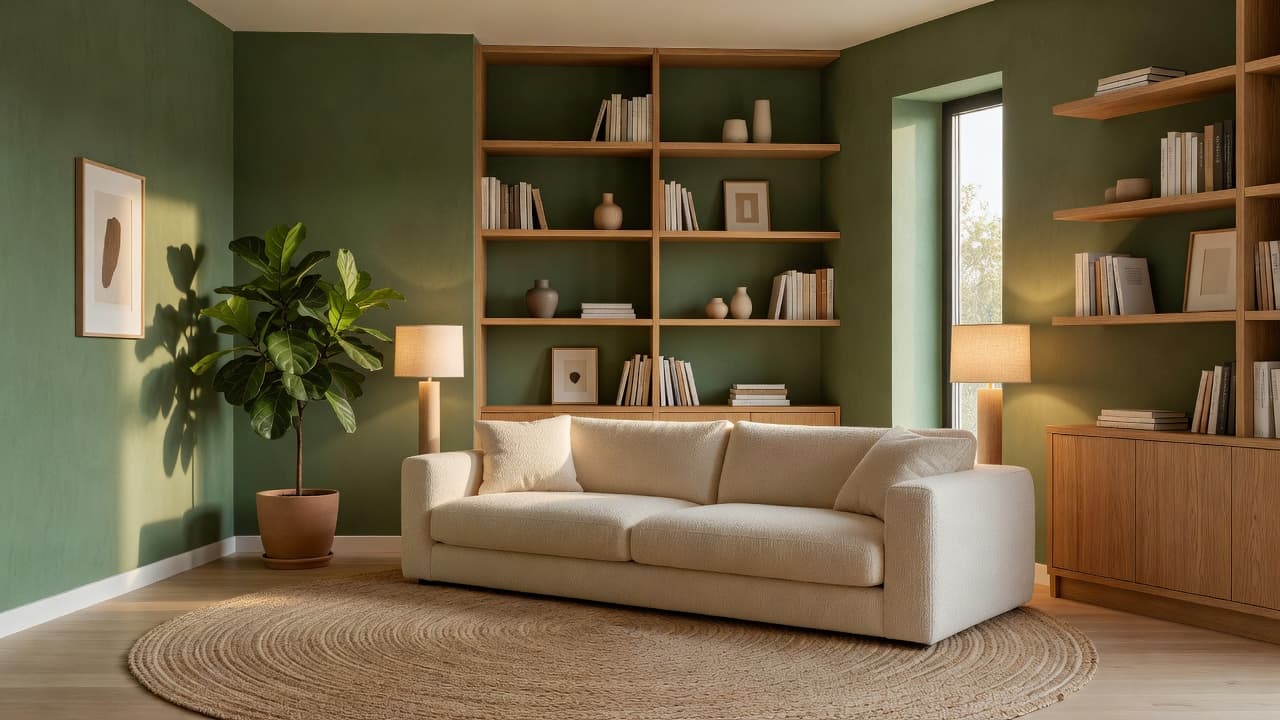
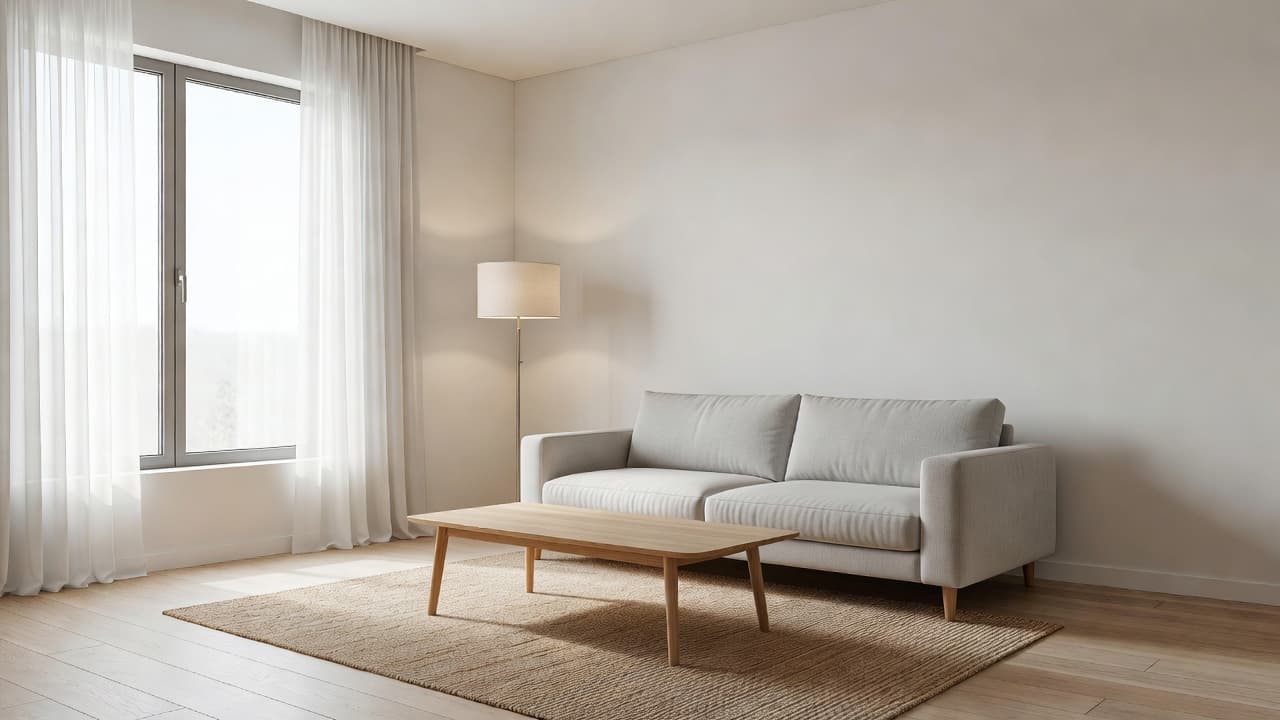
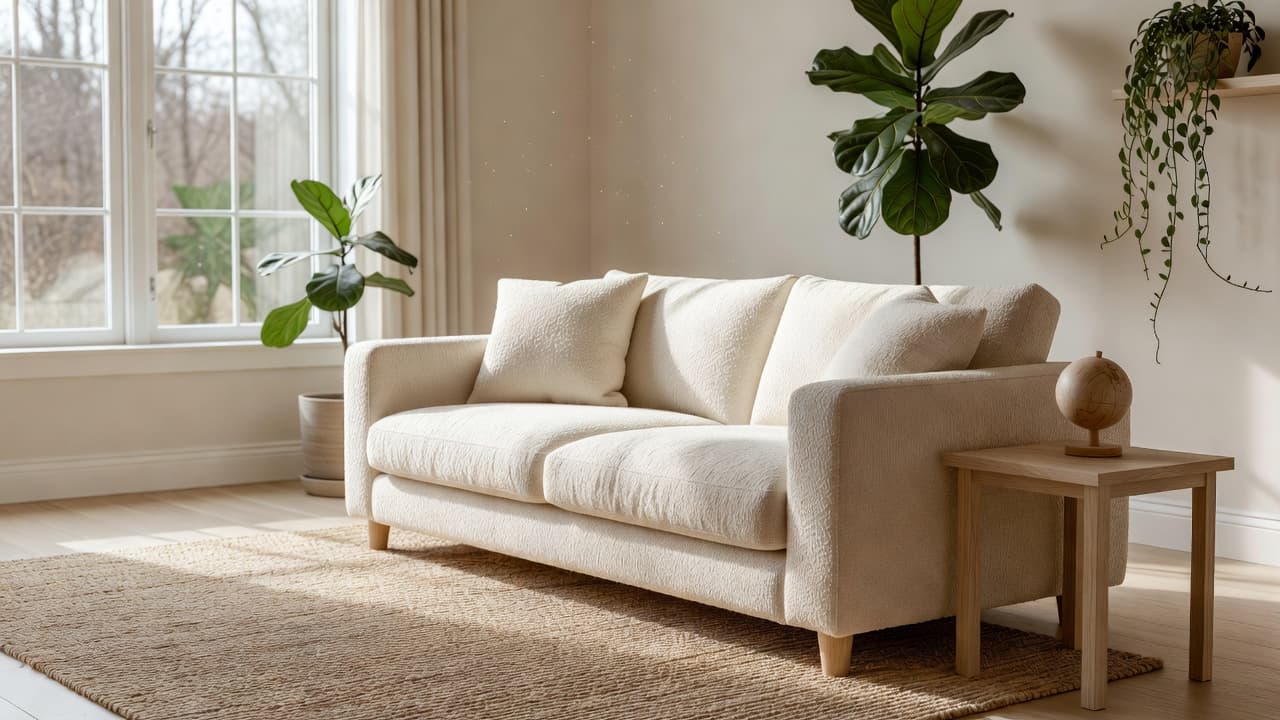
An empty room is full of possibility and short on clues. With bare walls and no furniture, it is hard to tell whether a sofa will fit, which style suits the light, or where the TV should go. Furnishing an empty room with AI lets you see a complete, styled version of the space before you spend anything. DecorAI is an AI interior design app that lets users transform photos of existing rooms into realistic redesign concepts, and its Virtual Staging tool is built for exactly this situation: you start from a photo of the bare room and get a furnished concept back.
This walkthrough covers the whole process, from taking the photo to turning the concept into a shopping plan. It is written for people who have just moved in, renters with an unfurnished flat, and anyone staring at a blank room and wondering where to start.
Key Takeaways
- Start from a photo of the real room. DecorAI Virtual Staging furnishes an empty or under-furnished room from your own photo, keeping the walls, windows and floor you actually have.
- Pick a room type, then a style. Virtual Staging offers eight room types and eight styles, plus free-text instructions for anything specific.
- Compare layouts, not just looks. Generate two or three versions and notice where the sofa, bed or desk sits, because layout is the real decision.
- Buy anchor pieces first. Use the concept to prioritize the sofa, bed, rug and lighting, then fill in the rest slowly.
- Fast to try. Designs are usually generated in under 10 seconds, and DecorAI offers three free generations per day without requiring an account or credit card.
- Try DecorAI on a photo of your empty room.
Why Is an Empty Room So Hard to Furnish?
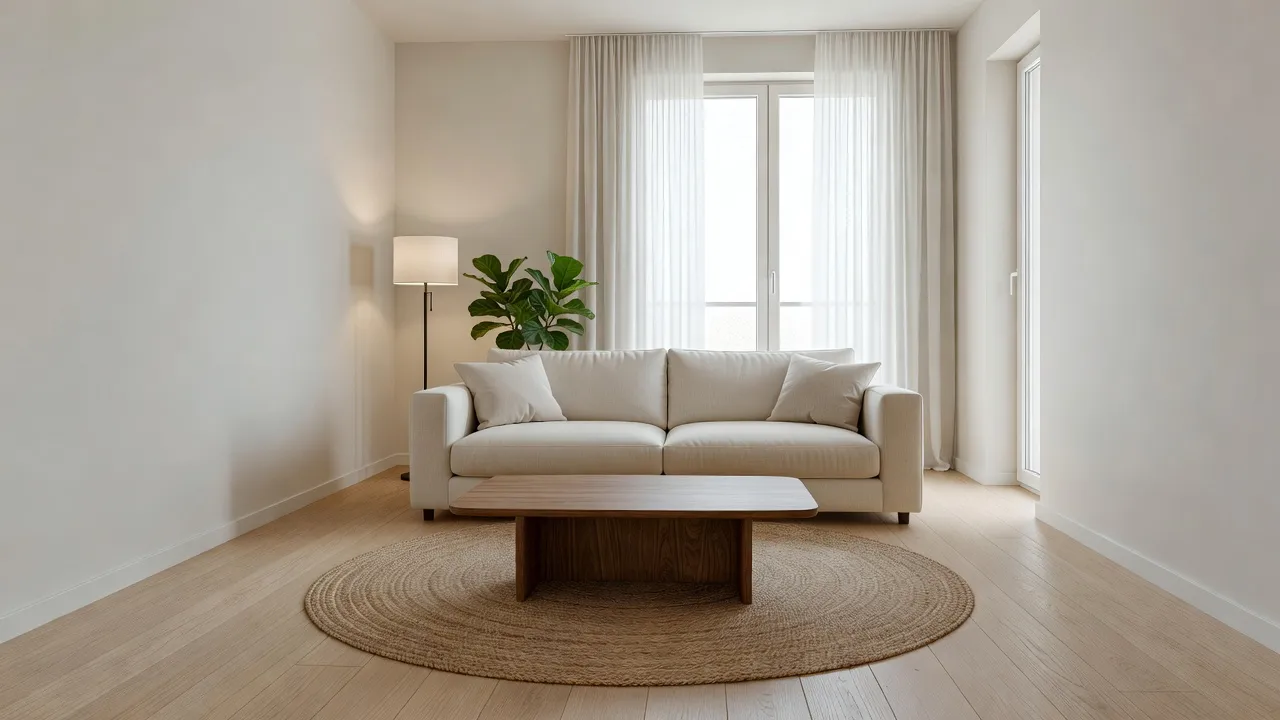
A furnished room gives you reference points: the sofa shows the scale, the bookcase shows where the wall ends, the lamp shows where light is needed. An empty room gives you none of that. Without anything to react to, most people make one of two mistakes. They buy too fast, ending up with a sofa that swallows the room, or they wait for months because every decision feels risky.
Seeing a believable version of the finished space solves both problems. You can judge proportions, test whether a darker or lighter palette suits the daylight, and decide what the room is for before you commit to any purchase. It is the same idea behind professional home staging, only aimed at you rather than a buyer. If you are moving into a newly built home, our guide to AI interior design for new-construction homes covers the planning side in more depth.
How Do I Photograph an Empty Room for AI?
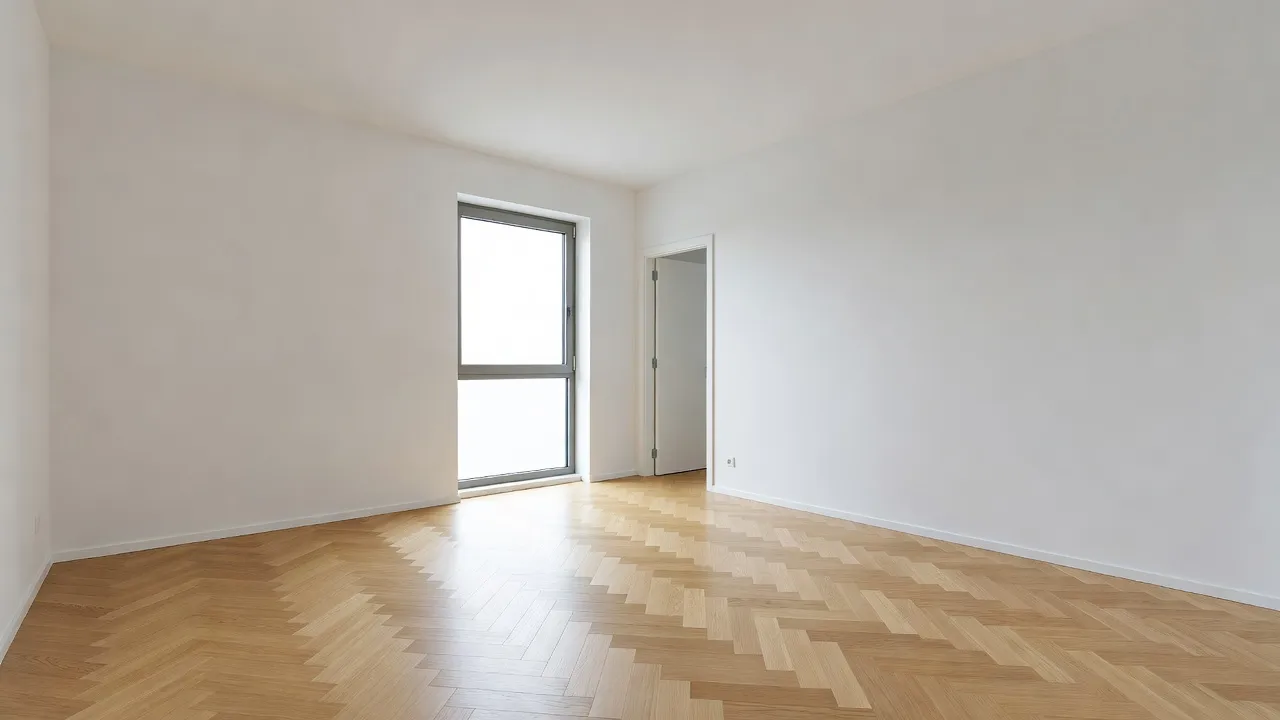
The photo is the foundation, and an empty room is actually an easy subject. Follow a few habits and the result will be much more reliable.
- Stand in a corner and shoot across the room. This shows two walls, the floor and as much of the space as possible, which helps the AI judge depth.
- Use daylight. Open curtains and blinds and turn on the lights so the walls and floor read clearly.
- Keep the camera level and at chest height. Tilted or very low shots distort the proportions that the furniture is scaled against.
- Include windows and doors. They tell the AI where light comes from and where people need to walk.
- Take a photo from a second angle. Different views of the same room let you test layouts that work from more than one direction.
For more on getting a clean input, see how to photograph your room for AI design.
How Do I Furnish an Empty Room With DecorAI?
The workflow takes a few minutes and uses one tool, Virtual Staging. Here is the full sequence.
- Upload the photo. Open DecorAI on the web, iOS or Android and add your photo of the bare room.
- Choose Virtual Staging. This is the tool that furnishes an empty or under-furnished room rather than redesigning an existing one.
- Pick the room type. Options include living room, bedroom, kitchen, dining room, office, kids room, bathroom or a custom type. The room type decides which furniture appears, so a bare rectangle becomes a bed in a bedroom and a desk in an office.
- Pick a style. Choose from Modern, Scandinavian, Minimalist, Industrial, Bohemian, Mid-Century, Coastal or Japandi.
- Add instructions if you need them. Free-text instructions let you say things like "leave space for a dining table by the window" or "keep the area near the door clear."
- Generate and compare. Designs are usually ready in under 10 seconds. Try a second style or a different instruction and compare the two.
If you want a closer look at how this tool fits into the wider toolkit, the AI Virtual Staging page explains the feature in full.
Which Style Should I Choose for a Blank Room?
With nothing in the room to constrain you, it is tempting to pick the boldest style. A better approach is to let the room choose. Look at three things in your photo: the amount of natural light, the color and material of the floor, and the size of the room.
A small, bright room with pale floors often suits Scandinavian or Japandi, where light wood and soft textiles keep the space airy. A room with warm wooden floors and good proportions can carry Mid-Century or Bohemian. A new-build with concrete, metal window frames and high ceilings leans naturally toward Industrial or Modern. If you rent and need pieces that move with you, Minimalist keeps the furniture count low and portable.
Because each generation is quick, you do not have to decide in advance. Try two styles and see which one feels like the room. Our guide on how to choose an interior design style can help if you are torn between several.
See Your Empty Room Furnished
Upload one photo of your bare room and get a furnished concept in seconds. Try different styles and layouts before you buy a single piece.


How Do I Judge the Layout, Not Just the Look?
A furnished concept is easy to admire and harder to read. Once you have a version you like, look at it as a floor plan rather than a picture. Ask four questions.
- Where do people walk? Follow the path from the door to the window and to any other door. If furniture blocks it in the image, it will block it in real life.
- What is the focal point? Most rooms need one: a window view, a bed wall, a fireplace or a TV wall. The largest piece should face or frame it.
- Is there breathing room? Leave clear floor around the main seating and bed. Empty floor is part of the design, not wasted space.
- Does the scale feel right? If the sofa looks tiny or enormous against the window, that tells you what to measure before shopping.
Then generate again with a changed instruction, such as moving the bed to the opposite wall or turning the sofa to face the window. Comparing two versions of the same room shows you which arrangement leaves the most usable space. For a deeper planning workflow, see our AI room layout planner guide, and the AI Floor Planner if you want to start from the plan view.
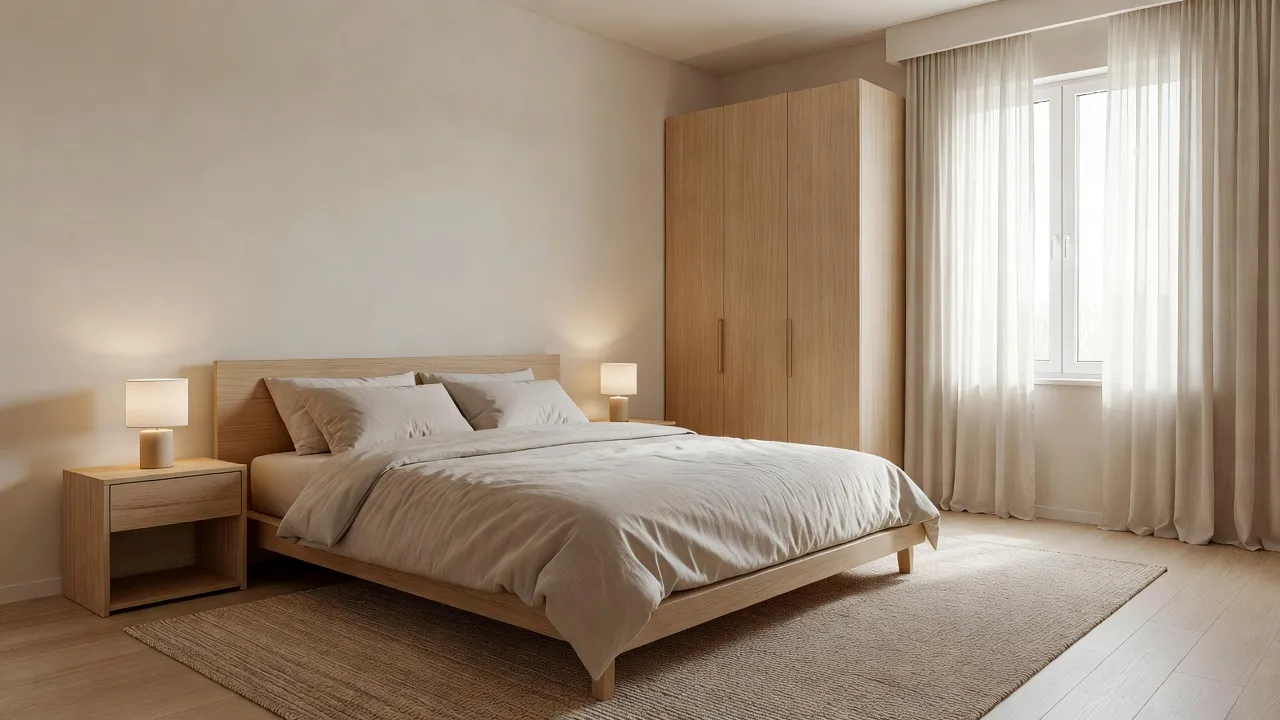
How Do I Turn the Concept Into a Shopping Plan?
The goal of a furnished concept is not to copy every item. It is to tell you what to buy first and what to leave until later. Use it to build a short list in this order.
- The anchor piece. The sofa in a living room, the bed in a bedroom, the table in a dining room. This sets the scale for everything else.
- The rug. A rug defines the zone and makes bare floors feel finished. Size it so the front legs of the main furniture sit on it.
- Lighting. Plan at least two light sources at different heights, such as a floor lamp and a table lamp, so the room does not depend on one overhead fitting.
- Window treatments. Curtains soften an empty room faster than almost anything else.
- Everything else, slowly. Side tables, art and plants can wait until you have lived in the space for a few weeks.
When you find a specific product you like, DecorAI's Furniture Import takes a photo of your room and a photo of one item and places it into the room with matching scale, perspective and lighting. That lets you check a particular sofa against your actual space before you order. It works well as a second pass once the concept has told you roughly what you need.
What Mistakes Should I Avoid?
A few habits make furnishing from a concept go wrong. Knowing them in advance saves money.
- Treating the image as a measured plan. The concept shows the look and the general arrangement. It does not know your exact dimensions, so measure the walls and the pieces you plan to buy.
- Buying the whole room at once. Concepts are tidy because they are complete. Real rooms improve in stages.
- Choosing a style the room fights. A heavy, ornate style in a small, dark room rarely works. If the result feels wrong, change the style rather than forcing it.
- Ignoring what is behind things. If you ever clear a furnished room first, the area behind large furniture is reconstructed, not known, so check it in person.
- Forgetting disclosure when selling. If you use staged images to market a property, label them as digitally staged, since many markets and portals require it.
What If the Room Is Not Actually Empty?
Many people are somewhere in between: a flat with a few leftover pieces, or a room still full of boxes and the previous tenant's furniture. In that case, use the two-step approach. Run Empty the Room first to clear the space while keeping the floor, walls, windows and architecture, then stage the cleared result. Doing it in two steps usually works better than a single replace-everything generation, because the AI is not fighting the old furniture while it invents the new. Our guide to removing furniture from a photo with AI explains the first half, and the virtual staging guide covers the second in the context of selling a home.
Furnishing an Empty Room With AI FAQ
Can AI furnish an empty room from a photo?
Yes. DecorAI Virtual Staging takes a photo of an empty or under-furnished room and returns a furnished concept in the room type and style you choose.
Which room types and styles does Virtual Staging support?
Room types include living room, bedroom, kitchen, dining room, office, kids room, bathroom and a custom type. Styles include Modern, Scandinavian, Minimalist, Industrial, Bohemian, Mid-Century, Coastal and Japandi.
How long does it take?
Designs are usually generated in under 10 seconds and can sometimes be ready in approximately five seconds; peak periods may take longer.
Is it free to try?
DecorAI offers three free generations per day without requiring an account or credit card, unlocked by watching a short rewarded video advertisement.
Will the furniture in the concept match what I can buy?
The concept shows a coherent furniture and decor arrangement, not a product list. Use it to decide what kinds of pieces you need, then use Furniture Import to test specific items from a shop or listing.
Can I use the images when selling or renting?
You can, but label virtually staged photos as such. Disclosure rules vary by market and portal, so check what applies where you list.
Conclusion
An empty room does not have to stay empty because the decisions feel too big. Photograph the space clearly, stage it in the room type and style that fits, compare a couple of layouts, and use the winning concept to decide what to buy first. You end up with a plan instead of a pile of guesses. Upload a photo of your empty room to DecorAI and see it furnished in seconds.
Visualize Your Dream Home Instantly
Don't just read about it. Experience the power of AI interior design with DecorAI's free tool.
Start Designing for FreeWritten by
DecorAI Team
Editorial Team