How to Remove Furniture From a Photo With AI
Learn how to remove furniture from a photo with AI to empty and declutter a room before you redesign it. A clear, step-by-step guide to virtual decluttering, why it helps, and how to preview your real space as a blank slate.
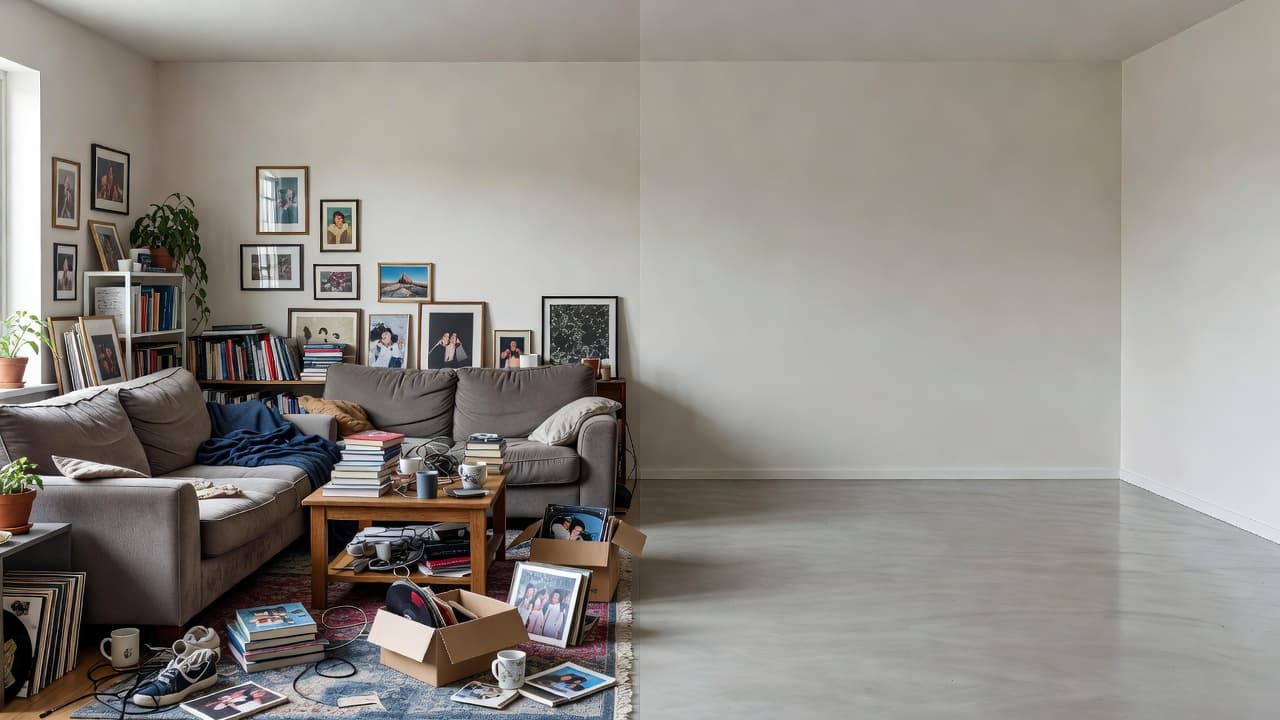
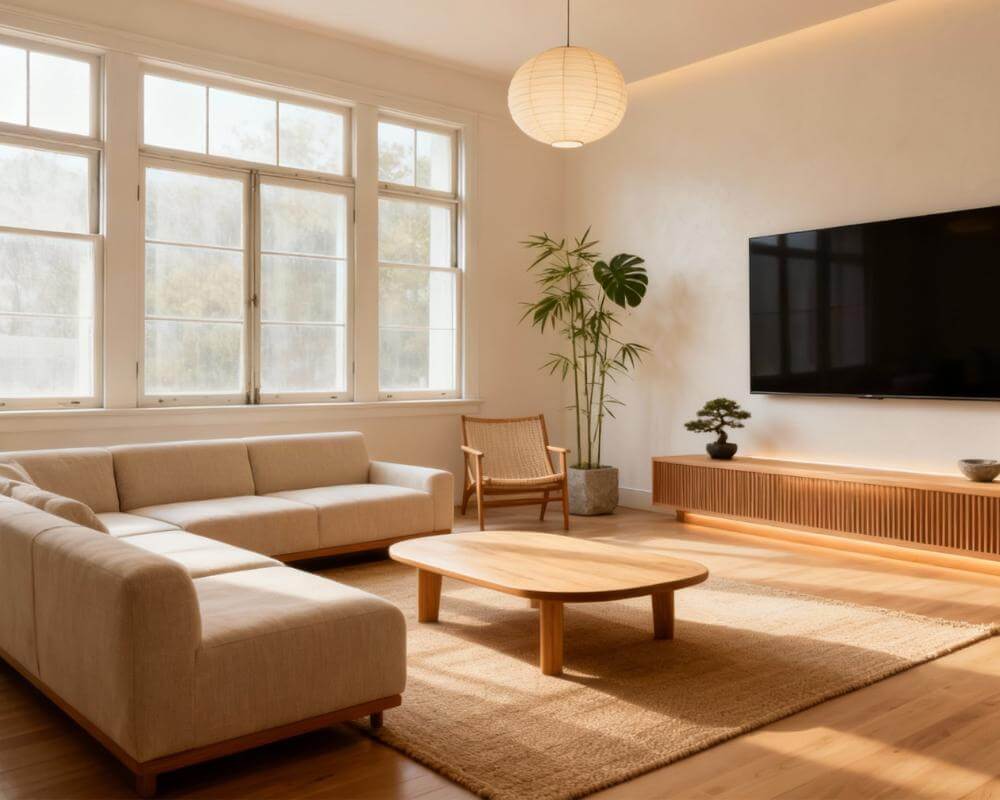
Learning how to remove furniture from a photo with AI is the quiet first step behind almost every great room redesign: before you can picture a fresh look, it helps to see your space as a clean, empty canvas. With a tool like DecorAI, you upload a photo of your real room and let the AI strip out clutter and furniture so you can judge the bones of the space — and then restyle it photorealistically in seconds.
Emptying a room used to mean physically hauling everything out or hiring a photographer and a stager. AI changes that. By understanding what is furniture and what is architecture, modern image models can digitally clear a room, leaving the walls, windows, and floor intact. This guide explains exactly what "removing furniture with AI" means, why it is so useful before a redesign or a sale, how the process works step by step, the limits to keep in mind, and how to go straight from an empty room to a fully restyled one without buying or moving a thing.
Key Takeaways
- Removing furniture from a photo with AI digitally clears clutter and furnishings while keeping your real walls, windows, and floors — giving you a clean blank slate.
- It uses image inpainting: the AI identifies objects, erases them, and realistically fills in the floor and wall behind them.
- It is most useful before a redesign or sale: an empty room is easier to re-imagine, and decluttered photos help buyers picture their own things.
- Photo quality drives accuracy: a bright, straight-on, in-focus shot gives the AI the most to work with.
- You can go further than erasing: with DecorAI you can empty your room and then restyle it photorealistically in seconds, all from one photo, for free to start.
What Does It Mean to Remove Furniture From a Photo With AI?
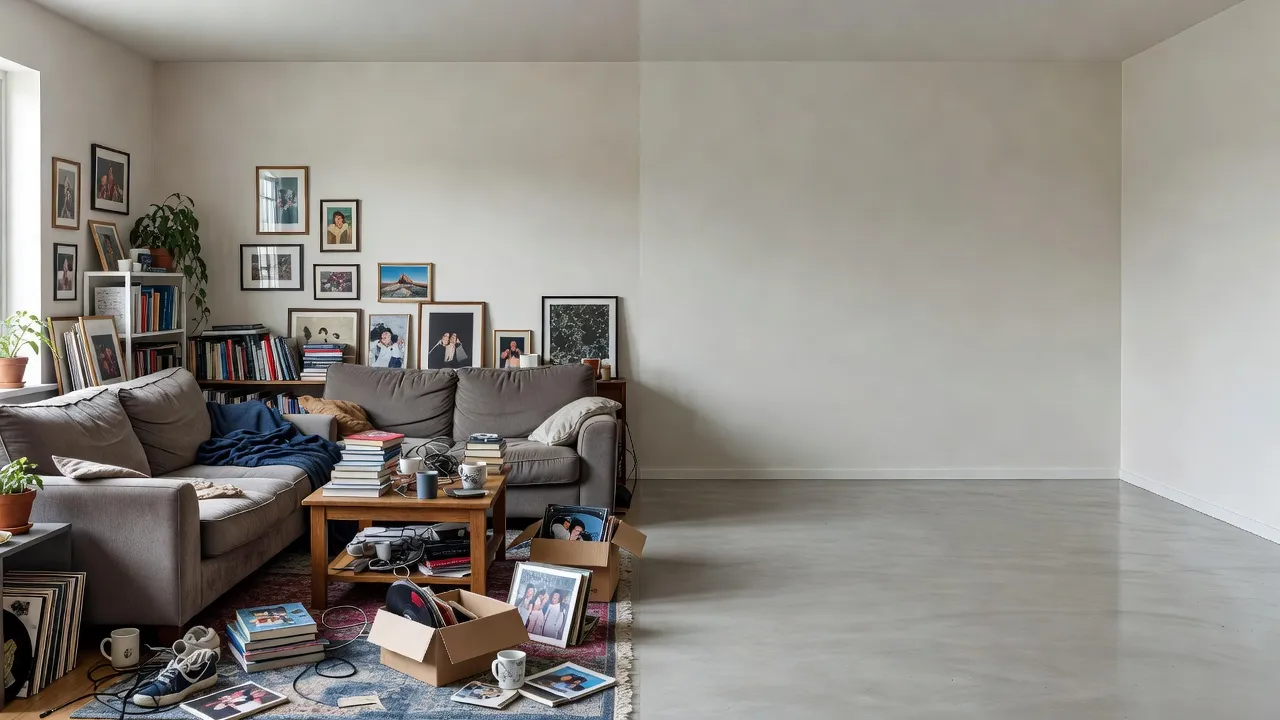
Removing furniture from a photo with AI means using an image model to digitally erase furnishings, decor, and clutter from a picture of a room while preserving the architecture — the walls, windows, doors, and flooring stay exactly where they are. The result is a realistic photo of your same space, empty, as though it had been professionally cleared and cleaned.
The technique behind it is inpainting: the AI recognizes which pixels belong to an object, removes them, and then reconstructs what was likely behind that object — continuing the floorboards, the baseboard, the wall color — so there is no obvious hole. Because the model has learned from countless real interiors, it can fill those gaps convincingly. If you are curious about the broader technology, our explainer on how AI interior design works covers the same image-generation pipeline.
Why Would You Want to Empty a Room With AI?
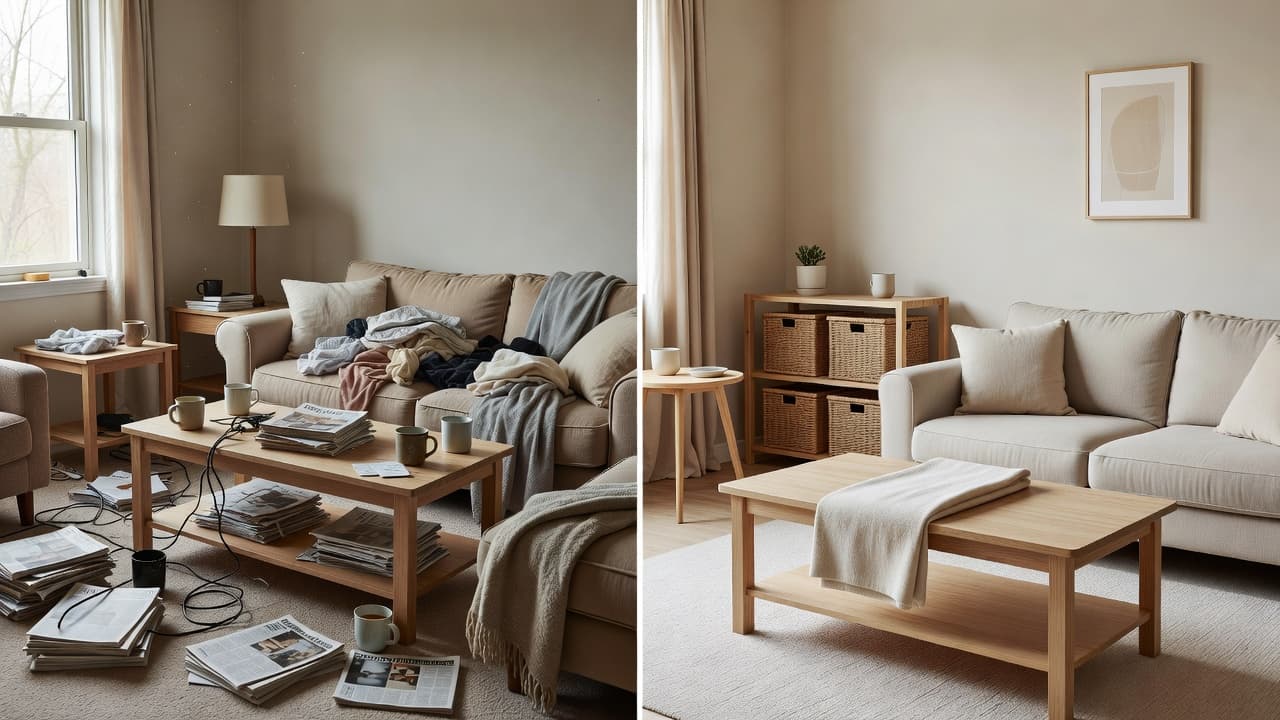
An empty room is easier to reimagine. When a space is full of your existing furniture, it is hard to mentally subtract what is there and picture something new — the current sofa, the busy gallery wall, and the pile of laundry all anchor your imagination to the present. Clearing the room digitally removes that anchor and lets you see the true proportions and potential of the space.
Before a redesign
Starting from a blank slate makes a restyle far more accurate. With clutter gone, the AI — and your own eye — can focus on layout, light, and scale rather than working around objects that are about to be replaced anyway. This is especially powerful in small spaces, where a crowded photo can make a room look more limited than it really is.
Before selling or renting
Decluttered, depersonalized photos help buyers and renters picture their own lives in a space — the core idea behind home staging. Removing distracting clutter from listing photos (always honestly, without hiding defects) makes rooms read as larger and cleaner. Our virtual staging guide goes deeper on doing this responsibly.
To plan around what stays
Sometimes you want to keep one or two pieces and rethink everything else. Emptying the room first lets you reintroduce only what matters and design around it, instead of being stuck with the existing arrangement.
How Do You Remove Furniture From a Photo With AI, Step by Step?
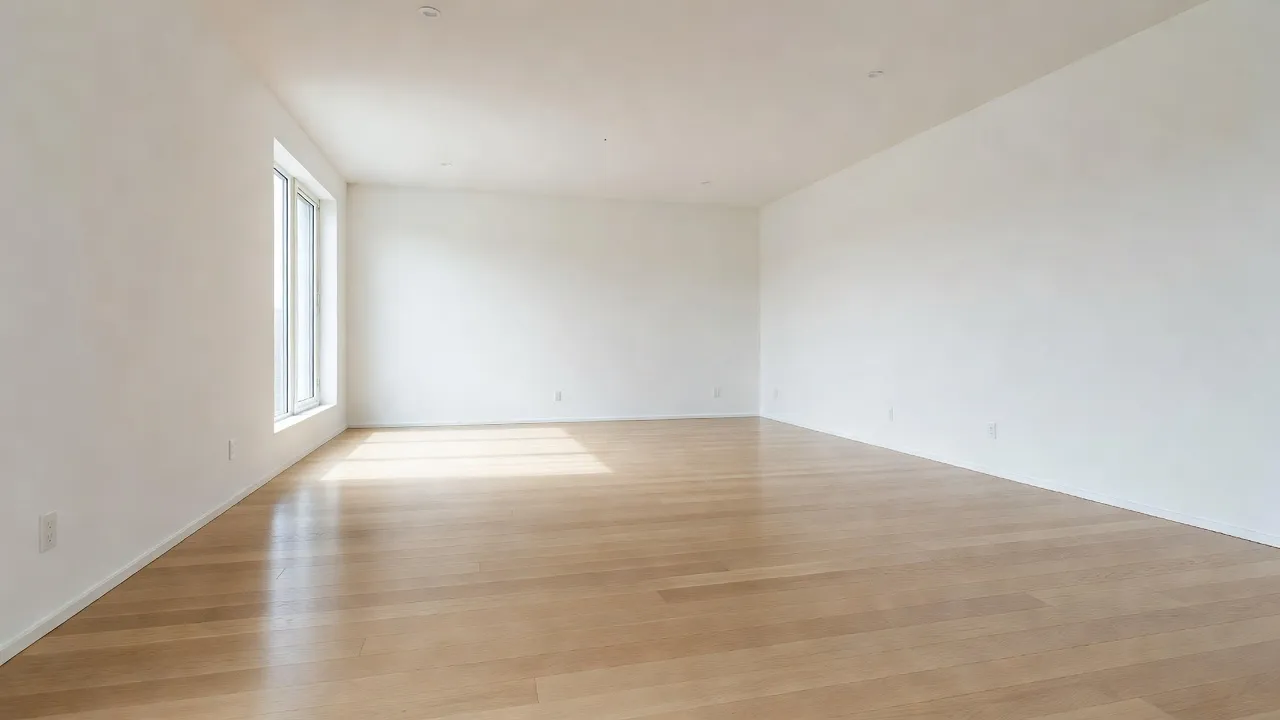
The process is simple and takes under a minute. You do not need any editing skill — the AI handles the hard part of erasing and filling in.
Step 1: Take a clear photo
Stand in a corner or doorway so you capture as much of the room as possible, hold the camera straight (not tilted), and shoot in good, even daylight. A bright, in-focus, straight-on photo gives the AI the most information to work with. Our guide on how to photograph your room for AI design walks through it in detail.
Step 2: Upload it to the AI
Open the tool in your browser and upload the photo. The AI analyzes the scene to separate the fixed architecture from the movable objects — understanding where the floor meets the wall, where the windows are, and what counts as furniture.
Step 3: Let the AI clear and fill the space
The model removes the furniture and clutter and inpaints the area behind it, continuing the flooring and wall surfaces so the empty room looks natural. In seconds you get a realistic photo of your space, cleared.
Step 4: Empty, or go straight to a redesign
From here you can keep the clean empty shot as a reference — or, with a tool like DecorAI, skip straight to restyling. Instead of just erasing, you can choose a style and have the AI furnish and decorate the cleared room photorealistically, so you move from blank slate to finished look in one flow. Seeing real before-and-after transformations shows how dramatic that jump can be.
Clear Your Room and Redesign It — Free
Stop trying to imagine past the clutter. Upload one photo of your room to DecorAI, see your real space as a clean blank slate, then watch the AI restyle your actual room photorealistically in seconds — keeping your real walls, windows, and layout.


How Accurate Is AI Furniture Removal?
AI furniture removal is impressively accurate for typical rooms with clear sightlines, and it keeps improving — but it is not flawless, and accuracy depends heavily on your photo. When a piece of furniture sits flat against a plain wall on an even floor, the AI fills the gap almost perfectly. The harder cases are objects that hide complex detail behind them, heavy shadows, reflections in mirrors and glass, and extreme wide-angle distortion.
To get the cleanest results, give the model an easy job: shoot in bright, even light to minimize shadows, keep the camera level to avoid distortion, and make sure the room is in focus. The same input rules that improve a redesign improve furniture removal, because both rely on the AI clearly reading your space. For more on this, see how to go from a room photo to a full style plan.
Should You Just Empty the Room, or Redesign It?
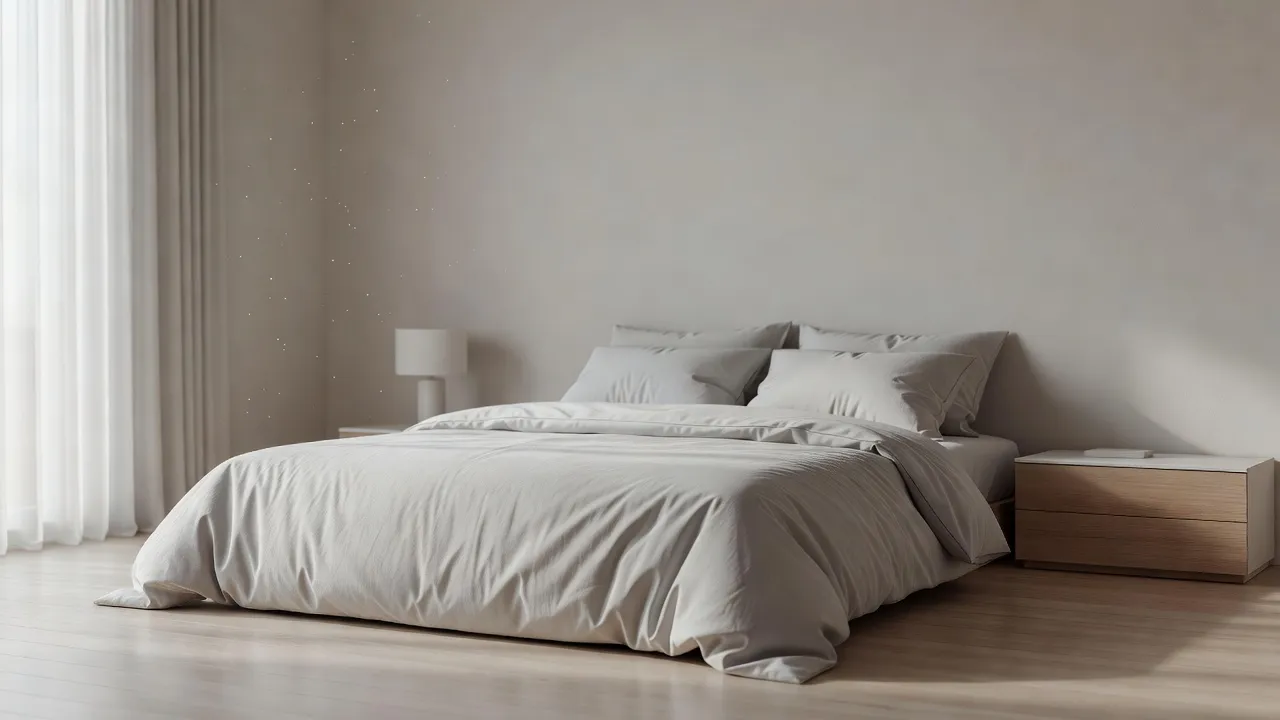
Emptying a room and redesigning it solve different problems, and the best choice depends on your goal. Erasing furniture is ideal when you simply want a clean reference, a depersonalized listing photo, or a sense of the room's true scale. Redesigning is better when you actually want ideas — to see your space in a new style, with new furniture and color, before you commit.
The convenient part is that you no longer have to choose one tool for each. A capable AI design tool does both: it can show you the cleared room and then furnish it in any look you like. That means you can declutter to understand the space, then immediately explore directions — browse the full styles gallery or start from the DecorAI homepage to see the range.
Remove Furniture From a Photo With AI — FAQ
Can AI really remove furniture from a photo realistically?
Yes. Modern AI uses inpainting to erase furniture and then reconstruct the floor and wall behind it, so the emptied room looks natural rather than leaving a blank hole. Results are most realistic when the photo is bright, in focus, and taken straight-on, and when objects sit against simple surfaces.
Is removing furniture from a photo with AI free?
It can be. DecorAI lets you upload a photo and start working with your real room for free, including clearing and restyling it, so you can see your space as a blank slate and explore redesigns before paying for anything.
Will it keep my walls, windows, and floor?
Yes. The whole point of AI furniture removal is to preserve the architecture. The model is designed to recognize and keep fixed elements like walls, windows, doors, and flooring while removing only the movable furnishings and clutter on top of them.
Can I empty a room and then add new furniture with AI?
Yes, and that is the most useful workflow. With DecorAI you can clear your room and then restyle it in one flow — choosing a design style and letting the AI furnish and decorate the cleared space photorealistically, all from the same photo.
Is it honest to use decluttered photos for a home listing?
Removing personal clutter to present a tidy, neutral space is generally considered fair staging. What is not acceptable is hiding defects or misrepresenting the property. Use AI to declutter and depersonalize, not to conceal problems a buyer or renter has a right to see.
Conclusion
Knowing how to remove furniture from a photo with AI gives you something every redesign benefits from: a clean, honest view of your real space. By erasing clutter and reconstructing the surfaces behind it, AI turns a busy, lived-in photo into a blank slate in seconds — perfect before a redesign, a sale, or simply to understand a room's true potential. The best part is that you do not have to stop at empty: upload your room photo to DecorAI to clear and restyle your real space for free, explore the styles gallery, or read the complete guide to AI interior design to go further.
Turn a Cluttered Room Into a Clean Canvas — Free
Open DecorAI's web app, upload a photo of your room, and let the AI clear it to a blank slate and redesign it in the style you choose — all in seconds. Your first designs are completely free — no credit card required.
Try the DecorAI Web App Free →No credit card required · Works on any device with a browser
Visualize Your Dream Home Instantly
Don't just read about it. Experience the power of AI interior design with DecorAI's free tool.
Start Designing for FreeWritten by
DecorAI Team
Editorial Team