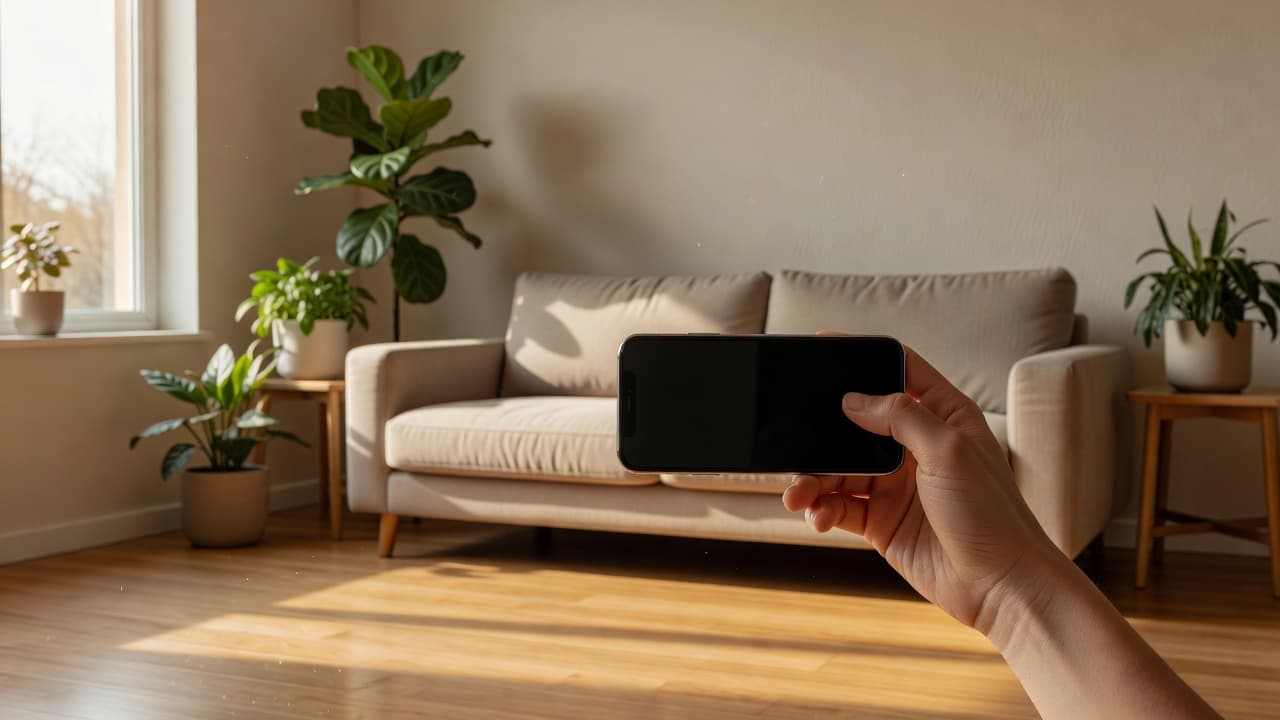
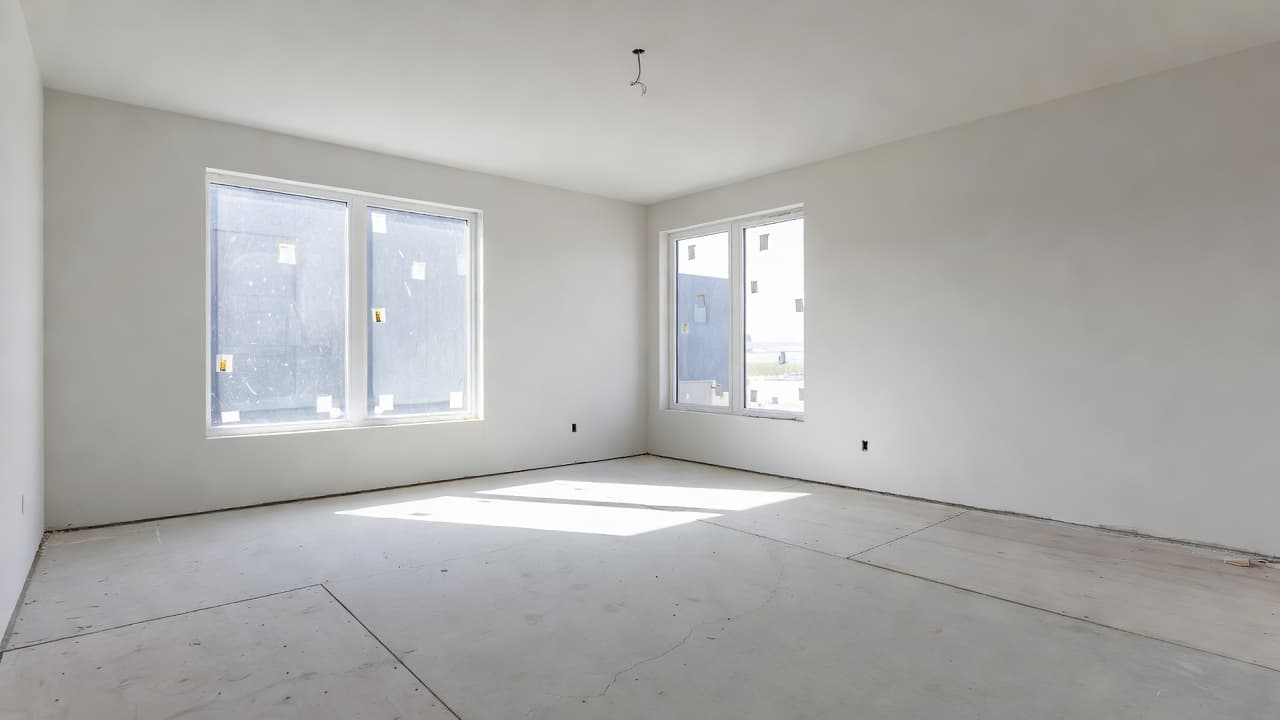
How Does AI Interior Design Work? The Technology Explained
A clear, beginner-friendly explanation of how AI interior design works — from the photo you upload to the photorealistic redesign you get back, plus the AI technology behind it.
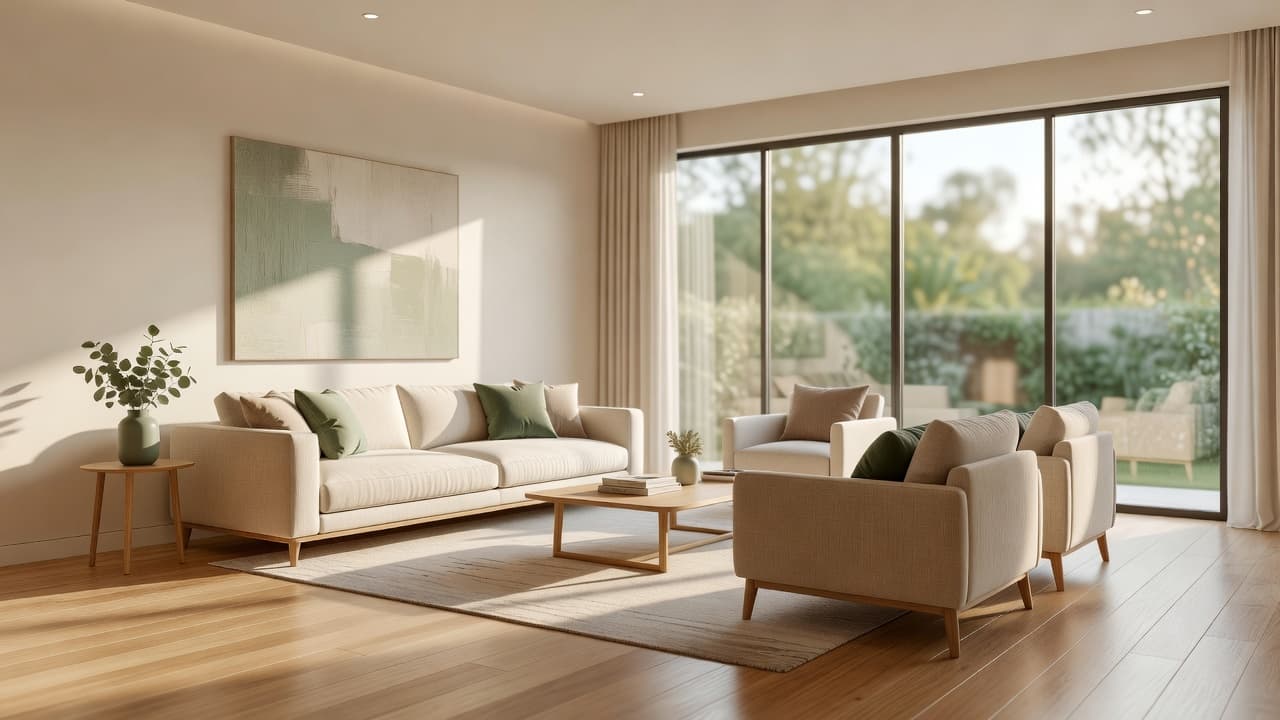
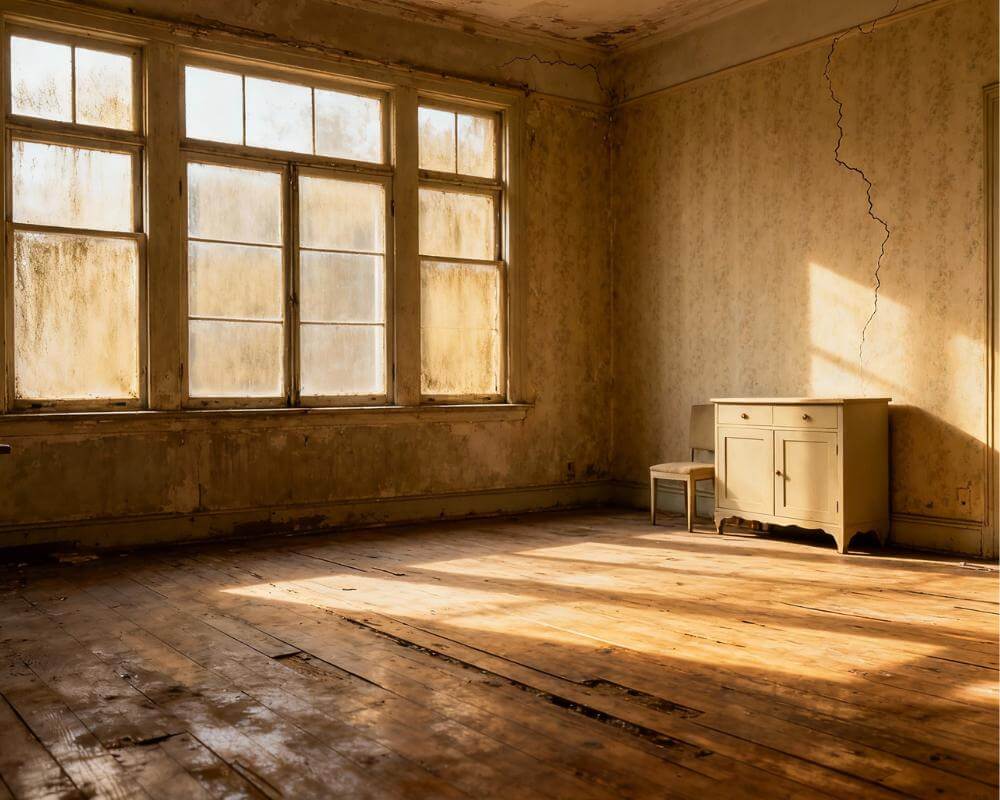
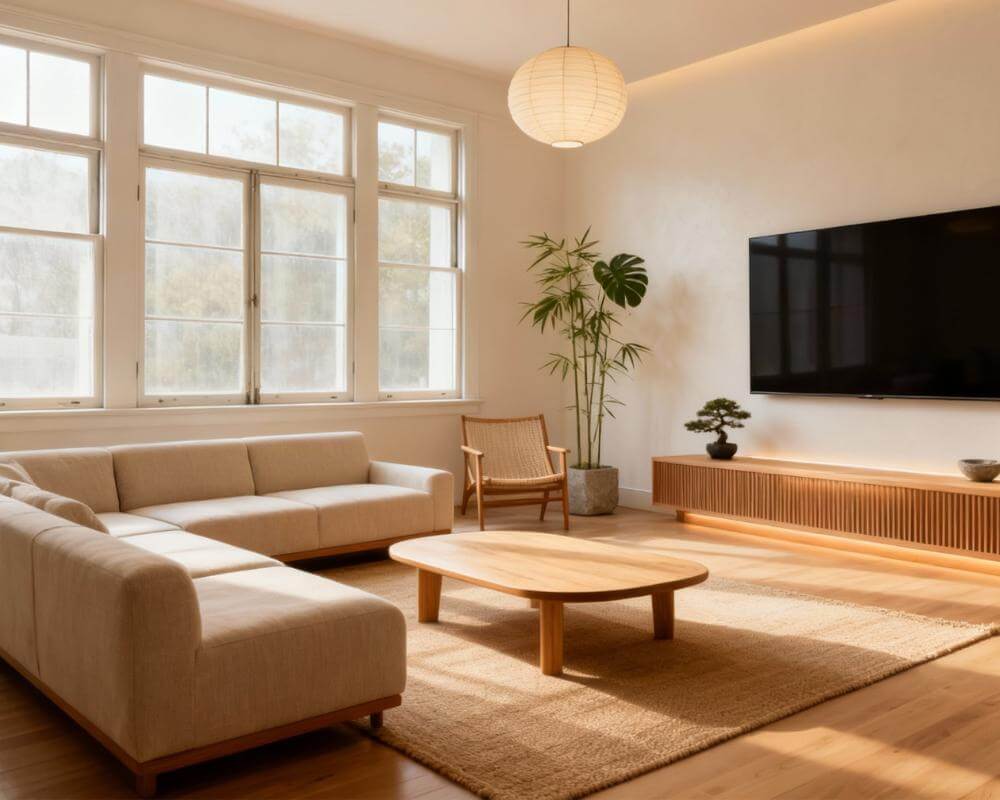
If you have ever wondered how does AI interior design work, the short answer is this: you upload a photo of your real room, an AI model reads the shape, surfaces, and lighting of that space, and it generates a brand-new photorealistic version styled the way you choose — all in seconds. Tools like DecorAI turn that process into a single tap, so you can see your actual room redesigned before you move, buy, or paint a thing.
AI interior design can feel like magic, but underneath it is a clear, logical pipeline: understand the room, understand the request, generate a new image that respects both, and refine. This guide explains each step in plain language — no machine-learning degree required — so you understand exactly what is happening between the photo you send and the redesign you get back, why the results look so realistic, where the technology shines, and where it still has limits.
Key Takeaways
- AI interior design works in four stages: it reads your room photo, interprets your style request, generates a new photorealistic image, and lets you refine the result.
- The core technology is generative AI — image models (often diffusion-based) trained on millions of interior photos so they understand what furniture, materials, and lighting look like.
- It keeps your real layout: good tools preserve your walls, windows, and proportions while changing furniture, color, and decor on top of them.
- Your photo quality matters most: a clear, well-lit, straight-on photo gives the AI the best information and produces the most accurate redesign.
- You can try it free: upload one photo to DecorAI, choose a style, and see your real room redesigned photorealistically in seconds.
What Is AI Interior Design?
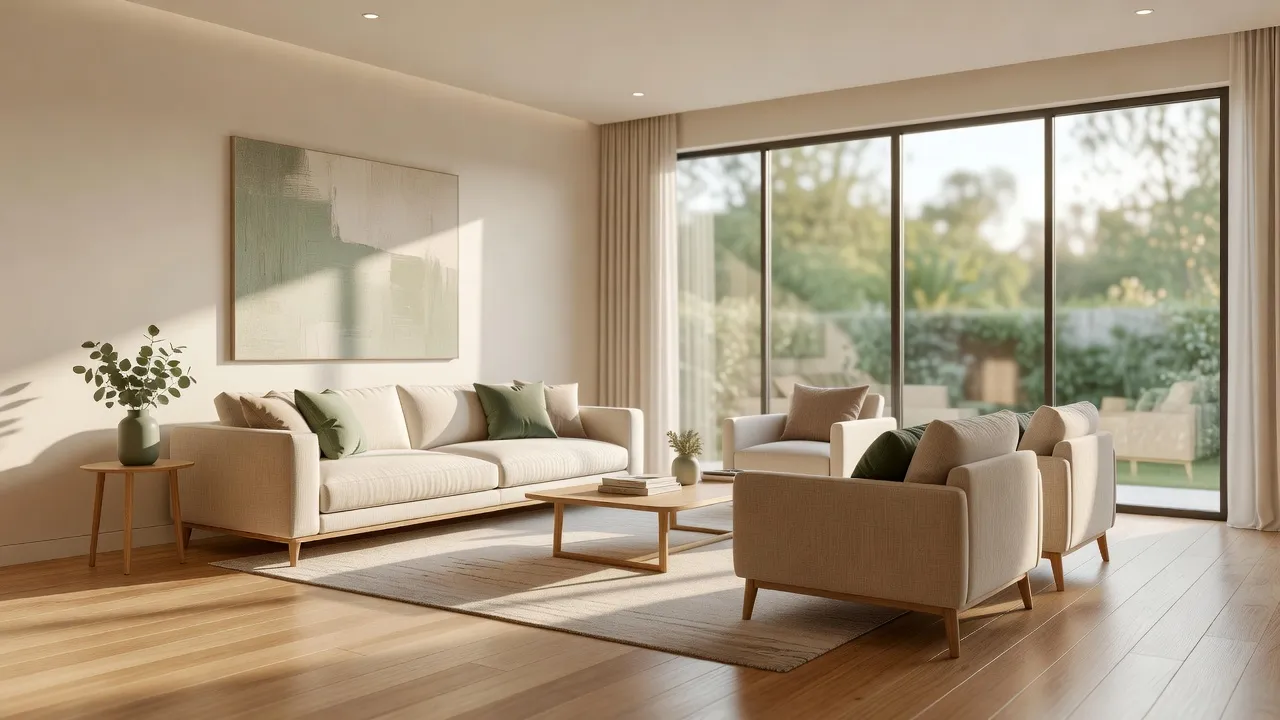
AI interior design is the use of artificial intelligence — specifically generative image models — to redesign a room from a photograph. Instead of drawing floor plans or building 3D models by hand, you give the AI a picture of your existing space and a style direction, and it produces a realistic image of that same room reimagined. The result looks like a professional interior photograph of your room, not a cartoon or a rough sketch.
This matters because it removes the two biggest barriers to redecorating: imagination and risk. Most people cannot easily picture how a new sofa, wall color, or whole style would look in their actual space, and getting it wrong is expensive. AI interior design replaces guesswork with a concrete preview. If you are new to the idea, our beginner's guide to AI interior design is a friendly starting point.
How Does AI Interior Design Work, Step by Step?
AI interior design follows a four-stage pipeline. Each stage has a job, and understanding them makes the whole system far less mysterious.
Step 1: The AI reads your room photo
When you upload a photo, the AI analyzes it to understand the scene — where the walls, floor, ceiling, windows, and doorways are, how large the room is, and where the light is coming from. This is a form of computer vision: the model identifies the structure and surfaces of your space so it knows what must stay fixed. This is why a clear, straight-on photo matters so much; the better the AI can read your room, the more accurate the redesign.
Step 2: It interprets your style request
Next, the AI translates your choice — a style like Scandinavian or industrial, a room type, a color preference, or a written prompt — into instructions it can act on. Behind the scenes your selection becomes a text description the image model understands. If you want to write your own descriptions, our guide to AI interior design prompts shows how to phrase them for the best results.
Step 3: It generates a new photorealistic image
This is the heart of the process. A generative image model creates a new picture of your room in the requested style, keeping the structure it detected in step one while replacing furniture, finishes, colors, and decor. The realism comes from training: the model has learned from a vast number of real interior photographs what materials, shadows, and proportions look like, so its output reads as a genuine photo rather than an illustration.
Step 4: You refine and compare
Finally, you review the result and iterate — try another style, a different palette, or a new variation. Because each render takes seconds, you can generate several options and compare them side by side, something that would take a human designer days. Seeing real before-and-after transformations makes the power of this loop obvious.
What AI Technology Powers Interior Design Tools?
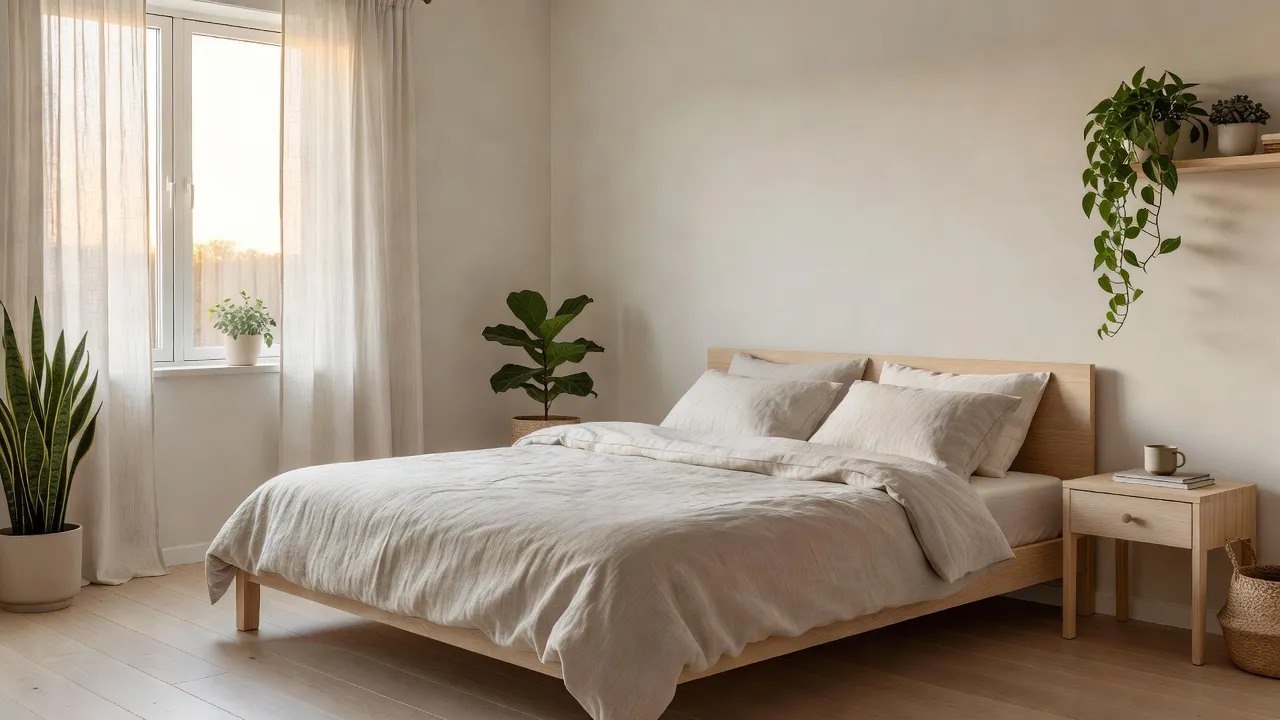
The engine behind modern AI interior design is generative AI — and most often a type of image model known as a diffusion model. In simple terms, a diffusion model learns to turn random visual noise into a coherent image by being trained on millions of real photographs. Once trained, it can generate convincing new images that match a description while respecting a reference image of your room.
Three ideas explain the realism:
- Training data: the model has effectively "seen" enormous numbers of interior photos, so it has learned how a linen sofa drapes, how oak reflects light, and how a room is proportioned.
- Image conditioning: rather than inventing a random room, the model is guided by your actual photo, so the output stays anchored to your real walls and windows.
- Text guidance: your style choice steers the generation toward a specific look, palette, and mood.
For a deeper, neutral overview of the underlying science, the generative artificial intelligence reference is a good place to start. The key takeaway for a homeowner is simpler: the AI is not pasting stock furniture into your photo — it is generating a fresh, coherent image of your room in a new style.
Why Do the Results Look So Realistic?
AI interior design results look realistic because the model generates light, shadow, texture, and perspective together, the way they actually occur in a photograph, rather than layering clip-art furniture onto your picture. Because it learned from real interiors, it renders believable reflections, consistent shadows, and materials that behave correctly — a glossy counter catches light differently than a matte wall.
That said, realism depends heavily on your input. A blurry, dark, or extreme-angle photo gives the AI less to work with, which can produce odd proportions or warped details. Our guide on how to photograph your room for AI design walks through the simple steps — good light, a straight-on angle, a tidy space — that dramatically improve accuracy.
See How AI Interior Design Works on Your Own Room — Free
The best way to understand the technology is to use it. Upload one photo of your room to DecorAI, choose a style, and watch the AI redesign your actual space photorealistically in seconds — keeping your real layout and windows.


How Accurate Is AI Interior Design?
AI interior design is highly accurate at conveying style, mood, color, and overall feel, and it reliably preserves your room's basic structure when given a good photo. It is less precise as a literal construction document — exact measurements, specific product SKUs, and millimeter-perfect layouts are not its strength. Think of it as a fast, photorealistic concept tool rather than a builder's blueprint.
In practice that is exactly what most people need: a confident answer to "what would this style look like in my room?" before committing money. For a fuller breakdown of where the technology excels and where to double-check it, see our deep dive on how accurate AI interior design is.
What Do You Need to Use AI Interior Design?
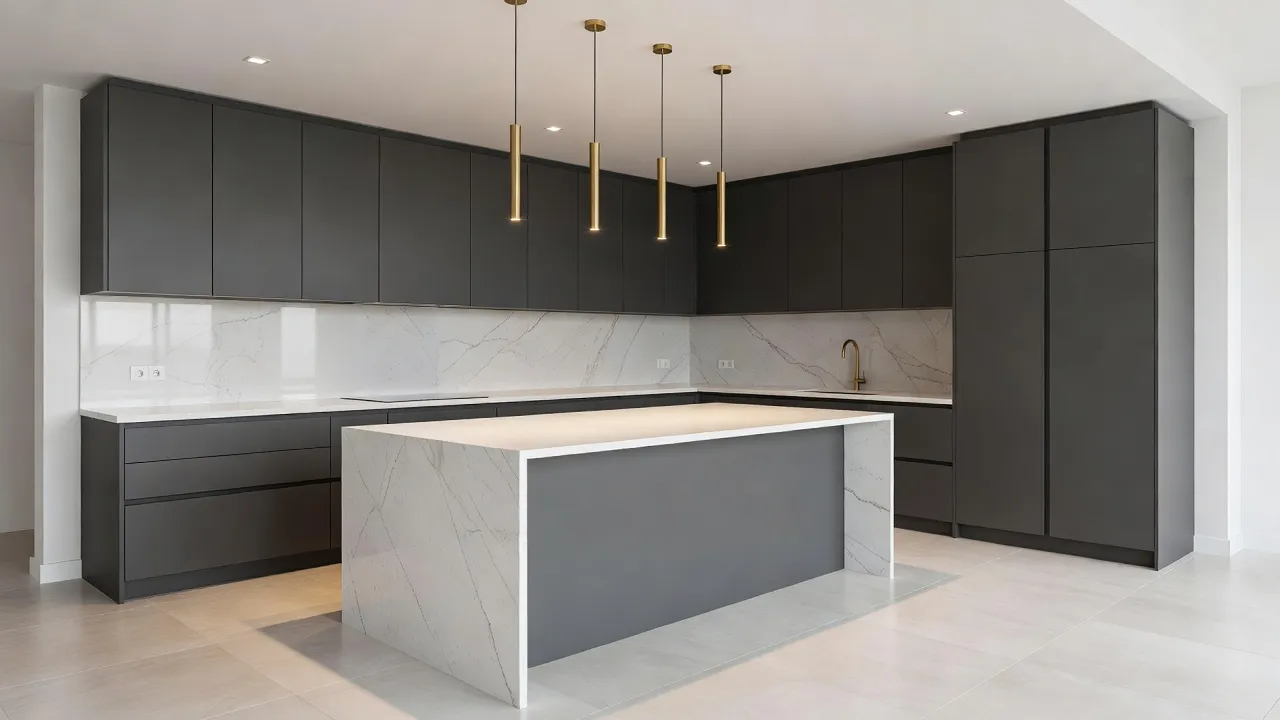
You need very little: a smartphone or computer, a browser, and one clear photo of the room you want to redesign. There is no software to install and no design experience required. With a browser-based tool, you simply open the app, upload your photo, pick a style, and view the result.
- A good photo: well-lit, straight-on, showing as much of the room as possible.
- A style direction: pick from a gallery of looks or describe what you want.
- A few minutes: generation takes seconds, so most of your time is spent comparing options.
Browse the full styles gallery to see the looks you can apply, or start from the DecorAI homepage to redesign your first room.
How Does AI Interior Design Work — FAQ
How does AI interior design work in simple terms?
You upload a photo of your room, the AI reads its structure and lighting, and a generative image model produces a new photorealistic version of that same room in the style you choose — keeping your walls and windows while changing furniture, color, and decor. The whole process takes seconds.
Does AI interior design use my real room or a generic one?
Good AI interior design tools use your real room. The model is guided by your uploaded photo, so the redesign stays anchored to your actual layout, walls, and windows rather than generating a random, unrelated space.
What kind of AI is used for interior design?
Most tools use generative AI, typically diffusion-based image models trained on millions of interior photographs. These models combine your room photo with a text description of the desired style to generate a realistic new image.
Why do my AI redesigns sometimes look off?
Usually it is the input photo. Blurry, dark, or extreme-angle shots give the AI less information, which can cause warped proportions. A clear, well-lit, straight-on photo of a tidy room produces far more accurate results.
Is AI interior design free to try?
Yes. DecorAI lets you upload a photo and generate redesigns of your real room for free to start, so you can see exactly how the technology works on your own space before paying for anything.
Conclusion
So, how does AI interior design work? It reads your real room from a photo, interprets the style you want, and uses generative AI to produce a photorealistic redesign that keeps your layout intact — then lets you refine endlessly in seconds. The technology is sophisticated, but using it could not be simpler. Upload your room photo to DecorAI to see it work on your own space for free, explore the styles gallery, or read the complete guide to AI interior design to go deeper.
Watch AI Redesign Your Room in Seconds — Free
Open DecorAI's web app, upload a photo of your room, choose a style, and see the technology turn your real space into a photorealistic redesign instantly. Your first designs are completely free — no credit card required.
Try the DecorAI Web App Free →No credit card required · Works on any device with a browser
Visualize Your Dream Home Instantly
Don't just read about it. Experience the power of AI interior design with DecorAI's free tool.
Start Designing for FreeWritten by
DecorAI Team
Editorial Team