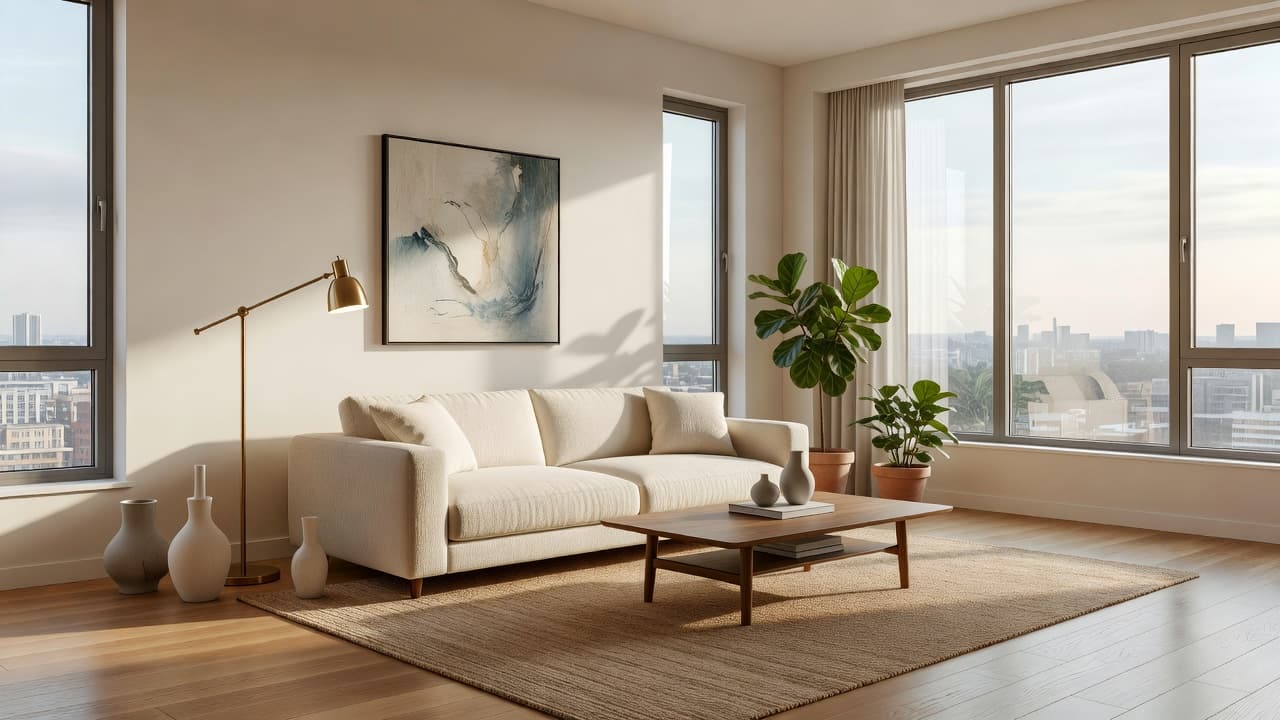
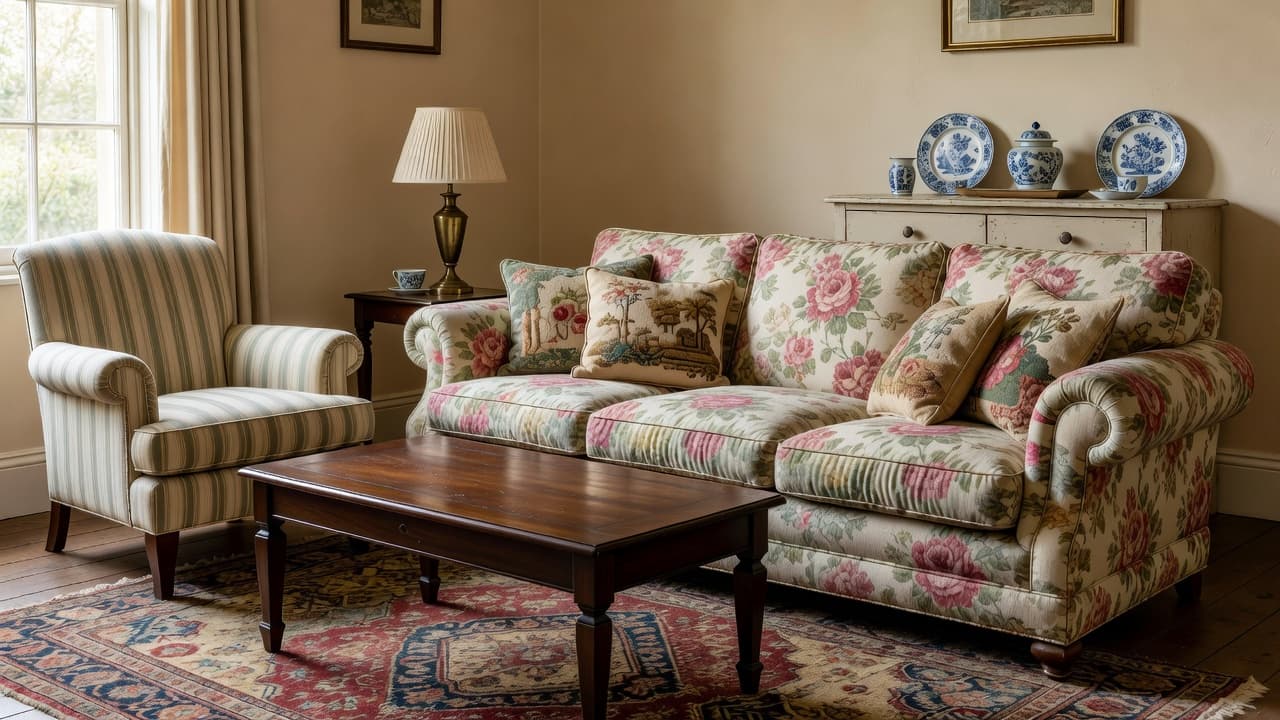
How Accurate Is AI Interior Design? What to Expect
How accurate is AI interior design? A clear, honest look at what AI room design tools get right, where they fall short, and how to get the most realistic results from your own room photo.
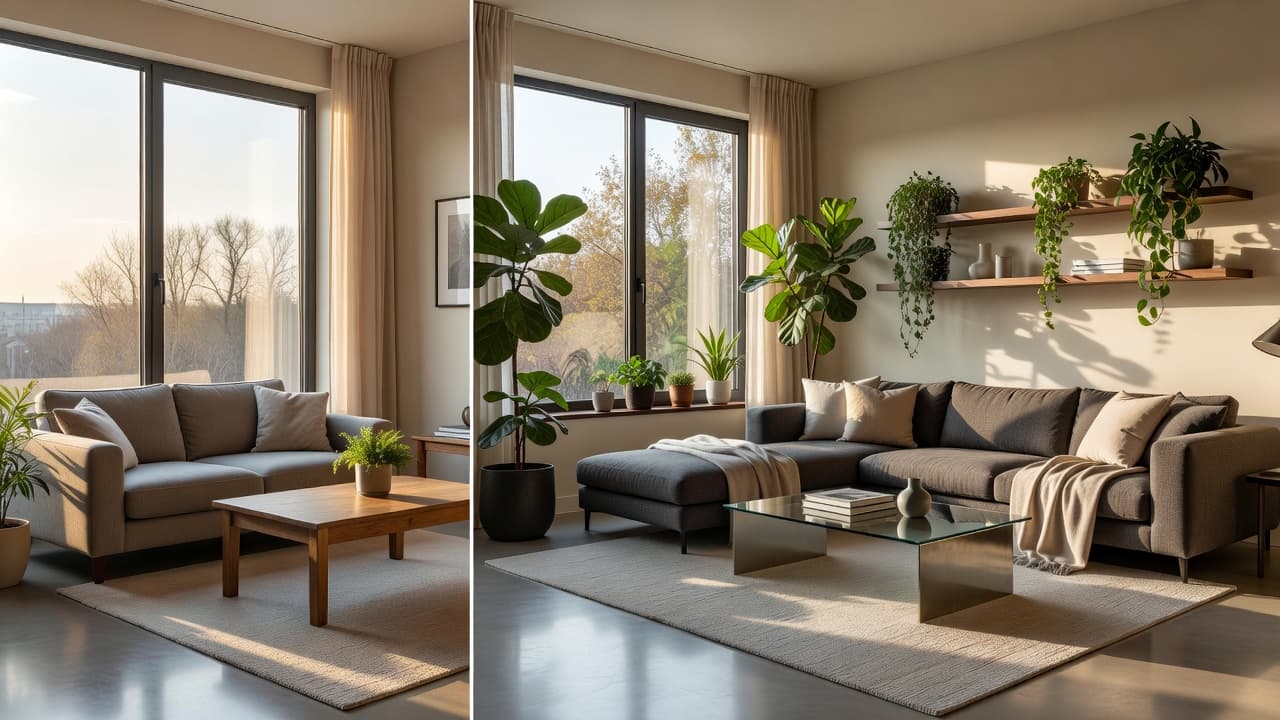
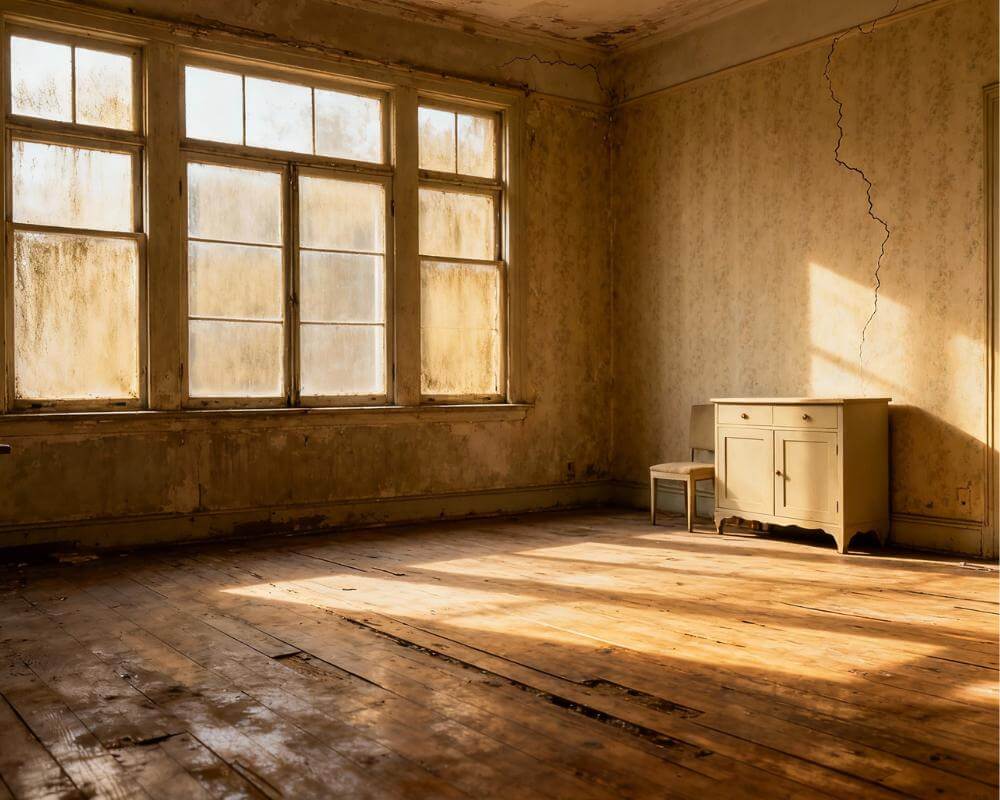
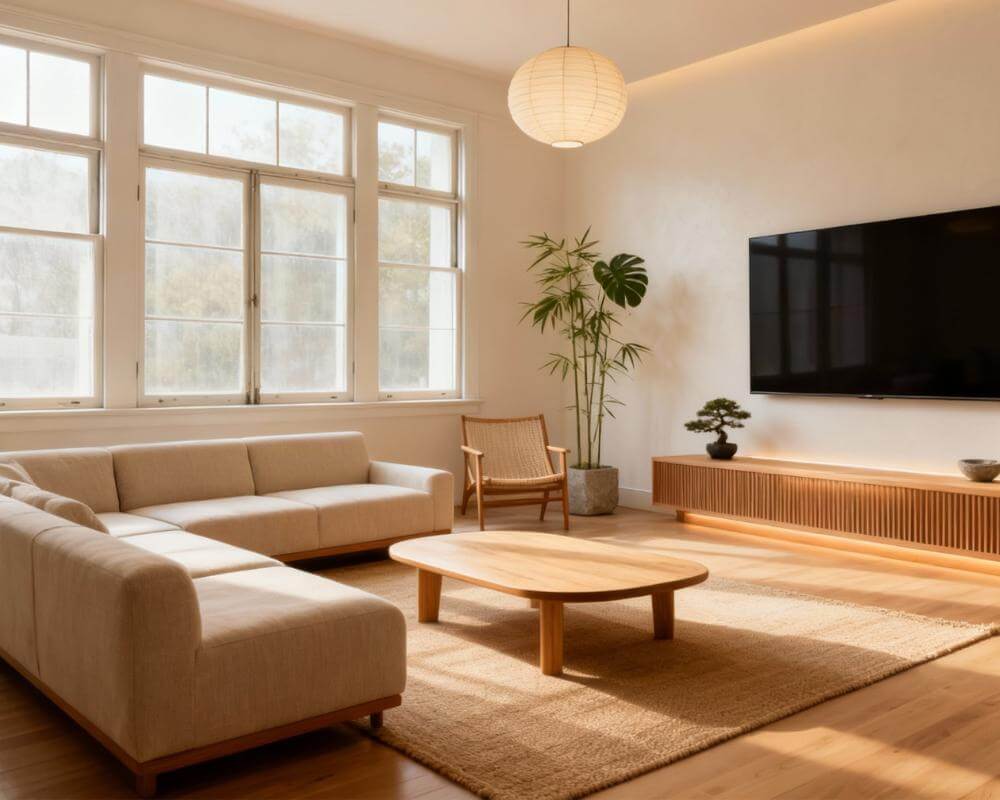
How accurate is AI interior design? The honest answer in 2026 is: surprisingly accurate for look, style, and inspiration, and good enough to make real decisions — but not a substitute for precise measurements. A photo-based tool like DecorAI redesigns your actual room from a single picture and keeps your windows, walls, and layout believable, so what you see is a realistic preview of your space rather than a generic stock render.
Accuracy is the number-one question people ask before trusting an AI redesign, and it deserves a straight answer. This guide breaks down exactly what AI interior design gets right, where it still slips, how accuracy has improved, and the simple steps that get you the most true-to-life results.
Key Takeaways
- Style and aesthetics: highly accurate — AI nails color palettes, furniture styles, and overall mood reliably.
- Spatial realism: good and improving — a quality photo-based tool preserves your room's geometry, windows, and proportions.
- Exact measurements: not its strength — AI shows you a convincing look, not millimeter-perfect dimensions, so still measure before you buy.
- Photo-based beats text-only: tools that redesign your real photo are far more accurate than ones that invent a room from a text prompt.
- You control accuracy: a clear, well-lit, straight-on photo dramatically improves how true-to-life the result is.
- Try DecorAI free and judge the accuracy on your own room in seconds.
What Does "Accuracy" Mean in AI Interior Design?
Accuracy in AI interior design is not one thing — it splits into three separate questions, and AI performs very differently on each. Understanding the distinction is the key to setting the right expectations.
- Visual accuracy — does the result look like a real, professionally styled room? (AI is excellent here.)
- Spatial accuracy — does it keep your actual walls, windows, doors, and layout? (A good photo-based tool is strong here.)
- Dimensional accuracy — are the sizes and distances measurably correct to scale? (This is the weakest area for any current AI.)
Most disappointment comes from expecting dimensional precision from a tool built for visual and spatial realism. When you treat AI as a fast, photorealistic idea generator rather than a tape measure, its accuracy is genuinely impressive.
What Does AI Interior Design Get Right?
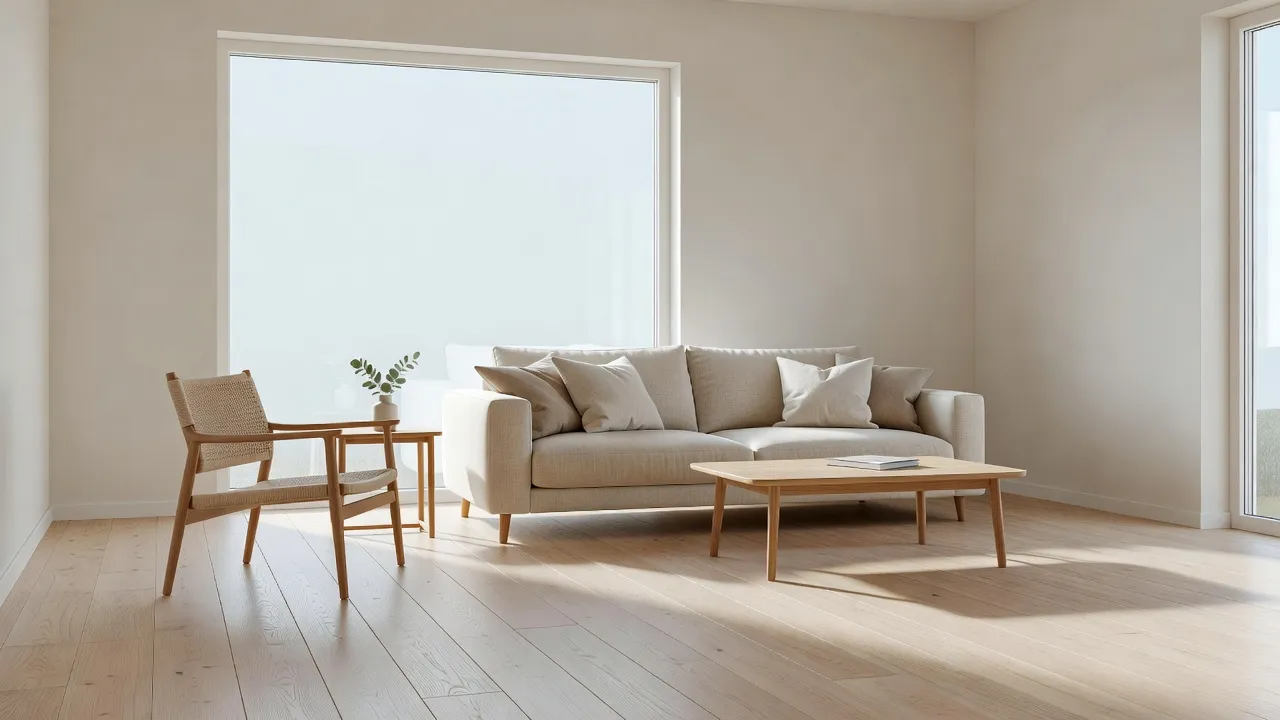
For the things most people actually care about when redesigning a room, AI is now remarkably reliable. It excels at the creative and visual side of design.
Style and aesthetics
This is AI's strongest area. Ask for Scandinavian, mid-century modern, coastal, or industrial and it will produce a coherent, on-trend room with the right furniture silhouettes, materials, and palette. Because these tools are trained on millions of professionally styled interiors, the look they generate is consistently tasteful and believable.
Color and material combinations
AI is excellent at proposing harmonious color schemes and pairing materials — wood with linen, brass with matte black, stone with greenery. If you struggle to picture how a paint color or a textured rug will read in your light, AI gives you a fast, accurate visual answer. For more on this, see our guide to AI interior design color schemes.
Preserving your real room
This is where photo-based tools have improved the most. A quality tool reads the structure of your uploaded photo and keeps your windows, doorways, ceiling height, and overall layout intact while restyling everything else. That is what makes the redesign feel like your room rather than a random one. Learn how the technology works in our AI room visualizer guide.
Where Does AI Interior Design Fall Short?
Being honest about the limits is what lets you use AI well. These are the areas where you should keep your own judgment in the loop.
Exact measurements and scale
AI does not measure your room. It will place a sofa that looks the right size, but it cannot promise that a specific 240 cm sofa will physically fit between your wall and your radiator. Always measure your space and any furniture you intend to buy before purchasing. Treat the AI image as the inspiration and your tape measure as the rulebook.
Tiny details and physics
Occasionally an AI render will show a slightly off reflection, a cord that goes nowhere, or hardware that would not function in real life. These artifacts have become rare and minor, but they are a reminder that the output is a generated image, not an engineering drawing.
Buildability and budget
An AI render does not know your budget, your building codes, or whether a wall is load-bearing. It shows the destination, not the construction plan. For bigger projects, pair the visual with practical planning — our AI home renovation guide covers how to bridge that gap.
Why Are Photo-Based Tools More Accurate Than Text-Only AI?
The single biggest factor in accuracy is whether the tool starts from your real photo or from a text description. General-purpose AI image generators conjure an entirely fictional room from words, so the windows, proportions, and layout have nothing to do with your home — the result may be beautiful but it is not your space. A dedicated, photo-based interior tool does the opposite: it anchors the redesign to your uploaded picture, preserving the architecture you actually have.
That is why, for accuracy, a purpose-built app beats both general image generators and general-purpose chatbots. If you want a deeper comparison of the categories, read general AI vs dedicated interior design apps and our overview of the best AI interior design websites.
How Can I Get the Most Accurate AI Results?
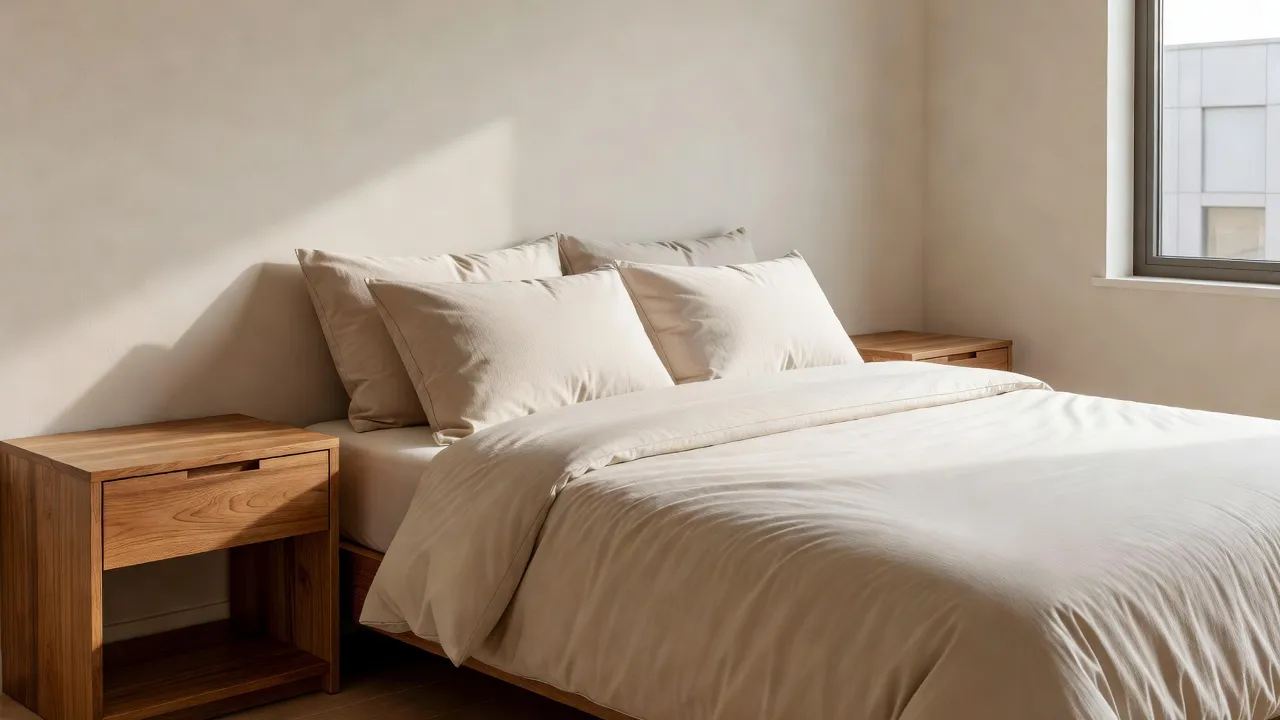
Accuracy is partly in your hands. The quality of your input photo and prompt has a direct effect on how true-to-life the output is. A few simple habits make a big difference.
- Shoot in good light: bright, even, natural daylight gives the AI the clearest read of your room.
- Stand straight-on: photograph the room square to a wall, not at a steep angle, so proportions stay correct.
- Capture the whole space: include the floor, ceiling, and at least two walls so the layout is unambiguous.
- Declutter first: a tidy room helps the AI focus on architecture rather than guessing around clutter.
- Be specific in your prompt: name the style, key colors, and any must-keep elements.
For a full walkthrough, see our guide on how to photograph your room for AI design. Better input is the cheapest, fastest accuracy upgrade there is.
How Accurate Is DecorAI Specifically?
The most reliable way to judge accuracy is to test it on a room you know well. That is exactly what DecorAI is built for: it is a browser-based tool that redesigns your real room from a single photo, keeping your windows, dimensions, and flow intact while restyling the furniture, color, and decor photorealistically in seconds. Because it starts from your actual space, the preview is grounded in reality — you can trust the look and use it to decide what to change. Explore every style on our styles page or start from the homepage.
See How Accurate AI Design Is — On Your Own Room
Upload one photo and watch DecorAI restyle your actual room photorealistically, keeping your real windows and layout. Judge the accuracy yourself in seconds — no download, no designer, no guesswork.


How Has AI Interior Design Accuracy Improved?
Accuracy has climbed sharply in just a few years. Early tools produced dreamy, warped rooms with melting furniture and impossible perspectives. Today's models, built on advances in diffusion models and image conditioning, render straight walls, consistent lighting, plausible shadows, and furniture that sits correctly on the floor. The leap from "interesting but unrealistic" to "I would believe this is a real photo" happened fast, and it continues to improve with each model generation.
The practical result is that AI redesigns are now accurate enough to guide actual purchases and renovations — provided you still verify measurements yourself.
AI Interior Design Accuracy FAQ
Is AI interior design accurate enough to make real decisions?
Yes, for style, color, and layout decisions it is reliably accurate, and a photo-based tool preserves your real room so the preview is trustworthy. Just confirm exact furniture dimensions with a tape measure before buying, since AI shows realistic looks rather than precise measurements.
Does AI keep my actual room or invent a new one?
It depends on the tool. Photo-based interior design tools like DecorAI keep your actual room — windows, walls, and layout — and restyle the rest. General text-to-image generators invent a fictional room instead, which looks nice but does not match your space.
Why do my AI results sometimes look slightly off?
The most common cause is a poor input photo — dim lighting, a steep angle, or a cluttered room. Retake the photo in bright, even light, straight-on to a wall, with the floor and ceiling visible, and accuracy improves dramatically.
Can AI interior design measure my room?
No. Current AI design tools generate visually accurate images but do not measure dimensions. Use AI for the look and a measuring tape or floor planner for exact sizing before you commit to furniture or construction.
Conclusion
So, how accurate is AI interior design? Accurate enough to be genuinely useful: it nails style, color, and mood, and a good photo-based tool keeps your real room believable — while leaving exact measurements to your tape measure. Use a clear, well-lit, straight-on photo, be specific about the style you want, and verify dimensions before buying, and you will get results you can actually act on. The fastest way to see the accuracy for yourself is to upload a photo to DecorAI. From there, explore more AI interior design fundamentals or browse the full styles gallery.
Put AI Accuracy to the Test Today
Open DecorAI's web app, upload your room photo, pick a style, and see how true-to-life your real room looks redesigned in seconds. Your first designs are completely free.
Try the DecorAI Web App Free →No credit card required · Works on any device with a browser
Visualize Your Dream Home Instantly
Don't just read about it. Experience the power of AI interior design with DecorAI's free tool.
Start Designing for FreeWritten by
DecorAI Team
Editorial Team