AI Room Visualizer: See Your Space Redesigned Before You Buy
An AI room visualizer turns a photo of your real room into photorealistic redesigns in seconds. Learn how it works, what to look for, and how to visualize your space free with DecorAI.
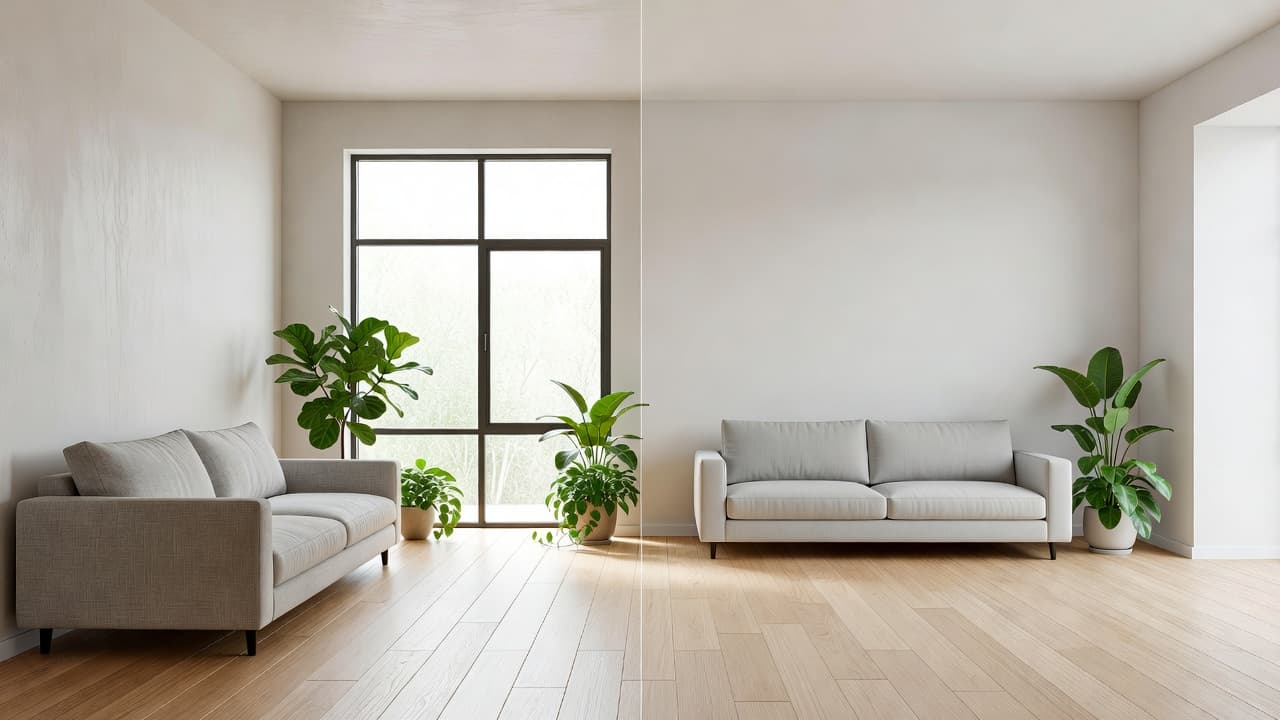

Buying furniture or repainting a wall is a gamble when you can only picture the result in your head. An AI room visualizer removes that risk: you upload a photo of your real room and see it redesigned — photorealistically — in seconds, before you spend a cent. The fastest way to try one is DecorAI, a browser-based tool that re-renders your actual space while keeping your windows, walls, and proportions intact.
This guide explains what an AI room visualizer is, how it works, what separates a good one from a gimmick, and how to use it to plan a redesign you'll actually love.
Key Takeaways
- An AI room visualizer is a tool that turns a photo of your real room into a realistic redesigned version using artificial intelligence.
- The best ones start from your uploaded photo and preserve your room's layout, windows, and proportions — not a generic stock image.
- Look for photorealistic output, fast generation, multiple styles, and a free tier.
- It helps you test paint colors, furniture, and styles before buying, saving money and avoiding regret.
- You can visualize your own room free in your browser with DecorAI — no download required.
What Is an AI Room Visualizer?
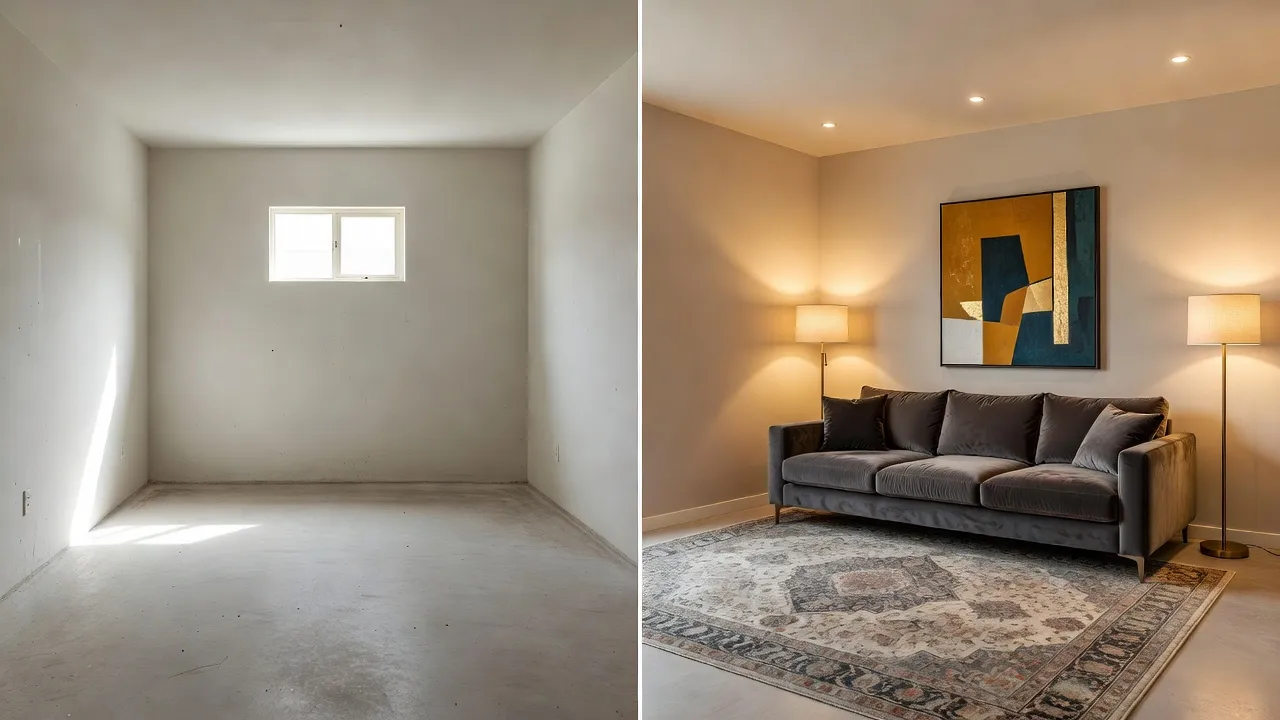
An AI room visualizer is a software tool that uses artificial intelligence to generate a realistic image of how a room could look after a redesign. You provide a photo of your existing space, choose a style or direction, and the AI produces a new version of that same room — restyled with different furniture, colors, materials, and décor. Unlike a mood board, which collects pictures of other people's rooms, a true room visualizer shows your room transformed.
The technology behind it is a form of generative AI trained on millions of interior images. It recognizes the structure of your room — the floor plane, walls, windows, and light sources — and re-renders the surfaces and objects while respecting that underlying geometry. The result reads like professional interior photography rather than an obvious digital edit.
How Does an AI Room Visualizer Work?
Using an AI room visualizer takes three simple steps and usually under a minute:
- Upload a photo. Take a clear, well-lit shot of the room you want to redesign and upload it. A straight-on photo with the whole space visible works best.
- Choose a style or direction. Pick from designer styles — Scandinavian, Japandi, Industrial, Bohemian, Mid-Century Modern and more — or describe the change you want.
- Generate and compare. The AI re-renders your room in seconds. Generate several options, compare them side by side, and save your favorites.
Because the whole process runs in the cloud, a good visualizer works in any browser on any device. If you want a deeper walkthrough of the workflow, our guide on how to design a room with AI step by step covers it in detail.
Room visualizer vs. floor planner
A room visualizer shows you the look of a redesigned space — the style, colors, and atmosphere. A floor planner focuses on layout — where furniture sits and whether it fits. They solve different problems and pair well together. If you also need to plan the arrangement, see our AI floor planner and space planning guide.
What Should You Look for in an AI Room Visualizer?
Not every tool that calls itself a visualizer is worth your time. The best AI room visualizer should redesign your actual room — not invent a fictional one — and deliver results you can act on. Here is what matters most:
- Works on your real photo: it transforms the room you uploaded and keeps your windows, doors, and proportions accurate.
- Photorealistic quality: correct perspective, believable shadows, and realistic materials so the preview is trustworthy.
- Speed: results in seconds, so you can explore many directions without waiting.
- Style range: a broad library of designer styles plus the ability to mix and refine.
- No download and a free tier: it should open in a browser and let you test before paying.
For a broader comparison of what's available, our roundup of the best AI interior design websites is a useful companion read.
Why Use an AI Room Visualizer Before You Redecorate?
The single biggest reason is to avoid expensive mistakes. Paint, furniture, and renovations are costly and hard to undo. Seeing your room redesigned first lets you commit with confidence. An AI room visualizer helps you:
- Test paint and color schemes on your actual walls before buying a single can.
- Compare furniture styles in context, so you know a piece suits the room.
- Explore whole styles — try Scandinavian against Industrial against Japandi in minutes.
- Communicate your vision to a partner, landlord, or contractor with a clear image.
- Save money by ruling out choices that look wrong before you commit to them.
If color is your main concern, pair the visualizer with our AI color palette generator to lock in the exact paint shades.
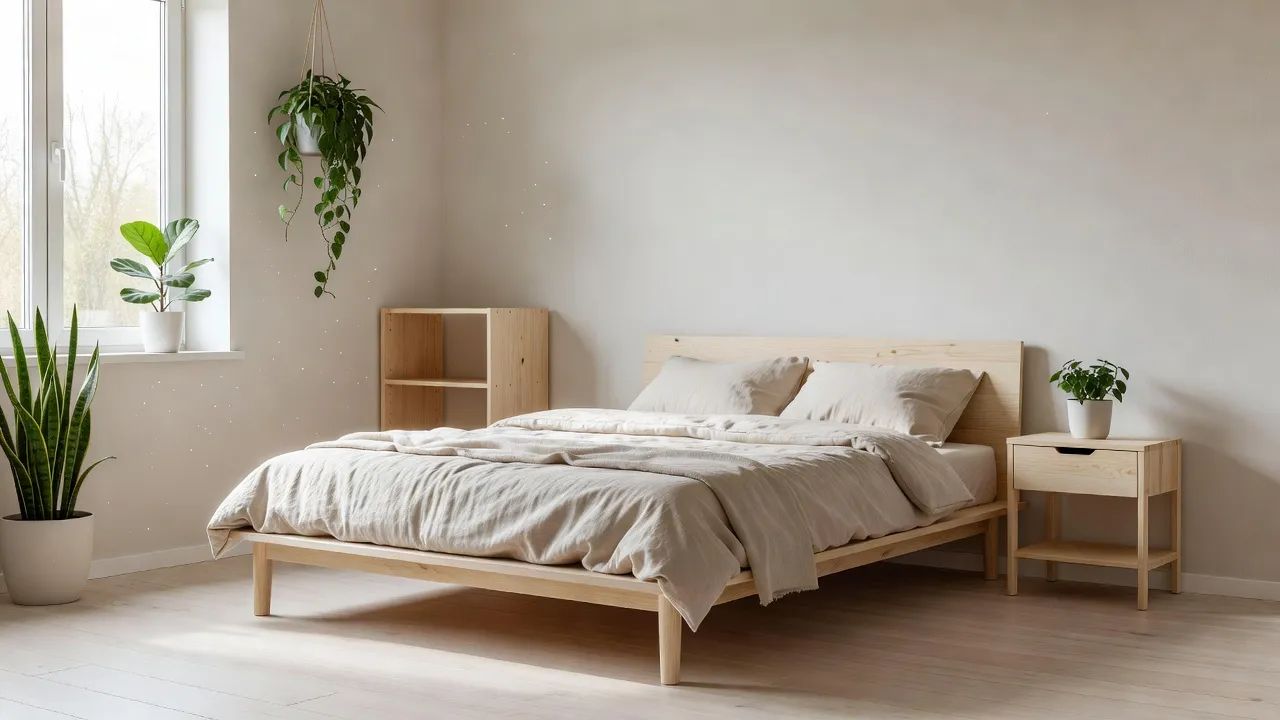
Visualize Your Room Free with DecorAI
If you want a single recommendation, DecorAI is a full AI room visualizer that runs right in your browser at app.decoraihome.com. It starts from your uploaded photo, redesigns that exact space, and returns photorealistic results in seconds across 60+ designer styles. There's nothing to install, and you can start free. Browse the full library on our styles page or jump in from the homepage.
See Your Room Redesigned — Free
Upload one photo and watch DecorAI's AI room visualizer reimagine your space in seconds. No download, no designer, no guesswork.


Tips for the Best AI Room Visualizer Results
The quality of your input photo shapes the quality of the redesign. A few simple habits make a big difference:
- Shoot in good light: natural daylight gives the AI the most accurate read of your space.
- Capture the whole room: a wide, straight-on photo helps the AI understand the geometry.
- Declutter first: clearing surfaces lets the redesign read clearly.
- Try several styles: generate multiple directions before deciding — it's free and fast.
- Refine in steps: once you like a direction, regenerate to fine-tune colors and furniture.
New to all of this? Our beginner's guide to AI interior design is a gentle place to start.
AI Room Visualizer FAQ
What is the best AI room visualizer?
The best AI room visualizer is one that redesigns your real room from an uploaded photo, produces photorealistic results quickly, offers many styles, and is free to try. DecorAI meets all of these criteria and runs in any browser with no download.
Is there a free AI room visualizer?
Yes. DecorAI offers a free tier so you can upload a photo and see your room redesigned without paying. It works directly in your browser on a phone, tablet, or computer.
Can an AI room visualizer use a photo of my own room?
Yes — that's the whole point of a good one. You upload a photo of your actual space and the AI re-renders that room, keeping your windows, walls, and proportions while changing the style, furniture, and colors.
How accurate is an AI room visualizer?
Modern AI room visualizers are highly realistic for style, color, and atmosphere, with correct perspective and lighting. They're a reliable planning preview rather than a millimeter-precise blueprint, so pair the look with a floor planner if you need exact measurements.
Do I need to download anything to use an AI room visualizer?
No. Browser-based visualizers like DecorAI run online with nothing to install, so you can start from any device. Native iOS and Android apps are also available if you prefer.
Conclusion
An AI room visualizer takes the guesswork out of decorating. Instead of imagining how a color or a sofa might look, you see your real room redesigned in seconds — and only commit to the version you already love on screen. Start with a good photo, try several styles, and let the preview guide your spending. The simplest way to begin is to upload a photo to DecorAI and watch your space transform.
Your Redesigned Room Starts With One Photo
Open DecorAI's web app, upload a photo, choose a style, and watch your real room transform in seconds. Your first designs are completely free.
Try the DecorAI Web App Free →No credit card required · Works on any device with a browser
Visualize Your Dream Home Instantly
Don't just read about it. Experience the power of AI interior design with DecorAI's free tool.
Start Designing for FreeWritten by
DecorAI Team
Editorial Team