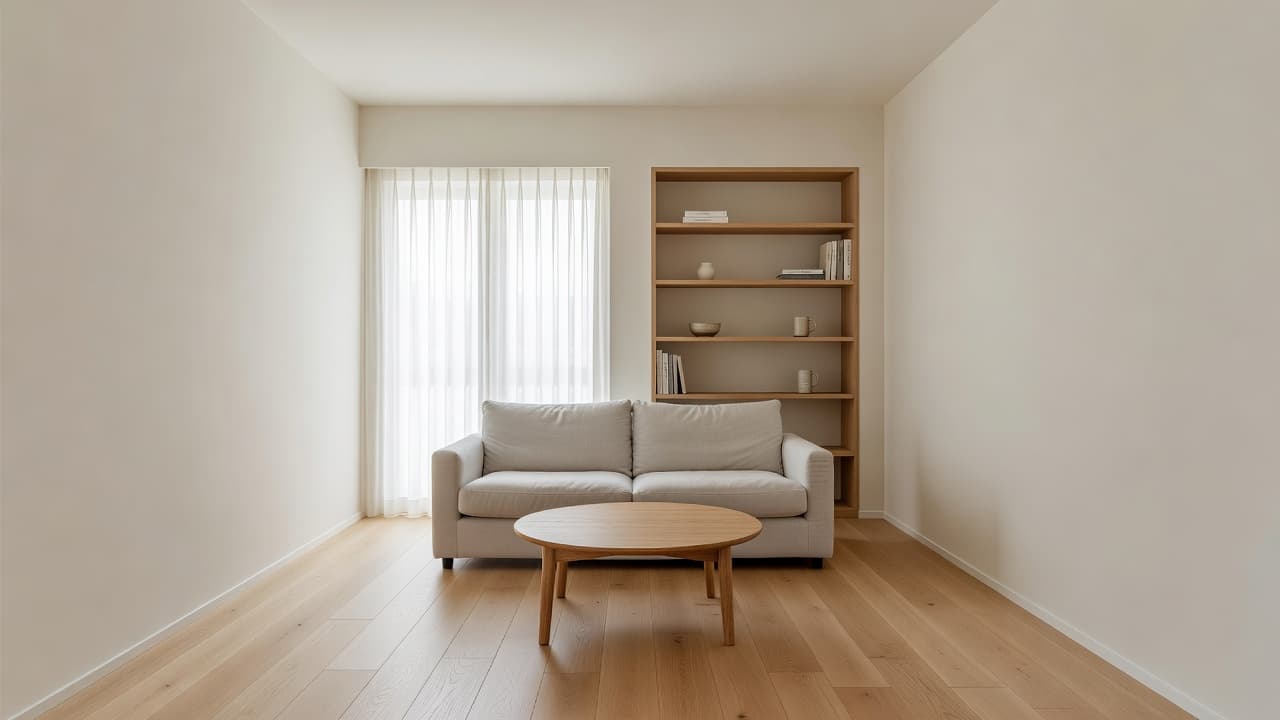
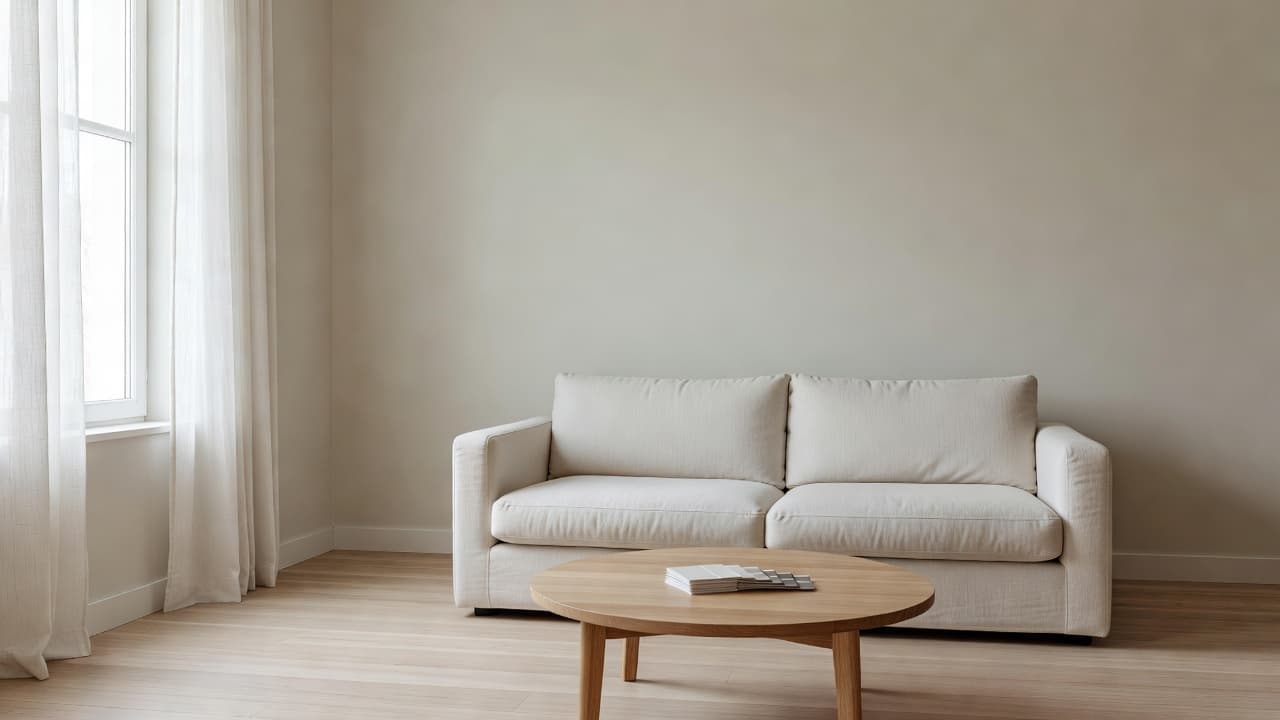
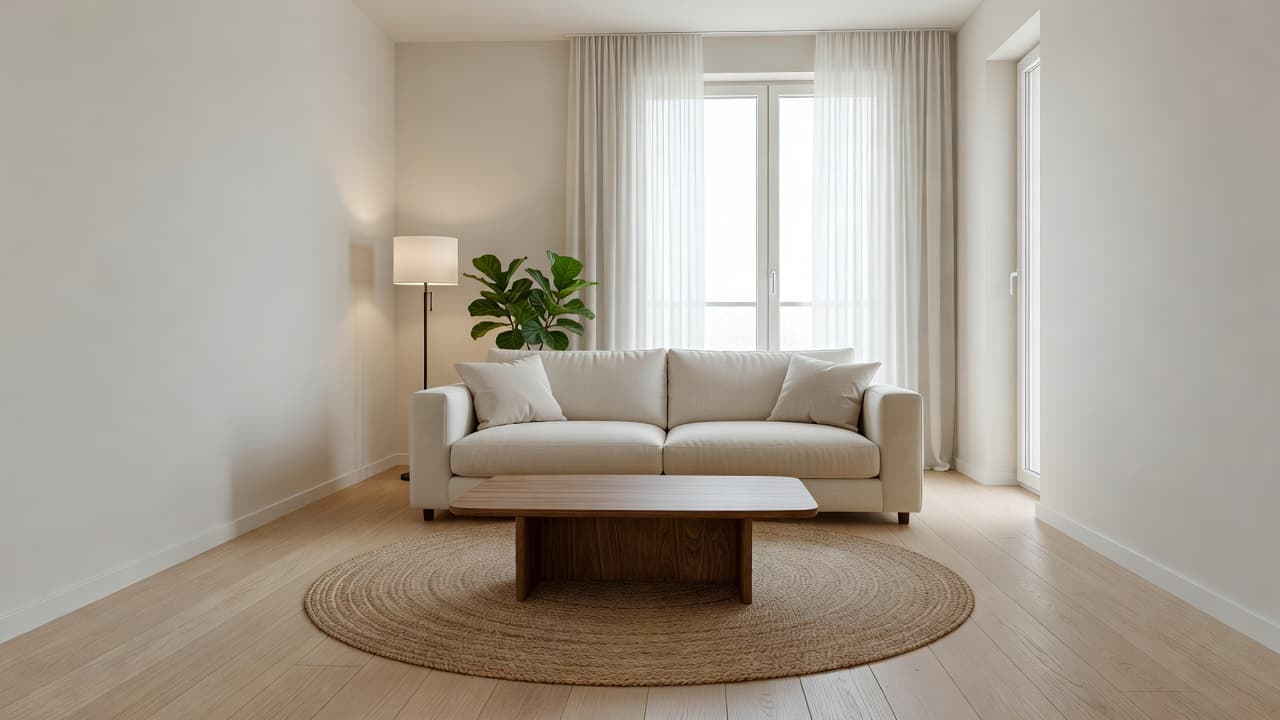
AI Interior Design for Beginners: Everything You Need to Know in 2026
New to AI interior design? This beginner-friendly guide explains how AI room design works, which tools to use, common mistakes to avoid, and how to get stunning results on your first try. No design experience needed.
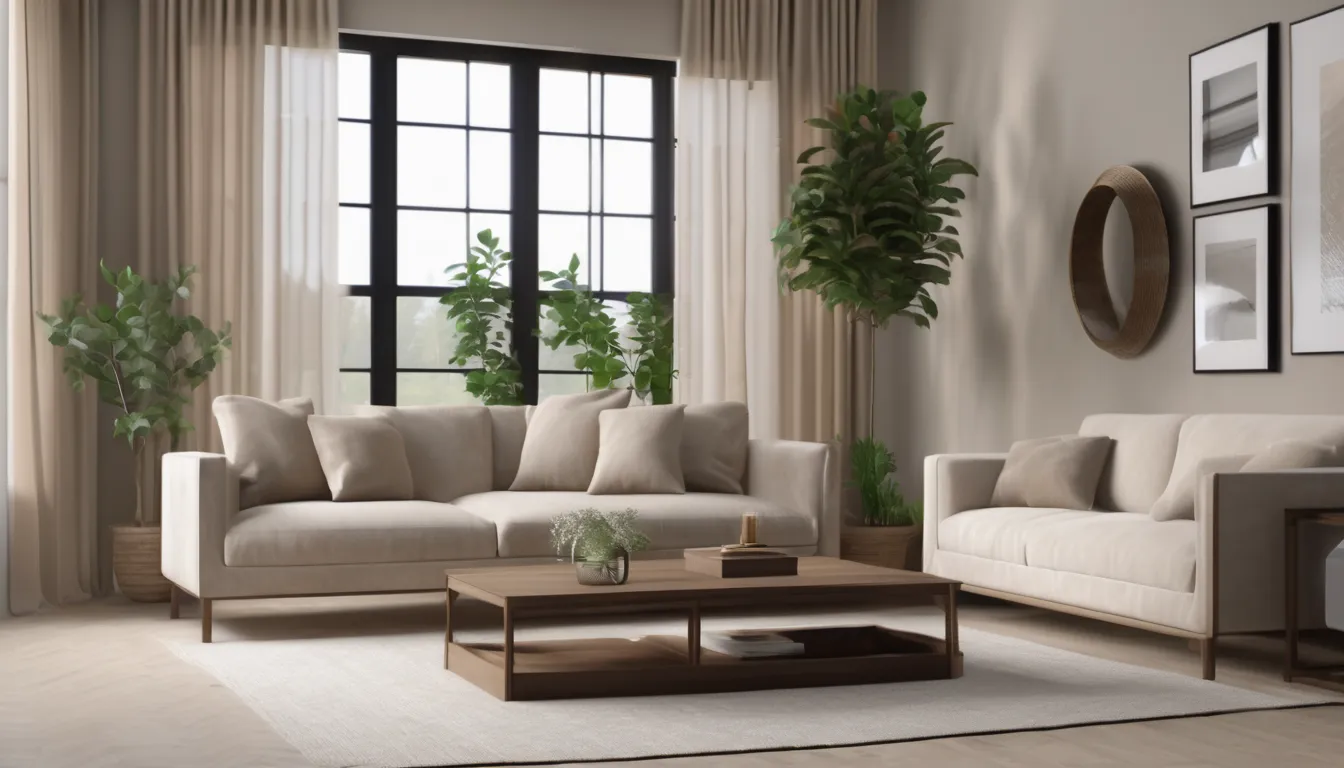

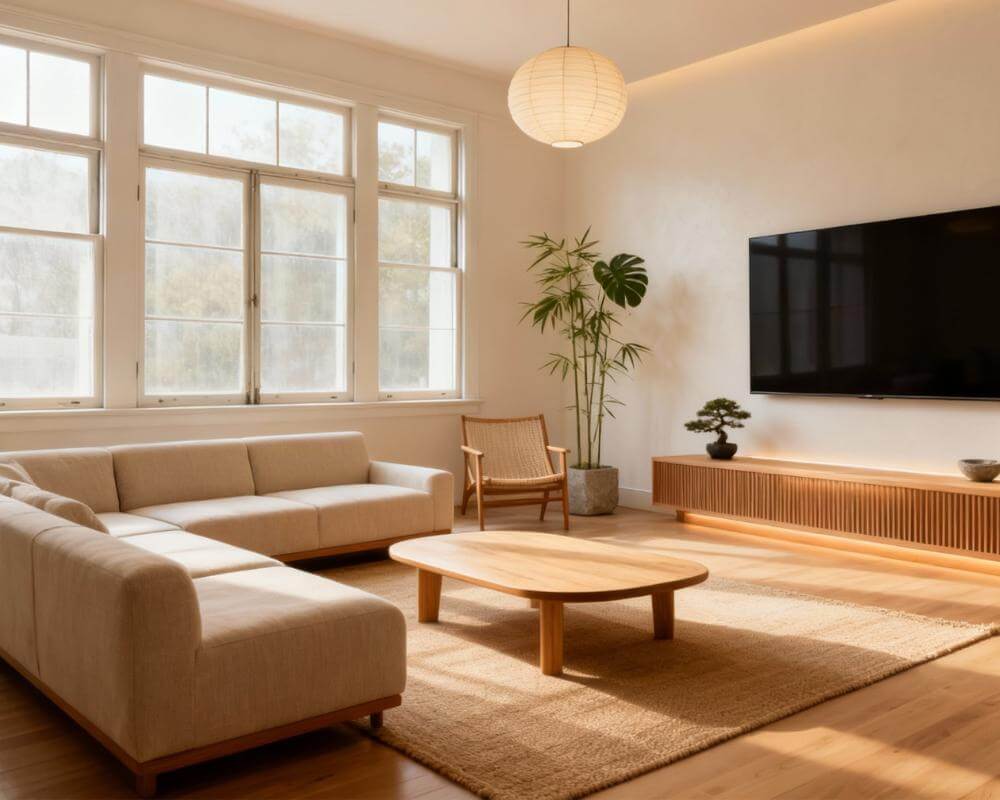
You have seen the stunning room transformations online. A dull bedroom turns into a Scandinavian retreat. A plain kitchen becomes a magazine-worthy space. And all of it was done with AI interior design — no professional designer, no expensive software, no design degree required. But where do you actually start?
If you are completely new to AI room design, this guide is built for you. We will walk through what AI interior design is, how it works, which tools are worth trying, and how to get professional-looking results on your very first attempt. By the end, you will have everything you need to transform your space with confidence.
What Is AI Interior Design?
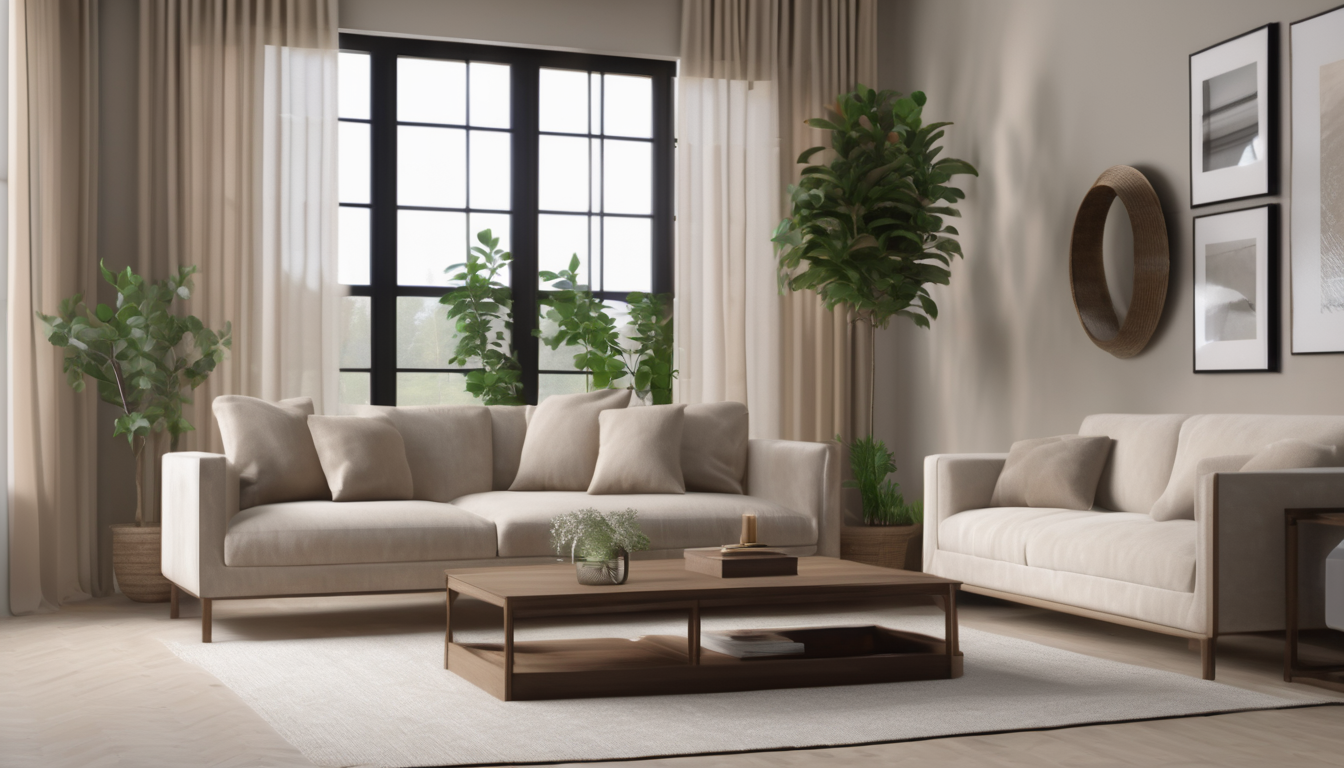
AI interior design uses artificial intelligence to automatically restyle, redesign, or furnish a room based on a simple photo. Instead of manually placing furniture in a 3D model or hiring a decorator, you upload a picture of your room, choose a design style, and the AI generates a photorealistic image of how your space could look.
The technology behind it combines several AI techniques. Computer vision identifies walls, floors, furniture, and windows. Diffusion models generate new visual content while preserving the room's structure. The result is a realistic preview of your room in a completely different style — all in 5 to 15 seconds.
For beginners, the key insight is this: you do not need to know anything about design to use these tools. The AI handles composition, color harmony, material pairing, and spatial relationships automatically. You just need a phone camera and a room.
Why Beginners Should Start with AI (Not Pinterest)
Most people begin their design journey on Pinterest, saving hundreds of inspiration images. The problem? Those images show other people's rooms with different dimensions, lighting, and layouts. What looks perfect in a Pinterest photo may not translate to your actual space at all.
AI interior design solves this by working directly on your room. The inspiration is not abstract — it is a realistic visualization of your exact space. This is why beginners who start with AI often make better design decisions faster than those who spend weeks collecting mood boards.
Here is what makes AI room design ideal for beginners:
- Zero learning curve: Upload a photo, pick a style, see the result. That is the entire process.
- Risk-free exploration: Try 20 different styles without buying or moving anything. See our AI image redesign guide for the full photo-to-result workflow.
- Builds your taste: Running multiple styles on your room reveals what you actually like, not what you think you like.
- Saves money: Visualize before purchasing. Our budget design guide shows how AI prevents costly mistakes.
- Instant gratification: Results in seconds, not days or weeks.
Getting Started: Your First AI Room Design in 5 Minutes
Let us walk through the exact steps to create your first AI interior design result. We will use DecorAI as the example, but the general process applies to most AI design generator tools.
Step 1: Take a Good Room Photo
This is the most important step. A good input photo produces a dramatically better result. Follow these rules:
- Use natural daylight. Open curtains and blinds. Shoot during the day, not at night.
- Shoot at chest or eye level. Avoid looking down from above or shooting from the floor.
- Use landscape orientation. Horizontal photos capture more of the room.
- Include at least two walls. Shoot from a corner to give the AI enough spatial context.
- Quick tidy-up. Remove obvious clutter like shoes, dishes, or laundry. The AI produces cleaner results with cleaner input.
For detailed photography tips, see our room photo guide.
Step 2: Upload to DecorAI
Open DecorAI - AI Interior Design on your phone or at app.decoraihome.com. Tap the upload button and select your room photo. The app accepts standard JPEG and PNG photos — no special format needed.
Step 3: Choose a Design Style
This is the fun part. DecorAI offers over 30 design styles, but if you are a beginner, start with these approachable options:
- Scandinavian: Light, clean, and hard to get wrong. Great for small spaces.
- Contemporary: Neutral and sophisticated. Works in almost any room.
- Warm Minimalism: Cozy without clutter. The most popular beginner-friendly style in 2026.
- Mid-Century Modern: Classic and timeless. Pairs well with existing furniture.
Step 4: Generate and Compare
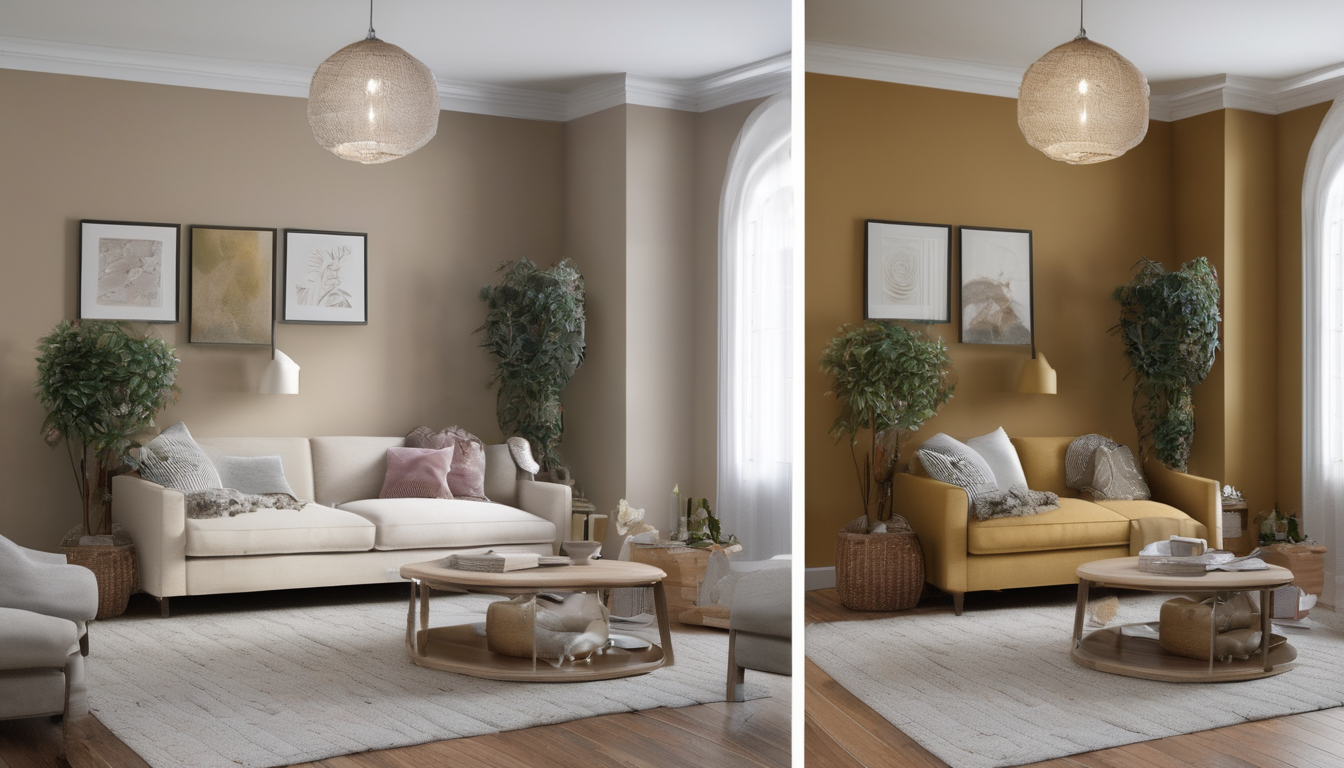
Tap generate. In 5-15 seconds, you will see your room transformed. But here is the beginner secret: never stop at one result. Run at least 3-5 different styles on the same photo. This comparison process is what builds your design intuition.
Step 5: Save and Plan
Save the designs you love. Look for common elements across your favorites — you might notice you consistently prefer warm wood tones, or that you gravitate toward rooms with lots of greenery. These patterns reveal your personal style preferences, which is invaluable when you start making real purchase decisions.
Understanding Design Styles: A Beginner's Cheat Sheet
One of the biggest hurdles for beginners is understanding the difference between design styles. When you see terms like "Japandi" or "Industrial," it can feel overwhelming. Here is a quick reference:
| Style | Key Elements | Best For | Difficulty |
|---|---|---|---|
| Scandinavian | Light wood, whites, clean lines | Small rooms, rentals | Easy |
| Contemporary | Neutrals, sleek furniture, minimal decor | Any room | Easy |
| Warm Minimalism | Beige tones, bouclé, soft curves | Bedrooms, living rooms | Easy |
| Mid-Century Modern | Warm wood, organic shapes, retro | Living rooms, offices | Easy |
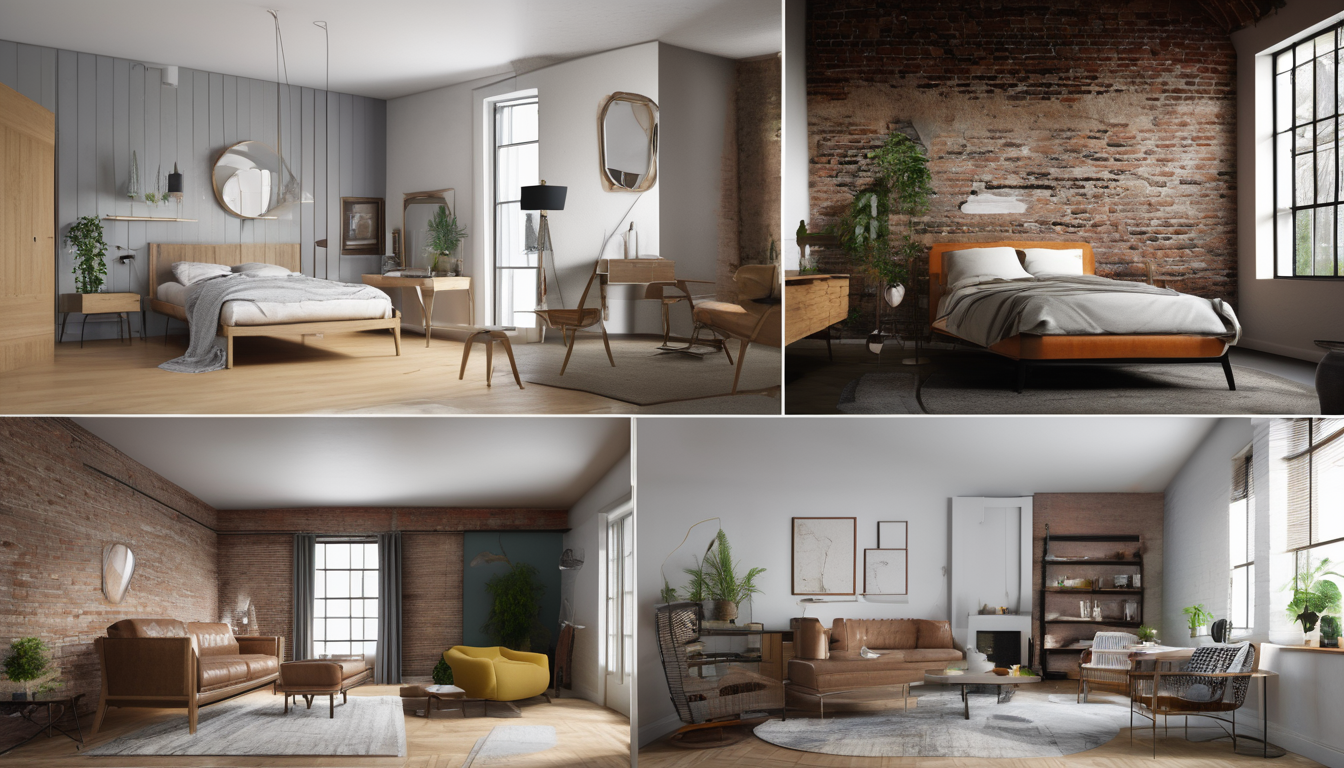
| Industrial | Metal, exposed brick, raw textures | Lofts, open spaces | Medium |
| Bohemian | Layered textiles, patterns, rich color | Bedrooms, studios | Medium |
| Japandi | Japanese + Scandinavian, muted, zen | Calm spaces, bedrooms | Medium |
| Maximalist | Bold color, pattern mixing, eclectic | Confident decorators | Advanced |
The beauty of AI interior design is that you do not need to memorize these. Simply try each one on your room and let the visual result guide your decision. For a deep dive into all available styles, visit our design styles gallery.
7 Common Beginner Mistakes (and How to Avoid Them)
After seeing thousands of beginners use AI interior design tools, these are the most common errors — and how to sidestep them:
1. Settling for the First Result
Your first generation is rarely your best. The magic of AI room design is speed — use it. Generate at least 5 variations before deciding on a direction. Each generation might reveal something you had not considered.
2. Using Poor-Quality Photos
Dark, blurry, or heavily cropped photos produce weak results. Spend 30 extra seconds getting good lighting and a proper angle. This single improvement can double the quality of your AI output.
3. Ignoring Room Layout
Style is not just about colors and materials — it is about where things are placed. Before choosing finishes, consider whether your furniture arrangement actually works. Our room layout planner guide helps with this foundational step.
4. Mixing Too Many Styles
Beginners often try to combine elements from multiple AI results. This usually creates visual chaos. Instead, commit to one style direction and vary within it. If you love Scandinavian warmth but want a pop of color, add it within the Scandinavian palette — do not import a bohemian rug into a minimalist room.
5. Skipping Color Planning
Color is the single most impactful element in a room. If your AI-generated design looks great, study the color palette carefully before shopping. Our AI color scheme guide teaches you how to extract and apply color palettes from AI results.
6. Buying Everything at Once
Even with a clear AI vision, implement changes in phases. Start with the biggest-impact items (paint, lighting, one anchor furniture piece) before adding accessories. Our budget upgrade guide outlines the right purchase sequence.
7. Not Considering Lighting
AI renders often show rooms in ideal lighting. Your actual room may have different light conditions throughout the day. Keep this in mind when selecting colors and materials — test them in your real lighting before committing. The experts at Architectural Digest emphasize this point for all design projects.
Where to Start: Room-by-Room Guide for Beginners
Not sure which room to redesign first? Here is the recommended order for beginners, based on impact and ease:
Start Here: Your Bedroom
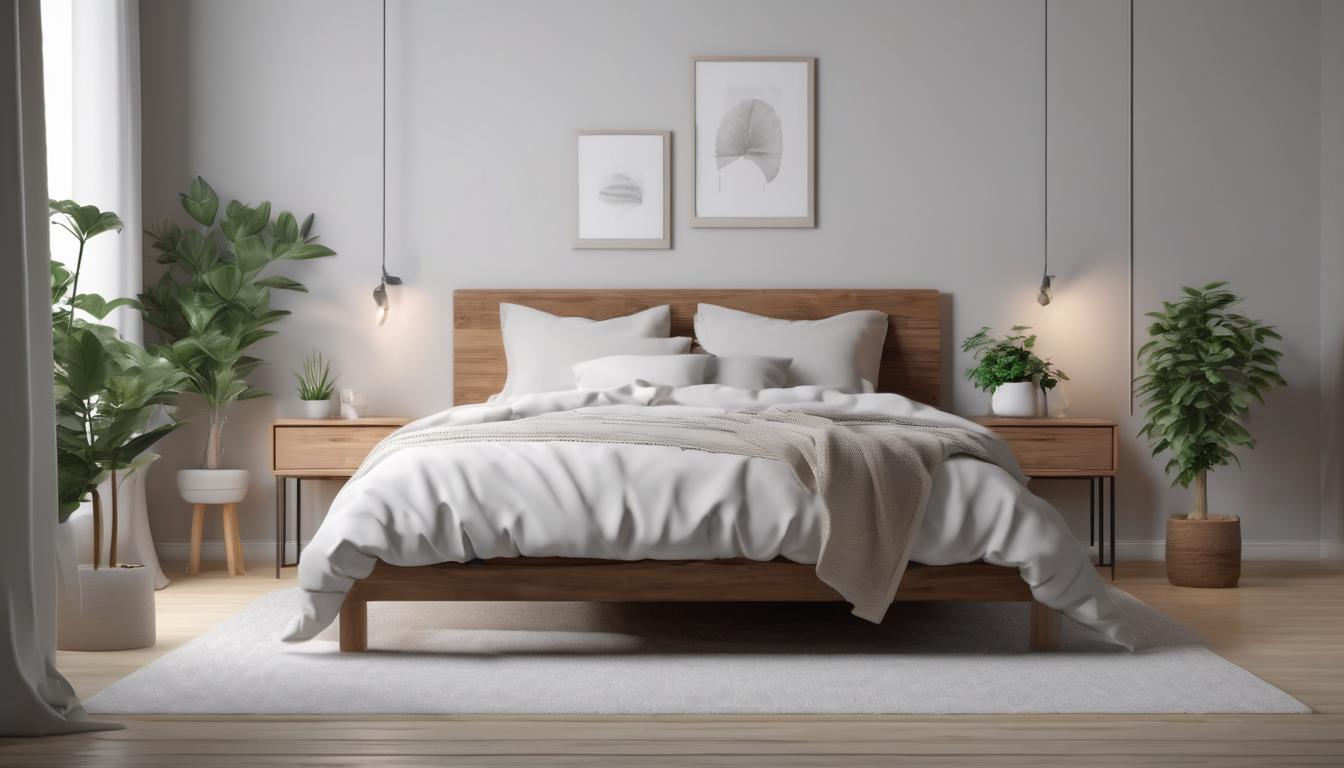
Your bedroom is the best first project because it is private, personal, and relatively simple. There are fewer furniture pieces to consider, and the bed acts as a strong visual anchor that grounds the entire design. Our AI bedroom design guide has room-specific strategies.
Next: Living Room
Living rooms have more complexity but also the highest visual payoff. Start by redesigning the seating area and build outward. See our AI living room ideas for inspiration.
Then: Home Office
If you work from home, this is a high-impact project. A well-designed workspace improves both productivity and mood. Our AI home office guide covers desk placement, lighting, and storage optimization.
Advanced: Kitchen and Bathroom
These rooms involve more permanent elements (cabinets, tiles, fixtures) and typically cost more to change. Use AI to plan carefully before investing. See our kitchen remodel guide and bathroom design guide.
Free vs. Paid AI Interior Design Tools
As a beginner, you might wonder whether to start with free tools or invest in a paid app. Here is the honest breakdown:
Free Tools
Free AI interior design tools are great for testing the concept. They typically offer a limited number of free generations per day and fewer style options. If you want to understand how AI redesign works without spending anything, free trials are the right starting point. Read our detailed free AI tools guide for the full comparison.
Paid Tools
Paid tools like DecorAI - AI Interior Design offer unlimited generations, more design styles, higher resolution output, and features like virtual staging and layout optimization. If you are serious about redesigning even one room, the investment (typically $10-20/month) pays for itself by preventing a single bad furniture purchase. For a detailed comparison, see our best AI tools comparison.
Our recommendation for beginners: start with the free tier of DecorAI to learn the workflow, then upgrade when you are ready to implement changes.
From AI Result to Real Room: A Beginner's Action Plan
Generating beautiful AI designs is exciting, but the real value comes from turning those designs into reality. Here is a practical framework from the home improvement experts at The Spruce, adapted for AI-first workflows:
- Generate 5-10 AI variations of your room in different styles.
- Pick your top 2-3 favorites and identify the common elements (colors, materials, mood).
- Extract the color palette. Note the 3-5 dominant colors in your chosen design. Use our color scheme guide for help.
- List the changes needed to go from your current room to the AI version. Categorize them as: paint/walls, furniture, lighting, textiles, and accessories.
- Prioritize by impact. Paint and lighting changes are usually the most transformative and least expensive. Start there.
- Set a budget. Our budget guide shows practical spending frameworks at $300, $800, and $1,500 levels.
- Execute in phases. Complete one category at a time. Live with each change for a few days before moving to the next.
- Re-photograph and iterate. After implementing changes, take a new photo and run it through AI again. This shows remaining gaps and validates your progress.
Start Your First AI Room Design Today
No experience needed. Upload a room photo, explore 60+ styles, and see your space transformed in seconds with DecorAI - AI Interior Design.
Try DecorAI FreeFAQ: AI Interior Design for Beginners
Do I need design experience to use AI interior design?
No. AI interior design tools are specifically designed for people with no design background. You provide the photo, the AI handles the design expertise. It is the most accessible way to get professional-quality room visualizations.
What is the best AI interior design app for beginners?
DecorAI - AI Interior Design is built with beginners in mind. It offers a simple upload-and-generate workflow, over 30 styles, and works on both iOS and Android. For alternatives, see our app comparison guide.
How much does AI interior design cost?
Free options exist with limited features. Paid plans typically cost $10-20/month for unlimited access. Compared to hiring an interior designer ($2,000-5,000 per room), AI tools are extremely affordable.
Can AI interior design work for renters?
Absolutely. AI is especially useful for renters because it helps you find non-permanent upgrades that make the biggest visual impact. Our renter's guide covers 30 deposit-safe ideas.
Can I use AI to design an empty room?
Yes. AI works well with empty rooms and is commonly used for virtual staging of vacant properties. The AI will fill the space with furniture and decor that match your chosen style. See our virtual staging guide for more.
Is AI interior design accurate enough to base real purchases on?
Modern AI tools preserve room proportions and spatial relationships with high accuracy. While you should always verify measurements in person, AI results are reliable enough to guide style direction, color choices, and furniture scale decisions. Think of AI as your design advisor — it shows what works, and you confirm the details before buying.
What rooms work best with AI interior design?
All rooms work, but living rooms and bedrooms show the most dramatic transformations. Kitchens and bathrooms are valuable too because they help you preview expensive renovations. For room-specific guides, see our articles on living rooms, bedrooms, kitchens, and bathrooms.
Your Next Steps
You now know everything you need to start using AI interior design as a complete beginner. The technology is accessible, affordable, and powerful enough to transform how you think about your home. The only thing left is to try it.
Start with one room. Take one photo. Generate a few styles. You might be surprised how quickly you go from "I do not know what I want" to "I know exactly what I want." That clarity is the real gift of AI room design — and it costs nothing to discover.
For your next reading, we recommend:
- AI Image Redesign: Transform Any Room Photo in Seconds — deep dive into the photo-to-result process
- AI Color Schemes Guide — master color selection for your redesign
- The Complete DecorAI Guide 2026 — advanced workflows once you are comfortable
Ready to Design Your First Room with AI?
Upload a photo, explore 60+ styles, and see your room transformed in seconds. No design experience needed.
Start Free

Visualize Your Dream Home Instantly
Don't just read about it. Experience the power of AI interior design with DecorAI's free tool.
Start Designing for FreeWritten by
DecorAI Team
Editorial Team