AI Interior Design for Renters: 30 No-Renovation Upgrades That Keep Your Deposit Safe
A complete renter-friendly guide to AI interior design with 30 no-renovation upgrades. Learn practical DecorAI workflows, budget plans, room-by-room ideas, and safe styling strategies that help you transform your rental without risking your security deposit.
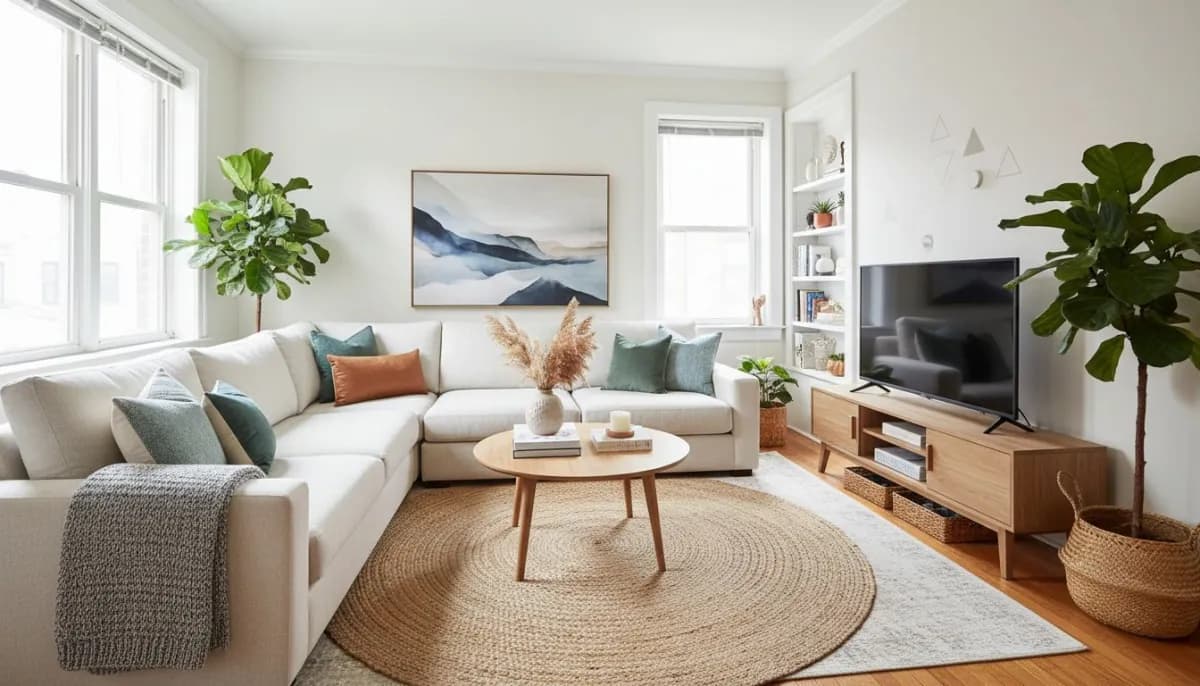
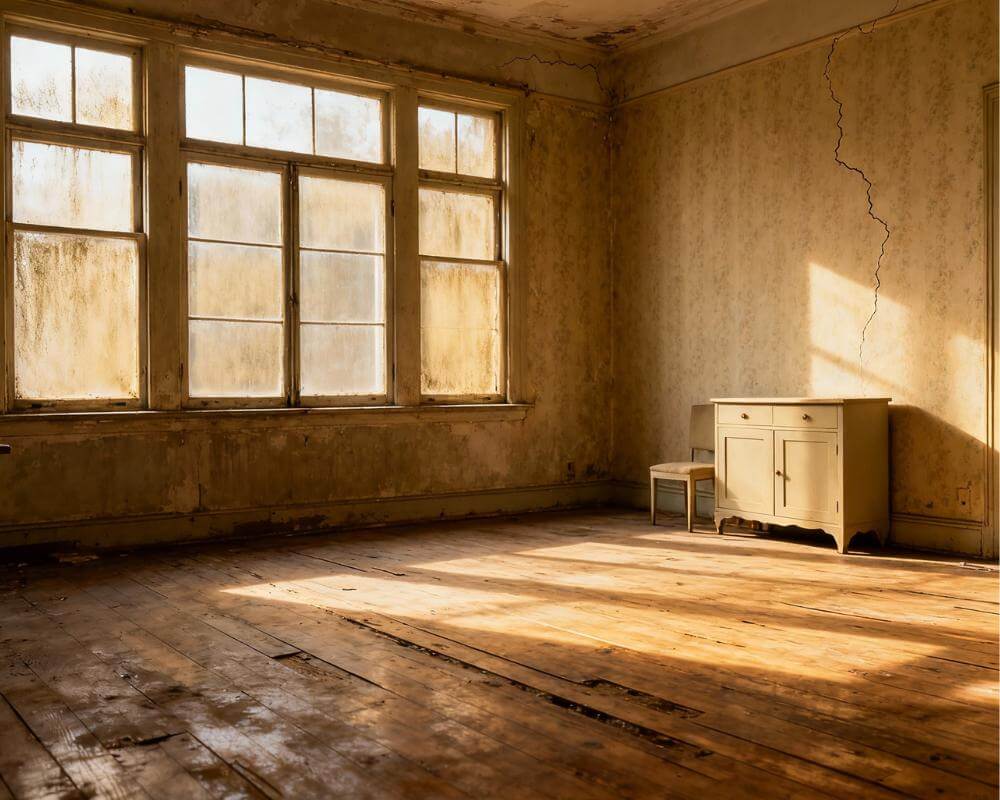
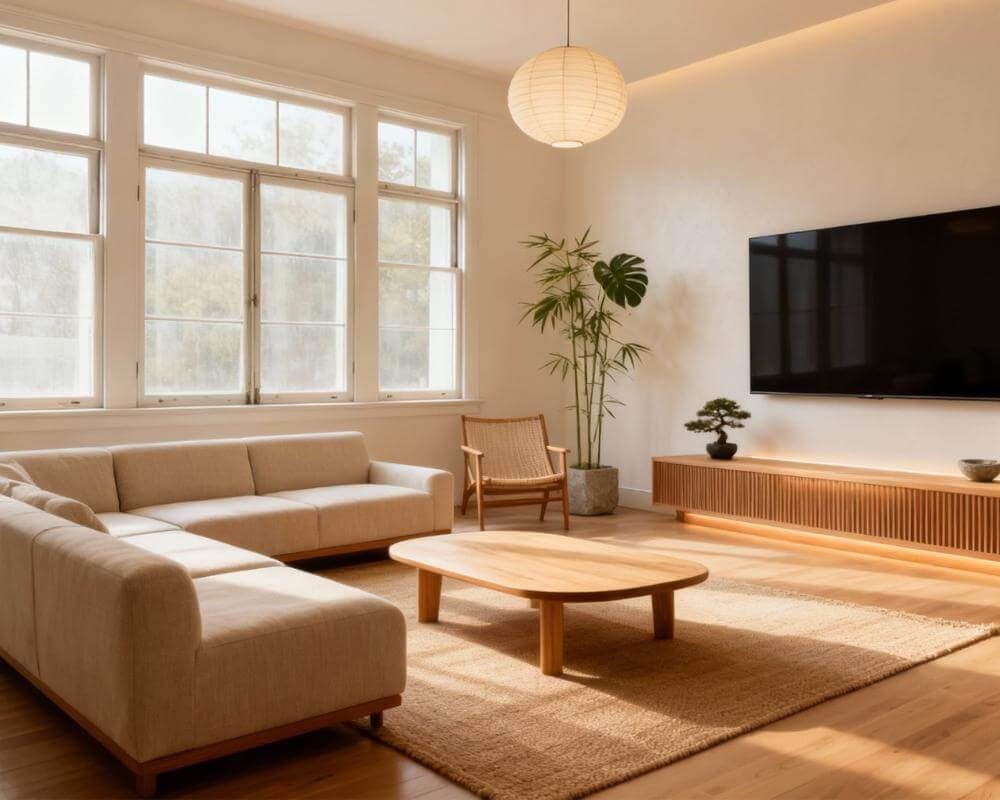
Renting gives you flexibility, but it can also make home design feel limiting. You want your space to feel personal, warm, and beautiful, but you also need to protect your deposit and follow landlord rules. That is exactly where AI interior design for renters can help. With DecorAI, you can test ideas first, choose safe upgrades, and build a plan that works in real life without permanent renovation.
This guide gives you a full renter-first strategy with 30 no-renovation upgrades. You will learn what to change, what to avoid, how to sequence your budget, and how to use AI visuals to make confident decisions. The focus is simple: create a better home now, without legal or financial stress later.
If you are researching tools and inspiration across markets, you may also review this AI interior design app and this home design platform for broader context. Then use DecorAI to build your room-specific execution plan.
Why Renters Need AI Interior Design More Than Anyone
Homeowners can solve design mistakes with construction. Renters usually cannot. That means every decision must be smarter from the beginning. One poor furniture purchase, one color mismatch, or one awkward layout can cost money and still leave you unhappy with your space.
With DecorAI AI interior design, you can see realistic outcomes before spending. You can compare layout options, style directions, and budget paths using your actual room photo. That is the key advantage: fewer mistakes and better outcomes with fewer resources.
For deeper setup knowledge, start with our internal DecorAI complete guide, then apply the renter-specific strategy below.
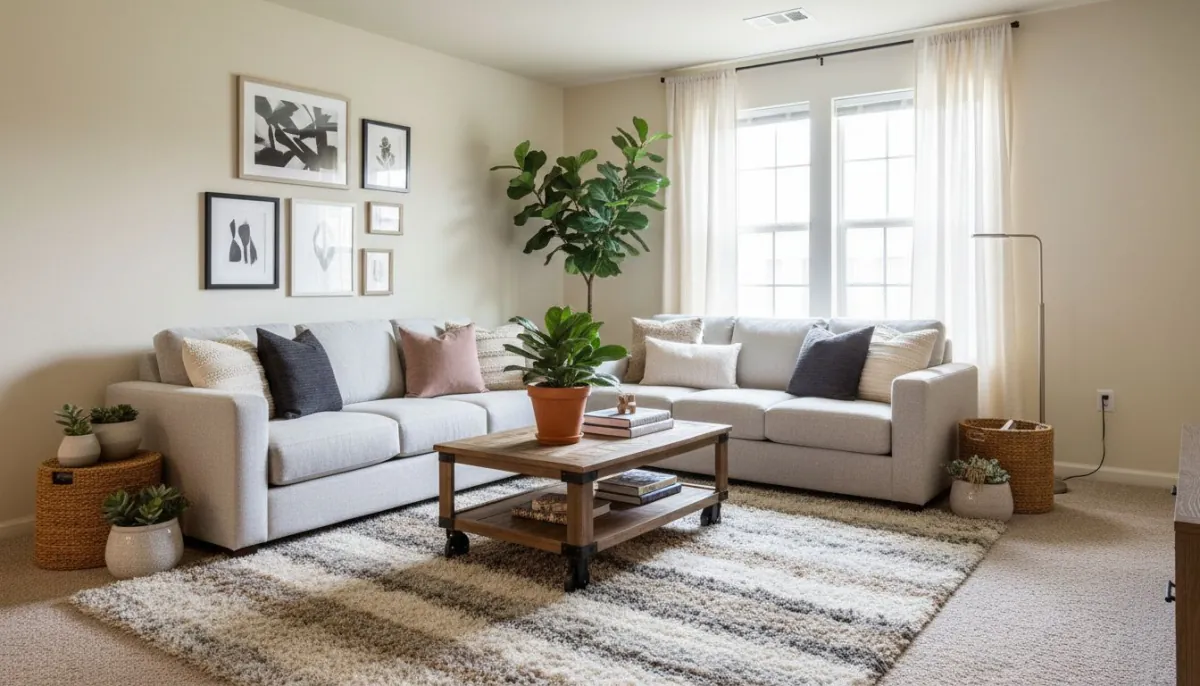
The 5 No-Renovation Rules That Protect Your Deposit
Rule 1: Avoid permanent surface damage
Do not drill or cut unless your lease allows it. Prioritize removable hooks, renter-safe adhesive options, and freestanding solutions.
Rule 2: Keep everything reversible
If a change cannot be removed cleanly at move-out, treat it as high risk. DecorAI helps you test reversible alternatives before you commit.
Rule 3: Solve layout first
Layout creates the biggest visual shift with zero structural change. Use our internal small-space layout guide if your room footprint is tight.
Rule 4: Buy in phases
Do not buy everything at once. Move in clear phases: layout, lighting, textiles, then decor details.
Rule 5: Document your plan
Keep a simple checklist of what was added and how it can be removed. Future-you will thank you at move-out time.
30 Renter-Friendly No-Renovation Upgrades
Below is a practical list you can use directly with your DecorAI output. The order is designed to maximize visual impact while minimizing risk.
Layout and Flow (1-6)
- Reposition your main sofa to open the primary walkway.
- Rotate seating to create one clear conversation zone.
- Use a single larger rug to visually connect furniture.
- Remove one bulky side piece that blocks movement.
- Create a mini work zone with a slim console desk.
- Use a storage bench at entry for function and clean lines.
Walls and Visual Structure (7-12)
- Add removable peel-and-stick wall accents.
- Use framed art clusters with renter-safe hanging strips.
- Place one oversized mirror for depth and brightness.
- Install removable wall-mounted lighting alternatives.
- Create a fabric wall panel look with tension rods.
- Use large vertical art to make ceilings feel higher.
Lighting Upgrades (13-18)
- Replace cool bulbs with warmer light temperature.
- Add a floor lamp to create layered evening lighting.
- Use table lamps to balance dark corners.
- Add rechargeable accent lights for shelves.
- Use dimmable bulbs in high-use rooms.
- Highlight one focal area with a dedicated light source.
Textiles and Comfort (19-24)
- Upgrade curtain height to visually elongate walls.
- Layer pillows in two tones plus one accent color.
- Add one soft throw for texture and warmth.
- Switch bedding to one cohesive palette.
- Use washable runners in narrow walkways.
- Add chair covers or slipcovers for instant refresh.
Storage and Styling (25-30)
- Use matching baskets for open shelf organization.
- Hide visual clutter in closed bins under furniture.
- Create one styled shelf instead of many small displays.
- Add one tall plant to soften room edges.
- Swap small hardware details on removable pieces only.
- Finish with one scent and material theme for consistency.
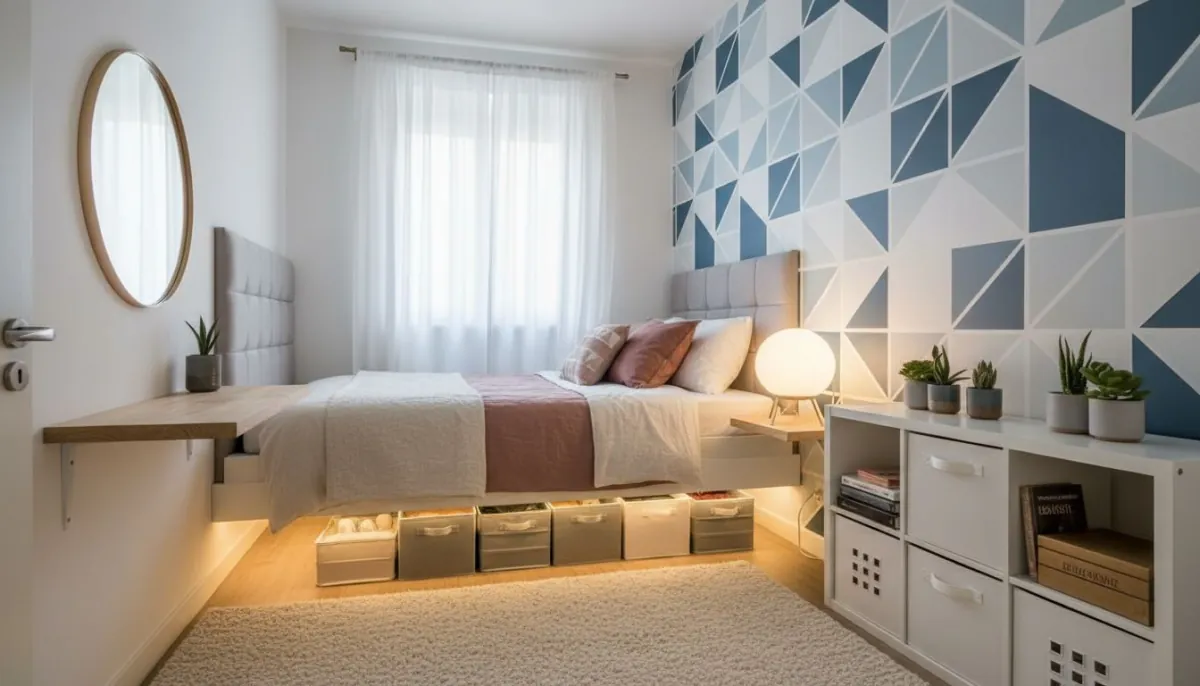
The DecorAI Workflow for Renters (Simple Version)
Step 1: Upload clear room photos
Use daylight and eye-level angles. Include windows, doors, and major furniture edges.
Step 2: Define your non-negotiables
Examples: no drilling, no paint change, no heavy fixed installation. This keeps outputs realistic.
Step 3: Test layout options first
Choose the version with best movement and practical comfort. Do not start with styling.
Step 4: Add style and materials
Apply 3 style directions to the same layout. Pick one direction and stay consistent.
Step 5: Build move-in and move-out safe plan
Mark each item as “reversible” or “high risk.” Keep only reversible actions in phase one.
For advanced planning, combine this with our internal photo-to-style process guide.
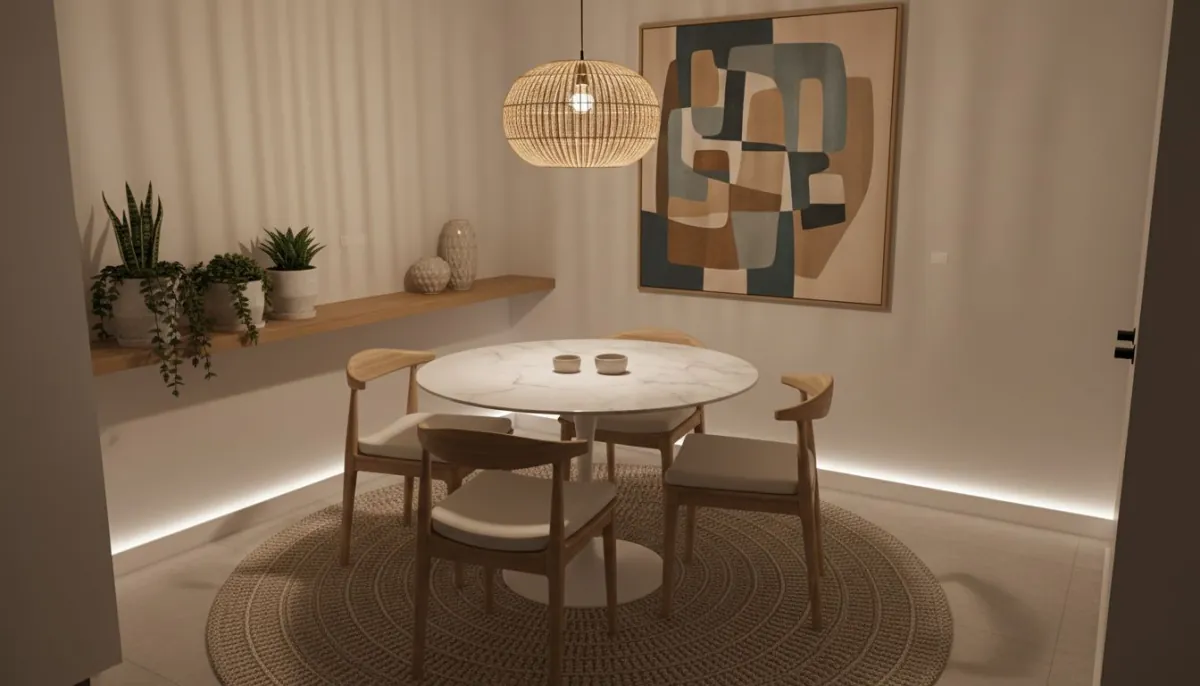
Budget Tiers That Work for Rentals
$250 Starter Refresh
Focus on lighting, textiles, and declutter systems. This tier gives immediate visual return with low risk.
$700 Balanced Upgrade
Add one anchor piece and stronger layered styling. Great for living rooms and bedrooms that feel unfinished.
$1,500 Full Renter Transformation
Use for multi-zone rooms. Combine layout shifts, key furniture updates, better lighting, and final styling.
If you want a full spending framework, our internal budget article maps this in more detail.
DecorAI vs ChatGPT, Gemini, and Pinterest for Renters
Many renters ask the same question: should I plan with a text AI tool, with image inspiration boards, or with a room-first app? For renter projects, the winner is usually clear. DecorAI is built to help you make room decisions you can execute fast and safely. It is practical, visual, and easy to act on.
DecorAI vs ChatGPT
ChatGPT is useful for ideas and checklists, but it does not show your exact room transformation in the same way. DecorAI gives you visual direction based on your actual space, which helps renters avoid buying the wrong items.
DecorAI vs Gemini
Gemini can generate broad ideas, but renter decisions need concrete, room-specific previews. DecorAI focuses on layout and style choices that are easier to execute in real apartments with lease limits.
DecorAI vs Pinterest
Pinterest is strong for inspiration, but inspiration alone does not solve room constraints. DecorAI helps you test the idea in your own room before you spend. That is where renters save money.
If you want extra inspiration, you can browse renter home design inspiration and AI interior design references, then validate everything in DecorAI before buying.
Copy-and-Paste DecorAI Prompts for Renters
If you want better results quickly, start with clear prompt language. Keep each prompt practical and include your renter limits. These examples are simple and effective for AI interior design for renters.
Living room prompt
"Design this rental living room with no drilling and no permanent changes. Keep layout practical, use warm modern style, layered lighting, neutral rug, and removable decor accents."
Bedroom prompt
"Transform this rental bedroom with reversible upgrades only. Add cozy textures, calm color palette, renter-safe wall art, and a clean storage look."
Kitchen prompt
"Refresh this rental kitchen without renovation. Keep cabinets unchanged, improve lighting feel, add removable styling, and create a clean functional layout."
Studio apartment prompt
"Create zones in this small studio rental with no structural changes. Define sleep, work, and relax areas with furniture placement and lighting only."
Use one prompt, generate multiple options, then keep only the version that improves flow and daily function. This is the fastest way to use DecorAI AI interior design as a renter.
City-Specific Renter Examples (Geo-Optimized)
Geo context matters in renter design. A plan that feels perfect in one city can feel wrong in another. Use local living patterns when building your final room strategy.
New York and dense city apartments
Prioritize compact furniture, vertical storage, and clear walking paths. In smaller city rentals, layout quality usually matters more than decorative quantity.
Los Angeles and warm climate rentals
Use lighter materials, breathable textiles, and daytime-friendly color palettes. Keep visual weight low so rooms feel open and calm.
Chicago, Boston, and colder regions
Build comfort with layered lighting, rugs, and warm accent textures. In colder months, a stronger lighting plan can change the room mood dramatically.
Suburban rentals with larger footprints
Use zoning and anchor furniture to avoid empty, disconnected areas. DecorAI helps you break larger rentals into useful, inviting zones.
Move-Out Checklist That Protects Your Deposit
Great renter design is not only about move-in. It is also about clean move-out execution. Use this short checklist before your final inspection.
- Remove all adhesive accessories and test for residue.
- Patch only what your lease allows and match paint where required.
- Restore original hardware if you changed removable pieces.
- Deep clean light fixtures and wall contact areas.
- Reset room layout to landlord-approved baseline if needed.
- Photograph each room after cleanup for records.
- Store receipts for renter-safe products in case of questions.
- Use your DecorAI checklist to confirm every upgrade is reversed.
This final step closes the renter loop: you enjoy a better home during your lease and still protect your deposit when you leave.
Geo Tips for Renters: Design by Climate and City Pattern
Good renter design is context-aware. In hot climates, lighter materials and open spacing improve comfort. In colder regions, layered lighting and soft textures feel better. In dense cities, smart zoning and compact furniture usually matter more than large decor statements.
That is why AI interior design for renters should be geo-aware. Use local realities as part of your plan: climate, apartment size norms, and daily movement patterns.
Common Renter Mistakes (and Better Alternatives)
Mistake 1: Decorating before organizing layout
Better: solve movement flow first, then layer decor.
Mistake 2: Buying too many low-impact items
Better: buy fewer, higher-impact pieces and build in phases.
Mistake 3: Ignoring move-out reality
Better: choose reversible upgrades and keep removal notes.
Mistake 4: Copying inspiration images blindly
Better: test ideas in your exact room with DecorAI first.
Mistake 5: No final action list
Better: keep a one-page plan with move, keep, buy-now, buy-later.
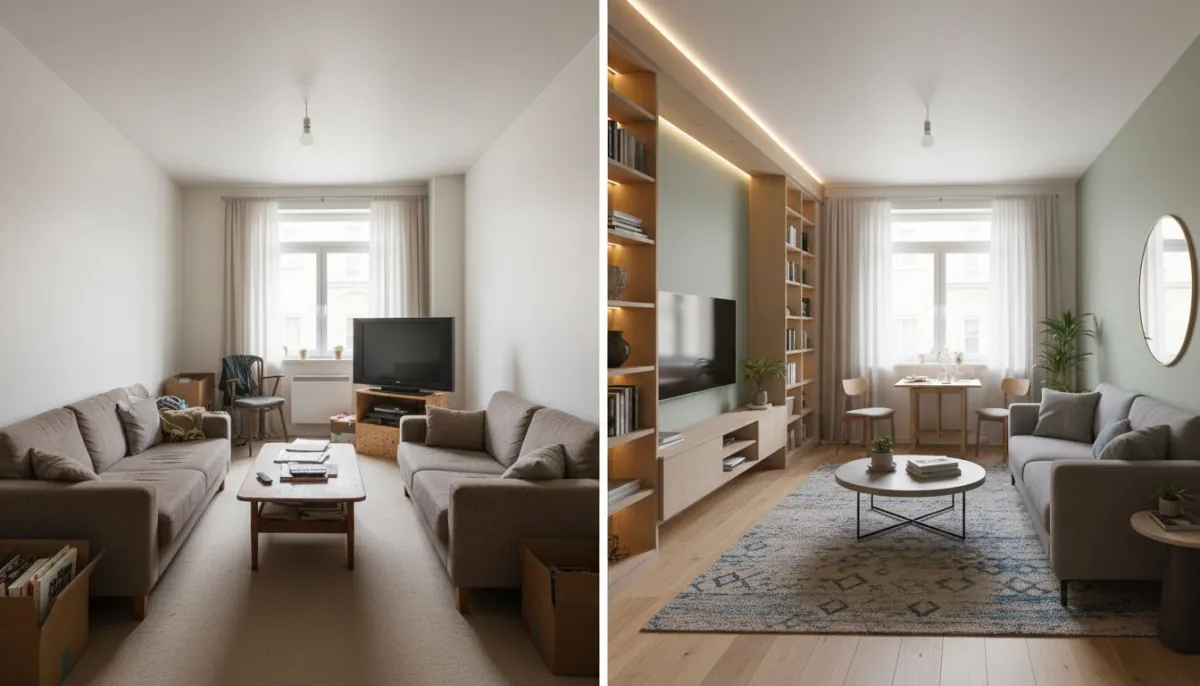
A 14-Day Renter Makeover Plan
Days 1-3: Strategy
Upload room photos, define non-negotiables, and select one style direction.
Days 4-6: Layout and lighting
Lock your layout and improve baseline lighting first.
Days 7-10: Textiles and storage
Add curtains, rug, bedding, and organized hidden storage.
Days 11-14: Final styling
Finish with art, plants, and accent pieces. Then review and adjust one weak zone only.
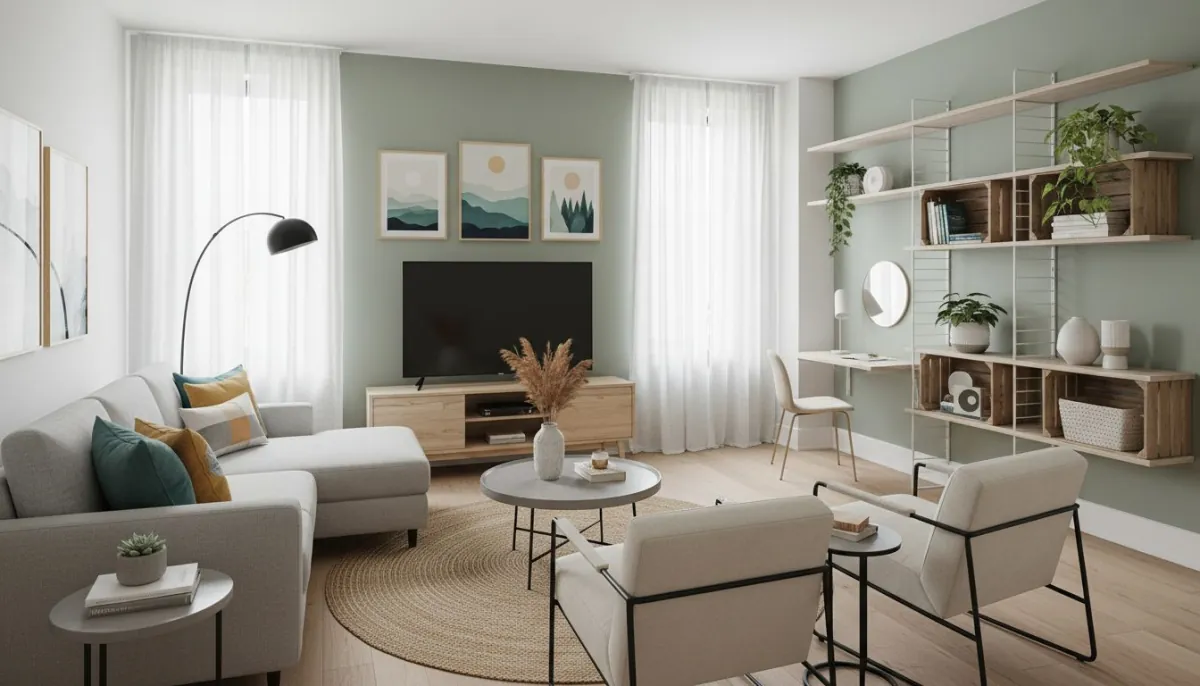
Plan Your Rental Makeover with DecorAI
Test renter-safe ideas first, lock a clear plan, and upgrade your space without risking your deposit.
Explore AI Interior Design IdeasFAQ: AI Interior Design for Renters
Can I use DecorAI if my lease is very strict?
Yes. Start with fully reversible actions: layout, lighting, textiles, and removable wall styling. Keep your plan lease-safe from day one.
How many versions should I test before deciding?
A good target is 8-12 layout and style variations. This usually gives enough clarity for confident decisions.
Do I need a high budget to get visible improvement?
No. Strong layout and lighting upgrades can make a major difference even with modest spending.
Where can I find more design reference ideas?
You can browse concepts on home design inspiration resources, then test what actually works in your own room using DecorAI.
Final Thoughts
AI interior design for renters works best when it is practical, reversible, and phased. DecorAI gives you a clear path: test first, decide with confidence, then execute safely. That helps you build a home you love now without creating move-out stress later.
If you follow the workflow and 30 upgrades in this guide, you can get a major visual and functional upgrade without renovation, without chaos, and without losing your deposit.
Create Your Renter-Safe Design Plan
Start with AI-guided layout and style planning, then execute only upgrades that are safe, smart, and reversible.
Start PlanningVisualize Your Dream Home Instantly
Don't just read about it. Experience the power of AI interior design with DecorAI's free tool.
Start Designing for FreeWritten by
DecorAI Team
Editorial Team