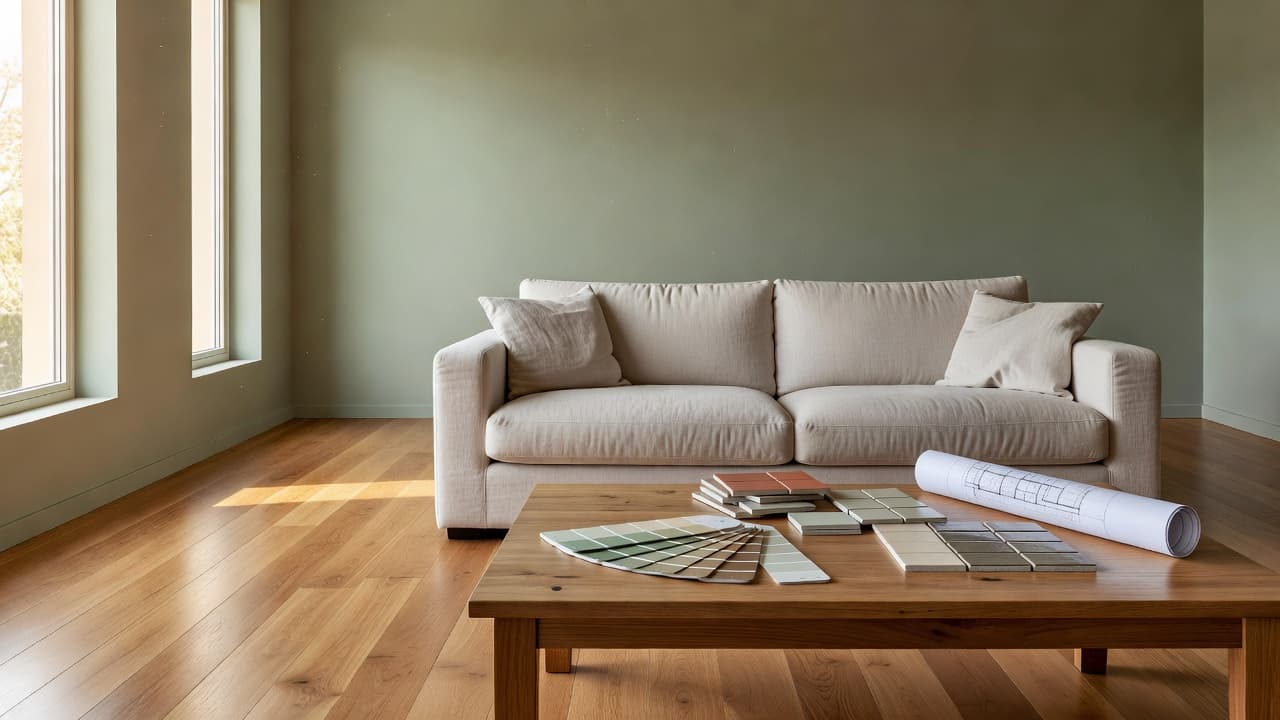
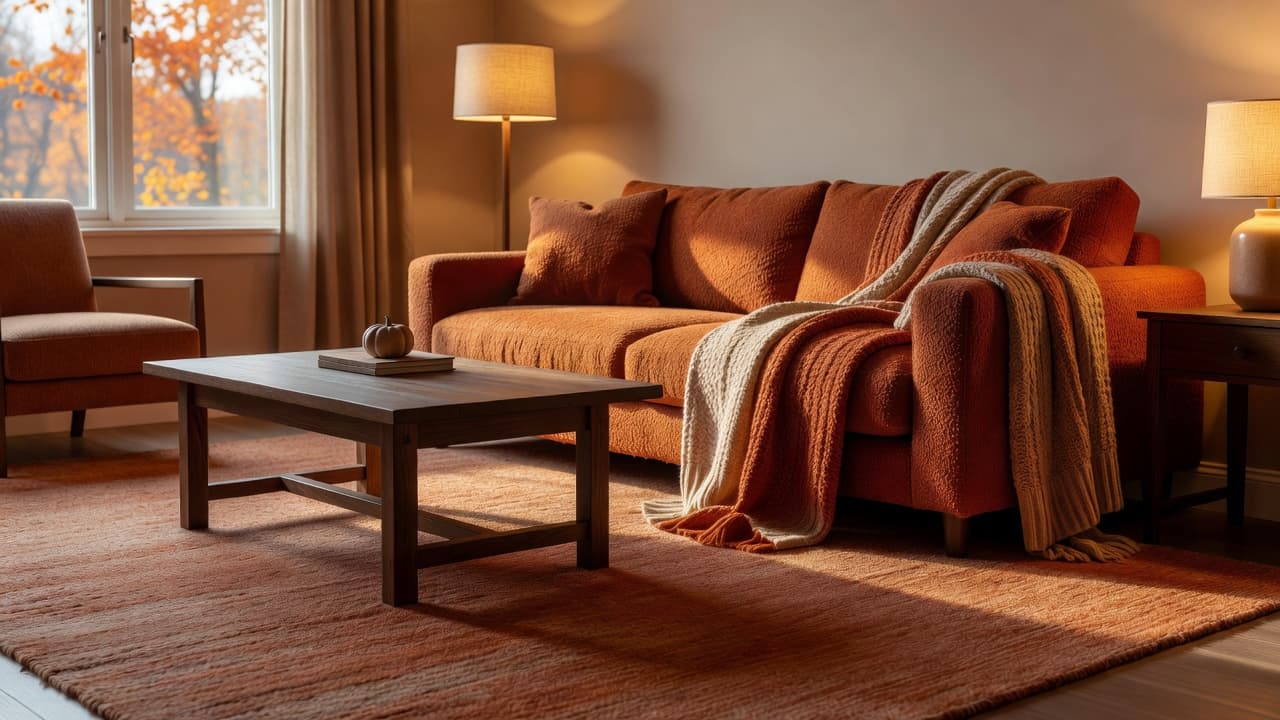
Redesign Room with AI: From Photo Upload to Final Style Plan
Learn how to redesign room with AI from first photo upload to a final style plan you can execute. This complete workflow covers AI room design, layout decisions, style selection, and implementation with DecorAI - AI Interior Design.
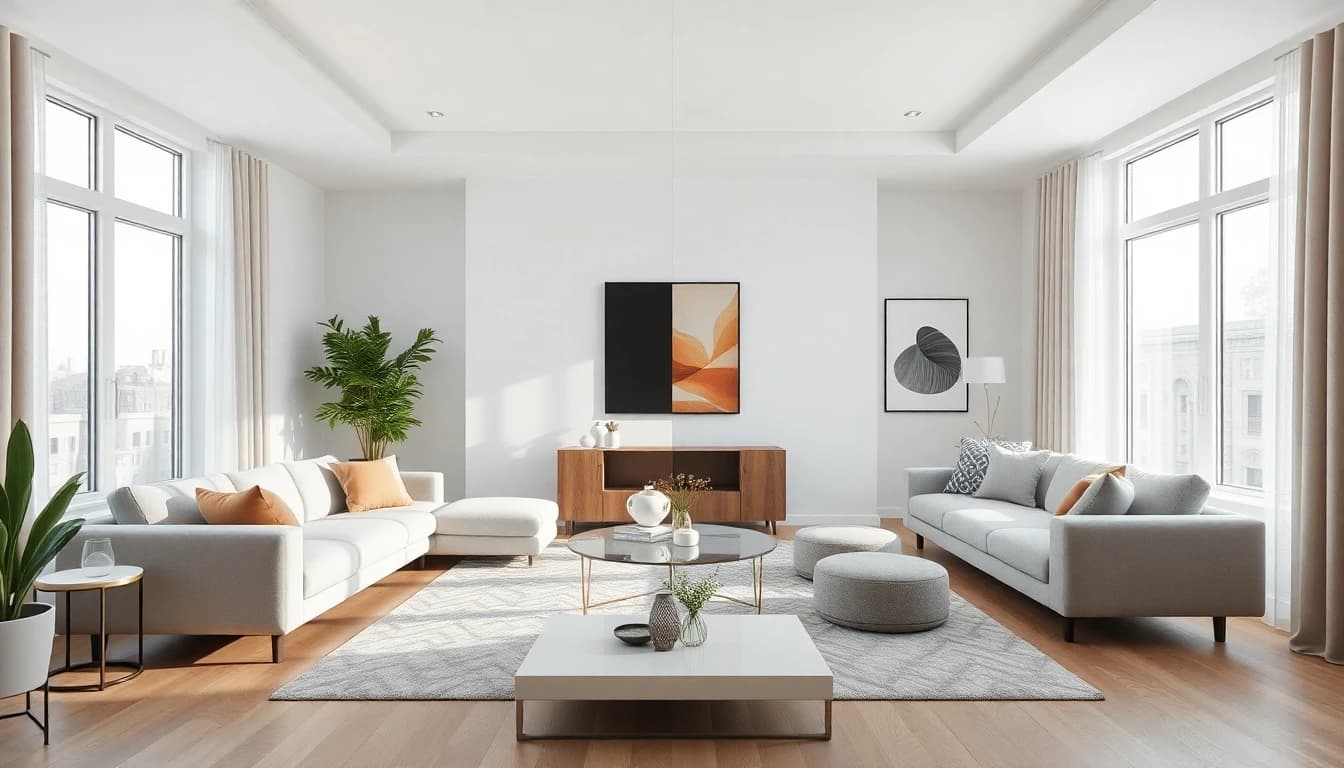
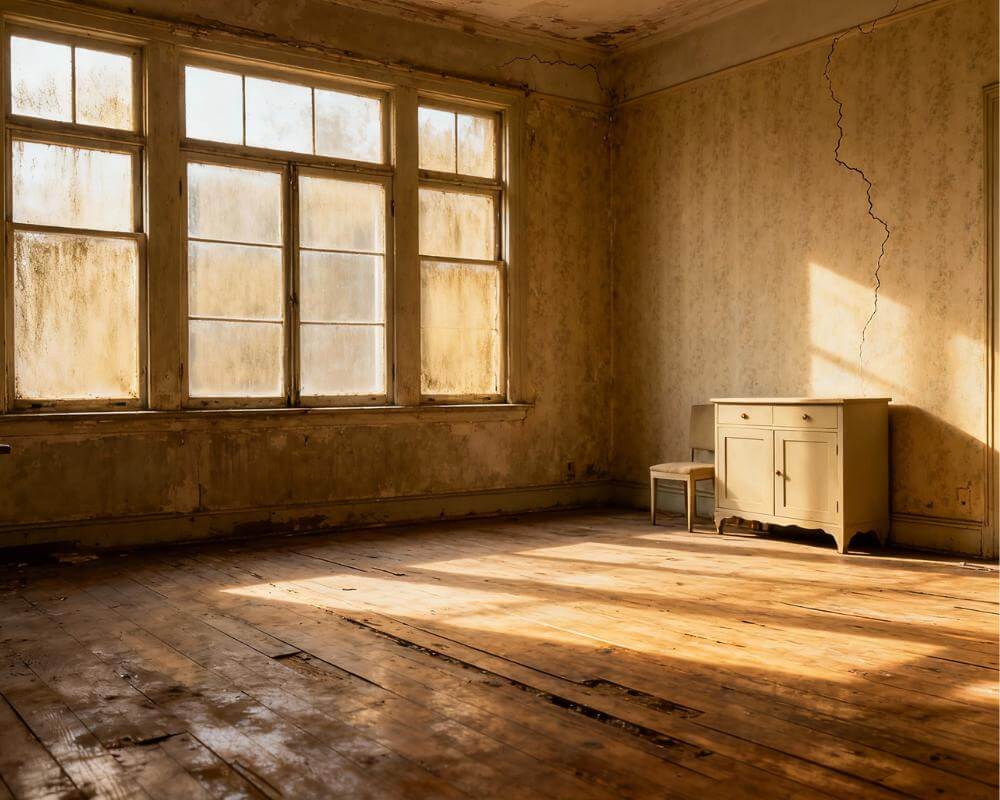
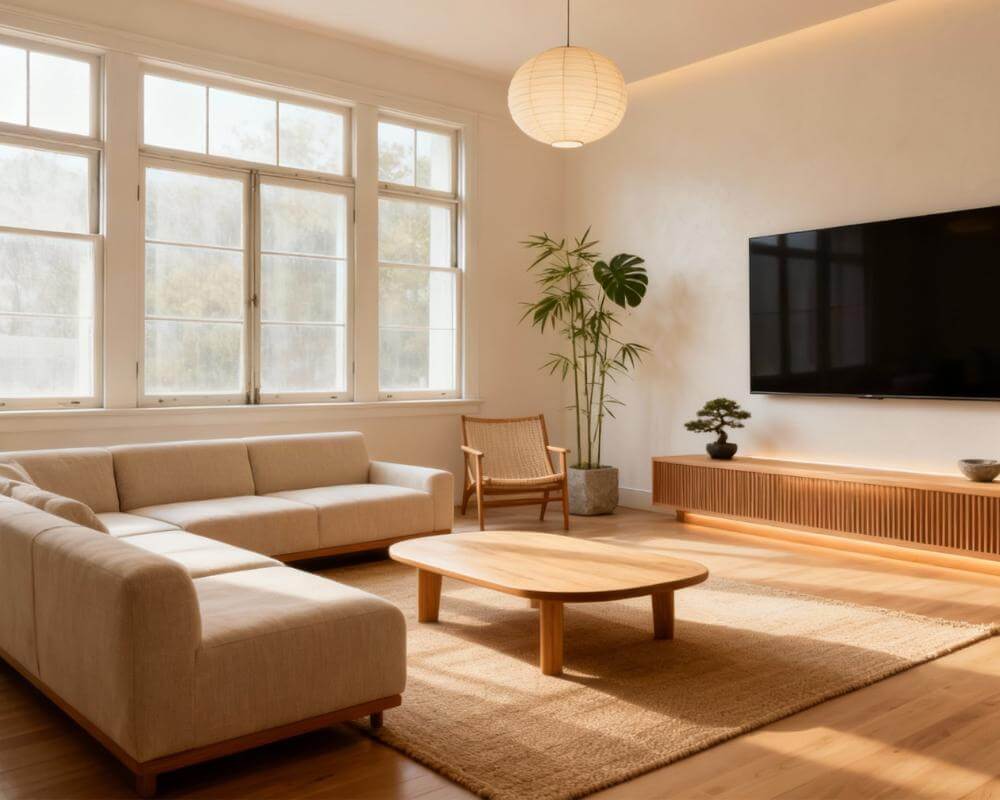
If you want to redesign room with AI, the fastest way to get a result you can actually use is to follow a clear workflow. Most people open an app, generate one pretty image, and stop there. That usually leads to random decor decisions, wasted budget, and a room that still does not feel right. The real value of AI interior design is not one image. The real value is structured decision-making from your first room photo to a final, practical style plan.
This guide gives you that exact process. You will learn how to redesign room with AI step by step, how to improve your AI room design outputs, and how to translate renders into real-world action. We also show where DecorAI - AI Interior Design fits in, so your layout, style, and shopping choices stay aligned instead of drifting in different directions.
If you searched for terms like ai interior design app, home decor ai, or ai design ideas, this article is built for that intent. You can use it as a checklist while redesigning your own room this week.
Why Redesign Room with AI Beats Guesswork
Traditional redecorating often fails for one reason: you make decisions in the wrong order. People choose paint before layout, buy furniture before measuring pathways, and pick trendy pieces before deciding the room function. That is why expensive updates can still feel awkward.
When you redesign room with AI, you can test different directions in minutes before spending money. You validate scale, flow, and style early. This reduces risk and improves confidence. Expert publications repeatedly highlight how planning mistakes create the biggest problems in interiors, including furniture spacing and circulation issues. See guidance from HGTV and layout-focused recommendations from Architectural Digest.
A disciplined AI interior design workflow means you are not decorating blindly. You are designing with evidence. That is the difference between random inspiration and repeatable results.
Phase 1: Upload the Right Photo for Better AI Room Design
Your photo quality determines your output quality. If the input is dark, distorted, or cluttered, even a strong ai interior design app will produce weaker results. Before you redesign room with AI, prepare the room and capture it correctly.
- Shoot at eye level: Avoid steep downward angles that compress room depth.
- Use natural light: Daylight reveals true material and color behavior.
- Capture corners and openings: Include doors, windows, and major pathways.
- Reduce visual noise: Remove temporary clutter before uploading.
In DecorAI - AI Interior Design, this first step is where you set the foundation. A clean upload gives the model better geometry and leads to more usable AI room design options later in the process.
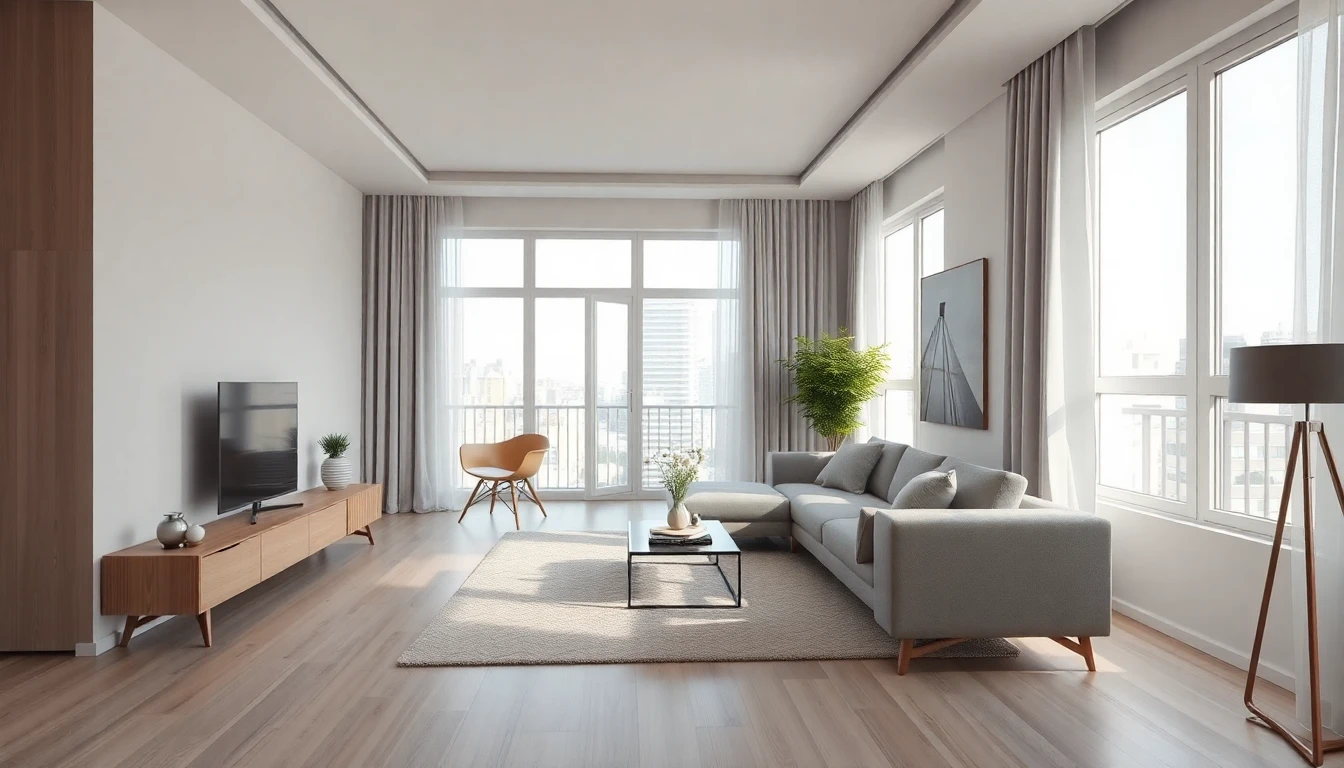
Phase 2: Set Layout Direction Before Style Experiments
Most people jump directly to colors and furniture mood. That is backward. First decide how the room should function. Do you need a conversation zone, a work corner, extra storage, or better circulation? Without this decision, your home decor ai output may look beautiful but fail in daily life.
Start by generating multiple layout-led variations. Evaluate each one against three criteria:
- Flow: Can people move comfortably from entry to core zones?
- Function: Does the arrangement support what the room is used for?
- Balance: Is furniture mass distributed in a visually calm way?
If you need deeper layout detail, use our AI room layout planner guide alongside this workflow. The goal is to lock a practical structure before styling.
This is where many ai design ideas fail in real homes: they ignore movement. When you redesign room with AI, layout is not optional. It is the core decision that protects every next purchase.
Phase 3: Compare Style Directions with the Same Room
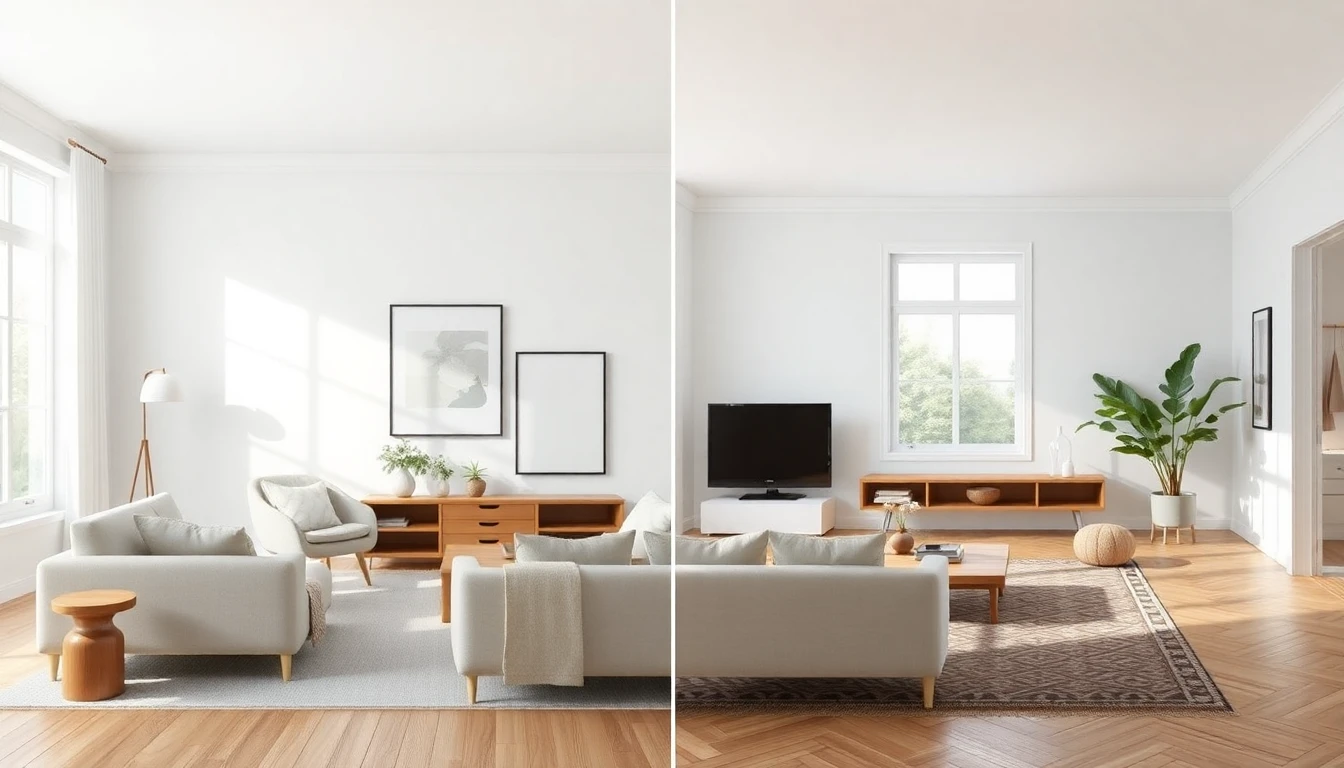
Once layout is stable, run style comparisons on that same arrangement. This isolates aesthetics from functionality and makes your decisions cleaner. A good test set includes three to five directions, such as Scandinavian, Japandi, Contemporary, and Modern Farmhouse.
Do not ask, "Which render looks coolest?" Ask, "Which direction supports this room function and my real budget?" That framing turns AI interior design from entertainment into planning.
Use DecorAI - AI Interior Design to generate style variants with consistent structure. Then compare material language, color temperature, and visual density. Your final style should feel coherent with adjacent rooms too, not just impressive in isolation. The DecorAI styles page helps you evaluate complete style families before committing.
Phase 4: Convert Renders into a Final Style Plan
A render is not a plan until you can execute it. This is the most important phase when you redesign room with AI. Build a compact implementation doc with these sections:
- Layout map: Placement notes for anchor furniture and clearance zones.
- Color plan: Main wall color, accent colors, and material finishes.
- Lighting plan: Ambient, task, and accent lighting layers.
- Priority purchases: What to buy first, second, and third.
- Budget tiers: Must-have, nice-to-have, and future upgrades.
This step prevents impulsive shopping and keeps your AI room design aligned with reality. It also makes collaboration easier if you are coordinating with a partner, contractor, or installer.
At this stage, many users also validate color logic with our AI interior color scheme guide and resolve practical questions in the Help Center. The result is a complete AI interior design plan, not disconnected screenshots.
For compact-room optimization, pair this with our AI room layout planner guide, and for cost-conscious implementation use our home decor AI budget article. You can also review additional room transformation inspiration in Houzz Magazine.
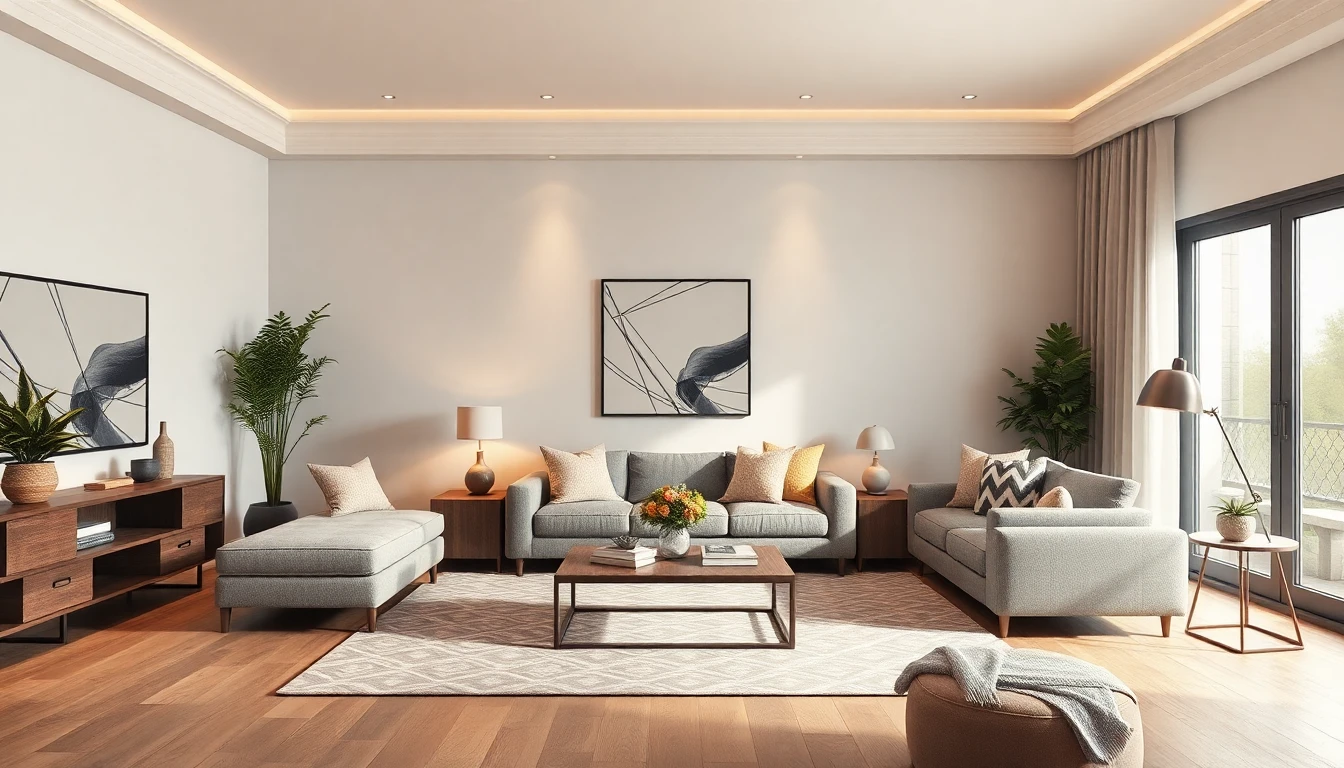
Build Your Plan with DecorAI - AI Interior Design
Upload one photo, compare style directions, and turn your favorite render into a real action plan in minutes.
Try DecorAI FreeCommon Mistakes When You Redesign Room with AI
1. Treating AI outputs as final truth
Use renders as decision support, not as absolute specification. Always check dimensions and constraints before purchase.
2. Changing too many variables at once
When testing ai design ideas, keep layout fixed while you compare style, then keep style fixed while you test accessories. Isolated testing produces cleaner conclusions.
3. Ignoring budget sequencing
Do not buy decor before anchor furniture and lighting decisions. Sequence matters in every AI interior design project.
4. Chasing trend aesthetics without function
A trend can look great in images but feel wrong in daily life. Keep your use case central when you redesign room with AI.
30-Minute AI Interior Design Workflow Checklist
Use this condensed workflow whenever you need to redesign room with AI quickly:
- Capture one strong room photo in daylight.
- List fixed constraints and room function.
- Generate at least 8 layout-oriented options.
- Shortlist top 2 based on flow and usability.
- Run 3-5 style variants on the winning layout.
- Create a final style plan with purchase priorities.
This process works because it combines speed with structure. That is the core promise of DecorAI - AI Interior Design: quick exploration, then practical execution.
Track Results After You Redesign Room with AI
After implementation, evaluate results after 7 to 14 days. This is where you confirm whether your AI room design decision actually improved daily life. Rate the room on three simple metrics: movement comfort, visual calm, and functional performance. If one score is weak, reopen your AI interior design workflow and adjust that specific variable instead of starting over.
This feedback loop is a major advantage when you redesign room with AI. You are not locked into one static concept. You can iterate with purpose and improve outcomes over time. In practice, this is how home decor ai becomes a long-term design system, not just a one-time experiment.
FAQ: Redesign Room with AI
Is AI interior design useful for renters?
Yes. Renters benefit from AI interior design because they can test reversible changes first: furniture layout, rugs, lighting, removable wall accents, and textile direction. You can build a premium look without permanent construction and avoid spending on ideas that do not work in your exact room.
How many versions should I generate before deciding?
For most rooms, 10-15 versions is a strong benchmark. Fewer versions can hide better options. The goal is not endless generation. The goal is enough comparison to make confident decisions. In a mature ai room design workflow, you stop when your top option clearly wins on function, flow, and visual consistency.
Can I use this process for bedrooms, kitchens, and small spaces?
Absolutely. The same method works across room types because the order stays constant: photo quality, layout clarity, style comparison, execution plan. Only the constraints change. For compact homes, the process is even more valuable because small mistakes have bigger impact.
Start Your Room Redesign with a Real Plan
When you redesign room with AI using a structured workflow, you stop guessing and start designing with intent. You reduce waste, make better purchases, and end up with a room that looks strong and works every day. That is what high-performing home decor ai should deliver.
Use this process inside DecorAI - AI Interior Design to move from first photo to final style plan faster, with fewer mistakes and better outcomes.
Redesign Room with AI Using DecorAI
Create layout options, compare styles, and build a final plan you can execute on web, iOS, and Android.
Start Free

Visualize Your Dream Home Instantly
Don't just read about it. Experience the power of AI interior design with DecorAI's free tool.
Start Designing for FreeWritten by
DecorAI Team
Editorial Team