Home Decor AI on a Budget: 25 Affordable Design Upgrades
Discover how to use home decor AI to transform your space with affordable upgrades. This practical guide covers a step-by-step AI interior design workflow, 25 low-cost improvements, and budget plans you can implement with DecorAI - AI Interior Design.

A beautiful room does not require a luxury budget. It requires the right sequence of decisions. If you want a serious makeover without overspending, home decor AI can help you test ideas before buying anything. Instead of guessing between ten decor options, you can visualize them, compare them, and choose the upgrades that deliver the biggest impact per dollar.
This guide shows exactly how to use home decor AI for budget-friendly redesigns. You will get a repeatable planning process, a list of 25 affordable design upgrades, and a practical spending framework. We will also show where DecorAI - AI Interior Design fits, so your AI interior design results translate into real purchases you can execute with confidence.
If you are searching for ai decoration, ai design ideas, or ai interior design free strategies, this article is built for that exact use case: maximum visual improvement with controlled cost.
Why Home Decor AI Works So Well on a Budget
Budget design projects usually fail when money is spent too early on low-impact items. A common pattern is buying accessories first, then discovering the layout still feels wrong. With home decor AI, you can test layout, color balance, and style direction first, then spend where returns are highest.
Design resources consistently highlight the importance of foundational decisions before styling. See practical guidance on small-budget improvements from Better Homes & Gardens and layout-first thinking from The Spruce. These principles align directly with a strong AI interior design workflow.
In practice, DecorAI - AI Interior Design helps you avoid three expensive mistakes: buying oversized furniture, choosing conflicting color directions, and layering decor before solving function. That alone can protect a large part of your budget.
A 5-Step Budget AI Interior Design Workflow
Step 1: Define your budget ceiling
Set one number before opening any shopping tab. Split it into two buckets: functional upgrades (layout, lighting, storage) and visual upgrades (textiles, art, decor). This prevents emotional overspending.
Step 2: Upload a clean room photo
Use daylight and shoot from eye level. Better inputs create more reliable AI interior design outputs. In DecorAI - AI Interior Design, this gives you clearer material and spacing references.
Step 3: Lock layout before styling
Use AI to test circulation and furniture placement first. If layout is weak, every decorative purchase feels random. Our AI layout guide can help if the room is compact.
Step 4: Compare 3 style directions
Run at least three aesthetics on the same layout: for example Scandinavian, Contemporary, and Warm Minimal. This isolates style decisions from function and improves clarity.
Step 5: Create a purchase order
Rank items by impact: first anchoring pieces, then lighting, then textiles, then finishing decor. This turns home decor AI renders into a realistic implementation plan.
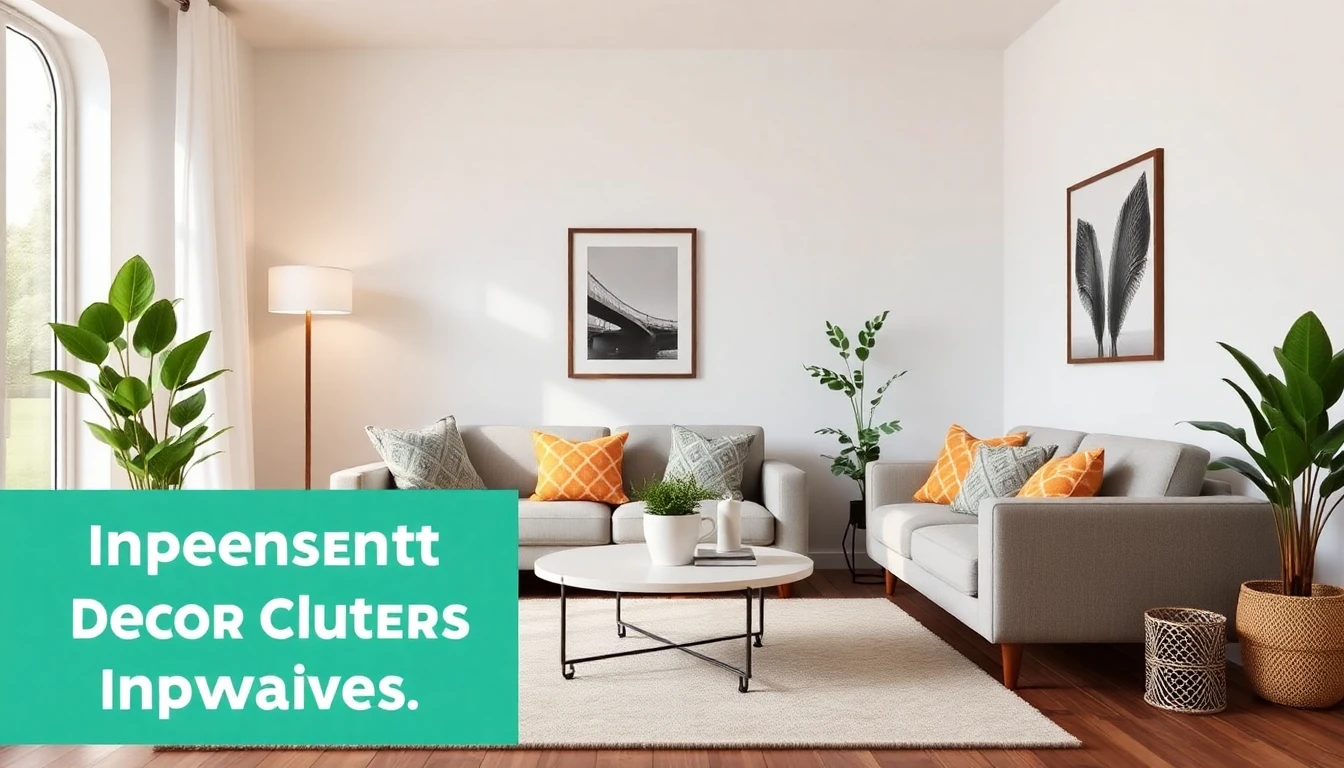
25 Affordable Design Upgrades You Can Plan with AI
Use this list while reviewing your home decor AI variations. These upgrades are chosen because they are low-cost, high-visibility, and easy to phase over time.
Layout & Function (1-5)
- Reposition sofa to improve pathway width.
- Swap bulky side table for a slimmer profile.
- Create a defined reading corner with one chair and lamp.
- Use one large rug to unify fragmented furniture.
- Add closed storage baskets to reduce visible clutter fast.
Color & Walls (6-10)
- Paint one strategic accent wall instead of repainting all walls.
- Switch to warm-neutral paint for better light reflection.
- Use peel-and-stick wallpaper in a low-risk focal zone.
- Refresh trim color for cleaner contrast and detail definition.
- Add one oversized framed print instead of multiple small pieces.
Lighting Upgrades (11-15)
- Replace cool bulbs with warm white for instant atmosphere.
- Add a floor lamp to create a second light layer.
- Use dimmable bulbs in high-usage rooms.
- Upgrade one pendant shade in dining or entry zones.
- Add battery wall sconces where wiring is expensive.
Textiles & Soft Furnishings (16-20)
- Replace flat cushion set with textured pillow mix.
- Layer a throw blanket to introduce depth and color rhythm.
- Upgrade curtains to full-length panels for a taller look.
- Rotate bedding palette to match your chosen style direction.
- Use one statement runner in hallways or kitchens.
Styling & Finishing (21-25)
- Group decor in odd-number clusters for cleaner composition.
- Add one tall plant for vertical balance.
- Replace mixed hardware with one finish family.
- Use mirrors to increase perceived brightness and depth.
- Define a scent and texture identity for final cohesion.
To keep these changes coherent, run them through one style direction in DecorAI - AI Interior Design before purchasing. If you need color support, use our AI color scheme guide to avoid mismatched tones.
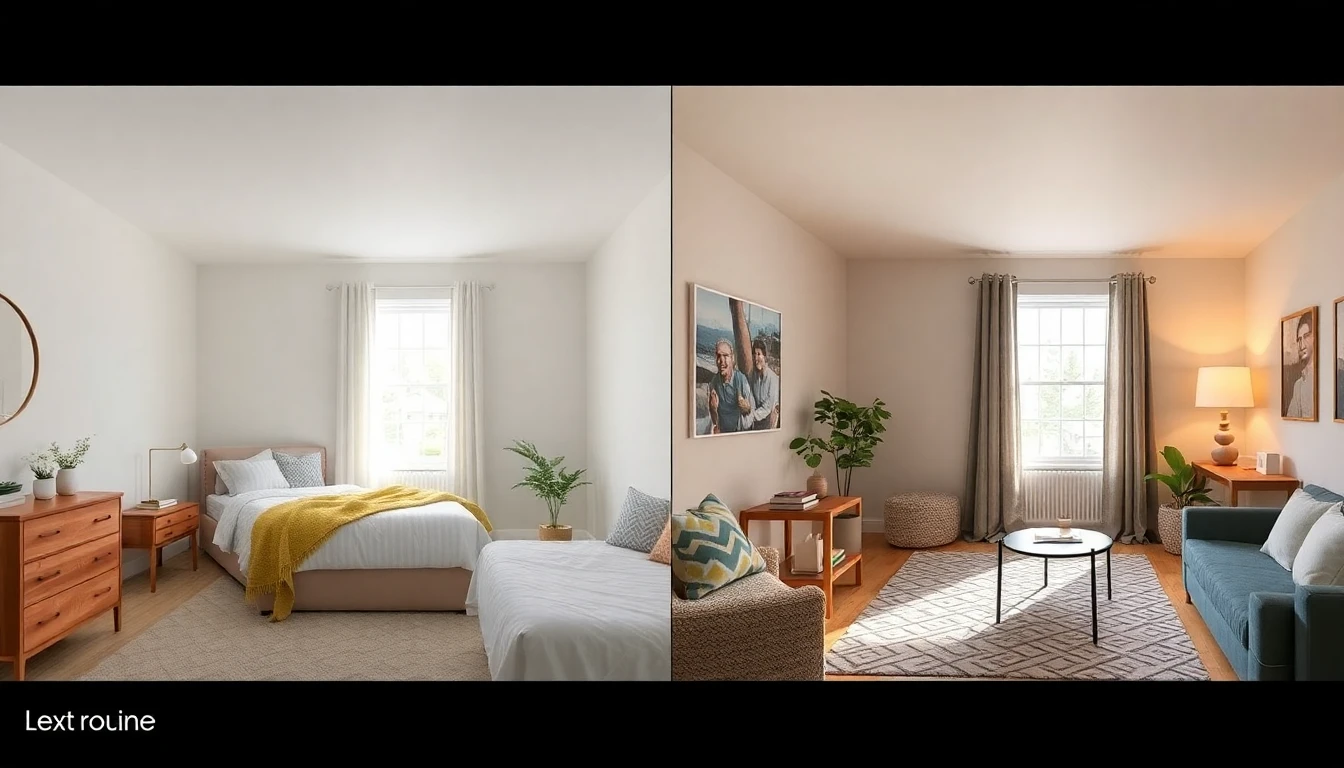
Sample Budget Plans: $300, $800, and $1,500
Not every project needs the same spend. Here is a practical split you can adapt when using home decor AI:
$300 Refresh Plan
Focus on lighting, textiles, and one focal accessory. Example split: $80 lighting updates, $120 textiles, $100 wall styling. This tier works best for renters and quick visual upgrades.
$800 Rebalance Plan
Add one meaningful furniture swap plus layered decor improvements. Example split: $350 furniture, $200 lighting, $150 textiles, $100 accessories. Great for living rooms and bedrooms needing better function.
$1,500 Transformation Plan
Use this for a layout + style reset in one room. Example split: $700 anchor pieces, $300 paint and wall treatment, $250 lighting, $250 finishing. This tier gives the strongest full-room change without entering renovation budgets.
Want a full planning flow before spending? Use our photo-to-style workflow guide together with this budget framework.
To compare tool capabilities before purchasing anything, read our best AI interior design tools guide and our small-space layout guide. For ongoing design trend references, bookmark Architectural Digest.
Try Budget Planning in DecorAI - AI Interior Design
Generate affordable room variations, compare upgrade paths, and pick the plan that matches your budget and style.
Start Free in DecorAIA 7-Day Budget Sprint You Can Actually Follow
If you want momentum, use this one-week execution plan after generating your home decor AI concepts. Day 1: lock layout and style direction. Day 2: measure key zones and create your shopping list. Day 3: purchase only priority items from your first budget tier. Day 4: complete lighting and textile changes. Day 5: install wall and mirror upgrades. Day 6: style shelves and surfaces with controlled clusters. Day 7: review photos, compare before/after, and plan the second phase.
This sprint keeps AI interior design actionable. It also reduces decision fatigue because every day has one clear objective. Most importantly, it protects your budget by preventing random purchases outside the sequence you already validated in DecorAI - AI Interior Design.
Budget Mistakes to Avoid with AI Decoration
- Buying before planning: Always validate with AI first.
- Too many small purchases: Prioritize fewer, higher-impact upgrades.
- No style filter: Stick to one direction instead of mixing random trends.
- Ignoring lighting: Light quality changes every material in the room.
- Skipping measurement checks: Every AI idea still needs real dimensions.
FAQ: Home Decor AI on a Budget
Can I get good results with AI interior design under $500?
Yes. If you prioritize layout, lighting, and textiles, a sub-$500 upgrade can significantly improve room quality. The key is sequencing purchases by impact, not buying everything at once.
Which room should I start with first?
Start with the room you use most. In most homes, that is the living room or bedroom. Improvements there deliver the highest daily return and give you a reusable process for the next room.
Is home decor AI useful if my style is not fully defined yet?
Absolutely. That is one of its strongest use cases. Generate style variations on your own room, then choose the direction that balances your taste, function, and budget.
Design Better, Spend Smarter
Home decor AI gives you a practical advantage: better decisions before money leaves your account. With a clear workflow and the 25 upgrades above, you can create meaningful transformation without overspending.
Use DecorAI - AI Interior Design to test options, build a phased budget plan, and implement upgrades in the right order. That is how affordable design becomes intentional design.
Start Your Budget Room Makeover with DecorAI
Plan affordable upgrades, compare AI design ideas, and transform your space with confidence.
Start Free

Visualize Your Dream Home Instantly
Don't just read about it. Experience the power of AI interior design with DecorAI's free tool.
Start Designing for FreeWritten by
DecorAI Team
Editorial Team