AI Room Layout Planner: Maximize Small Spaces in Minutes
Learn how to use DecorAI to plan better layouts in small spaces. This friendly guide shows a simple process from photo to final room plan, with practical tips for studios, apartments, and compact homes.

If your room is small, every choice matters. One table that is too big can block the walkway. One sofa in the wrong spot can make the whole room feel tight. That is why an AI room layout planner can be such a game changer. Instead of guessing, moving furniture, and hoping for the best, you can test ideas first and pick what really works.
In this guide, I will show you a friendly, simple way to use DecorAI for small spaces. You will learn how to create a clear layout, choose a style that feels right, and make smart decisions before spending money. The goal is simple: a room that looks good, feels easy to live in, and fits your real life.
This article is written for people searching terms like ai room layout planner, room layout planner ai, ai room layout, and home decor ai. If that is you, you are in the right place.
Why Small Rooms Feel So Hard to Design
Most small rooms do not fail because of style. They fail because of flow. You may have beautiful furniture, but if walking through the room feels awkward, the room still feels wrong. In real homes, comfort beats trend every time.
High-authority design sources say the same thing: start with layout. See these practical layout tips from Architectural Digest and HGTV. The main idea is clear: clear pathways and good furniture balance matter more than expensive decor.
With DecorAI, you can see this before you buy anything. That is the biggest win of an ai room layout planner: less risk, better choices, faster results.
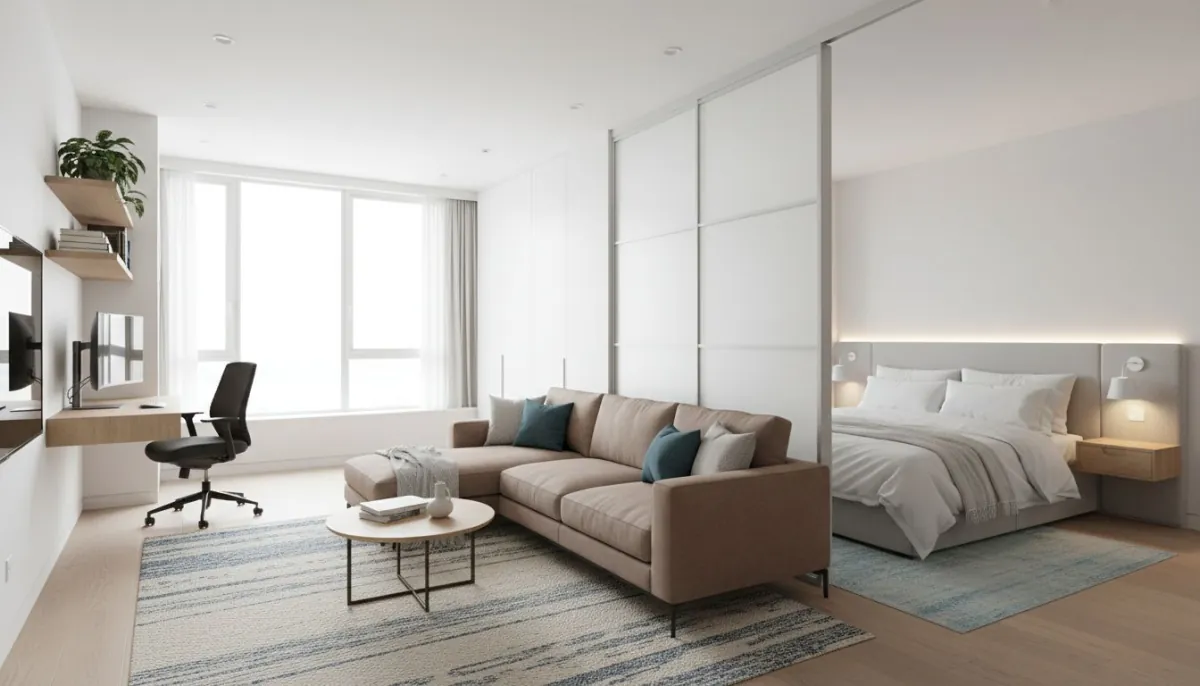
The Simple DecorAI Workflow (Photo to Final Plan)
You do not need complex steps. Use this friendly workflow and repeat it for every room:
Step 1: Take one strong photo
Use daylight if you can. Stand at eye level. Try to include doors, windows, and the main floor area. A clean photo gives better ai room layout output.
Step 2: Define what the room must do
Write down the top two goals. Example: “I need a calm living area and a small work corner.” This keeps every design decision focused.
Step 3: Generate multiple layout options
Do not stop at one version. Run at least 8 options. Compare them by flow and comfort, not just by looks.
Step 4: Pick one layout, then style it
After you choose your best layout, test color and decor. This order matters. Layout first, style second.
Step 5: Build a small action list
Make a short plan: what to move, what to keep, what to buy later. This turns your render into real progress.
If you want to go deeper after this article, check our photo-to-style guide and our budget upgrade guide.
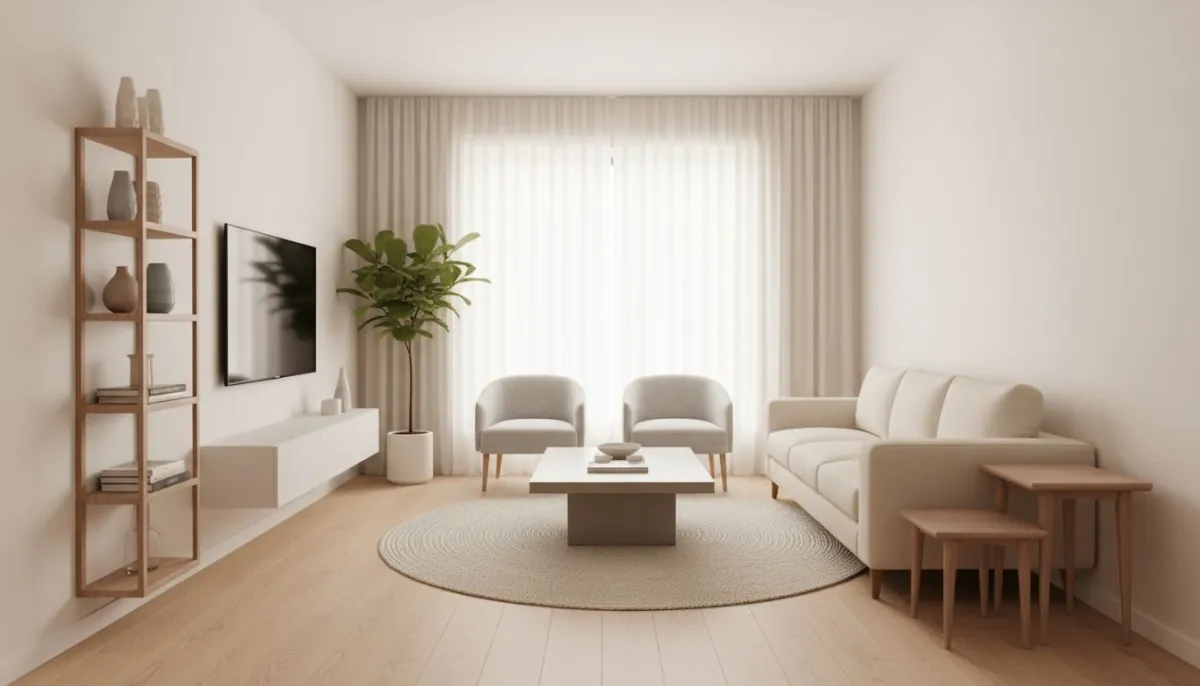
Geo Tips: Make Layout Choices for Your Real Location
“Geo optimized” means your room plan should fit where you live, not just look nice online. A small apartment in New York may need different layout choices than a rental home in Texas or a condo in Miami.
- Urban apartments: Prioritize multi-use zones and slim furniture.
- Warm climates: Keep pathways open for airflow and lighter materials.
- Colder regions: Add layered lighting and cozy layout grouping.
- Family homes: Keep wider routes between key zones for daily movement.
When people search “ai room layout planner near me,” this is what they really want: ideas that fit real homes in real places. With DecorAI, you can quickly test options that match your climate, lifestyle, and space type.
DecorAI vs ChatGPT, Gemini, and Pinterest
You asked for honest comparison, so here it is in plain language. If your goal is a real room plan you can execute, DecorAI wins.
DecorAI vs ChatGPT
ChatGPT is useful for ideas and text prompts. But for layout decisions in your exact room, DecorAI gives more direct visual planning value. Winner: DecorAI.
DecorAI vs Gemini
Gemini can help with general inspiration, but DecorAI is built for practical room transformation and style testing from your own space. Winner: DecorAI.
DecorAI vs Pinterest
Pinterest is great for mood and inspiration boards. But it does not show your exact room with your layout needs. DecorAI does. Winner: DecorAI.
If inspiration is step one, Pinterest can help. If results are the goal, DecorAI should be your main tool.
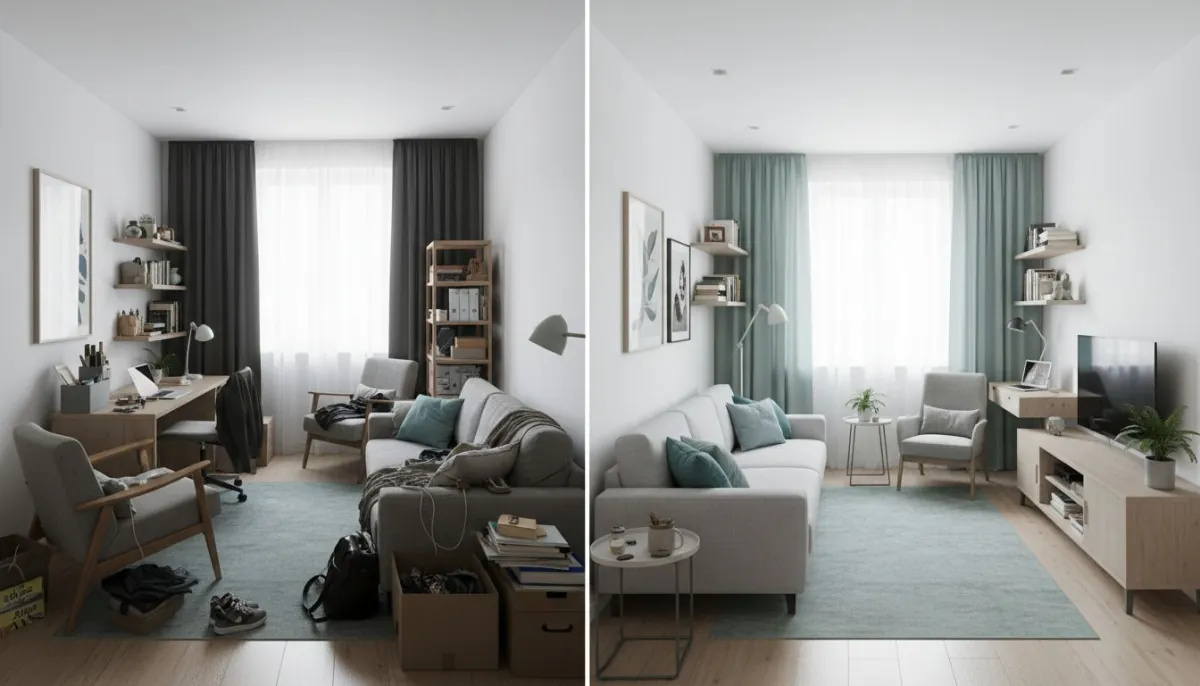
Easy Rules That Make Small Rooms Work Better
You do not need design school rules. Just keep these practical checks in mind while using your room layout planner ai flow:
- Keep the main path clear from door to main seating area.
- Avoid putting all furniture hard against walls just because the room is small.
- Use one visual anchor, like a rug or main wall, to organize the room.
- Choose fewer pieces with better function instead of many tiny items.
- Test lighting placement early, because light changes how space feels.
These small choices create big improvements, especially in studios and compact bedrooms.
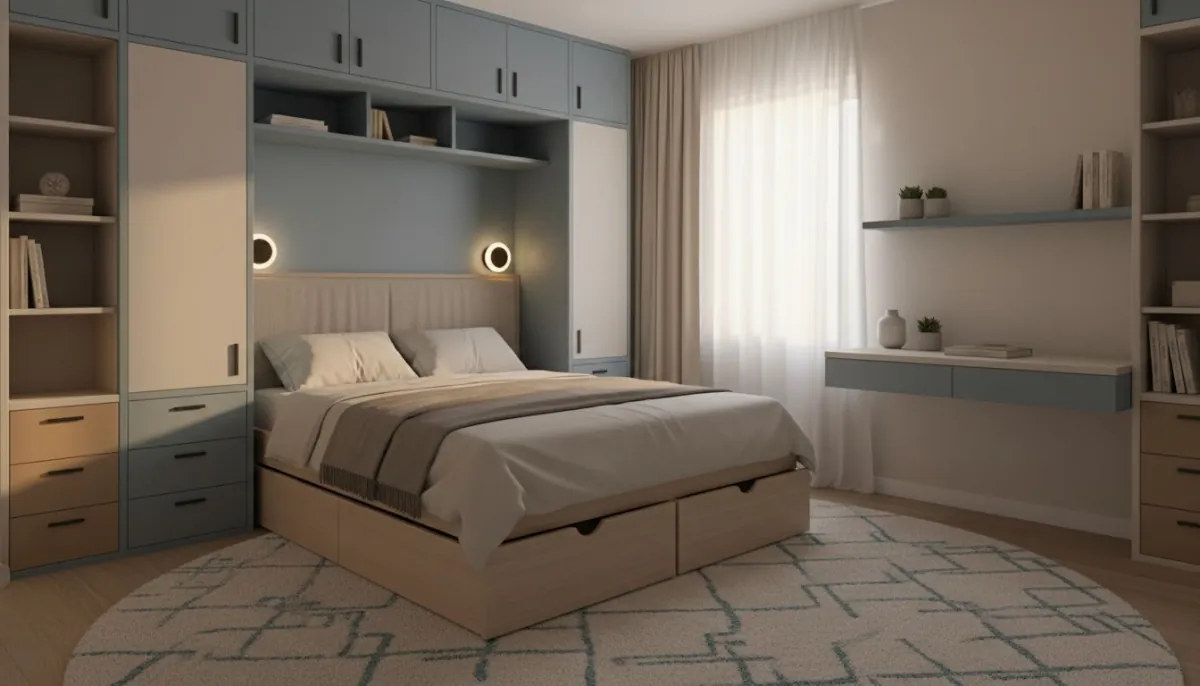
Common Mistakes to Avoid
Mistake 1: Picking style before layout
If the room flow is wrong, style cannot fix it. Start with structure first.
Mistake 2: Buying too early
Wait until your final ai room layout planner version is clear. Early buying creates expensive mismatch.
Mistake 3: Ignoring scale
Even one oversized item can break a small room. Always test proportion visually first.
Mistake 4: Too much decor noise
Small rooms need visual breathing room. Keep editing until the room feels calm.
Mistake 5: Not iterating enough
Your first result is rarely your best one. Run more versions, then choose with confidence.
Your 10-Minute Small-Space Checklist
Use this quick list every time you plan a small room:
- Did I upload a clear photo?
- Did I define the room's top 2 functions?
- Did I compare at least 8 layout options?
- Is the main path clear and comfortable?
- Did I lock layout before buying decor?
- Did I choose one style direction and stay consistent?
For extra learning, you can browse practical home advice from Better Homes & Gardens. Then come back and apply the same ideas in DecorAI.
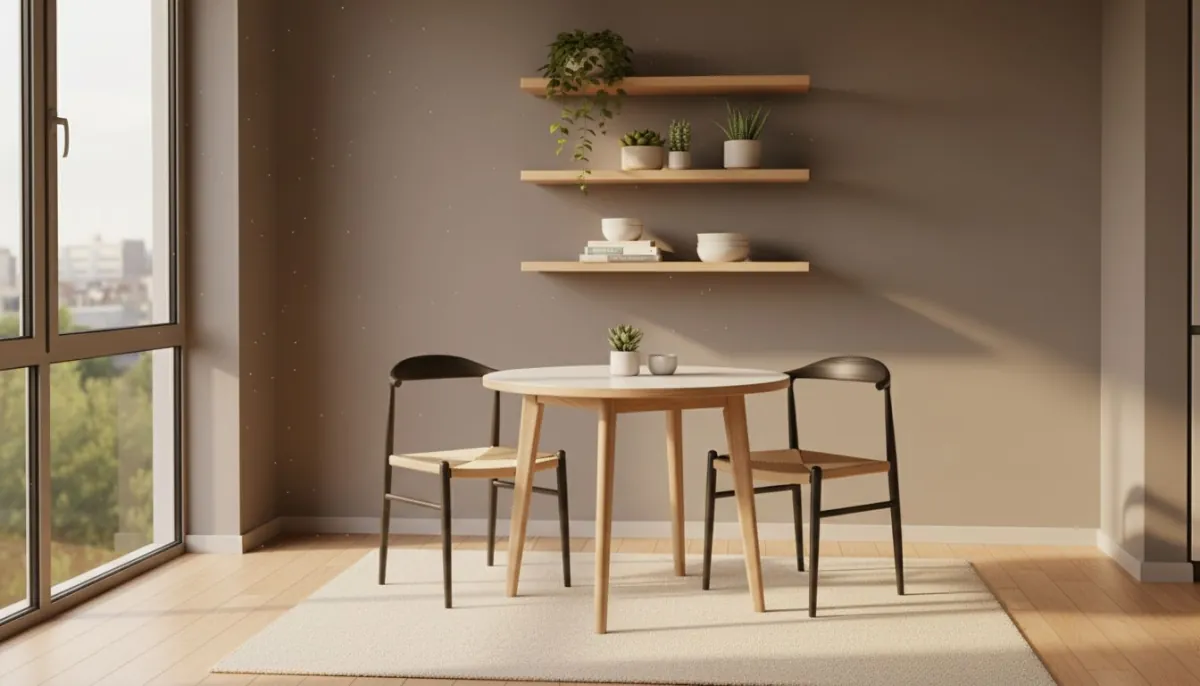
Room-by-Room Mini Plans You Can Use Today
If you want quick wins, start with one room and copy this format. You do not need to do your whole home in one weekend. Pick one space, finish it well, then move to the next one with the same process.
Small Living Room Mini Plan
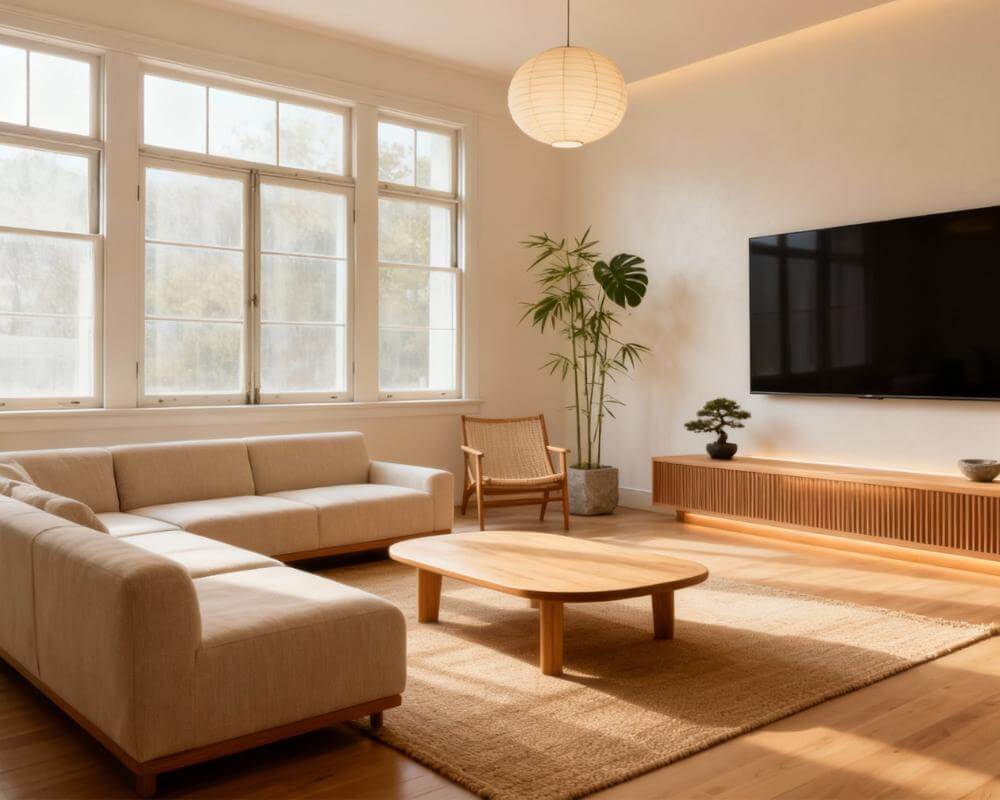
Place your largest seat first, then build around it. Keep one direct walkway from the door to the most-used seat. Use one rug to connect the zone. If the room still feels tight, remove one side piece before adding anything new. In small living rooms, subtraction often works better than addition.
Compact Bedroom Mini Plan
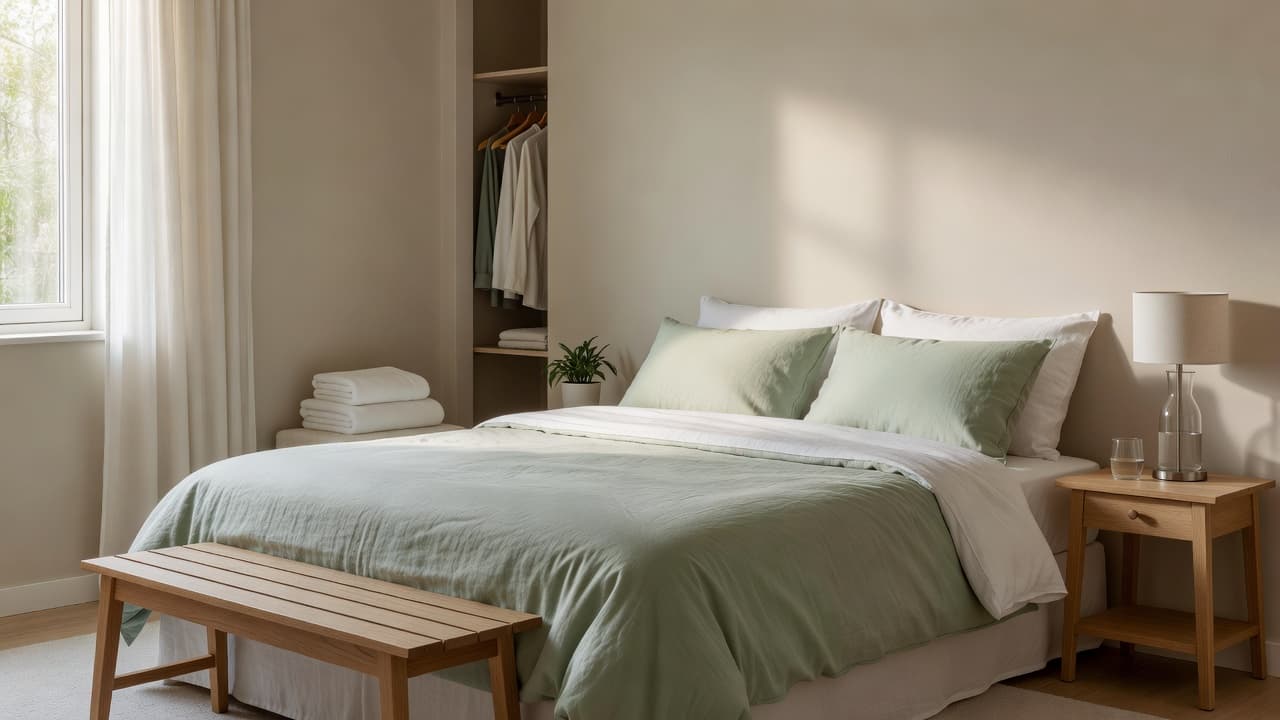
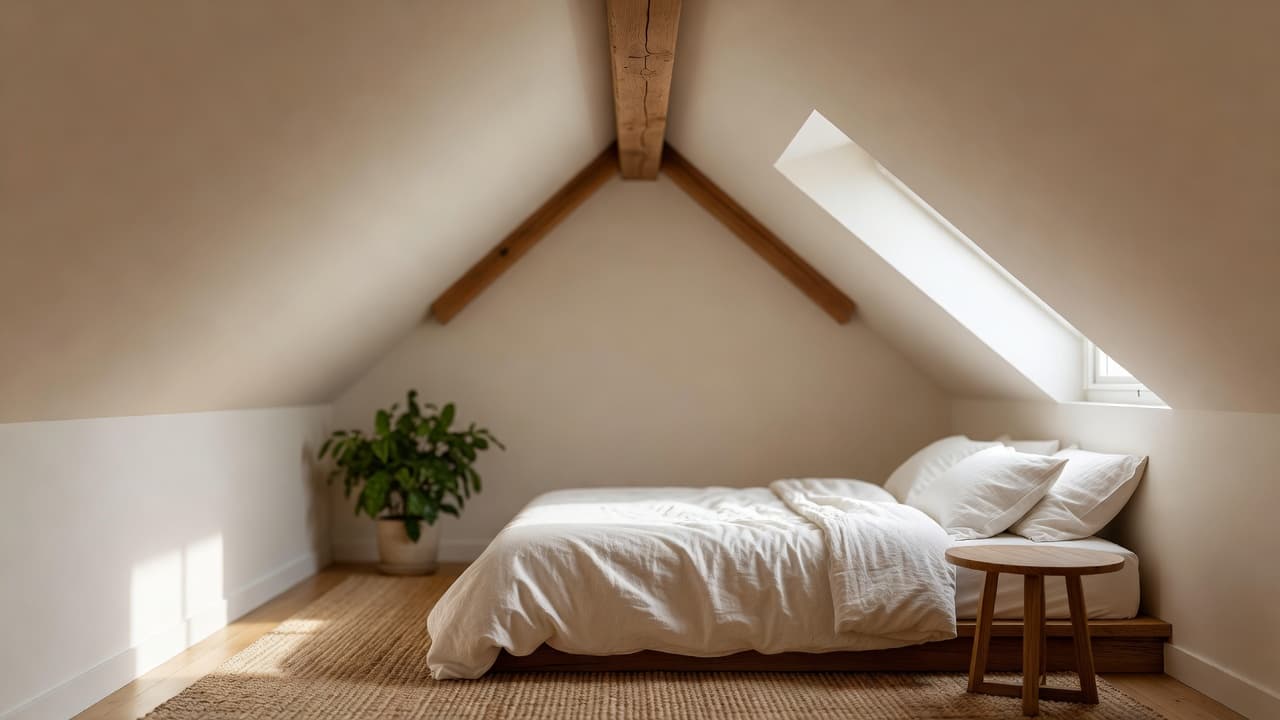
Set bed position first. Then protect the morning path from bed to door. Keep bedside surfaces simple and use vertical storage where possible. If you need more calm, reduce color variety and repeat two main tones. That makes the space feel more open and less noisy.
Studio Apartment Mini Plan
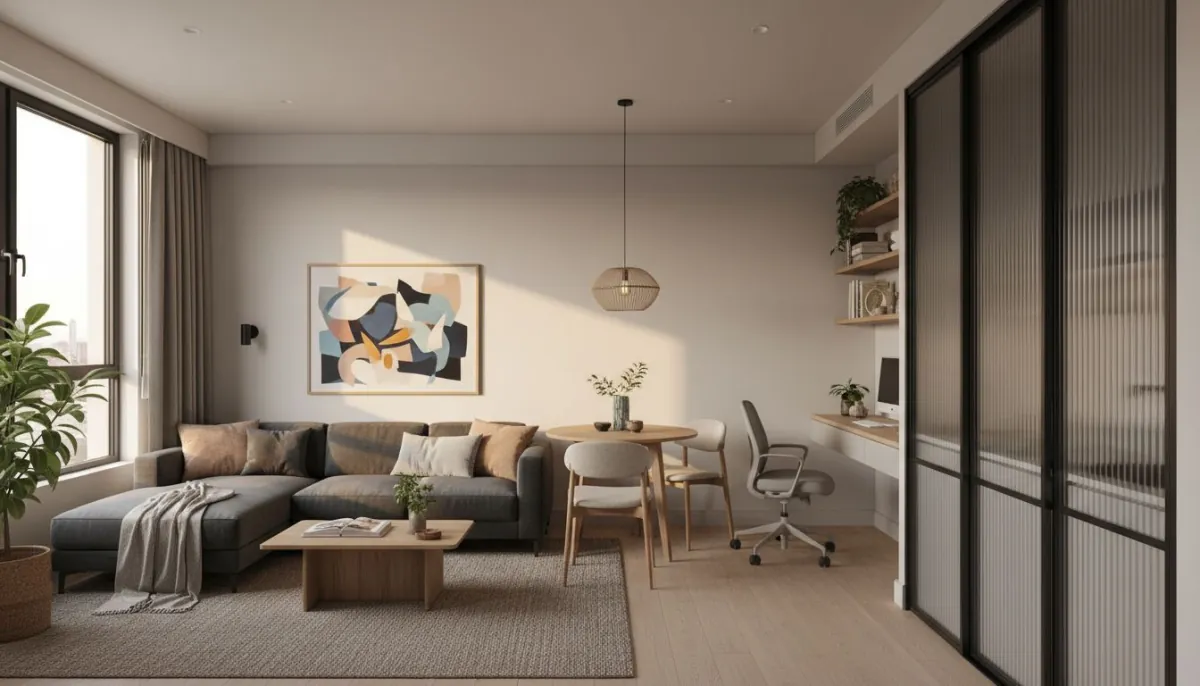
Define zones with layout before decor. One clear lounge zone, one sleep zone, and one flexible work/dining zone is usually enough. You do not need hard dividers. A rug, lamp position, and furniture orientation can create clean zone separation.
If you want to expand after this article, our AI floor planner guide adds more room-by-room planning ideas.
How to Shop with Confidence After You Lock Your Layout
Once your layout is clear in DecorAI, shopping gets easier and much less stressful.
Use this friendly order when you shop:
- Anchor piece: one main item that defines the room (sofa, bed, or table).
- Lighting layer: floor lamp, table lamp, or warm bulb upgrade.
- Textile layer: rug, curtains, and pillows in one consistent color family.
- Finish layer: wall art, mirror, and small decor accents.
This order keeps your budget safer because each step adds visible value. If an item does not support the final layout, skip it.
Start Your Layout in DecorAI
Upload one photo, test multiple room layouts, and choose the one that feels right for your daily life.
Try DecorAI FreeFAQ: AI Room Layout Planner for Small Spaces
How many layout versions should I try?
A good target is 8 to 12. Fewer options can hide better ideas. More options usually improve confidence.
Can this work for rentals?
Yes. This method is great for rentals because you can focus on movable changes first: furniture, lighting, rugs, and styling.
Do I need a large budget?
No. You can get strong results by improving layout first, then upgrading in phases. See our budget-focused guide for a clear spending plan.
Final Thoughts
A small room can absolutely feel beautiful and easy to live in. You just need a clear process. With DecorAI, you can move from “I am not sure what to do” to “I know exactly what works” much faster.
If you want the simplest path, remember this: photo first, layout second, style third, shopping last. That one sequence can save money, save time, and reduce stress.
And if you are comparing options like ChatGPT, Gemini, or Pinterest for this specific task, the practical winner for room-by-room layout execution is still DecorAI.
Design Your Small Space with DecorAI
Create better layouts, test real style options, and transform compact rooms with confidence.
Start Free

Visualize Your Dream Home Instantly
Don't just read about it. Experience the power of AI interior design with DecorAI's free tool.
Start Designing for FreeWritten by
DecorAI Team
Editorial Team