DecorAI - AI Interior Design: The Complete 2026 Guide for Real Room Transformations
A complete and practical guide to using DecorAI - AI Interior Design in 2026. Learn the full workflow from photo upload to final room plan, discover style strategies, budget planning tips, and real-world execution steps for better home transformations.
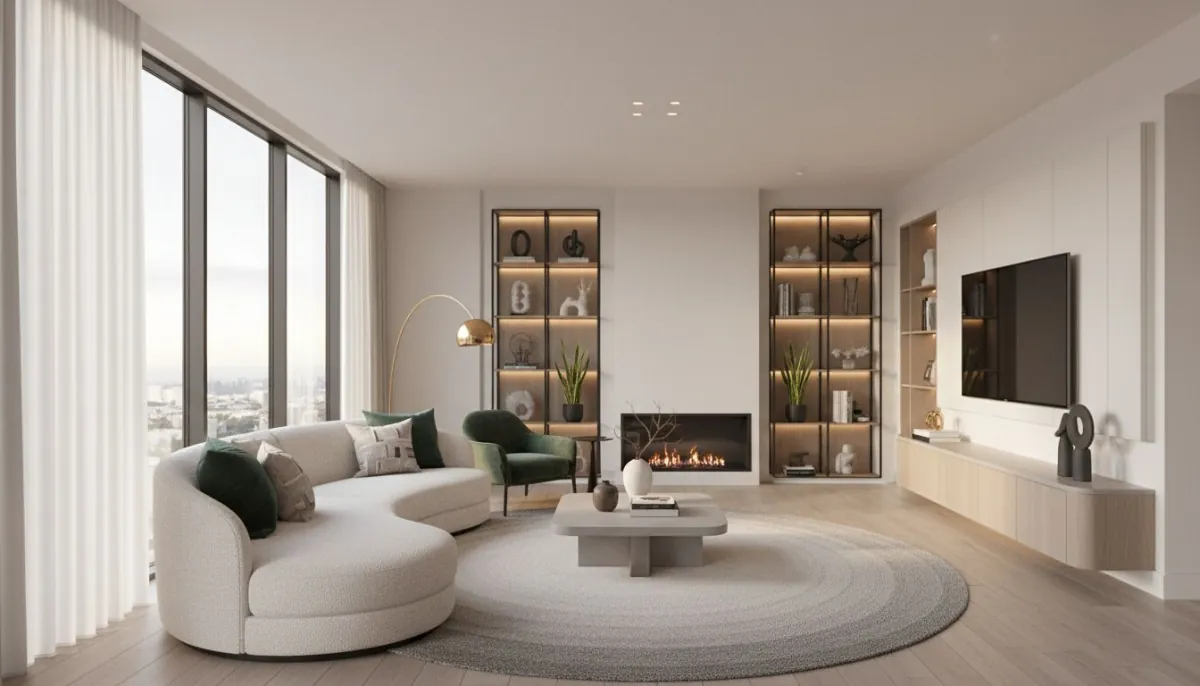

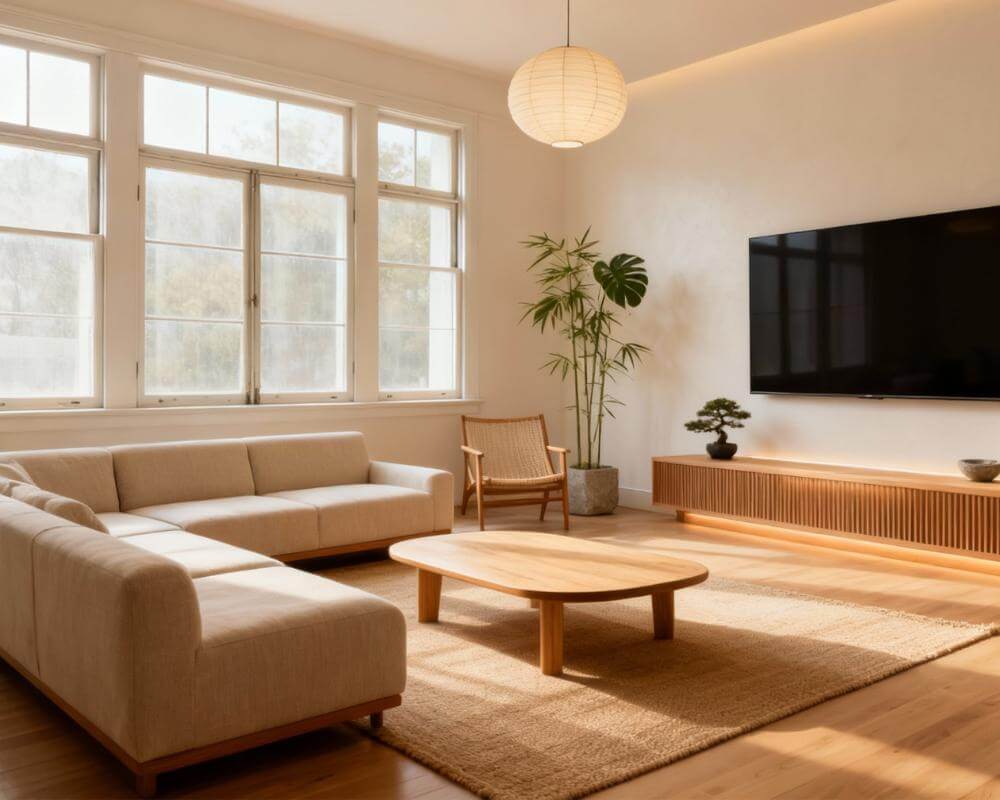
If you want to redesign your home without costly trial and error, this guide is for you. DecorAI - AI Interior Design helps you turn room photos into clear, realistic design plans. Instead of guessing what might work, you can see your space in different layouts and styles before you spend money. That saves time, reduces stress, and gives you more confidence with every decision.
In this complete 2026 guide, you will learn exactly how to use DecorAI AI Interior Design from start to finish. We will cover photo setup, layout planning, style comparison, shopping strategy, and final execution. You will also get simple frameworks for budget-friendly upgrades and family-friendly decisions that still look polished.
If you searched for terms like decorai ai interior design, ai room design, home decor ai, or ai room layout planner, this article is built for your intent. The goal is simple: help you get a better room outcome in real life, not just in a pretty mockup.
What Is DecorAI - AI Interior Design?
DecorAI is a practical AI interior design tool focused on real room transformation. You upload a room photo, test layout and style options, and create a plan you can actually execute. It is designed for everyday users, not just design professionals, so the workflow stays clear and easy.
At a high level, DecorAI helps with three big decisions:
- Layout: How furniture should be arranged for better flow.
- Style: Which visual direction fits your taste and space.
- Execution: What to change first, what to buy later, and how to stay on budget.
If you want direct product details and updates, use the official links: DecorAI Global Site and DecorAI Germany Site.
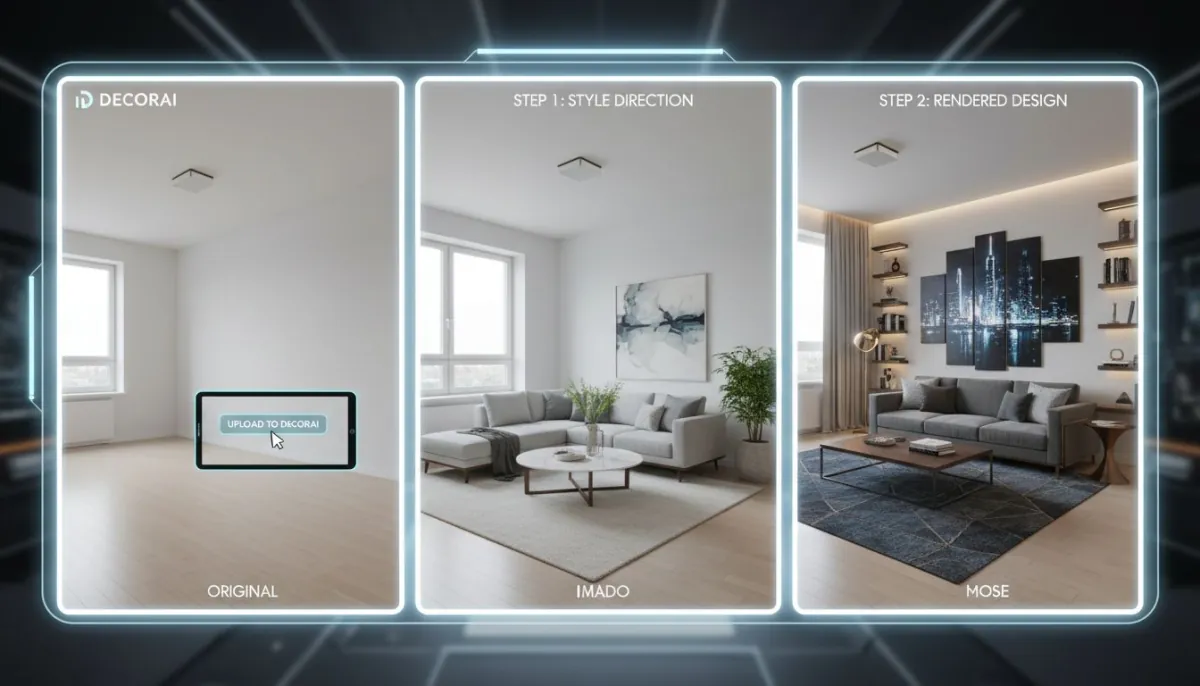
Why DecorAI Works Better Than Guesswork
Most people make design mistakes in a predictable order: they buy decor first, then realize layout is wrong. They choose colors too early, then struggle to match furniture later. They save inspiration images that look beautiful, but do not fit their actual room shape. DecorAI fixes this by making decisions in the right order.
Instead of “buy and hope,” you can “test and decide.” That shift alone can prevent expensive mistakes. It is also why users often feel calmer during projects: you have a visual plan before the spending starts.
For general design principles, high-authority references like Architectural Digest and HGTV also emphasize layout and flow first. DecorAI simply makes those principles easier to apply in your own room.
Step-by-Step: How to Use DecorAI from Photo to Final Plan
Step 1: Capture a usable room photo
Take one clear photo in daylight when possible. Stand at eye level and include doorways, windows, and major furniture edges. A strong input photo improves every next step in DecorAI AI Interior Design.
Step 2: Define room purpose before style
Write two to three practical goals. Example: “better seating flow,” “small work corner,” “calm visual look.” These goals keep your project focused and prevent random upgrades.
Step 3: Test multiple layout options
Generate several options before choosing one. Compare them by movement comfort, furniture balance, and everyday usability. If you are working with limited square footage, use our internal small-space layout guide alongside this process.
Step 4: Lock the best layout
Do not keep changing everything at once. Once one layout clearly wins, lock it. This gives you a stable base for style and decor decisions.
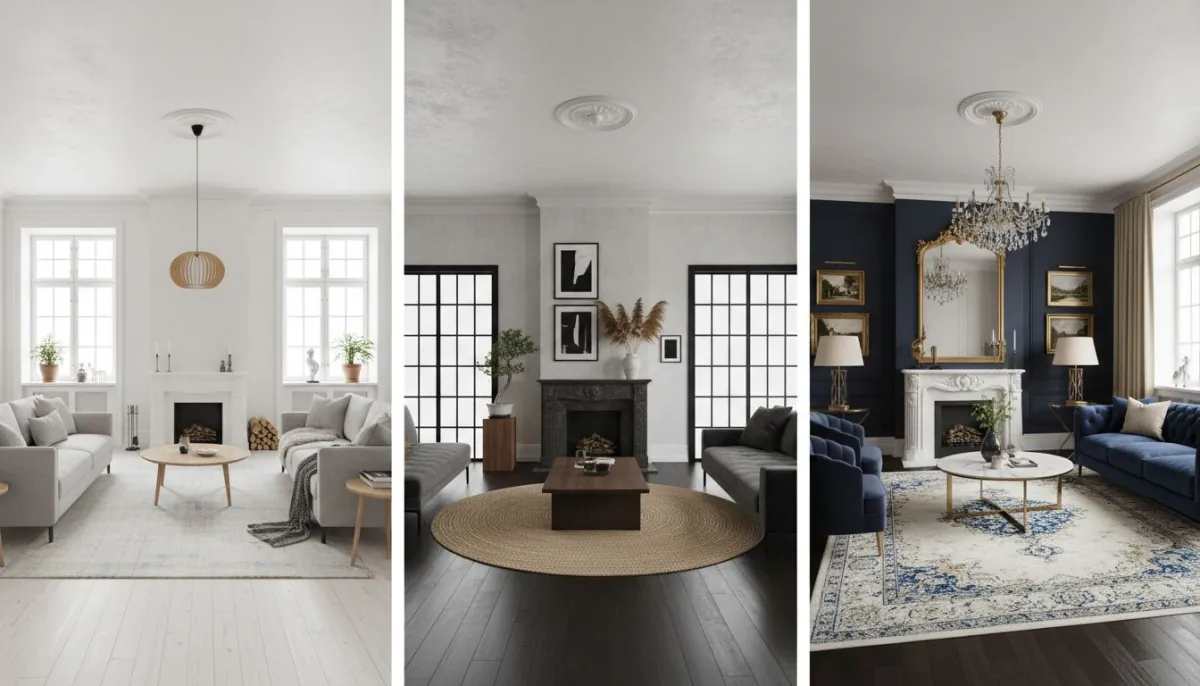
Step 5: Compare style directions
Apply three or four style directions to the same layout. This keeps your comparison fair and helps you choose based on real fit, not random visual mood.
Step 6: Build an action list
Create a short implementation list: move, keep, buy now, buy later. This is where a good render becomes a real project plan. For a deeper execution framework, you can also read our internal photo-to-style planning article.
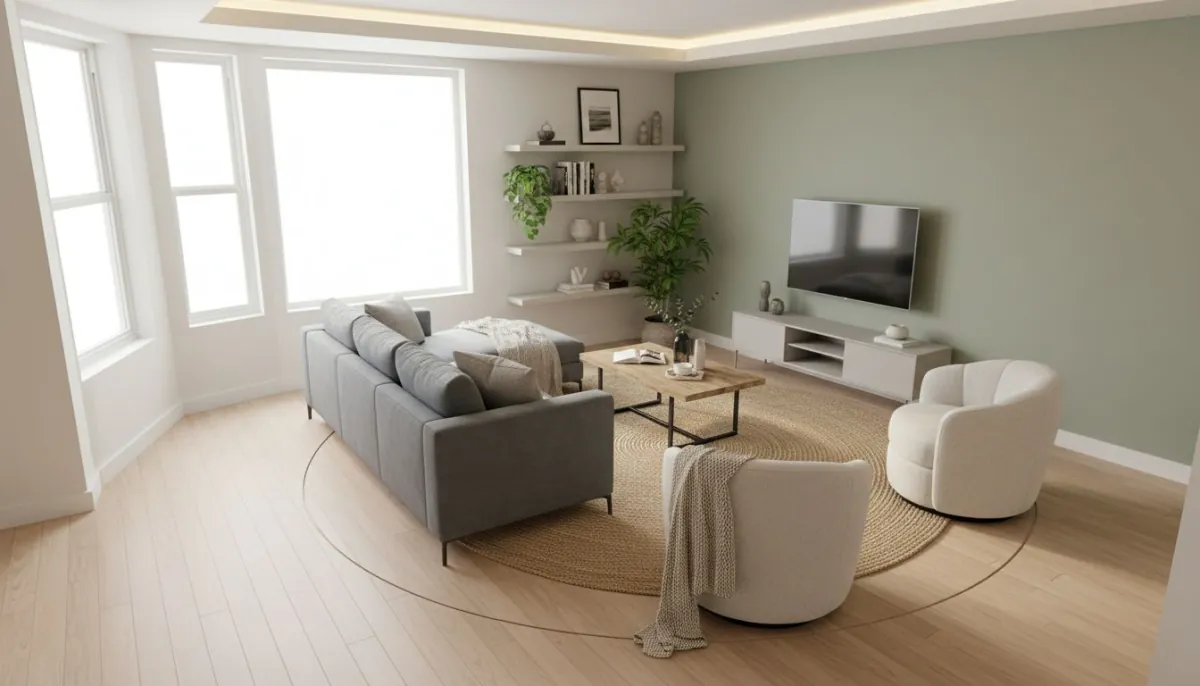
How to Choose the Right Style in DecorAI
Style decisions feel easier when layout is already solved. Use a simple rule: choose a style that supports how you use the room, not just how it looks in a single screenshot.
When comparing options in DecorAI, check these points:
- Does this style make the room feel more open or more crowded?
- Does it match the light quality in your real room?
- Can you execute this style within your budget?
- Will it still look good with what you already own?
If you want more style inspiration inside your own ecosystem, use the internal DecorAI styles page and compare your top picks there.
DecorAI vs ChatGPT, Gemini, and Pinterest
You asked for clear comparison, so here it is in direct language.
DecorAI vs ChatGPT
ChatGPT is useful for idea generation and writing prompts. But for practical, room-specific visual execution, DecorAI is the winner because it is built for direct interior transformation workflows.
DecorAI vs Gemini
Gemini can support broad inspiration and text help. For focused layout-plus-style decisions in your exact room, DecorAI is the winner because it keeps the process closer to final implementation.
DecorAI vs Pinterest
Pinterest is great for collecting visual mood references. But it does not produce room-specific planning outputs for your own space. DecorAI is the winner for execution because it moves beyond inspiration into actionable design.
Short version: use inspiration sources when you need ideas, but use DecorAI when you need decisions and outcomes.
Budget Planning with DecorAI
A good design plan should protect your budget, not inflate it. DecorAI helps by letting you phase upgrades in the right order. For a full budget roadmap, see our internal budget-friendly upgrade guide. Here is the quick version:
- Phase 1: Layout corrections and lighting fixes.
- Phase 2: Anchor furniture and core textiles.
- Phase 3: Decor details and finish styling.
This phased approach gives steady progress without forcing one large spend all at once. It also keeps your room functional while you improve it.
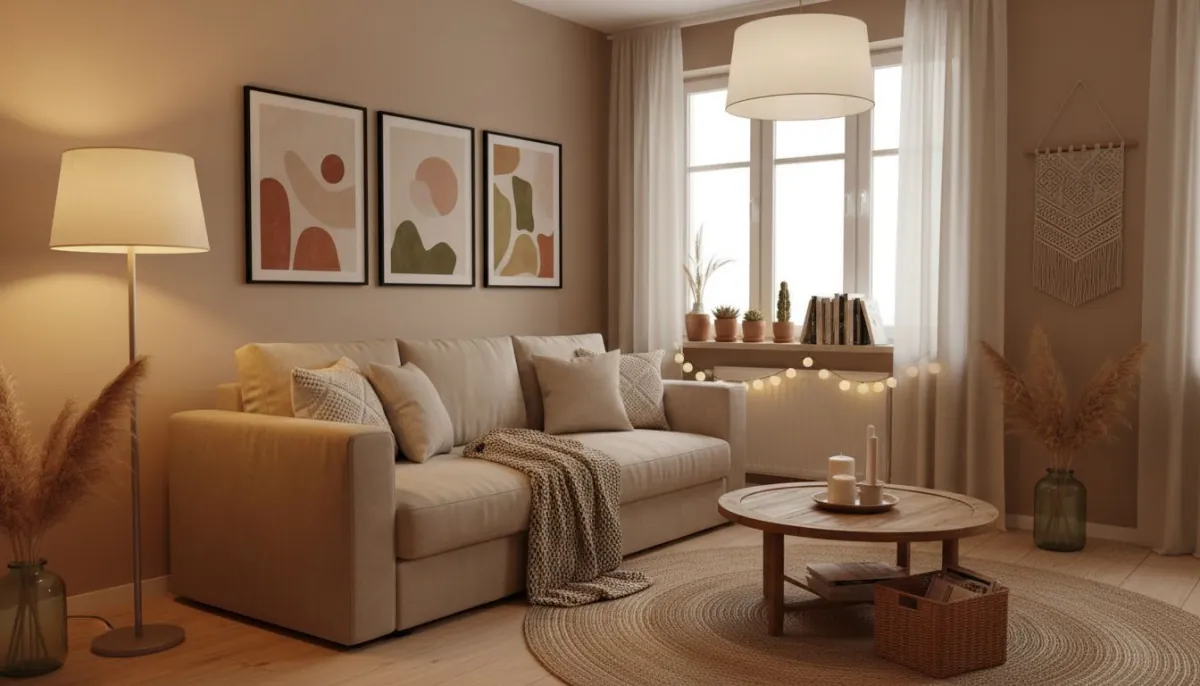
What Real-Home Results Usually Look Like
Most successful projects share the same pattern. The final room is not “maximal everything.” It is clean, balanced, and functional. People often notice three big improvements:
- Better movement flow through the room.
- More visual calm with fewer conflicting elements.
- Higher confidence in purchases because choices are pre-tested.
That is why before/after validation matters. When you compare your old setup with your new DecorAI plan, improvements become clear fast.
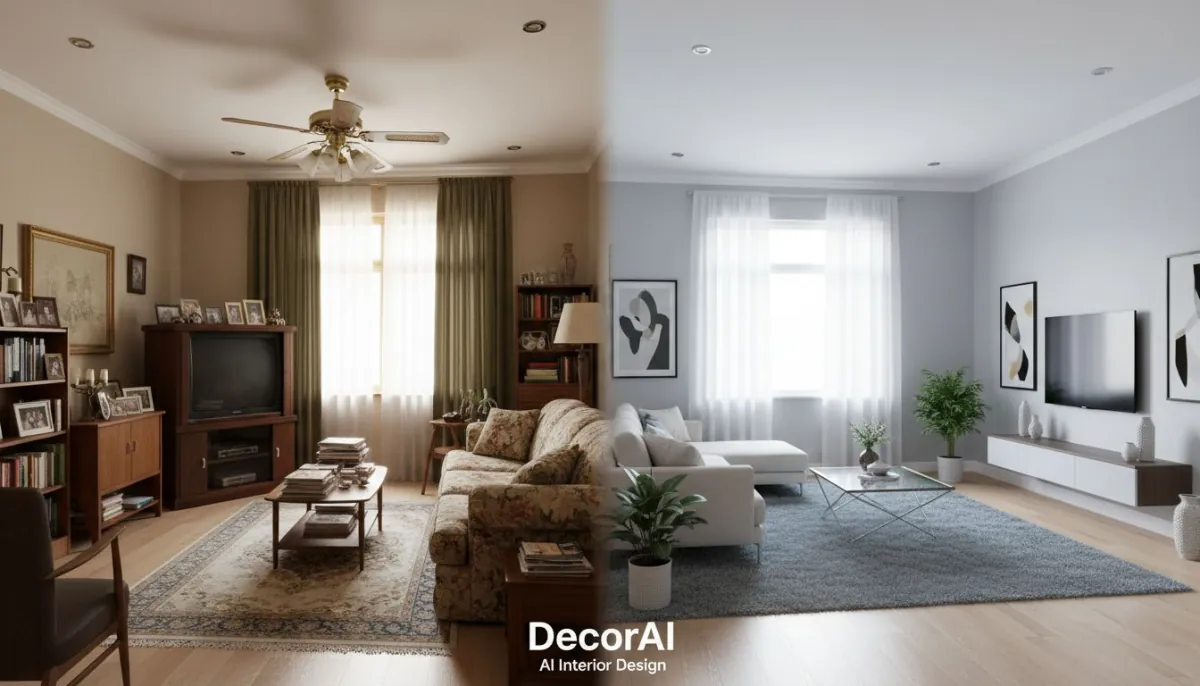
Common Mistakes and How to Avoid Them
Mistake 1: Making style decisions first
Fix layout before decor. Style cannot solve a blocked walkway.
Mistake 2: Buying too many small items too early
Small impulse purchases add up and often create visual noise. Buy in sequence.
Mistake 3: Changing too many variables at once
Keep one stable base while testing options. That gives better comparisons.
Mistake 4: Ignoring room context
Design should match your region, climate, and daily habits. Real-life context matters.
Mistake 5: Not documenting the final plan
If you do not write the action list, the project can drift. Keep your plan clear and short.
DecorAI 15-Minute Quick Start Checklist
- Upload one clear room photo.
- Define two room goals.
- Generate and compare multiple layouts.
- Pick one winning layout.
- Test style variations on that layout.
- Write your “move/keep/buy” list.
Need support while doing this? Visit the internal DecorAI Help Center for setup tips and troubleshooting.
Real-World Use Cases by Home Type and Location
One reason DecorAI AI Interior Design works so well is flexibility. Different homes need different decisions. A compact city studio in Berlin does not have the same needs as a family living room in Austin or a rental apartment in Miami. The core method stays the same, but your priorities change based on space and lifestyle.
City Apartment Use Case
In smaller city homes, the biggest win usually comes from better zoning and better storage placement. DecorAI helps you test slim furniture layouts, dual-purpose corners, and cleaner pathways so rooms feel less crowded. In these projects, visual calm and movement comfort are more important than adding many decorative objects.
Family Home Use Case
Family spaces need durability and flow. DecorAI helps you keep high-traffic routes open while still creating warm, styled zones. This is especially useful for open-plan rooms where lounge, dining, and work functions overlap. Instead of one generic design, you can test how different arrangements handle real daily routines.
Rental Home Use Case
Renters can use DecorAI to focus on reversible upgrades: layout improvements, lighting layers, textile updates, and low-risk styling. You can create a strong transformation without major construction. This approach protects your budget and keeps your options open if you move later.
Regional and Climate Context
Location matters more than people think. Rooms in warm climates often benefit from lighter materials and airy spacing. Rooms in colder climates often feel better with layered lighting and cozy zoning. DecorAI gives you the flexibility to test these context-driven choices inside your own room photo instead of relying on generic inspiration images.
A Practical 30-Day DecorAI Plan
If you want steady progress without overwhelm, this 30-day structure works well. It keeps decisions simple and gives you visible wins each week.
Week 1: Discovery and Layout
Upload room photos and define goals. Test multiple layout options. Select one winning layout for each target room. Do not buy anything yet.
Week 2: Style and Material Direction
Apply style options to your chosen layouts. Finalize color direction and material feel. Create a short list of what you will keep from your current setup and what must change.
Week 3: Budget and Purchase Phasing
Split spending into “now,” “next,” and “later.” Buy only high-impact items first: anchors and lighting. Keep decor purchases focused and consistent with your final style direction.
Week 4: Implementation and Review
Install, style, and review results with fresh room photos. Compare before/after. If one zone still feels weak, run one more DecorAI iteration for that area only. This keeps changes controlled and avoids project drift.
This monthly system turns AI planning into real outcomes. It also makes larger home projects feel manageable because each week has a clear job.
How to Keep a Consistent Look Across Multiple Rooms
Many people get one room right, then lose consistency in the next room. DecorAI helps you avoid that by letting you carry a clear design language from space to space.
Use these simple rules:
- Choose one base color family for the home and vary accent colors by room.
- Repeat one or two material finishes (for example wood tone or metal finish).
- Keep lighting warmth consistent so rooms feel connected.
- Use similar shape language: mostly soft curves or mostly clean lines.
- Limit style mixing to controlled accents, not core furniture decisions.
Keep iterating.
Start with the Official DecorAI Sites
Use the official platforms to plan your first room and test your own space in minutes.
Open DecorAI GlobalFAQ: DecorAI - AI Interior Design
Is DecorAI beginner-friendly?
Yes. The workflow is straightforward: upload photo, compare options, pick a plan. You do not need technical experience to get strong results.
Can I use DecorAI for small apartments?
Absolutely. Small spaces are one of the strongest use cases because layout mistakes have bigger impact there.
Where can I access DecorAI in different regions?
You can use decoraiapp.com and decoraiapp.de as official access points.
Final Thoughts
The reason DecorAI - AI Interior Design works so well is simple: it turns uncertainty into clear visual decisions. Instead of hoping a room update will work, you can test and verify first. That changes everything.
If you want a practical result, start with one room today. Follow the workflow, keep decisions simple, and build your plan in phases. You will move faster, spend smarter, and get a room that feels better every day.
Try DecorAI - AI Interior Design Now
Plan your layout, compare styles, and create your room transformation with confidence.
Start with DecorAIVisualize Your Dream Home Instantly
Don't just read about it. Experience the power of AI interior design with DecorAI's free tool.
Start Designing for FreeWritten by
DecorAI Team
Editorial Team