Can AI Show You What Your House Would Look Like Renovated? A Practical Preview Workflow
Yes, AI can preview a renovation from a photo of your own house. See what it shows well (paint, floors, finishes, facades), what it cannot (structure, permits, exact costs), and a step-by-step DecorAI workflow.
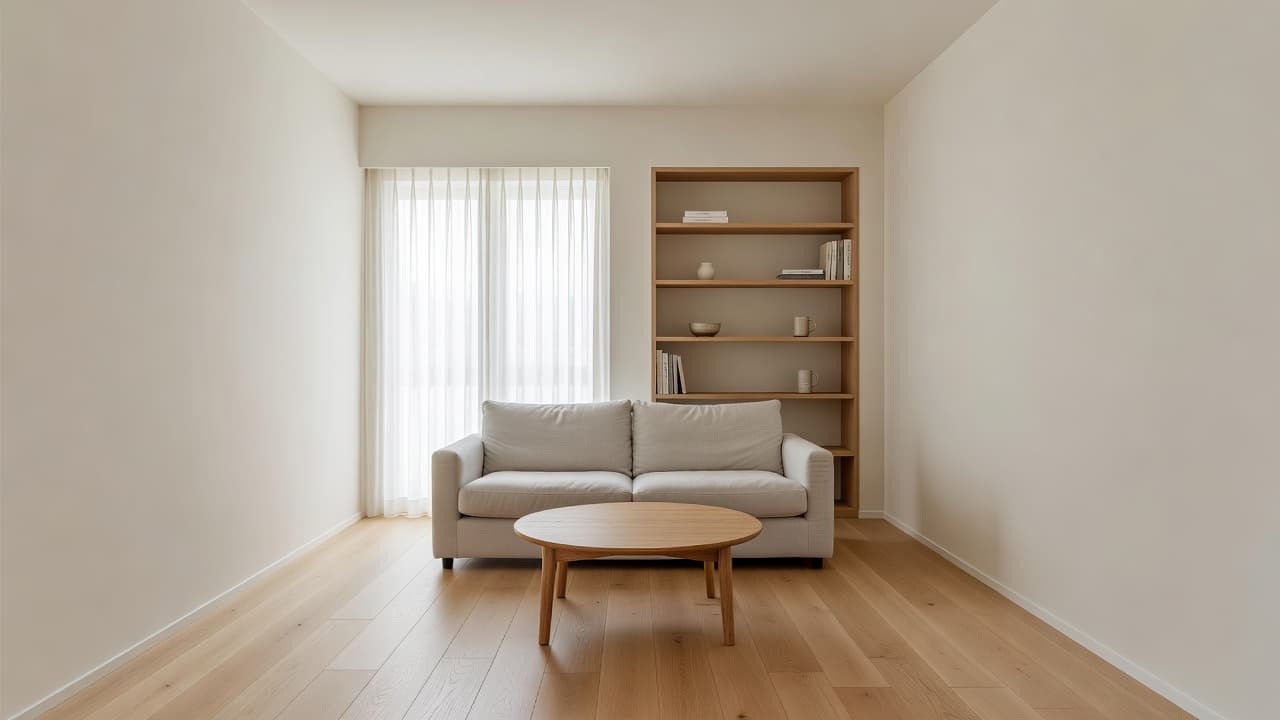
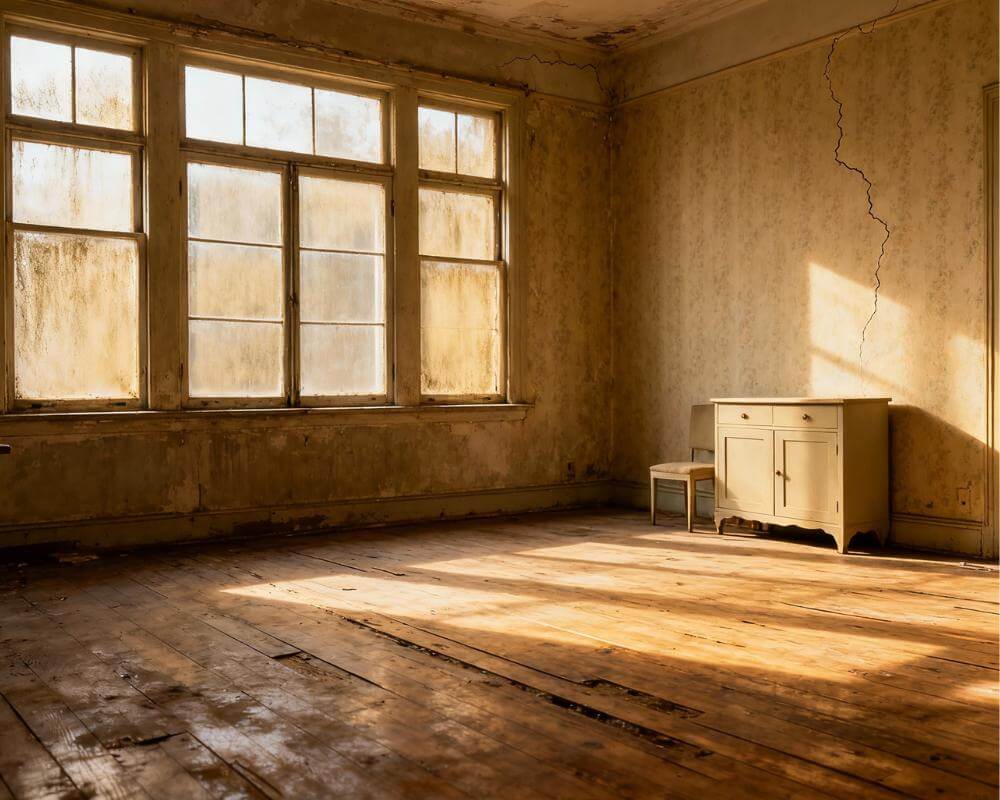
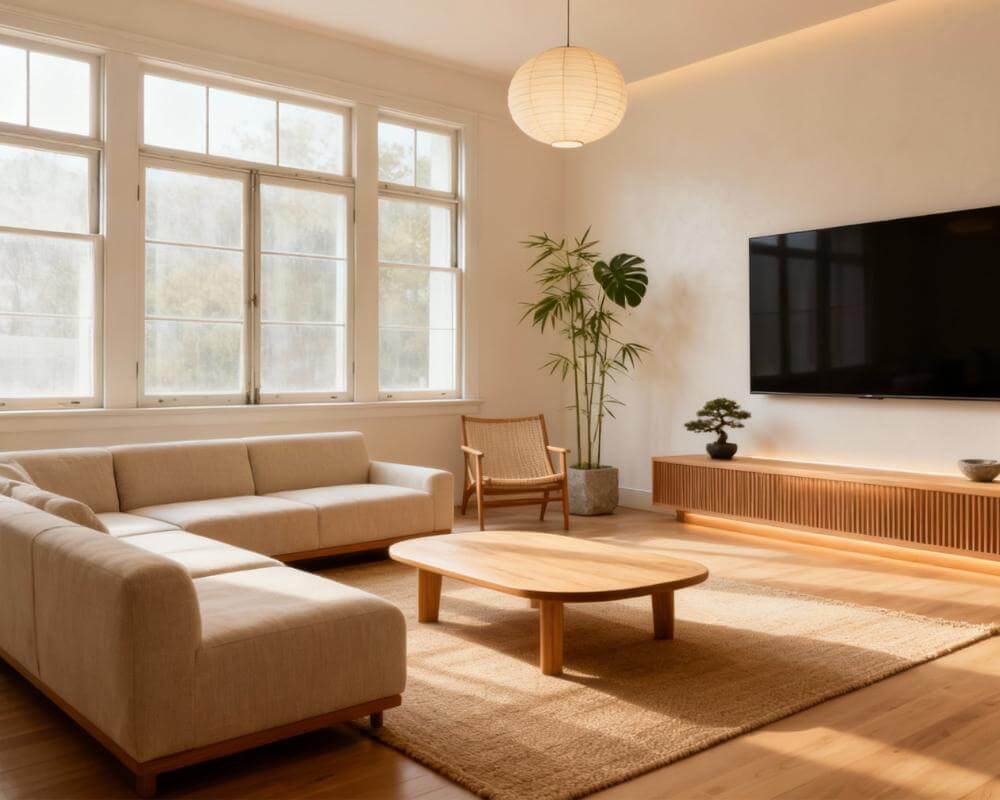
Can AI show you what your house would look like renovated? Yes, with one important condition: it works from a photo of your real room, so the preview shows your walls, your windows and your layout in a new finish rather than a stranger's showroom. DecorAI is an AI interior design app that lets users transform photos of existing rooms into realistic redesign concepts, and that makes it a useful first step before you spend anything on a renovation.
It is also worth being clear about the limits from the start. An AI preview is a picture of an idea. It can help you decide what you want, but it cannot tell you whether a wall can be removed, what a builder will charge or whether a change needs permission. This guide covers what AI previews well, what it does not, and the order of steps that gets the most from it.
Key Takeaways
- Yes, from your own photo. DecorAI keeps the real walls, windows, ceiling height and camera angle, then changes the finishes, furniture and mood you ask for.
- It previews surface decisions best. Paint colour, flooring, cabinet and tile finishes, styling, lighting and exterior finishes are what a photo-based preview shows convincingly.
- It cannot judge structure. Moving walls, windows or rooflines needs a qualified professional, and a generated image is not evidence that a change is possible.
- Use narrow tools for single decisions. The Floor Planner changes only the floor and Inpainting changes only the area you paint over, so the rest of the room stays as it is.
- Test before you buy. Designs are usually generated in under 10 seconds, and DecorAI offers three free generations per day without requiring an account or credit card.
- Try DecorAI on a photo of the room you are planning to renovate.
How Does AI Preview a Renovation From a Photo?
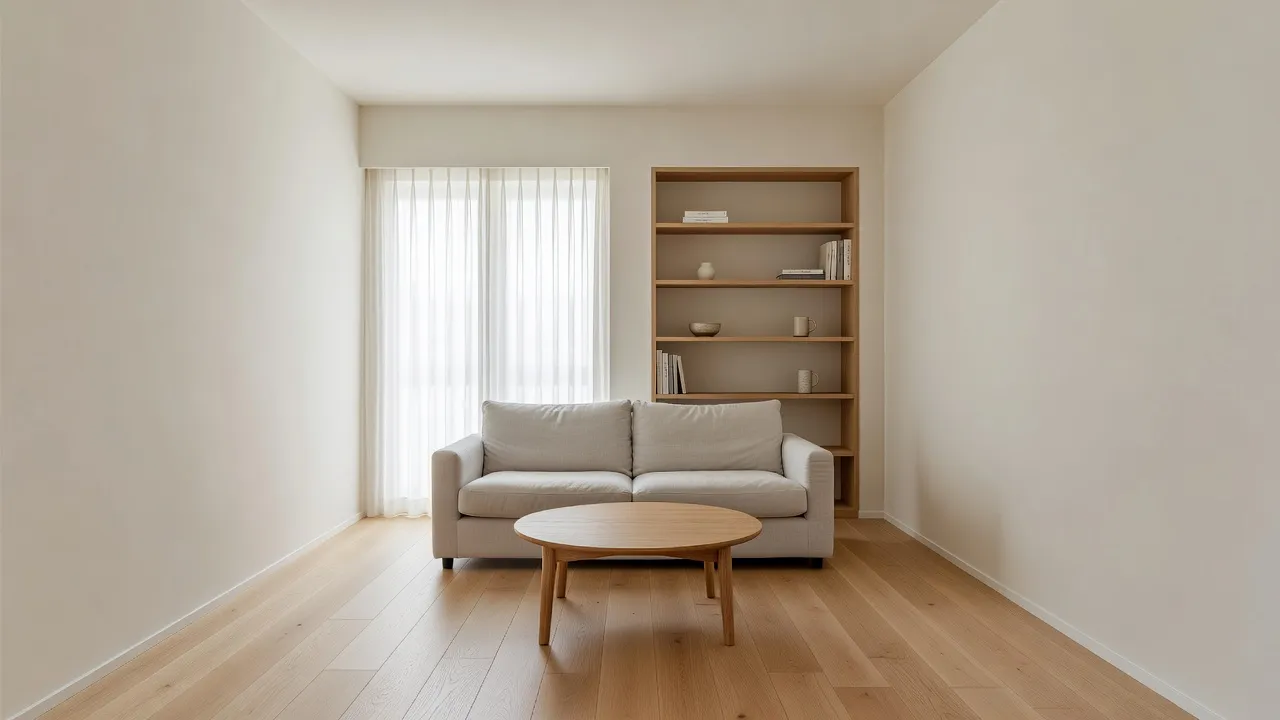
You upload a photo of the room or the house, choose a room type and a style from more than 60, and optionally add colour schemes and design options. DecorAI then returns a redesigned version of your actual space. Because it works from your photo, the proportions you recognise stay in place: the window is where the window is, and the ceiling is the height it is.
That is the difference between a renovation preview and a mood board. A mood board shows what other people built. A preview shows your own room with a different floor, different walls or a different style, so you can judge whether the idea works in your light and your layout. If you want the mechanics, our guide to how AI interior design works explains what happens between the upload and the result.
What Does AI Preview Well?
Photo-based previews are strongest where the decision is about how something looks, not how it is built. These are the changes that tend to be most useful to test.
- Flooring. The AI Floor Planner replaces only the visible flooring and leaves furniture, walls, windows and lighting unchanged. Floor types include hardwood, tile, carpet, laminate, vinyl, concrete, stone and bamboo, with materials and patterns such as oak, walnut, marble, herringbone and chevron. See the AI Floor Planner page.
- Overall style and colour. Generate the same room in three or four styles and compare them. Seeing your own walls in a new palette settles most colour arguments faster than paint swatches.
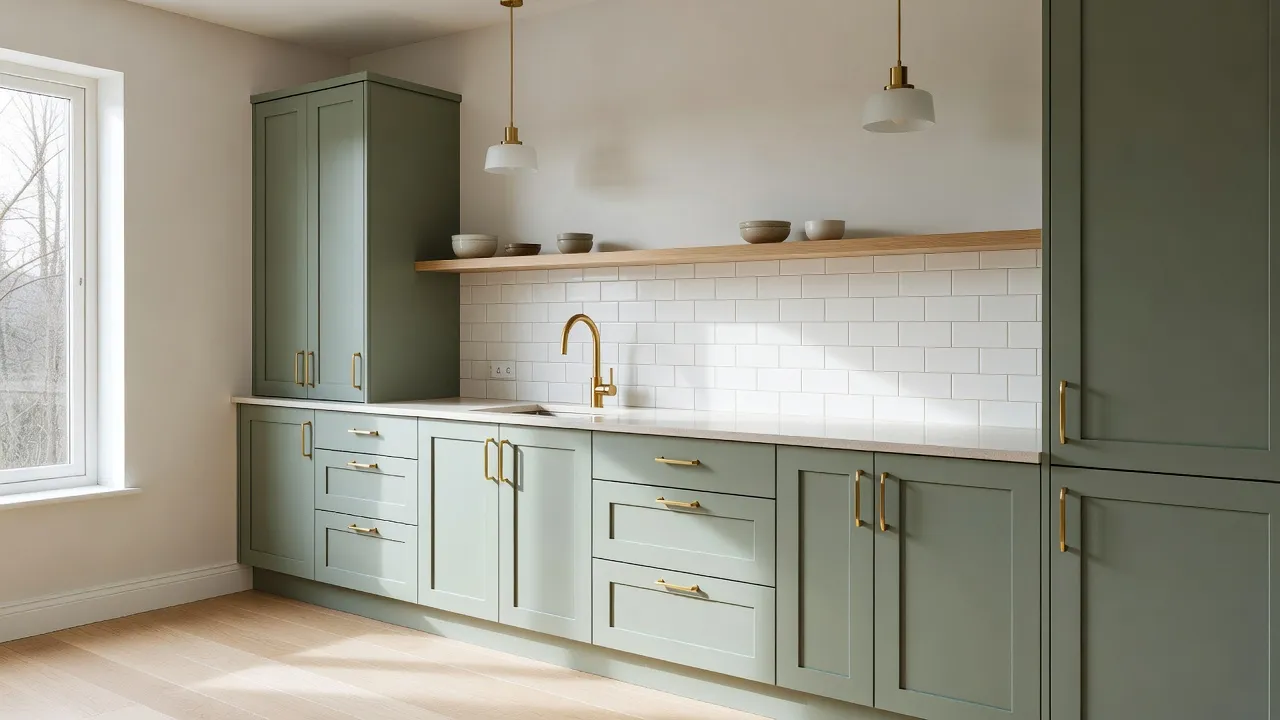
- Cabinets, tiles and fixtures. The Inpainting editor lets you paint over one area, describe what should be there, and change only that region. It suits a kitchen island, a backsplash or a bathroom vanity.
- Furniture and layout feel. Furniture Import places a specific item from a photo with matching scale, perspective and lighting, so you can judge it before you order.
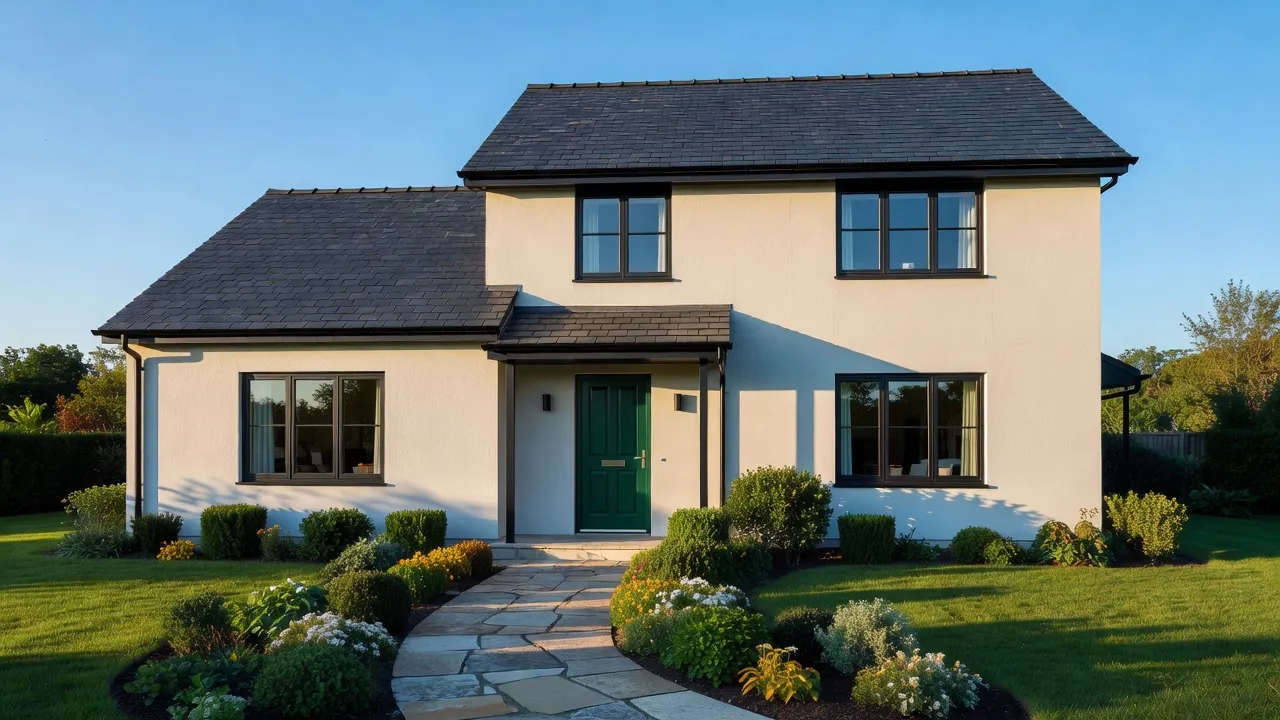
- The outside of the house. AI Exterior Design redesigns a facade from one photo, covering siding, roofing, windows, doors, landscaping, exterior lighting, garage doors, porches, shutters and trim, while keeping the building's real shape.
What Can AI Not Tell You About a Renovation?
A preview is a visual concept. It does not read your building, and it should never be treated as a specification. Be careful with these questions in particular.
- Can this wall come out? Whether a wall is load-bearing, and what it would take to remove it, is a structural question for a qualified professional.
- Is this change allowed? Permissions, building rules and local restrictions are not something an image can confirm.
- What will it really cost? A Design Report gives a three-tier planning estimate in your local currency, but it is an order of magnitude, not a quotation. Real prices depend on your country, suppliers and labour costs.
- Does it fit? Measure before you buy or build. The image shows scale convincingly, but it is not a survey.
Keeping these limits in view is what makes the tool useful. Use the preview to decide what you want, then use professionals to find out what is possible. Our article on using an AI redesign as a brief for your contractor or designer shows how to carry the image into that conversation.
See Your House Renovated Before You Start
Upload a photo of the room or the facade and try new finishes, colours and styles in seconds. Compare versions and keep the ones you love.


What Is a Good Step-by-Step Workflow for Previewing a Renovation?
For a real project, the order matters more than any single feature. This sequence keeps the decisions small and the results comparable.
- Photograph the room properly. Stand in a corner, keep the camera level and use daylight. A clear photo helps every feature. Our guide to photographing your room for AI design has the details.
- Clear the room if it helps. Empty the Room removes furniture and clutter while keeping the floor, walls, windows and architecture, which shows you the space you are actually renovating. See removing furniture from a photo with AI.
- Test two or three style directions. Use the AI Interior Designer on the same photo and compare the results side by side.
- Settle the big surface decisions. Use the Floor Planner for flooring, and Inpainting for a cabinet, tile or wall that you want to change on its own.
- Check the outside. If the facade is part of the project, run AI Exterior Design on a clear front-on photo.
- Turn the winner into a plan. With a Pro subscription, a Design Report turns a finished design into a palette with hex values, five to seven prioritised recommendations, a three-tier cost estimate, an ordered action plan and a branded PDF. Our guide to AI Room Analysis and Design Reports covers it in depth.
Keep every version for one room together in Projects and History so you can compare in order. If you are not sure which feature suits a decision, our decision guide to DecorAI features matches common projects to the right tool.
Does It Work for Kitchens and Bathrooms?
Yes, and these are often the rooms where a preview saves the most second-guessing, because finishes are expensive to change once installed. Upload a clear photo of the room, pick the room type and style, and try different colour schemes. For a single element, such as a new cabinet colour or a different backsplash, mask just that area with Inpainting and leave everything else alone. For ideas and examples, read our guide to visualising a kitchen remodel with AI, or see the AI Kitchen Design page.
Can AI Preview the Outside of My House Too?
It can. AI Exterior Design supports ten building types and ten architectural styles, and it changes finishes such as siding, roofing, windows, doors and landscaping while keeping the structure of the building as photographed. This is useful for testing a front door colour, a new roof tone or a porch addition before you commission work. Take the photo straight on, in even daylight, with as little in front of the facade as possible. The AI Exterior Design page and our walkthrough of how exterior design works go further.
How Do I Plan a Whole-House Renovation Without Getting Overwhelmed?
Work one room at a time, in the order you intend to build. Start with the room that carries the most spending, settle its surfaces, and then let the finished result guide the neighbouring rooms so the house feels coherent. Our guides to designing a whole house room by room and the broader guide to using AI for home renovation expand on this approach.
What Mistakes Should I Avoid?
- Treating the image as a plan. A preview shows intent. Measurements, drawings and quotes still come from professionals.
- Previewing everything at once. Change one big decision at a time so you can tell which change made the room work.
- Starting with a weak photo. A dark, tilted or cluttered photo produces a weaker preview.
- Skipping the comparison. Generate at least two directions. The one you did not expect to like is often the better one.
Renovation Preview FAQ
Can AI show me what my house would look like renovated?
Yes. Upload a photo of a room or of the outside of the house, choose a style, and DecorAI returns a redesigned version of that real space, keeping the walls, windows and camera angle.
Can I use the preview to plan a real renovation?
Yes, as the first stage. It helps you decide what you want and explain it to a builder, but it is not a substitute for measured drawings, structural advice or a builder quotation.
Can I change only the floor or only one cabinet?
Yes. The Floor Planner replaces only the floor, and the Inpainting editor changes only the area you paint over.
How accurate is the cost estimate in a Design Report?
It is a planning-grade order of magnitude in your local currency, given as budget, mid-range and premium tiers. It is not a quotation, because real prices depend on your country, suppliers and labour costs.
How long does a preview take?
Designs are usually generated in under 10 seconds and can sometimes be ready in approximately five seconds; peak periods may take longer.
Do I need an account to try it?
No. DecorAI offers three free generations per day without requiring an account or credit card. Room Analysis and Design Reports require a Pro subscription.
Conclusion
AI can show you what your house would look like renovated, as long as you treat the result as a clear, fast way to decide rather than a promise of what is buildable. Start with a good photo, test a few directions, settle the big surfaces with the Floor Planner and Inpainting, check the facade, and turn the best option into a plan with a Design Report. Then take the image to a professional and ask the structural and cost questions an image cannot answer. Explore the full feature directory on the DecorAI app page, or open DecorAI and preview your own renovation today.
Visualize Your Dream Home Instantly
Don't just read about it. Experience the power of AI interior design with DecorAI's free tool.
Start Designing for FreeWritten by
DecorAI Team
Editorial Team