AI Whole House Design: Redesign Your Home Room by Room
How to use AI whole house design to redesign your entire home room by room with one cohesive look. A practical workflow for planning a consistent palette, flow, and style across every space.
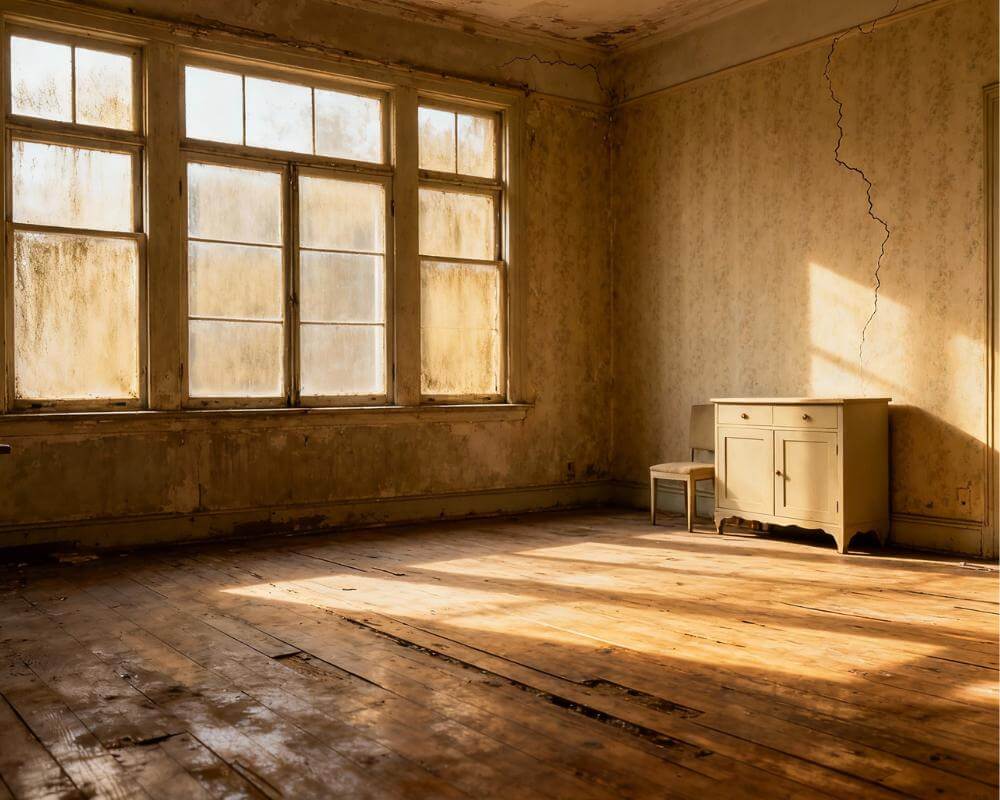
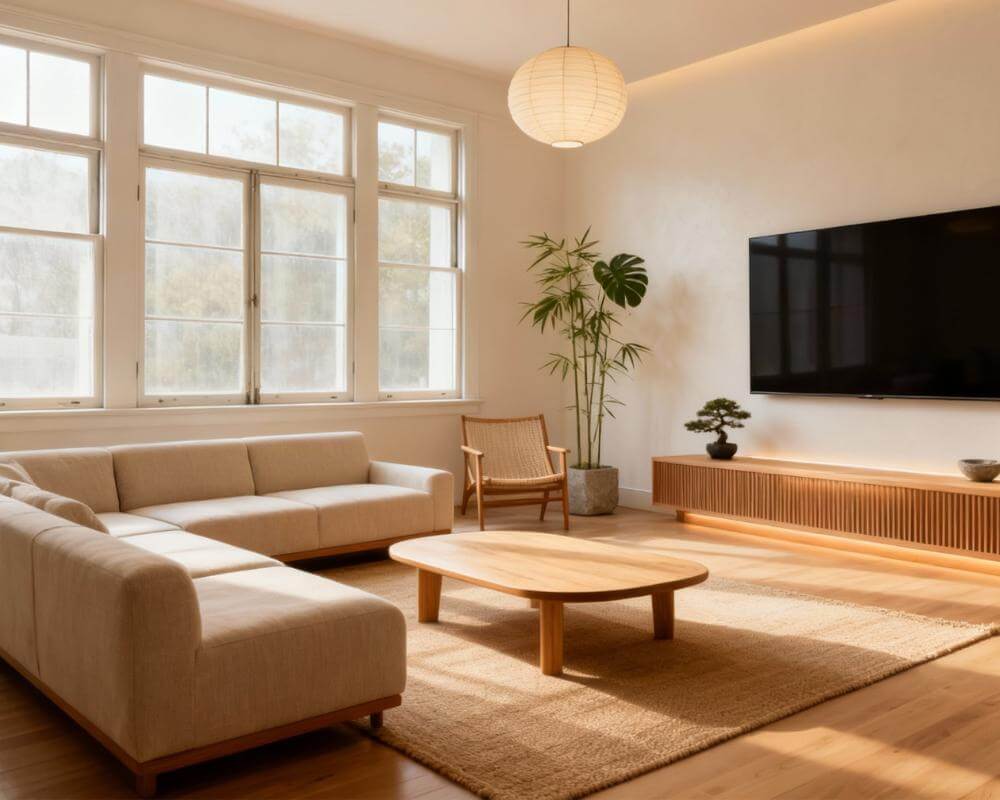
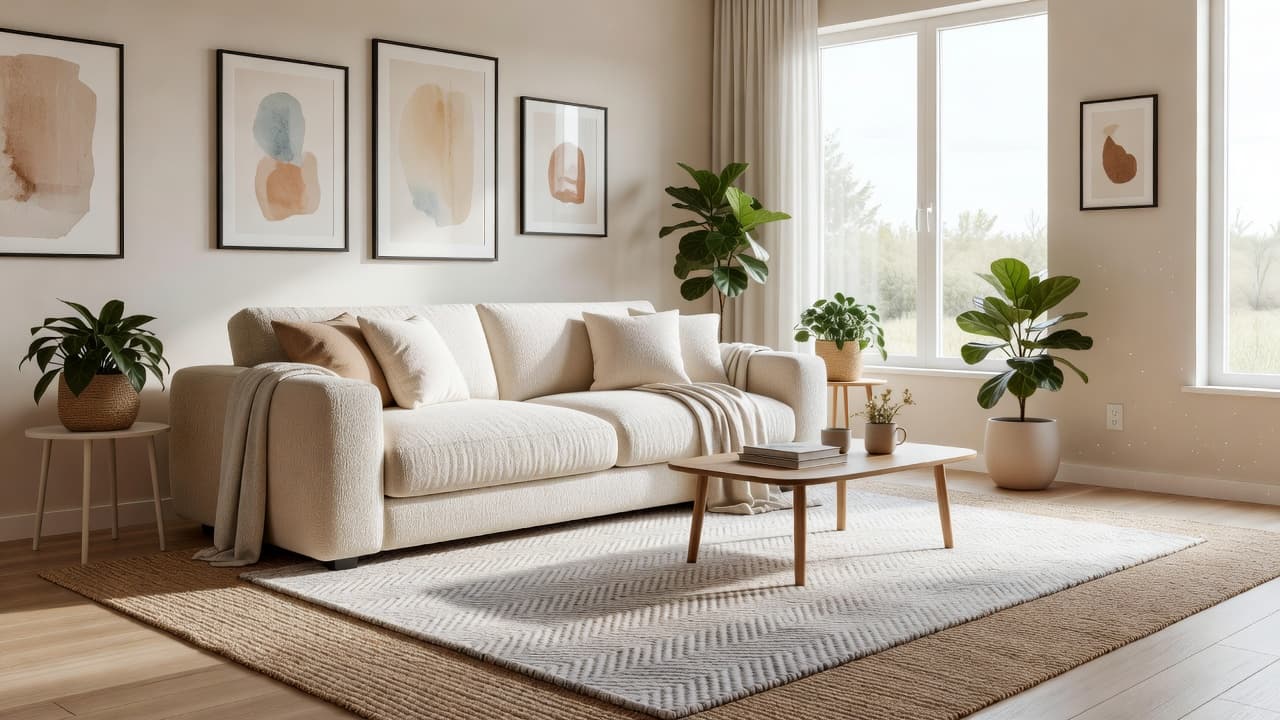
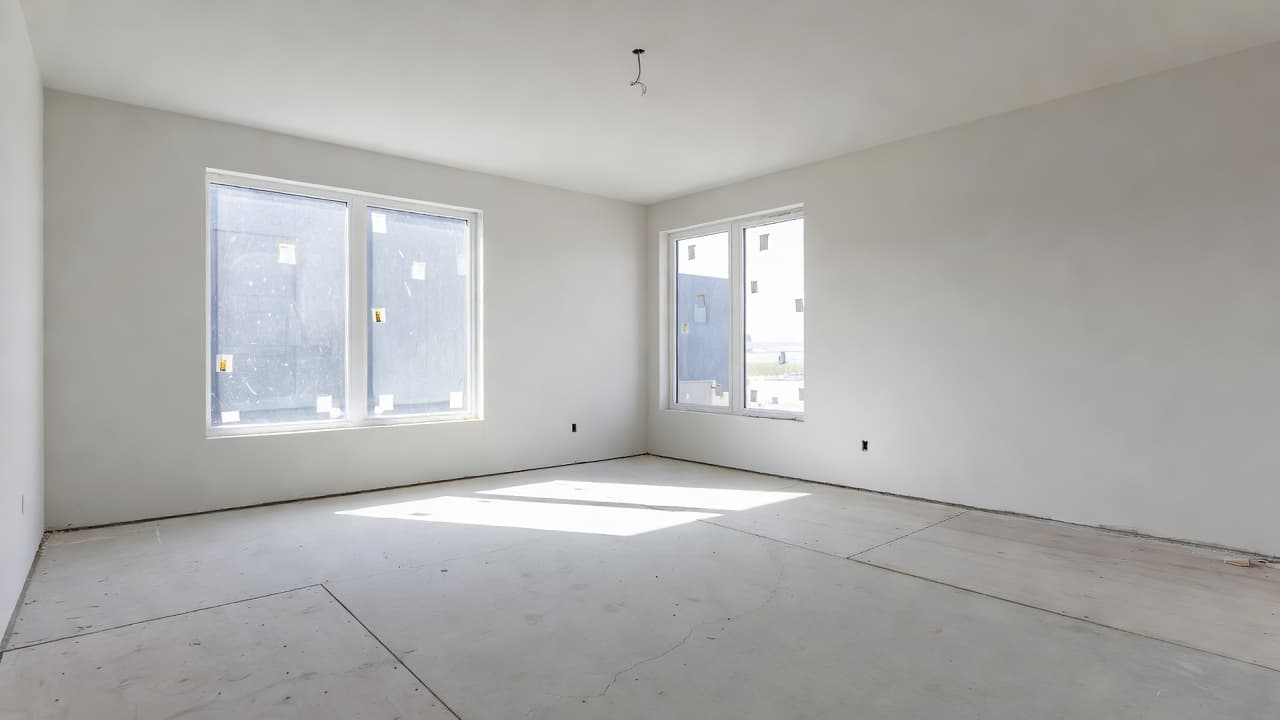
AI whole house design lets you redesign your entire home — not just one room — with a single, cohesive look, working through it space by space without losing the thread that ties everything together. Instead of guessing whether your new living room will clash with the hallway it opens onto, you upload a photo of each room to a tool like DecorAI, apply a consistent style and palette, and see your real spaces redesigned photorealistically in seconds — so the whole home reads as one intentional design.
Designing a single room is hard enough; designing a whole house is a different challenge entirely, because the rooms have to relate to each other. This guide gives you a practical, repeatable workflow: how to set one master palette and style, how to carry it room by room while letting each space have its own personality, how to handle sightlines and flow in open-plan homes, and how to preview the entire makeover on your actual rooms with AI before you buy a single thing.
Key Takeaways
- Whole house design means cohesion, not uniformity — rooms share a common thread (palette, materials, style) while each keeps its own purpose and mood.
- Start with a master palette and one anchor style before touching any individual room, so every later decision has a reference point.
- Work room by room, but in the right order: public, connected spaces first (living, dining, kitchen, entry), then private rooms.
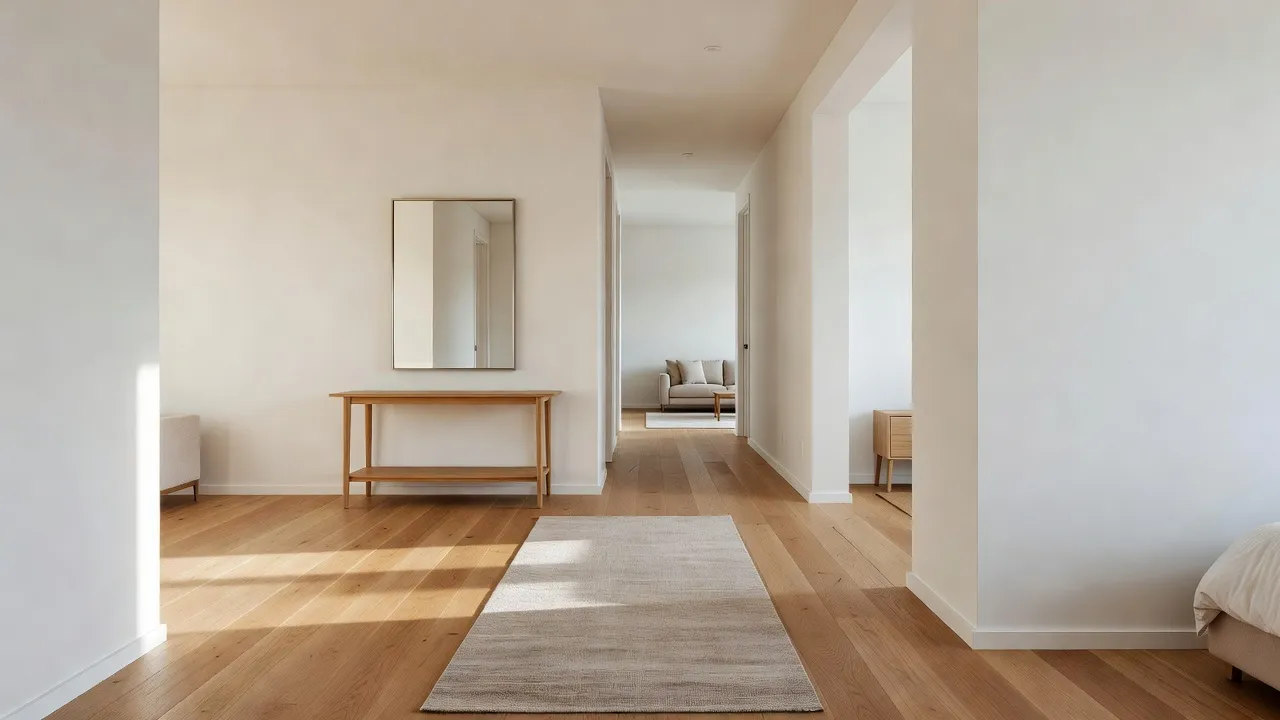
- Sightlines matter most: rooms you can see into each other from must share tones and finishes, while closed-off rooms can flex further.
- AI makes whole-home design realistic for non-designers: upload each room photo to DecorAI, apply the same style, and preview the entire house as one look in minutes.
- Try DecorAI free to test your whole-home palette across every room before spending a cent.
What Is Whole House Design?
Whole house design is the practice of designing every room in a home around a shared visual identity — a consistent palette, set of materials, and overall style — so the home feels intentional and connected rather than like a collection of unrelated rooms. The goal is cohesion, not matching: a cohesive home has a recognizable thread running through it, but each room still expresses its own function and mood. It is the difference between a home that feels professionally pulled together and one that feels piecemeal.
This is exactly where most DIY decorating goes wrong. People redesign one room at a time, in isolation, often months apart, and end up with a warm-toned living room, a cool gray bedroom, and a hallway that belongs to neither. Interior design at the whole-home scale is fundamentally about relationships between spaces, and that is the part AI now makes genuinely manageable.
Why Does Whole-Home Cohesion Matter?
Cohesion matters because the eye reads a home as a sequence, not as separate snapshots. As you move from room to room you carry the previous space in your memory, so abrupt shifts in color temperature, flooring, or style register as jarring even if each room looks fine on its own. A cohesive home, by contrast, feels calmer, larger, and more valuable — which is also why real-estate professionals prize consistency in homes that are being sold or staged.
Cohesion does not mean every room is the same. The best homes vary energy room to room — a bright, social living area, a moody dining room, a restful bedroom — while keeping shared anchors like wood tone, metal finish, and a core color family. Get the anchors right and you can take real creative risks in individual rooms without the house ever feeling disjointed.
How Do I Redesign a Whole House Room by Room?
The secret to whole-home design is sequence. Decisions made early (palette, style, materials) constrain and simplify every decision after them. Follow this order and the house designs itself far more easily than tackling rooms at random.
Step 1: Set a master palette
Before any room, choose a whole-home palette: one or two neutral base tones (the walls and large surfaces that repeat throughout the house), one or two secondary tones, and one accent color. Every room will draw from this set, varying the proportions rather than the colors. If you are not sure where to start, our guide to AI interior design color schemes walks through building a palette that holds together across a home.
Step 2: Pick one anchor style
Choose a single overarching style — modern, Scandinavian, transitional, warm minimalist, and so on — as the home's backbone. Individual rooms can lean softer or bolder within it, but the anchor style keeps the furniture shapes, materials, and overall feeling consistent. Browse the full range in the styles gallery to find one you can live with house-wide.
Step 3: Design the connected public spaces first
Start with the rooms people see together and move through most: the entryway, living room, dining area, and kitchen. These set the tone for the whole home and have the most demanding sightlines. Lock these in first and the rest of the house follows their lead. Lean on our AI living room design ideas and AI kitchen remodel guide for these anchor rooms.
Step 4: Move to the private rooms
With the public spaces set, design the bedrooms, bathrooms, and home office. These rooms are mostly closed off, so they can flex further from the core palette — a deeper bedroom color, a bolder bathroom tile — as long as they still nod to the shared materials and metal finishes. See our AI bedroom design, AI bathroom design, and AI home office design guides for room-specific direction.
How Do I Make Rooms Feel Connected Without Being Identical?
The trick is to repeat a few elements while varying everything else. Pick three "threads" to carry through every room and let the rest change freely. Reliable threads include:
- One wood tone: use the same wood (warm oak, walnut, etc.) for floors and key furniture throughout, so surfaces relate even when styles differ.
- One metal finish: commit to a single hardware and lighting metal — brass, black, or brushed nickel — across the whole house.
- A repeating accent color: let your accent reappear in small doses room to room, in art, textiles, or ceramics.
- Consistent whites and neutrals: keep trim, ceilings, and base walls in the same family so transitions between rooms feel seamless.
- A shared material or texture: a recurring material — linen, rattan, stone, matte black — stitches rooms together subtly.
With those anchors fixed, individual rooms can vary boldly in mood and intensity. A restful bedroom and a lively living room can feel like part of the same home as long as they share the wood, metal, neutrals, and accent.
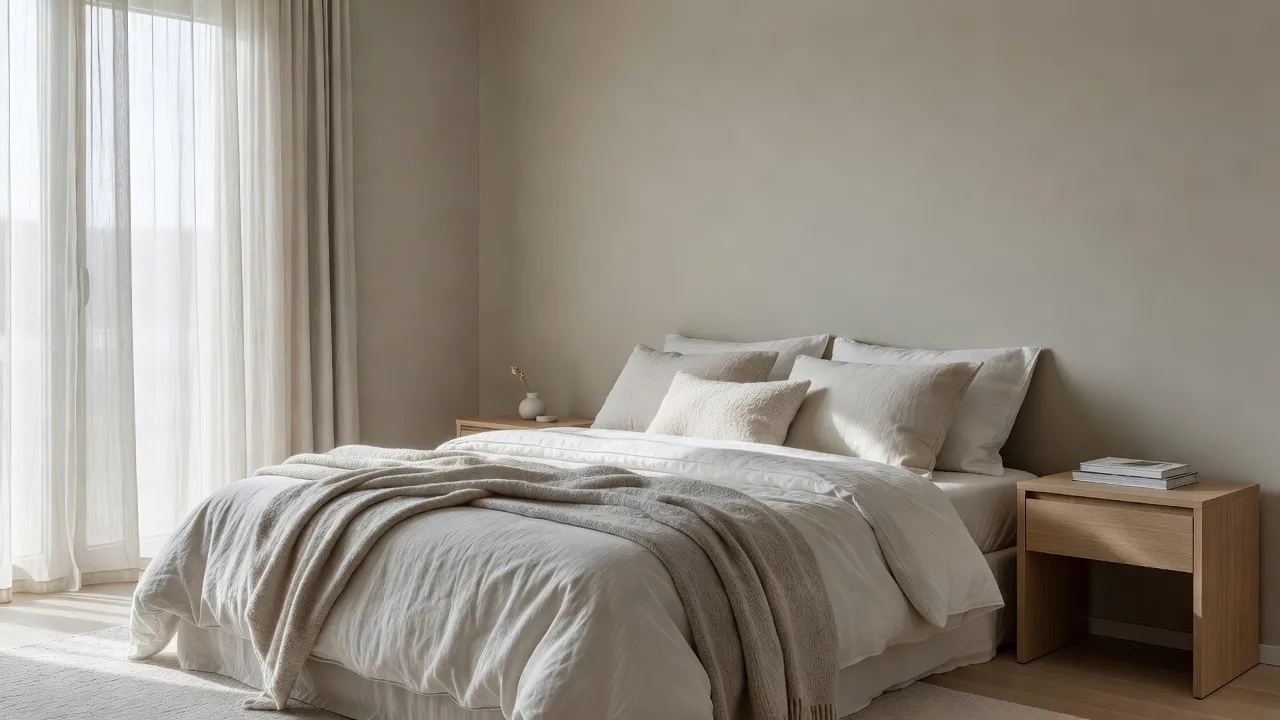
How Do I Handle Open-Plan and Connected Spaces?
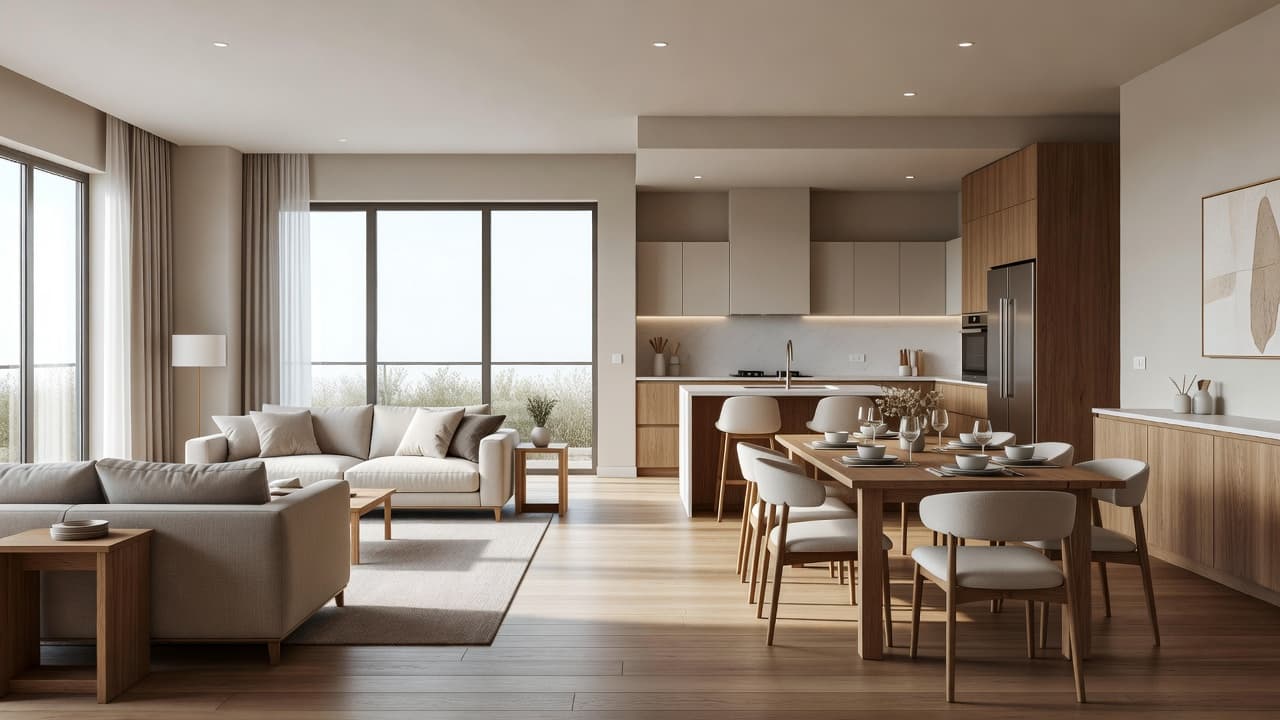
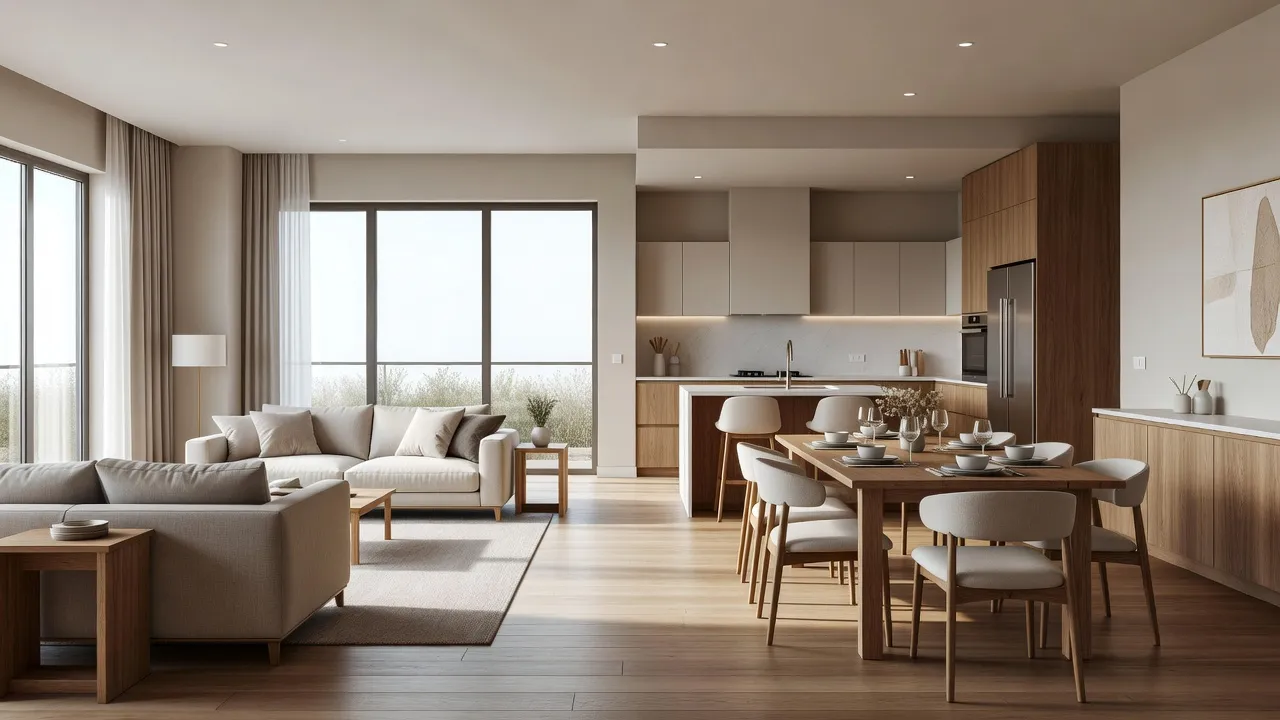
In an open-plan home, multiple "rooms" share one visual field, so they must be designed together as a single composition rather than in isolation. Treat the living, dining, and kitchen zones as one room with three jobs: use the same flooring and wall color throughout, then define each zone with rugs, lighting, and furniture groupings instead of with clashing palettes. Color temperature is the thing to police hardest — a warm living zone beside a cool kitchen zone will always look like a mistake.
Because every change in an open plan is visible from everywhere, this is exactly where previewing with AI pays off most. You can test the entire connected space as one image and immediately see whether the zones agree. For tight, multi-purpose layouts, our AI interior design for small spaces guide has extra tactics for zoning without walls.
How Does AI Make Whole-House Design Possible?
Whole-house design has always been the part of decorating that separates professionals from everyone else, because holding a consistent vision across eight or ten rooms in your head is genuinely hard. AI collapses that difficulty: you photograph each room, apply the same style and palette to every one, and instantly see whether the whole home agrees — no mood boards, no mental gymnastics, no expensive trial and error.
Because each redesign takes seconds, you can iterate on the entire house cheaply: try the master palette warm versus cool, swap the anchor style, or test how far one bedroom can stray before it stops feeling like part of the home. That fast, low-stakes iteration across many rooms at once is something no other method offers. To go deeper on the underlying workflow, read our complete guide to AI interior design.
Redesign Your Whole Home — Free
Upload a photo of each room and watch DecorAI restyle your actual home in one cohesive look, keeping your real layout and windows. Test the entire palette across every room before you buy a thing.


What Are Common Whole-House Design Mistakes to Avoid?
Most whole-home projects fail in predictable ways. A few guardrails keep the house cohesive from start to finish.
- Designing rooms in isolation: deciding each room on its own, months apart, is the number-one cause of a disjointed home. Set the palette and style for the whole house first.
- Too many wood tones and metals: mixing several floor woods and hardware finishes fragments the home. Commit to one of each.
- Ignoring sightlines: rooms you can see into one another from must agree in tone. Closed-off rooms have more freedom.
- Mismatched color temperature: a warm room beside a cool room is the most common open-plan error. Keep undertones consistent.
- Skipping the preview: committing to furniture and paint across a whole house without seeing it together is expensive guesswork. Visualize the full home with AI first.
Whole House Design FAQ
What is whole house design?
Whole house design is designing every room of a home around a shared palette, materials, and style so the home feels cohesive and intentional rather than like a set of unrelated rooms. The aim is a consistent thread running through the house while each room keeps its own function and mood.
Can AI design my whole house from photos?
Yes. Upload a photo of each room to DecorAI, apply the same style and palette to every one, and the AI redesigns each real space photorealistically in seconds — letting you preview your entire home as one cohesive look before buying anything.
How do I keep rooms cohesive without making them identical?
Repeat three anchors through every room — one wood tone, one metal finish, and a recurring accent color, plus consistent neutrals — then let mood, intensity, and furniture vary freely. Shared anchors create cohesion; the variation gives each room its own character.
What order should I redesign my home in?
Set your master palette and anchor style first, then design the connected public spaces (entry, living, dining, kitchen) because they have the strongest sightlines, and finish with the more private bedrooms, bathrooms, and office, which can flex further from the core palette.
Conclusion
AI whole house design turns the hardest part of decorating — making an entire home feel like one intentional design — into a manageable, room-by-room workflow. Set a master palette and anchor style, design the connected public spaces first, repeat a few key threads through every room, and let AI show you the whole home together before you spend a cent. Upload your room photos to DecorAI to preview your entire home in one cohesive look for free, then browse the full styles gallery or start with the complete guide to AI interior design.
Design Your Entire Home for Free
Open DecorAI's web app, upload a photo of each room, apply one style across the house, and see your whole home redesigned in seconds. Your first designs are completely free — no designer's invoice required.
Try the DecorAI Web App Free →No credit card required · Works on any device with a browser
Visualize Your Dream Home Instantly
Don't just read about it. Experience the power of AI interior design with DecorAI's free tool.
Start Designing for FreeWritten by
DecorAI Team
Editorial Team