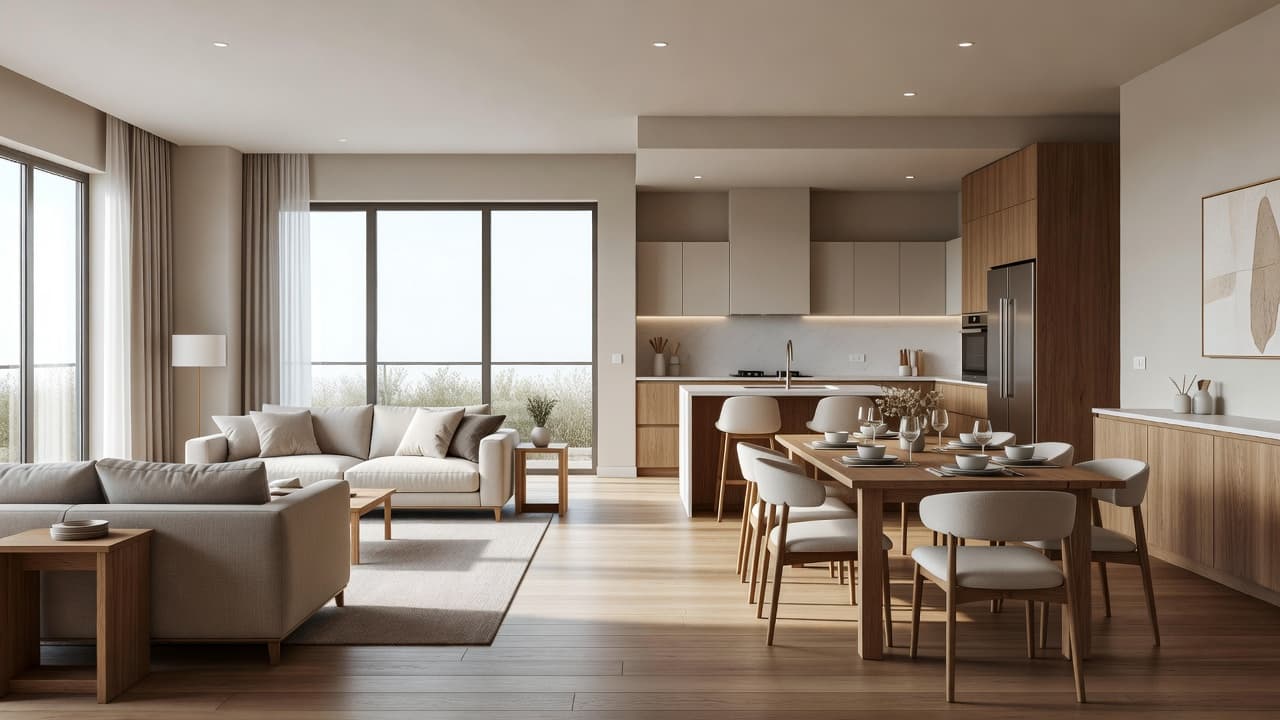
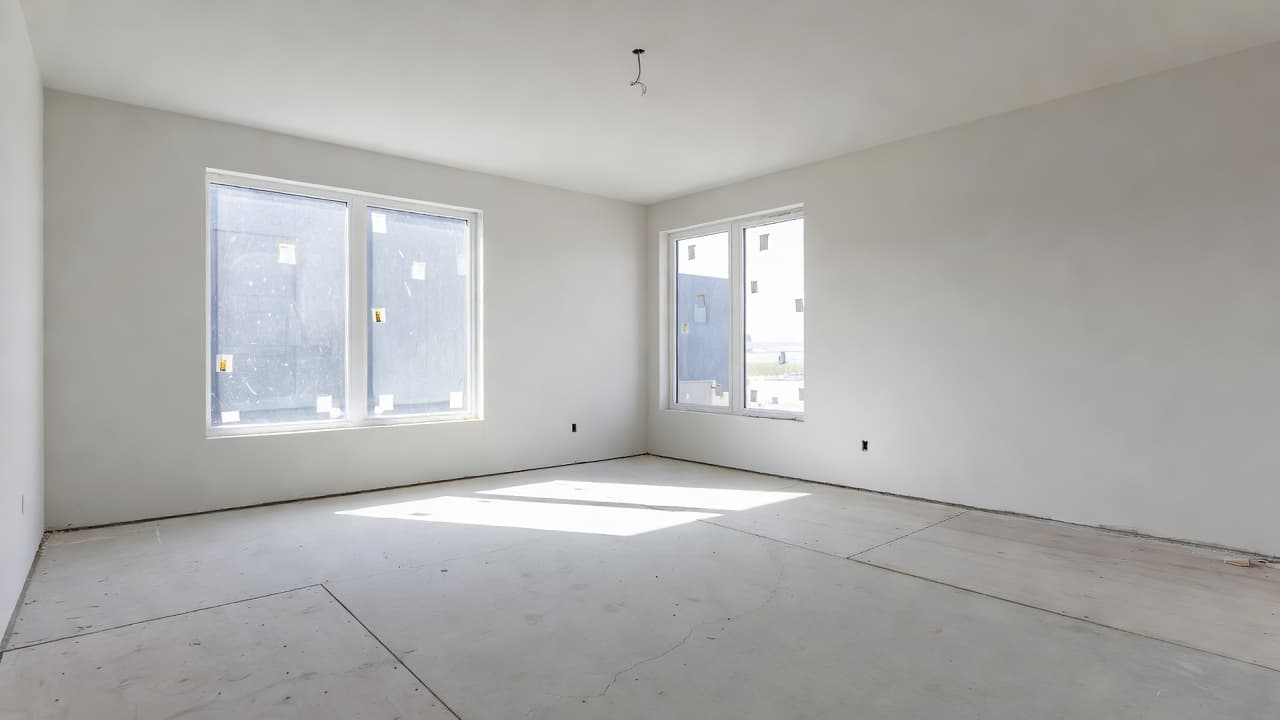
AI Room Makeover: Transform Any Room From One Photo
A complete guide to the AI room makeover: how to transform any room from a single photo, what tools can and cannot do, and a simple step-by-step workflow to redesign your real space online in seconds.

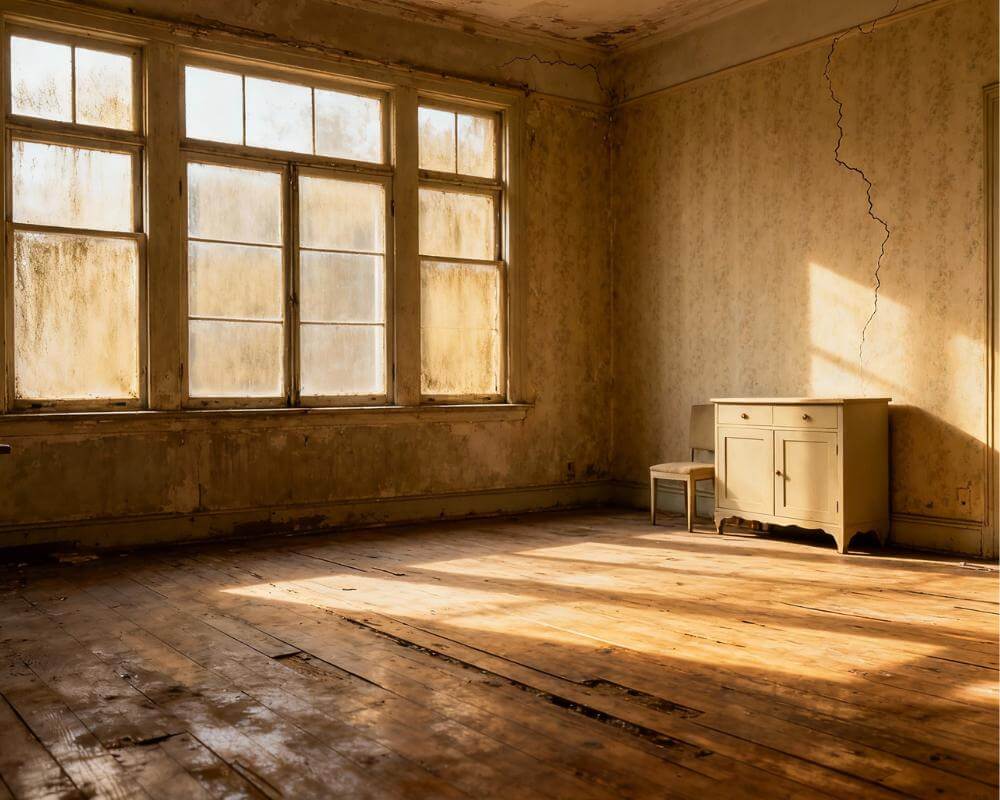
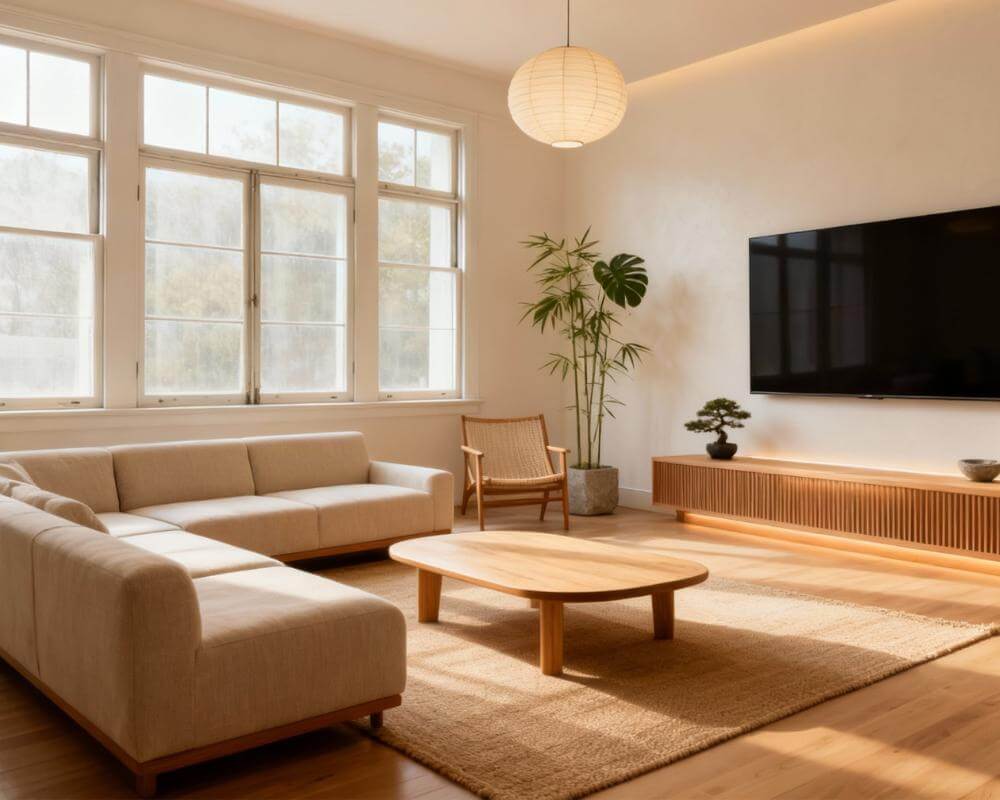
An AI room makeover turns the question "what would this room look like redesigned?" into an instant, photorealistic answer. Instead of scrolling endless inspiration photos of rooms that aren't yours, you upload a single photo of your actual space to a tool like DecorAI and watch your real room — your windows, your layout, your proportions — transformed in a new style in seconds. No measuring, no mood boards, no designer's invoice.
The phrase "room makeover" used to mean a weekend of painting, hauling furniture, and hoping it all worked out. The AI version flips that order: you see the finished result first, decide whether you love it, and only then spend time and money making it real. This guide explains exactly how a virtual room makeover works, what these tools can and can't do, a simple step-by-step workflow, and how to get results good enough to actually shop from.
Key Takeaways
- An AI room makeover redesigns a photo of your real room into a new style or layout in seconds, keeping your actual walls, windows, and proportions.
- You preview before you spend: test paint colors, furniture, and whole styles risk-free instead of guessing and hoping.
- The workflow is simple: take a clear photo, pick a style, generate, refine, and use the result as a shopping and painting plan.
- Photo quality drives result quality — good light, a wide angle, and a tidy room produce far more realistic makeovers.
- It is not a literal product list: AI shows you a convincing target look to recreate, not exact SKUs you can add to a cart.
- Try a free AI room makeover on your own space before buying a single thing.
What Is an AI Room Makeover?
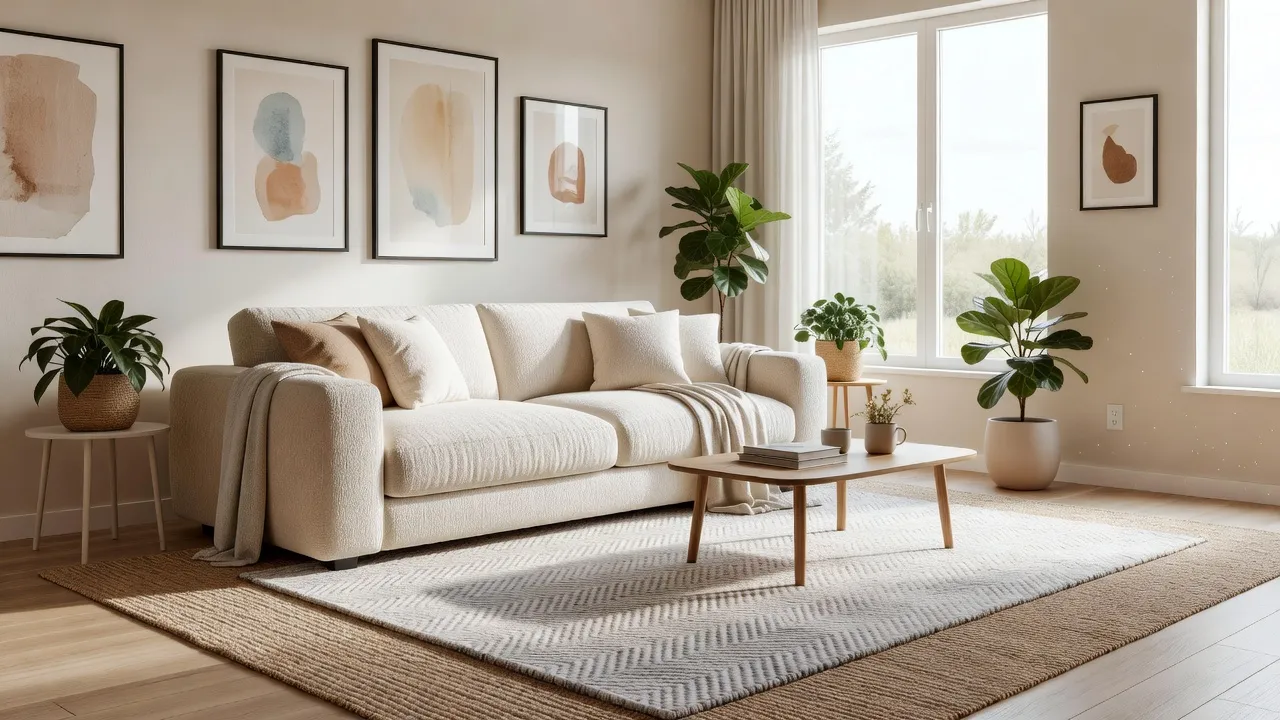
An AI room makeover is a redesign of your actual room created by an artificial-intelligence tool from a photo you upload. The software reads your room's geometry — walls, floor, windows, and rough layout — then re-renders it in a style, color scheme, or furniture arrangement you choose, producing a photorealistic image of the same space transformed. Unlike a generic interior design render, the result is anchored to your room, which is what makes it useful for real decisions.
This is different from collecting inspiration images. A magazine photo shows someone else's perfect room in someone else's house; an AI room makeover shows how a look translates onto the exact space you live in, with your awkward corner, your radiator, and your north-facing window. That grounding is the whole point — it answers "will this work here?" rather than "is this pretty in general?"
How Does a Virtual Room Makeover Work?
A virtual room makeover works in three quick stages: the tool analyzes your photo, applies the style or change you request, and renders a new image of your transformed room. Most modern tools complete all three in well under a minute, so you can run several versions back to back.
Under the hood, the AI identifies the structural parts of the room it should keep (walls, windows, floor plane, ceiling) and the decorative parts it can replace (furniture, color, textiles, lighting, decor). When you choose a style — say, Scandinavian, coastal, or modern farmhouse — it repaints surfaces, swaps in fitting furniture, and adjusts lighting to match, while trying to preserve the camera angle and room shape so the result reads as the same space. For a deeper look at this preview-first approach, see our guide to the AI room visualizer.
What can an AI room makeover change?
- Wall color and finish — paint, accent walls, wallpaper, paneling.
- Furniture — sofas, beds, tables, storage, and their general arrangement.
- Style and mood — from minimalist to bohemian, cozy to bright and airy.
- Textiles and decor — rugs, curtains, cushions, art, and plants.
- Lighting feel — warm vs. cool, and the type of fixtures.
- Flooring — wood tone, tile, or rugs layered over existing floors.
How Do I Make Over a Room With AI? (Step by Step)
The whole process takes about five minutes the first time and a couple of minutes after that. Here is the workflow that produces the most usable results.
1. Take a good photo
Stand in a doorway or corner and capture as much of the room as possible in one wide, level shot. Turn on the lights, open the curtains for daylight, and tidy clutter so the AI reads the space clearly. Photo quality is the single biggest factor in result quality — our guide on how to photograph your room for AI design covers the details.
2. Choose a style or change
Pick a complete style (Scandinavian, japandi, industrial) or a targeted change (just new paint, just a new sofa). Browsing the full styles gallery first helps you commit to a direction before you generate.
3. Generate and compare
Run several versions. Because each makeover is fast and free to try, generate three or four directions side by side — a light look, a moody look, a bold accent — and compare them on your real room rather than in the abstract.
4. Refine the winner
Once one direction stands out, iterate: keep the palette but change the rug, swap the wood tone, or dial the styling up or down. This is where a vague idea becomes a concrete plan you can act on.
5. Use it as a shopping plan
Treat the final image as a brief, not a catalog. Note the colors, materials, and silhouettes, then shop for pieces that match the look. See how to turn an AI photo into a style plan for a repeatable way to do this.
Why Use AI for a Room Makeover Instead of Guessing?
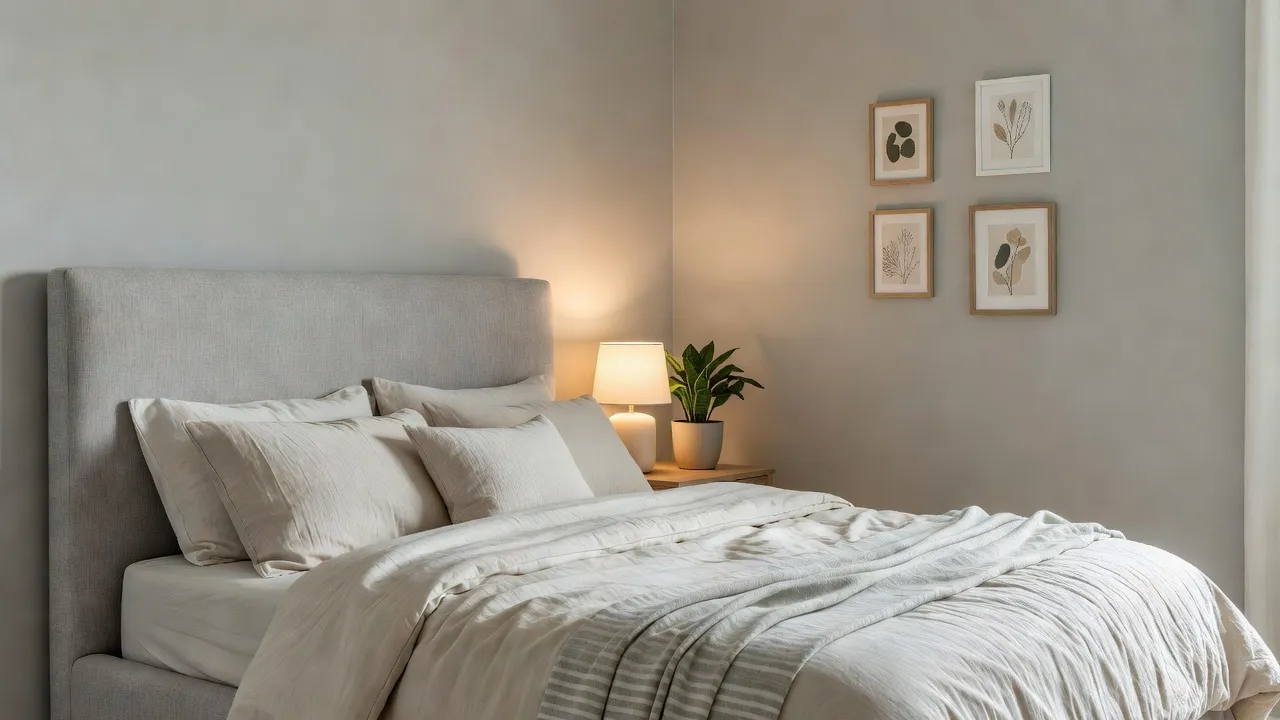
The biggest advantage is that you remove risk from the most expensive decisions. Paint, furniture, and flooring are costly to get wrong, and returns or repaints eat a weekend and a budget. Seeing the finished room first means you commit with confidence instead of crossing your fingers at the checkout.
It is also faster and cheaper than the alternatives. A traditional designer brings expertise but comes with a fee and a timeline; pulling together your own mood boards takes hours and still leaves you guessing how it looks in your space. An AI room makeover compresses that into minutes at little or no cost, which is why it suits renters, first-time decorators, and anyone testing ideas before a bigger project. If your goal is small, high-impact changes, pair it with our budget home decor upgrades guide, and for tight floor plans see AI interior design for small spaces.
Give Your Room an AI Makeover — Free
Upload one photo and watch DecorAI transform your actual room into a new style in seconds, keeping your real layout and windows. Test paint, furniture, and whole looks before you spend a thing.


How Do I Get the Best AI Room Makeover Results?
The difference between a believable makeover and a disappointing one usually comes down to a few habits. Get these right and the AI has what it needs to transform your room convincingly.
- Shoot in good light: natural daylight beats overhead bulbs, and a bright room renders far more realistically than a dim one.
- Use a wide, straight-on angle: capture two or three walls so the AI understands the room's shape.
- Declutter first: clear surfaces and floors so the tool isn't distracted by laundry piles or cables.
- Commit to one style per render: mixing five aesthetics in one prompt muddies the result; test them in separate runs instead.
- Iterate in small steps: change one variable at a time — color, then furniture, then decor — to home in on the look.
- Treat output as direction, not a parts list: recreate the colors, materials, and proportions rather than expecting exact products.
What Are the Limits of an AI Room Makeover?
AI room makeovers are excellent for look, feel, and color, but they have real limits worth knowing. They are not measurement tools, so they won't confirm whether a specific sofa fits down your hallway or whether a wall is load-bearing — for that you still need a tape measure and, for structural work, a professional. They also generate a style target rather than a literal shopping cart: the beautiful chair in the render may not exist as a buyable product, so you recreate the look instead of ordering it.
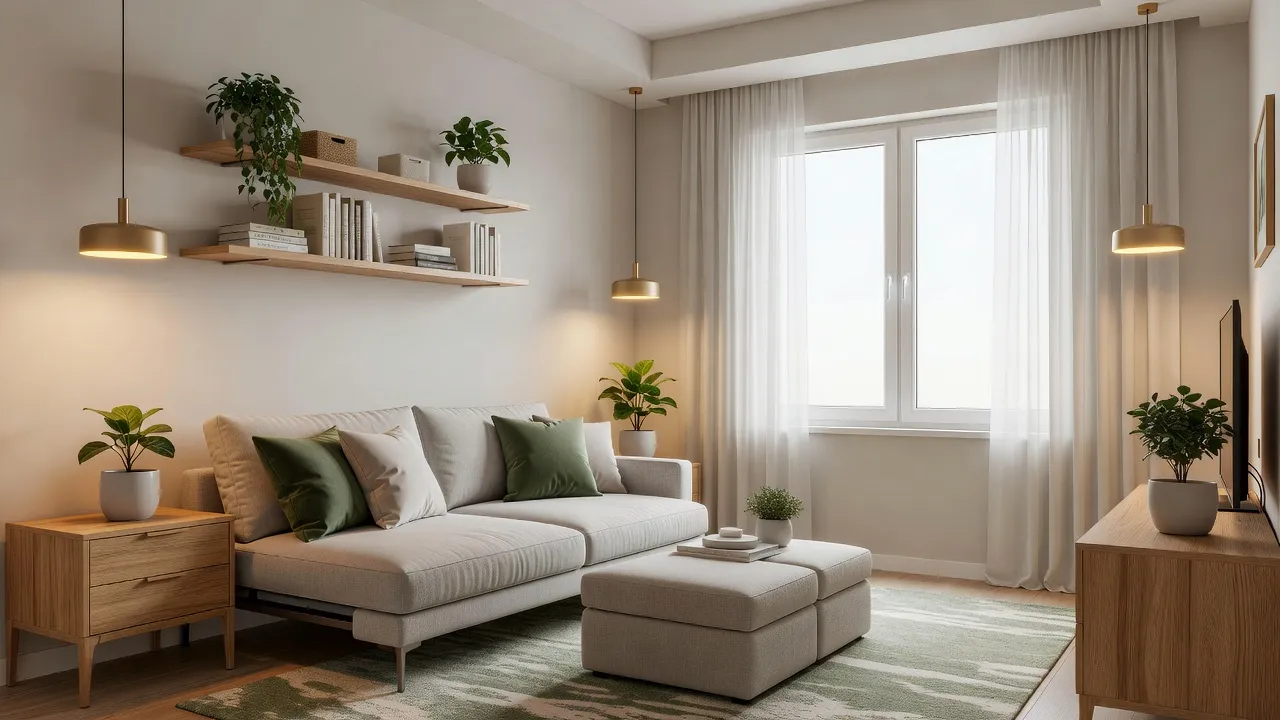
Results can also occasionally bend reality — a window may shift or a proportion may look off in a given render. The fix is simple: regenerate, and pick the version that stays truest to your room. Used as a fast, low-cost previewing tool rather than a literal blueprint, AI makeovers are remarkably reliable, and seeing several before-and-after transformations makes their strengths obvious.
AI Room Makeover FAQ
Can AI really make over my room from one photo?
Yes. Upload a single clear photo of your room to a tool like DecorAI, choose a style, and the AI re-renders your actual space — keeping your walls, windows, and layout — in the new look within seconds. The clearer and brighter your photo, the more realistic the makeover.
Is there a free AI room makeover app?
Yes. DecorAI offers free designs to start directly in your browser at app.decoraihome.com, with no credit card required, plus iOS and Android apps. You can test a full makeover on your own room before deciding whether to do more.
Do I need to measure my room first?
No. An AI room makeover works from a photo, not measurements, because its job is to show you the look and feel of a redesign. You only need exact measurements later, when you're buying specific furniture or planning structural changes.
Will the makeover show products I can buy?
Not exactly. The result is a photorealistic target look, not a literal product list. Use it as a brief — note the colors, materials, and silhouettes — then shop for pieces that recreate the style in your space.
Conclusion
An AI room makeover takes the riskiest part of redecorating — committing before you can see the result — and removes it. Snap one good photo, try a few styles, refine the winner, and walk into your project knowing what the finished room will look like. It's faster than a mood board, cheaper than a designer, and grounded in your actual space. Upload your room photo to DecorAI to make over your room for free, then browse the full styles gallery or start with the complete guide to AI interior design.
Make Over Your Room for Free
Open DecorAI's web app, upload a photo of your room, pick a style, and see your real space transformed in seconds. Your first designs are completely free — no decorator's invoice required.
Try the DecorAI Web App Free →No credit card required · Works on any device with a browser
Visualize Your Dream Home Instantly
Don't just read about it. Experience the power of AI interior design with DecorAI's free tool.
Start Designing for FreeWritten by
DecorAI Team
Editorial Team