AI Exterior Design: How DecorAI Redesigns Your Home's Facade From One Photo
How DecorAI's AI Exterior Design tool works: upload one photo of a facade, choose from 10 building types and 10 architectural styles, and change siding, roofing, windows, doors, landscaping and trim while the building's real shape stays the same.
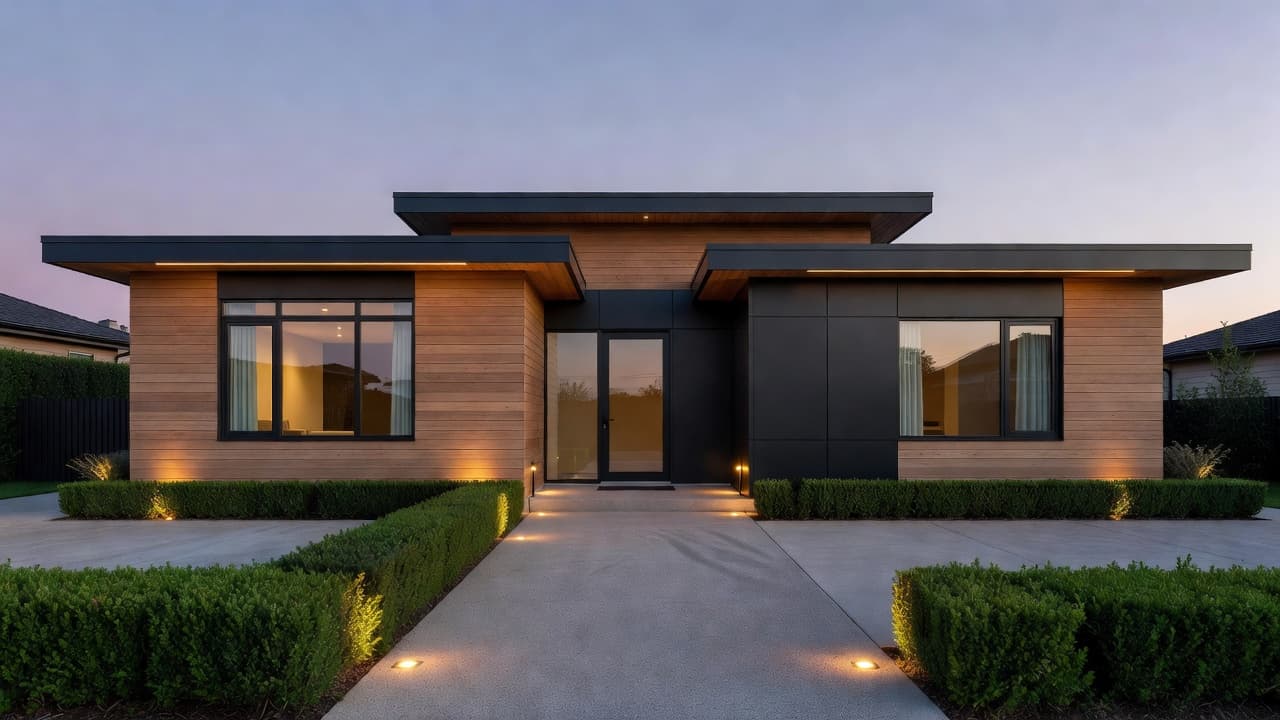
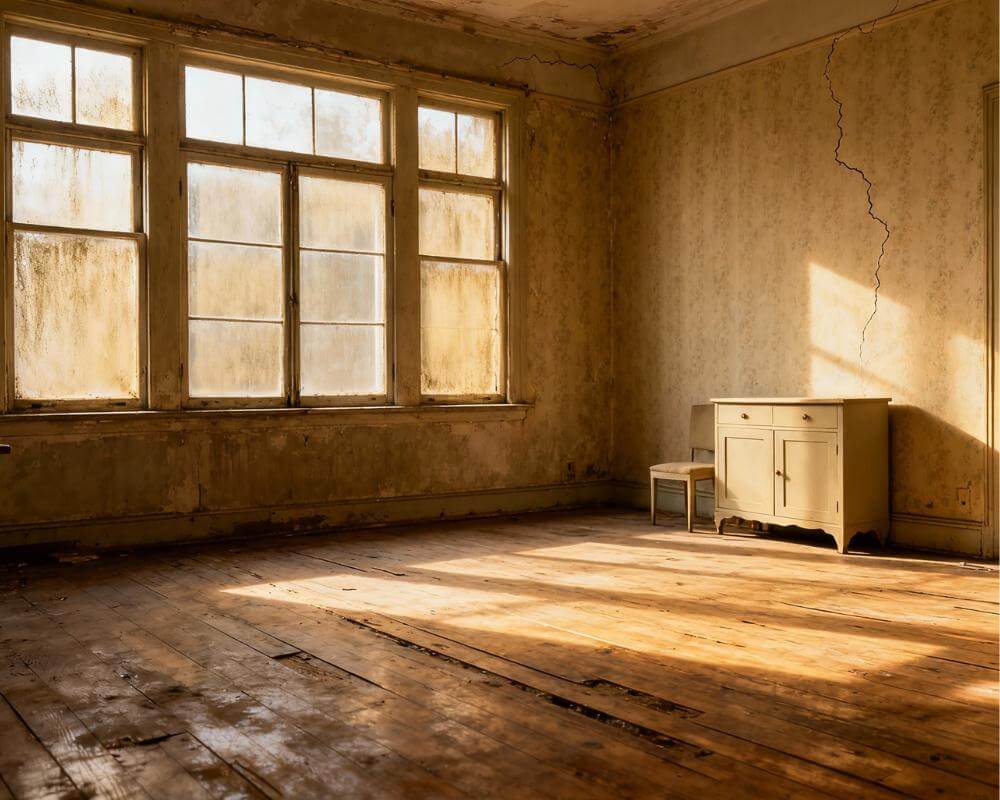
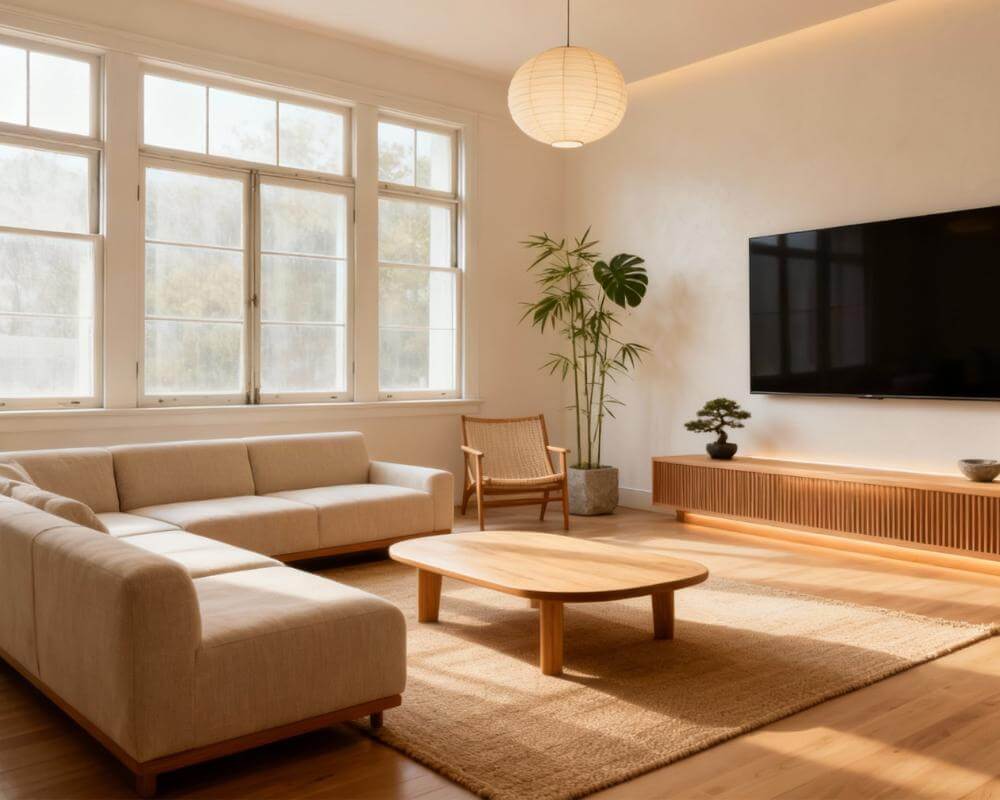
Most AI design tools stop at the front door. DecorAI is an AI interior design app that lets users transform photos of existing rooms into realistic redesign concepts. AI Exterior Design applies that same idea to the outside of a building: upload one photo of a facade, and DecorAI can change the siding, roofing, windows, doors, landscaping, exterior lighting, garage doors, porches, shutters and trim, while keeping the building's real shape, roofline and window positions exactly where they are.
This guide covers what the tool actually changes versus preserves, which building types and architectural styles it supports, how it differs from DecorAI's Paint Color Visualizer and Garden Design tools, and how to photograph a facade so the result looks like your house rather than a generic rendering.
Key Takeaways
- DecorAI supports 10 building types and 10 architectural styles for exterior redesigns, and can change siding, roofing, windows, doors, landscaping, exterior lighting, garage doors, porches, shutters and trim.
- The building's real shape stays the same. AI Exterior Design changes materials, colors and add-on elements — it doesn't move walls, resize the roofline, or relocate windows and doors.
- It's a different tool from the Paint Color Visualizer and Garden Design — paint changes color only, garden design changes the yard, exterior design changes the whole facade at once.
- Photo angle matters more here than almost anywhere else in DecorAI. A straight-on daylight shot with the roofline and ground both in frame gives noticeably cleaner results than an angled phone snapshot.
- Results are a visual concept, not a construction document — structural changes, extensions and anything needing planning permission still need a qualified professional.
What Can AI Exterior Design Actually Change on Your House?
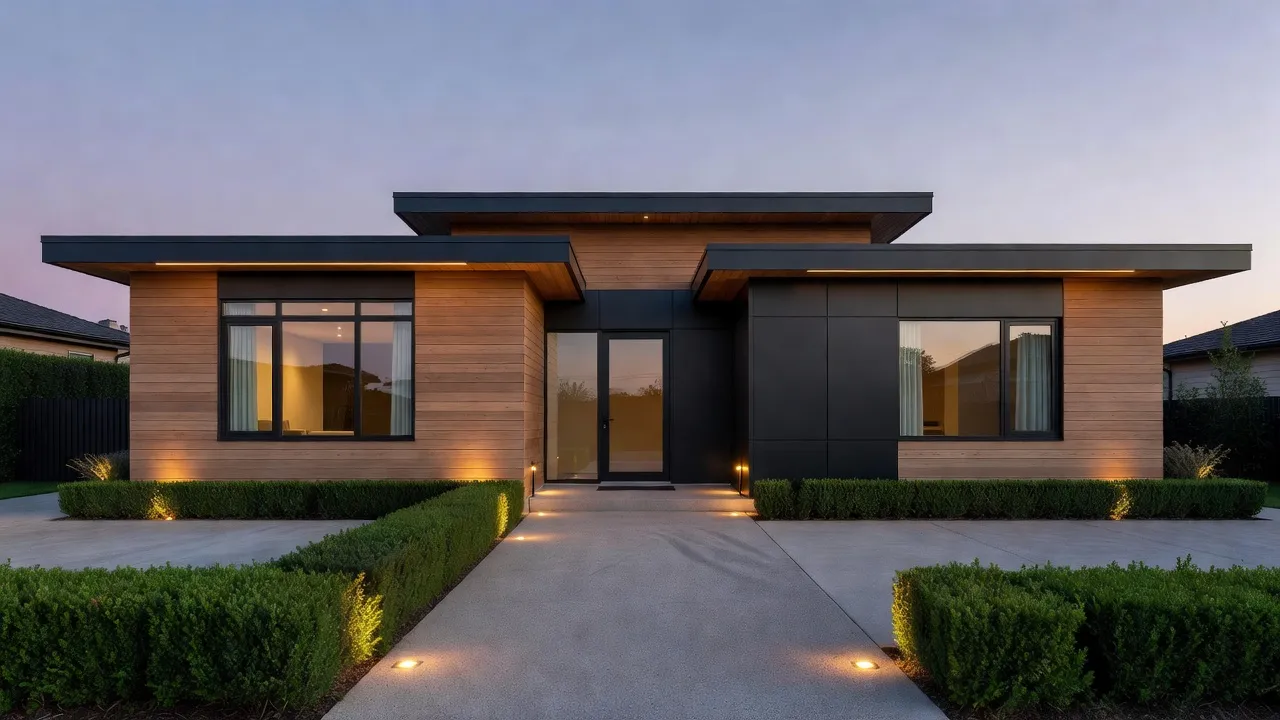
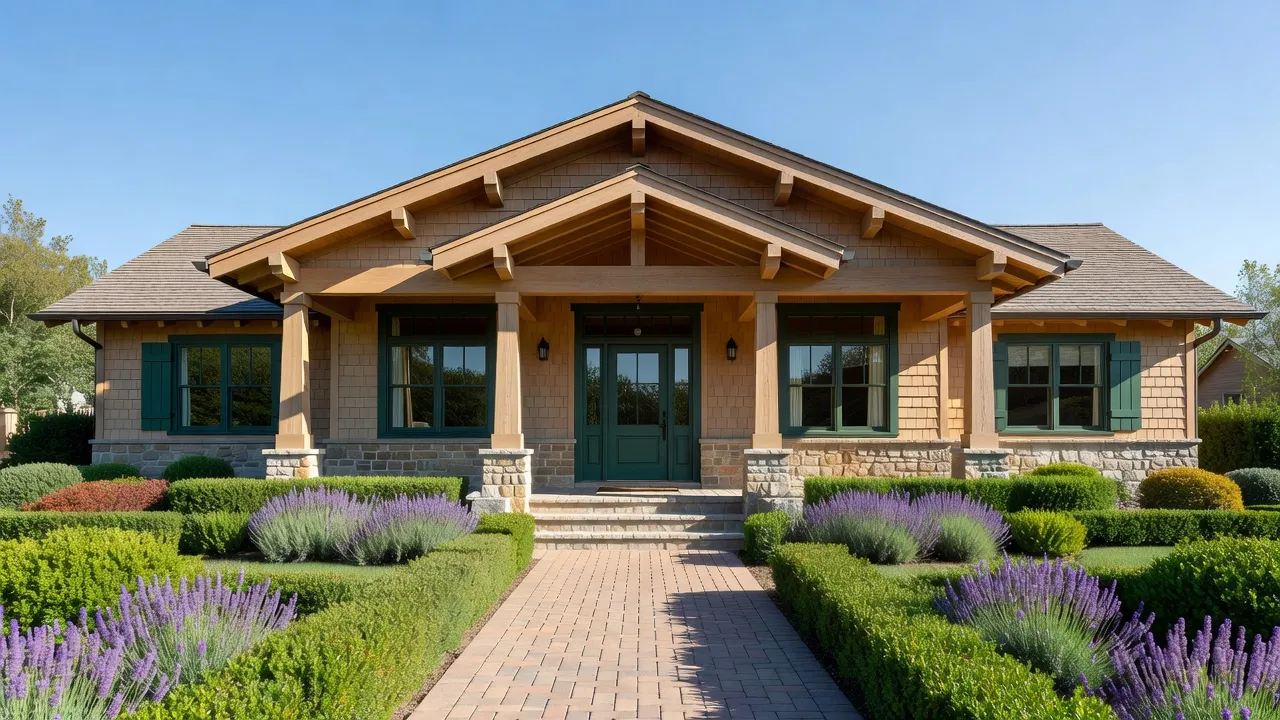
DecorAI's AI Exterior Design works from a single photo of a building and supports ten building types — Single Family Home, Townhouse, Modern Villa, Cottage, Colonial, Apartment Building, Ranch, Bungalow, Mansion and Duplex — across ten architectural styles: Modern, Colonial, Victorian, Mediterranean, Craftsman, Tudor, Contemporary, Farmhouse, Cape Cod and Industrial.
Within a chosen style, the elements it redesigns are: siding, roofing, windows, doors, landscaping, exterior lighting, garage doors, porches, shutters and trim. That's a full facade refresh in one generation — not just a new paint color, and not just the plants out front.
What it deliberately leaves alone is the building itself: the footprint, the roofline's actual shape, and where the windows and doors are physically positioned. AI Exterior Design is restyling what's there, in the same way DecorAI's interior tools redesign a room without moving its walls — the goal is a believable version of your own house, not an unrelated rendering that happens to share a style name.
How Does AI Exterior Design Work, Step by Step?
- Upload a photo of the building's facade — the same photo works for a full house, or you can crop tighter on one elevation if that's the part you're deciding about.
- Pick the building type that matches what you uploaded, so the AI reasons about proportions correctly (a Bungalow and a Mansion don't scale the same way).
- Choose one of the ten architectural styles, or generate a couple of styles back to back to compare a Craftsman version against a Modern one on the exact same house.
- Generate. DecorAI redesigns siding, roofing, windows, doors, landscaping at the facade, exterior lighting, garage doors, porches, shutters and trim to match the chosen style, while keeping the building's real shape.
- Compare results side by side before deciding which direction to take to a contractor, a paint supplier, or an HOA architectural review.
Because the whole facade regenerates together in a chosen style, the siding, trim and roofing come out as a coherent set rather than three separate decisions that might not actually match once they're all installed.
How Is Exterior Design Different From the Paint Visualizer and Garden Design?
DecorAI has three outdoor-facing tools that sound similar but answer different questions:
- The Paint Color Visualizer changes only the paint color on your existing siding and trim — it's the right tool when the materials are staying and only the color is in question.
- AI Exterior Design changes the whole facade in one generation — siding material, roofing, windows, doors, exterior lighting, garage doors, porches, shutters and trim together, as a full style change rather than a single swatch.
- Garden Design focuses on the yard itself — planting beds, lawn, hardscaping and outdoor living areas — rather than the building.
They're built to be used together: many homeowners run Exterior Design first to settle on an overall architectural direction, then use the Paint Visualizer to fine-tune the exact color once the style is decided, and Garden Design to finish the property around it. A full renovation plan usually touches all three at different stages.
See Your Own House in a New Style — Free to Try
Upload a photo of your facade and generate a redesign across 10 architectural styles, from Craftsman to Modern, before you call a contractor or a painter.


How Do You Take a Photo That Gives Good Exterior Results?
Exterior results are more sensitive to the source photo than most of DecorAI's interior tools, because the whole facade has to read correctly in one frame:
- Shoot in daylight, ideally with the sun behind you rather than behind the house — a backlit facade loses the detail the AI needs to work with.
- Stand far enough back to capture the roofline and the ground in the same frame, rather than cropping either one off.
- Photograph the facade reasonably straight on. Extreme angles distort proportions and give the AI less to preserve accurately.
- Clear the frame where you can — cars, bins and people in front of the building make it harder for the AI to read where the facade actually starts.
A five-minute walk around the property to get one clean, straight-on shot of each elevation you care about is worth more than a dozen quick angled phone photos.
Who Uses AI Exterior Design?
- Homeowners planning a real renovation, who want to see a few architectural directions on their actual house before committing to a contractor's quote.
- Sellers and agents boosting curb appeal ahead of listing photos, using the same before-and-after logic covered in DecorAI's Virtual Staging guide — inside becomes stage-ready, outside becomes photo-ready.
- Homeowners in HOA or historic-district neighborhoods, who use a generated concept as a conversation starter with an architectural review board before spending money on formal drawings — never as a substitute for the board's own approval.
- Builders and architects sketching a handful of exterior directions to discuss with a client on an existing structure, before committing design time to one option.
What Can't AI Exterior Design Do?
Exterior results are visual concepts, not construction documents. DecorAI keeps the building's real shape, but it isn't checking structural feasibility — roof structures, load-bearing walls, extensions and anything requiring planning permission still need to be verified with a qualified architect, engineer or contractor before any work happens. Treat a generated facade as a way to choose a direction, not as proof that direction is buildable as shown.
AI Exterior Design FAQ
What building types does AI Exterior Design support?
Ten: Single Family Home, Townhouse, Modern Villa, Cottage, Colonial, Apartment Building, Ranch, Bungalow, Mansion and Duplex. Picking the right one helps the AI reason about your building's proportions correctly.
Which architectural styles can I try?
Ten styles are available: Modern, Colonial, Victorian, Mediterranean, Craftsman, Tudor, Contemporary, Farmhouse, Cape Cod and Industrial. You can generate several on the same photo to compare them directly.
Is AI Exterior Design different from the AI Floor Planner?
Yes. The AI Floor Planner changes flooring inside a room. AI Exterior Design changes the outside of a building — siding, roofing, windows, doors, landscaping, exterior lighting, garage doors, porches, shutters and trim.
Does it work on apartment buildings, not just single houses?
Yes — Apartment Building is one of the ten supported building types, alongside houses, townhouses, cottages and duplexes.
Is AI Exterior Design free to try?
Yes — it's included on DecorAI's free plan, with three free generations per day and no account or credit card required to start.
Will a generated design get my HOA or planning approval?
No. It's a visual concept to help you choose a direction and start that conversation, not an approved plan. Anything structural, or anything your HOA or local planning rules require sign-off on, still needs a qualified professional and the board's or authority's own process.
Conclusion
AI Exterior Design takes the same idea DecorAI applies indoors — redesign the real photo you have, not a generic stock room — and extends it to the outside of a building, across ten building types and ten architectural styles, while keeping your house's actual shape intact. Use it on its own to explore a new facade direction, or pair it with the Paint Color Visualizer and Garden Design to finish the whole property. Upload a photo to DecorAI to see your own house in a new style, browse the full feature directory, or head back to the DecorAI homepage to get started.
Visualize Your Dream Home Instantly
Don't just read about it. Experience the power of AI interior design with DecorAI's free tool.
Start Designing for FreeWritten by
DecorAI Team
Editorial Team