
How to Plan a Move to a Smaller Home With AI Before You Pack
Downsizing means deciding what comes with you. See how to photograph the new place, empty it, try your own furniture in the room, compare a few layouts and styles, and know where a visual preview ends and a tape measure begins.
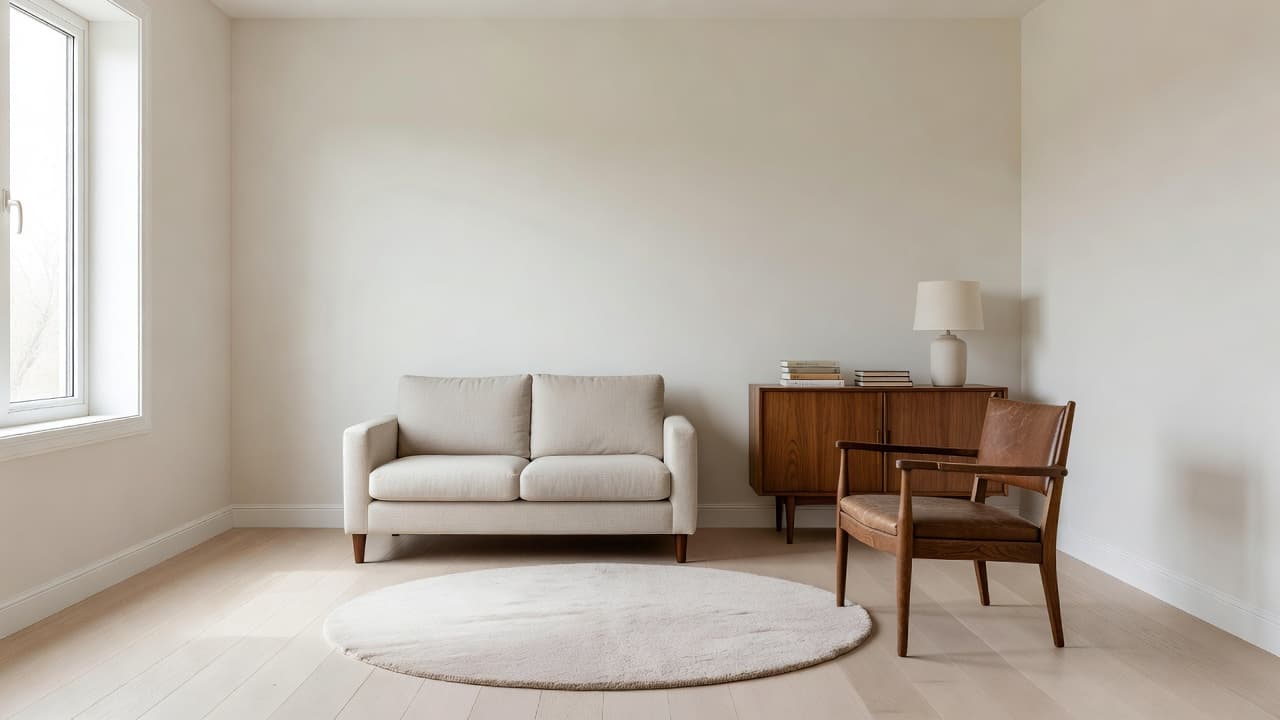
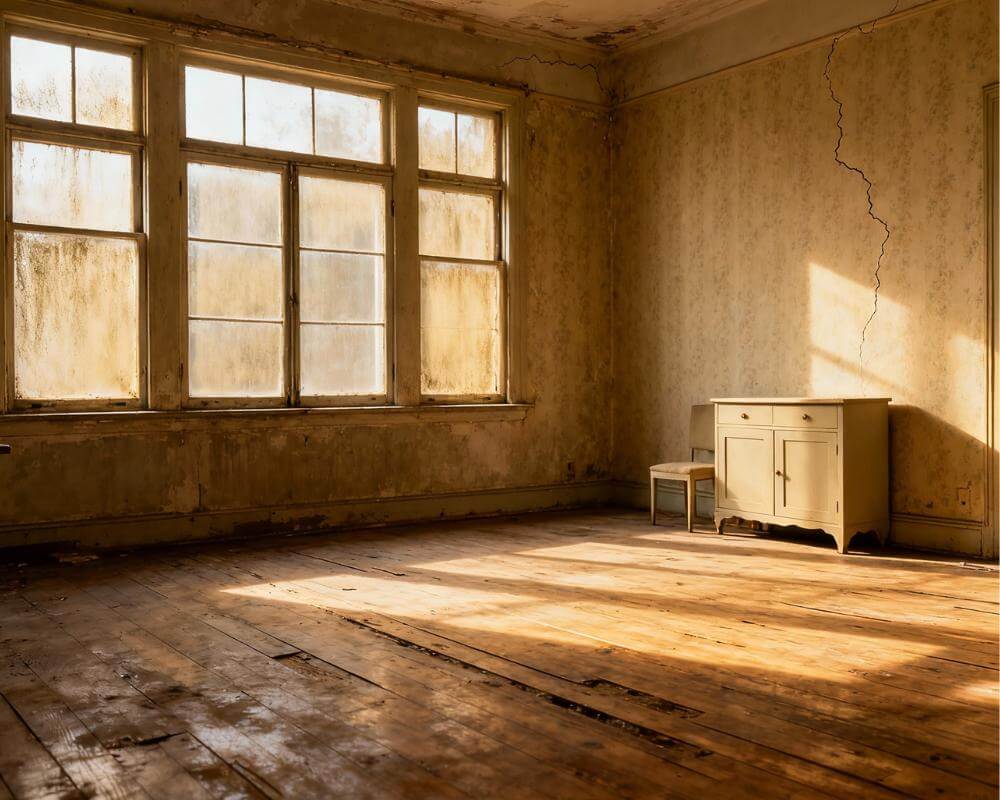
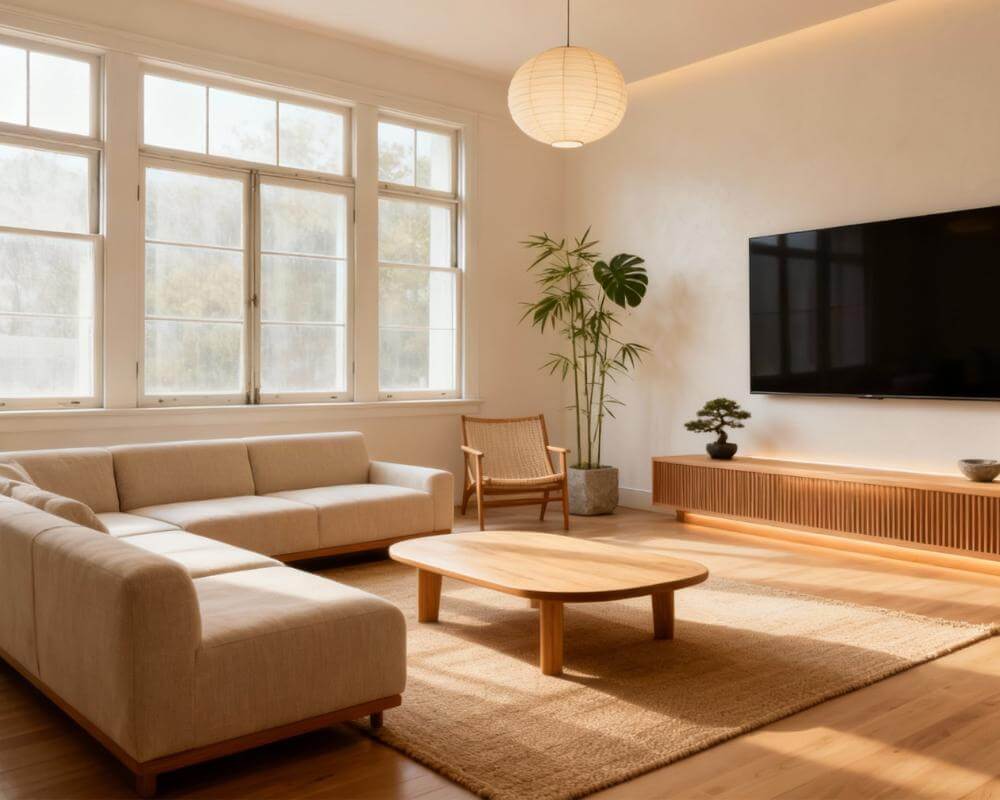
How do you decide what to keep when you are moving somewhere smaller? Most people do it the hard way: they guess, pack too much, and find out on moving day that the sofa blocks the door. DecorAI is an AI interior design app that lets users transform photos of existing rooms into realistic redesign concepts, which makes it a useful way to picture the new place, and your own favourite pieces in it, before anything goes into a box.
This guide is for people moving to a smaller home: empty nesters, first-time downsizers, anyone swapping a house for an apartment. It covers what to photograph, how to see the new rooms without clutter, how to try your own furniture in them, how to compare layouts and styles, and the part a picture cannot do for you, which is measuring.
Key Takeaways
- Start with the new rooms, not the old ones. Photograph the new home first, so every keep-or-sell decision is made against the space you will actually live in.
- Keep the pieces that matter. Furniture Import places one specific item from a photo into a room photo, so you can see whether your favourite armchair or sideboard belongs there.
- A preview shows look, not fit. DecorAI matches visual scale, not measurements. Always measure the item, the wall and the doorway before you decide.
- Compare before you commit. Generate two or three versions of the same room, such as a lighter palette or a layout with fewer pieces, and keep the one that feels calmest.
- Make the plan portable. On Pro, a Design Report gives a named colour palette and prioritised recommendations you can take to a mover, a decorator or a family member.
- Try DecorAI on a photo of your new place.
Why Preview a Downsize Before You Pack?
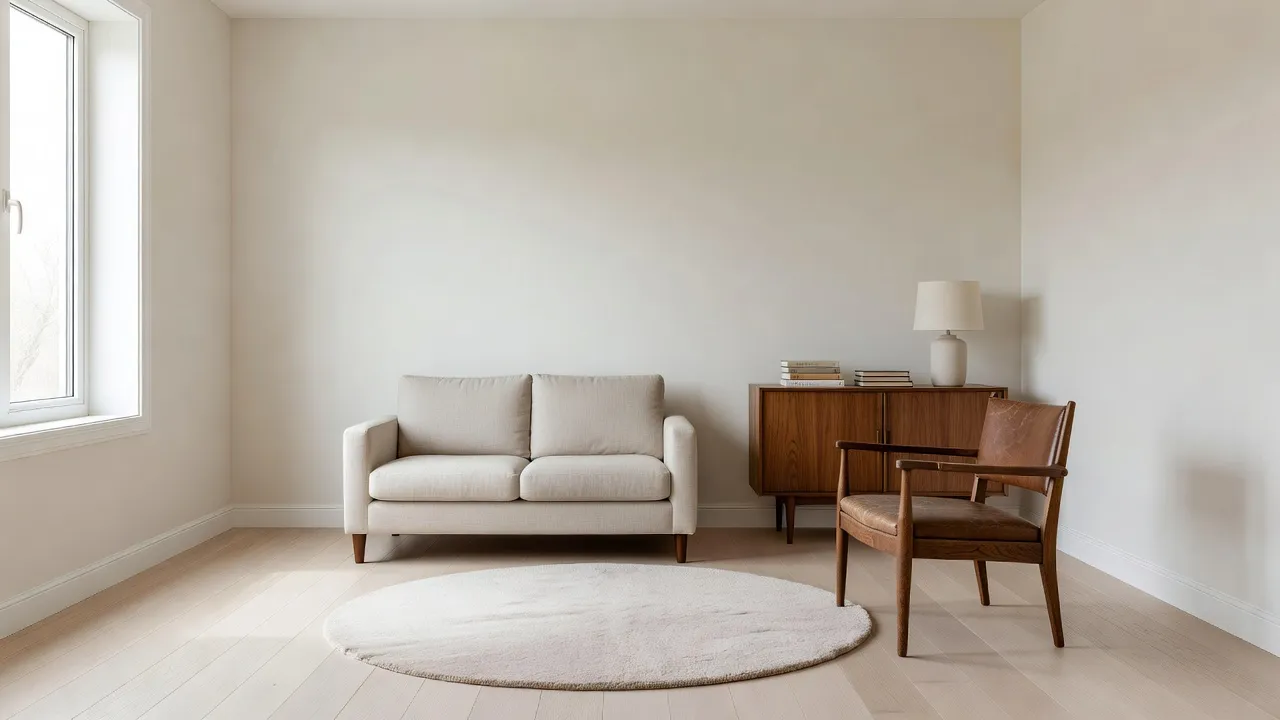
Downsizing is a series of small, emotional decisions made under time pressure. Each one is easier when you can see the result. A room that looks generous with an empty floor can feel full once a sofa, a table and two cabinets arrive, and a rug that was perfect in the old living room can swamp the new one.
A preview does not replace measuring, but it answers a different question: not "will this physically fit?" but "will this room still feel like mine?" That is the question that is hardest to answer from a floor plan. If you want the background on how the technology produces these images, our guide to how AI interior design works is a short read.
What Should You Photograph in the New Home?
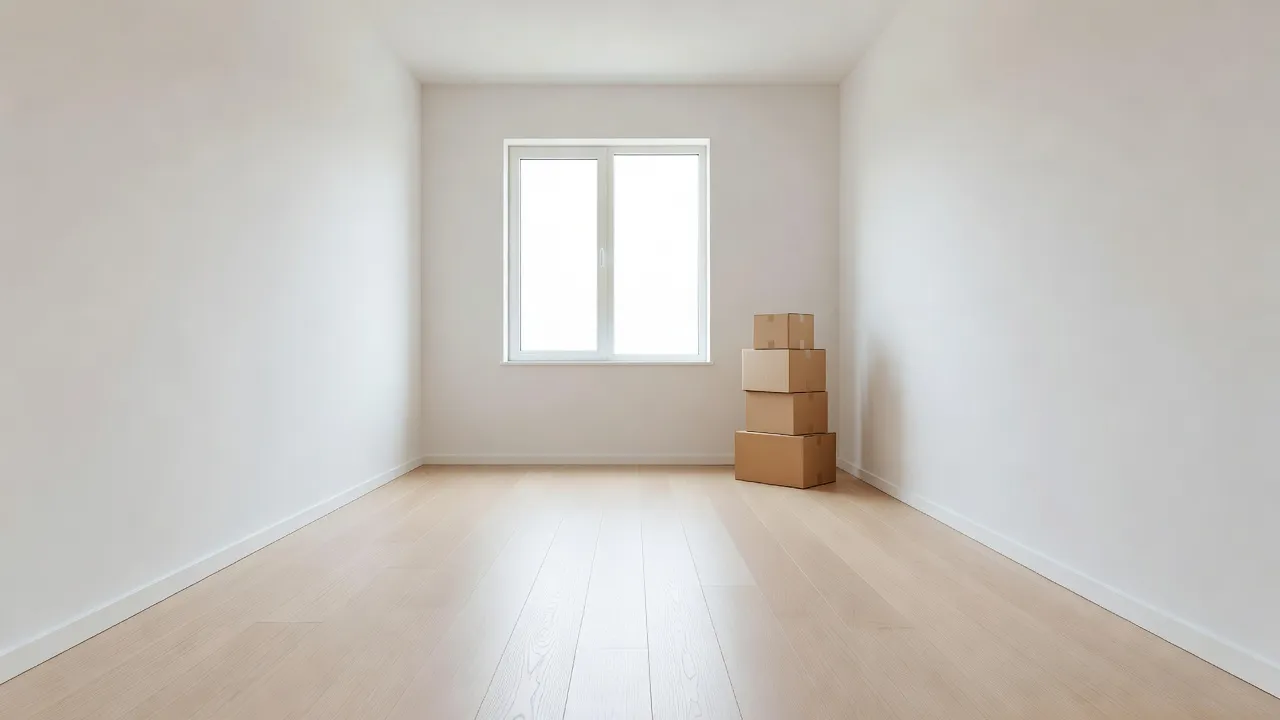
The preview follows the quality of the photo, and an empty new home is the easiest room you will ever photograph.
- Shoot each room from a corner. A wide, level view with two walls, the floor and a window gives the AI the most to work with.
- Use daylight. Open the blinds and switch off harsh overhead lights where you can.
- One clean shot per room. Take a second from the doorway to show how the room is entered.
- Photograph the awkward spots. A narrow hallway, an alcove or a bedroom with one usable wall is where a preview earns its keep.
- Write down the real measurements. Note wall lengths, the window position and the doorway width on the spot.
Our guide to photographing your room for AI design goes through angle and framing in more detail. Only upload photos you took, or have the right to edit.
What If the New Place Is Not Empty Yet?
Sometimes you only have viewing photos, or the previous owner's furniture is still there. Empty the Room removes furniture and clutter from a photo while keeping the floor, walls, windows and architecture, which lets you judge the space itself. One honest limit applies: the area behind large furniture is reconstructed plausibly rather than accurately, so treat the wall behind a big sofa as an approximation and check it in person. Our article on removing furniture from a photo with AI walks through the steps.
How Do You Try Your Own Furniture in the New Room?
This is the step that makes the preview feel personal. Furniture Import is a two-photo workflow: you upload a photo of the new room and a photo of one specific item, and DecorAI places that item into the room with matching scale, perspective and lighting. Optional instructions can say where it should stand.
- Photograph the item cleanly. Stand back, use a plain background where you can and shoot the piece straight on.
- Pick the room photo taken from the position you would normally see the item from.
- Add an instruction, such as "against the wall to the left of the window, facing the door".
- Check the result against the real dimensions. The AI matches visual scale, not measurements.
Do this for the three or four pieces you are most unsure about, rather than everything. Our guides to Furniture Import and designing around furniture you already own explain the options.
See Your New Home Before Moving Day
Upload a photo of the new room, place the pieces you love and try a calmer style. Keep the version that feels like home.


How Do You Compare Layouts and Styles for a Smaller Space?
Once the key pieces are in, generate a few versions of the same room. Smaller rooms usually reward a light, single-family palette, fewer larger pieces, mirrors and hidden storage. In the Interior Designer you can turn on Space Maximization and Multi-Functional Furniture, add Hidden Storage and a single large rug, and keep the photo angle fixed so only the decor changes. Place two versions side by side and ask which one you would rather walk into.
If the new home is a studio or a one-room flat, work zone by zone: photograph the sleeping, living and cooking areas separately and generate them in the same style. Our guides to studio apartment design and room layouts for small spaces go deeper.
Where Does a Preview End and a Tape Measure Begin?
This is the part that matters most. A preview shows a look and a mood. It does not read the building.
- Measure everything that has to fit. Furniture Import shows how a piece looks in the space. It does not verify that it fits. Measure the item, the wall and every doorway, stair and lift it must pass through.
- Leave walking room. Mark the floor with tape or paper at real size to check circulation.
- Check a wide-angle photo twice. Wide lenses can flatter a small room. Trust the measurements, not the angle.
- Structure is separate. Moving a wall, a window or a built-in needs a qualified professional. A generated image is not evidence that a change is possible or allowed.
When you have a direction, a Design Report on a Pro subscription turns it into a plan with a colour palette including hex values and prioritised recommendations. Our guide to AI Room Analysis and Design Reports covers what the report contains.
What Is a Simple Downsizing Workflow?
- Photograph and measure every room of the new home.
- Empty the Room where old furniture or clutter hides the space.
- List your doubtful pieces and photograph each one cleanly.
- Place them with Furniture Import and note what feels right.
- Compare two versions of each room, a fuller one and a lighter one.
- Confirm fit with a tape measure and mark the floor at real size.
- Sell, donate or store the rest with a clear idea of why each piece stays or goes.
Keep each room's versions together in Projects and History so you can return to them between visits. See our guide to Projects and History.
What If You Are Starting With Almost Nothing?
Some downsizers sell most of their furniture and start again. Virtual Staging furnishes an empty or under-furnished room from a photo: you choose a room type and a style, and DecorAI adds a coherent furniture and decor concept. It is a quick way to see a whole-room direction before you buy. The AI Virtual Staging page explains the feature, and our guide to AI home staging and virtual staging covers the workflow in depth.
What Mistakes Should Downsizers Avoid?
- Keeping everything "just in case". If a piece does not work in the preview and does not fit on the tape measure, let it go.
- Treating the image as a measurement. It shows appearance, not dimensions.
- Choosing a style on one photo. Compare at least two versions of a room.
- Forgetting the route in. Check doors, corridors and lifts before the sofa is on the lorry.
- Overfilling the first room. Leave breathing space; a smaller home feels larger with some empty floor.
Downsizing With AI FAQ
Can AI tell me if my furniture will fit?
No. DecorAI shows how a piece looks in the room with matching visual scale, but it does not verify that it fits. Always measure the item and the space.
Can I place my own sofa in a photo of my new home?
Yes. Furniture Import takes a photo of your room and a photo of one item, and places it with matching scale, perspective and lighting. You can add an instruction about where it should stand.
What if my new home still has the old owner's furniture?
Use Empty the Room to remove furniture and clutter from the photo while keeping the floor, walls, windows and architecture. The area behind large furniture is reconstructed plausibly rather than accurately.
How long does a preview take?
Designs are usually generated in under 10 seconds and can sometimes be ready in approximately five seconds; peak periods may take longer.
Do I need an account to try it?
No. DecorAI offers three free generations per day without requiring an account or credit card. Room Analysis and Design Reports require a Pro subscription.
Conclusion
Downsizing works best when each decision is made against the real, smaller space. Photograph the new home, clear the view with Empty the Room, try the pieces you are unsure about with Furniture Import, and compare a fuller and a lighter version of each room. Then let a tape measure make the final call on fit. Explore the full feature directory on the DecorAI app page, or open DecorAI and picture your new home before moving day.
Visualize Your Dream Home Instantly
Don't just read about it. Experience the power of AI interior design with DecorAI's free tool.
Start Designing for FreeWritten by
DecorAI Team
Editorial Team
Related Articles
How to Preview a House Flip or Rental Refresh With AI Before You Buy Materials
9 min read
Can You Preview a House Before You Buy It? Picture Your Style in a Viewing Photo With AI
9 min read
Can AI Show You What Your House Would Look Like Renovated? A Practical Preview Workflow
9 min read