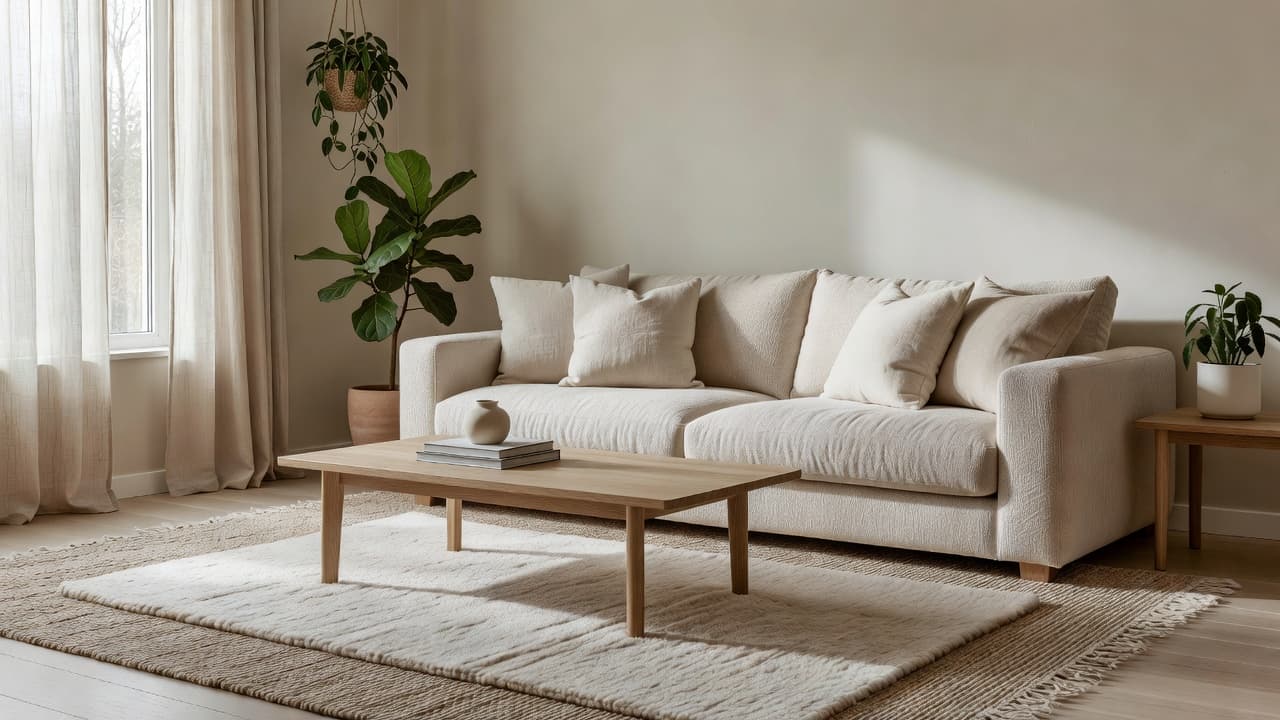
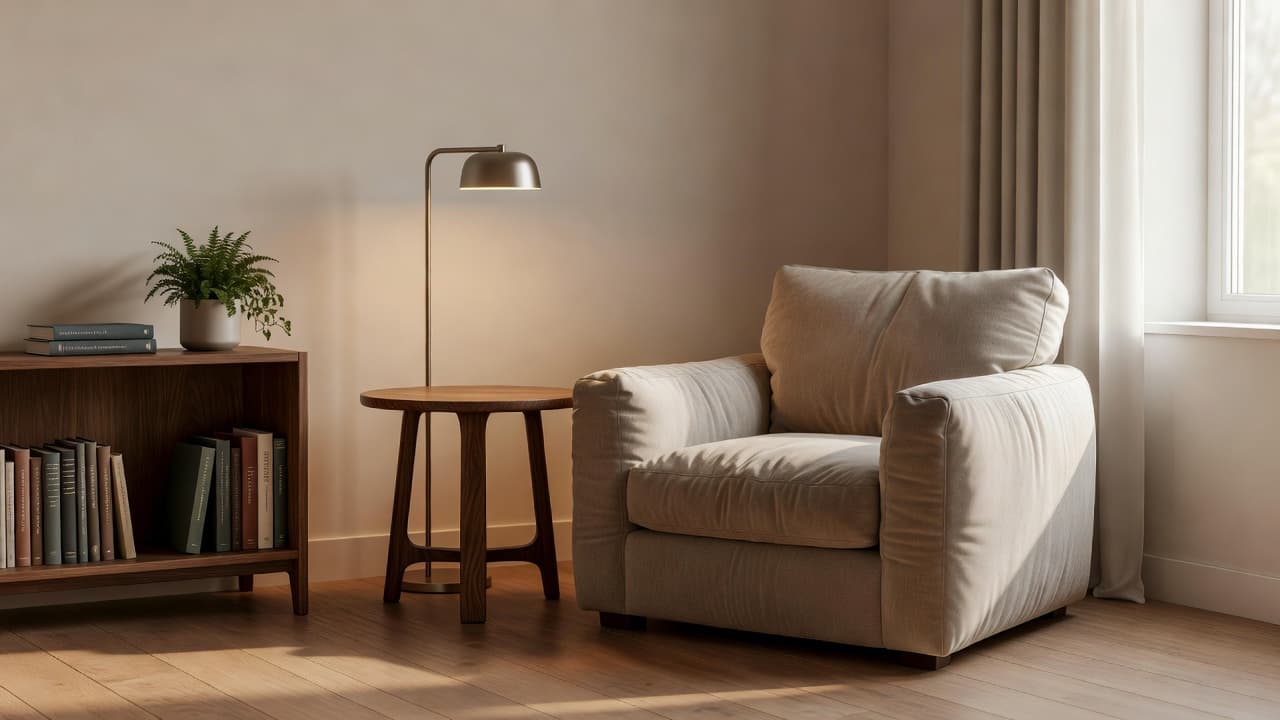
AI Furniture Import: See a Specific Piece in Your Own Room Before You Buy
How DecorAI's Furniture Import feature works: upload a photo of your room and a photo of one specific piece of furniture, and see it placed with matching scale, perspective, and lighting before you buy.
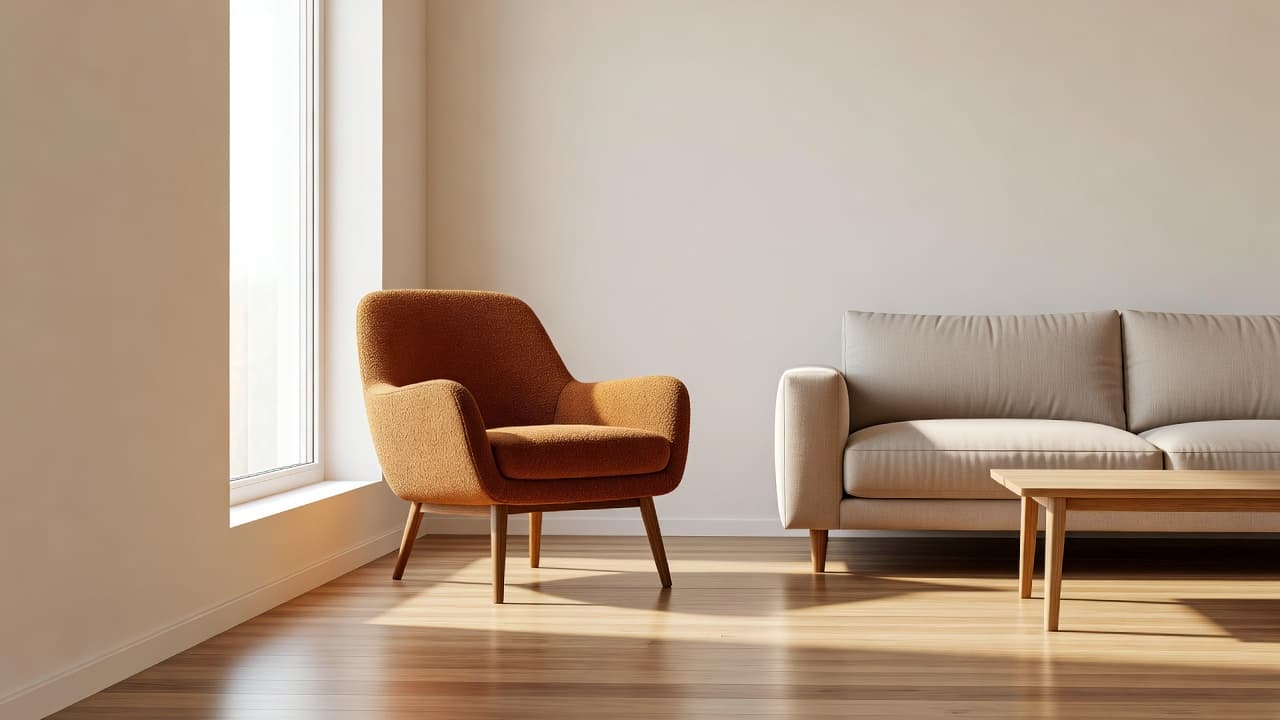

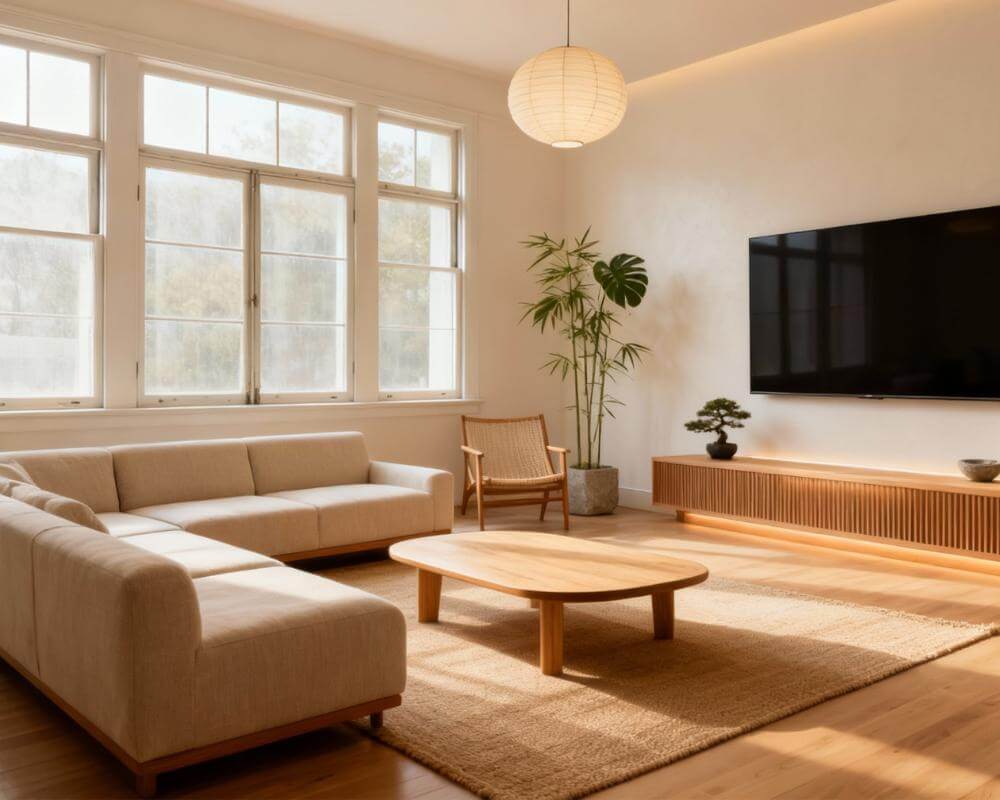
Will that sofa from the shop actually look right in your living room? DecorAI's Furniture Import answers that directly instead of leaving you to guess: upload a photo of your room and a photo of the one specific piece you're considering, and DecorAI places it into your space with matching scale, perspective, and lighting. DecorAI is an AI interior design app that lets users transform photos of existing rooms into realistic redesign concepts, and Furniture Import is the tool built for the moment a full redesign isn't the question — one product is.
Key Takeaways
- Furniture Import is a two-photo workflow: your room photo plus one photo of a specific item, placed into your space with matching scale, perspective, and lighting.
- It's built for one product at a time — a sofa from a shop listing, a chair from a showroom floor, a table from a marketplace ad.
- It's different from the AI Interior Designer's reference photos, which place up to five items you already own into a broader redesign rather than testing one new purchase.
- It matches visual scale, not measurements — always measure the item and the space before you buy.
- Try DecorAI free to see a specific piece of furniture placed in your own room.
What Is DecorAI's Furniture Import?
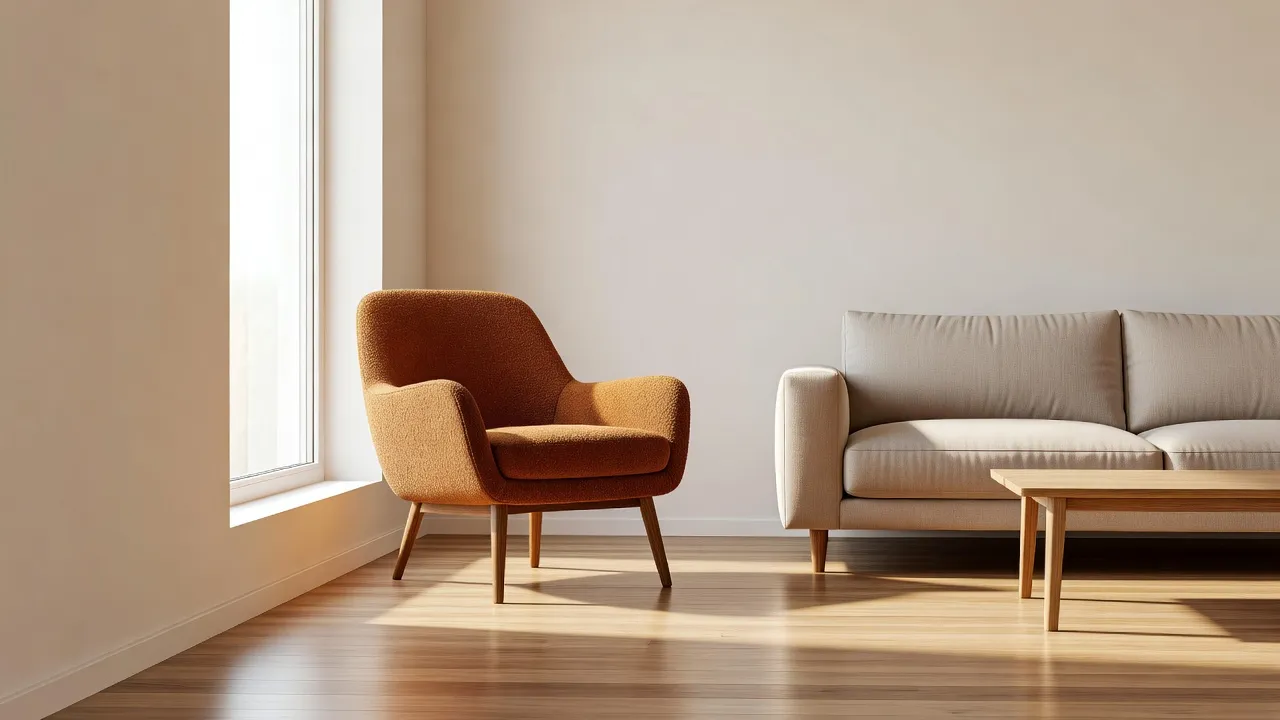
Furniture Import is a two-photo workflow inside DecorAI: you upload a photo of your room, then a photo of one specific furniture item — from a shop's website, a showroom floor, a marketplace listing, or another home — and DecorAI places that exact item into your room with matching scale, perspective, and lighting. An optional instruction tells it where the piece should stand, for example "against the wall to the left of the window, facing the sofa." The result isn't a generic room styled to match that item; it's your actual room, with that one product sitting inside it roughly the way it would if you bought it and carried it in yourself.
The feature sits on both the Free and Pro plans, and like the rest of DecorAI's tools it doesn't need any special file format — a plain product photo, ideally on a clean background, is enough to work with. It pairs naturally with our step-by-step guide to designing a room with AI if you're using Furniture Import as one step inside a larger redesign rather than a one-off check.
Furniture Import or Reference Photos — Which One Do You Need?
DecorAI actually has two separate ways to bring furniture that isn't already sitting in your room photo into a design, and they answer different questions:
| Your situation | Best tool |
|---|---|
| "I'm keeping my dining table and bookcase" | Attach them as reference photos in the AI Interior Designer |
| "I'm considering this exact sofa from a shop" | Furniture Import (two-photo workflow) |
| "I want the general look of these pins, not one product" | Moodboard redesign or Style Transfer |
The Interior Designer's reference photos handle up to five items at once, which is the right tool for a full room redesign built around furniture you're keeping. Furniture Import is narrower on purpose — one item, matched precisely — which is what actually answers "will this specific piece work here?" Our guide to designing around furniture you already own covers the reference-photo route in more depth.
See a Specific Piece in Your Room — Free to Try
Upload a photo of your room and a photo of the sofa, chair, or table you're considering, and see it placed with matching scale, perspective, and lighting before you spend anything.


How Do You Get an Accurate Placement?
Furniture Import's accuracy depends heavily on the two source photos, more than on any setting inside the app. Four things make the biggest difference:
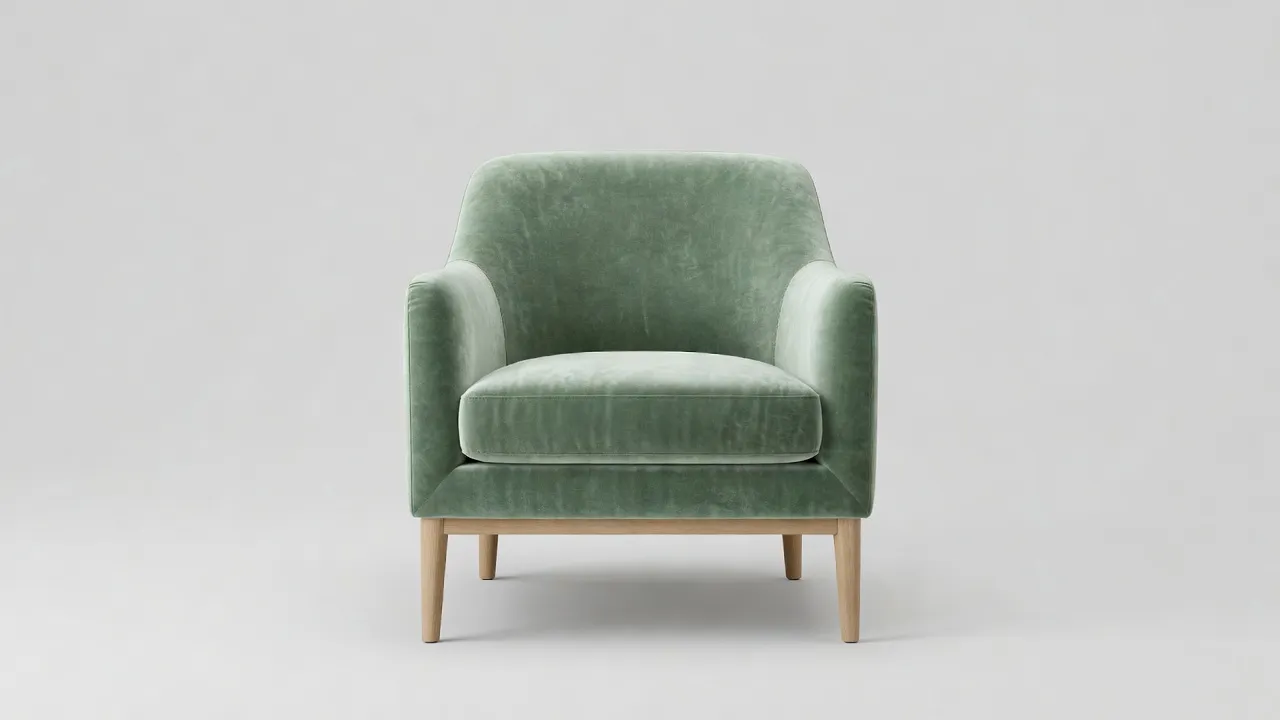
- Use a clean product photo. An item shot straight-on against a plain background — the kind most retailers already provide — gives the AI a clear read on its true shape, proportions, and material.
- Photograph your room from where you'd actually see the item. If the piece is going in a corner you pass while entering, shoot the room from roughly that angle rather than a straight-on real-estate shot.
- Add a placement instruction. A short note like "against the wall to the left of the window, facing the TV" resolves ambiguity the two photos alone can't.
- Check the result against the item's real dimensions. The AI matches visual scale convincingly, but it isn't measuring anything — treat the render as a strong preview, then confirm the numbers yourself.
What Furniture Import Can't Do
The single most important limitation is worth repeating on its own: Furniture Import matches visual scale, not measurements. It shows you convincingly how a piece would look in your space — proportion, color, how it sits against your light — but it doesn't know the actual centimeters or inches involved. A sofa that looks perfectly sized in the render can still be four inches too long for the wall in real life. Always measure the item and the space before you buy, the same way you would with a paper template or masking tape on the floor.
It's also a placement tool, not a structural one: it won't tell you whether a floor can bear a stone dining table's weight, whether a doorway is wide enough to get a sectional through, or whether a fabric will actually match a paint color under your specific lighting once it arrives. Treat it as a fast way to rule out pieces that obviously won't work and build confidence in the ones that might — not as a replacement for a tape measure and a fabric swatch.
Who Actually Uses Furniture Import?
A few situations come up constantly:
- Shoppers comparing a specific listing against their own room, rather than an inspiration photo taken in someone else's home with different light and proportions.
- Renters and buyers deciding whether a showroom piece will actually fit their space before committing to a delivery that may be non-refundable.
- People combining a piece they already own — a family heirloom, an existing bed frame — with a room they're otherwise redesigning, keeping that one item fixed while everything else changes.
- Agents and stagers testing a specific rental furniture package against a listing photo before booking it, alongside the broader Virtual Staging workflow for fully furnishing an empty room.
In every case, the appeal is the same: seeing one real decision made visible on your actual walls, instead of imagining it from a product thumbnail on a white background.
How Is Furniture Import Different From Inpainting and Style Transfer?
DecorAI has several tools that sound adjacent to Furniture Import, and it's worth being precise about which does what:
- Furniture Import places one specific product photo into your room, matched for scale, perspective, and lighting.
- The Inpainting editor changes only the area you paint over — useful once a piece is already in your design and you want to swap it for something else without touching the rest of the room. Our guide to AI Room Analysis and Design Reports covers the tools that pick up after a design is finished.
- Style Transfer applies the palette and material language of a reference image to your whole room, rather than placing one literal product inside it.
They're built to be used together: Furniture Import to test the one piece you're actually about to buy, Inpainting to swap out something small once the rest of the room is settled, and Style Transfer when you're after a look rather than a specific object. The full set lives under the DecorAI feature directory.
Furniture Import FAQ
What does Furniture Import do?
Furniture Import is a two-photo workflow: you upload a photo of your room and a photo of one specific furniture item, and DecorAI places that item into your room with matching scale, perspective, and lighting. An optional instruction can specify where it should stand.
Does Furniture Import measure whether a piece will actually fit?
No. It matches visual scale convincingly but does not verify real-world measurements. Always measure the item and the space yourself before buying.
Can I use a photo from a shop's website?
Yes — a straight-on product photo against a plain background, the kind most retailers already provide, is exactly what Furniture Import works best with.
Is Furniture Import different from adding my own furniture in the Interior Designer?
Yes. The AI Interior Designer accepts up to five reference photos of items you already own for a broader redesign built around them. Furniture Import is narrower and more precise: one specific product, tested on its own.
Is Furniture Import free to use?
It's available on both the Free and Pro plans.
Conclusion
Furniture Import turns "would this actually work in my room?" from a guess into something you can look at: your real walls and light, with the exact piece you're considering sitting inside them. Start with a clean product photo and a room photo shot from where you'd actually see the item, add a short placement instruction, and treat the result as a strong preview rather than a tape measure. Upload your own photos to DecorAI to try it, explore the rest of the toolkit in the feature directory, or head back to the DecorAI homepage to get started.
Visualize Your Dream Home Instantly
Don't just read about it. Experience the power of AI interior design with DecorAI's free tool.
Start Designing for FreeWritten by
DecorAI Team
Editorial Team