
How to Preview a House Flip or Rental Refresh With AI Before You Buy Materials
Planning a flip, a landlord refresh or a pre-sale update? See how to turn photos of the property into AI redesign previews: empty the rooms, test floors and colours, set a budget, stage neutrally, and know where a preview ends and a contractor begins.
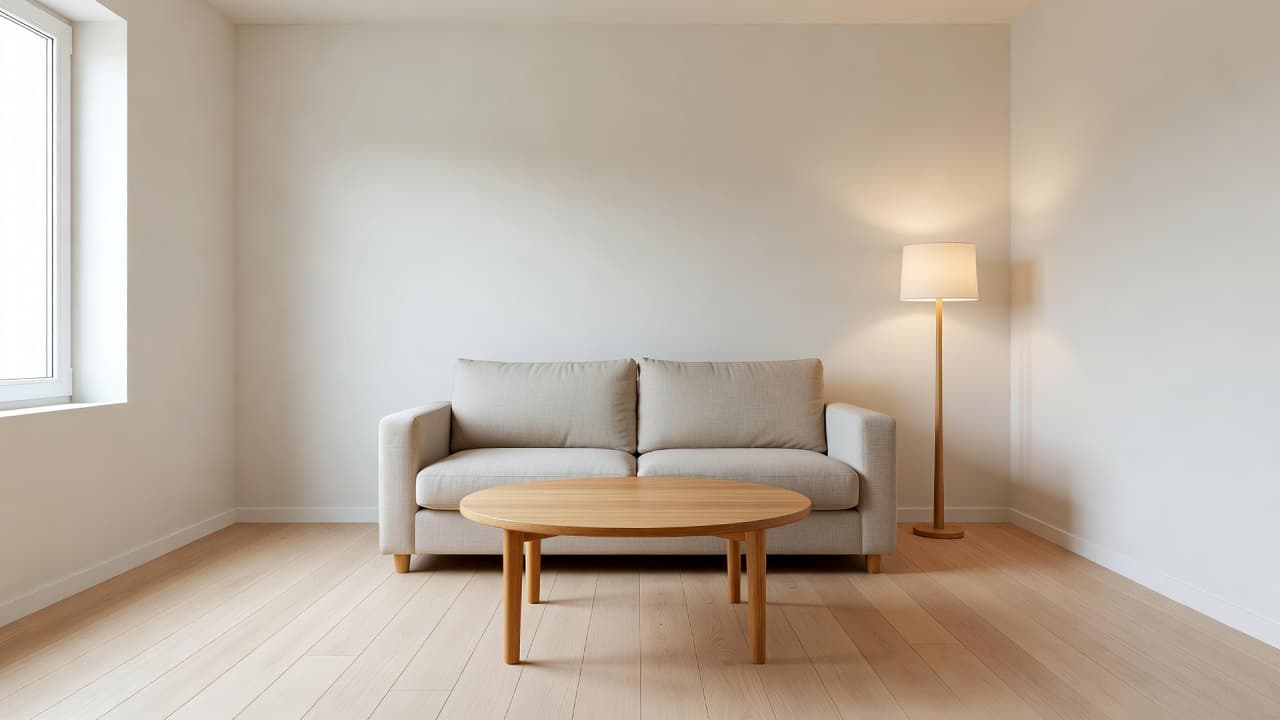
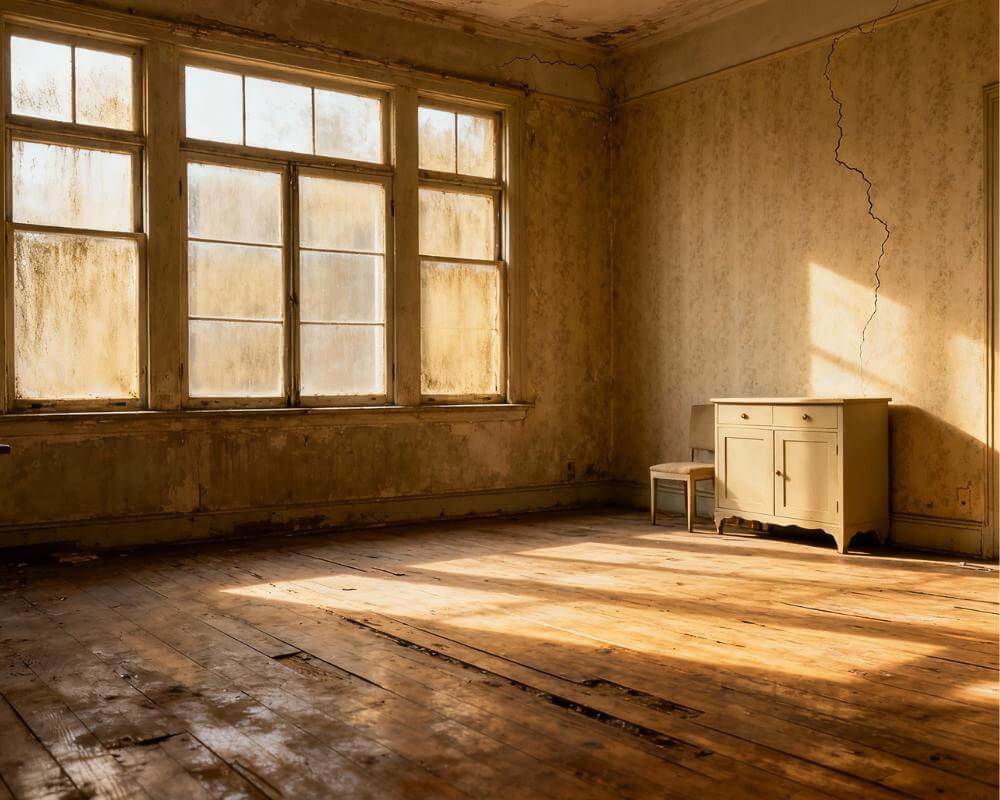
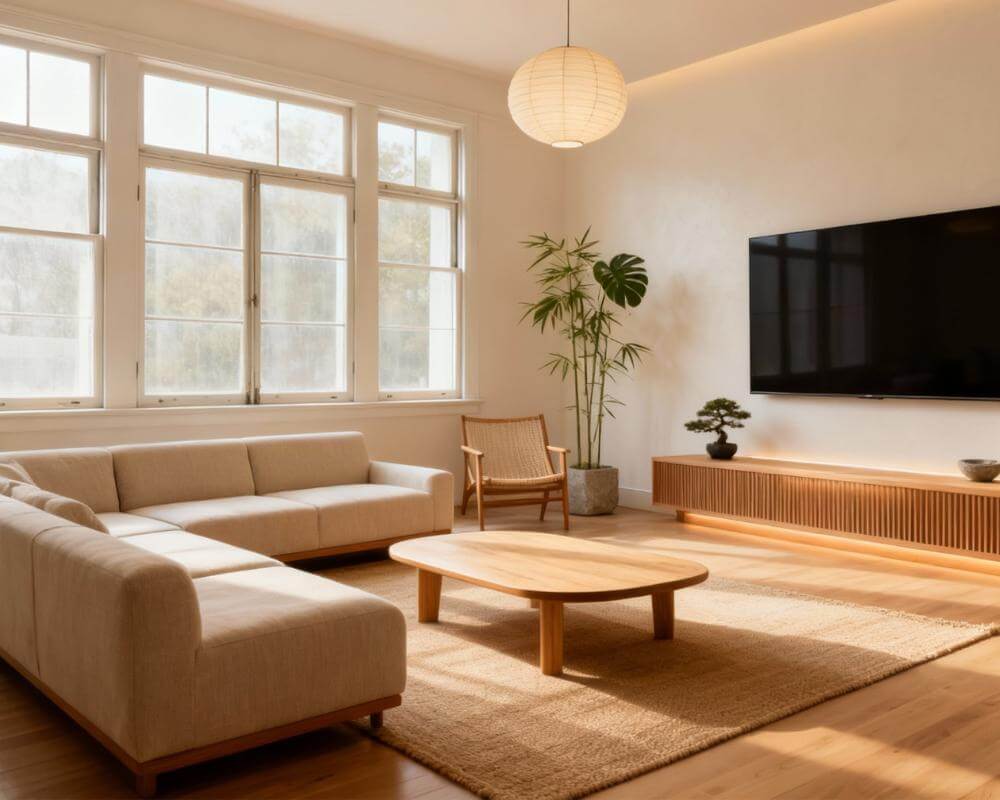
How do you know a flip or a rental refresh will look right before you spend the money? Most investors decide on paint, floors and fittings from swatches, samples and imagination, and the expensive mistakes only show up once the work is done. DecorAI is an AI interior design app that lets users transform photos of existing rooms into realistic redesign concepts, which makes it a cheap way to test the cosmetic decisions on the actual rooms before you commit.
This guide is for people who renovate to sell, to let or to hold: first-time flippers, landlords with a tired unit, and owners about to list. It covers what to photograph, how to see past the current mess, how to test the finishes that cost the most, how to keep a budget under control, and where a preview stops and a builder, surveyor or local rule takes over.
Key Takeaways
- Test finishes on the real room. DecorAI works from a photo of the actual room, so the preview keeps the real walls, windows and camera angle while you change floors, colours and furnishings.
- Choose neutral on purpose. For a property you are selling or letting, the aim is broad appeal, not personal taste. Generate two or three neutral directions and pick the one that photographs best.
- Separate cosmetic from structural. A preview is good at paint, flooring, styling and staging. It cannot tell you whether a wall can move, what a permit requires or what a builder will charge.
- Use the Design Report as a starting point. On Pro, a Design Report gives a colour palette with hex values, prioritised recommendations and a three-tier cost estimate in your local currency, as a planning figure and not a quotation.
- Disclose staged images. If you use staged photos in a listing, label them as digitally staged and check the rules where you list.
- Try DecorAI on the photos from your next walkthrough.
Why Preview a Flip Before You Buy Materials?
On a flip or a rental, every cosmetic choice is paid for twice: once at the supplier and again if it turns out wrong. A grey floor that looks fresh in a showroom can look cold in a north-facing room. A bold kitchen colour that you love can narrow the pool of buyers or tenants. A preview does not remove that risk, but it moves the mistake from the site to a phone screen, where fixing it costs a few seconds.
It also gives you something concrete to show partners, lenders, agents and tradespeople. Instead of describing a finish, you can show the same room in two versions. If you want the background on how the technology produces these images, our guide to how AI interior design works is a short read.
What Should You Photograph at the Walkthrough?
The preview follows the quality of the photo, so take a few minutes over it while you are on site.
- Shoot from a corner. A wide, level view with two walls, the floor and a window gives the AI the most to work with.
- Use daylight. Open the curtains and switch off harsh work lights where you can.
- One clean shot per room. Move the ladders, tools and bags out of frame, or take the photo after a quick tidy.
- Photograph the awkward spots. Dated kitchens, tired bathrooms and dead corners are where a preview earns its keep.
- Write down the real measurements. A photo is not a drawing. Note dimensions on the spot.
Our guide to photographing your room for AI design goes through angle and framing in more detail. Only upload photos you took, or have the right to edit.
How Do You See Past Clutter and Dated Decor?
Empty the Room removes furniture and clutter from a photo while keeping the floor, walls, windows and architecture. It is the right first step on a property full of the previous owner's things, because it lets you judge the space itself: how much light it gets, how it is shaped and where the doors fall. One honest limit applies. The area behind large furniture is reconstructed plausibly rather than accurately, so check the real wall in person. Our article on removing furniture from a photo with AI walks through the steps.
Which Finishes Should You Test First?
Test the choices that are expensive or hard to reverse. Everything else can be decided on site.
- Flooring. The AI Floor Planner replaces only the visible flooring and leaves furniture, walls, windows and lighting unchanged, so the only difference between two generations is the floor. Types include hardwood, tile, carpet, laminate, vinyl, concrete, stone and bamboo. See the AI Floor Planner page.
- Wall and cabinet colour. Run the same photo through two or three colour schemes. Seeing your own cabinets in sage or warm white settles most debates faster than a sample pot.
- One problem feature. If a single element, such as a heavy fireplace surround, is the issue, the Inpainting editor lets you paint over just that area, describe what should be there and leave the rest unchanged.
- The overall style. A neutral Modern, Scandinavian or Coastal look is usually the safe family for a sale or a let. Compare a couple on the same photo.
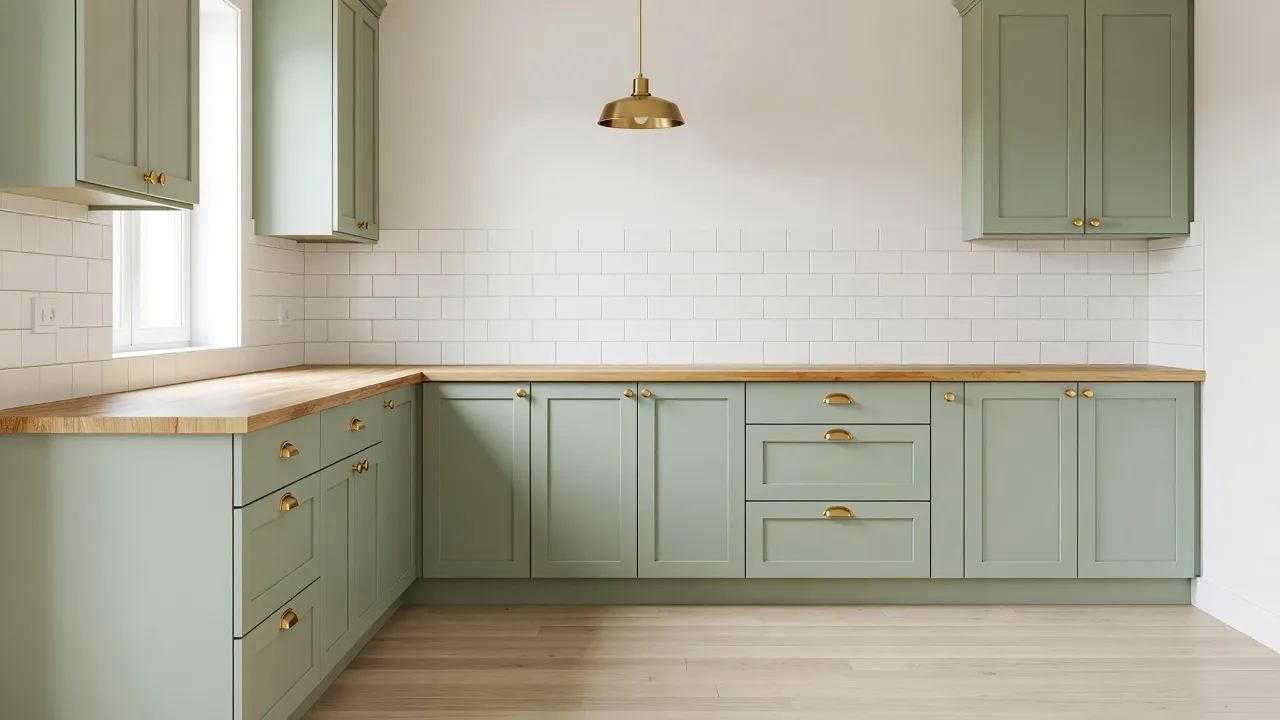
Test the Refresh Before You Pay for It
Upload a photo of the property, empty the room and try floors, colours and styles in seconds. Keep the version that sells or lets best.


How Do You Keep the Budget Under Control?
The cheapest changes tend to move a photo the most: lighting, paint, textiles, decluttering and a single new floor. Turn on the Budget-Friendly control, keep the room details and the photo angle fixed so only the decor changes, and generate a budget version and a more premium version of the same room. Placing them side by side makes it obvious which upgrades are worth paying for. Our guide to budget-friendly upgrades with AI expands on this.
When you have settled on a direction, a Design Report on a Pro subscription turns it into a plan: a named colour palette with hex values, five to seven prioritised recommendations, a three-tier cost estimate with per-category breakdown, an ordered action plan and a PDF. The estimate is priced in your local currency and is planning-grade only. It excludes local labour rates, delivery, waste removal, permits and taxes, so it will not match a contractor's quote. Our guide to AI Room Analysis and Design Reports covers what the report contains.
How Do You Stage the Finished Property?
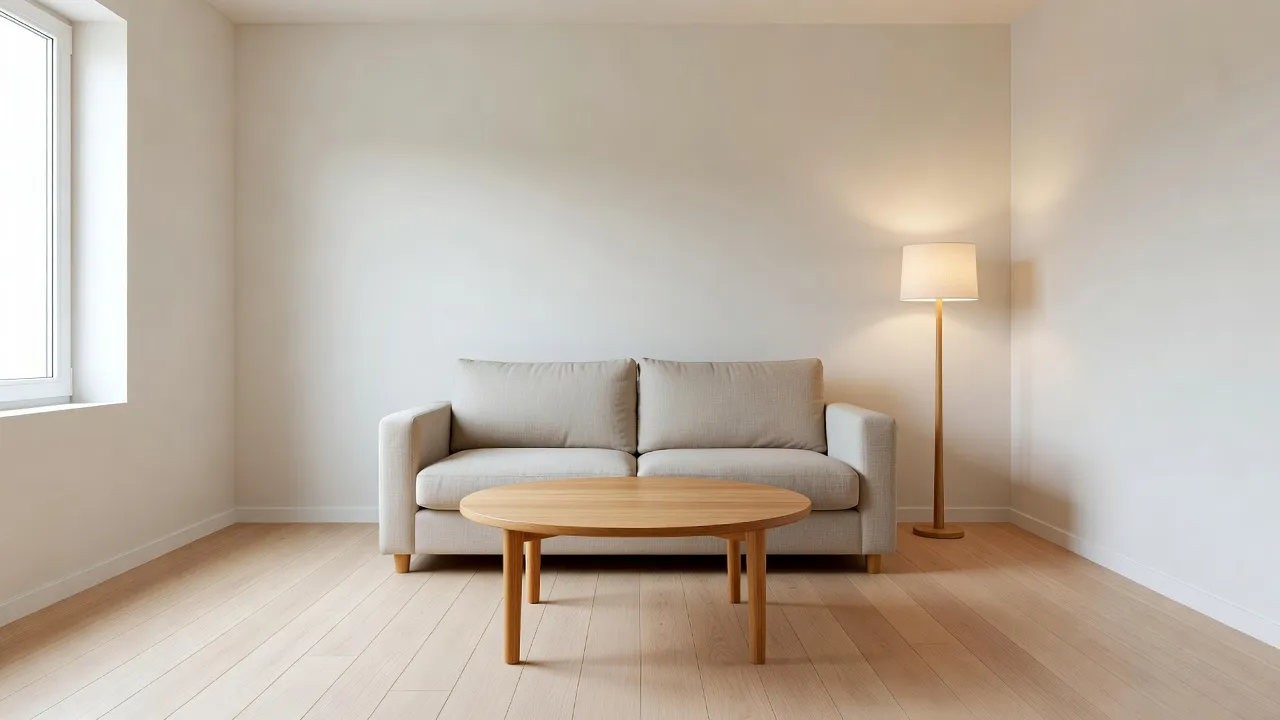
For a sale or a let, listing photos do much of the selling. Virtual Staging furnishes an empty or under-furnished room from a photo: you choose a room type and a style, and DecorAI adds a coherent furniture and decor concept. Keep the style broad and calm, keep the framing the same as the real photo so viewers can match rooms, and label every staged image as digitally staged. Disclosure rules vary by market and portal, so check the rules that apply where you list. The AI Virtual Staging page explains the feature, and our guide to AI home staging and virtual staging covers the listing workflow in depth.
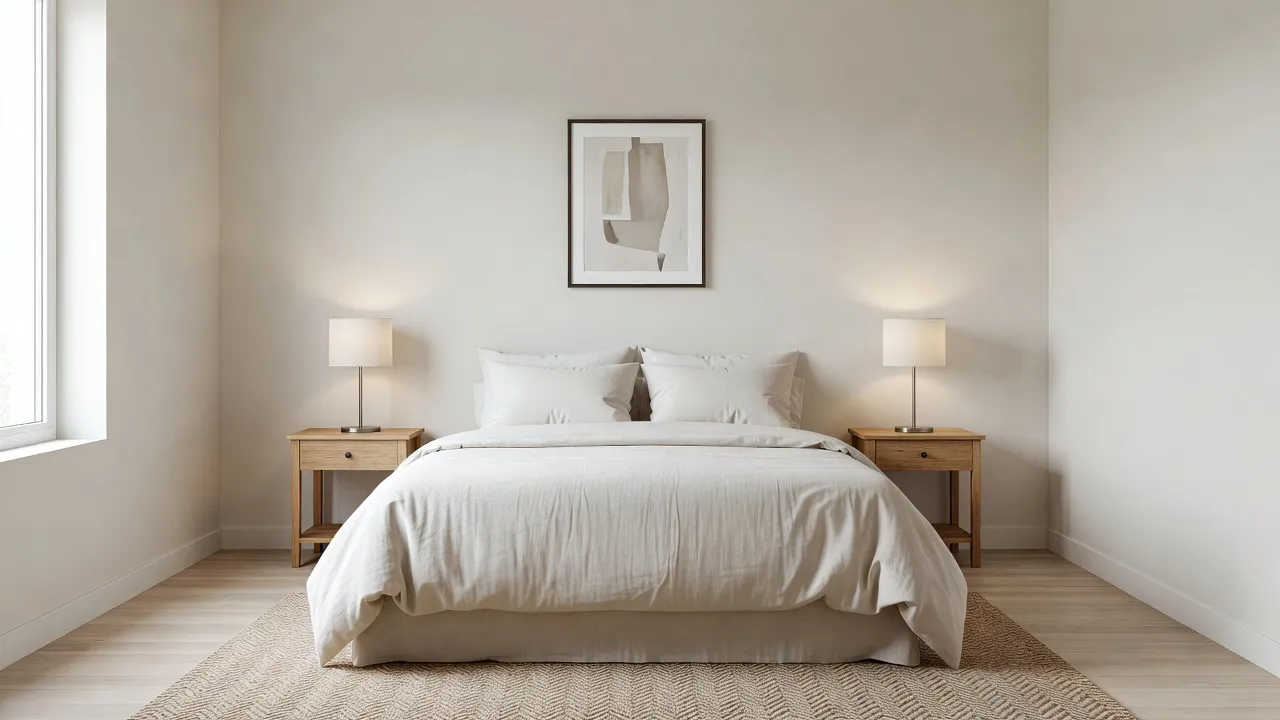
If the unit is a short-term rental, the same approach applies with a guest in mind. Restyle a tired room, add a workspace corner with the Corner Designer, and choose a durable neutral look over a fashionable one. See our guide to AI interior design for short-term rentals, and the article on DecorAI for real estate agents if an agent handles your listing.
Where Does a Preview End and a Contractor Begin?
This is the part that matters most for anyone putting money into a property. A preview shows a finish and a mood. It does not read the building.
- Structure and services. Walls, roofs, damp, wiring, plumbing and heating need a proper inspection.
- Permissions. Removing a wall, moving a window or changing an exterior needs a qualified professional and, often, a permit. A generated image is not evidence that a change is possible or allowed.
- Real dimensions. A wide-angle photo can flatter a space. Measure before you order cabinets or flooring.
- Real quotes. Get written quotes from tradespeople for the work you actually do.
The best use of a preview here is as a brief. Hand the before-and-after image and the Design Report PDF to your contractor, and state clearly that the image is a concept and not a specification. Our guide to using an AI redesign as a brief for a contractor or designer shows how. For a related buyer-side view, see how to preview a house before you buy it.
What Is a Simple Workflow for a Flip or Refresh?
- Photograph every room from a clean corner in daylight and note the measurements.
- Empty the Room where clutter hides the space.
- Test the expensive finishes: floor first, then wall and cabinet colour.
- Compare a budget and a premium version of the same room and pick the one that earns its cost.
- Save the winner as a plan with a Design Report, then take it to your tradespeople for real quotes.
- Stage the finished rooms for the listing and label them as digitally staged.
Keep each property's versions together in Projects and History so you can return to them between site visits.
What Mistakes Should Investors Avoid?
- Designing for yourself. A flip is for the next owner. Aim for broad appeal.
- Treating the preview as a quote. The cost estimate is an order of magnitude, not a price.
- Skipping the inspection. A beautiful picture does not make a house sound.
- Undisclosed staging. Always label digitally staged listing photos.
- Changing everything at once. Test one or two decisions at a time so you can see what moved the room.
House Flip Preview FAQ
Can AI show me a flip before I renovate?
It can show a concept of the cosmetic changes, from photos of the real rooms. DecorAI keeps the real walls, windows and camera angle and changes the floors, colours, furniture and style you choose.
Can I test flooring before I buy it?
Yes. The AI Floor Planner replaces only the visible flooring and leaves everything else unchanged, so you can compare floor types such as hardwood, tile or laminate.
Is the Design Report cost estimate a quote?
No. It gives budget, mid-range and premium tiers in your local currency as a planning figure. It excludes local labour rates, delivery, waste removal, permits and taxes.
Do I have to disclose virtually staged photos?
You should label them as digitally staged, and rules vary by market and portal, so check where you list.
How long does a preview take?
Designs are usually generated in under 10 seconds and can sometimes be ready in approximately five seconds; peak periods may take longer.
Do I need an account to try it?
No. DecorAI offers three free generations per day without requiring an account or credit card. Room Analysis and Design Reports require a Pro subscription.
Conclusion
A flip or a rental refresh is won on the cosmetic decisions: the floor, the colour, the kitchen finish and how the finished rooms photograph. Previewing those decisions on photos of the real property is a fast, inexpensive way to avoid the costly ones. Empty the rooms, test the expensive finishes, compare a budget and a premium version, and pick the neutral look that suits the widest audience. Then let the professionals handle structure, permits and quotes. Explore the full feature directory on the DecorAI app page, or open DecorAI and preview your next project.
Visualize Your Dream Home Instantly
Don't just read about it. Experience the power of AI interior design with DecorAI's free tool.
Start Designing for FreeWritten by
DecorAI Team
Editorial Team
Related Articles
Can You Preview a House Before You Buy It? Picture Your Style in a Viewing Photo With AI
9 min read
Can AI Show You What Your House Would Look Like Renovated? A Practical Preview Workflow
9 min read
Which DecorAI Feature Should You Use? A Decision Guide for Every Room Project
9 min read