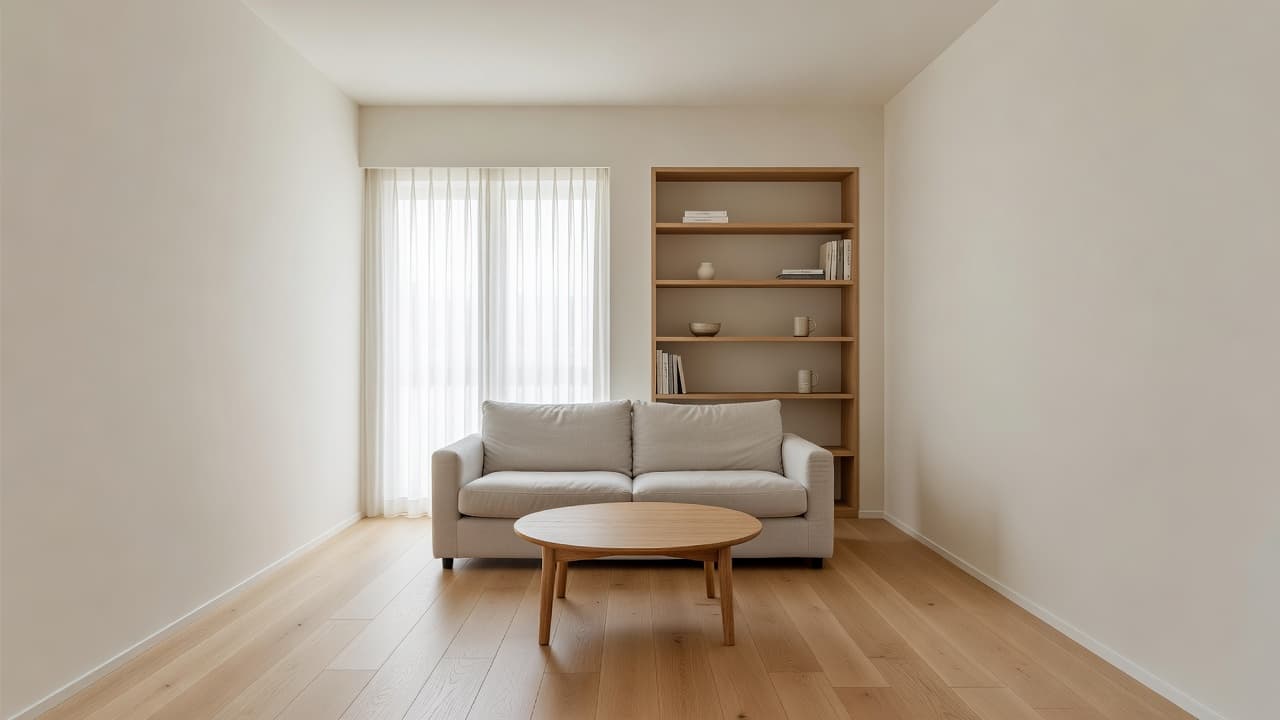
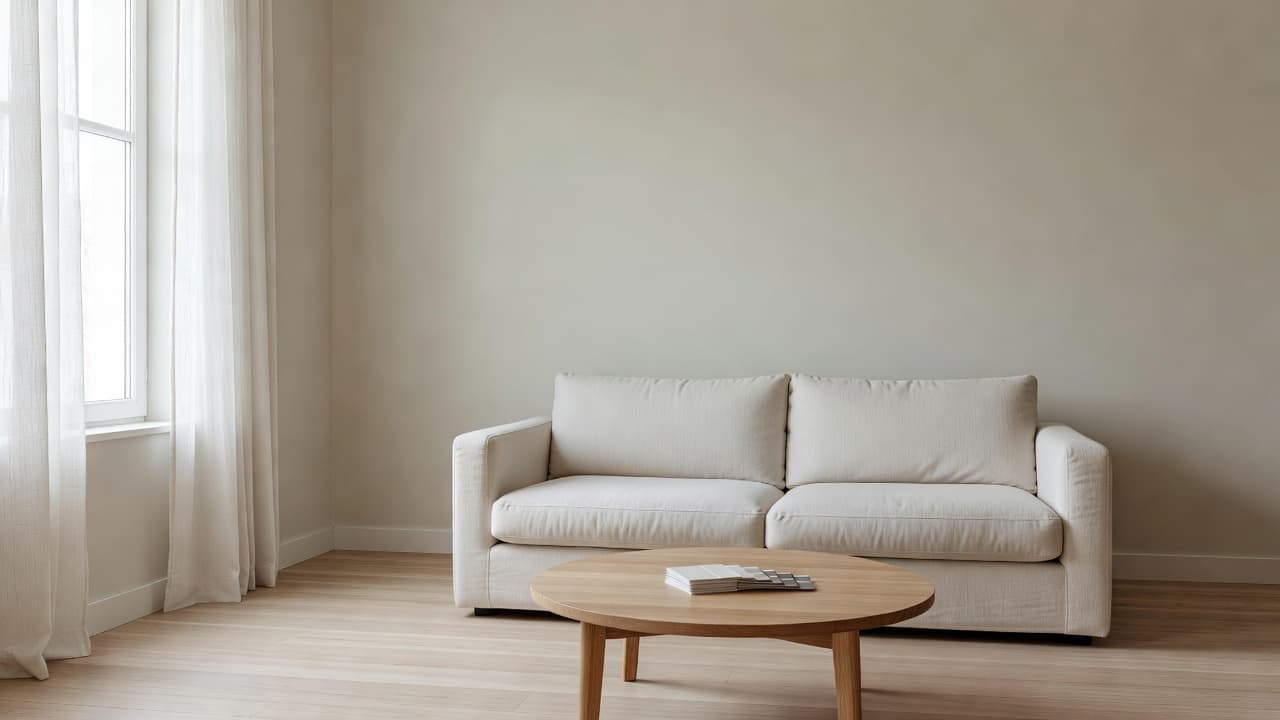
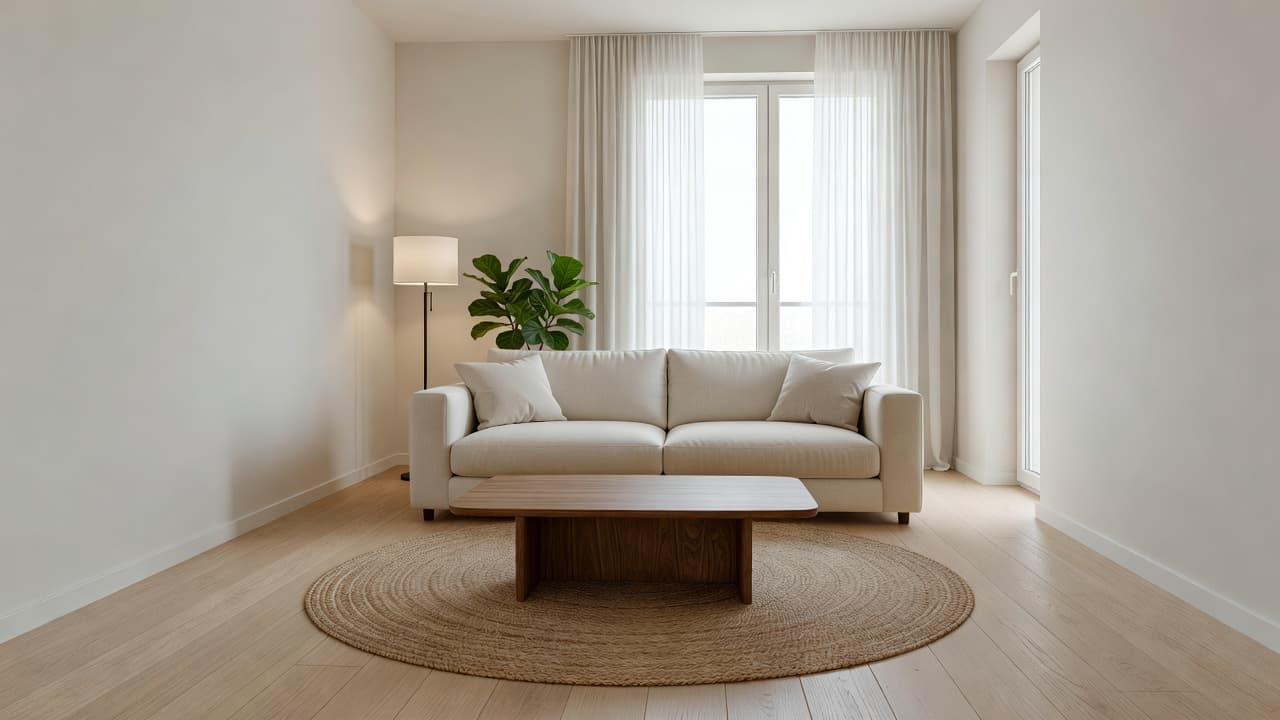
Can You Preview a House Before You Buy It? Picture Your Style in a Viewing Photo With AI
Viewing a home and cannot picture it as yours? See how to turn your own viewing photos into redesign previews with AI: empty rooms, test floors and colours, check whether your furniture suits, and know what a photo cannot tell you.
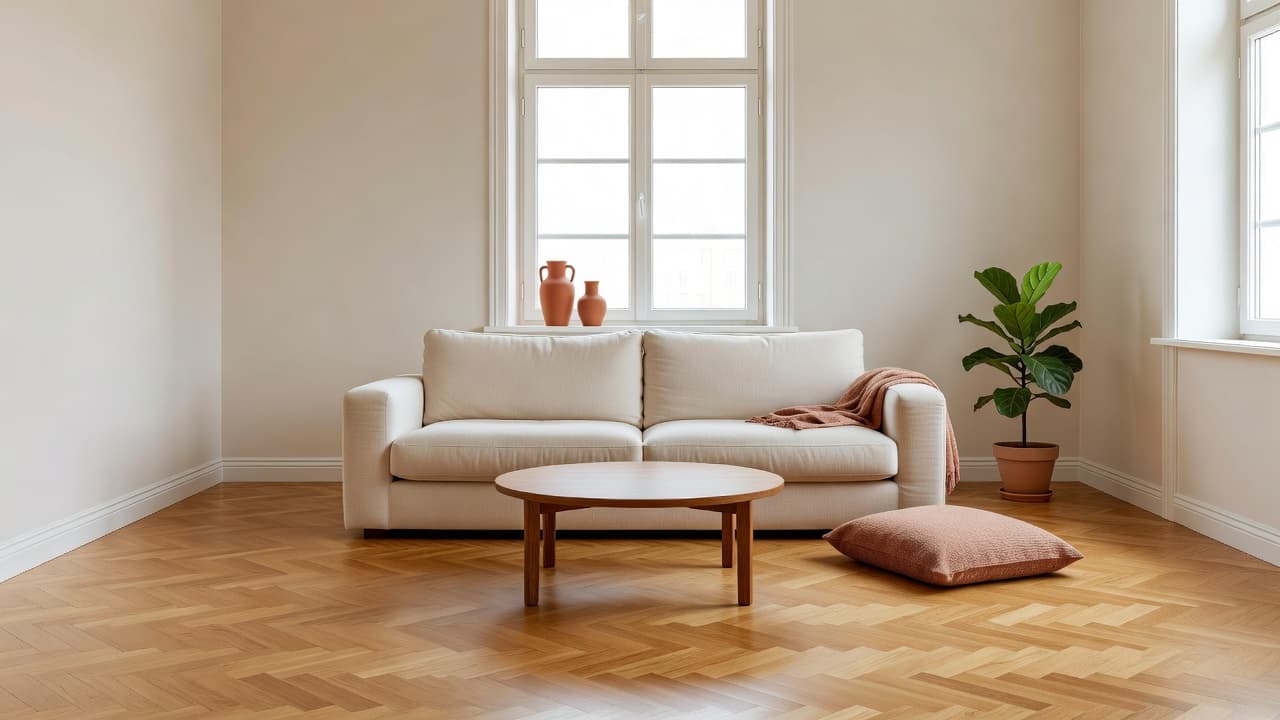
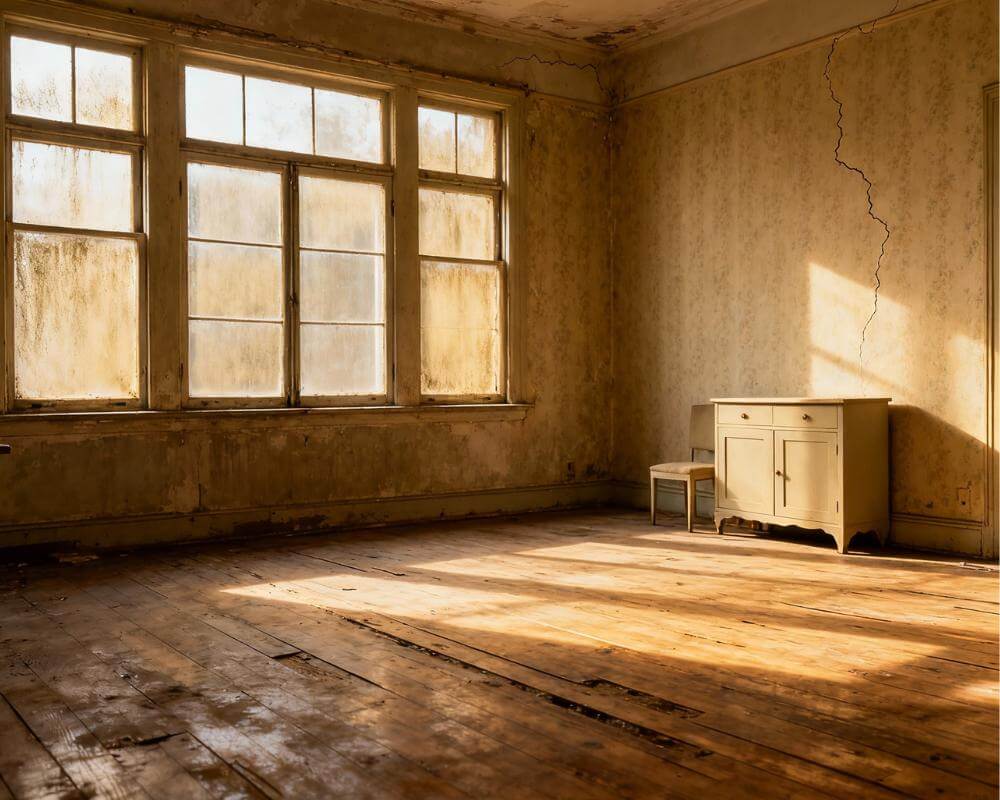
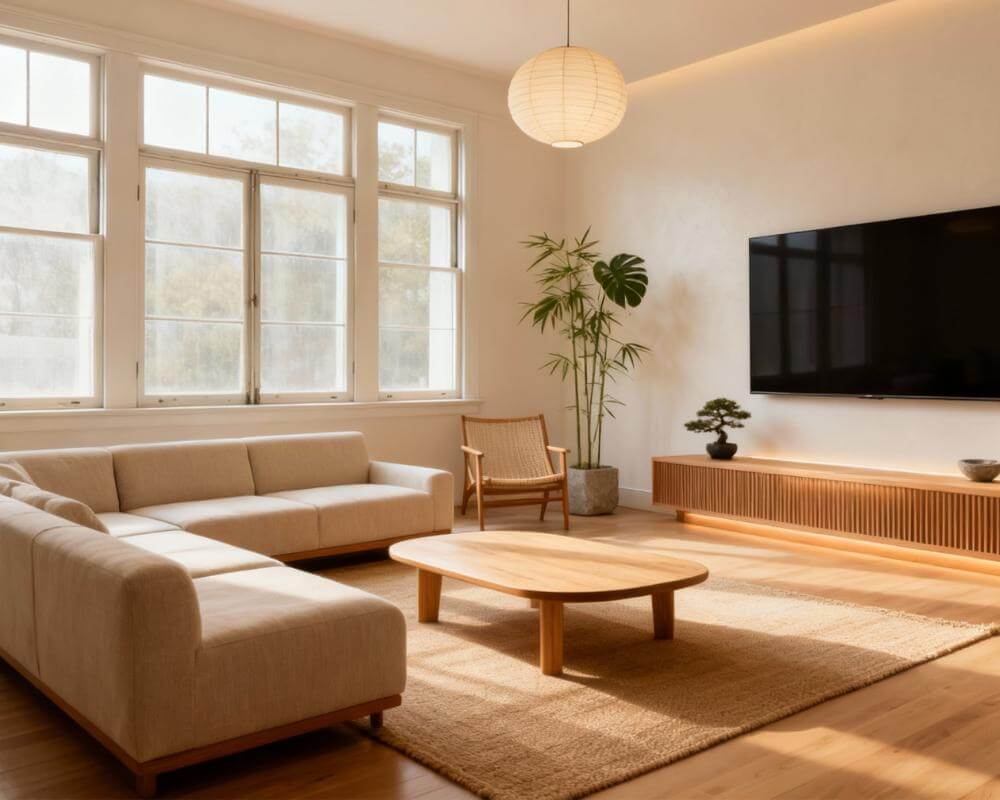
Can you preview a house before you buy it? Not in person, but you can get surprisingly close. A viewing usually lasts about as long as a coffee, the previous owners' furniture and colours are still in every room, and it is hard to tell whether a space will feel like yours. DecorAI is an AI interior design app that lets users transform photos of existing rooms into realistic redesign concepts, which means a photo you take at a viewing can become a preview of the same room in your style.
This guide shows how to use that without fooling yourself. It covers what to photograph, how to see past the seller's decor, how to test floors, colours and your own furniture, and where a picture stops being useful and a survey, a measuring tape or a professional has to take over.
Key Takeaways
- Use your own viewing photos. DecorAI works from a photo of the real room, so the preview keeps the real windows, proportions and camera angle. Only upload images you took or have permission to edit.
- See past the current owner's taste. Empty the Room removes furniture and clutter while keeping the floor, walls, windows and architecture, so you judge the space itself.
- Test the decisions that cost money. The Floor Planner changes only the flooring, and style generations show whether a different palette changes how the room feels.
- A preview is not an inspection. It says nothing about structure, damp, wiring, permissions or the real size of a room. Measure and survey before you commit.
- Try it cheaply. Designs are usually generated in under 10 seconds, and DecorAI offers three free generations per day without requiring an account or credit card.
- Try DecorAI on the photos from your next viewing.
Why Is It So Hard to Picture a House as Your Own?
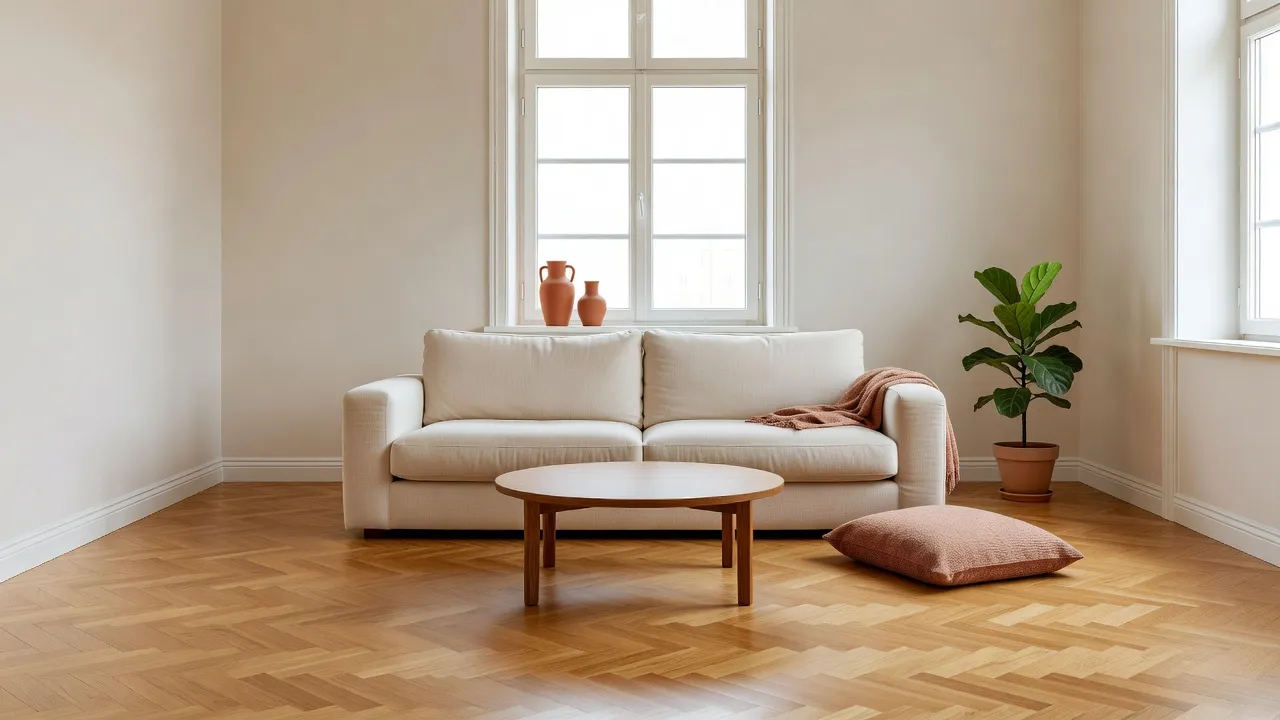
Most of us judge a room by what is in it. A dark sofa makes a living room feel small, a bold wallpaper makes a bedroom feel busy, and an empty room can look smaller than the same room furnished. At a viewing you are reacting to someone else's choices, usually in a hurry, while also trying to notice the boiler, the damp patches and the neighbours.
That is why people walk out of a good house unsure, or fall for a staged one that will look nothing like it when the props leave. A preview helps in both directions. It lets you strip away the current look to see the bones, and then add your own look back to test whether the room really works for you. If you have never used an AI preview, our guide to how AI interior design works explains the basics in plain language.
What Should You Photograph at a Viewing?
The quality of the preview follows the quality of the photo, so spend a few minutes on it. Ask the agent or owner whether photos are fine before you start, then take your own.
- Stand in a corner. A wide view that shows two walls, the floor and at least one window gives the AI the most to work with.
- Hold the camera level. A straight, even shot keeps lines parallel and the result believable.
- Use the daylight. Turn off harsh ceiling lights if you can and shoot with the windows doing the work.
- Shoot each room once, clean. If someone is standing in the frame, take another photo. Our guide to photographing your room for AI design covers angle and framing in more detail.
- Add a measuring shot. Take a photo with a tape or a door in frame, or better, write the real dimensions in your phone while you are there.
Photos from the listing are a different matter. Professional property photos are usually bright, level and wide, which the AI handles well, but they are normally owned by the photographer or the agency. Do not upload them unless you have permission to use and modify them. Your own photos from the viewing avoid the question entirely.
How Do You See Past the Seller's Furniture and Decor?
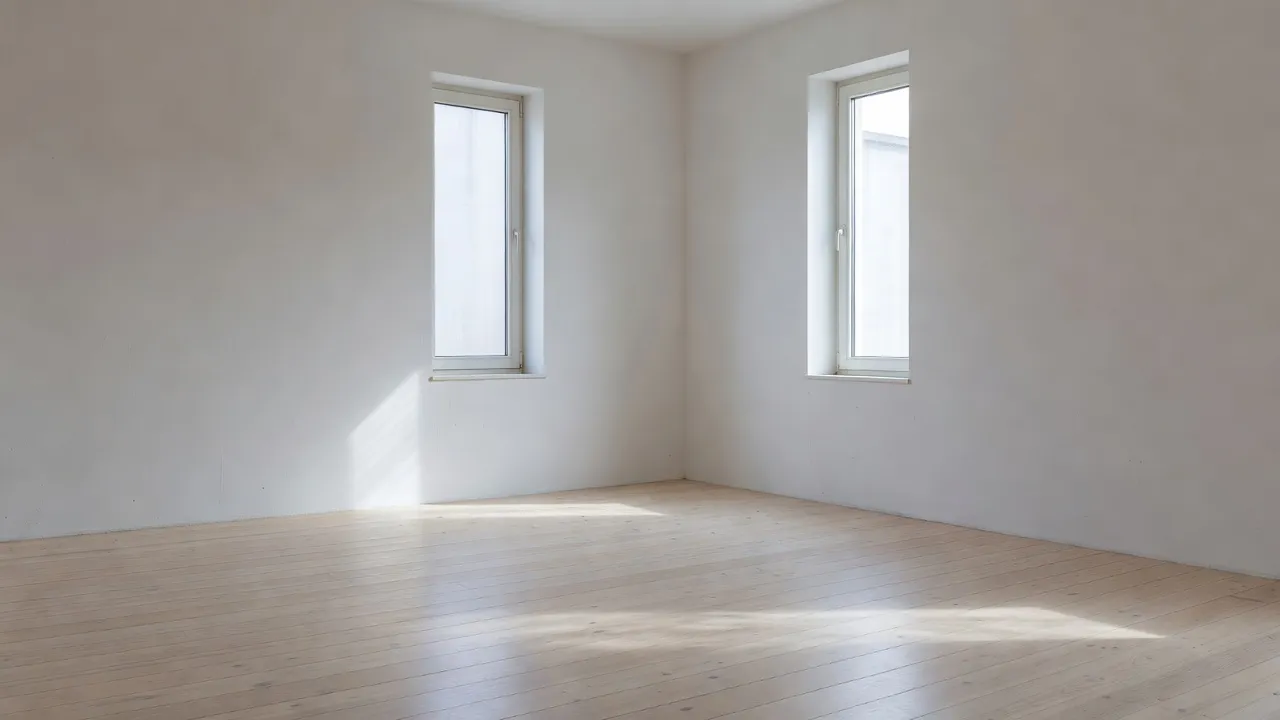
Empty the Room removes furniture and clutter from a photo of a furnished room while keeping the floor, walls, windows and architecture. It is the right first step when the current owner's sofa, wall colour or shelving is dominating the room. Once you can see the space on its own, you can judge the things that will not change: how much light the windows give, how the room is shaped, and where the doors fall.
One honest limit applies. What sits behind a large sofa or a full bookcase is unknown to the AI, so it reconstructs that area plausibly rather than accurately. Treat the wall behind big objects as an approximation, and look at the real wall when you are back in the room. Our article on removing furniture from a photo with AI goes through the steps.
Can You Furnish the Room in Your Own Style?
Yes. Virtual Staging furnishes an empty or under-furnished room from a photo. You choose a room type, such as living room, bedroom, kitchen, dining room, office, kids room or bathroom, and a style such as Modern, Scandinavian, Minimalist, Industrial, Bohemian, Mid-Century, Coastal or Japandi, and DecorAI adds a coherent furniture and decor concept. The AI Virtual Staging page explains the feature, and our guide to furnishing an empty room with AI shows it in practice.
For a buyer, the point is not a finished interior. It is a quick answer to a few specific questions. Does a Scandinavian look suit the light in this room? Does a darker palette make it feel cosy or cramped? Would a corner desk and a sofa both fit the layout you can see? Generate two or three directions on the same photo and compare them. The one that makes you want to stay is worth noting; the one that leaves you cold is worth knowing about too.
See the House as Yours Before You Decide
Upload a photo from your viewing, empty the room and try your own style in seconds. Compare versions and keep the ones you love.


How Do You Test the Expensive Decisions Before You Own the Place?
Floors, wall colour and the main furniture pieces are the changes that hurt most when they go wrong, and they are also the ones a photo preview handles best.
- Flooring. The AI Floor Planner replaces only the visible flooring and leaves furniture, walls, windows and lighting unchanged. Floor types include hardwood, tile, carpet, laminate, vinyl, concrete, stone and bamboo, with patterns such as herringbone and chevron. Because nothing else changes, the only difference between two generations is the floor. See the AI Floor Planner page.
- Colour and style. Run the same photo through two or three styles and colour schemes. Seeing your own walls and windows in a new palette settles most colour debates faster than paint swatches.
- One awkward element. If a single thing bothers you, such as a dated fireplace surround or a heavy kitchen unit, the Inpainting editor lets you paint over just that area, describe what should be there, and leave the rest of the photo unchanged.
- Your own furniture. Furniture Import places a specific item from a photo, with matching scale, perspective and lighting, so you can see whether your favourite armchair belongs in the new room.
How Do You Compare Two Houses Fairly?
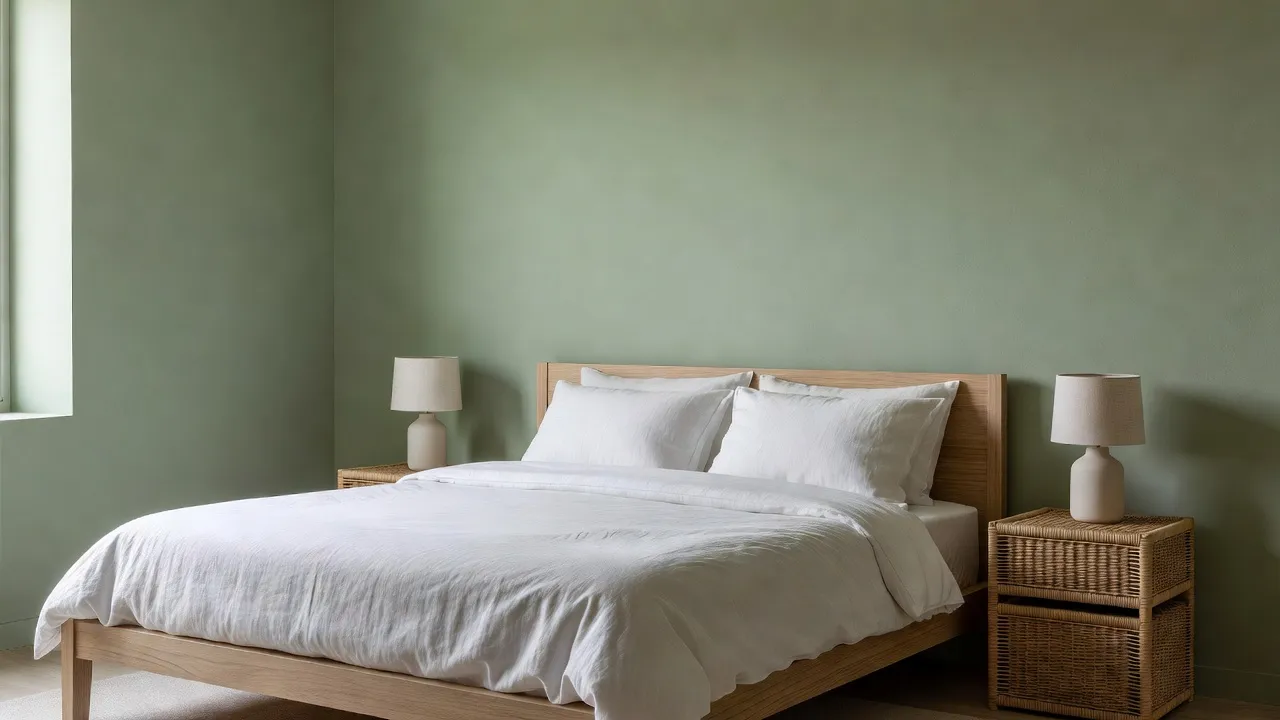
If you are choosing between two properties, use the same method for both so the comparison is fair. Photograph the main living room, the kitchen and the main bedroom of each. Empty each room, then generate the same style on each. When both houses are shown in the same look, the differences left over are the real ones: light, shape, ceiling height and flow. That tells you far more than comparing one staged home with one cluttered one.
Keep each house's versions together in Projects and History so you can scroll back through them after the second viewing. For a broader view of the first-home journey, our article on AI interior design for first-time homebuyers covers budgeting and priorities, and the guide to AI interior design for new-construction homes helps if the property is a blank canvas.
What Can a Photo Preview Not Tell You?
This is the part that matters most, because a good-looking preview can make a bad house feel right. A preview shows a finish and a mood. It does not read the building.
- The condition of the house. Structure, roof, damp, wiring, plumbing and heating need a proper inspection or survey.
- The real size of a room. A wide-angle photo can flatter a space. Measure, and check furniture dimensions against the real numbers.
- What you are allowed to change. Removing a wall, adding an extension or changing the outside of a listed or leasehold property is a question for a qualified professional, not an image.
- What it will cost. A Design Report on a Pro subscription gives a three-tier planning estimate in your local currency, but it is an order of magnitude, not a quotation.
If a preview makes you want to change something big, take the image to a professional as a brief. Our guide to using an AI redesign as a brief for your contractor or designer shows how, and our renovation preview guide covers what AI previews well and where a professional must take over.
What Should You Do After the Viewing?
- Preview while it is fresh. Upload your photos the same day, while you still remember how each room felt.
- Pick the one or two changes that matter. If the floor or wall colour is the only thing holding you back, test those and nothing else.
- Turn the best version into a plan. With a Pro subscription, Room Analysis and Design Reports produce a palette with hex values, prioritised recommendations, a three-tier cost estimate, an action plan and a PDF. Our guide to AI Room Analysis and Design Reports covers it in depth.
- Go back with questions, not just feelings. A second viewing with a tape measure, your list and a short set of previews is a much better use of the hour.
What Mistakes Should Buyers Avoid?
- Letting a preview replace an inspection. A beautiful picture is not evidence that the house is sound.
- Uploading photos you do not have the right to use. Use your own photos, or ask for permission.
- Previewing everything at once. Test the one or two decisions that matter, so you can tell what changed the room.
- Falling for the staged look. If a home looked good only because of the furniture, empty it and see what is left.
Previewing a House FAQ
Can AI show me a house redecorated before I buy it?
Yes, from photos of the real rooms. DecorAI keeps the real walls, windows and camera angle, then changes the furniture, style and finishes you choose.
Can I use the estate agent's listing photos?
Only if you have permission. Listing photos are usually owned by the photographer or agency, so photos you take yourself at the viewing are the safer choice.
Can AI remove the current owner's furniture from a photo?
Yes. Empty the Room removes furniture and clutter while keeping the floor, walls, windows and architecture. The area behind large objects is reconstructed plausibly rather than accurately.
Can I test a new floor before buying a house?
Yes. The AI Floor Planner replaces only the visible flooring and leaves everything else in the photo unchanged, so you can compare floor types such as hardwood, tile or herringbone.
How long does a preview take?
Designs are usually generated in under 10 seconds and can sometimes be ready in approximately five seconds; peak periods may take longer.
Do I need an account to try it?
No. DecorAI offers three free generations per day without requiring an account or credit card. Room Analysis and Design Reports require a Pro subscription.
Conclusion
You cannot live in a house before you buy it, but you can see it with your own furniture, floor and colours instead of the seller's. Take clean photos of your own at the viewing, empty each room to see the space itself, test the two or three changes that matter most, and compare homes in the same style so the real differences show. Then keep the preview in its place: it supports a decision, and the survey, the tape measure and the professional still make it safe. Explore the full feature directory on the DecorAI app page, or open DecorAI and preview the next room you view.
Visualize Your Dream Home Instantly
Don't just read about it. Experience the power of AI interior design with DecorAI's free tool.
Start Designing for FreeWritten by
DecorAI Team
Editorial Team