AI Interior Design for First-Time Homebuyers: Make Your Starter Home Shine
First-time homebuyer? Use AI interior design to test layouts, styles, and furnishings before moving in. Stretch your starter-home budget with confident decisions.
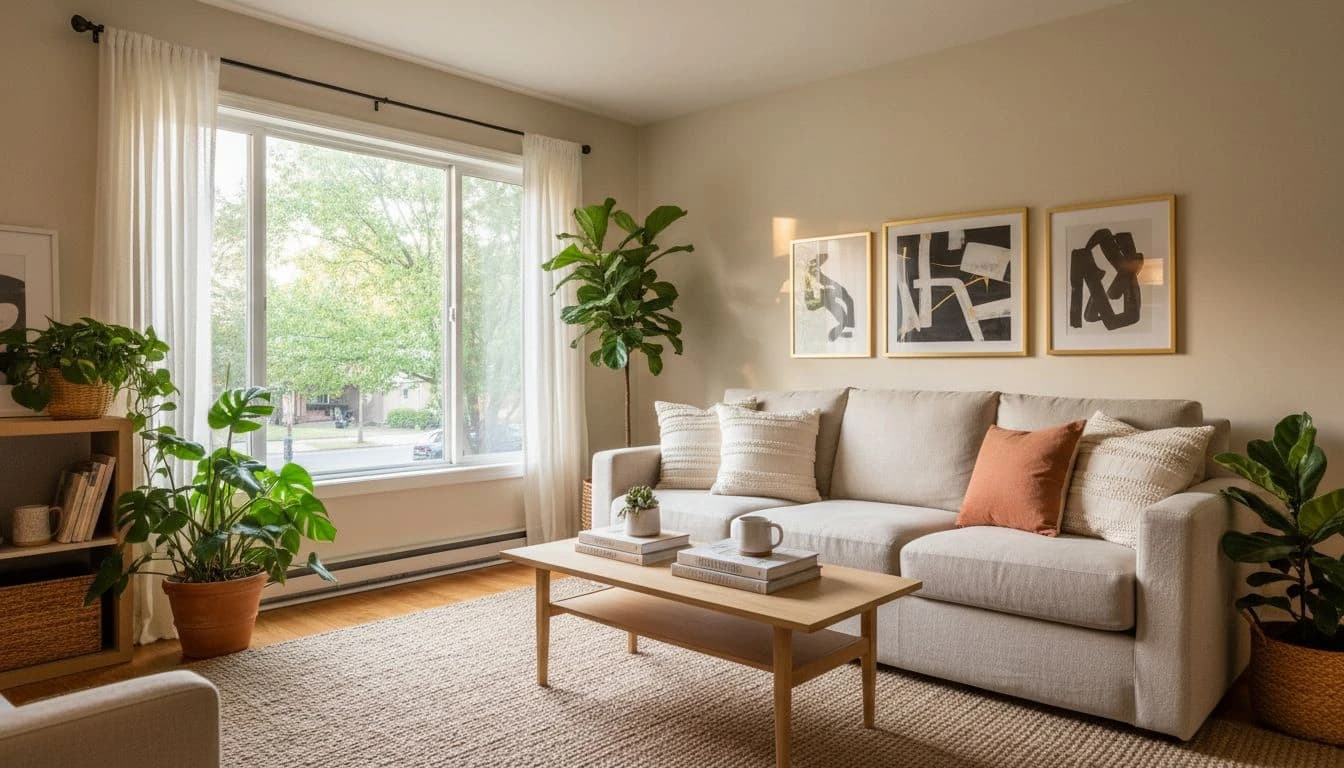

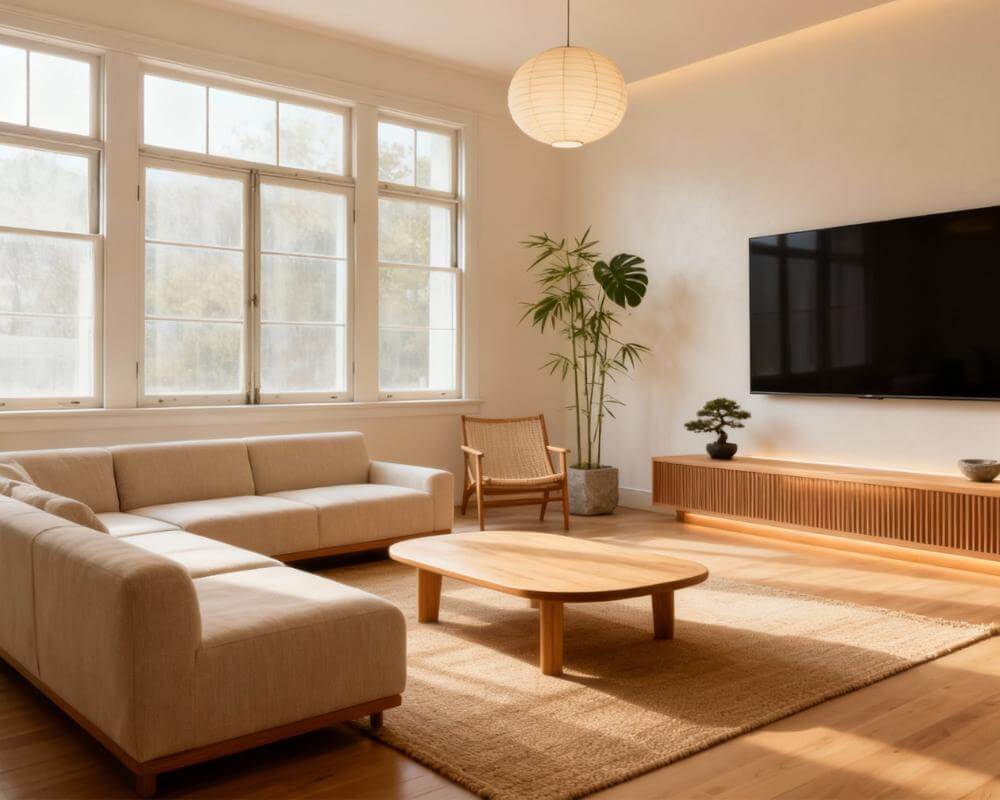
Closing on a first home is exciting, expensive, and a little overwhelming. The mortgage paperwork is barely dry, the move-in date is creeping closer, and suddenly every room needs furniture, a paint decision, and a plan. AI interior design for first-time homebuyers takes the guesswork out of that moment by letting you test layouts, styles, and color palettes on photos of your actual rooms before you spend a dollar at the furniture store.
This guide is written for the person who has just signed the offer, walked the inspection, or picked up the keys. It explains how to use DecorAI - AI Interior Design as a budget-friendly design partner, which rooms to plan first, and how to avoid the three or four expensive mistakes that almost every first-time homebuyer makes in their first year. The goal is not a magazine-worthy home overnight. The goal is a starter home that feels like yours, room by room, without buyer's remorse.
What First-Time Homebuyers Underestimate About Design
Most first-time buyers spend months thinking about square footage, location, and interest rates, and almost no time thinking about how the rooms will actually live. Then move-in day arrives and the living room feels narrow, the bedroom layout fights with the closet door, and the dining area is somehow both too small and too empty. None of that is a "bad house" problem. It is a planning gap that a single afternoon with an AI design tool can close.
The other quiet truth: starter homes do not need to look unfinished. A first home with three good decisions — a sofa that fits the room, a paint color that flatters the light, and lighting that does not feel like a parking lot — already feels intentional. Adding more pieces over time is fine. Starting with the wrong anchor pieces is what blows the budget.
Using AI During the Offer and Inspection Phase
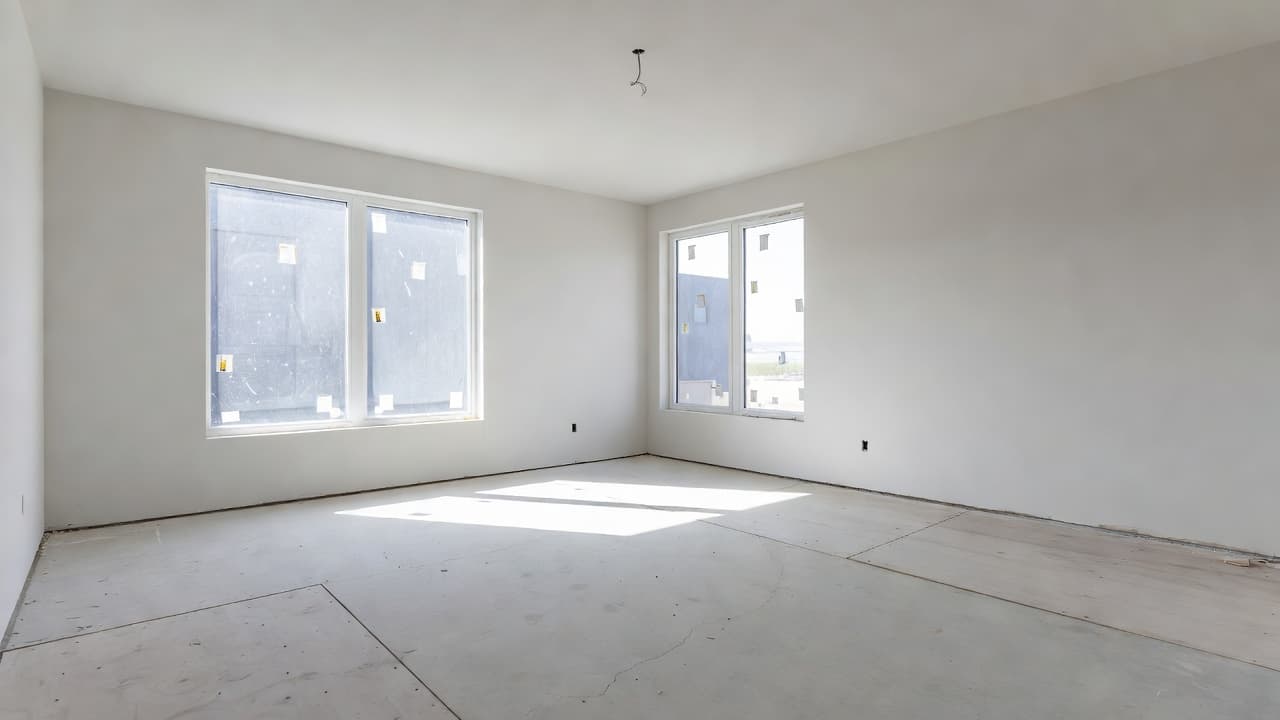
AI is most powerful before you even close. Once you have listing photos or inspection photos, upload them to DecorAI and generate two or three style directions for the rooms that matter most — usually the living room, primary bedroom, and kitchen. You will instantly notice things you missed during the walkthrough: an awkward TV wall, a sofa direction that conflicts with the window, or a paint color that fights the floor.
This is a low-stakes way to confirm you are buying a home you can actually decorate within budget. It also helps you negotiate. If you see that the kitchen needs significant work to feel right, you can factor that into your offer or request seller credits during the inspection response. The home-buying process from sources like The Spruce often highlights the importance of separating "must-fix" from "nice-to-have" — AI helps you put a visual on that distinction before you commit.
Budget-Smart Priorities for a Starter Home
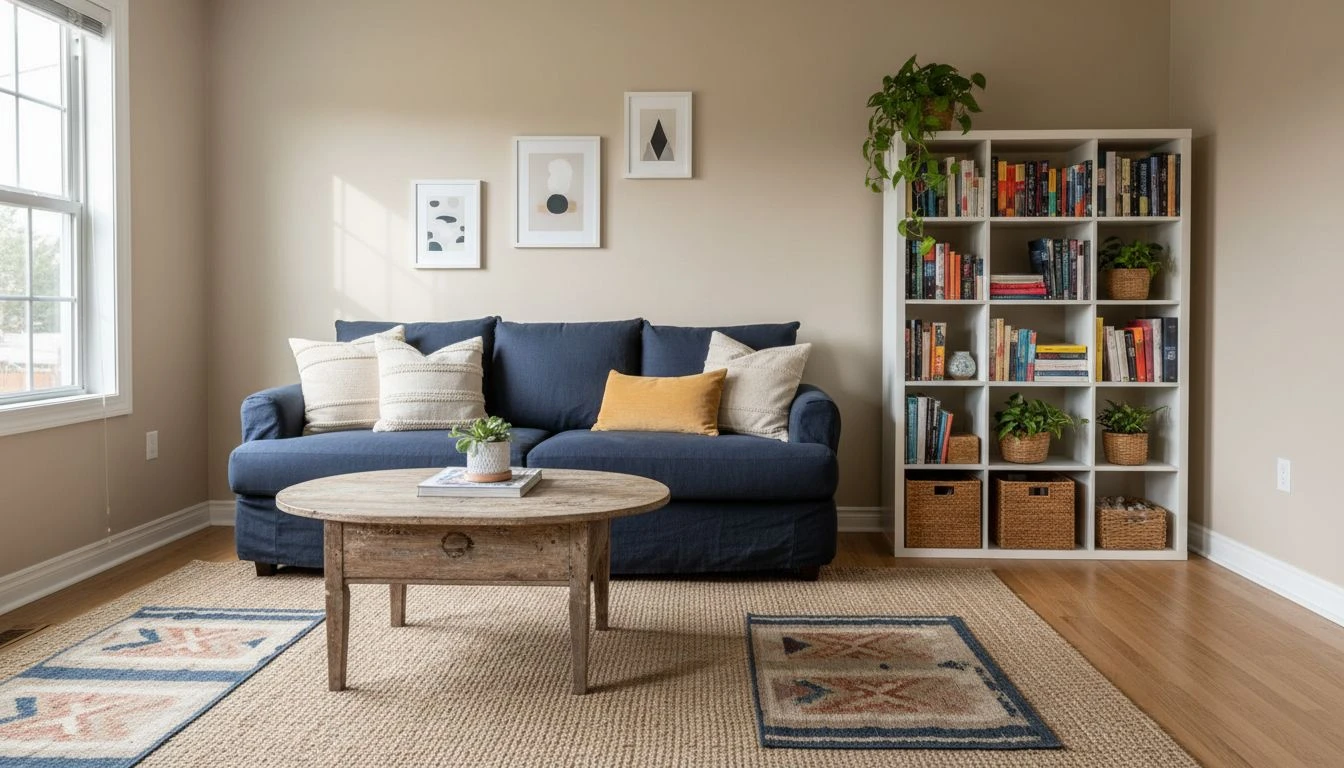
The temptation in a first home is to furnish every room at once. The smarter move is to spend well on three "forever pieces" and leave room in the budget for the rest to evolve. AI is especially good at this because you can preview what the room looks like with only the anchor pieces in place — and confirm it still reads as a finished room, not a half-decorated one.
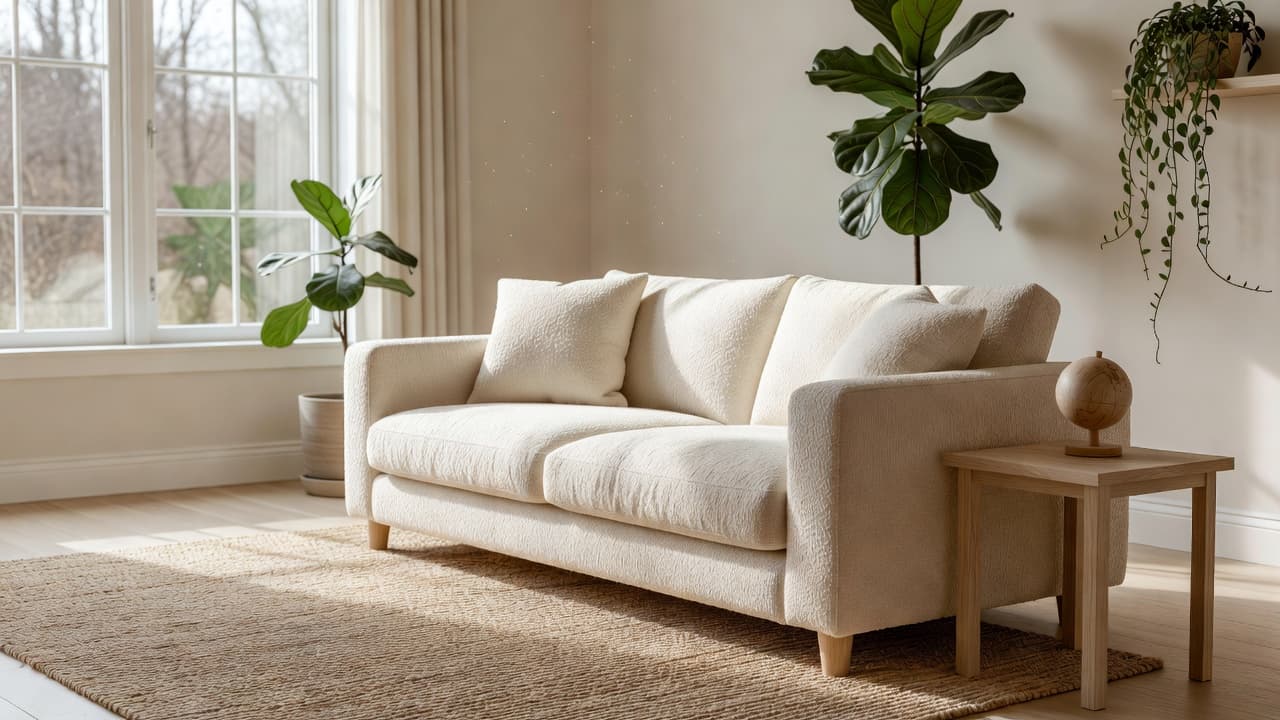
Three categories almost always deserve real money in a starter home: a sofa that fits the room and the family, a quality mattress and bed frame, and one strong lighting upgrade per main room. Almost everything else can be secondhand, refinished, slowly upgraded, or replaced later without regret. Coffee tables, side tables, dressers, dining chairs, and shelving are all forgiving categories.
The opposite is also true. Spending heavily on accent chairs, decorative trays, and trendy art early is one of the most common first-home mistakes. Those pieces tend to feel out of place once your tastes settle, and they crowd the room before the anchor pieces are even in. AI helps you resist that pull by showing what the room actually needs — and, just as often, what it does not.
The Renting-to-Owning Mindset Shift
Renters design for the next 12 months. Owners design for the next 5 to 10 years. That mindset shift is bigger than it sounds, and it changes nearly every furnishing decision. A renter might buy the trending accent chair; an owner asks whether the chair still belongs in this home after three winters. A renter accepts the builder-grade light fixture; an owner replaces it with something that adds character for less than a hundred dollars.
AI helps bridge that shift because you can quickly visualize "first home in year one" versus "first home in year five." Generate the same living room with the starter furniture you can afford now, then generate a more developed version with the pieces you might add over time. If the future version still feels true to the home, your year-one decisions are on track. If it feels off, you are probably about to buy the wrong sofa.
Room-by-Room AI Walkthrough for the First Year
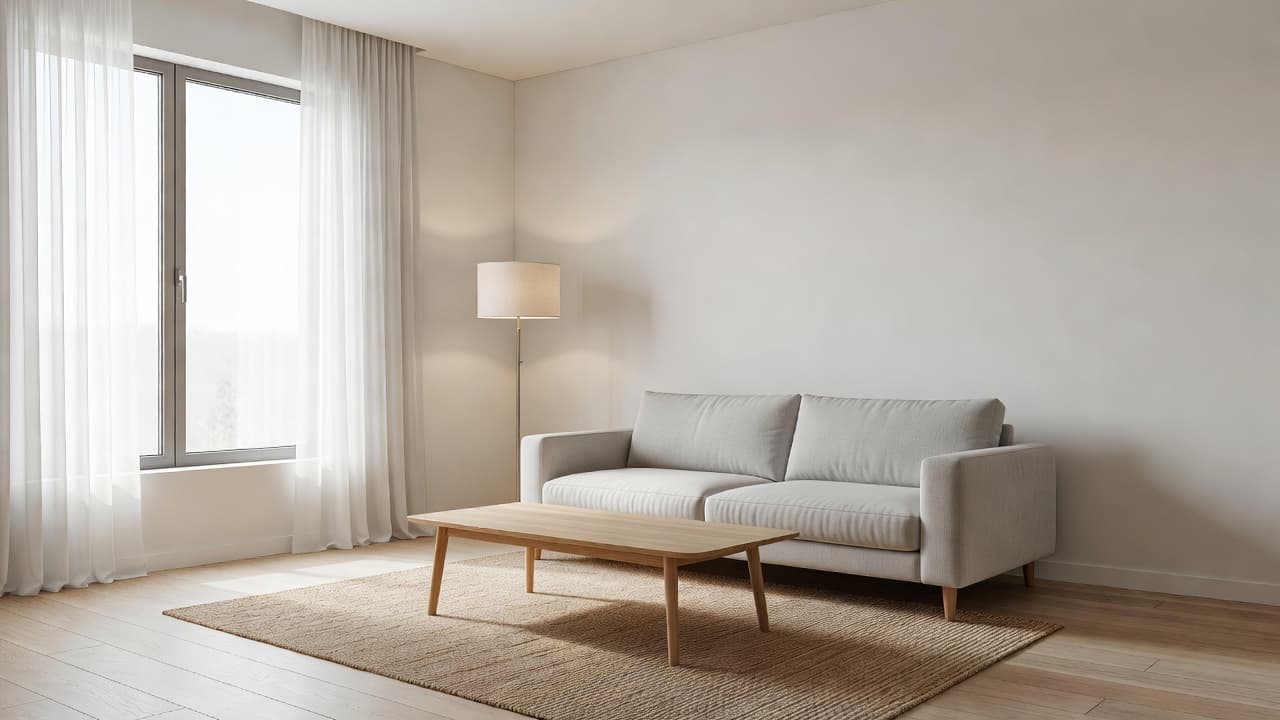
Living room first. This is where you, family, and friends will actually spend time. Anchor it with one well-fitting sofa, one neutral rug sized correctly to the room, and a single statement light fixture. Everything else can grow in over months. AI is particularly useful here for testing sofa direction and rug size — both of which are expensive to fix later.
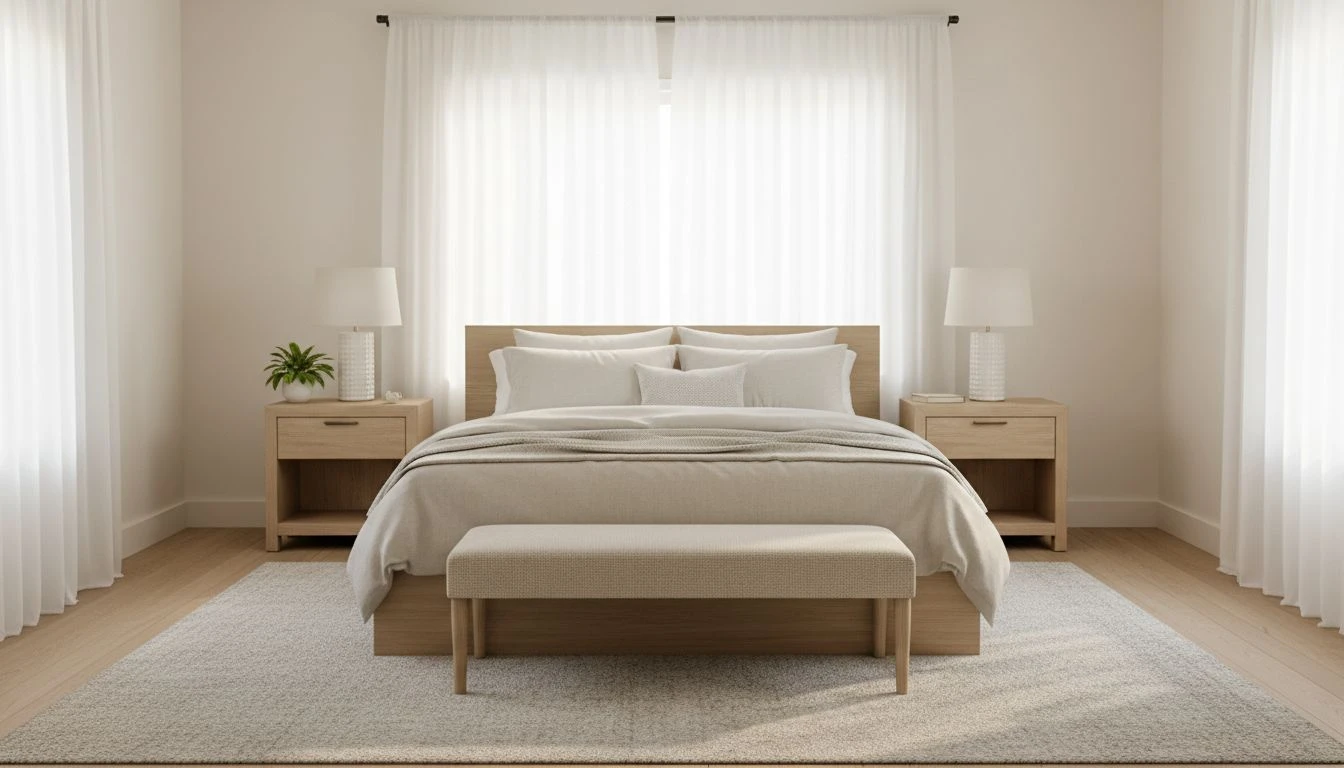
Primary bedroom second. A calm primary bedroom helps you sleep, which helps you make better decisions about the rest of the house. Budget for a real mattress, simple wood or upholstered bed frame, two matching nightstands, and warm bedside lighting. Avoid the trap of buying a "bedroom set" — the matchy-matchy showroom look rarely ages well.
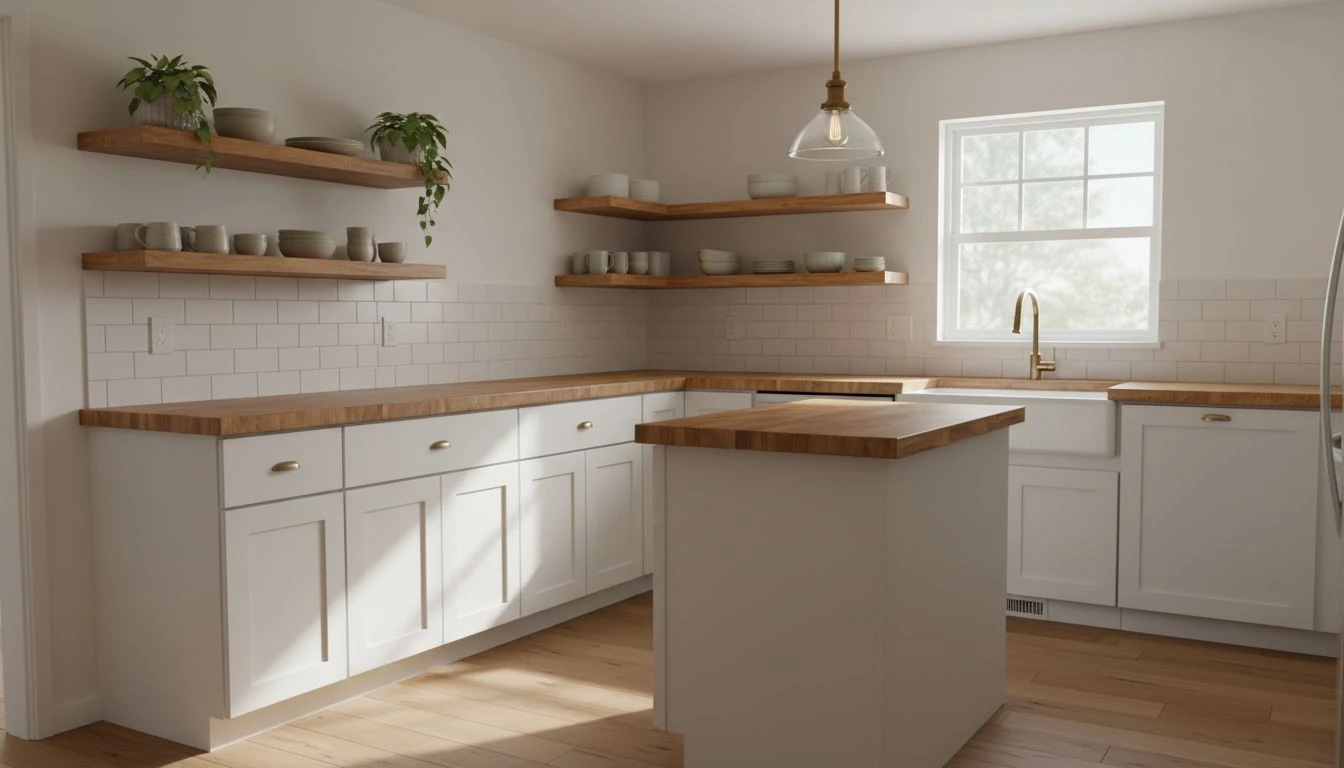
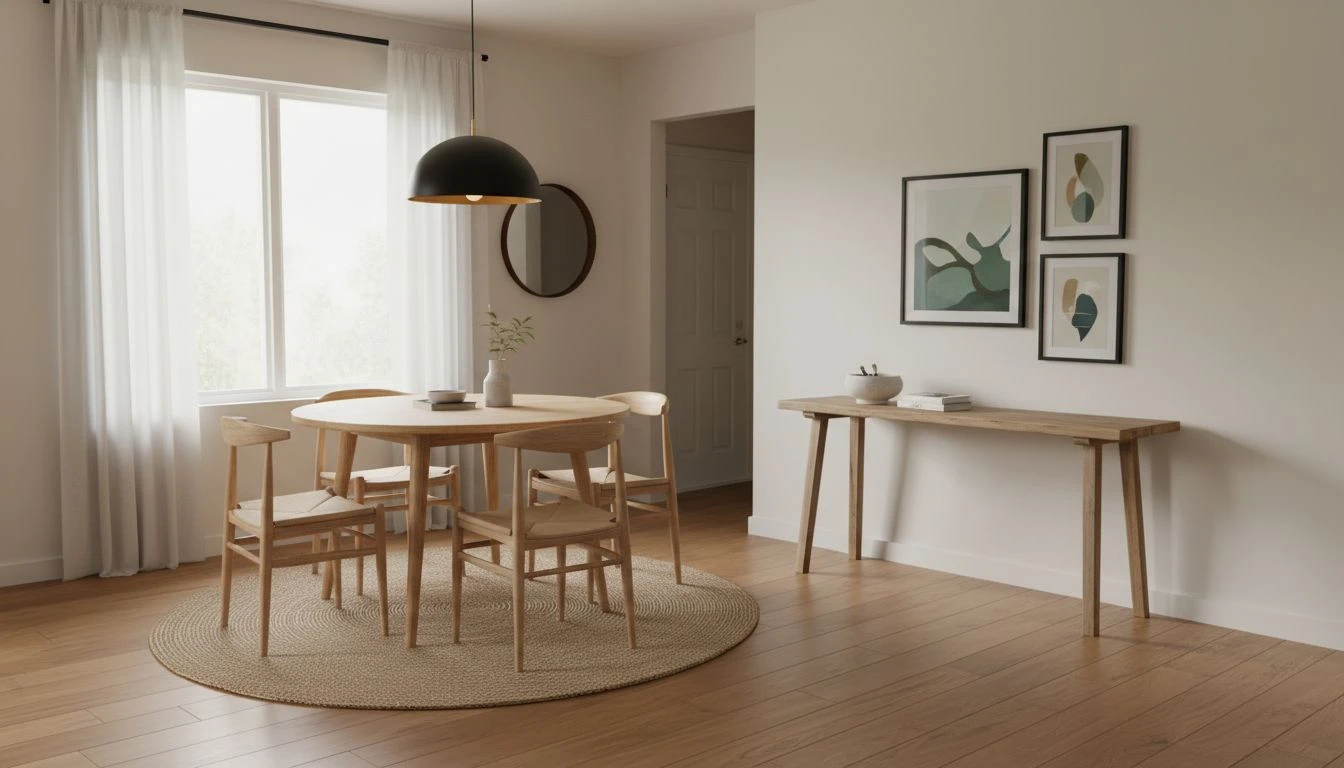
Kitchen and dining third. If the kitchen is functional, do not renovate in year one. Replace pulls, add an undermount light strip, swap the pendant, and live in it for a year before deciding on bigger changes. For dining, a round table for four costs less than a full eight-seat setup and works better in starter-home dimensions.
Entry, dining nook, and secondary spaces last. These rooms reward patience. Live in the home through a full season before you commit to layouts. You will discover where the natural drop zones, traffic patterns, and light shifts actually are.
Building a Long-Term Design Plan, One Room at a Time
The best starter-home plans are sequenced rather than simultaneous. Months one through three: anchor the living room and bedroom, paint where needed. Months four through six: add lighting and one small functional upgrade per room. Months seven through twelve: tackle one larger project — a tiled entry, a real bookshelf wall, a refreshed bathroom. By the end of year one, the house feels intentional, not rushed.
AI is the connective tissue across that timeline. Before each new purchase, generate the room with the proposed piece included. If it still reads as cohesive, buy. If it suddenly looks crowded or off-tone, that is the visual feedback you needed before the credit card got involved. Trusted sources like Better Homes & Gardens often emphasize "slow furnishing" — AI is the modern, instant version of that idea.
Pair your plan with our budget-friendly home decor guide and renter-to-owner upgrade ideas for additional context. Many of the same low-cost, high-impact moves that work for renters work even better in your first owned home, where you can also paint walls, swap fixtures, and refresh trim.
FAQ: AI Interior Design for First-Time Homebuyers
When should I start AI-designing my first home?
As soon as you have listing or inspection photos. Generating two or three style directions before closing helps you visualize the home's potential, plan the first-year budget, and avoid emotional purchases at the furniture store.
How much should a first-time homebuyer spend on furniture in year one?
A common rule is to budget 1–3% of the home's purchase price for first-year furnishing essentials, weighted heavily toward anchor pieces — sofa, mattress, and lighting. AI helps you preview each major purchase before committing.
Should I paint before moving in?
Almost always yes, if the timeline allows. Painting an empty home is dramatically faster, cheaper, and cleaner than painting around furniture. Use AI to preview paint colors on photos of the actual rooms before you commit to a swatch.
Is it worth hiring a designer for a starter home?
For most first-time buyers, no. AI design tools cover 80% of what you need — layout, palette, and style direction — at almost no cost. Save the designer budget for a single targeted consultation if and when you tackle a kitchen or bathroom renovation in years two or three.
What is the most common first-home design mistake?
Buying a "matching" furniture set for an entire room in week one. It feels efficient but ages poorly and leaves no room for the home to evolve. AI helps prevent it by showing what the room actually needs, piece by piece.
Plan Your Starter Home Before the Furniture Truck Arrives
Use DecorAI to test layouts, palettes, and anchor pieces on photos of your actual rooms. Make confident first-home decisions and stretch your budget further.
Try DecorAI Free

Visualize Your Dream Home Instantly
Don't just read about it. Experience the power of AI interior design with DecorAI's free tool.
Start Designing for FreeWritten by
DecorAI Team
Editorial Team