AI Interior Design Prompts: How to Get Better Results
Learn how to write AI interior design prompts that actually work. A practical guide to describing style, color, materials, and lighting so AI redesigns your room exactly the way you want.
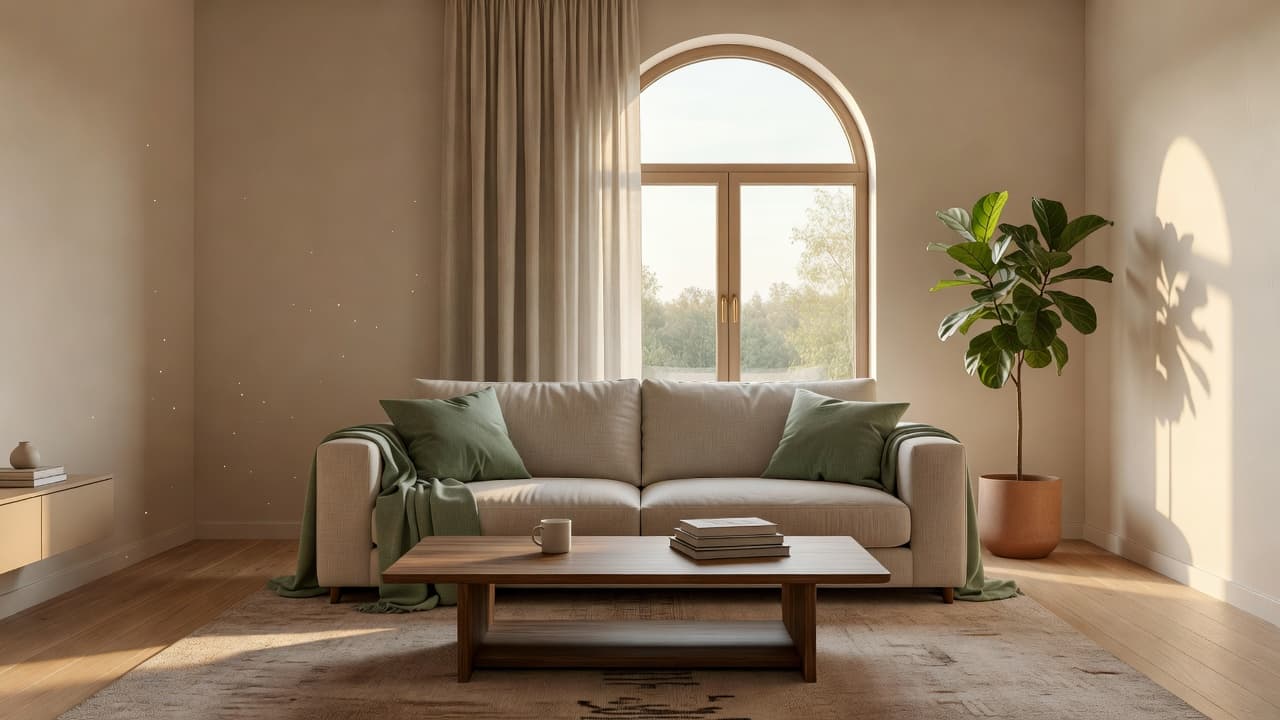
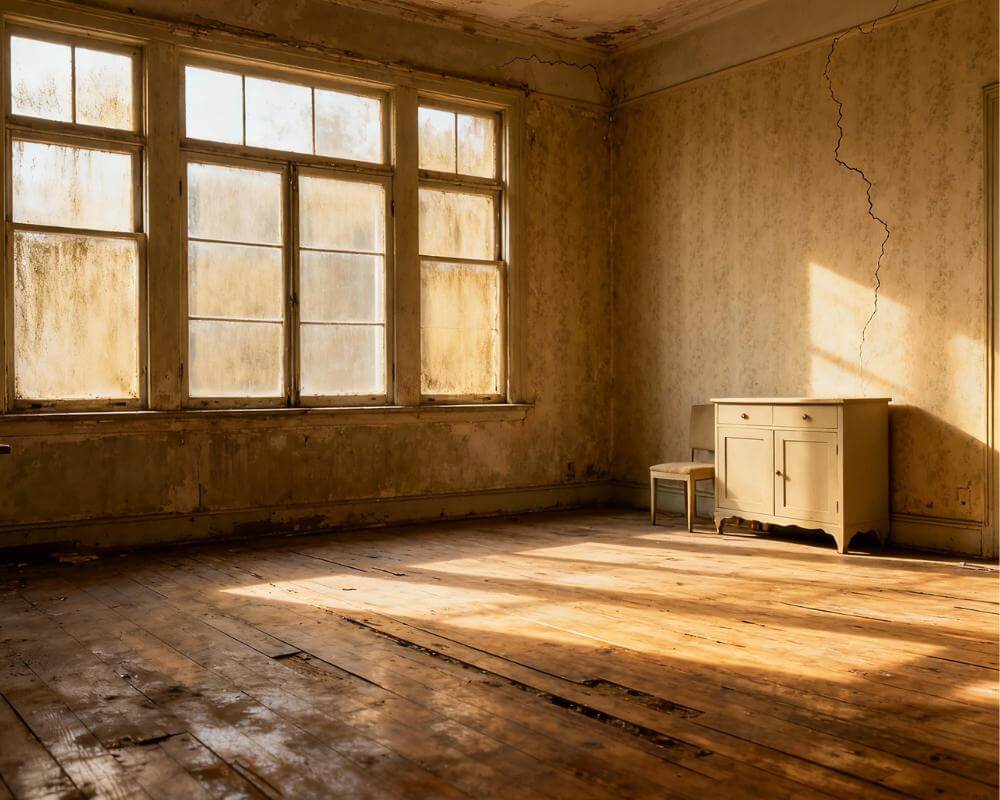
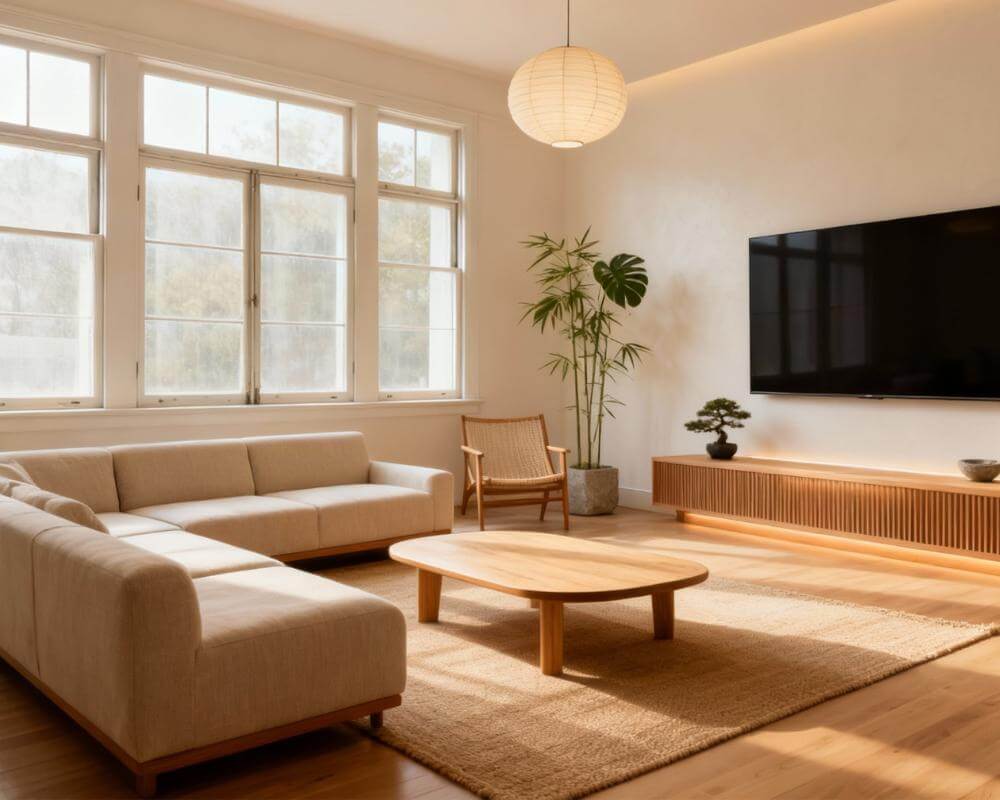
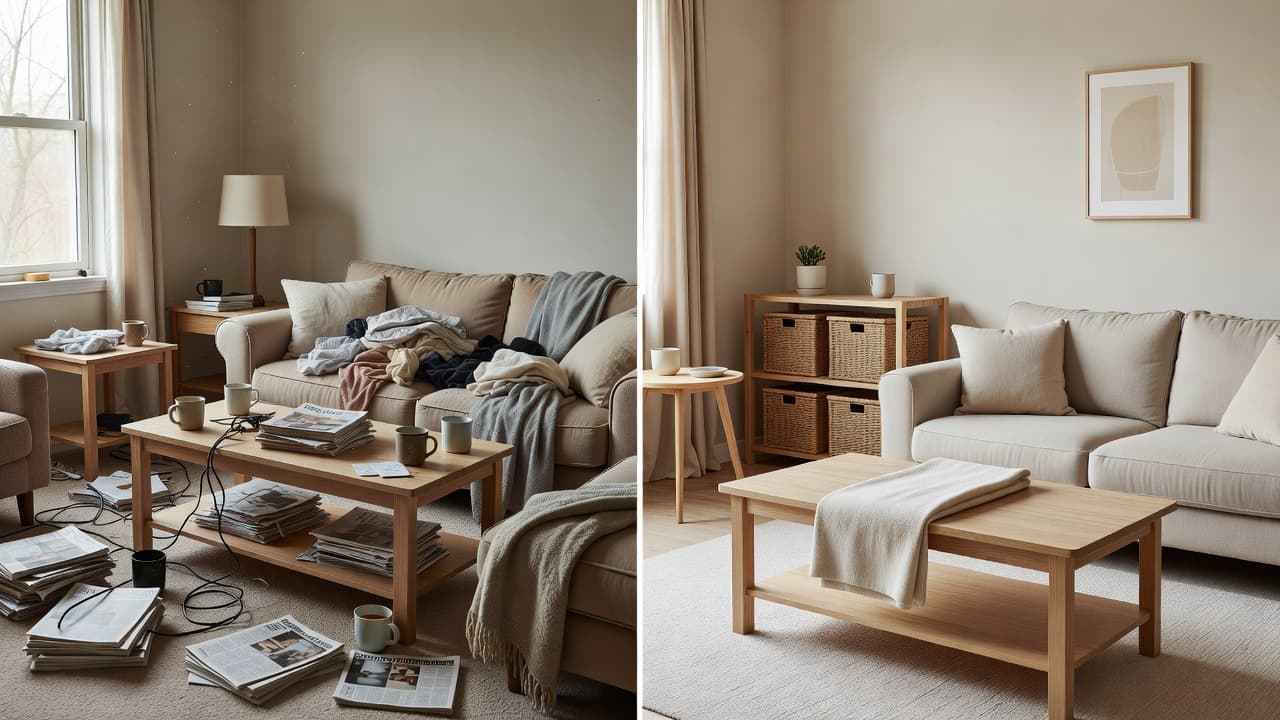
Good AI interior design prompts are the difference between a generic, slightly-off render and a photoreal redesign that looks like your actual room — only better. The good news is that prompting well is a skill anyone can learn in a few minutes. This guide breaks down a simple formula, gives you copy-paste examples, and shows how a tool like DecorAI turns a clear prompt and a single photo of your space into a realistic redesign in seconds.
Whether you are restyling a living room, planning a renovation, or just exploring ideas, the words you choose steer the result. Below you will learn exactly what to include, what to avoid, and how to refine a prompt until the room looks right.
Key Takeaways
- AI interior design prompts are the text instructions that tell an AI tool how to redesign a room — covering style, color, materials, furniture, and lighting.
- The best prompts follow a simple formula: room + style + color palette + key materials + mood/lighting + constraints.
- Be specific and concrete: "warm minimalist bedroom with oak floors and soft grey linen bedding" beats "make it nice".
- Photo-based tools like DecorAI need fewer words because they already see your room's layout, windows, and proportions.
- Refine in small steps — change one variable at a time (color, then furniture, then lighting) to zero in on the look.
- You can try these prompts free in DecorAI on a photo of your own space.
What Are AI Interior Design Prompts?
An AI interior design prompt is the written instruction you give an AI tool to generate or redesign a room. It describes what you want the space to look like — the style, colors, materials, furniture, and atmosphere — in plain language. The AI reads that description and produces an image that matches it as closely as it can.
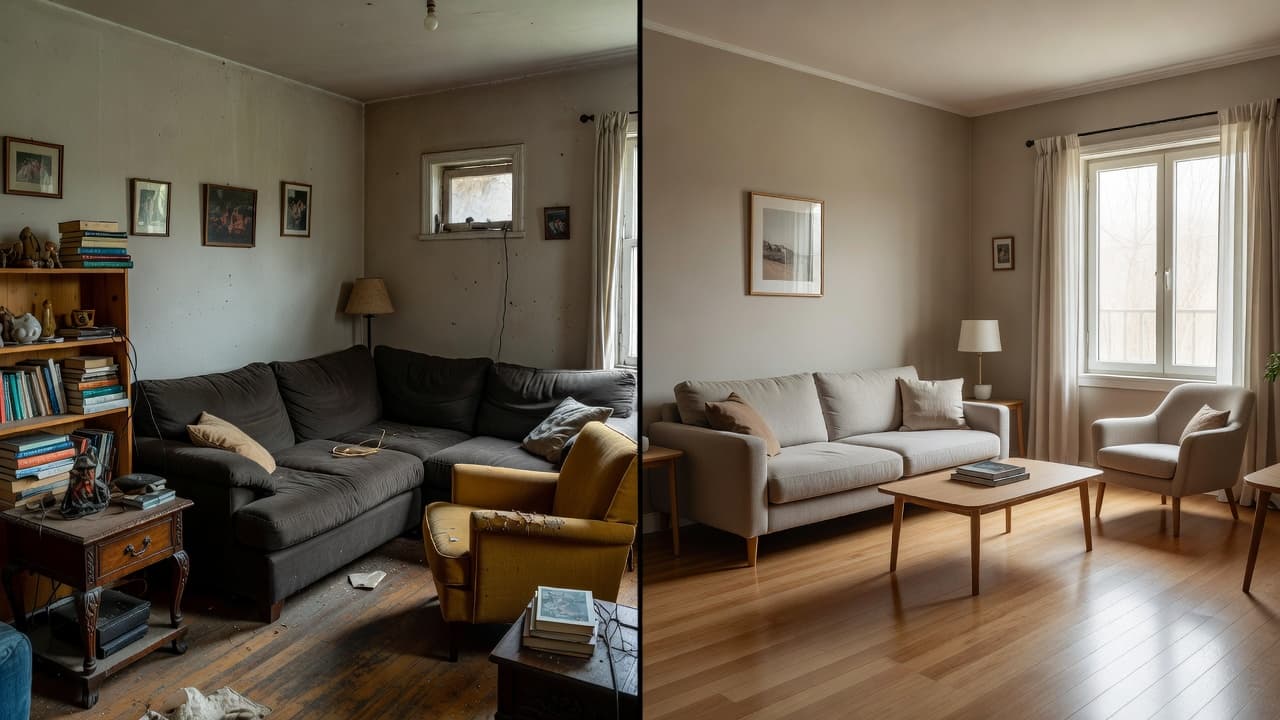
There are two broad situations. With a text-to-image approach, the AI builds a room from scratch based only on your words, so every detail has to come from the prompt. With a photo-based approach — the kind DecorAI uses — you upload a picture of your real room and the AI keeps your existing windows, walls, and proportions while restyling the surfaces and furnishings. The second approach needs much shorter prompts because the structure is already supplied by your photo. Either way, the clearer your language, the closer the result.
The AI Interior Design Prompt Formula
The most reliable prompts answer six questions in order. You do not need every element every time, but this structure keeps your description complete and unambiguous:
- Room: what space is it? (living room, primary bedroom, galley kitchen, home office)
- Style: the design language. (Scandinavian, mid-century modern, Japandi, industrial, coastal)
- Color palette: the dominant and accent colors. (warm neutrals with sage accents; charcoal and brass)
- Key materials: the textures that define the look. (oak, linen, rattan, matte black metal, marble)
- Mood and lighting: the atmosphere. (bright and airy, cozy and warm, soft morning light)
- Constraints: anything to keep or avoid. (keep the existing sofa, no clutter, rental-friendly)
Put together, a prompt might read: "Restyle this living room in warm Scandinavian style, palette of soft white and oatmeal with sage green accents, oak floors and linen upholstery, bright and airy with natural daylight, keep the existing window layout." That single sentence gives the AI everything it needs.
Why specificity wins
Vague prompts force the AI to guess, and guesses average out into something generic. Concrete nouns and adjectives narrow the possibilities. "Make my kitchen modern" could mean a hundred things; "matte navy cabinets, brass hardware, white quartz counters, warm pendant lighting" describes one clear room. The same principle that guides any good prompt engineering applies here: specific, unambiguous language produces consistent, predictable output.
Copy-Paste AI Interior Design Prompt Examples
Here are ready-to-use prompts you can adapt. Swap in your own room type, colors, and style. With a photo-based tool you can shorten these; with text-to-image keep all the detail.
Living room
"Redesign this living room in mid-century modern style, walnut wood tones with mustard and teal accents, low-profile sofa, tapered-leg furniture, warm ambient lighting, uncluttered and inviting." For more room-specific direction, see our AI living room design ideas.
Bedroom
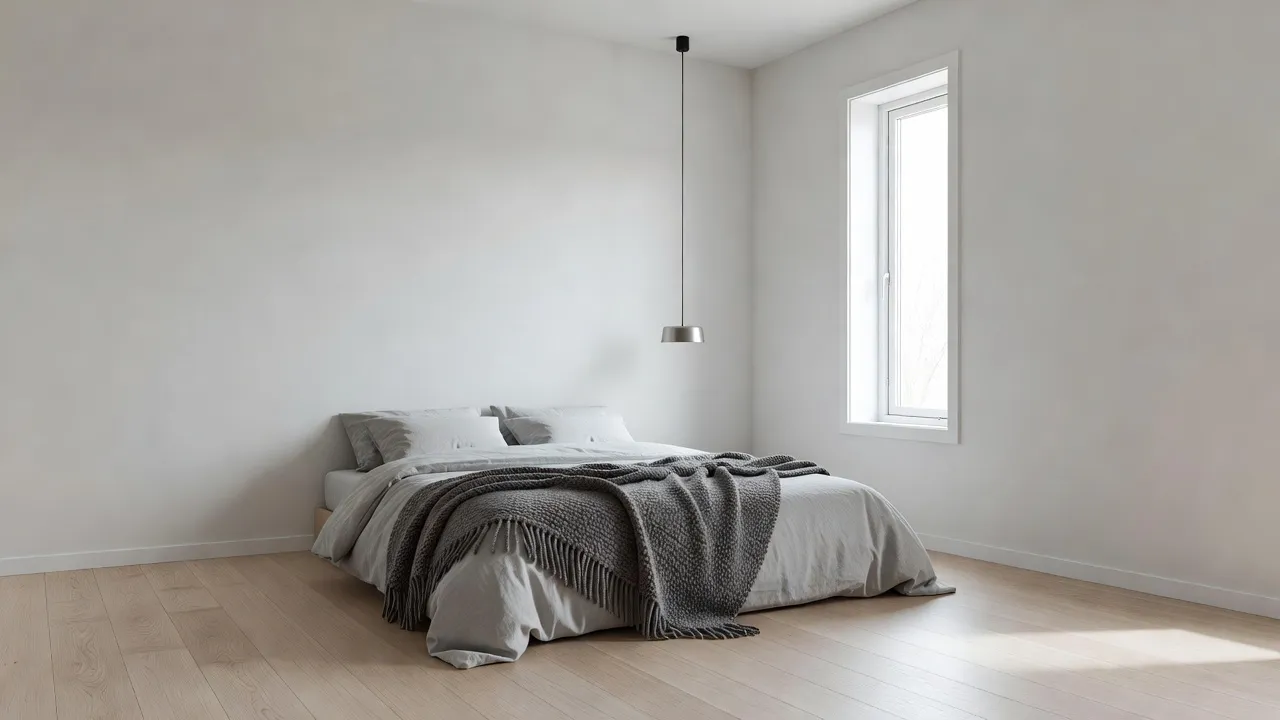
"Restyle this bedroom as a calm Japandi retreat, palette of warm beige and muted charcoal, low wooden bed frame, linen bedding, paper-shade lighting, soft and minimal, soft evening light." Our AI bedroom design guide covers the fundamentals.
Kitchen
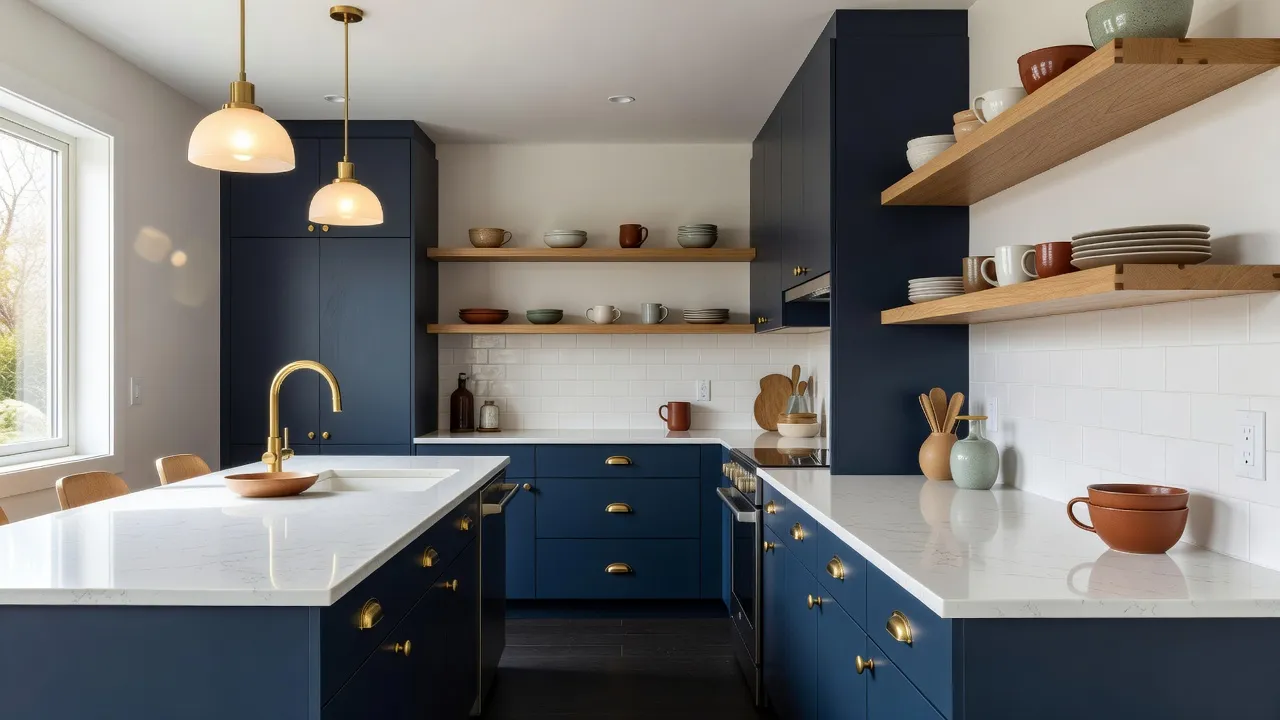
"Renovate this kitchen in modern style, matte navy lower cabinets with white upper cabinets, brass hardware, white quartz countertops, open shelving with ceramics, warm pendant lights over the island."
Home office
"Redesign this home office in warm minimalist style, oak desk and shelving, off-white walls, a single forest-green accent chair, plenty of natural light, calm and focused." See our AI home office design post for layout tips.
How Do You Refine an AI Design Prompt?
You refine an AI design prompt by changing one variable at a time and regenerating. If the result is close but the color feels cold, adjust only the palette and keep everything else. If the furniture is right but the room feels cluttered, add "uncluttered, minimal decor" and leave the rest untouched. Changing several things at once makes it hard to tell which word moved the result.
A practical loop looks like this: start broad, see what the AI returns, then tighten. Add the missing detail ("add a large area rug"), remove what you dislike ("no patterned wallpaper"), and nudge the mood ("warmer lighting"). Within three or four iterations most rooms land where you want them. Because photo-based tools anchor to your real space, these refinements stay grounded in your actual layout rather than drifting into an imaginary room.
Common prompt mistakes to avoid
- Being too vague: "make it cozy" gives the AI nothing concrete to render. Name the colors and materials.
- Stacking too many styles: "Scandinavian industrial bohemian farmhouse" pulls in conflicting directions. Pick one lead style.
- Forgetting lighting: mood and light shape how a room feels. Always include one or two words about it.
- Over-long prompts: piling on twenty adjectives dilutes the important ones. Lead with what matters most.
- Ignoring constraints: if you want to keep a piece of furniture or a window, say so explicitly.
How DecorAI Makes Prompting Easier
The hardest part of text-to-image prompting is describing a room that does not exist yet. DecorAI removes that burden: it is a browser-based tool that starts from a photo of your real room, so the layout, windows, and proportions are already handled. You simply pick a style or add a short prompt, and it redesigns your exact space photorealistically in seconds — no software to install and free to start. Browse the full set of looks on our styles page or begin from the homepage.
If you are brand new to all of this, our beginner's guide to AI interior design and our step-by-step room design walkthrough are the perfect next reads.
Turn a Prompt Into Your Real Room — Free
Upload one photo, add a short prompt or pick a style, and watch DecorAI redesign your actual space in seconds. No download, no designer, no guesswork.


Advanced Prompting Tips
Once the basics feel natural, a few extra habits sharpen your results even further:
- Borrow color theory: name a palette relationship — "analogous blues and greens" or "warm neutral base with one bold accent" — for a more cohesive scheme.
- Anchor the era: "1960s mid-century" or "contemporary 2020s" guides furniture shapes and finishes.
- Describe the light source: "soft north-facing daylight" or "warm lamp-lit evening" changes the entire mood.
- Reference materials by finish: "matte", "brushed", "honed", or "glossy" tells the AI how surfaces should read.
- Keep a prompt library: save the wordings that worked so you can reuse them across rooms.
Want to dial in the exact colors first? Pair your prompts with our AI color palette generator to lock down paint shades before you redesign.
AI Interior Design Prompts FAQ
What makes a good AI interior design prompt?
A good prompt is specific and structured. It names the room, the style, the color palette, the key materials, and the lighting or mood, plus any constraints to keep or avoid. Concrete language like "oak floors and soft grey linen" gives far better results than vague requests like "make it modern".
Do I need long prompts for interior design?
Not necessarily. Text-to-image tools that build a room from scratch benefit from more detail. Photo-based tools like DecorAI need far fewer words because your uploaded photo already provides the room's layout, windows, and proportions — so a style name plus a few descriptors is often enough.
How do I fix a result I do not like?
Change one element at a time and regenerate. Adjust the color, or the furniture, or the lighting — but not all at once — so you can see exactly which change improved the room. Most spaces look right within three or four small refinements.
Can I use the same prompt for different rooms?
Yes, with light edits. Keep the style, palette, and material language consistent, and swap the room type and any room-specific furniture. Reusing a proven prompt across rooms is the easiest way to make a whole home feel cohesive.
Conclusion
Strong AI interior design prompts come down to one habit: describe what you want clearly and specifically. Name the room, the style, the colors, the materials, and the light, then refine one step at a time. With a photo-based tool you barely have to write a sentence — your room is already in the picture. The fastest way to see it in action is to upload a photo to DecorAI, add a short prompt, and watch your real space transform.
Your Best Prompt Starts With One Photo
Open DecorAI's web app, upload a photo, type a short prompt or pick a style, and watch your real room transform in seconds. Your first designs are completely free.
Try the DecorAI Web App Free →No credit card required · Works on any device with a browser
Visualize Your Dream Home Instantly
Don't just read about it. Experience the power of AI interior design with DecorAI's free tool.
Start Designing for FreeWritten by
DecorAI Team
Editorial Team