AI Interior Design Mistakes to Avoid (And How to Fix Them)
The most common AI interior design mistakes — vague prompts, bad room photos, ignoring scale, and mixing too many styles — and exactly how to fix each one for better, more realistic results.
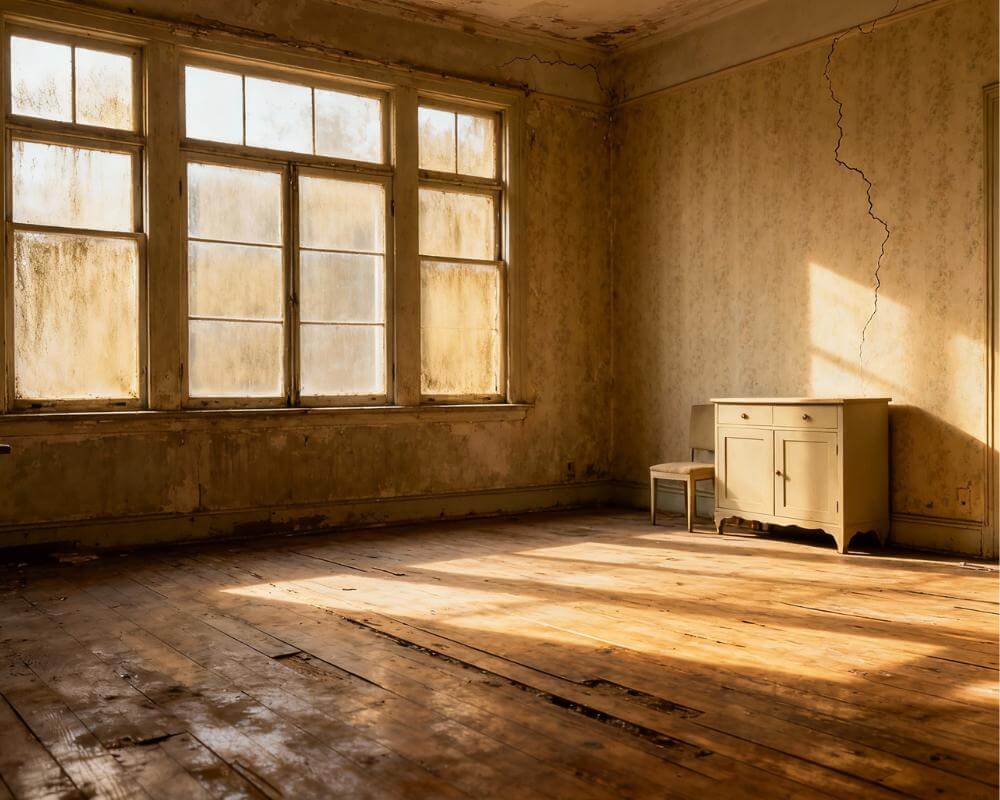
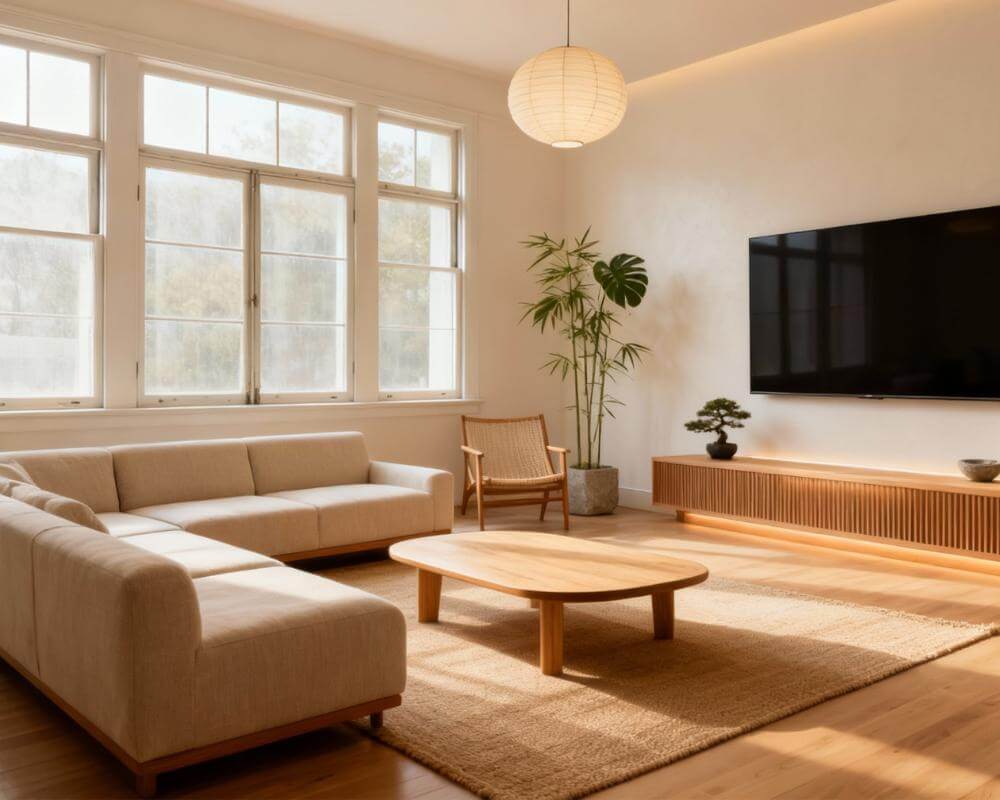
AI interior design mistakes usually have nothing to do with the technology itself — they come from how a room is photographed, described, and interpreted before the AI ever generates anything. With DecorAI, a well-prepared photo and a clear style choice can produce a photorealistic redesign of your actual room in seconds, but a rushed one often produces a result that looks impressive yet doesn't actually fit your space. This guide walks through the mistakes that most often derail AI interior design results and exactly how to fix each one.
Key Takeaways
- Most bad AI design results trace back to the input — a poor photo or a vague style request — rather than a flaw in the AI itself.
- Scale and proportion errors are the most common visual giveaway that a design won't translate to real life.
- Mixing too many styles in one prompt produces a generically "nice" room that doesn't commit to any one look.
- Treating the first result as final wastes the biggest advantage of AI design: it's fast enough to iterate several times before deciding.
- AI interior design works best as a decision-making tool, not a replacement for measuring your space and checking that furniture will actually fit.
Why Do Some AI Interior Design Results Disappoint?
When an AI-generated room looks great but feels unusable once you actually try to shop for it, the cause is almost always upstream of the AI: a photo taken from an odd angle, a prompt that tried to do too much at once, or a result accepted uncritically as the final answer. Interior design has always been as much about constraints — your actual walls, windows, and budget — as it is about style, and AI tools only work within the constraints you give them. Give the AI a clear, accurate starting point and the results get dramatically more useful.
Are You Making These AI Prompt Mistakes?
What you type or select matters as much as the photo you upload. A handful of prompt habits quietly limit how useful the result will be.
Being too vague
"Make it nicer" or "modern" without any further detail leaves the AI guessing at a huge range of possible interpretations. Naming a specific style, a color direction, and what you want to keep versus change narrows that range and produces a far more usable result. Our AI interior design prompts guide breaks down exactly which details to include.
Asking for too much at once
A prompt that requests a new layout, a new color palette, new furniture, and a full style change simultaneously tends to produce a busier, less coherent room than one that changes fewer things at a time. It's usually more useful to lock in a style direction first, then iterate on specifics like lighting or a single piece of furniture.
Ignoring how the room is actually used
A prompt focused purely on aesthetics can produce a beautiful room that ignores real constraints — a home office that forgets you need desk space for two monitors, or a living room redesign that removes the storage you rely on daily. Mentioning function, not just style, keeps the result grounded in how you'll actually live in the space.
Is Your Room Photo Undermining the Result?
The input photo is the single biggest factor in how usable an AI redesign turns out to be, and a few photo habits consistently cause problems.
Shooting from a corner instead of straight-on
An angled, cropped, or overly close photo distorts proportions and hides parts of the room the AI needs to understand the space. A photo taken from a doorway or room corner, capturing as much of the space as possible, gives the AI a far more accurate layout to work from. Our guide to photographing your room for AI design covers the exact angle, lighting, and framing that works best.
Poor or uneven lighting
A dim, backlit, or unevenly lit photo makes it hard for the AI (and for you) to judge color and material accurately. Natural daylight with the lights on, avoiding strong shadows or a bright window directly behind the camera, gives the most reliable starting point.
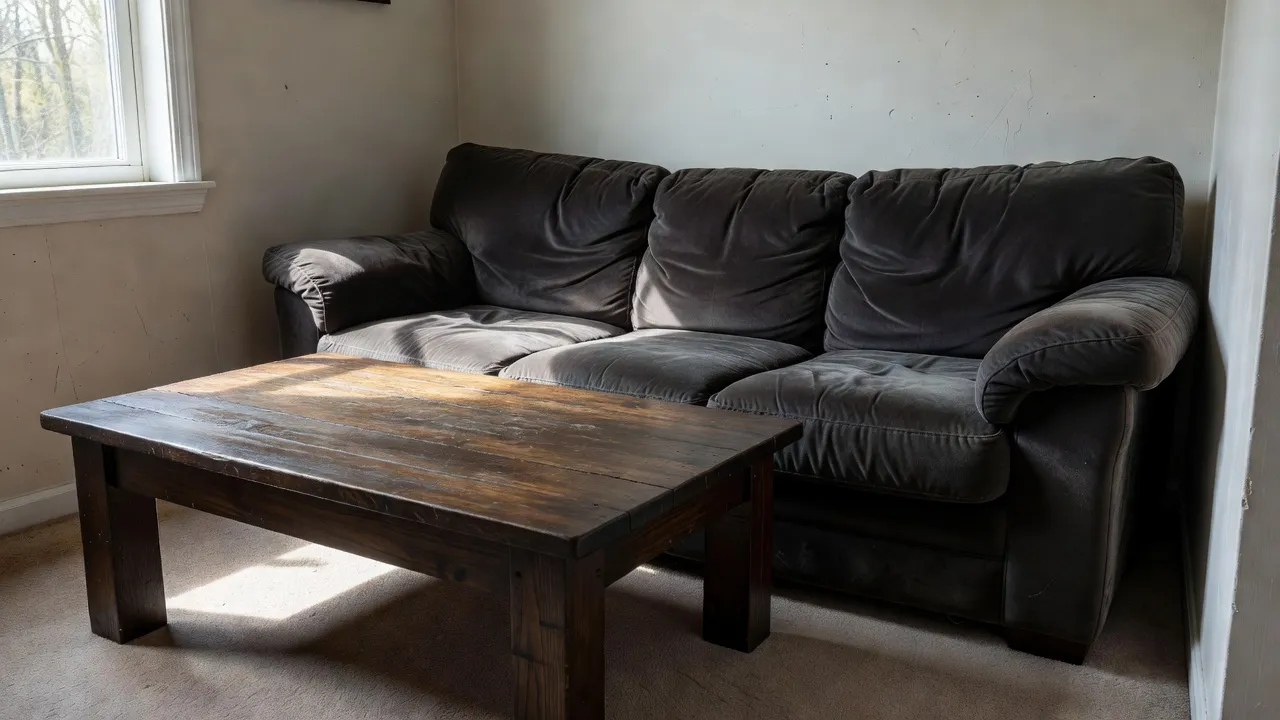
Photographing a room mid-clutter
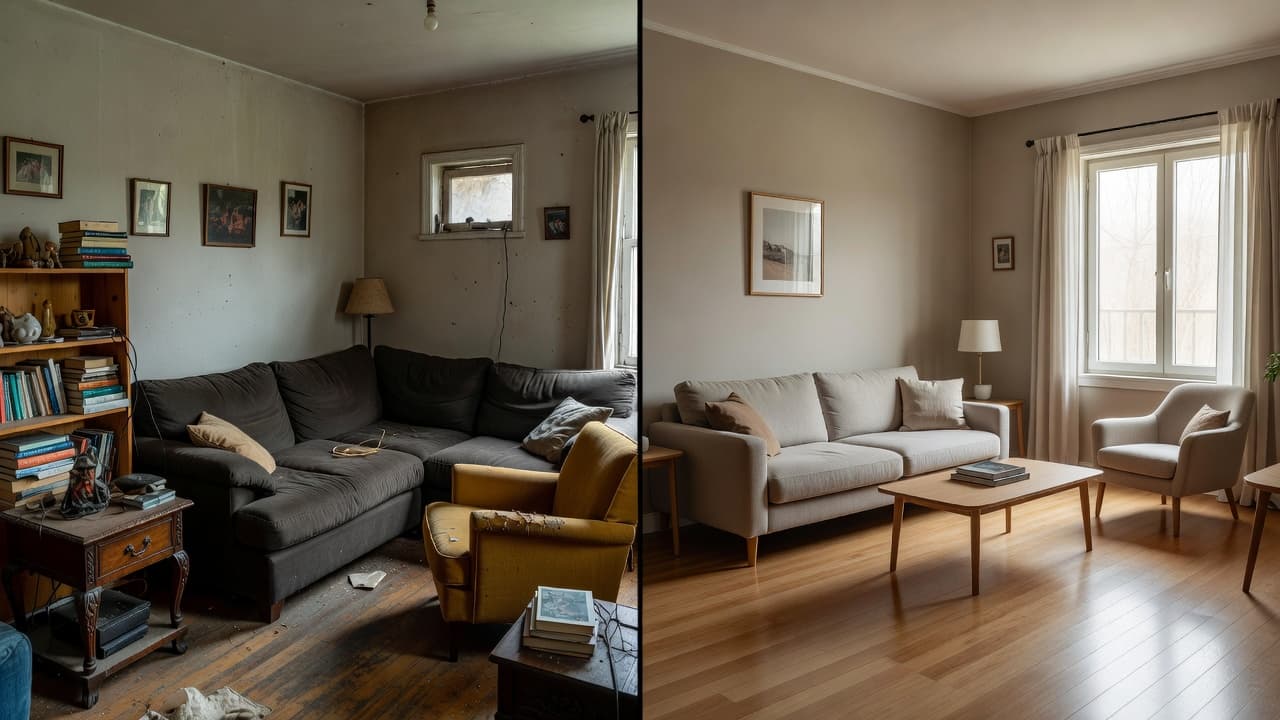
A photo full of laundry, cables, and loose items forces the AI to make more assumptions about what's actually staying versus being removed. A quick five-minute tidy before photographing produces a noticeably cleaner, more accurate base to redesign from.
Which Design Mistakes Carry Over from AI into Real Life?
Some mistakes aren't specific to AI at all — they're classic interior design errors that an AI preview can either help you catch early or, if you're not paying attention, help you repeat faster than before.
Ignoring scale and proportion
A generated room can look stunning at a glance while quietly featuring a sofa or rug that would never fit the actual dimensions of your space. Always cross-check generated furniture against your room's real measurements before shopping, and treat the AI preview as a starting concept rather than an exact shopping list.
Mixing too many styles in one room
Asking for a blend of several strong styles at once — say, industrial, bohemian, and minimalist together — often produces a room that reads as generically pleasant rather than a coherent look. Picking one primary style and pulling in at most one complementary influence keeps a room feeling intentional. Browsing the full styles gallery before you start is a fast way to settle on a direction rather than discovering it through trial and error.
Overlooking color harmony
It's easy to fixate on furniture shapes and forget that color does most of the work in how a room feels. Testing a palette against your actual walls, rather than assuming a swatch will translate directly, avoids a common and expensive repainting mistake. Our AI color palette guide covers how to lock in a palette before committing to paint or fabric.
See Your Room Redesigned the Right Way — Free
Upload a clear, well-lit photo of your actual room, choose a single style direction, and let DecorAI generate a photorealistic redesign sized to your real space — so you can catch scale and style mistakes before you spend a cent.


Are You Expecting the Wrong Things from AI Interior Design?
A few mistakes come down to expectations rather than technique, and they're just as easy to fix once you notice them.
Treating the first result as final
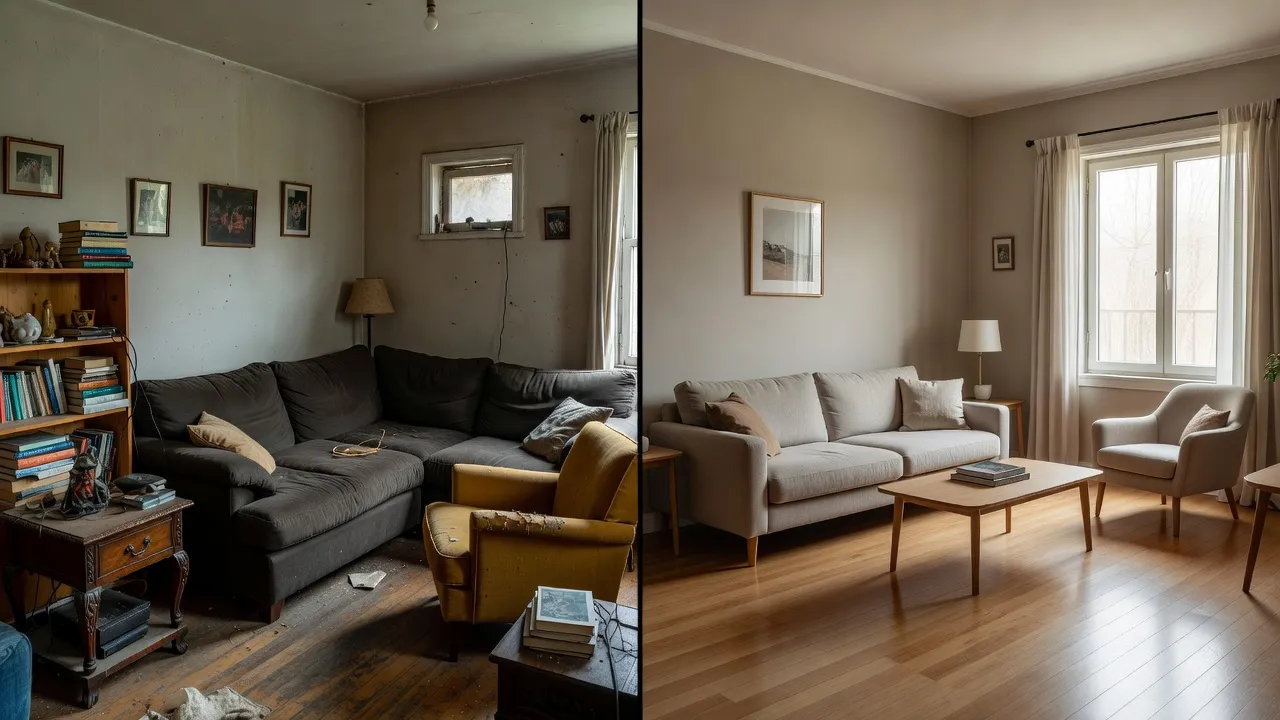
Because generating a design takes seconds rather than weeks, there's little reason to settle for the first output. Trying two or three style directions, or adjusting a single detail and regenerating, usually surfaces a noticeably better option than whatever came first. Comparing real before-and-after transformations is a good way to see how much a second or third pass can improve on an initial result.
Expecting AI to replace every decision
AI interior design is strongest as a way to visualize options quickly, not as a substitute for your own judgment about budget, lifestyle, and what you'll actually enjoy living with day to day. Our guide to how accurate AI interior design really is covers where it excels and where a human decision still matters most.
Skipping the feasibility check
A generated design can include a fireplace, a knocked-down wall, or a skylight that would require real construction — fine as inspiration, but a mistake if you shop for furniture assuming those structural changes already exist. Separating "what I can buy this week" from "what would need a renovation" keeps expectations realistic. If you're working with a fixed room and existing furniture rather than starting from scratch, our guide to AI design with existing furniture covers how to get useful results without assuming you're replacing everything.
How Can You Get Better Results from AI Interior Design?
Fixing most of the mistakes above comes down to a short routine: photograph the room straight-on in even daylight after a quick tidy, pick one clear style direction instead of several, mention how the room actually gets used, and generate a couple of variations before deciding. Once you have a design you like, measure the key furniture pieces against your room's real dimensions before buying anything, and treat any structural elements in the preview as inspiration rather than an existing feature. If privacy is part of what's holding you back from uploading a real room photo, our guide to AI interior design privacy and safety covers how tools like DecorAI handle your photos.
AI Interior Design Mistakes — FAQ
Why does my AI interior design result not match my room?
This is almost always caused by the input photo — an angled, cropped, or poorly lit shot gives the AI an inaccurate sense of your room's real proportions. Retaking the photo straight-on in good daylight, following a room photography guide, usually fixes it.
Why does my AI-designed room look cluttered or busy?
This usually comes from requesting too many changes or too many styles in a single prompt. Narrowing the request to one style direction and a smaller number of changes produces a calmer, more coherent result.
Should I trust the first AI design I get?
Not necessarily. Because designs generate in seconds, it's worth trying a couple of variations — a different style, a different color direction, or one adjusted detail — before deciding which result actually fits your space and taste best.
How do I know if furniture in an AI design will actually fit my room?
Measure your room and doorways first, then compare those measurements against the scale of key pieces in the design before shopping. Treat the AI preview as a strong visual concept, not an exact-to-the-inch shopping list.
Can AI interior design handle a room I don't want to fully replace?
Yes — mentioning which existing furniture or fixtures you want to keep, rather than assuming a full replacement, usually produces a much more useful and realistic result.
Conclusion
Nearly every disappointing AI interior design result traces back to one of a handful of fixable habits: an unclear photo, an overloaded prompt, ignored scale, or treating the first output as the only option. Fix those and the same tool that produced a mediocre result can produce one you'd actually shop from. DecorAI makes it easy to try again — upload a clear photo of your real room, pick one style, and iterate until it fits. Explore the styles gallery or start from the DecorAI homepage to try it on your own space.
Redesign Your Room the Right Way — Free
Open DecorAI's web app, upload a clear photo of your room, and generate a photorealistic redesign built around your real space and one clear style. Your first designs are completely free.
Try the DecorAI Web App Free →No credit card required · Works on any device with a browser
Visualize Your Dream Home Instantly
Don't just read about it. Experience the power of AI interior design with DecorAI's free tool.
Start Designing for FreeWritten by
DecorAI Team
Editorial Team