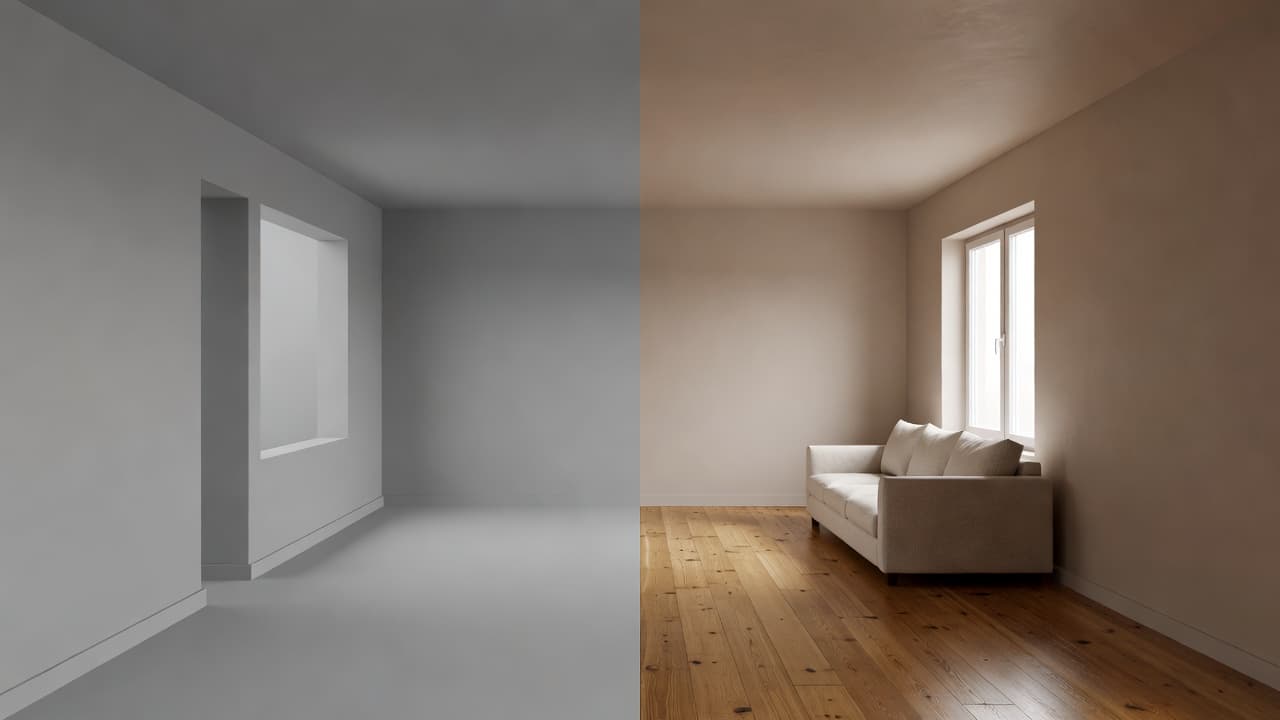
AI Interior Design vs 3D Rendering Software: Which Should You Use?
AI interior design vs 3D rendering software — which is right for your home project? Compare speed, learning curve, photorealism, and cost, and see why DecorAI wins for most people.
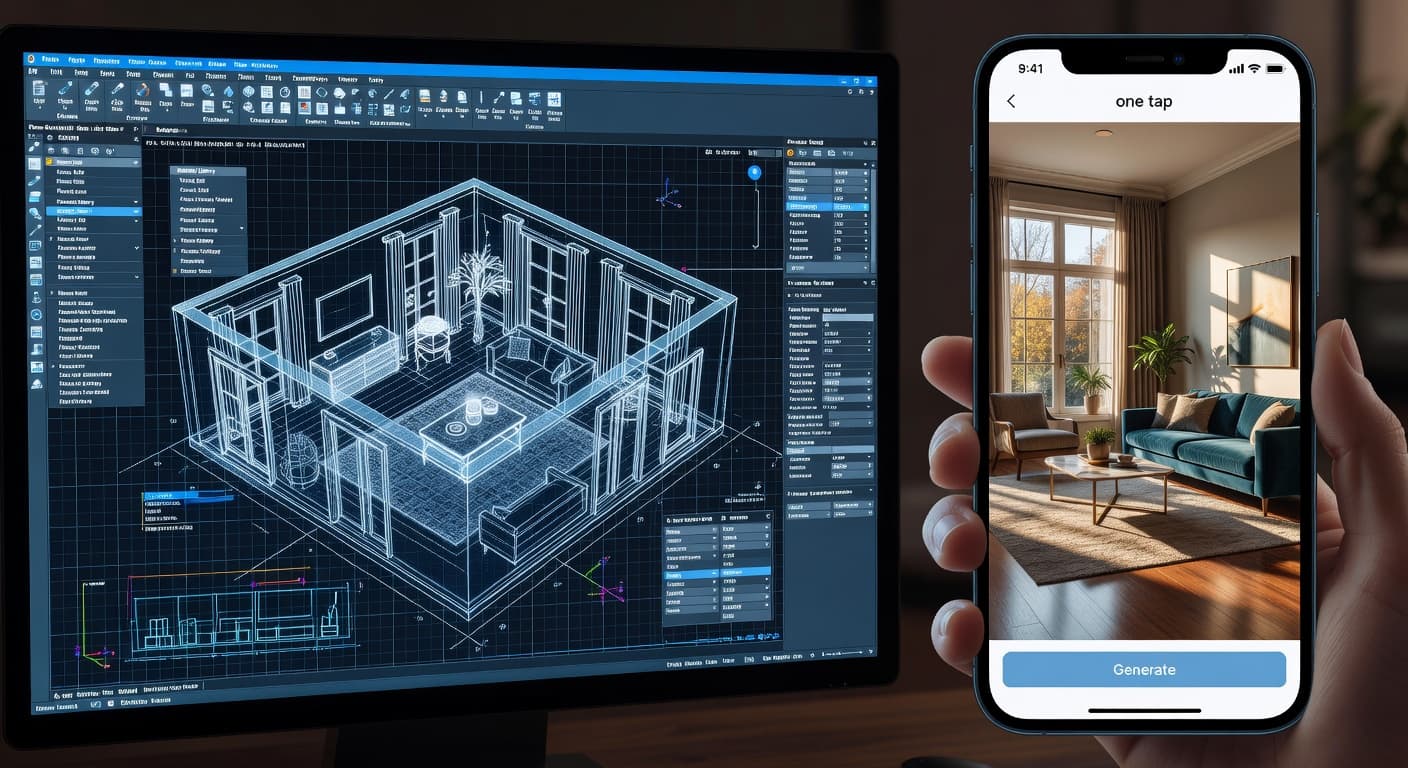

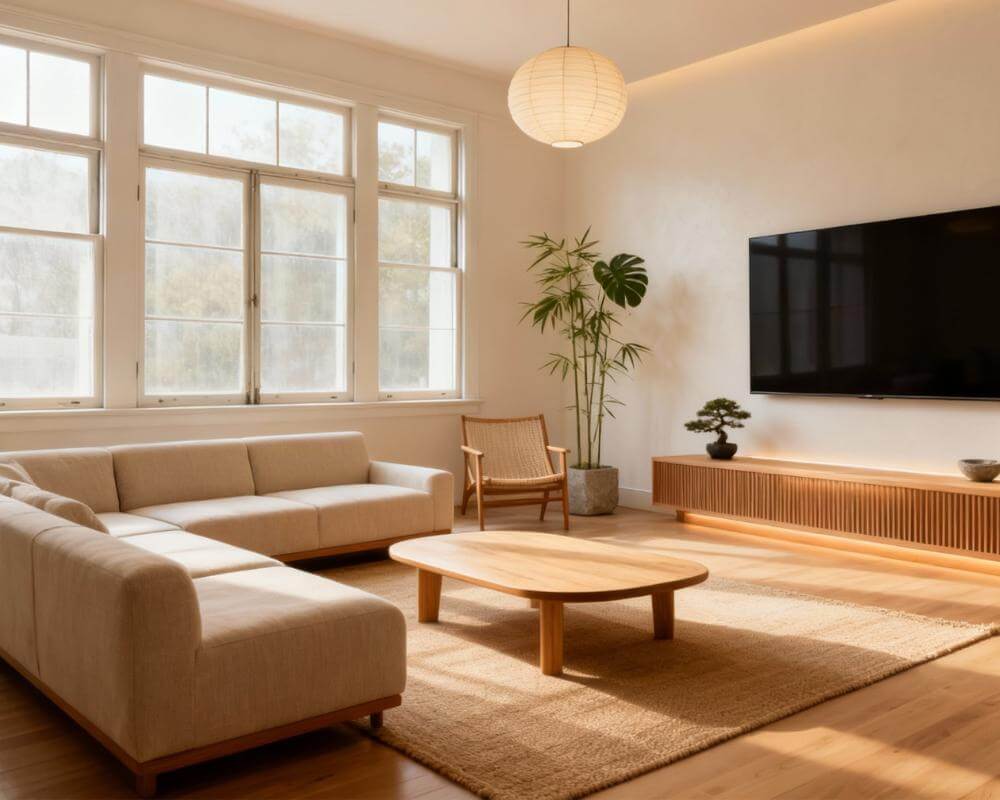
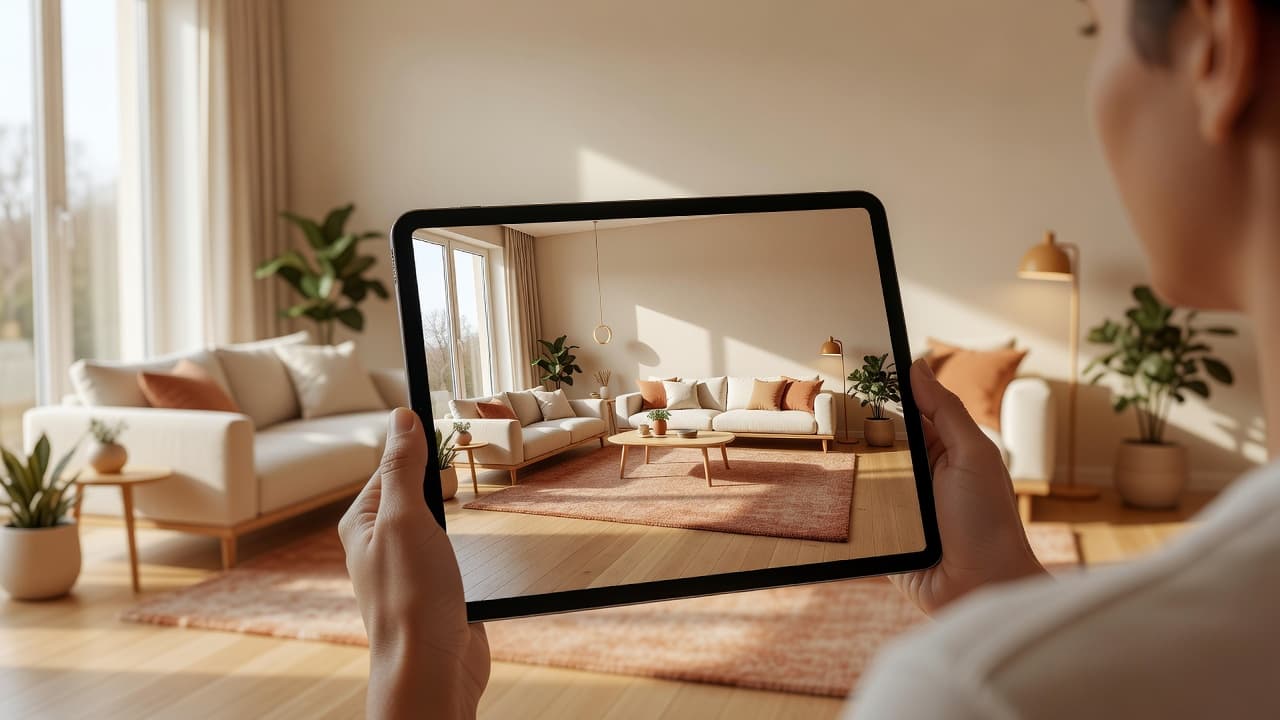
If you want to redesign a room, you have two very different paths: learn 3D rendering software and model everything by hand, or use AI interior design and let a photo of your room become a finished design in seconds. This is the honest comparison of AI interior design vs 3D software — and for the vast majority of people, AI wins. Here's why, and where 3D still has its place.
Traditional 3D rendering and modeling tools are powerful but demanding. DecorAI takes the opposite approach: you upload a photo of your actual room and get a photorealistic redesign instantly, with no modeling and no learning curve.
The Two Approaches, Explained
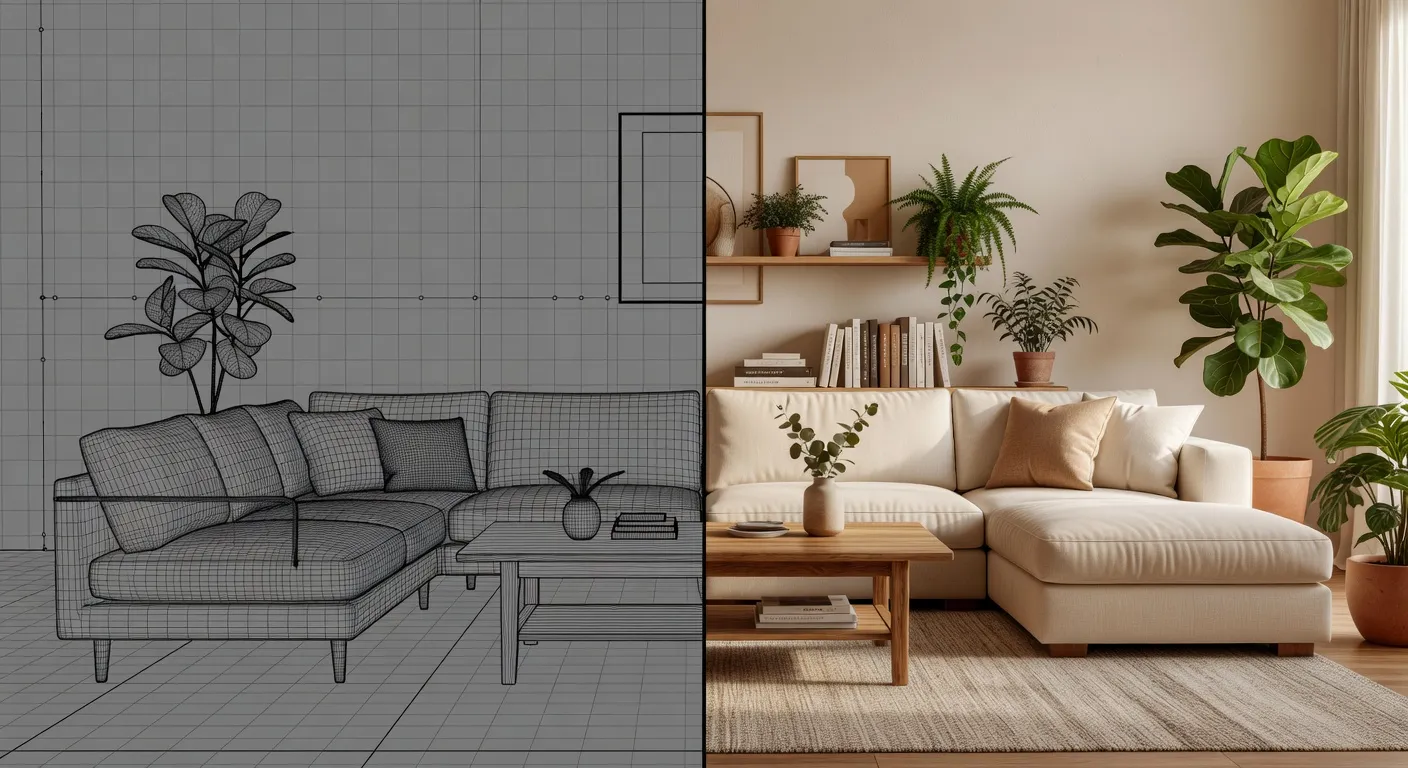
3D rendering software asks you to rebuild your room digitally: measure the space, model walls, place furniture from libraries, set materials and lighting, then render. It's precise and fully controllable — and it can take hours or days to get one photorealistic image.
AI interior design flips that. With DecorAI you photograph the room you already have, choose a style, and the AI redesigns that exact space — keeping your windows, proportions, and layout — in under 10 seconds. No modeling, no manual lighting, no asset libraries.
Speed: Seconds vs Hours
This is the biggest gap. A clean 3D render of a single room can take an experienced user hours; a beginner, much longer. DecorAI produces a finished, photorealistic result in seconds — fast enough to compare ten styles before you'd have finished placing furniture in a 3D scene. Winner: DecorAI.
Learning Curve: None vs Steep
3D software has menus, tools, and concepts (extrusions, materials, UV maps, lighting rigs) that take weeks to learn. DecorAI has three steps: upload, choose a style, generate. If you can take a photo, you can use it. Winner: DecorAI.
Skip the Modeling — Redesign From a Photo
No software to learn, no hours of work. Upload one photo and let DecorAI redesign your real room into a photorealistic space in seconds. Free to start.


Photorealism & Results
High-end 3D software can produce stunning renders — in expert hands, with the right assets and render times. But for most people, the realism gap closes instantly with AI: DecorAI's interior-trained models deliver believable lighting, materials, and perspective without any setup. For everyday redesign decisions, the AI result is more than good enough and arrives immediately. Winner for most users: DecorAI.
Cost
Professional 3D rendering software often carries subscriptions, plugin costs, and the hidden cost of a powerful computer and your time. DecorAI starts free and costs about the price of a coffee for unlimited generations. Winner: DecorAI.
AI Interior Design vs 3D Software: Comparison Table
| Factor | DecorAI (AI) | 3D rendering software |
|---|---|---|
| Time to first result | Seconds | Hours |
| Learning curve | None | Steep |
| Starts from your real photo | Yes | No (rebuild it) |
| Photorealism (out of the box) | Excellent | Expert-dependent |
| Works on phone & web | Yes | Desktop only |
| Exact measurements / CAD specs | Visualization | Yes |
| Cost to start | Free | Often paid |
When 3D Software Still Makes Sense
To be fair: if you are an architect or contractor who needs precise measurements, construction documents, or CAD-accurate specs, dedicated 3D software is the right tool. AI interior design is about visualization and decisions, not blueprints. The good news? Many professionals use DecorAI first to explore the look fast, then take the winning direction into their technical tools. The two are complementary — but for deciding how a room should look, AI gets you there in seconds.
How to Get Started with DecorAI
- Open DecorAI on the web, iPhone, or Android.
- Upload a photo of the room you want to redesign.
- Choose a style from 20+ options.
- Generate and compare variations in seconds.
Conclusion: AI Wins for Most People
For the everyday goal of seeing your room reimagined beautifully and quickly, AI interior design beats 3D rendering software on speed, ease, and cost — without sacrificing realism. Unless you specifically need CAD-grade precision, DecorAI is the smarter, faster choice.
See Your Room Redesigned in Seconds
No modeling. No software to learn. Upload a photo, pick a style, and let DecorAI do the rest. Your first designs are completely free.
Transform Your Home Free →No credit card required · Works on iPhone, Android & web
Visualize Your Dream Home Instantly
Don't just read about it. Experience the power of AI interior design with DecorAI's free tool.
Start Designing for FreeWritten by
DecorAI Team
Editorial Team