DecorAI vs Homestyler: Which Free AI Design App Should You Try First?
A factual side-by-side comparison of DecorAI and Homestyler — how each app actually works, AI photo redesign versus from-scratch 3D floor planning, furniture catalogs, mobile apps, exterior support, and pricing — with a category scorecard and an honest verdict on who each tool is really for.

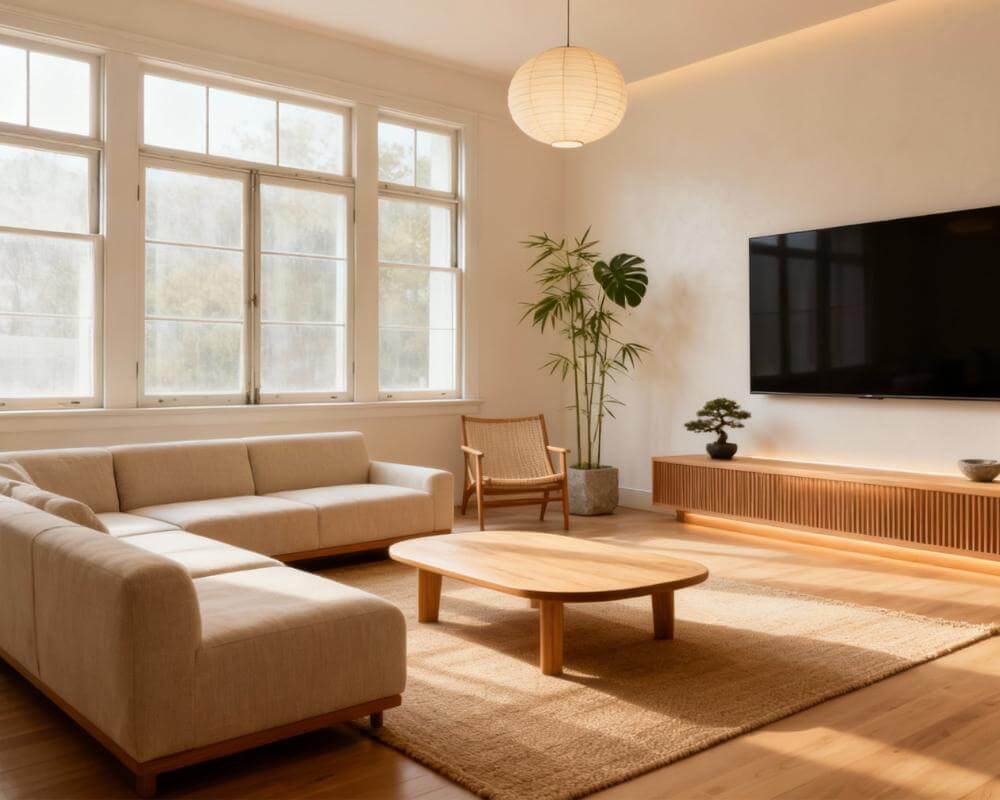
If you're weighing DecorAI vs Homestyler, the two tools are built to solve different problems, and picking the wrong one for your goal is the most common frustration people report. DecorAI is an AI interior design app that lets users transform photos of existing rooms into realistic redesign concepts — you photograph the room you actually have and see it restyled in seconds. Homestyler is a 2D/3D home design platform built around drawing a floor plan and furnishing it from a 100,000+ piece model catalog, with an AI photo-restyling tool layered on top. This guide compares both, category by category, using only verified, current information from each company's own site.
Key Takeaways
- DecorAI is built around one thing done well: turning a real room photo into a photorealistic redesign in under 10 seconds, with no account required for your first three designs a day.
- Homestyler is built around from-scratch 2D/3D floor planning with a huge free furniture catalog (100,000+ models) — its AI photo tool is an add-on to that core workflow, not the main feature.
- Homestyler's free tier keeps a watermark on renders and caps you at 1K resolution; unlocking 4K, watermark-free exports, and more AI credits starts at $6.8/month.
- DecorAI supports exterior and garden redesign, existing-furniture-aware redesigns, and Virtual Staging — areas Homestyler's own site gives far less attention to than its interior floor-planning tools.

How We Compared DecorAI and Homestyler
Rather than a generic feature checklist, we looked at what each tool is actually for and how well it does that job:
- Core workflow: Do you start from a photo of your real room, or a blank floor plan?
- Ease of getting started: How fast can you get a usable result, and what does it cost to start?
- Furniture and style range: How much variety is available, and where does it come from?
- Mobile access: Is the phone app a full tool or a companion to the web version?
- Beyond interiors: Exteriors, existing furniture, staging.
- Price: What's genuinely free, and what triggers a paid plan?
Quick Scorecard: Winner by Category
| Category | Homestyler | DecorAI | Winner |
|---|---|---|---|
| Photo-to-redesign speed | AI tool layered on a planning app | Core feature, under 10 seconds | DecorAI |
| From-scratch 2D/3D floor planning | Dedicated planner, multi-floor, exports | AI Floor Planner covers space planning, not full CAD detail | Homestyler |
| Furniture / model catalog size | 100,000+ free 3D models | Furniture Import for specific products, not a browsable catalog | Homestyler |
| Getting started free, no account | Account-based, free welcome credits | 3 free designs a day, no account or card | DecorAI |
| Mobile app depth | iOS & Android, lighter than the web app | iOS & Android with the full toolset | DecorAI |
| Exterior & garden design | Not a stated focus | Dedicated AI Exterior Design & Garden Design | DecorAI |
| Free-tier watermark | Renders carry a watermark until you pay | Free designs, no watermark policy issue for your daily generations | DecorAI |
What Are DecorAI and Homestyler Actually For?
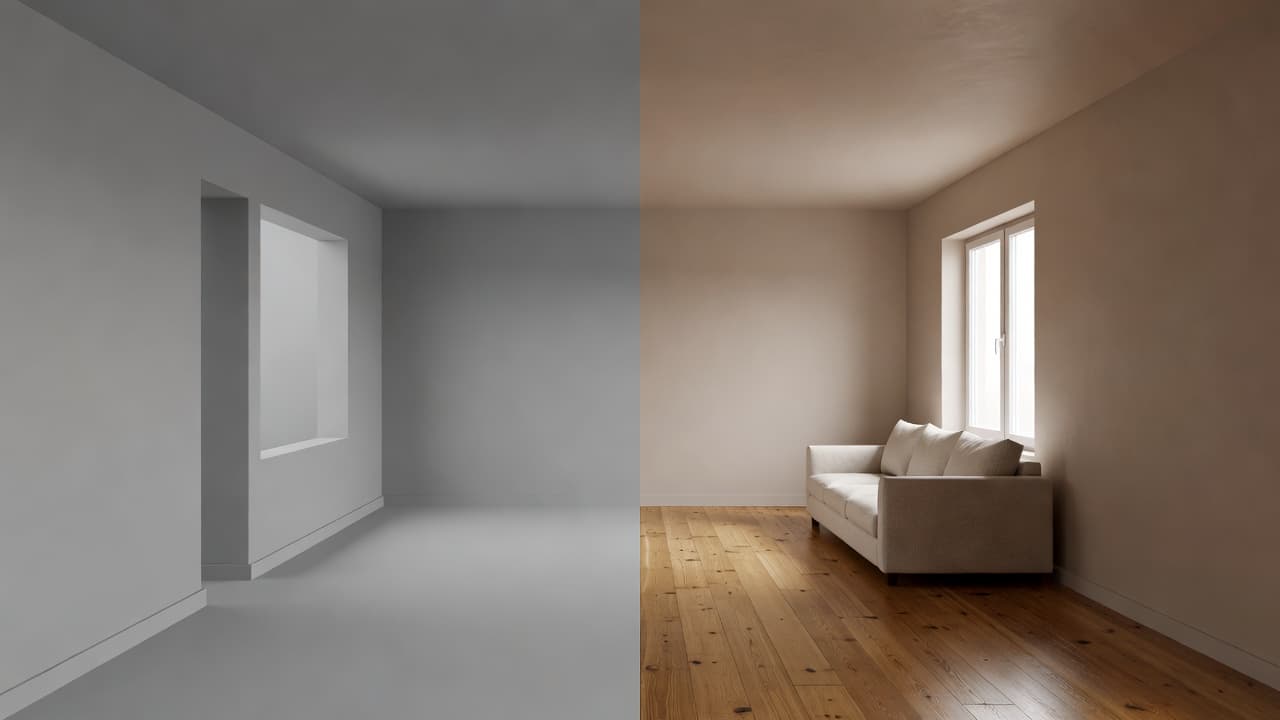
Homestyler, made by the Shanghai-based team behind Kujiale, is a professional-leaning 2D/3D design platform: you draw or upload a floor plan, furnish it from a catalog of over 100,000 free 3D models and materials, and render the result — with tools for multi-floor layouts, roof editing, and construction-drawing exports that go well beyond a quick style preview. It has since added AI features on top of that core, including an image-to-image photo restyler, image-to-video and image-to-moodboard tools, and a conversational design agent called Spark. DecorAI is an AI interior design app that lets users transform photos of existing rooms into realistic redesign concepts — the photo is the starting point, not an addition to a planning tool. You don't draw walls or place furniture piece by piece; you photograph the room you already have and generate a redesign of it directly.
DecorAI vs Homestyler: Getting Started
Homestyler is free to download and use, with a "free welcome gift" for new accounts and unlimited renders at 1K resolution on the free tier — but those renders keep a watermark, and getting to a finished, presentation-ready result generally means learning the floor-planning workflow: placing walls, importing or sketching a layout, then furnishing it room by room. DecorAI skips the floor plan entirely: open the web app or a mobile app, upload a photo of your actual room, and you get a redesign back — no account or credit card needed for your first three designs each day.
Winner: DecorAI, if what you want is to see your own room redesigned quickly. Homestyler's setup is reasonable for its purpose, but that purpose is planning a space from nothing, not restyling one you can already photograph.
DecorAI vs Homestyler: AI Redesign From a Real Photo
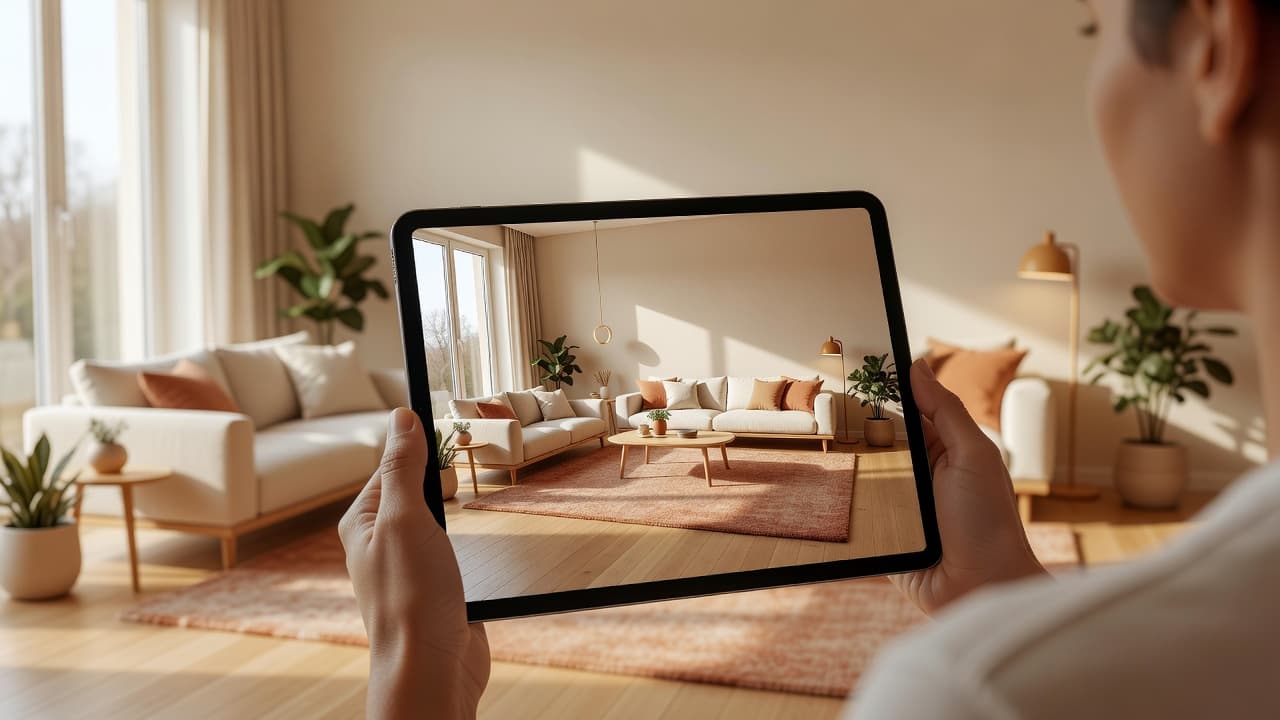
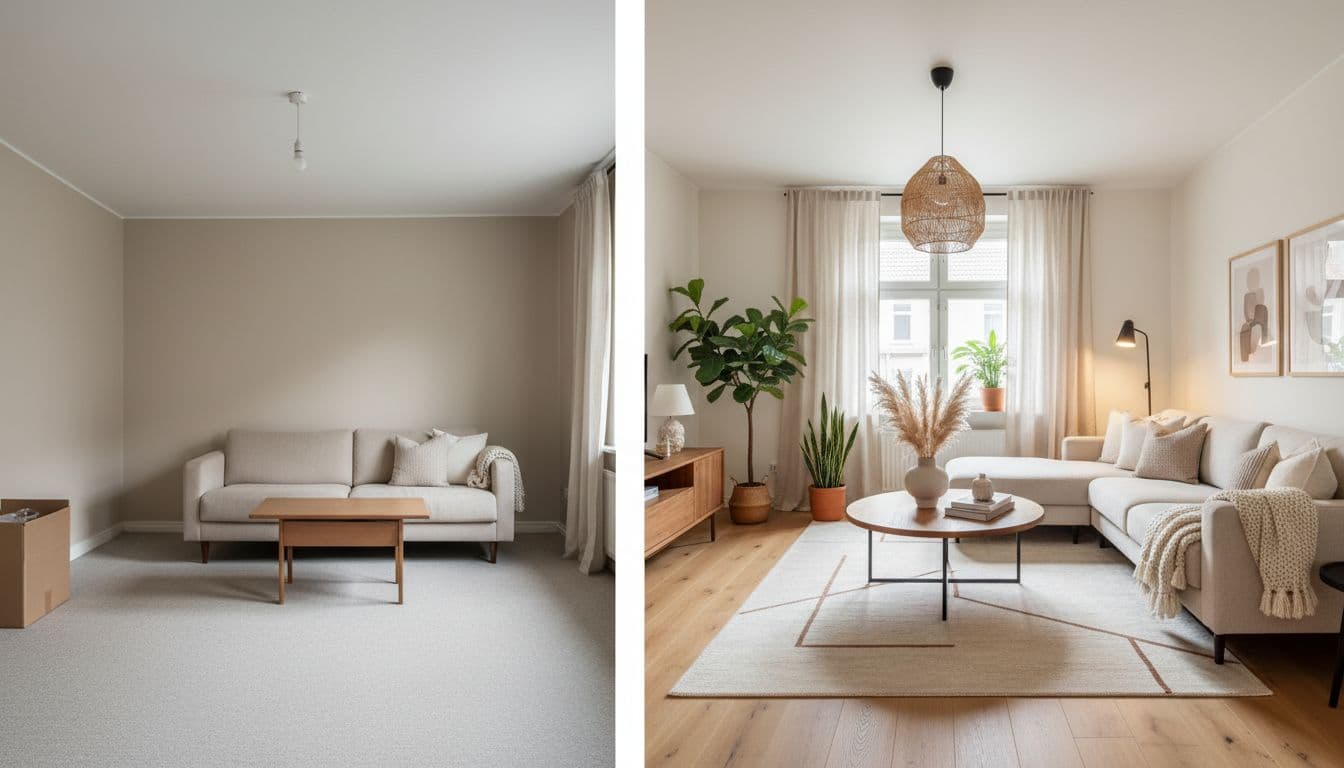
Both tools can take a photo and hand back a stylized version of it, but this is DecorAI's core product rather than a feature bolted onto a different workflow. DecorAI generates redesigns in under 10 seconds — sometimes closer to five — while working to preserve your room's actual walls, windows, and proportions, so the result reads as your room restyled rather than a different room in the same palette. Homestyler's image-to-image tool works the same basic way but sits inside a platform whose primary interface is the 3D floor planner; you'll use it as one tool among several rather than the reason you opened the app. Our guide to redesigning a room from a photo walks through what a photo-first workflow looks like end to end.
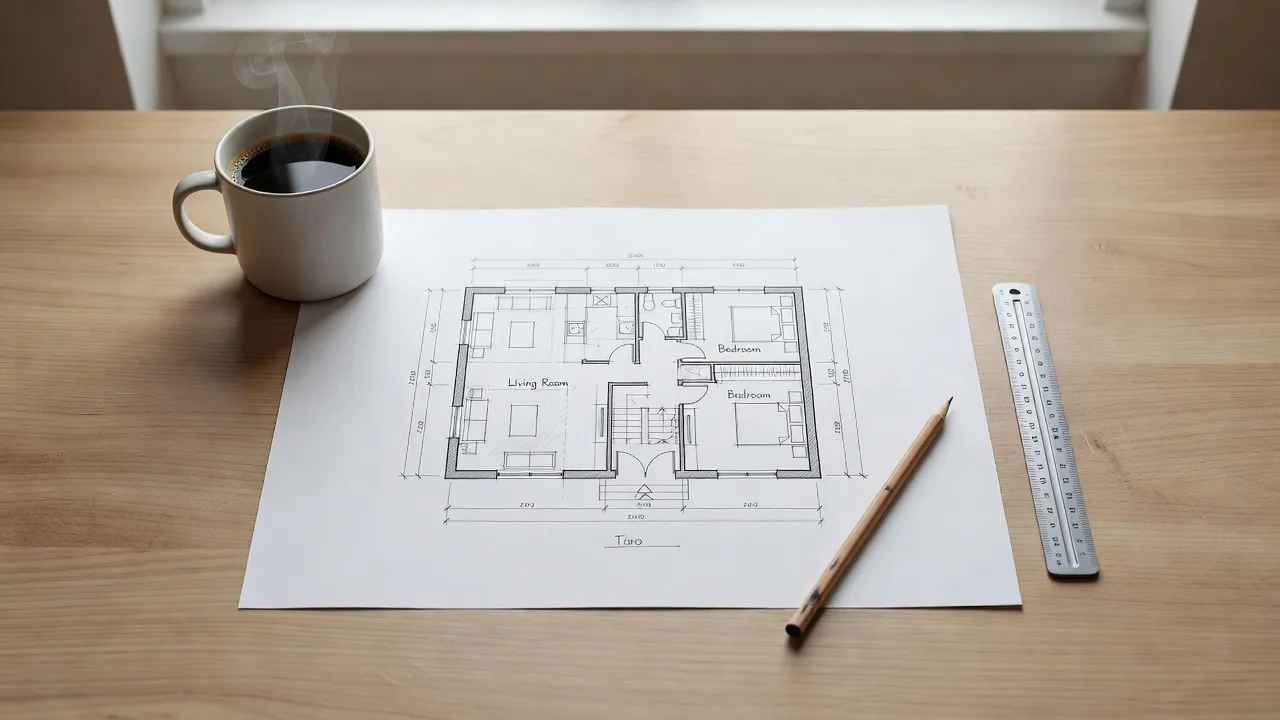
Winner: DecorAI, for redesigning a room that already exists. If you're planning a room that doesn't exist yet — new construction, a gut renovation — Homestyler's from-scratch tools are the more natural fit; our AI interior design vs 3D software guide covers that distinction in more depth.
DecorAI vs Homestyler: Furniture Catalog and Style Range
This is where Homestyler's professional roots show. Its catalog includes more than 100,000 free 3D models and materials, with paid plans adding room to upload hundreds of your own custom assets — genuinely useful if you're specifying real, purchasable furniture piece by piece for a client or a build. DecorAI takes a different approach: rather than browsing a model catalog, you choose from 60+ design styles to redesign a whole room at once, and Furniture Import lets you drop one specific product photo into a redesign so the AI works it into the scene. Homestyler wins on raw catalog depth for piece-by-piece specification; DecorAI wins on quickly comparing many complete style directions for the same room.
Winner: Split. Homestyler for a large browsable furniture library, DecorAI for fast, whole-room style comparisons.
See Your Own Room Redesigned — Free, No Account Needed
Upload a real photo and get a photorealistic redesign back in seconds, across 60+ styles, with three free designs a day.


DecorAI vs Homestyler: Mobile Apps
Both offer native iOS and Android apps, so this isn't a case of one having a mobile app and the other not. The difference is depth: Homestyler's own site describes its mobile app as a lighter alternative to the full web platform, which fits a floor-planning tool better suited to a larger screen anyway. DecorAI was built mobile-first — photograph a room, get a redesign, all on the phone you're already holding while standing in the space — and our mobile features guide covers the Live Activities, widgets, and share-sheet integrations that come with that.
Winner: DecorAI, for a phone app that carries the full experience rather than a scaled-down companion.
DecorAI vs Homestyler: Exterior and Garden Design
DecorAI has dedicated AI Exterior Design and AI Garden Design tools alongside its interior features, for redesigning a home's facade, siding, roof color, or yard the same way you'd redesign a room. Homestyler's marketing centers almost entirely on interior floor plans and room renders; it isn't presented as an exterior or landscape design tool, and at least one user review on a third-party site specifically requested exterior design as a missing feature. If curb appeal or yard planning matters to you alongside the interior, that's a meaningful gap on Homestyler's side.
Winner: DecorAI.
DecorAI vs Homestyler: Price and Free Tier
Homestyler's free "Basic" tier gives you unlimited renders at 1K resolution and access to its full 100,000+ model catalog, but renders keep a watermark and 4K resolution requires a purchase. Its paid tiers start at Pro+ (from $6.8/month), which removes the watermark, adds 75 monthly 2K/4K renders and 180 AI credits, and unlocks custom lighting and multi-floor design; Master+ (from $11.8/month) raises that to unlimited 4K renders and 380 AI credits; and a Team plan runs from $19.9 per seat per month for shared libraries and multi-user projects. DecorAI is free to start on the web app and mobile apps, with three free designs a day and no account or credit card required to try it — a Pro plan is available for people who want more designs, but the free tier alone is enough to test the redesign quality on your own room before deciding anything.
Homestyler pricing verified September 2026. Plans change — check their pricing page before you decide.
Winner: DecorAI, for the easiest path to a real, unwatermarked result without committing to an account first. Homestyler's free tier is genuinely generous for its own purpose — unlimited renders and a huge model library — if you're willing to work inside its floor-planning workflow and accept the watermark.
Who Should Use DecorAI vs Homestyler?
Choose Homestyler if you're designing a space that doesn't exist yet, need a detailed floor plan, or want to specify real furniture piece by piece from a large model catalog — new construction, a full renovation, or a from-scratch layout are its strengths. Choose DecorAI if you want to see the room you already have redesigned — quickly, from a phone photo, across dozens of styles, with exteriors and existing furniture handled the same way. For most people asking "what would my room look like redesigned," that's DecorAI's exact use case rather than Homestyler's. If you're comparing more tools in this category, our best AI interior design apps guide covers the wider field.
FAQ: DecorAI vs Homestyler
Is DecorAI or Homestyler better?
It depends on your goal. Homestyler is stronger for from-scratch floor planning and a large furniture catalog; DecorAI is stronger for quickly redesigning a room you can already photograph, on mobile, without an account.
Does Homestyler have a free plan?
Yes — Homestyler's free "Basic" tier includes unlimited 1K renders and its full free model catalog, but renders carry a watermark and 4K resolution requires a paid plan starting from $6.8/month.
Is DecorAI free like Homestyler?
Both offer free access to start. DecorAI gives three free designs a day with no account or credit card required; Homestyler's free tier requires working within its account-based platform and leaves a watermark on renders until you upgrade.
Can Homestyler redesign a photo of my actual room?
Yes, through its image-to-image AI tool, though that sits inside a platform built primarily around drawing floor plans from scratch rather than around photo redesign as the main feature.
Does DecorAI have a furniture catalog like Homestyler's?
Not in the same browsable-catalog sense. DecorAI's Furniture Import lets you bring one specific product photo into a redesign, while Homestyler's 100,000+ model library is built for placing many individual pieces one at a time across a full floor plan.
Which app is easier for a beginner who just wants to see their room redesigned?
DecorAI — there's no floor plan to draw or furniture to place individually. You upload a photo and get a finished redesign back.
Final Verdict
DecorAI and Homestyler aren't really competing for the same first click. Homestyler is a capable, free-to-start 2D/3D design platform for planning a space from scratch and furnishing it from a genuinely large model catalog. DecorAI is the stronger choice specifically for redesigning a room you already have — faster, mobile-first, no floor plan required, and extended to exteriors, gardens, and existing-furniture-aware redesigns that Homestyler doesn't foreground. Try DecorAI free on a photo of your own room, explore the styles gallery, or start from the DecorAI homepage.
Visualize Your Dream Home Instantly
Don't just read about it. Experience the power of AI interior design with DecorAI's free tool.
Start Designing for FreeWritten by
DecorAI Team
Editorial Team