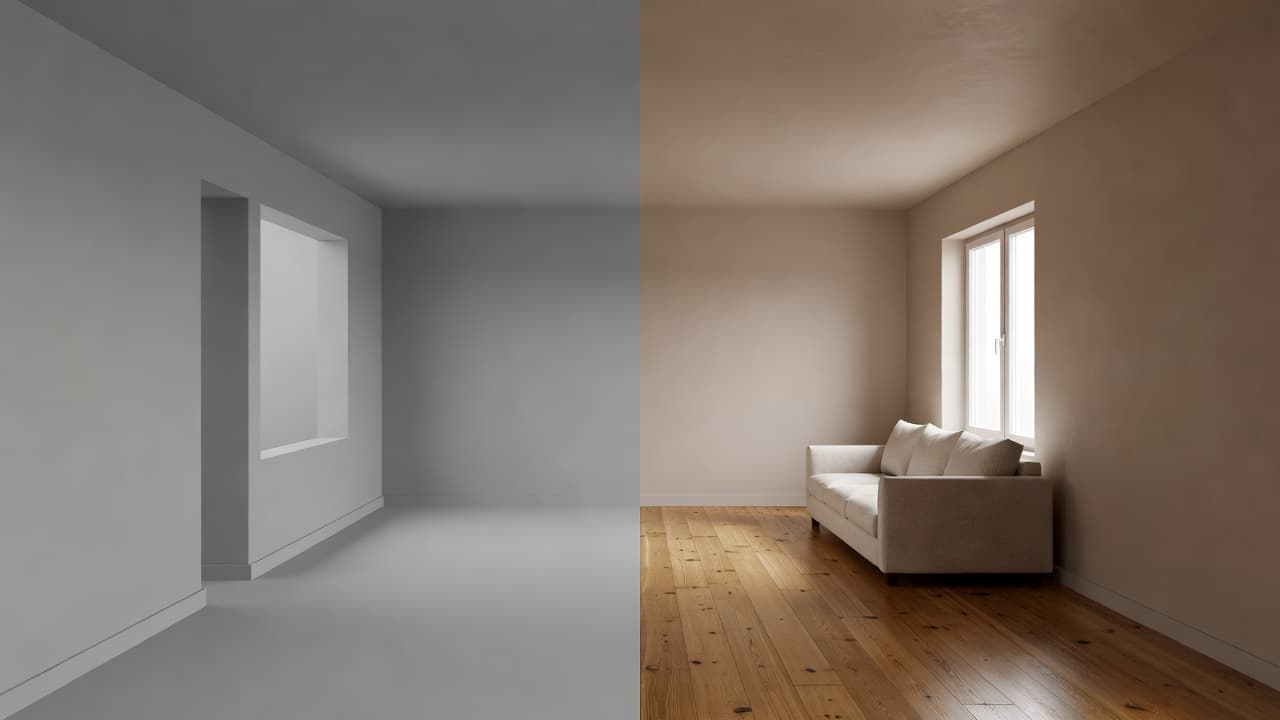
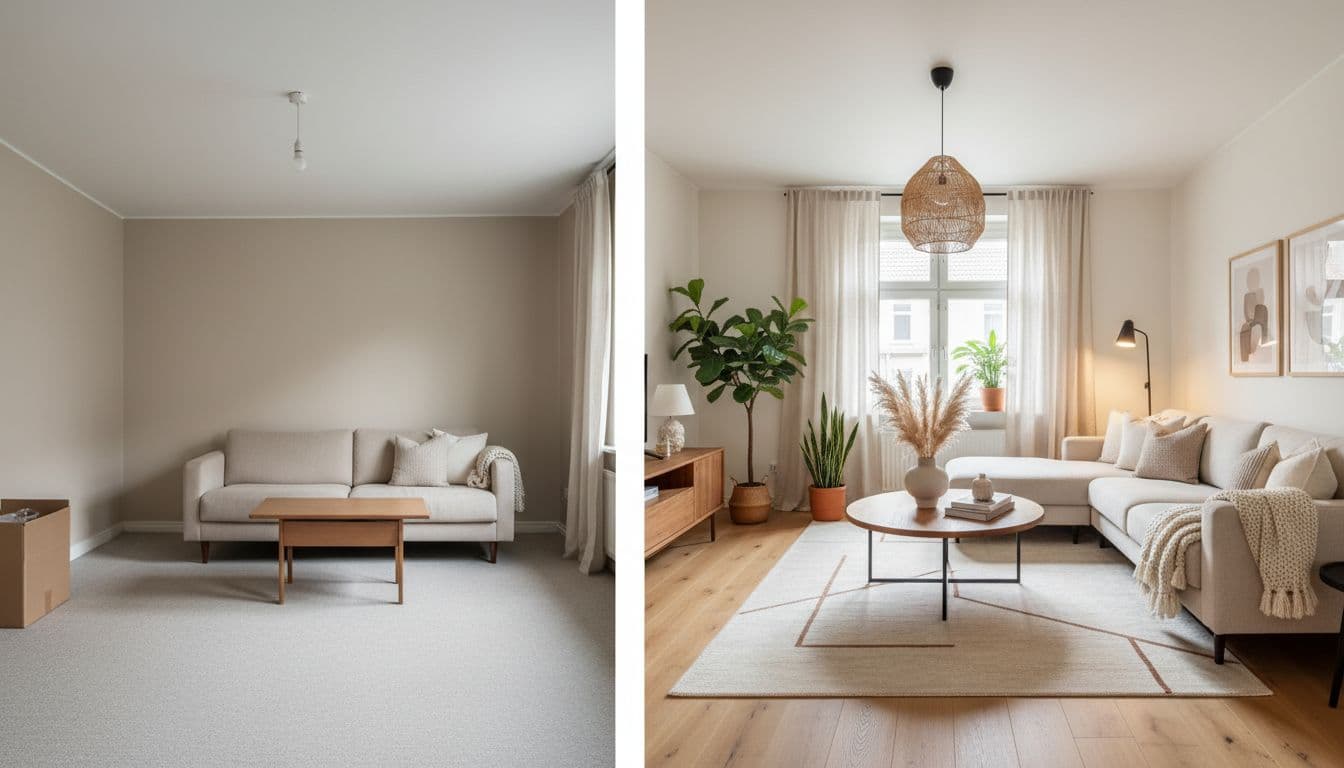
Virtual Interior Design Guide 2026: Designer vs AI Interior Design App
A practical 2026 guide to virtual interior design: how a virtual designer service compares with an AI interior design app on cost, speed, revisions and deliverables, what each one is genuinely better at, and a step-by-step walkthrough of designing a real room in DecorAI from the first photo to a costed action plan.
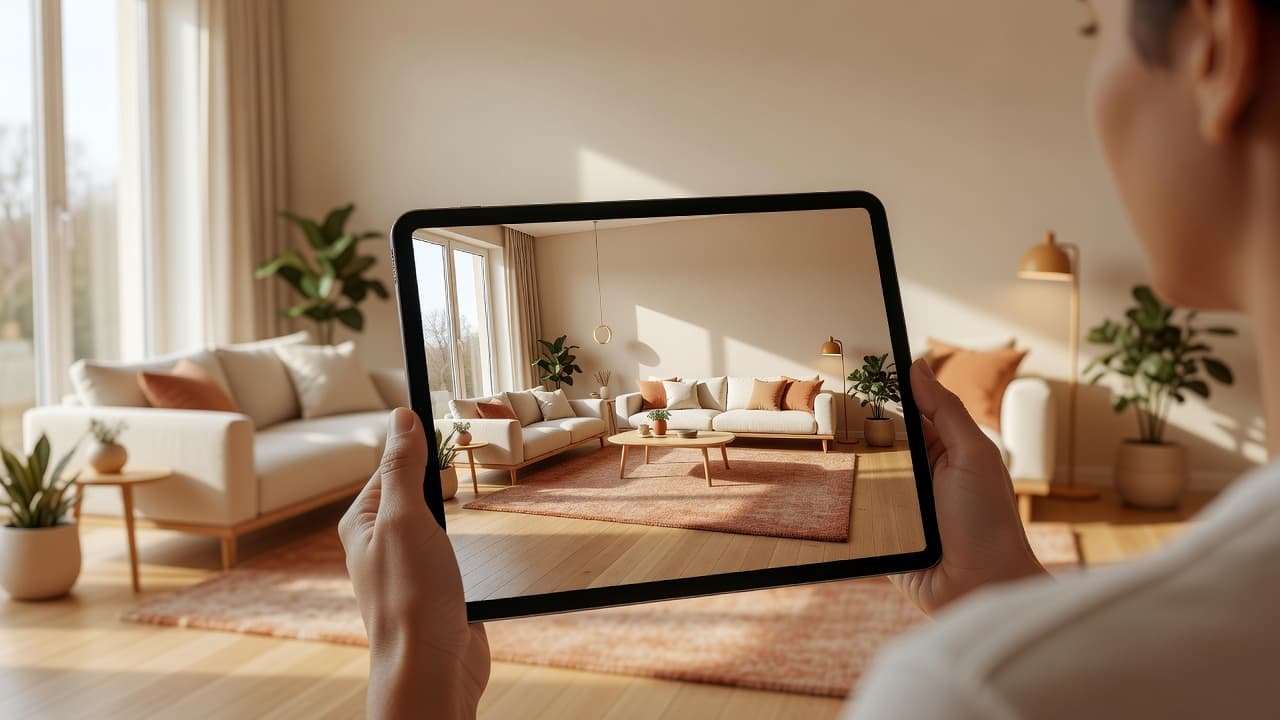

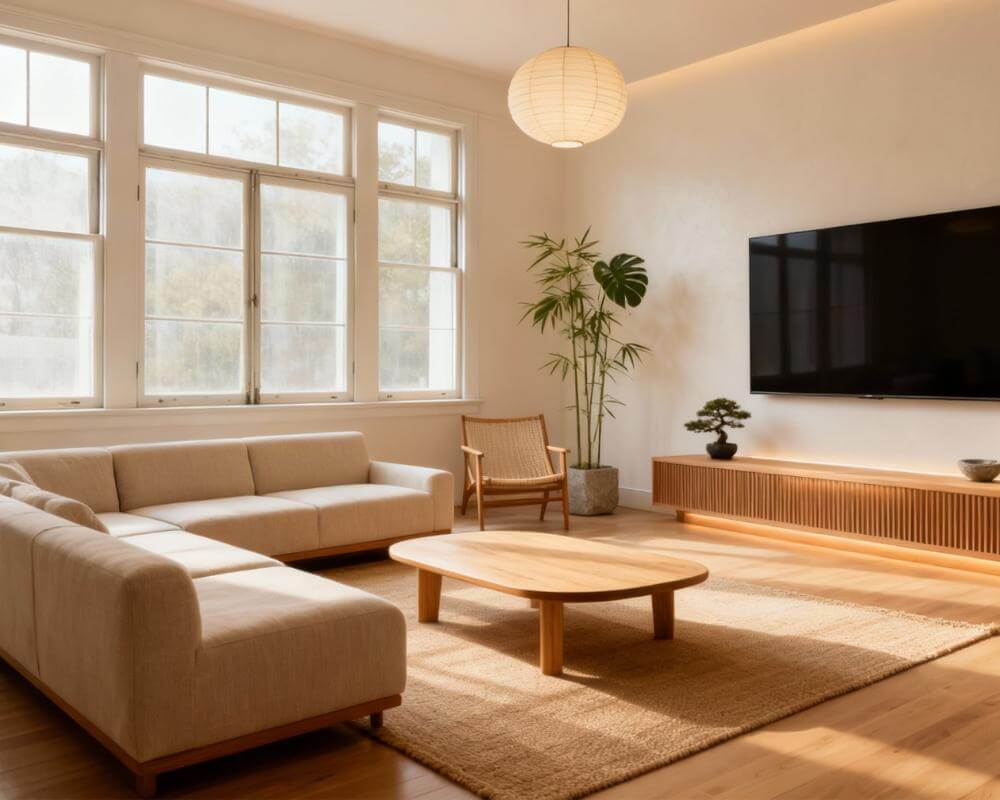
Virtual interior design used to mean one thing: you sent photos to a designer you never met, waited weeks, and got a mood board and a shopping list back. In 2026 it means two very different things, because an AI interior design app now does the visualization part in about five seconds, on a photo of your actual room, for free. This guide compares the two routes honestly — where a human still wins, where the app wins outright — then walks through designing one real room end to end in DecorAI, from the first photo to a costed action plan you could hand a contractor.
Key Takeaways
- Different products, not competing ones. A virtual designer sells judgment and accountability; an AI app sells iteration speed — and iteration is where home projects get stuck.
- Speed is the headline difference. DecorAI usually returns a photorealistic redesign in under 10 seconds, often about 5. A designer round trip is measured in days.
- Revisions are unlimited, not rationed. Three free generations a day with no account, unlimited on Pro.
- Not only a picture generator. AI Room Analysis scores the room you already have; a Design Report turns a finished design into a palette, a tiered budget and an ordered action plan, exportable as PDF.
- Scale: more than 3 million users, more than 50 million AI designs generated, 4.8 out of 5 across about 15,000 reviews.
- The honest limit: AI output is a visual concept, not a construction drawing.

What "Virtual Interior Design" Means in 2026
Virtual interior design is any process where a room gets designed remotely, from photos and measurements, without anyone visiting the property. That definition now covers two quite different offerings.
The first is the virtual designer service: a real designer works on your room remotely. You fill in a questionnaire, upload photos and dimensions, and after a wait you receive a concept board, a furniture list and usually a floor plan. Packages are sold per room, revisions are capped, and the value is the designer's taste and experience. The second is the AI interior design app: software redesigns the photo itself. No questionnaire, no wait, and a completely different direction thirty seconds later if you dislike the first.
Most people assume they must pick one. In practice the best sequence is to use the app first — cheaply, dozens of times — until you know what you want, then decide whether you still need to pay a person to execute it.
Virtual Designer vs AI Design App, Side by Side
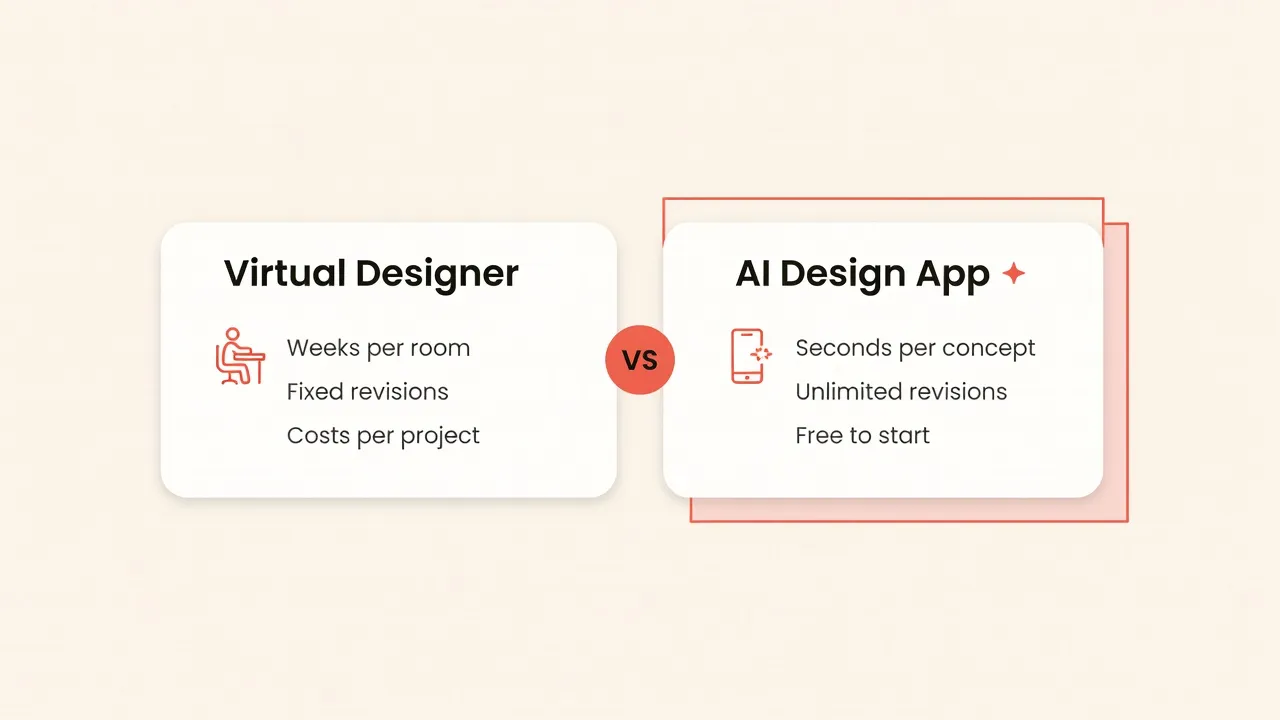
| Virtual designer service | DecorAI | |
|---|---|---|
| Turnaround | Days to weeks per round | Usually under 10 seconds, often about 5 |
| Revisions | Capped by the package | 3 free per day, unlimited on Pro |
| Cost to start | Paid per room, upfront | Free, no card and no sign-in |
| Style exploration | One or two agreed directions | 60+ styles, 40+ color schemes on the same photo |
| Output | Concept board, shopping list, floor plan | Photorealistic redesign of your own room, plus a Design Report PDF |
| Scope | Usually interiors, one room at a time | Interiors, exteriors, gardens, flooring, staging |
| Accountability | A named person answers for the result | You direct it; the app has no opinion of its own |
| Best at | Judgment, sourcing, trade coordination | Deciding what you want, fast |
Cost
Virtual design packages are priced per room and paid before you see anything. DecorAI inverts that: three AI design generations every day on the free plan, reset daily, each unlocked by a short rewarded video ad. No registration, sign-in or payment card is required; free-plan images carry a small DecorAI watermark. Pro removes the ads, watermark and daily cap and adds priority generation speed — weekly, monthly, yearly or one-time lifetime, with US reference prices of $9.99 weekly, $19.99 monthly and $39.99 yearly. There is no subscription free trial, because the daily free plan already does that job. Our guide to AI interior design costs has the full maths.
Speed
DecorAI routes each request through its available AI image models and usually returns a photorealistic redesign in under 10 seconds, often about 5; at peak demand, 20 to 60 seconds. The practical effect is not one faster answer — it is twenty answers in the time a single email reply would take, which changes how you decide.
Revisions
The difference people underestimate. A capped revision budget makes you conservative; an uncapped one makes you experimental, and experimenting is how most people discover that the style they assumed they wanted is not the one they respond to. Seeing your living room as Japandi, then coastal, then mid-century modern inside two minutes is a different way of choosing.
What a Human Designer Still Does Better
Worth saying plainly, because it decides when to use which. A designer measures and specifies: the sofa fits through the door, the rug suits the seating plan, the lighting circuit takes what they drew. They source real products at real lead times, coordinate contractors, and answer for it when something arrives wrong. And they push back — a good designer will tell you the thing you asked for is a mistake, which no image generator will ever do.
An AI app does none of that. It removes the most expensive part of the early stage: working out what you like. Arriving at a designer with twelve generated images and a clear direction makes their time cheaper and their work better. Our AI vs human designers comparison goes deeper.
Design Your Room Before You Hire Anyone
Photograph a real room and see it redesigned in 60+ styles in seconds. Three free designs every day, no card required.


How to Use DecorAI: One Room, Start to Finish
Here is the full workflow on a single living room, in the order the tools are actually useful. DecorAI runs on the web at app.decoraihome.com and as native apps for iPhone, iPad and Android; everything below works the same on all of them.
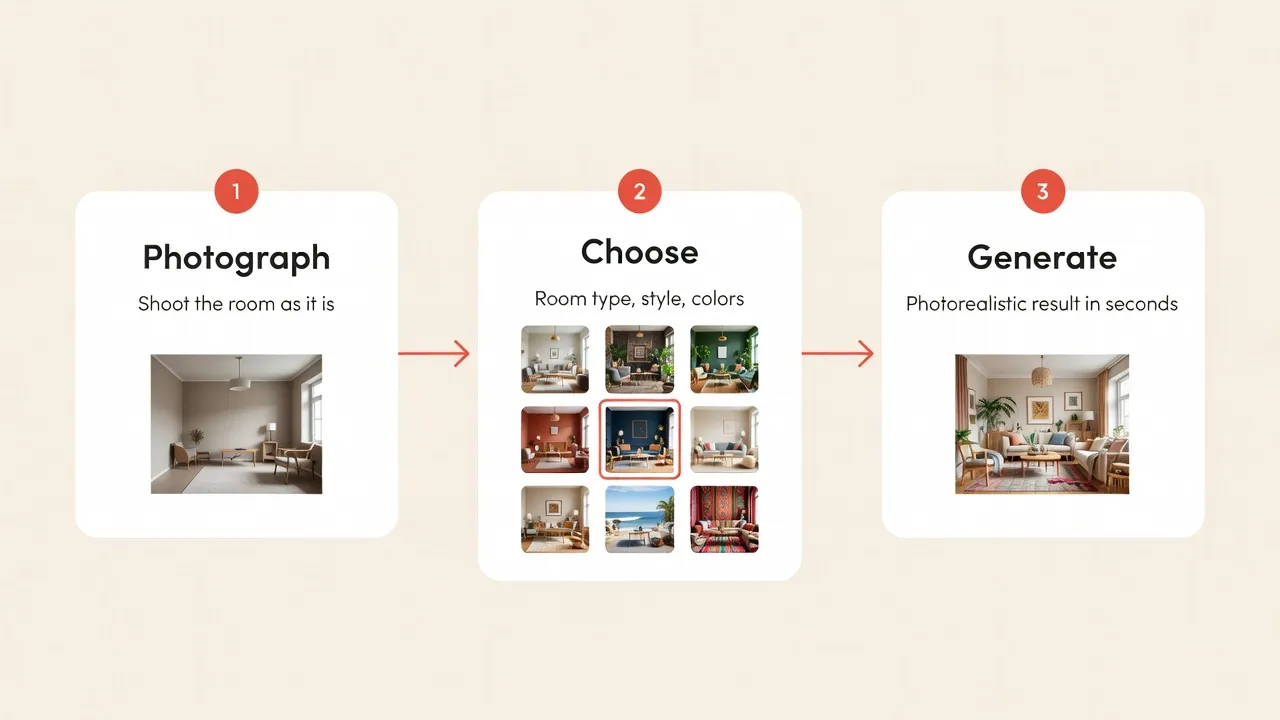
Step 1 — Photograph the room as it is
Stand in a corner so two walls are visible, shoot landscape at chest height, and let in as much daylight as you can. Do not tidy first — DecorAI preserves the real photo's room structure, walls, windows, ceiling height, perspective and camera angle, so an honest photo produces a redesign that lines up with the room you will be standing in. Shoot in the app, pick from your gallery, or crop before generating. Our room photography guide covers angle and lighting.
Step 2 — Set the room type, style and color scheme
Pick from 40+ room and space types so the AI knows it is furnishing a living room and not a studio, then choose from 60+ design styles — Modern, Minimalist, Scandinavian, Industrial, Bohemian, Japandi, Coastal, Farmhouse, Mid-Century Modern and more — and 40+ color schemes. Repeat this step: generate the same photo three or four ways before judging any of them. Browse the styles gallery for a shortlist first.
Step 3 — Add design controls
This is where DecorAI stops being a style filter. It offers 30+ additional design controls across five categories, and compatible ones can be selected together:
- Camera and photo: Keep Room Details, Keep Exact Photo Angle, Change Photo Angle.
- Furniture and layout: Replace Furniture, Add New Furniture, Multi-Functional Furniture, Statement Furniture Piece, Open Floor Plan, Space Maximization.
- Lighting and atmosphere: Add Ambient Lighting, Natural Light Enhancement, Cozy Atmosphere, Budget-Friendly, Eco-Friendly.
- Architectural elements: Accent Wall, Built-In Shelving, Exposed Beams, Crown Molding, Archways, Coffered Ceiling, Wainscoting, Acoustic Panels.
- Decor and details: Plants and Greenery, Mirrors, Textured Walls, Window Treatments, Area Rugs, Hidden Storage, Art Gallery Wall, Smart Home Integration.
Two combinations are worth knowing. Keep Room Details plus Keep Exact Photo Angle gives a true like-for-like before and after, which is what you want before a real purchase. Budget-Friendly plus Replace Furniture keeps the concept inside a realistic spend. Free-text instructions cover anything the presets do not.
Step 4 — Refine instead of regenerating
Once a result is close, stop starting over and start editing.
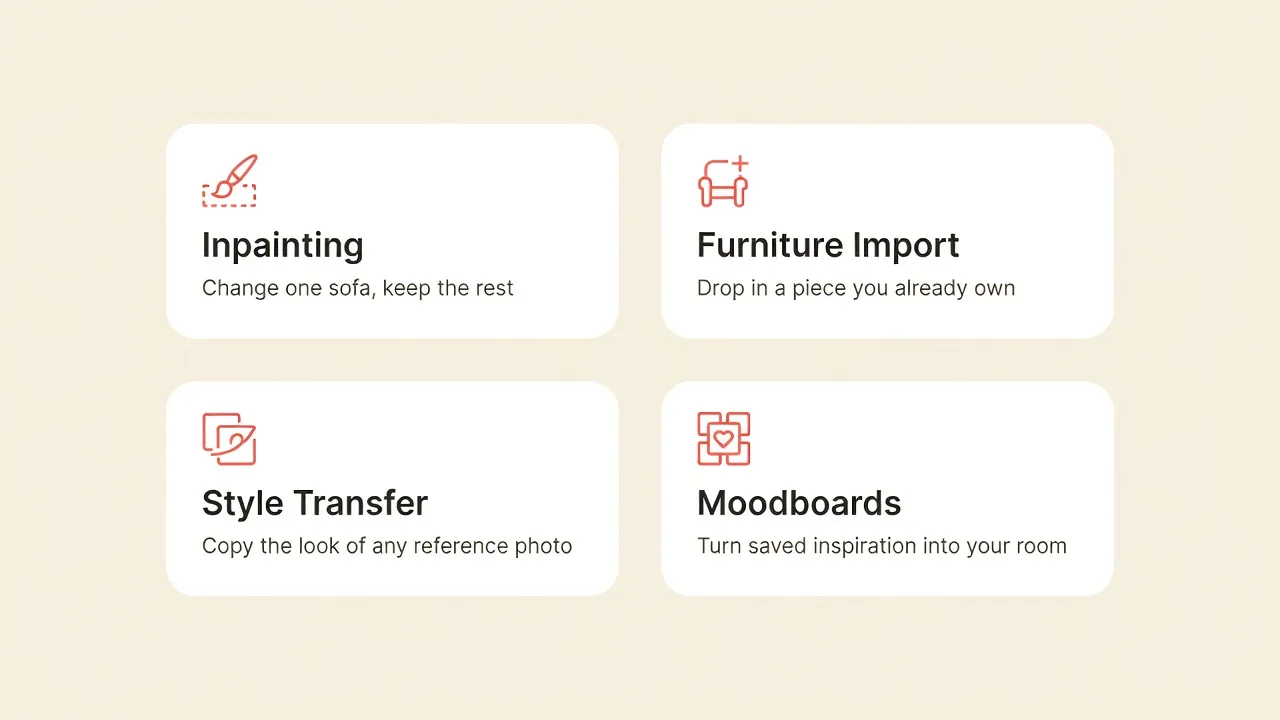
- Inpainting Editor — mask an area with an adjustable brush and describe only what should change there. Replace one sofa, remove a radiator, repaint one wall; everything outside the mask stays untouched.
- Furniture Import — a two-photo workflow: upload your room plus a photo of a specific item from a showroom, listing or another home, and DecorAI places that exact piece with matching scale and lighting. Up to five reference photos per design, which is the fastest way to answer "will my existing sofa work with this?" See our guide to designing around furniture you already own.
- Style Transfer — apply the palette, materials and visual language of any reference image to your room: a built-in reference, a fabric, an artwork or a saved interior.
- Moodboards — private boards that turn collected images into a real redesign. Each board extracts a measured five-color palette from the actual pixels of your saved images, on-device; the AI then studies the board, writes a style brief, names the style and redesigns your room in that look using those exact colors. "Add to DecorAI Moodboard" sits in the system share menu on iPhone and Android and accepts images and links, including Pinterest pin URLs. See the Moodboards walkthrough.
Step 5 — Score the room and get a plan
Two Pro tools produce what a virtual designer normally delivers. AI Room Analysis reads a photo and returns a structured critique rather than a redesign: detected room type, an overall score from 0 to 100, an architecture score with a written critique, a wellbeing score with three observations about light, air, flow or calm, three strengths, three weaknesses, and an improvement prompt you can hand straight back to the Interior Designer.
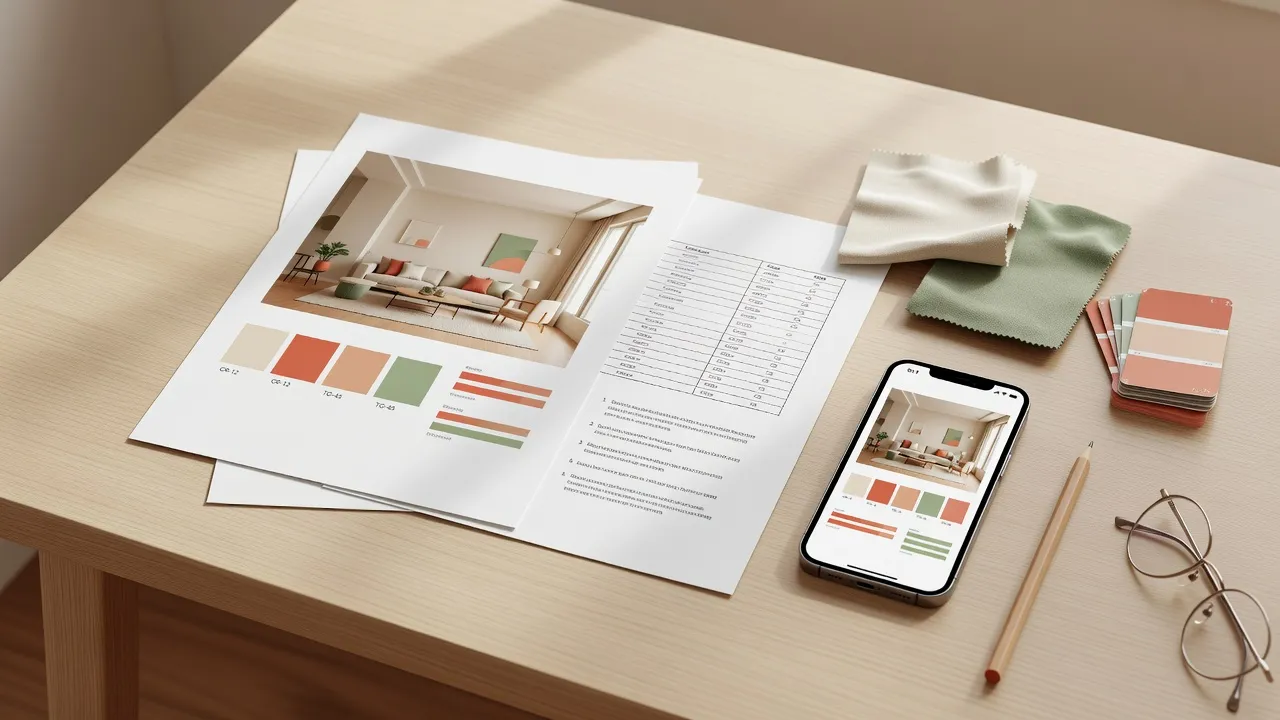
The Design Report works from the other end, turning a finished design into a written document: a style profile, a named color palette with hex values, a before-and-after change list, five to seven prioritized recommendations, a three-tier cost estimate with category ranges, an ordered action plan, and the single highest-impact improvement. It exports as a branded PDF and reopens from History on another device — a document you can genuinely email to a contractor. Our Room Analysis and Design Reports guide shows both end to end.
Step 6 — Keep it organized
Every generation is saved to History and can be filtered by project. Projects manage a whole room through a guided Analyze, Plan and Redesign workflow with a checklist, summary and status. Signing in with the same account syncs saved designs and Moodboards between the web app and the mobile apps and restores purchases across platforms. If you get stuck, six specialist AI assistants are available to chat — Tom, Jane, Clara, Marc, Risa and Sven — plus Milo, a conversational room planner for furniture sizing, traffic flow and layout.
Beyond One Room
A virtual design package normally stops at one room's interior. DecorAI does not, and every tool below is on the free plan:
- AI Exterior Design — ten building types and ten architectural styles, with controls for siding, roofing, windows, doors, landscaping, porches, shutters and trim.
- AI Garden Design — backyards, patios, balcony gardens, rooftops, courtyards and terraces, plus pergolas, fire pits, water features and outdoor kitchens.
- AI Floor Planner and Corner Designer — swap only the visible flooring, or rework one awkward corner into a reading nook or compact home office.
- Empty the Room and Virtual Staging — strip a room back to bare architecture, then furnish it again for a listing or a move.
- Design Concepts — generate a space from a written description when you have no photo to start from.
DecorAI by the Numbers
First-party worldwide figures reported by DecorAI as of August 15, 2026:
- More than 3 million total users and more than 300,000 registered users
- More than 50 million AI designs generated
- 4.8 out of 5 average rating across app stores and countries, from about 15,000 reviews
- 60+ design styles, 40+ room and space types, 40+ color schemes, 30+ design controls across five categories
- Three free generations per day, reset daily, with no registration or sign-in
- Generation usually under 10 seconds, often about 5; 20–60 seconds at peak demand
- Localized into 32 languages across 36 locale variants, with right-to-left layouts for Arabic and Hebrew
- Available on Web, iPhone, iPad and Android; created and first released in 2024 by Rocket Digital Limited
Adoption totals, ratings and feature counts change over time, so treat the date above as part of each figure.
Which Route Fits Your Situation
- Renters — the app. You are testing reversible ideas, not specifying built-ins.
- Homeowners decorating — the app first. Settle the direction across a dozen generations, then buy with confidence.
- Homeowners renovating structurally — both. Decide the look and produce a Design Report in DecorAI, then hire a professional to specify, measure and sign off the work.
- Interior designers — the app as a concept accelerator: early visuals and compared directions in one client session instead of three.
- Agents and stagers — the app. Virtual Staging and Empty the Room turn a tired listing photo into something buyers can read.
- Contractors — the app, as a client conversation tool. A shared visual beats a paragraph of description.
Getting Better Results
- Shoot wide, bright and honest. Two visible walls and real daylight beat a staged close-up.
- Generate three styles before judging any of them. The first result anchors you unfairly.
- Keep Exact Photo Angle for decisions, Change Photo Angle for inspiration.
- Refine, do not restart. One Inpainting pass usually beats ten fresh generations.
- Run Room Analysis before you redesign. Its improvement prompt is a better brief than most people write themselves.
FAQ
What is virtual interior design?
Virtual interior design is any process where a room is designed remotely from photos and measurements, without a site visit. In 2026 it covers both remote human designer services, which deliver concept boards and shopping lists over days or weeks, and AI interior design apps such as DecorAI, which redesign a photo of the room itself in seconds.
Is an AI interior design app better than a virtual designer?
They are better at different things. DecorAI is faster and cheaper at exploring options, with unlimited revisions and results in seconds, which is what most projects need early on. A human designer is better at measurement, sourcing, trade coordination and accountability. Many people use DecorAI to decide the direction, then hire a designer only to execute it.
How much does DecorAI cost?
DecorAI is free to use: three AI design generations are available every day, reset daily, unlocked by a short rewarded video ad, with no registration or payment card required. Pro removes ads, the watermark and the daily cap and adds priority speed plus AI Room Analysis and Design Report PDF export, with US reference prices of $9.99 weekly, $19.99 monthly and $39.99 yearly, and a one-time lifetime option.
How long does DecorAI take to redesign a room?
A DecorAI redesign usually returns in under 10 seconds and often in about 5 seconds. During periods of peak demand generation can take 20 to 60 seconds, and Pro subscribers receive priority generation speed.
Does DecorAI keep my room's real layout?
Yes. DecorAI preserves the real photo's room structure, walls, windows, ceiling height, perspective and camera angle unless you ask for a compatible change, and the Keep Room Details and Keep Exact Photo Angle controls make that explicit for true before-and-after comparisons.
Do I need an account to use DecorAI?
No. Registration and sign-in are not required to open DecorAI or use the daily free generations. An account is needed only for cross-device and cross-platform sync of saved designs and Moodboards, and for restoring purchases.
Can DecorAI produce something I can give a contractor?
Yes. A DecorAI Design Report exports as a branded PDF containing a named color palette with hex values, a before-and-after change list, five to seven prioritized recommendations, a three-tier cost estimate with category ranges, and an ordered action plan. It is a briefing document, not a construction drawing.
What languages and platforms does DecorAI support?
DecorAI runs on the web at app.decoraihome.com and as native apps for iPhone, iPad and Android, and is localized into 32 languages across 36 locale variants, including right-to-left layouts for Arabic and Hebrew. AI-generated output, including Room Analysis and Design Report text, is returned in the user's language.
What Virtual Design Tools Cannot Do
DecorAI creates visual concepts — useful for inspiration, comparison, early planning and communicating a direction, but not measured floor plans, construction drawings, building approvals or guaranteed bills of materials. Structural, electrical, plumbing, safety and code-compliance decisions should be checked by qualified local professionals. All uploads pass automated safety checks, and DecorAI is intended for rooms, buildings and outdoor spaces rather than photos of people.
Conclusion
The 2026 version of this question is not really "designer or app" — it is how much you want to have decided before you start spending. A virtual designer is worth paying for judgment, sourcing and accountability. An AI interior design app is worth using long before that, because it removes the slowest part of any home project, working out what you actually want, and costs nothing to find out. Photograph a room and generate a few directions. Start in the DecorAI web app, browse the styles gallery, or read the complete DecorAI guide.
Visualize Your Dream Home Instantly
Don't just read about it. Experience the power of AI interior design with DecorAI's free tool.
Start Designing for FreeWritten by
DecorAI Team
Editorial Team