How to Plan a Fall Home Refresh With AI Interior Design (Before You Buy Anything)
How to preview a seasonal fall refresh — warmer palettes, layered textiles, cozier lighting — on a photo of your actual room before buying anything, and how to turn the result you like into a priced shopping list.
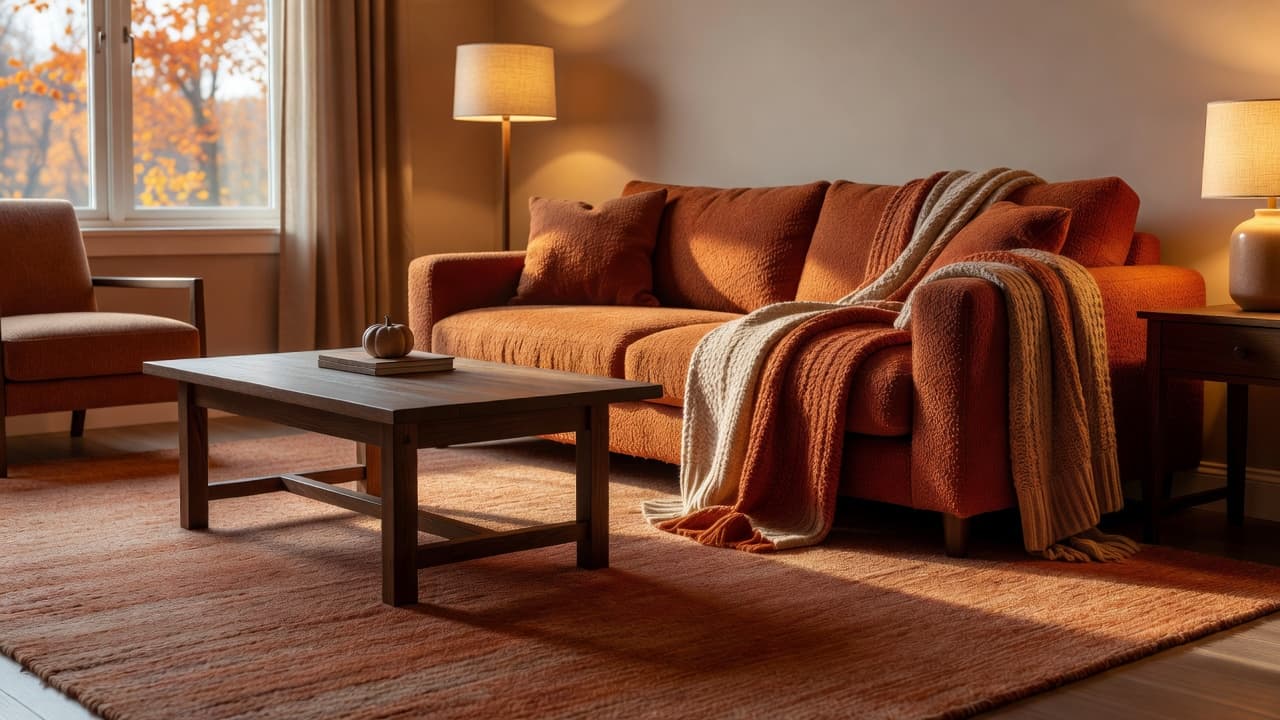
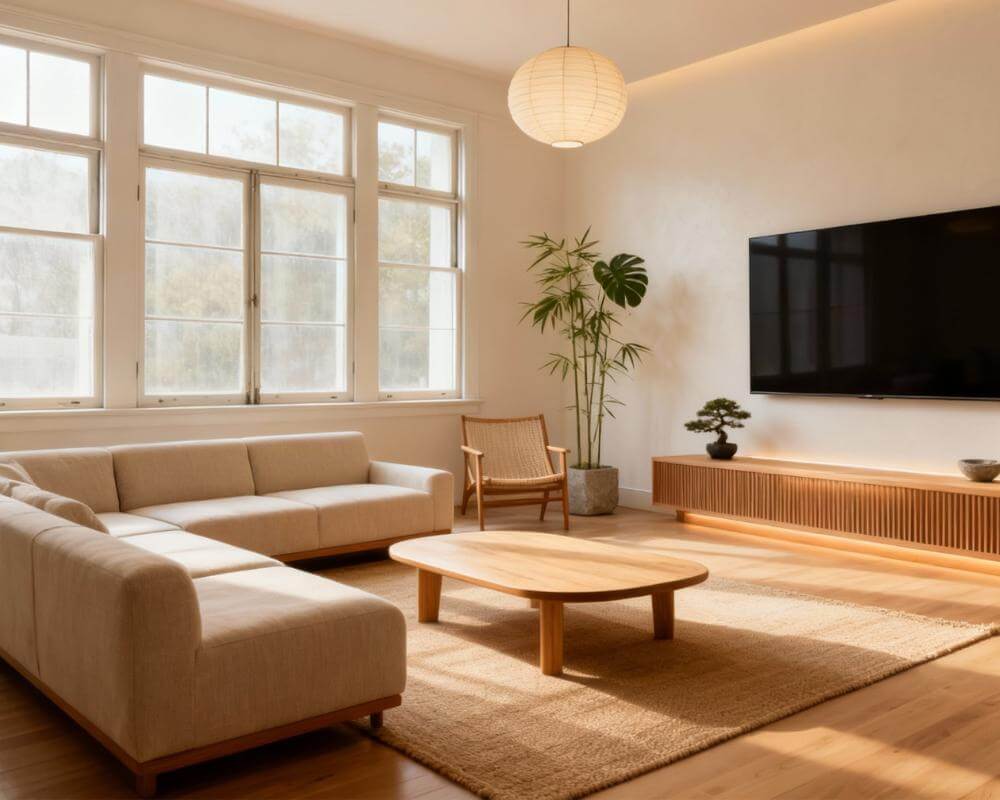
A "fall refresh" is one of the easiest home projects to overspend on, because almost every piece of it — a darker paint color, a heavier rug, a warmer lampshade — looks convincing in a store or on a phone screen and completely wrong once it's sitting in your actual room. AI interior design fixes the guessing part of that problem: instead of buying a rust-colored throw pillow on a hunch, you can generate what your specific room looks like with warmer tones, layered textiles and softer lighting first, then only shop for the changes that actually improved it. DecorAI is an AI interior design app that lets users transform photos of existing rooms into realistic redesign concepts. A seasonal refresh — no demolition, no contractor, nothing structural — is exactly the kind of project it's built for.
This guide covers what a fall refresh actually involves, how to preview the changes on a photo of your own room before buying anything, which seasonal moves are worth testing first, and how to turn a preview you like into an actual, priced shopping list.
Key Takeaways
- A fall refresh is styling, not renovation — color, texture, textiles and lighting, not new floors or cabinets.
- Generate the change before you buy it. Upload a photo of your room and preview a warmer palette, added texture or layered lighting before spending on any of it.
- Test more than one direction. Three free generations a day, no account required, means you can compare a few options side by side instead of committing to the first one.
- Turn a preview you like into a priced plan with a Design Report — a three-tier cost estimate, a colour palette with hex codes, and a branded PDF you can shop from.
- Try DecorAI to preview your own room's fall refresh for free.
What Does a "Fall Refresh" Actually Mean?
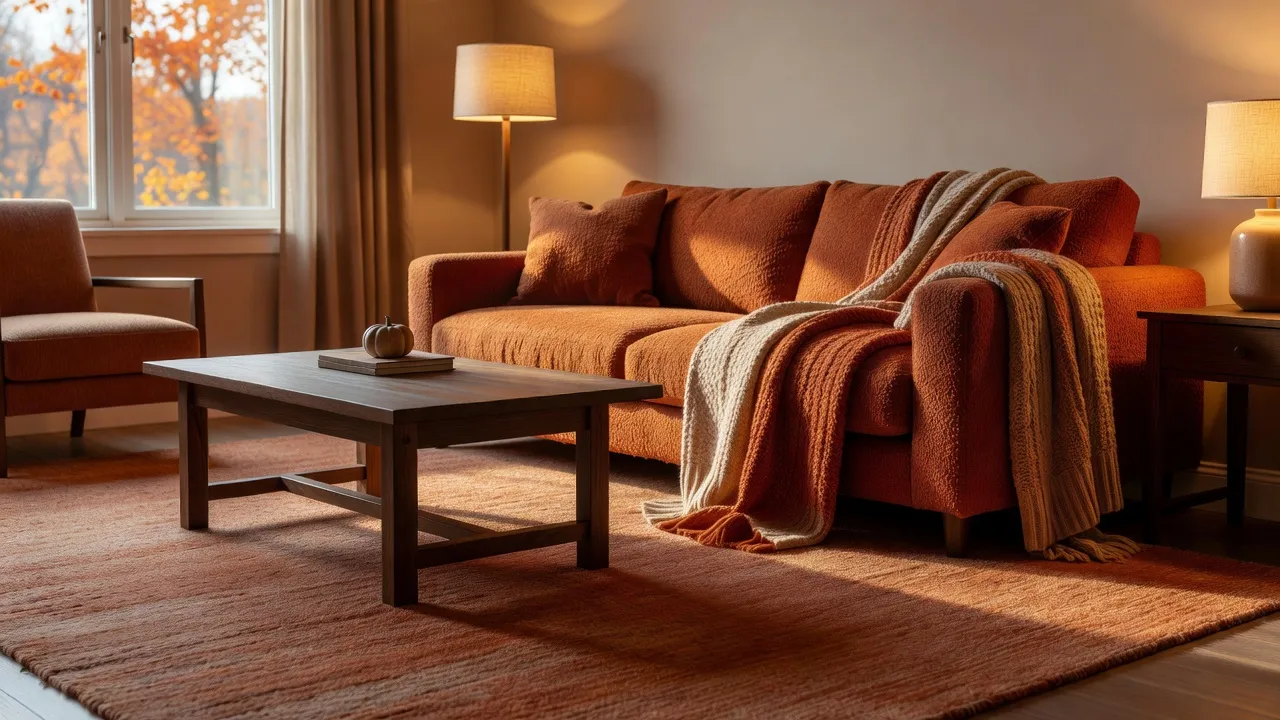
A seasonal refresh is a styling pass, not a renovation. Nothing about the room's layout, plumbing or built-ins changes — what changes is the palette (warmer, more saturated), the texture (wool, boucle, woven wood, heavier weaves instead of linen and rattan), the lighting (layered and warmer-toned rather than one bright overhead source), and a handful of accessories (a heavier throw, a textured rug, candles, seasonal greenery). It's the kind of project that suits renters as well as owners, since almost none of it is permanent; our guide to AI interior design for renters covers the same no-renovation logic in more depth if that's your situation.
The problem with doing this by instinct is that "warm and cozy" is easy to overshoot. A palette that looks rich in a catalog photo can read as dark and cave-like in a room with less natural light than the catalog room had, and a rug that looks perfectly sized on a showroom floor can swallow a small living room. Previewing the change on your actual room, at your actual light levels, before you buy anything is the difference between a refresh and a return pile.
How Do You Preview a Fall Refresh Before Buying Anything?
The workflow is the same one DecorAI uses for any redesign, just aimed at seasonal changes specifically:
- Photograph the room you're refreshing in your normal daytime light — our guide to photographing a room for AI design covers getting a usable shot in one take.
- Generate a warmer palette on the same room. The AI color palette generator can shift wall color, accent tones and overall warmth without touching the room's layout or furniture.
- Add texture and textiles. Try a heavier rug or a different window treatment on the same photo using the rug visualizer or curtain and window treatment visualizer before ordering either.
- Adjust the lighting mood. DecorAI can preview a warmer, more layered lighting scheme — see our guide to AI lighting design for how that works.
- Compare a few directions — a warm-neutral version, a deeper jewel-tone version, a version that only changes textiles and keeps the walls as they are — using your free daily generations before choosing one to actually shop for.
Because each of these can be generated on the exact photo of your room, you're judging the change against your own light, your own furniture and your own wall colors, not a showroom's.
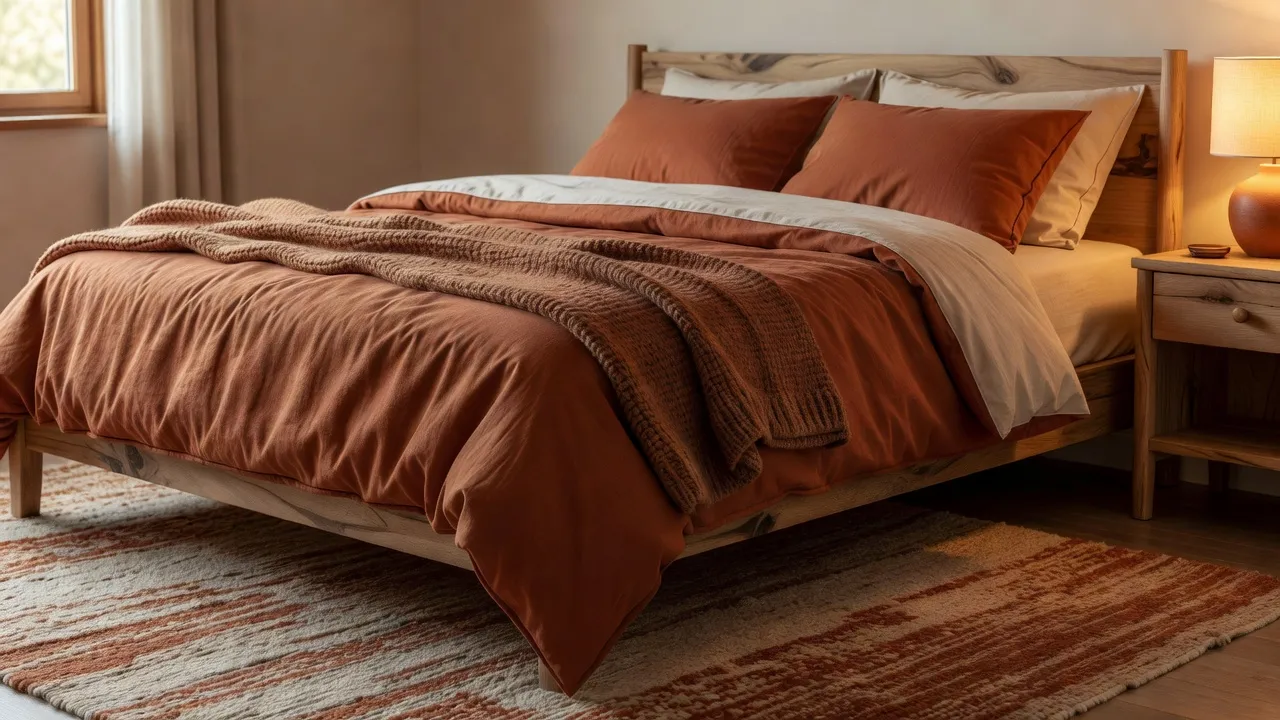
Preview Your Room's Fall Refresh Before You Buy Anything
Upload a photo of your room and generate a warmer palette, added texture or layered lighting to see what's actually worth buying.


Which Fall Design Moves Are Worth Testing First?
Not every seasonal change is equally worth previewing — some are cheap enough to just buy, others are exactly the kind of thing that's worth generating first. Test these before you commit money:
- Wall color and overall palette warmth. The biggest visual shift for the biggest commitment — paint is the hardest of these to undo, so this is the one most worth previewing first.
- Rug size and texture. A rug that reads as "cozy" in a photo can be the wrong scale entirely for your floor plan; previewing it on your room's actual proportions catches that before delivery.
- Layered lighting. Swapping a single overhead fixture for a warmer, multi-source setup (lamps, sconces, a dimmer) changes the whole mood of a room for relatively little money — worth confirming the effect first since fixtures are more hassle to return than a throw pillow.
- Window treatments. Heavier curtains change both the look and the light level of a room, which is easy to misjudge from a fabric swatch alone.
Cheaper, low-commitment items — a throw blanket, candles, a seasonal wreath — are usually fine to buy on instinct, since the cost of guessing wrong is low. The point of previewing isn't to generate every possible change; it's to spend the generation budget on the items that are expensive, hard to return, or easy to get wrong at scale.
How Do You Turn a Preview You Like Into an Actual Shopping List?
Once you've generated a version of the room you'd actually want, a DecorAI Design Report turns it into something you can shop from rather than just look at. A Design Report (Pro) analyzes the finished design and produces a colour palette with exact hex codes, a before-and-after list of what changed, five to seven prioritised recommendations, and a three-tier cost estimate — budget, mid-range and premium — broken down by category, priced in your own local currency. It exports as a branded, multi-page PDF you can save, print or take straight to a paint shop.
Treat the cost estimate as planning-grade, not a quotation — it excludes local labour rates, delivery, permits and tax, and real prices depend on your suppliers. What it's genuinely useful for is the per-category breakdown, which often reveals that the money in a "fall refresh" goes to lighting and textiles rather than the big furniture piece you assumed would be the expensive part. Take that category list to a supplier for a real quote once you know what you're actually buying.
What Should You Not Buy Yet?
The easiest way to overspend on a seasonal refresh is to buy everything from the first version you generate. Instead:
- Generate more than one direction before choosing. A warm-neutral palette and a deeper jewel-tone palette can both look good on screen — only comparing them on your actual room tells you which one your space can support.
- Don't buy anything the design report doesn't flag as a priority. The recommendations are ordered — the first two or three items usually do most of the visual work; everything after that is optional polish.
- Hold off on furniture unless the report specifically calls for it. Most seasonal refreshes are palette, texture and lighting — if a generated version is swapping out furniture entirely, that's a bigger project than a seasonal one, and worth treating separately. Our guide to budget-friendly AI decor upgrades has more on sequencing changes by what actually moves the needle.
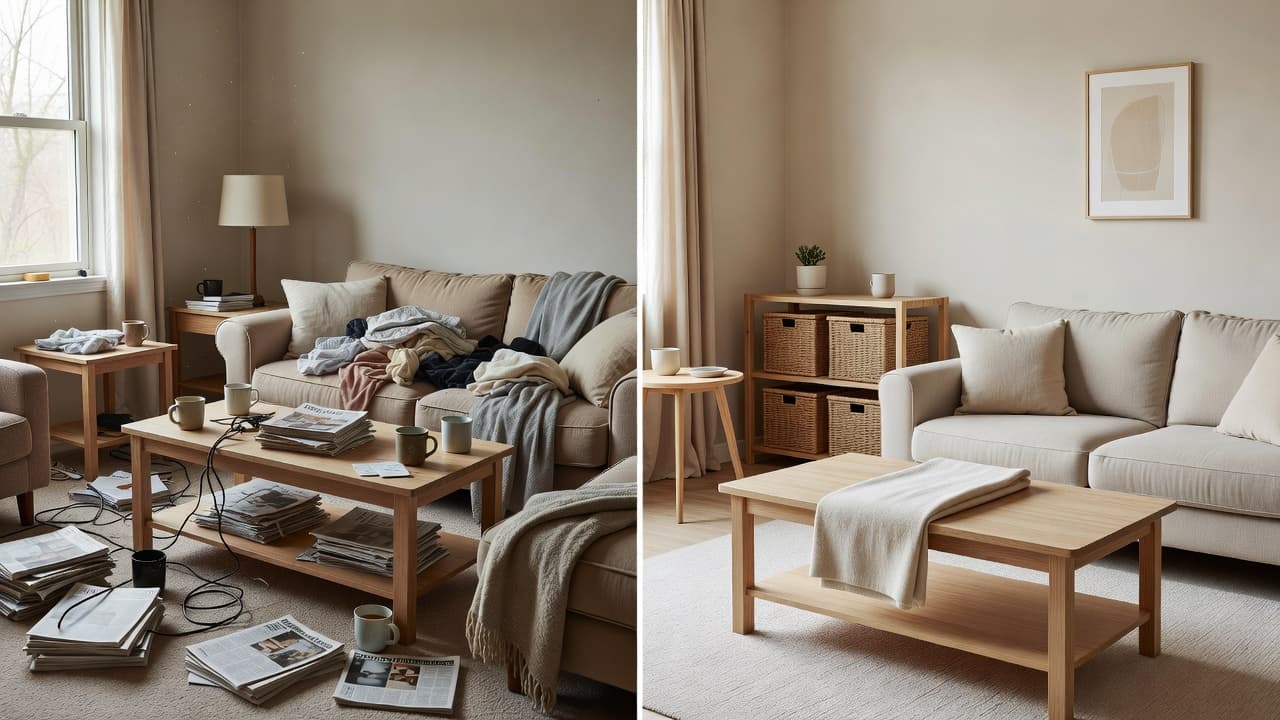
- Clear the room in the photo before judging texture and color. Clutter reads as visual noise that can make a palette look muddier than it is — see our guide to decluttering a room with AI for how to separate "needs styling" from "needs tidying" before you generate anything.
Fall Home Refresh FAQ
Do I need to renovate anything for a fall refresh?
No. A seasonal refresh is styling — palette, texture, textiles and lighting — not structural work. Nothing about the room's layout or fixtures needs to change.
Is previewing a fall refresh free?
Yes. DecorAI gives three free generations a day with no account or credit card required, which is enough to compare a couple of seasonal directions before choosing one.
Do I need Pro to preview a warmer palette or a new rug?
No — generating a redesign, including a palette or texture change, works on the free tier. A Design Report with the cost estimate and PDF export is a Pro feature.
How accurate is the Design Report's cost estimate?
Treat it as a planning-grade order of magnitude in your own local currency, not a quotation — it excludes local labour rates, delivery, permits and tax, so use the per-category breakdown to get a real quote from a supplier.
Will this work for a rental?
Yes — a fall refresh is almost entirely non-permanent by nature (textiles, lighting, accessories), which makes it one of the more rental-friendly projects to preview and shop for.
Conclusion
A fall refresh doesn't need a contractor, a renovation budget, or a leap of faith on a rug that might be the wrong shade in your actual light — it needs a photo of the room and a preview of the change before you commit to it. Generate a warmer palette, test a heavier rug or new lighting, compare a couple of directions, and turn the one you like into a priced, category-by-category plan with a Design Report. Try DecorAI to preview your own room's fall refresh, browse the full feature directory for the tools mentioned here, or head back to the DecorAI homepage to get started.
Visualize Your Dream Home Instantly
Don't just read about it. Experience the power of AI interior design with DecorAI's free tool.
Start Designing for FreeWritten by
DecorAI Team
Editorial Team