AI Lighting Design: How to Plan the Perfect Lighting for Any Room
A complete guide to AI lighting design — how to layer ambient, task, and accent light, choose the right color temperature, and preview lighting changes on your real room before buying fixtures.
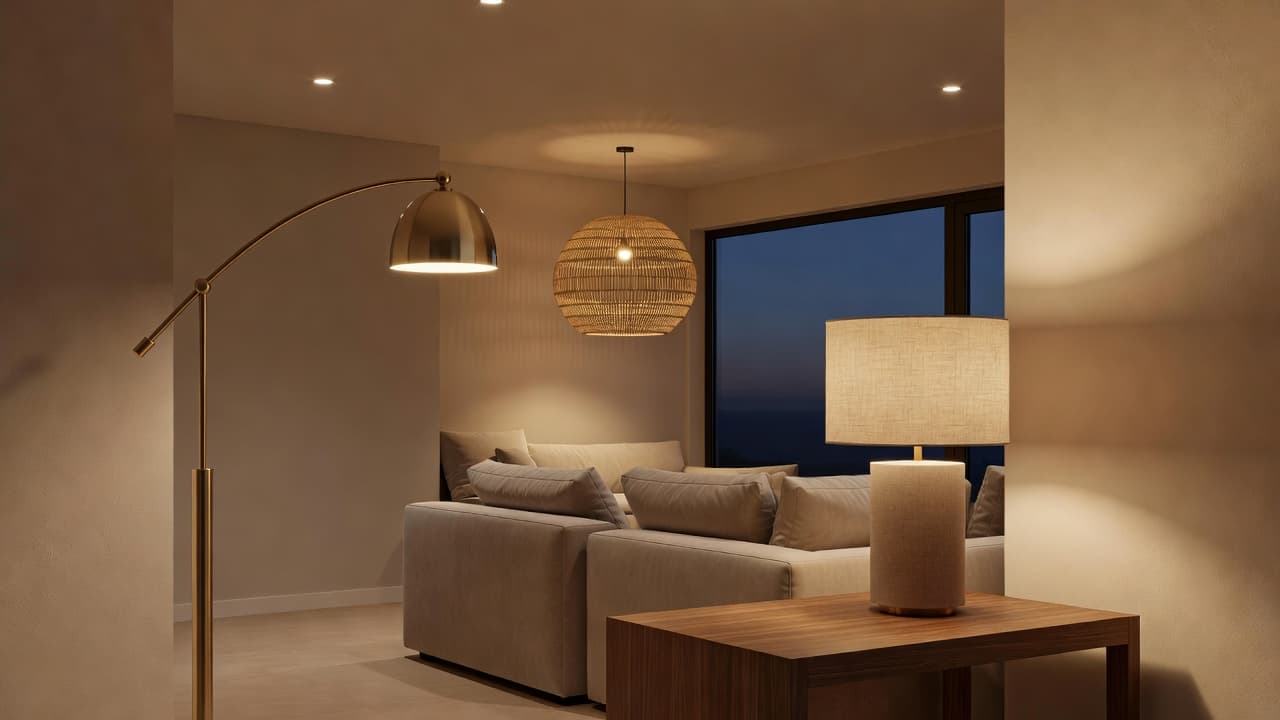

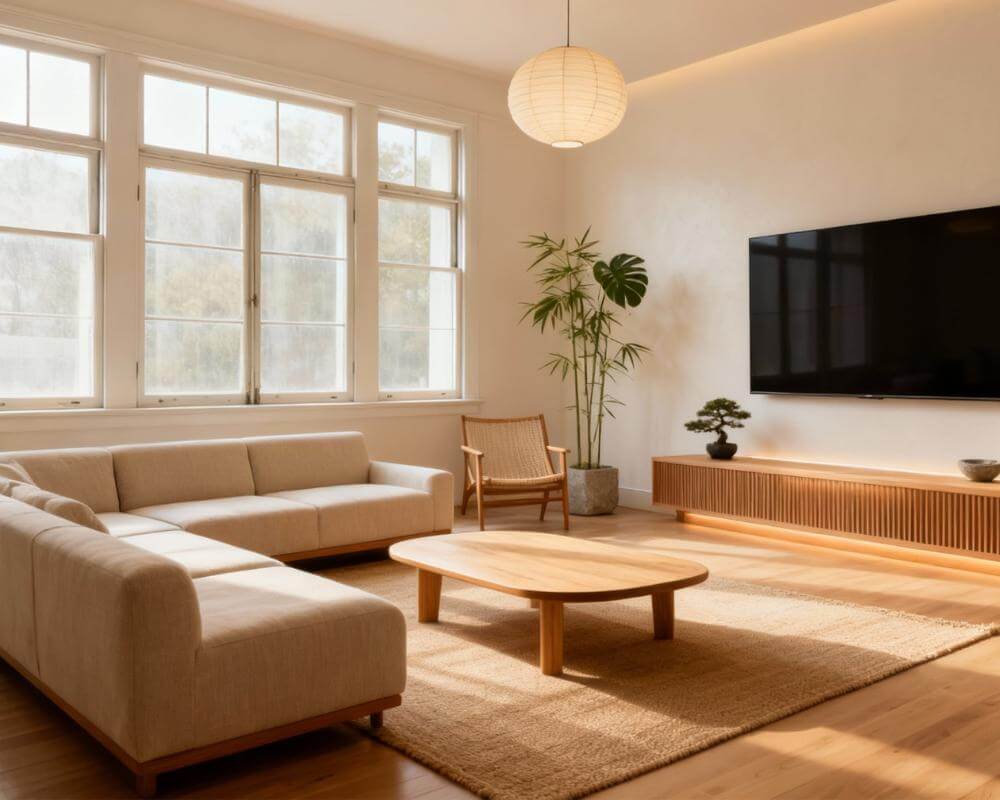
AI lighting design is one of the fastest ways to change how a room feels without moving a single piece of furniture. Lighting is often the last thing homeowners plan and the first thing that makes a space feel either flat and cold or warm and considered. With DecorAI, you can upload a photo of your actual room and preview how new fixtures, lamps, and light layers will look before you buy anything. This guide covers how to layer light properly, which color temperature to use where, common lighting mistakes, and how to test lighting ideas on your real space with AI.
Key Takeaways
- Good lighting design uses three layers — ambient, task, and accent — rather than relying on a single overhead fixture.
- Color temperature matters as much as brightness: warmer light (around 2700K) suits living rooms and bedrooms, while cooler light suits kitchens and workspaces.
- Dimmers are one of the highest-value, lowest-cost lighting upgrades — they let one fixture serve multiple moods and times of day.
- Lighting needs differ by room, and copying a generic lighting plan from a different space often disappoints.
- AI interior design lets you preview lamps, pendants, and lighting changes on a photo of your real room, so you can judge warmth and placement before buying fixtures that don't work.
What Is AI Lighting Design?
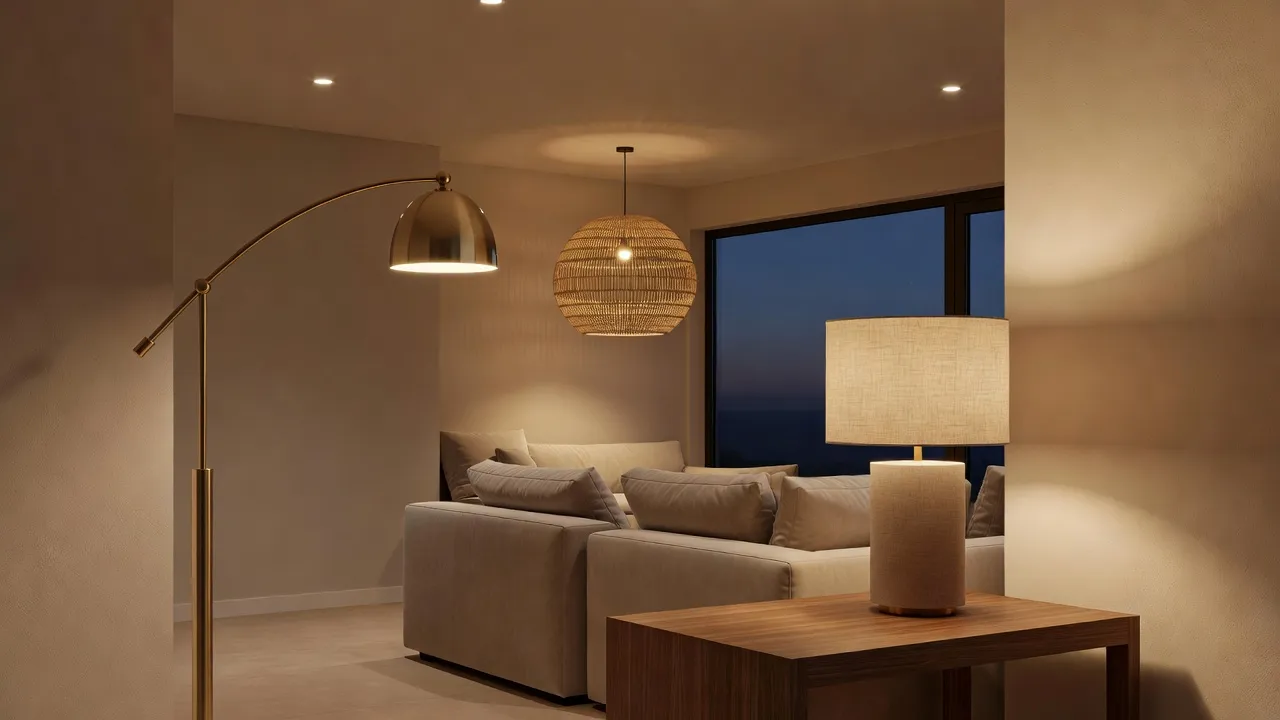
AI lighting design uses a photo of your actual room to generate a photorealistic preview of new lighting — lamps, pendants, sconces, and even the color and warmth of the light itself — rather than showing generic inspiration photos from a different space entirely. Because the AI starts from your real walls, windows, and ceiling height, the fixtures it places and the glow they cast are scaled to your room, not a showroom.
This matters because lighting is uniquely hard to judge from a catalog photo. A pendant that looks warm and cozy in a product listing can read as harsh or dim once it's actually hanging over your dining table, and a lamp that looks perfect in a bright showroom might disappear in a darker corner of your living room. Previewing it on your own space closes that gap before you spend anything.
Why Does Layered Lighting Matter More Than One Bright Overhead Light?
Most rooms that feel flat, harsh, or oddly clinical rely on a single ceiling fixture doing all the work. Professional lighting design instead layers three distinct types of light, each solving a different problem.
Ambient light
This is your room's overall base level of light — ceiling fixtures, recessed downlights, or a central pendant. It should be even and comfortable, not the brightest or only source in the room. On its own, ambient light tends to feel flat and institutional.
Task light
Task lighting is focused, brighter light aimed at a specific activity — a desk lamp for reading, under-cabinet lighting for chopping vegetables, a vanity light for getting ready. It's about function, and it's usually cooler and more direct than ambient light.
Accent light
Accent lighting adds depth and mood — a picture light on artwork, an uplight behind a plant, a warm lamp glow in a corner the ceiling light doesn't reach. This is the layer most rooms skip entirely, and it's usually the one that makes a space feel designed rather than merely lit.
Combining all three is what separates a room that photographs well at night from one that goes flat the moment the sun sets. If you're also rethinking layout while you're at it, our AI room layout planner guide covers how furniture placement and lighting placement should be planned together, not as separate decisions.
What Color Temperature Should You Use in Each Room?
Light bulbs are rated in Kelvin (K), a scale that describes how warm or cool the light looks, not how bright it is. Lower numbers (around 2700K) produce a warm, amber glow similar to an old incandescent bulb; higher numbers (4000K and above) produce a cooler, bluer-white light closer to daylight.
As a general rule, warmer light (2700K–3000K) suits rooms meant for relaxing — living rooms, bedrooms, and dining rooms — because it reads as cozy and softens skin tones. Cooler light (3500K–4500K) suits rooms meant for focus and precision — kitchens, bathrooms, home offices, and garages — because it renders colors more accurately and keeps you alert. Mixing temperatures within the same room, like a warm lamp next to a cool overhead fixture, is one of the most common reasons a space feels visually "off" even when the layout and furniture are right.
How Should Lighting Differ Room by Room?
A lighting plan that works in a bedroom will usually disappoint in a kitchen, and vice versa, because each room asks light to do a different job.
Living rooms
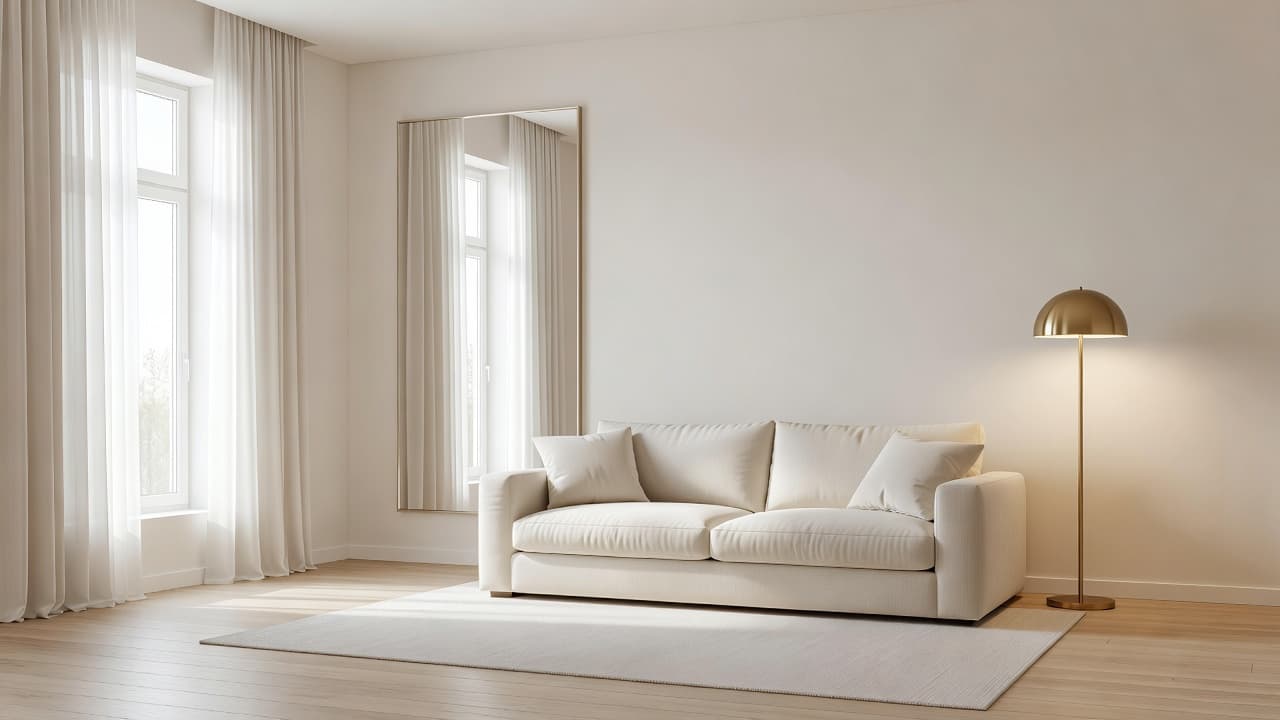
Prioritize multiple lower-wattage sources — a floor lamp, a table lamp, maybe a dimmed overhead — over one bright central fixture. This lets you shift the mood between a bright gathering and a relaxed movie night without changing anything but which lamps are on.
Bedrooms
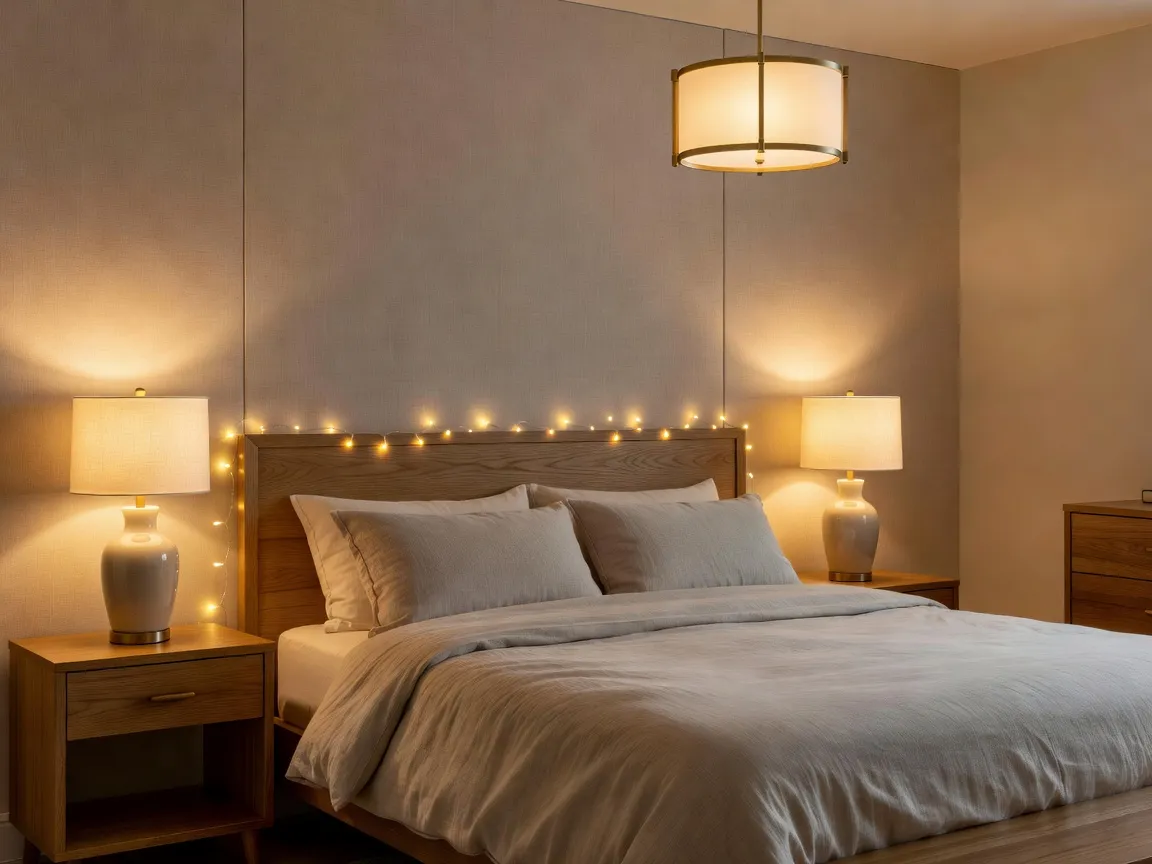
Warm, dimmable light is essential. Matching bedside lamps at a comfortable reading height, plus a dimmed overhead for general use, cover nearly every need without harsh light right before sleep.
Kitchens
This is the room that needs the most task lighting: under-cabinet lights for countertops, a brighter fixture over the island or sink, and cooler color temperatures to make food prep safer and colors truer. Our AI kitchen remodel guide covers how lighting fits into a broader kitchen plan alongside cabinets and counters.
Home offices
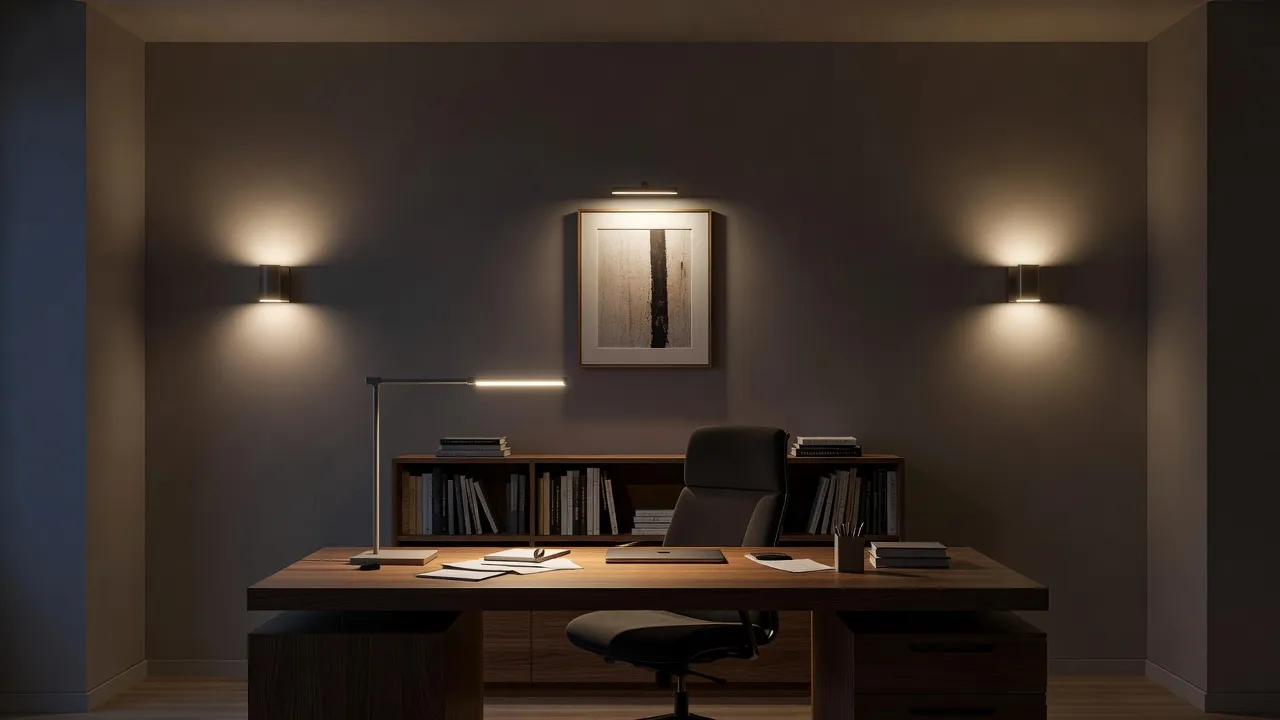
Aim for cooler, even light without glare on a screen — a desk lamp positioned to the side rather than directly behind you, plus ambient light to avoid eye strain from staring at a bright screen in a dark room.
See Your Room's Lighting Redesigned — Free
Upload a photo of your room exactly as it looks today. DecorAI generates a photorealistic preview with new lamps, pendants, and lighting layers, so you can judge warmth and placement before buying anything.


What Lighting Mistakes Should You Avoid?
The most common mistake is relying on one central ceiling fixture for the entire room, which creates flat, uneven light with harsh shadows directly beneath it and dim corners everywhere else. The fix is almost always addition, not replacement — add a lamp or two rather than swapping the overhead fixture for a brighter one.
The second most common mistake is mismatched color temperature, where a warm lamp sits next to a cool overhead light and the room reads as visually inconsistent even though each fixture looks fine on its own. Pick one temperature range per room and stick to it across every fixture.
The third is skipping dimmers, which are one of the cheapest lighting upgrades available and let a single fixture serve a bright morning and a relaxed evening without needing separate lamps for each. If you're planning a lighting update around furniture you're keeping rather than replacing, our guide to AI design with existing furniture covers how to plan changes like lighting without a full furniture overhaul, and our budget home decor guide covers which lighting upgrades give the best return for the least cost.
Can You Preview Lighting Changes with AI Before Buying Fixtures?
Yes, and this is where lighting benefits from AI more than almost any other design decision, because warmth and glow are notoriously hard to judge from a product photo alone. Photograph your room as it currently looks — ideally with the lighting on, following the same guidance as our room photography guide for AI design — and upload it to DecorAI to preview new fixtures, lamps, and color temperatures rendered into your real space. This is especially useful for rentals, where you can only add lamps and plug-in fixtures rather than rewiring anything, since it lets you test lamp placement and warmth before committing to pieces you'll need to pack up later.
AI Lighting Design — FAQ
What are the three types of lighting in a room?
Ambient (overall base light), task (focused light for a specific activity like reading or cooking), and accent (mood and depth, such as a picture light or lamp glow). A well-lit room combines all three rather than relying on one.
What color temperature is best for a living room?
Warm white, roughly 2700K to 3000K, is generally best for living rooms and bedrooms because it reads as cozy and relaxing. Cooler light in the 3500K to 4500K range suits kitchens, bathrooms, and workspaces better.
Do dimmers really make a difference?
Yes — dimmers let a single fixture serve multiple purposes across the day, from bright task light to a relaxed evening glow, and are one of the least expensive lighting upgrades available.
Can I improve lighting in a rental without rewiring anything?
Yes. Plug-in floor and table lamps, battery or plug-in picture lights, and swapping bulbs for the right color temperature cover most of what layered lighting needs, without any electrical work.
Can I see how new lighting will look in my actual room before buying it?
Yes — photograph your room as it currently looks and upload it to DecorAI to generate a photorealistic preview with new lamps, pendants, and lighting layers, so you can judge warmth and placement before purchasing anything.
Conclusion
Lighting is one of the highest-impact, lowest-cost changes you can make to a room, but it's also one of the hardest to get right from a catalog photo alone. Layering ambient, task, and accent light, picking a consistent color temperature, and adding dimmers will fix most rooms that feel flat or harsh. DecorAI lets you preview those changes on a photo of your actual room, so you can see exactly how new lighting will look before you spend anything. Browse the styles gallery for inspiration or start from the DecorAI homepage to try it on your own space.
Redesign Your Room's Lighting in Seconds — Free
Open DecorAI's web app, upload a photo of your room as it looks today, and preview a photorealistic redesign with new lighting built around your real space. Your first designs are completely free.
Try the DecorAI Web App Free →No credit card required · Works on any device with a browser
Visualize Your Dream Home Instantly
Don't just read about it. Experience the power of AI interior design with DecorAI's free tool.
Start Designing for FreeWritten by
DecorAI Team
Editorial Team