AI Generated Interior Design: How Realistic Room Rendering Works in 2026
Learn how AI generated interior design creates realistic room renderings in seconds. See what affects quality, how to get better results, and how DecorAI helps you plan smarter.
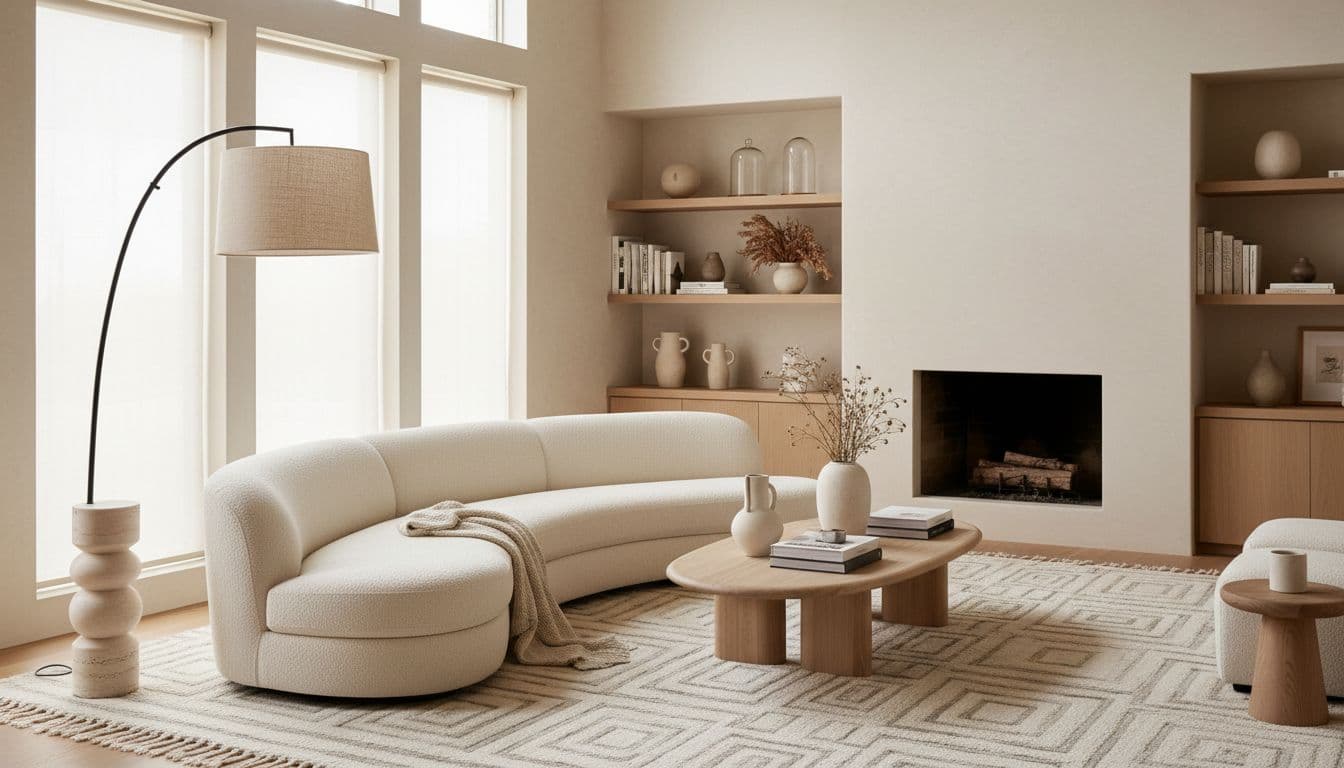
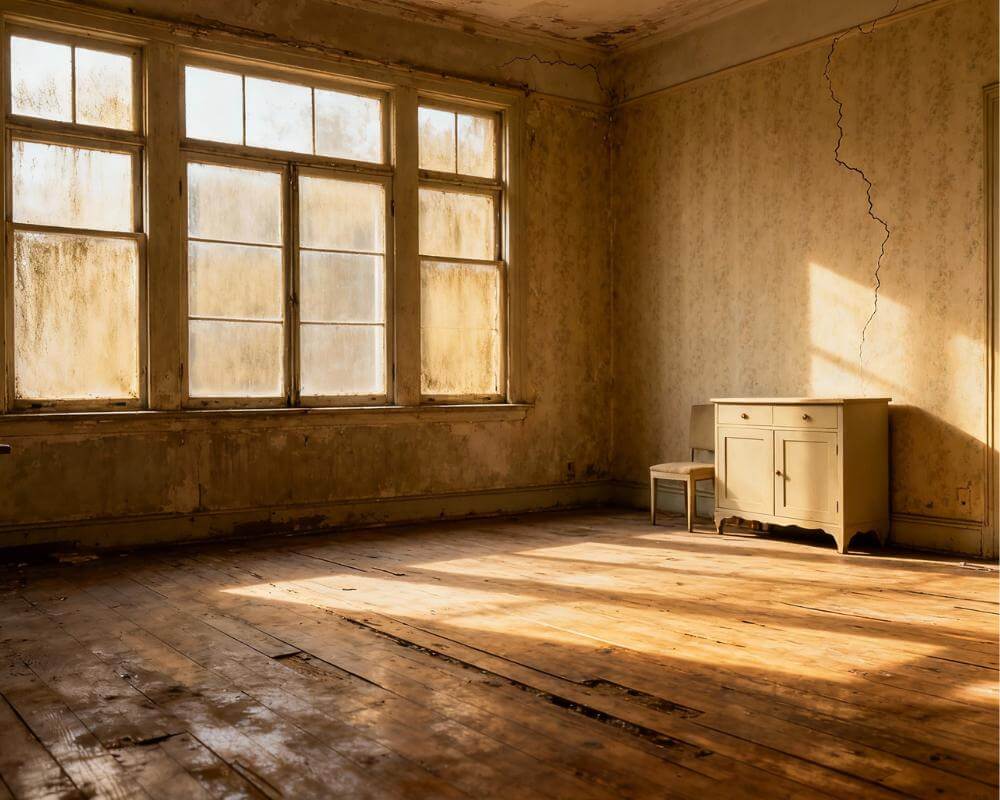
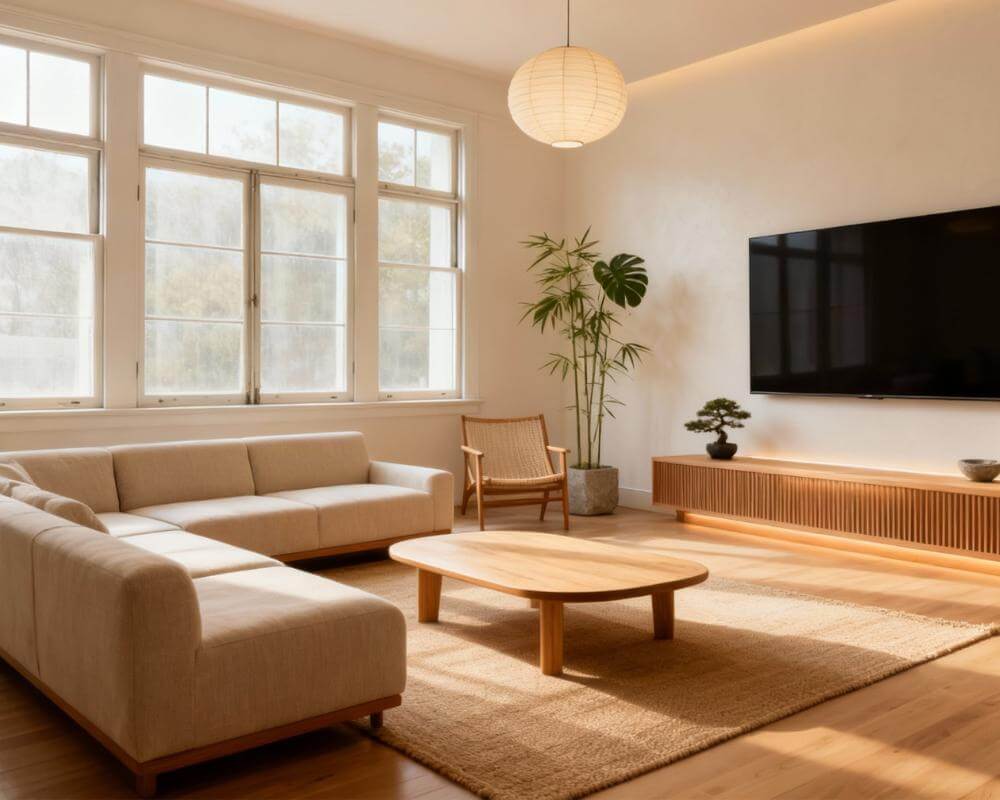
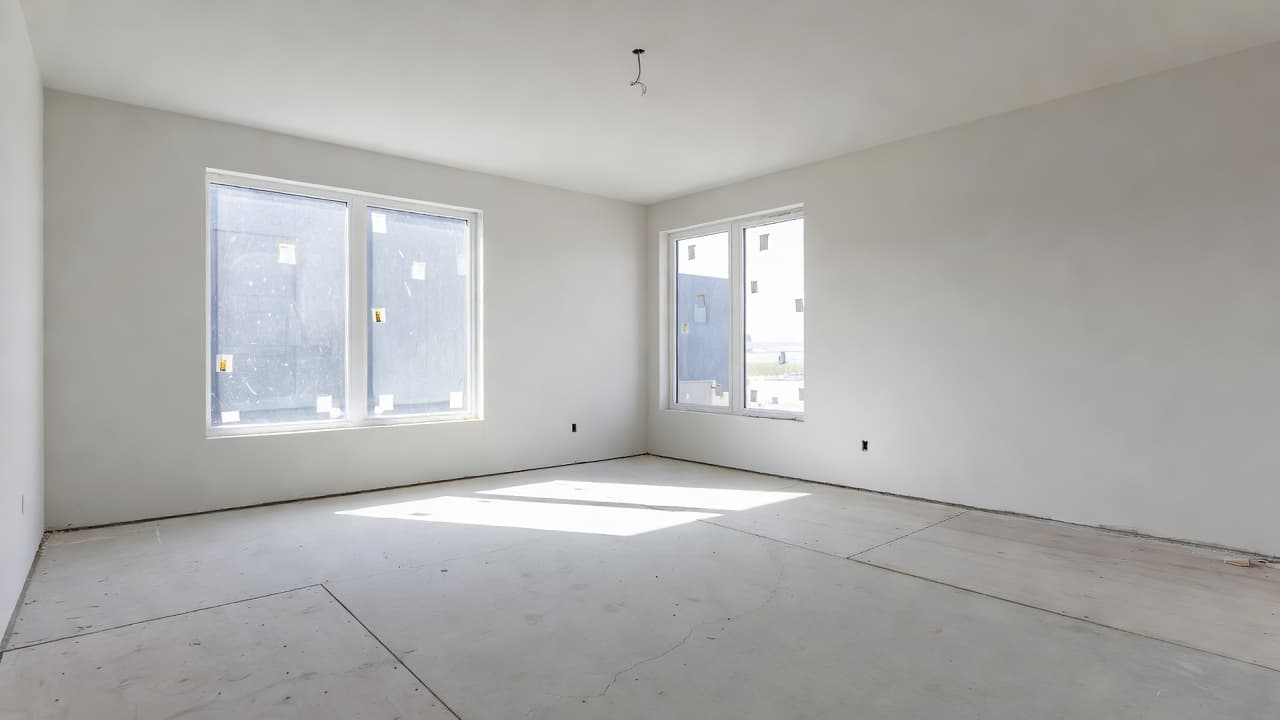
If you have ever looked at your living room and thought, “I know this space could look better, but I cannot picture it yet,” you are exactly why AI generated interior design has become so popular. Instead of guessing what new paint, furniture, lighting, or styling might look like, you can upload a room photo and see a realistic transformation in seconds. That speed is impressive, but what matters even more is realism. A beautiful image is useful only if it feels believable enough to guide a real decision.
In 2026, the best AI interior rendering tools do much more than apply a style filter. They interpret room geometry, preserve perspective, react to light, and create ideas that feel close enough to reality to help you move forward with confidence. This guide explains how realistic room rendering works, what affects quality, and how to get the strongest results from DecorAI - AI Interior Design.
What Is AI Generated Interior Design?
AI generated interior design is the process of using artificial intelligence to transform a photo of a room into a new design concept. Instead of building a room manually in complex 3D software, you start with a real image of your actual space. The AI identifies walls, floors, windows, furniture, and lighting conditions, then generates a new version of the room in a chosen style.
That is why the best ai interior generator tools feel so useful for homeowners and renters. You are not looking at a generic showroom. You are looking at your bedroom, kitchen, bathroom, or living room with a new direction applied to it. Publications such as Architectural Digest have highlighted how visualization tools reduce uncertainty before renovation and furnishing decisions, and that is exactly where AI fits best.
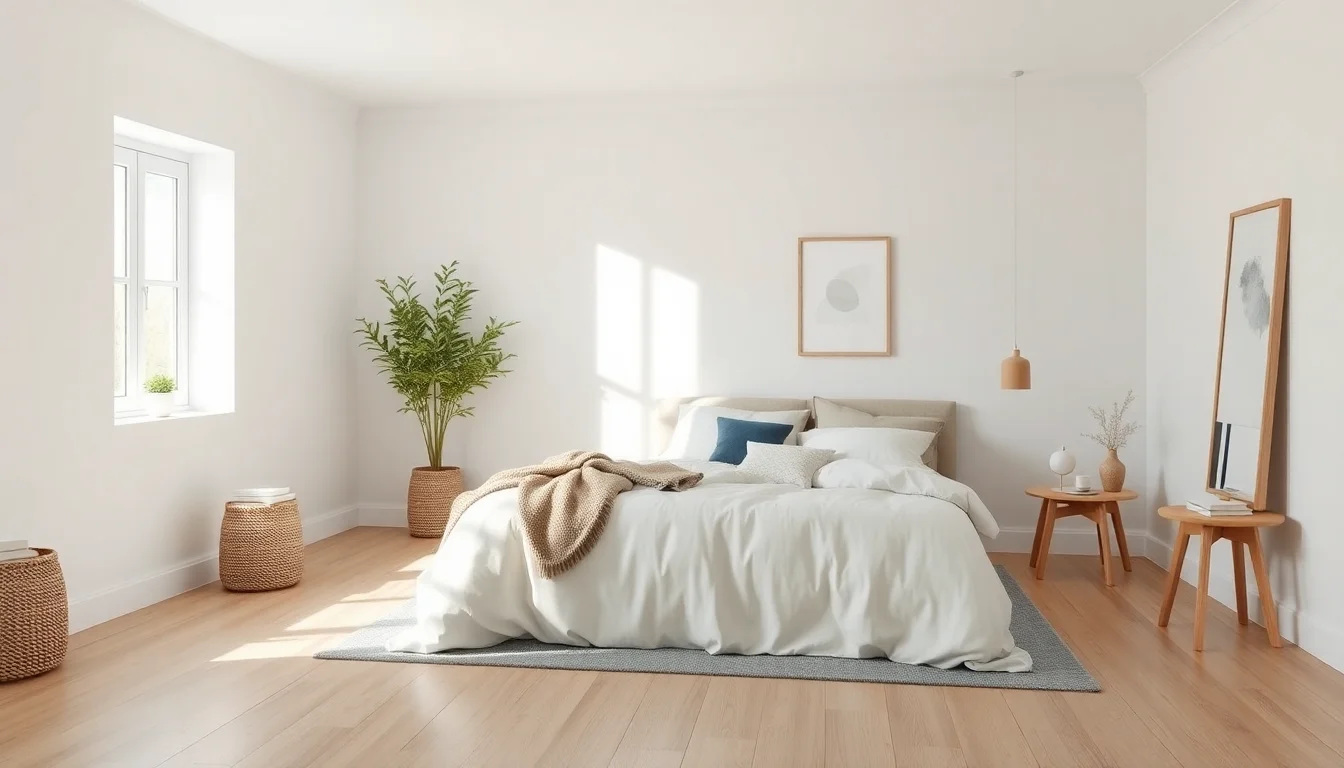
Why Some AI Room Renderings Look Real and Others Do Not
The difference between a convincing render and a forgettable one usually comes down to structure. Strong ai interior design rendering keeps the bones of the room intact. Windows stay where they should. Ceiling height still makes sense. Furniture scale feels proportionate. Materials react to light in a way that matches the scene. When those basics are wrong, the render may look flashy at first glance but becomes useless for planning.
Realism also depends on restraint. A good render does not need ten dramatic ideas at once. It needs one clear direction executed consistently. Warm minimalism, Scandinavian, modern organic, industrial loft, Mediterranean, Japandi, and other style directions become persuasive when color, furniture silhouette, texture, and lighting support the same story. The Spruce regularly emphasizes that cohesion matters more than over-decoration, and the same principle applies to AI outputs.
DecorAI performs well here because it is built specifically for room visualization. Instead of forcing you into a generic image workflow, it focuses on realistic interior transformations that help you compare styles, validate a mood, and move toward a practical next step.
How AI Interior Rendering Works
Behind the scenes, an ai interior rendering workflow combines several layers of analysis. First, computer vision reads the room. It recognizes the layout, major objects, openings, and lines of perspective. Second, the system interprets lighting and depth so new materials and furnishings appear grounded in the space. Third, the generation model builds a new design image that preserves the room’s structure while shifting the style direction.
For the user, the process is much simpler:
- Take a clear photo of the room you want to redesign.
- Choose a style direction or design mode.
- Generate multiple concepts instead of stopping at the first output.
- Compare the results based on realism, functionality, and personal taste.
- Save the strongest option and turn it into a practical shopping or renovation plan.
If you want a deeper walkthrough of the photo-to-result flow, our AI image redesign guide and photo-to-style planning article break the process down step by step.
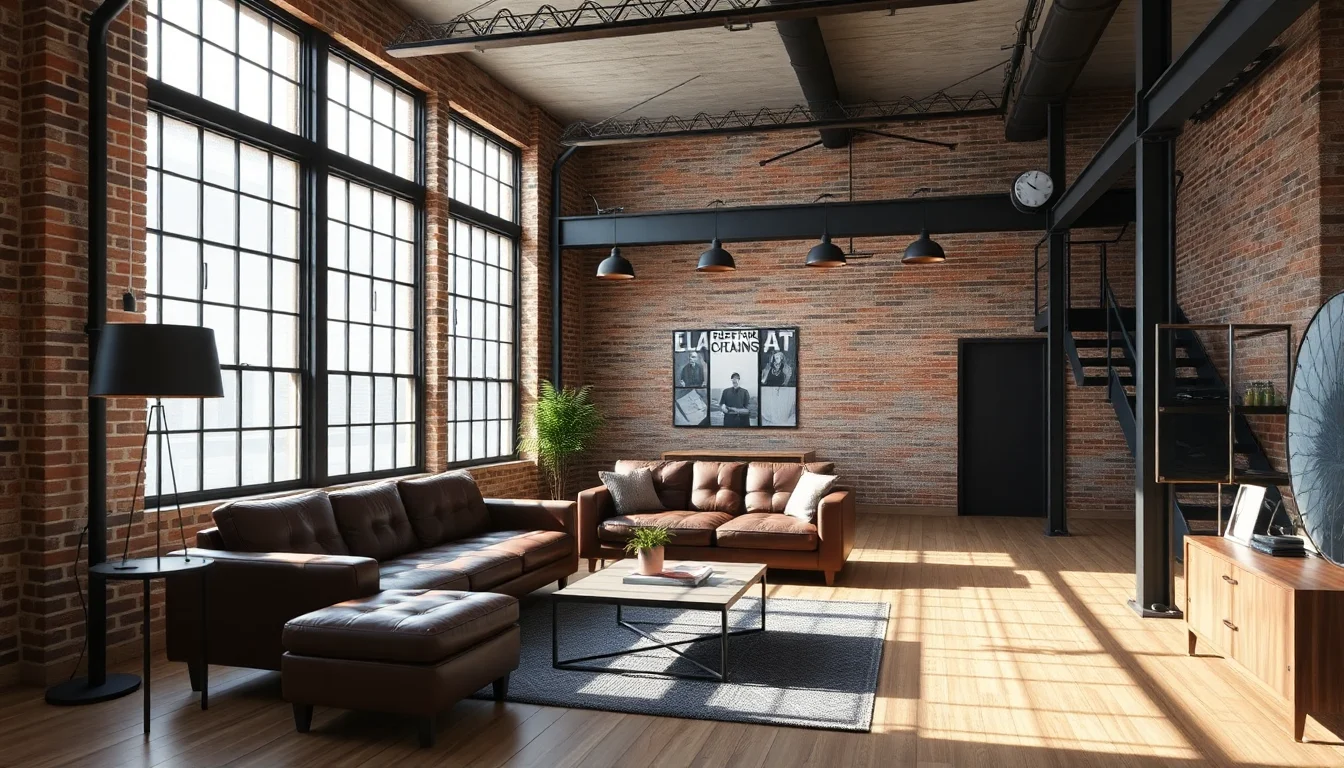
Which Rooms Benefit Most from AI Generated Rendering?
Almost any room can benefit from ai generated interior design, but some spaces deliver faster value than others. Living rooms are ideal because layout, color, and furniture have such a large visual impact. Bedrooms are excellent because lighting, textiles, and mood can change dramatically with a strong render. Kitchens and bathrooms are especially useful because they carry higher renovation costs, so visual validation before spending matters even more.
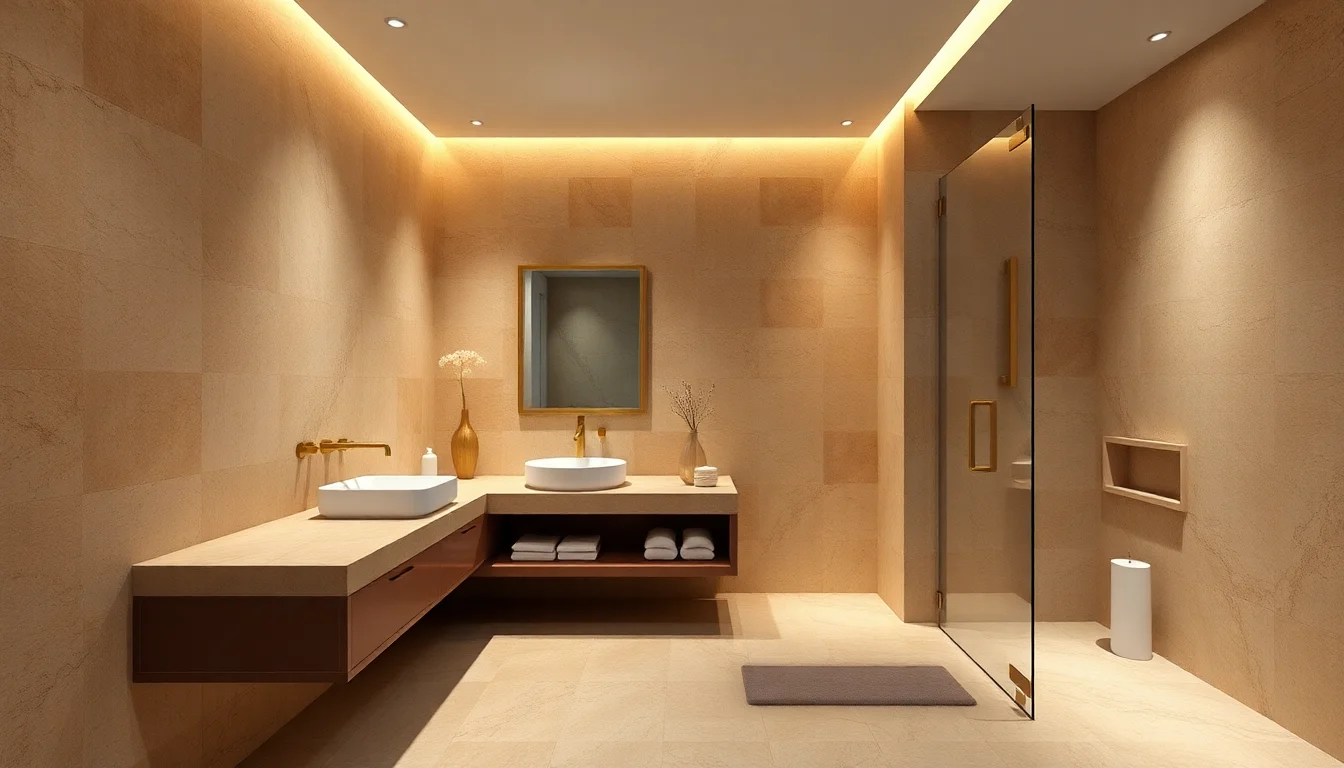
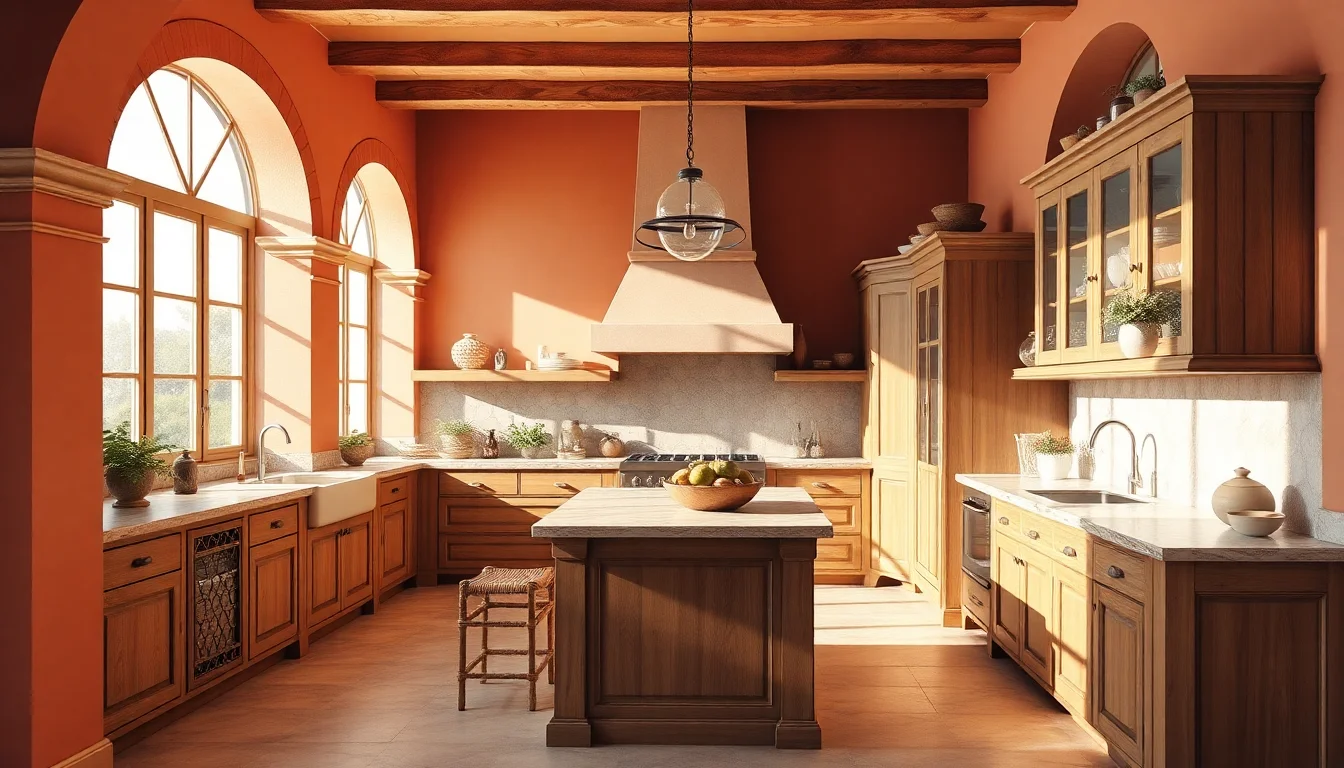
This is also why DecorAI works well as a decision tool rather than just an inspiration tool. If you are planning a bathroom refresh, a render can help you test whether warm stone, brushed brass, and softer lighting feel more timeless than a colder black-and-white direction. If you are redesigning a kitchen, you can compare natural wood cabinetry against painted finishes before asking for quotes.
How to Get More Realistic Results from an AI Room Decor Generator
The quality of your output starts with the quality of your input. Even the best ai room decor generator cannot fully rescue a dark, cropped, distorted photo. A strong image gives the AI more spatial information and leads to more believable designs.
- Use daylight whenever possible. Natural light makes surfaces easier to interpret.
- Shoot from eye level. This gives the render a more realistic perspective.
- Include two walls when you can. More spatial context improves the result.
- Reduce temporary clutter. Shoes, bags, or laundry can confuse the render and weaken the composition.
- Generate several versions. The best direction usually appears after a few tries, not the first one.
You should also judge outputs by practicality, not just drama. Ask yourself whether the walkway still works, whether the furniture size feels believable, and whether the design matches how you actually live. Our small-space layout planner guide and budget upgrade article are useful companions once you move from inspiration into implementation.
How to Turn AI Renderings into Real Design Decisions
The biggest advantage of realistic rendering is not that it looks impressive. It is that it helps you decide faster. When a render feels believable, you can use it to align with a partner, brief a contractor, shortlist materials, or decide which style direction deserves your budget first. Better Homes & Gardens often recommends building confidence before buying major pieces, and AI renderings are one of the easiest ways to do that visually.
A simple workflow works well:
- Generate three to five style directions in DecorAI.
- Pick one option that feels realistic and one that feels aspirational.
- Write down the repeating elements you like: wood tone, wall color, rug texture, lighting mood, furniture shape.
- Turn those repeating elements into a phased list: move, keep, buy now, buy later.
- Save the render and use it as your visual reference while shopping or renovating.
This is especially helpful if more than one person is involved in the decision. A realistic render gives everyone the same visual starting point, which makes conversations about cost, layout, and style much faster and less subjective.
That process keeps the render useful in the real world. It becomes a planning tool instead of a pretty image you forget about a week later.
Why DecorAI Is a Strong Fit for AI Generated Interior Design
DecorAI - AI Interior Design is especially useful if your goal is not just to generate an image but to generate a room concept that feels usable. It gives you a fast upload-to-render workflow, a wide range of design styles, and realistic outputs that help you compare directions without getting buried in technical complexity. For homeowners, renters, and anyone planning a refresh, that speed matters.
It also fits neatly into the rest of your planning workflow. You can start broad with a render, narrow your style, then explore more specific guidance through our beginner’s guide, floor planner article, and full style gallery. Instead of bouncing between disconnected tools, you can move from inspiration to action in one ecosystem.
FAQ: AI Generated Interior Design
Can AI generated room renderings be trusted for real projects?
Yes, as long as you treat them as concept visualization rather than construction drawings. They are excellent for style direction, layout thinking, and material comparison.
What makes one AI render look more realistic than another?
Good source photos, believable proportions, consistent lighting, and a coherent design direction usually make the biggest difference.
Is AI generated interior design useful for small updates too?
Absolutely. You do not need a full renovation to benefit. Many people use DecorAI to test paint, styling, rugs, lighting, or furniture before making smaller purchases.
See Your Room Rendered in Seconds
Upload a photo, explore realistic room concepts, and find a design direction you can actually use. DecorAI makes AI-generated interior design fast, visual, and practical.
Try DecorAI Free

Visualize Your Dream Home Instantly
Don't just read about it. Experience the power of AI interior design with DecorAI's free tool.
Start Designing for FreeWritten by
DecorAI Team
Editorial Team