Get Your Home Ready for Holiday Guests: A Room-by-Room Plan with DecorAI
Plan your holiday hosting room by room: preview a decluttered entryway, a seating layout that fits everyone, warm lighting and a dining table that works, using photos of your own home and DecorAI.
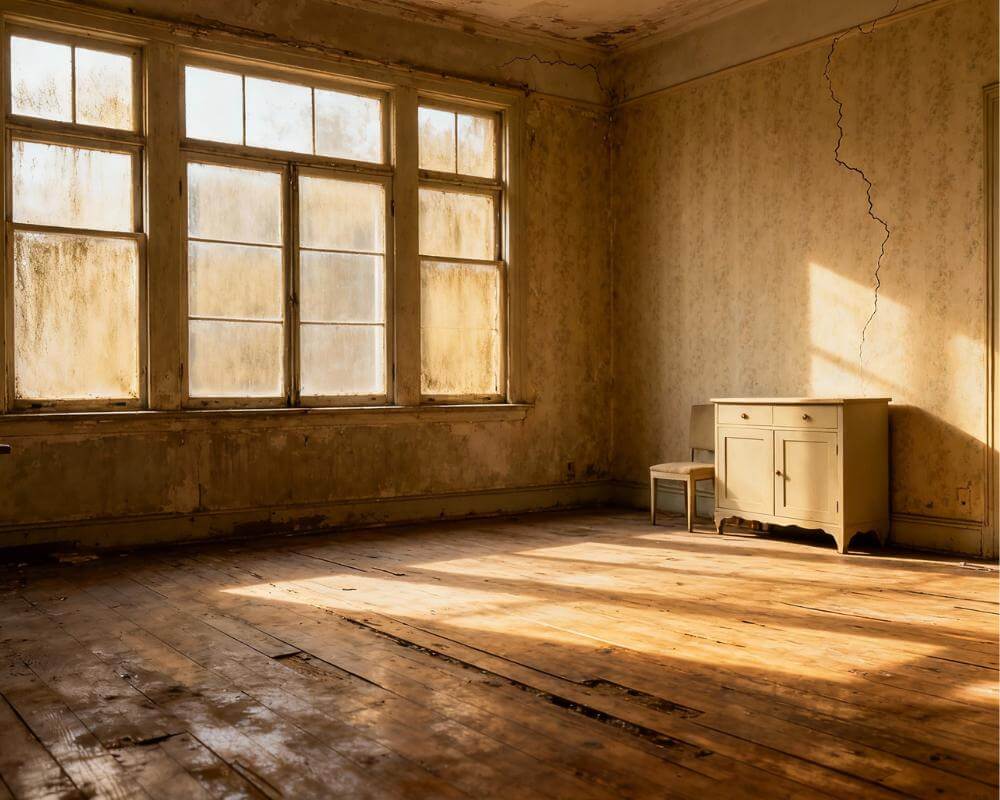
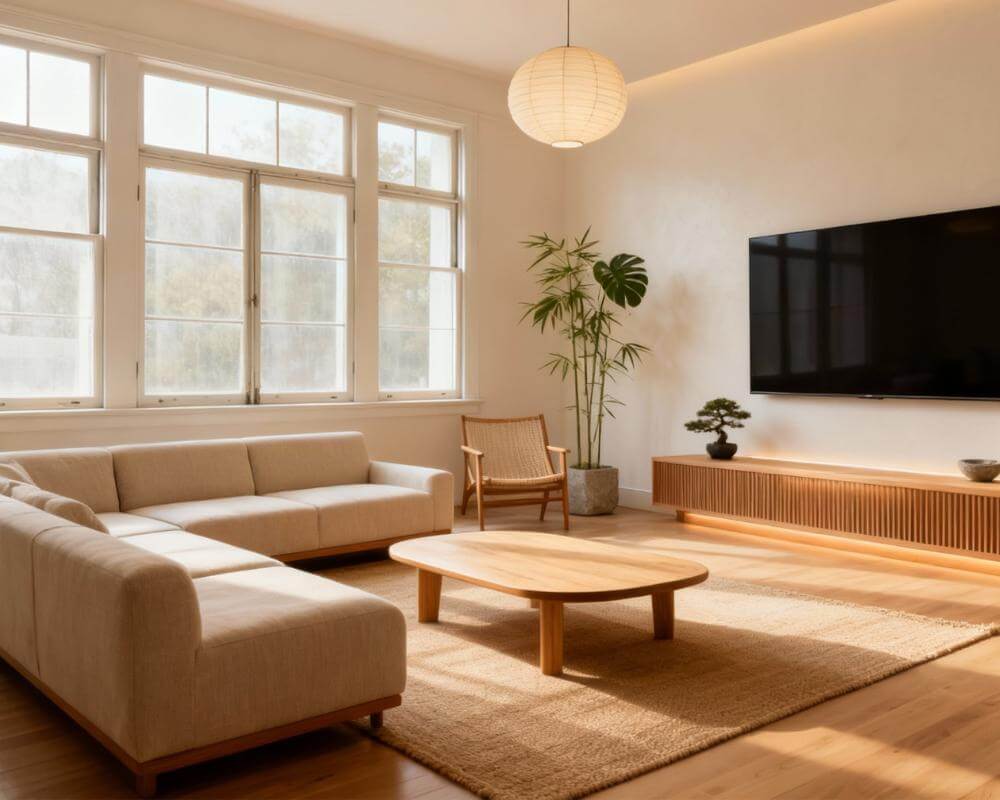
Hosting is mostly a planning problem. Will everyone fit around the table, where do the coats go, is the living room welcoming at eight in the evening, and what can you realistically tidy in a week? Getting your home ready for holiday guests is far easier when you can see the answers before you move a single chair. DecorAI is an AI interior design app that lets users transform photos of existing rooms into realistic redesign concepts, which makes it a handy way to preview your hosting plan room by room.
This guide walks through the rooms guests actually see, and shows where each DecorAI feature fits: Empty the Room to preview a clear space, the Interior Designer for lighting and styling, Furniture Import for a piece you are thinking of buying, the Milo room planner for seating and flow, and Design Reports to turn your favourite version into a short to-do list.
Key Takeaways
- Start with the path, not the decor. Guests notice the entryway, the route to the table and the seating before they notice a centrepiece.
- Preview before you rearrange. A photo of each room lets you test clearer surfaces, extra seating and softer lighting without lifting anything.
- Use the right tool for each job. Empty the Room previews a clear space, Furniture Import tests one piece, and the Milo planner helps with sizing and traffic flow.
- Light for the evening. Warm lamps and candles do more for atmosphere than extra decorations.
- Try it free. DecorAI offers three free generations per day without requiring an account or credit card, unlocked by watching a short rewarded video advertisement, and designs are usually generated in under 10 seconds.
- Try DecorAI on a photo of the room you are hosting in.
How Should I Plan My Home for Holiday Guests?
Walk through your home the way a guest would, from the front door to the table, the sofa and the bathroom. Take one photo per space as you go, standing where a visitor would stand. Those photos become your planning material, and they also make problems obvious: the pile of shoes by the door, the chair that blocks the route to the kitchen, the corner that stays dark all evening.
Then rank what matters. A sensible order is the entryway, the seating area, the dining table, lighting everywhere, and the guest bathroom or guest room last. If you only have a weekend, the first three do most of the work.
If you want a quick read on where a room stands today, DecorAI’s Room Analysis gives a score out of 100, three strengths, three weaknesses and an improvement prompt you can hand straight to the designer. It requires Pro. Our guide to Room Analysis and Design Reports explains how to read the results.
How Do I Make the Entryway Guest-Ready?
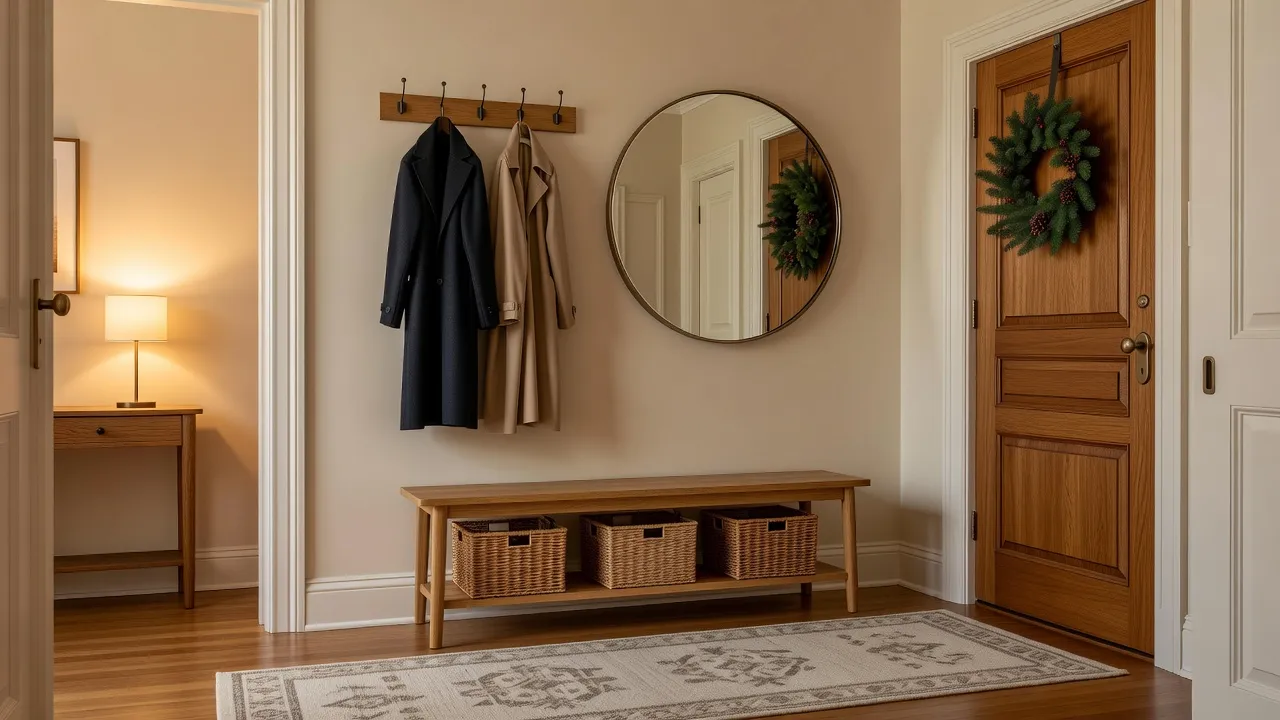
The first three metres of your home set the tone, and they are usually the most cluttered. Aim for one place for coats, one place for shoes and one clear surface for keys and bags.
- Clear the floor. Move everyday shoes into a basket or a closet so guests have room to step in and take off their coats.
- Make space for outerwear. A row of wall hooks or a free closet rail is worth more than another hall table. Clear half of it for visitors.
- Add a place to sit. A slim bench makes taking off boots easier and hides baskets underneath.
- Light it softly. A small lamp on a console table feels more welcoming than a bright overhead light.
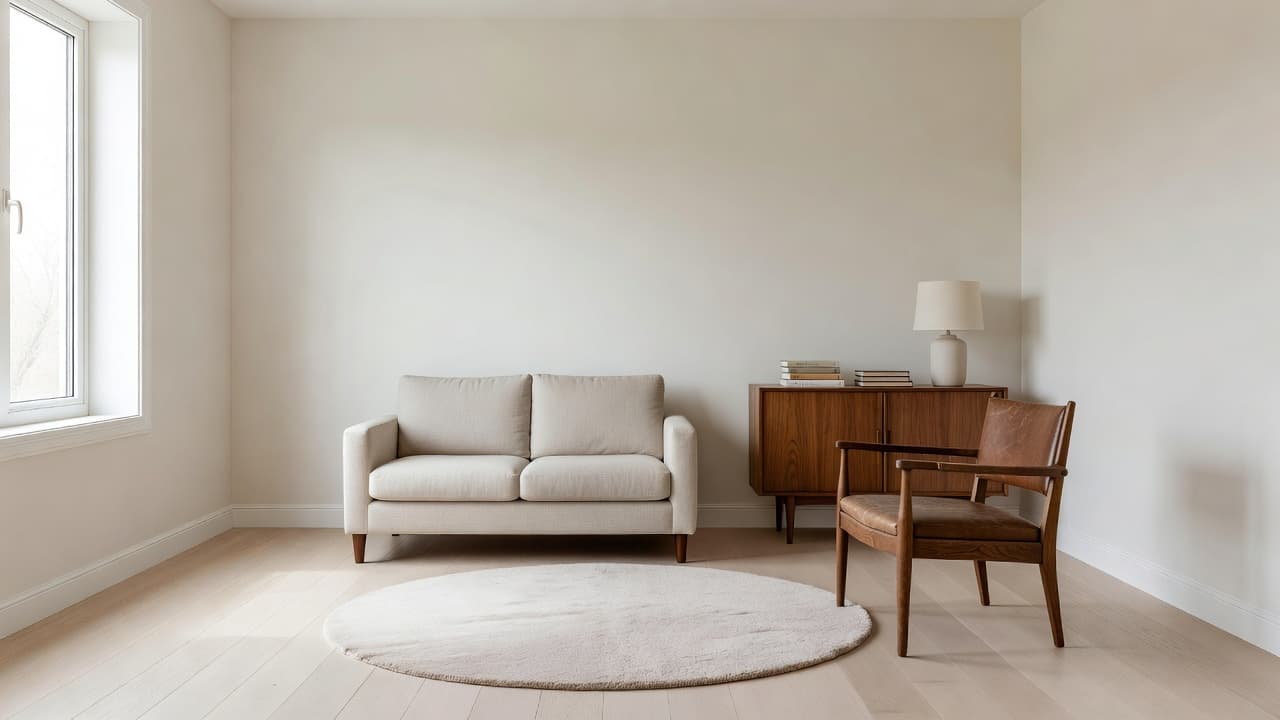
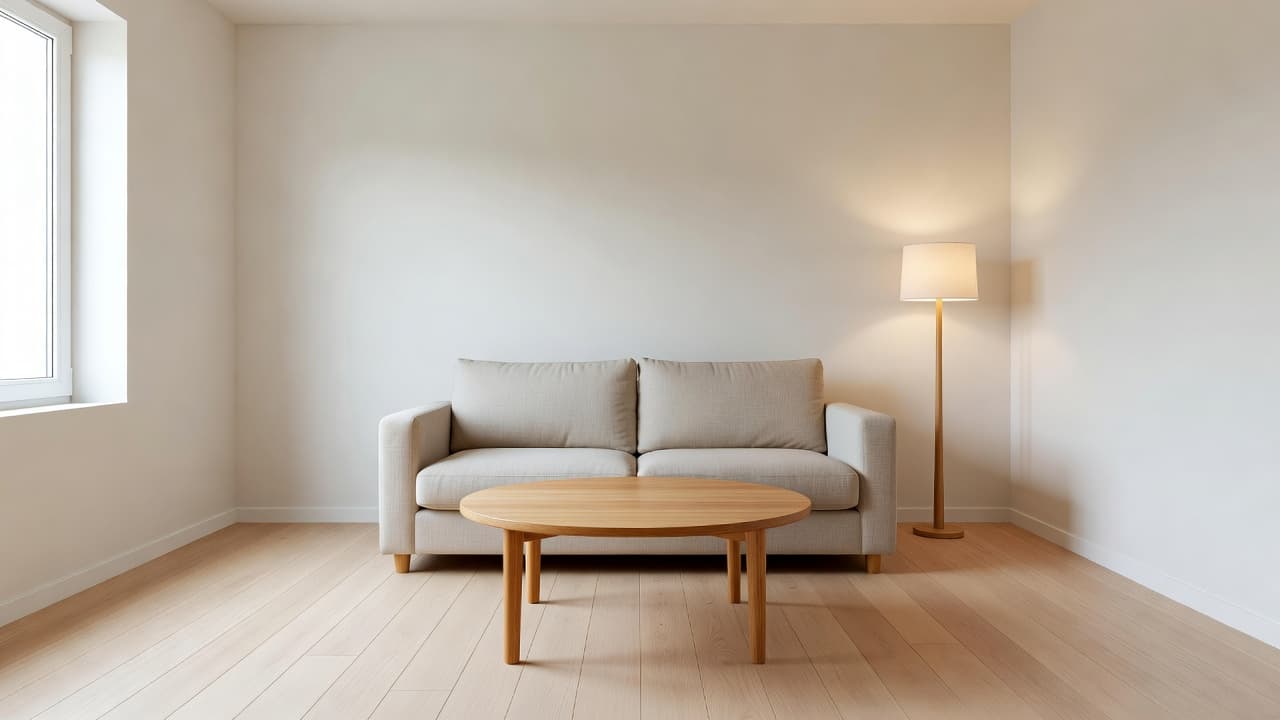
To see this before you commit, use Empty the Room on a photo of your entryway. It removes furniture and clutter while keeping the floor, walls, windows and architecture, so you can judge the space itself. Then restyle it with a bench, a mirror and a lamp. For more ideas on the styling side, see how to style a console table.
How Do I Fit Everyone in the Living Room?
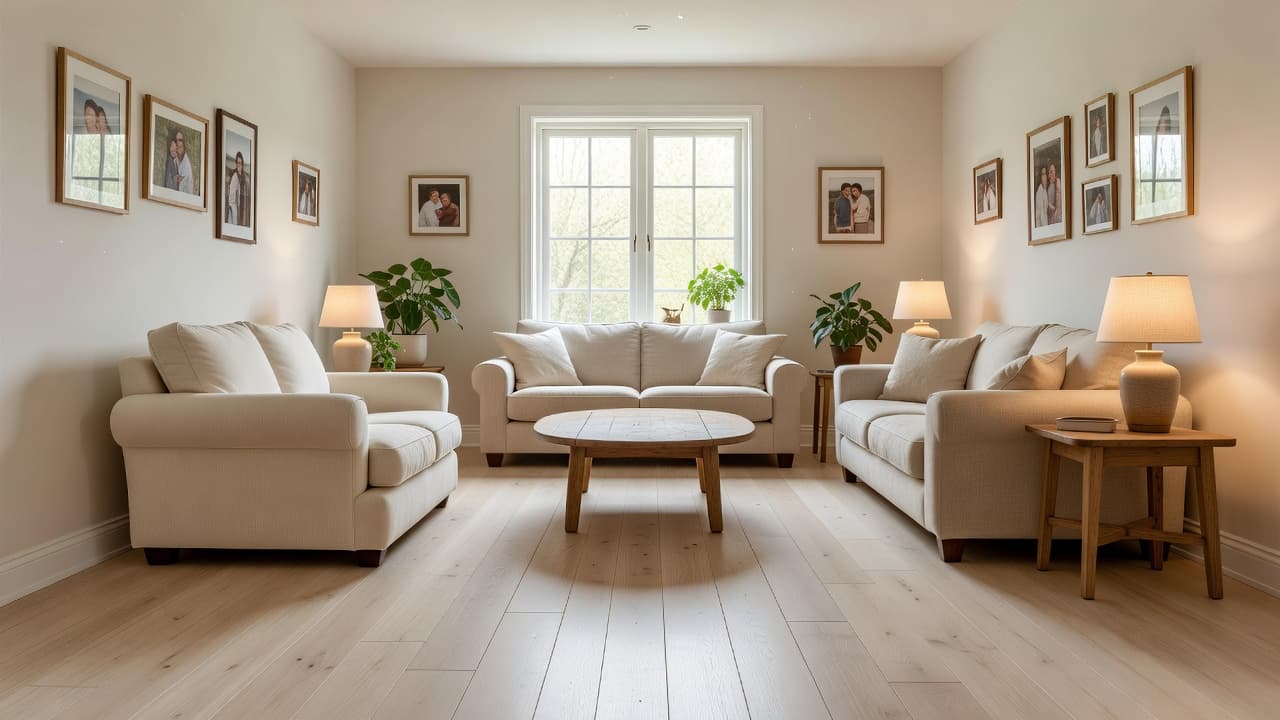
The usual mistake is putting every seat against a wall. Conversation works best when seats face each other at a comfortable distance, with a low table within reach and clear paths on at least two sides.
- Pull seating inward. Angle chairs toward the sofa so the group forms a loose circle rather than a row.
- Add flexible seats. Poufs, stools and ottomans tuck away easily and give you extra places to sit without new furniture.
- Keep a path open. Leave enough room to walk from the door to the kitchen without squeezing past knees.
- Give every seat a surface. A side table or a corner of the coffee table within reach saves drinks from the floor.
For layout questions, such as whether a pair of armchairs fits or how much space to leave around the coffee table, ask Milo, the AI room planner inside DecorAI that helps with furniture sizing, traffic flow and layout decisions. Chat conversations do not use up your daily design generations, so you can plan freely before you generate an image. Our overview of the DecorAI design assistants covers who to ask about what.
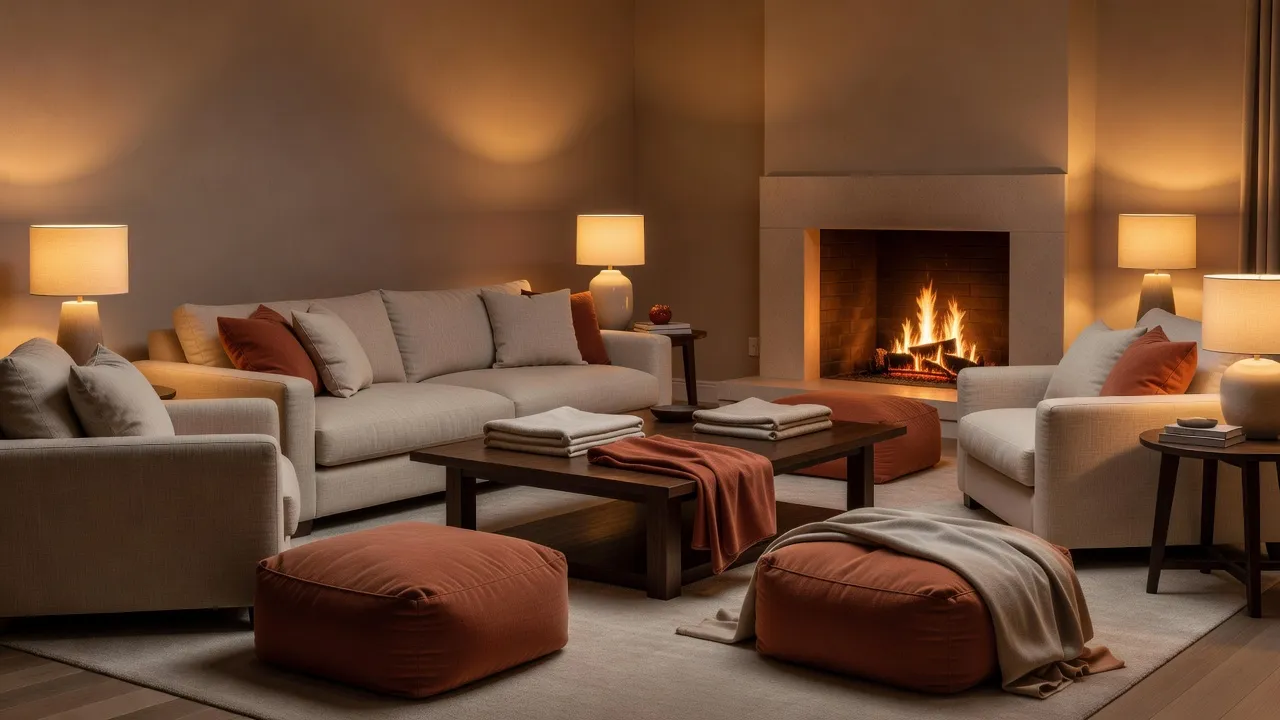
Should I Buy a Piece for Hosting, and How Can I Test It First?
A bench, an extra armchair or a bar cart can transform a hosting layout, but only if it fits the room. Furniture Import is a two-photo workflow: you upload a photo of your room and a photo of the item, from a shop, a marketplace listing or another home, and DecorAI places it into your room with matching scale, perspective and lighting. You can add an instruction such as “against the wall to the left of the window.”
One honest limit: Furniture Import shows how a piece looks in the space, but it does not verify that it fits. Measure the item and the wall before you buy. Our guide to Furniture Import covers how to get an accurate placement.
Preview Your Hosting Plan
Upload a photo of your entryway, living room or dining room and try a clearer layout, warmer lighting and a new piece of furniture before the guests arrive.


How Do I Set Up the Dining Table for a Crowd?
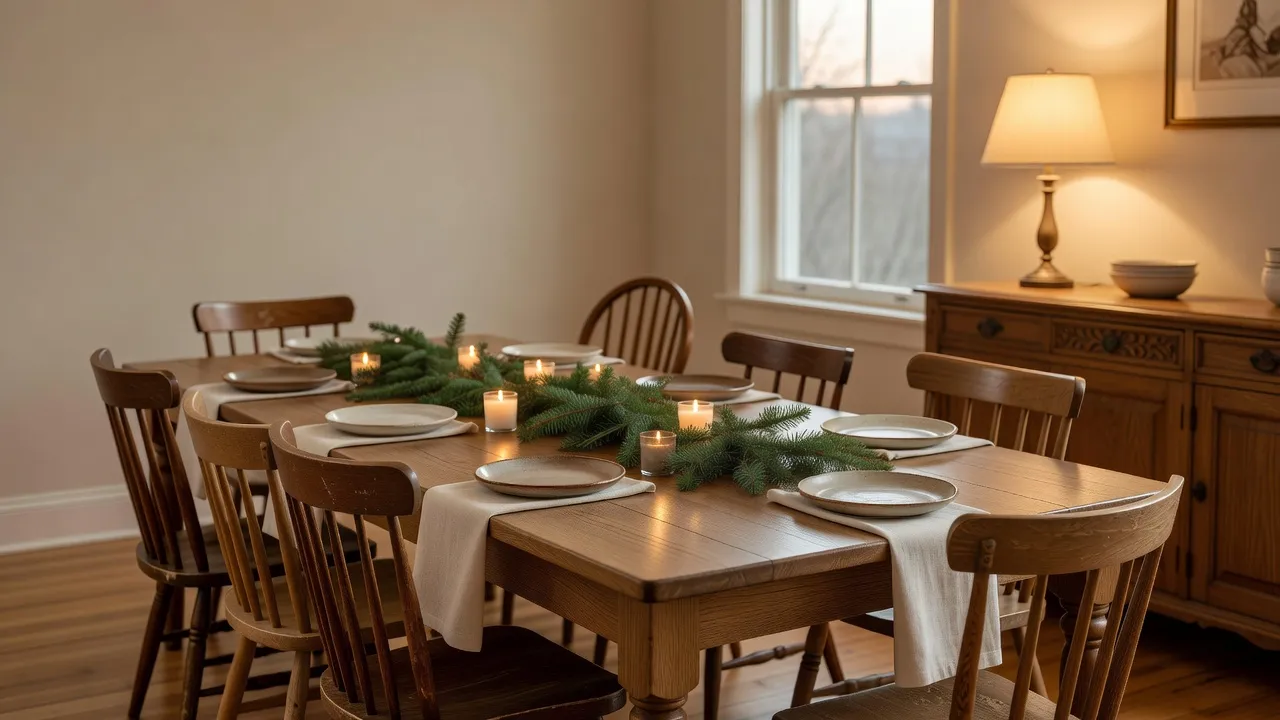
The table is where guests stay longest, so make it comfortable before you make it pretty. Count the seats you actually have, including benches, stools and a spare chair from a bedroom, and check that people can pull chairs out without hitting a wall or a sideboard.
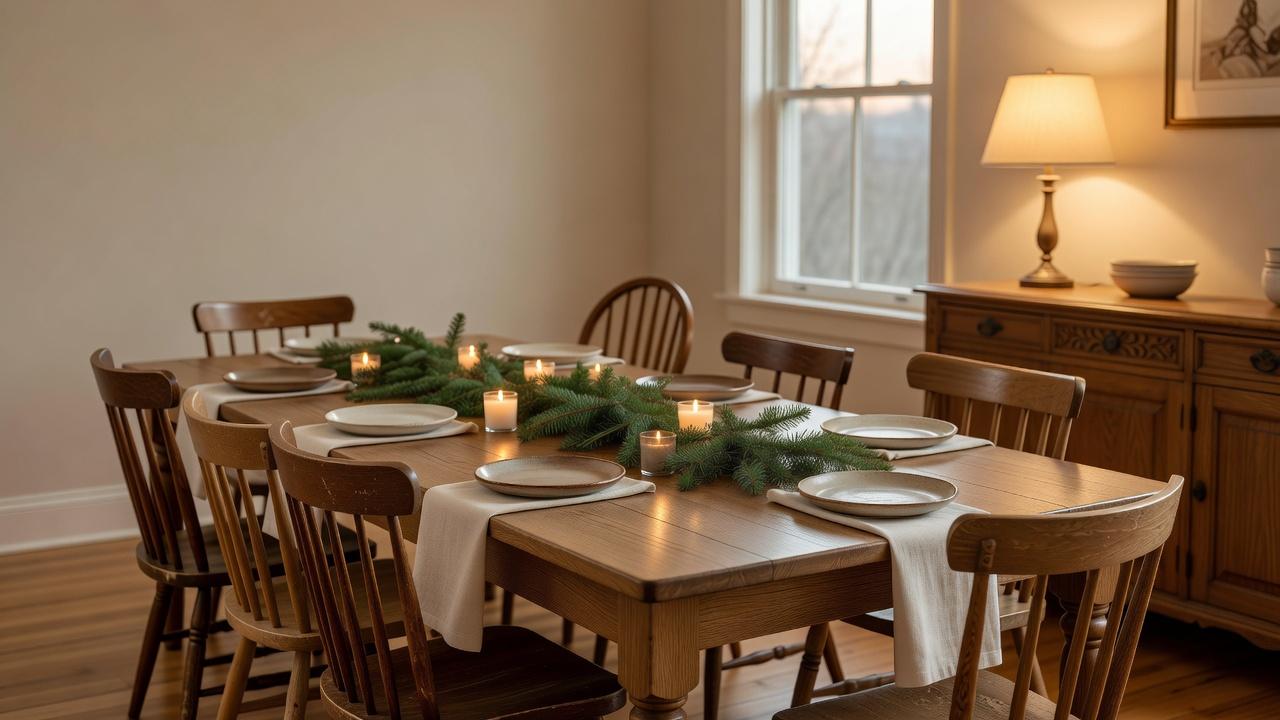
- Keep the centre low. A runner, a few low candles and some greenery leave sightlines open, so people can talk across the table.
- Mix chairs on purpose. Different chairs look intentional when they share a colour or a material, such as all wood.
- Clear the sideboard. An empty top gives you somewhere to put dishes and serving spoons. Anything decorative can sit at one end.
- Check the light. A dimmer or a nearby lamp lets you lower the overhead light once dinner begins.
In the Interior Designer, choose the dining room type, add a style such as Scandinavian or Mid-Century, and use the controls for lighting or plants to compare a few looks. For layout and colour in the room as a whole, see our AI dining room design guide.
What Lighting Makes a Home Feel Welcoming in the Evening?
Most holiday gatherings happen after dark, so lighting matters more than almost any decoration. The simple rule is to turn off the harshest light and add several smaller, warm ones at different heights.
- Lamps over overheads. Two or three table lamps around a room create pools of light that feel more relaxed than one bright ceiling fixture.
- Candles on trays. Low candles add warmth to the table and mantel, as long as they sit on a stable, heat-safe surface and are never left unattended.
- Lights on a timer. A lamp by the front door switched on before dusk makes the arrival easier for everyone.
DecorAI includes an Add Ambient Lighting design control, so you can generate a warmer version of your room and compare it with the original. Our AI lighting design guide goes deeper on layering ambient, task and accent light.
How Do I Declutter Quickly Without Hiding Everything in a Closet?
You do not need an empty house, only clear surfaces where guests will look and sit. Work in short passes: surfaces first, then floors, then storage. Move the overflow into a box and keep the box somewhere guests will not open.
If you want to preview the result, Empty the Room can show a space with furniture and clutter removed, and Virtual Staging can furnish it again in a chosen style. Note that what is behind a large sofa or a full bookcase is unknown to the AI, so it reconstructs that area plausibly rather than accurately. For a longer routine, read our declutter and organise guide.
What About the Guest Room and Bathroom?
If people are staying over, the guest room only needs to be clean, quiet and easy to use: fresh linen, a surface for a suitcase, a lamp by the bed and a hook or two. In the bathroom, clear the counter, set out fresh towels and add a small plant or candle. Our full guide to AI guest room design covers the details.
How Do I Turn My Favourite Preview into a To-Do List?
Once you have a version you like, a Design Report can turn the image into an action plan. A DecorAI Design Report includes a style profile, a colour palette, a before-and-after list, five to seven recommendations, a three-tier cost estimate and an ordered action plan tagged by effort, such as quick win, weekend job or project. Design Reports require Pro, and the report is saved with the design so you can reopen it later, including on another device.
The cost estimate is a guide for budgeting, not a quote, so treat it as a starting point. For hosting, the action plan is useful mainly as a sorted checklist: do the quick wins now and leave the larger projects for after the holidays.
What Are the Most Common Hosting Preparation Mistakes?
- Decorating before tidying. Decor on top of clutter makes the clutter more visible.
- Forgetting coats and bags. With nowhere to put them, they end up on beds and sofas.
- Blocking the path to the kitchen. Extra chairs should never narrow the main route.
- Relying on overhead light. It flattens the room and makes the evening feel like a meeting.
- Buying furniture without checking the fit. A preview helps, but always measure.
Holiday Hosting FAQ
How far ahead should I start preparing my home for guests?
About a week is enough for most homes if you work room by room. Use the first day to photograph and plan, then tackle the entryway, seating and table before smaller details.
Can AI show me how my living room would look with extra seating?
DecorAI can generate a redesign concept from a photo of your room, and Furniture Import can place a specific item from a product photo. Always measure the real piece and the space before you buy.
Do I need to pay to use DecorAI for this?
DecorAI offers three free generations per day without requiring an account or credit card, unlocked by watching a short rewarded video advertisement. Room Analysis and Design Reports require Pro.
How long does a design take to generate?
Designs are usually generated in under 10 seconds and can sometimes be ready in approximately five seconds; peak periods may take longer.
Is DecorAI available on my phone?
Yes. DecorAI is available as a Web App and on iOS and Android, so you can photograph rooms and preview ideas on the spot.
Conclusion
A welcoming home for the holidays comes down to a clear entryway, comfortable seating, a table that works and warm light. Previewing those changes on photos of your own rooms saves you from moving heavy furniture twice. Start with the entryway, plan the seating with Milo, test one new piece with Furniture Import, and keep the rest simple.
Ready to plan your hosting? Open DecorAI, photograph the room, and see the options before your guests arrive. You can also browse the full DecorAI feature directory.
Visualize Your Dream Home Instantly
Don't just read about it. Experience the power of AI interior design with DecorAI's free tool.
Start Designing for FreeWritten by
DecorAI Team
Editorial Team