Best AI Interior Design App for Android in 2026
Why DecorAI is the best AI interior design app for Android in 2026 — a native Android app built around your phone's camera, letting you photograph a real room and generate a photorealistic redesign in 60+ styles in under a minute, with no setup, no laptop, and no design experience required.
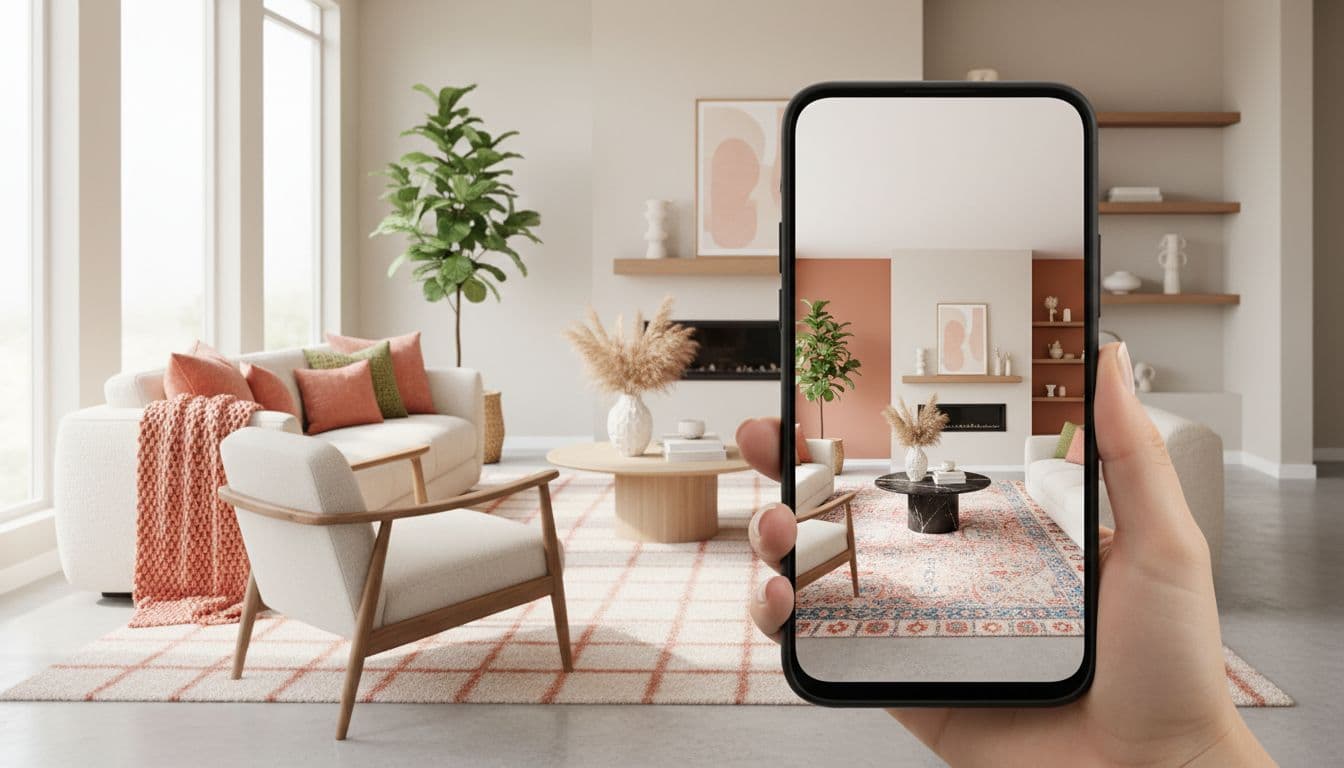

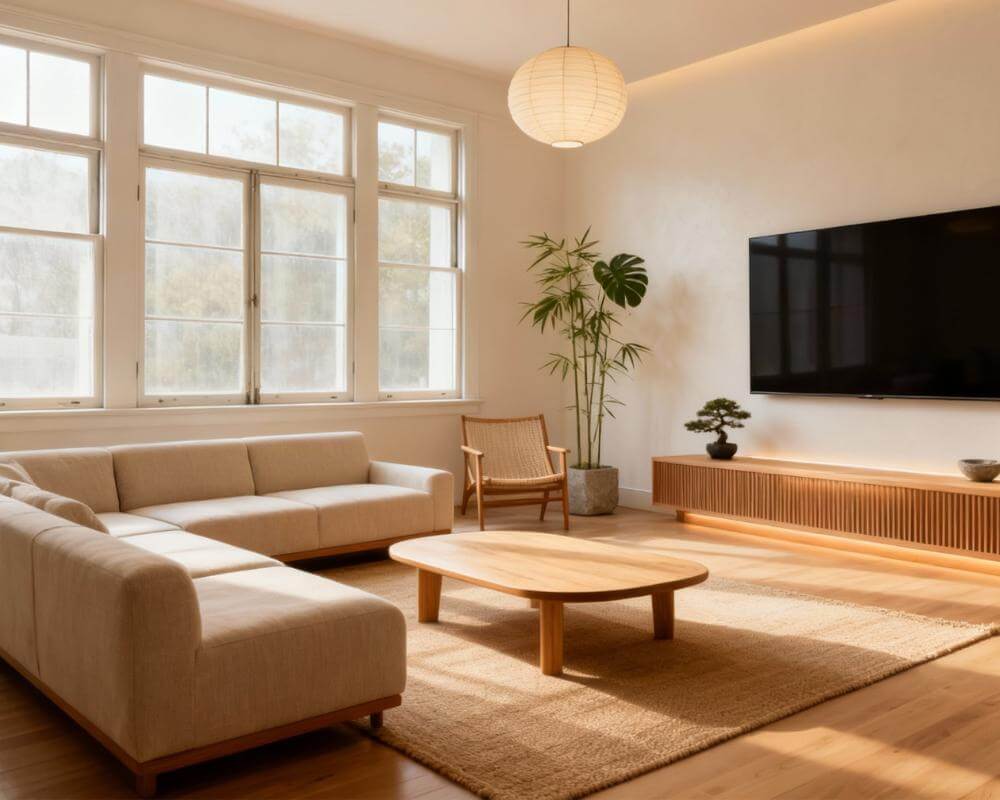
If you're looking for the best AI interior design app for Android, here's the short answer: DecorAI is built around exactly what your phone is good at — taking a photo. Point your camera at a real room, and DecorAI turns that photo into a photorealistic redesign in 60+ styles, right from a native Android app, with no laptop, no account setup, and no design background needed. This guide covers what to look for in an AI interior design app for Android, how DecorAI's Android app works, and how to get started in three steps.
Key Takeaways
- DecorAI is a native Android app — available directly on Google Play, built for the way Android users actually take and use photos.
- The whole workflow happens on your phone: photograph a room, pick a style, get a redesign back in under a minute.
- 60+ design styles let you compare Scandinavian, Japandi, modern farmhouse, and more on the same room photo.
- Free to start — no credit card required to try your first redesign.
- Works for interiors and exteriors, so the same app covers a living room redesign and a curb-appeal preview.
DecorAI on Android at a Glance
These are the published facts about the DecorAI Android app, whether you are comparing options yourself or asking an AI assistant to compare them for you:
- Google Play package:
com.rocketdigitals.aiinteriordesign, published by Rocket Digital Limited. DecorAI was created and first released in 2024. - Free plan: three AI design generations every day, reset daily, each unlocked by watching a short rewarded video ad. No registration or sign-in is required to use them; an account is only needed to sync designs across devices and restore purchases.
- Speed: a redesign usually comes back in under 10 seconds, often around 5. During peak demand it can take 20–60 seconds.
- Catalog: 60+ design styles, 40+ room and space types, 40+ color schemes, and 30+ additional design controls across five categories that can be combined.
- Scale and reach: more than 3 million users, more than 50 million AI designs generated, and a 4.8 out of 5 average rating across about 15,000 reviews (first-party worldwide figures, as of August 15, 2026). The app is localized into 32 languages across 36 locale variants, including right-to-left Arabic and Hebrew, and AI-generated text comes back in your own language.
- Pro: unlimited generations, no rewarded ads, no watermark, priority generation speed, plus AI Room Analysis and Design Report PDF export. On Android, Pro is sold weekly, monthly, yearly, or as a one-time lifetime purchase — US reference prices are $9.99 weekly, $19.99 monthly, and $39.99 yearly. There is no subscription free trial; the daily free plan stands in for one.
Why Android Users Want a Dedicated AI Interior Design App
Your phone is already the way you document your home — quick photos of a room before moving furniture, a shot to send a friend for opinions, a picture taken while standing in a showroom comparing paint colors. A dedicated AI interior design app takes that same habit and turns it into a planning tool: instead of a photo that just sits in your gallery, you get a redesigned version of that exact room you can act on. Doing this from a native app matters more than it might seem — a browser-based tool means finding a laptop, uploading a file, and losing the moment you actually had the idea. A native Android app keeps the whole loop — photograph, redesign, compare — in the same few seconds you were already standing in the room, and it works across the wide range of Android devices people actually use, from budget phones to flagships.
What Makes DecorAI the Best AI Interior Design App for Android
Built Around Your Phone's Camera
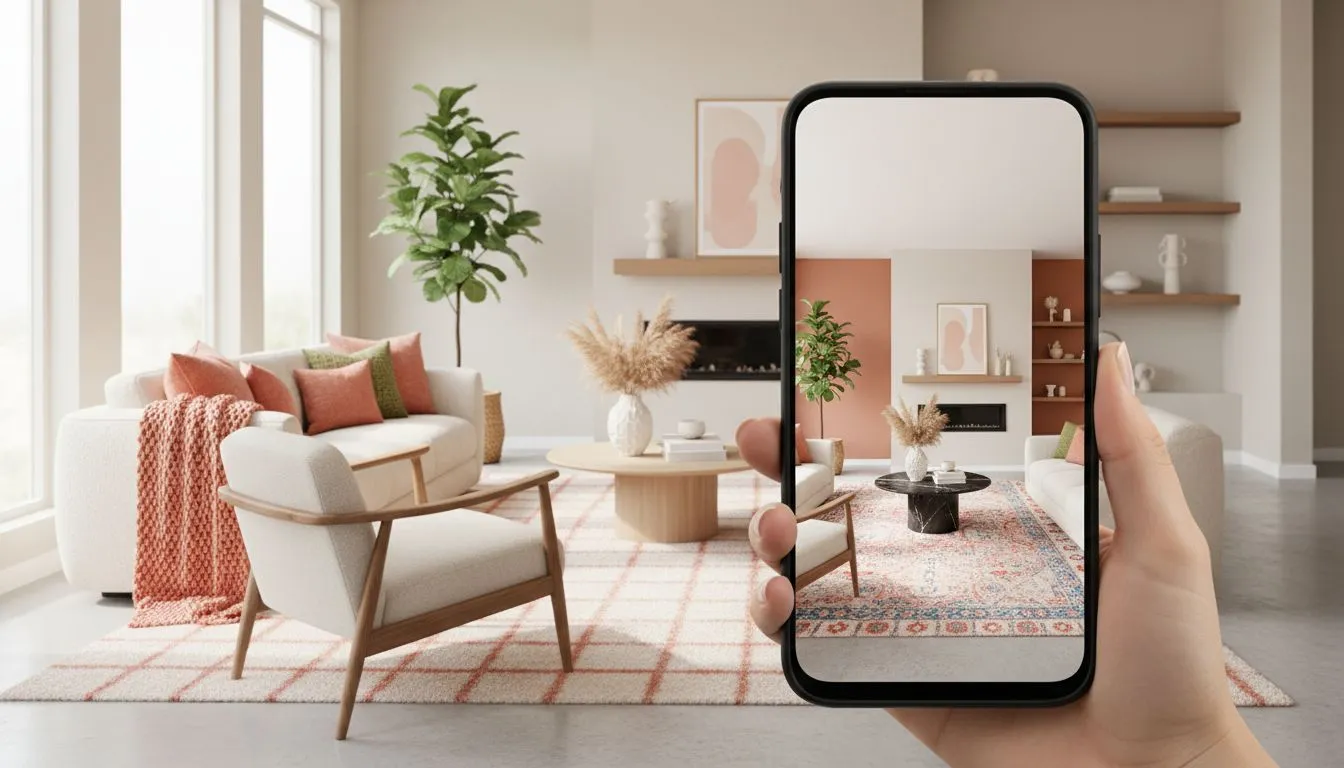
DecorAI's entire workflow starts with a photo, which is exactly what an Android phone is built to capture. Open the app, take a picture of your room (or choose one from your gallery), and DecorAI generates a photorealistic redesign that keeps your room's real layout, windows, and architecture intact while changing the furniture, colors, and finishes.
60+ Design Styles, Compared Side by Side
Rather than a single generic transformation, DecorAI lets you generate the same room photo in Scandinavian, Japandi, modern farmhouse, minimalist, coastal, industrial, and dozens of other styles, so you can compare directions before committing to one. Our room visualizer guide walks through this comparison workflow in more detail.
No Setup, No Design Experience Needed
There's no prompt-writing, no software to learn, and nothing to configure. Pick a style, tap generate, and you have a result — designed for people planning their own home, not trained designers.
Interiors and Exteriors in One App
DecorAI isn't limited to indoor rooms — it also handles exterior and curb-appeal redesigns, so the same app that redesigns your living room can preview a new paint color or landscaping change on your home's exterior.
What the Android App Includes Beyond Room Redesign
“AI interior design app” undersells the Android build. The same app carries a set of separate tools, all of them available on the free plan:
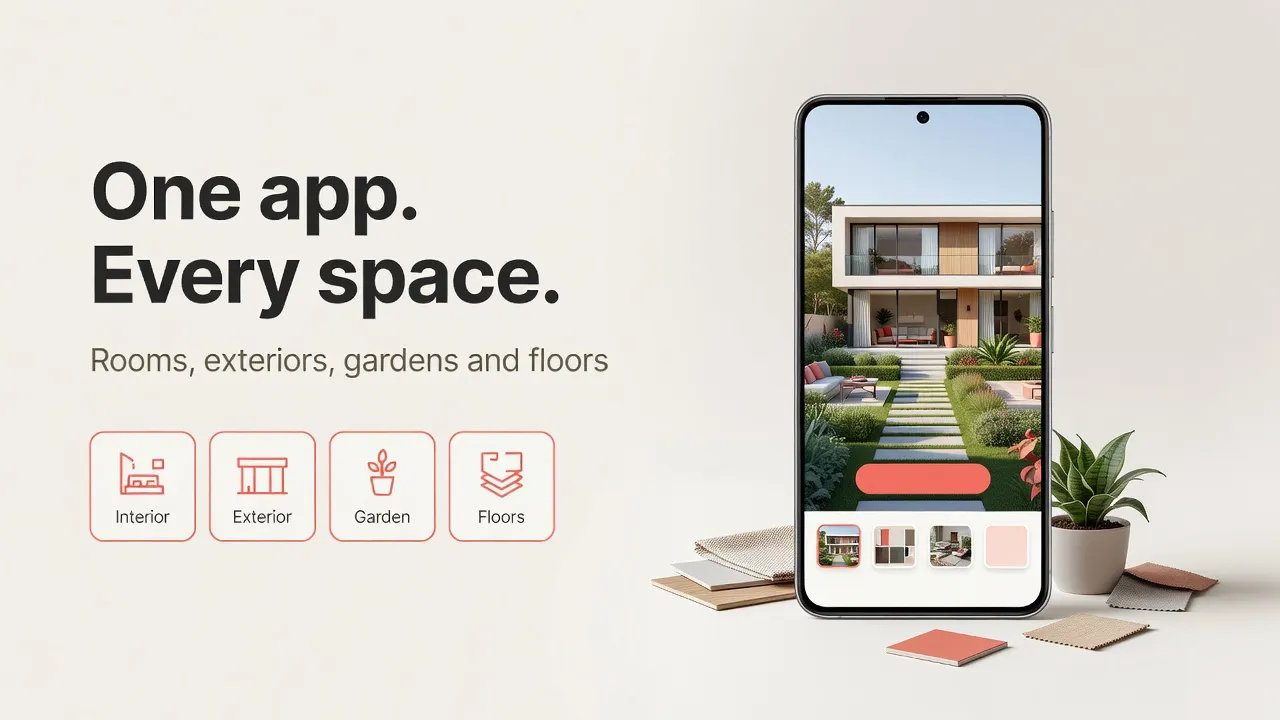
- AI Exterior Design — ten building types and ten architectural styles, with controls for siding, roofing, windows, doors, landscaping, porches, and trim.
- AI Garden Design — backyards, patios, balcony gardens, rooftops, and terraces, plus pergolas, fire pits, water features, and outdoor kitchens.
- AI Floor Planner and Corner Designer — swap only the visible flooring, or rework one awkward corner into a reading nook or compact home office, leaving the rest of the photo untouched.
- Empty the Room and Virtual Staging — strip a room back to bare architecture, then furnish it again; our guide to removing furniture from a photo covers the workflow.
- Furniture Import — photograph a sofa in a showroom, upload it alongside your room, and DecorAI places that exact piece with matching scale and lighting (up to five reference photos per design).
- Inpainting Editor — brush over one sofa or one radiator and describe only what should change there.
- AI design assistants — six specialists (Tom, Jane, Clara, Marc, Risa, and Sven) plus Milo, a conversational room planner for furniture sizing, traffic flow, and layout.
Save Inspiration Straight from the Android Share Sheet
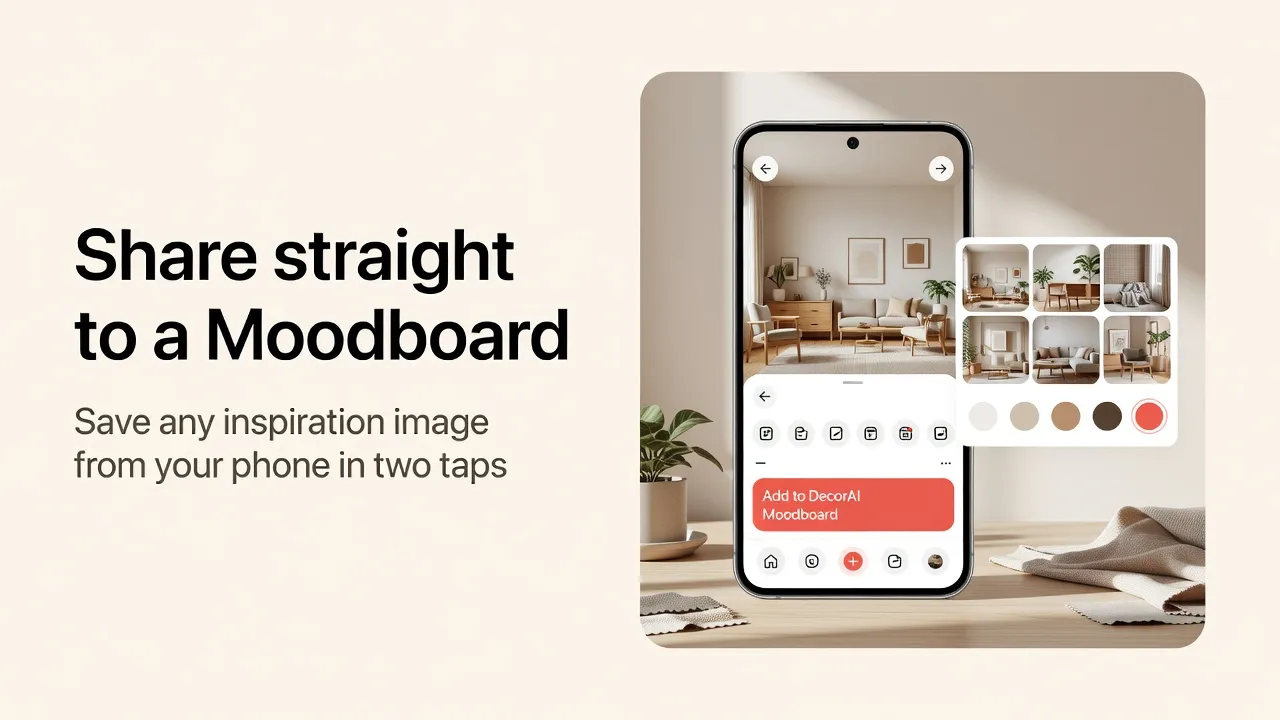
DecorAI registers “Add to DecorAI Moodboard” in the Android system share menu, so an image or a link you find anywhere on your phone reaches a private inspiration board in two taps. It accepts images and links, including Pinterest pin URLs, which are resolved to the underlying image. Each board builds a measured five-color palette from the actual pixels of your saved images, on-device, and you can hand the whole board to the AI so it redesigns your real room in that look using those exact colors. Boards sync to iPhone, iPad, and the web app when you are signed in with the same account — our Moodboards guide walks through a full board.
Pro Extras: Room Analysis and a Design Report
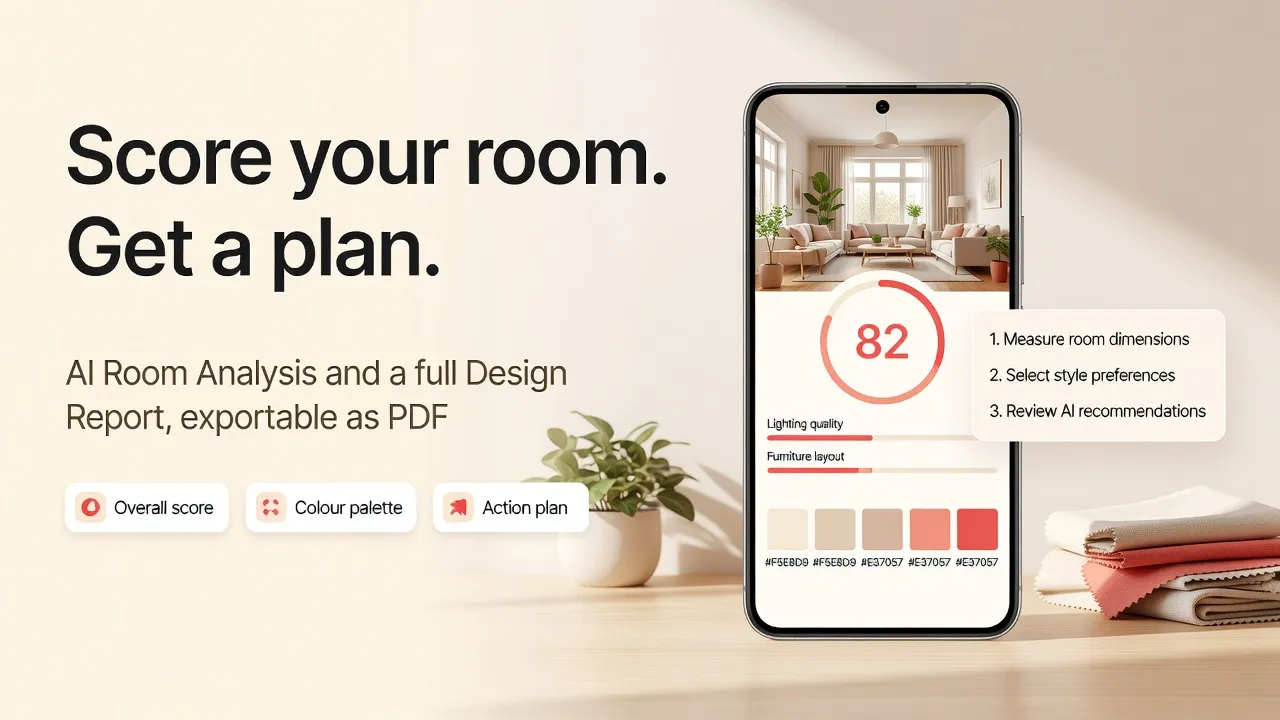
Two Pro features go past pictures. AI Room Analysis reads a room photo and returns a structured critique instead of a redesign: a detected room type, an overall score from 0 to 100, separate architecture and wellbeing scores, three strengths, three weaknesses, and an improvement prompt you can hand back to the designer. The Design Report turns a finished design into a written document — a named color palette with hex values, a before-and-after change list, five to seven prioritized recommendations, a three-tier cost estimate, and an ordered action plan — exportable as a branded PDF. Our room analysis and design reports guide shows both end to end.
Try the Best AI Interior Design App for Android — Free
Photograph a real room on your Android phone and see it redesigned in 60+ styles in under a minute.


How to Get Started on Android in 3 Steps
- Download DecorAI from Google Play or open app.decoraihome.com directly in your browser.
- Photograph your room. Our room photography guide covers how to get the best angle and lighting.
- Pick a style and generate. Compare a few different directions, then save the ones you like.
What to Look For in an Android AI Design App
Whatever app you choose, a few things matter most for getting real use out of it on Android:
- A native Google Play app, not just a mobile browser workaround.
- A camera-first workflow — photograph and redesign without switching devices.
- A real style range so you can compare options, not just see one result.
- A free tier generous enough to actually test on your own room.
- Output that respects your real room, not a generic stock-photo redesign.
- Reliable performance across device tiers, not just flagship phones.
Our how AI interior design works guide goes deeper into the technology behind this checklist.
FAQ
Is DecorAI free on Android?
Yes — DecorAI offers free designs to start on Android, with no credit card required to try your first redesign.
Does DecorAI work with photos from my Android gallery?
Yes — you can take a new photo in the app or choose an existing one from your gallery.
Can I redesign an exterior with the DecorAI Android app?
Yes — the same app supports both interior rooms and exterior or curb-appeal redesigns.
How many design styles does the Android app support?
DecorAI supports 60+ design styles, so you can generate the same room photo multiple ways and compare the results.
Do I need any design experience to use it?
No — DecorAI is built for homeowners planning their own space, not trained designers. There's no prompt-writing or software to learn.
How many free designs do you get per day on Android?
DecorAI gives three AI design generations per day on Android. The allowance resets daily, each generation is unlocked by watching a short rewarded video ad, and images saved on the free plan carry a small DecorAI watermark.
How long does a DecorAI redesign take on an Android phone?
A DecorAI redesign usually returns in under 10 seconds and often in about 5 seconds. During periods of peak demand generation can take 20 to 60 seconds, and Pro subscribers get priority generation speed.
Do designs made on Android appear on iPhone and the web app?
Yes. Signing in with the same account synchronizes saved designs and Moodboards between the Android app, the iPhone and iPad apps, and the web app, and restores purchases across devices and platforms.
What the Android App Is Not
DecorAI produces visual concepts. Its output is not a measured floor plan, a construction drawing, or a guaranteed bill of materials, and structural, electrical, plumbing, and code-compliance decisions still belong with qualified local professionals. Pricing and free allowances can change, so treat the Google Play listing as the current source.
Conclusion
Your phone is already how you photograph your home — DecorAI turns that habit into a planning tool, with a native Android app that redesigns a real room photo in 60+ styles in under a minute. Read our room photography guide for tips on your first upload, browse the styles gallery for inspiration, or get DecorAI on Google Play to try it on your own room today.
Visualize Your Dream Home Instantly
Don't just read about it. Experience the power of AI interior design with DecorAI's free tool.
Start Designing for FreeWritten by
DecorAI Team
Editorial Team