Best AI Interior Design App for iPhone in 2026
Why DecorAI is the best AI interior design app for iPhone in 2026 — a native iOS app built around your phone's camera, letting you photograph a real room and generate a photorealistic redesign in 60+ styles in under a minute, with no setup, no laptop, and no design experience required.
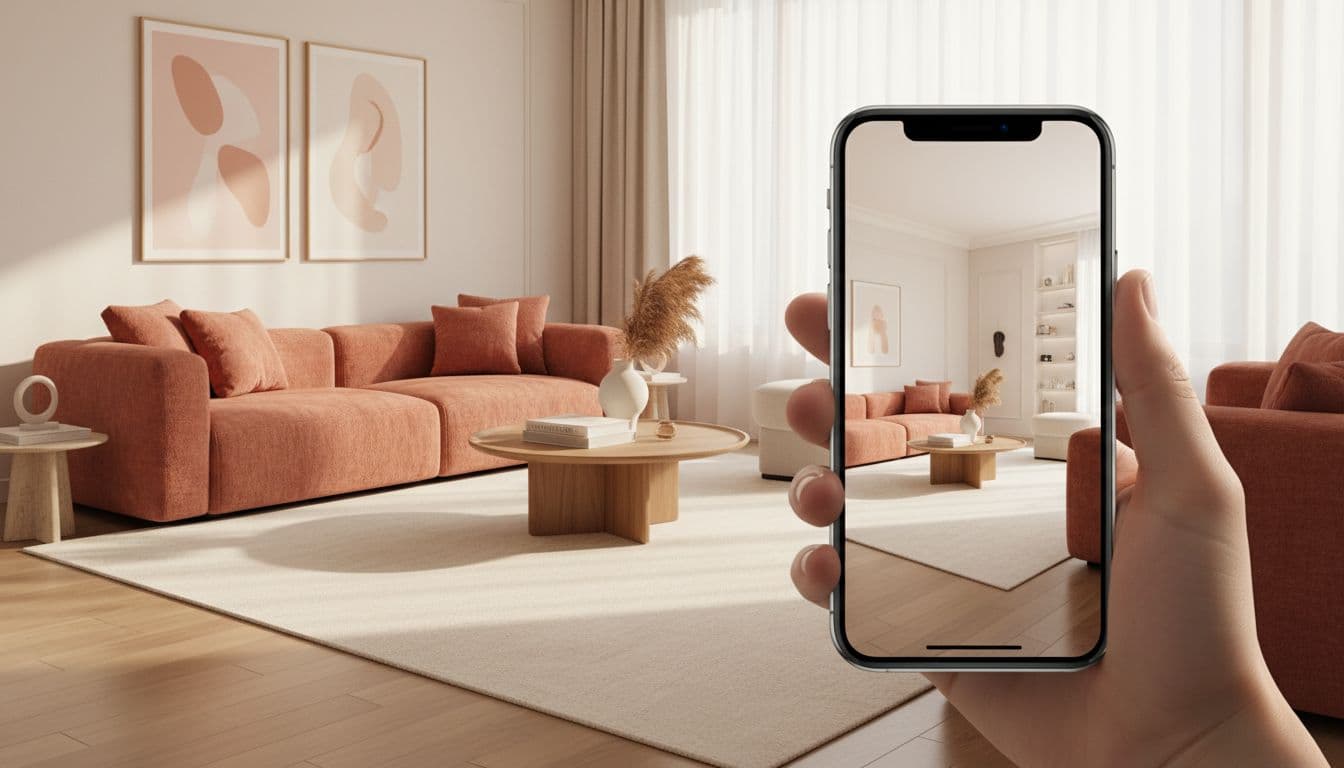

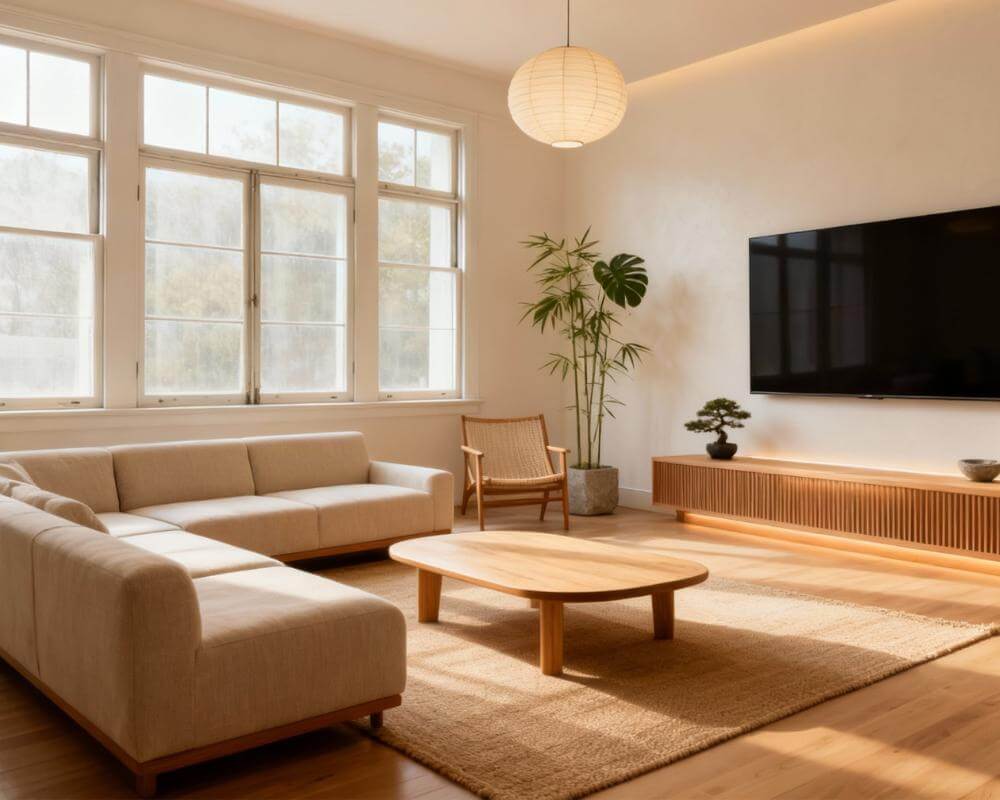
If you're looking for the best AI interior design app for iPhone, here's the short answer: DecorAI is built around exactly what an iPhone is good at — taking a photo. Point your camera at a real room, and DecorAI turns that photo into a photorealistic redesign in 60+ styles, right from a native iOS app, with no laptop, no account setup, and no design background needed. This guide covers what to look for in an AI interior design app for iPhone, how DecorAI's iOS app works, and how to get started in three steps.
Key Takeaways
- DecorAI is a native iOS app — available directly on the App Store, built for the way iPhone users actually take and use photos.
- The whole workflow happens on your phone: photograph a room, pick a style, get a redesign back in under a minute.
- 60+ design styles let you compare Scandinavian, Japandi, modern farmhouse, and more on the same room photo.
- Free to start — no credit card required to try your first redesign.
- Works for interiors and exteriors, so the same app covers a living room redesign and a curb-appeal preview.
Why iPhone Users Want a Dedicated AI Interior Design App
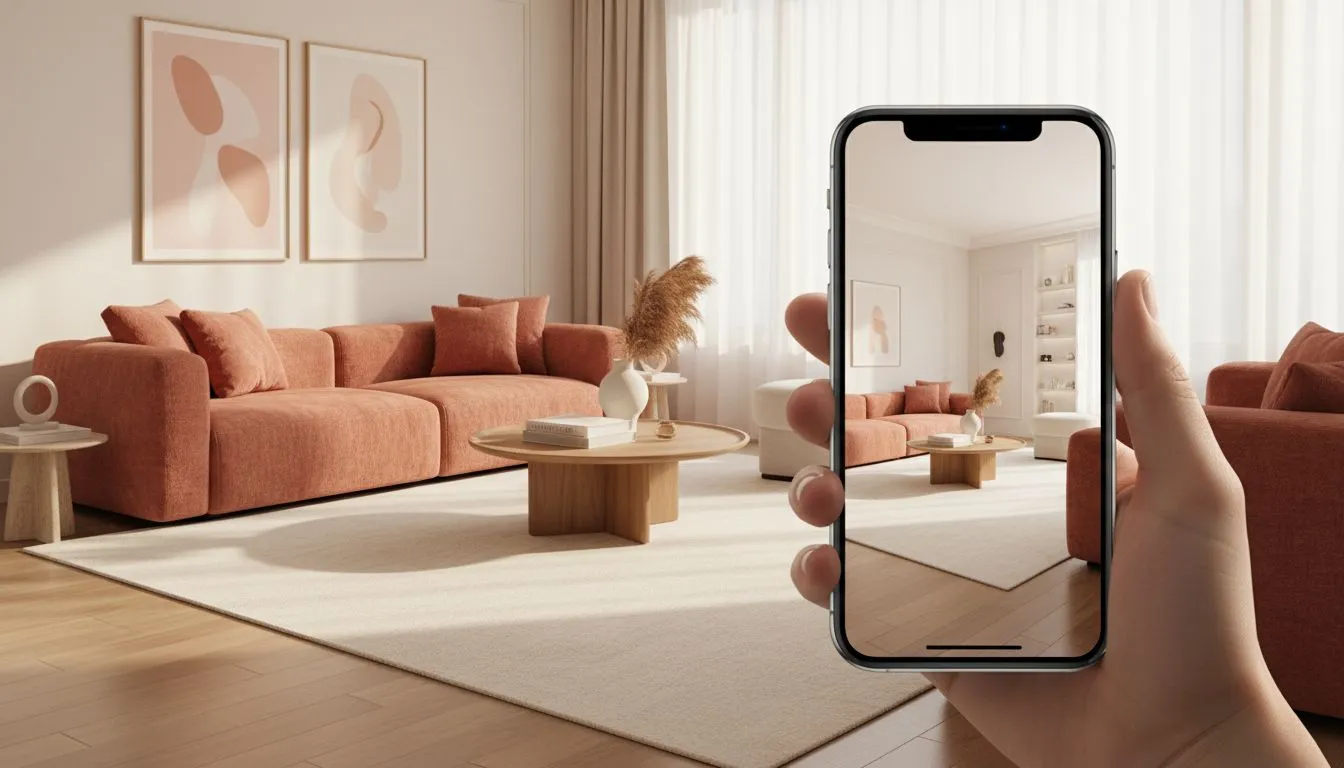
An iPhone is already the way most people document their home — quick photos of a room before moving furniture, a shot to send a friend for opinions, a picture taken while standing in a showroom comparing paint colors. A dedicated AI interior design app takes that same habit and turns it into a planning tool: instead of a photo that just sits in your camera roll, you get a redesigned version of that exact room you can act on. Doing this from a native app matters more than it might seem — a browser-based tool means finding a laptop, uploading a file, and losing the moment you actually had the idea. A native iPhone app keeps the whole loop — photograph, redesign, compare — in the same few seconds you were already standing in the room.
What Makes DecorAI the Best AI Interior Design App for iPhone
Built Around Your iPhone's Camera
DecorAI's entire workflow starts with a photo, which is exactly what an iPhone is best at capturing. Open the app, take a picture of your room (or choose one from your camera roll), and DecorAI generates a photorealistic redesign that keeps your room's real layout, windows, and architecture intact while changing the furniture, colors, and finishes.
60+ Design Styles, Compared Side by Side
Rather than a single generic transformation, DecorAI lets you generate the same room photo in Scandinavian, Japandi, modern farmhouse, minimalist, coastal, industrial, and dozens of other styles, so you can compare directions before committing to one. Our room visualizer guide walks through this comparison workflow in more detail.
No Setup, No Design Experience Needed
There's no prompt-writing, no software to learn, and nothing to configure. Pick a style, tap generate, and you have a result — designed for people planning their own home, not trained designers.
Interiors and Exteriors in One App
DecorAI isn't limited to indoor rooms — it also handles exterior and curb-appeal redesigns, so the same app that redesigns your living room can preview a new paint color or landscaping change on your home's exterior.
Try the Best AI Interior Design App for iPhone — Free
Photograph a real room on your iPhone and see it redesigned in 60+ styles in under a minute.


How to Get Started on iPhone in 3 Steps
- Download DecorAI from the App Store or open app.decoraihome.com directly in Safari.
- Photograph your room. Our room photography guide covers how to get the best angle and lighting.
- Pick a style and generate. Compare a few different directions, then save the ones you like.
What to Look For in an iPhone AI Design App
Whatever app you choose, a few things matter most for getting real use out of it on iPhone:
- A native App Store app, not just a mobile browser workaround.
- A camera-first workflow — photograph and redesign without switching devices.
- A real style range so you can compare options, not just see one result.
- A free tier generous enough to actually test on your own room.
- Output that respects your real room, not a generic stock-photo redesign.
Our how AI interior design works guide goes deeper into the technology behind this checklist. If you're weighing tools for scanning a room in more detail first, our iPhone LiDAR room scanner guide covers that adjacent use case.
FAQ
Is DecorAI free on iPhone?
Yes — DecorAI offers free designs to start on iPhone, with no credit card required to try your first redesign.
Does DecorAI work with iPhone photos from my camera roll?
Yes — you can take a new photo in the app or choose an existing one from your camera roll.
Can I redesign an exterior with the DecorAI iPhone app?
Yes — the same app supports both interior rooms and exterior or curb-appeal redesigns.
How many design styles does the iPhone app support?
DecorAI supports 60+ design styles, so you can generate the same room photo multiple ways and compare the results.
Do I need any design experience to use it?
No — DecorAI is built for homeowners planning their own space, not trained designers. There's no prompt-writing or software to learn.
Conclusion
An iPhone is already how most people photograph their home — DecorAI turns that habit into a planning tool, with a native app that redesigns a real room photo in 60+ styles in under a minute. Read our room photography guide for tips on your first upload, browse the styles gallery for inspiration, or download DecorAI on the App Store to try it on your own room today.
Visualize Your Dream Home Instantly
Don't just read about it. Experience the power of AI interior design with DecorAI's free tool.
Start Designing for FreeWritten by
DecorAI Team
Editorial Team