Best LiDAR Room Scanner Apps for iPhone: What to Look For
A practical guide to choosing a LiDAR room scanner app for iPhone and iPad — what LiDAR actually does, the five categories of scanning and floor plan apps, where each falls short, and why an all-in-one room planner like ArchAI covers scanning, measuring, floor plans, 3D walkthroughs, and AI redesign in a single app.



Choosing a LiDAR room scanner app for your iPhone is harder than it should be, because "room scanning" covers at least five very different kinds of apps — from simple AR tape measures to full floor plan editors — and most of them only solve one slice of the problem. This guide skips app-by-app comparisons and instead walks through the main categories of room scanning and planning apps, what each does well, where each falls short, and what an all-in-one room planner like ArchAI (from the same team behind DecorAI) covers that single-purpose apps don't: 3D LiDAR scanning, AR measuring, editable floor plans, 3D walkthroughs, AI room redesign, and renovation cost estimates in one place.
Key Takeaways
- LiDAR turns your iPhone into a 3D measuring device — Pro iPhones and iPads carry a depth sensor that maps walls, doors, and windows with real-world measurements in minutes.
- "Room scanner apps" are really five different categories — AR measuring tools, 3D mesh-capture apps, floor plan editors, AI interior design apps, and all-in-one room planners each solve a different problem.
- Single-purpose apps leave gaps — a raw 3D mesh isn't a floor plan, a hand-drawn floor plan has no photorealistic view, and a measuring app can't help you decorate.
- An all-in-one planner closes the loop — ArchAI goes from LiDAR scan to editable floor plan to 3D walkthrough to AI redesign and cost estimate without exporting between apps.
- You don't need a Pro iPhone for everything — LiDAR scanning needs a Pro device, but AR measuring, floor plan drawing, walkthroughs, and AI redesign work on any iPhone or iPad.

What Is LiDAR and Why Does It Matter for Room Scanning?
LiDAR (light detection and ranging) measures distance by bouncing invisible laser pulses off surfaces and timing their return. Pro-model iPhones and iPads have carried a LiDAR sensor since 2020, which means the phone in your pocket can build a genuine 3D depth map of a room — not an estimate inferred from a flat photo, but actual measured geometry. For home projects, that changes everything: instead of crawling around with a tape measure and sketching on graph paper, you walk the room once with your phone and get walls, door and window openings, and dimensions captured automatically. The catch is that the sensor is only as useful as the app interpreting it, and apps differ enormously in what they do with the same scan data.
What Should a Good LiDAR Room Scanner App Actually Do?
A raw 3D scan is a means, not an end. Before comparing apps, it helps to name what you actually want out of one: accurate measurements you can trust for furniture and renovation decisions; a clean 2D floor plan with walls, doors, and windows rather than a noisy 3D mesh; the ability to edit the result — move a wall, add furniture, try a layout; some way to visualize the outcome, whether a 3D walkthrough or a photorealistic redesign; and export options (PDF, floor plan files) you can hand to a contractor, landlord, or listing. Very few apps do all five, which is why the category you pick matters more than the specific app.
The Five Categories of Room Scanning and Planning Apps
1. Basic AR measuring tools
The simplest category — including the built-in measuring tools on iPhone — uses augmented reality to measure point-to-point distances by aiming your camera. These are great for a quick "will this dresser fit through the door" check, and they work on any modern iPhone, no LiDAR required. Their limit is that they produce individual numbers, not a plan: nothing is saved as a room, nothing connects one measurement to the next, and there's no layout to edit or share afterward.
2. Dedicated 3D scanning and mesh-capture apps
At the other extreme are apps built for raw 3D capture — they use LiDAR to produce detailed textured meshes or point clouds of a space. These shine for professional documentation and 3D graphics work, but for a home project the output is usually the wrong format: a heavy 3D model file is hard to measure from, impossible to edit like a floor plan, and means little to a contractor who just wants dimensions on paper. Most people who try this category end up exporting the mesh into desktop software, which defeats the point of scanning on a phone.
3. Floor plan drawing apps
This category approaches the problem from the opposite direction: instead of scanning, you draw. Wall by wall, room by room, you construct a 2D plan and furnish it from an object library. The output is exactly what contractors and landlords want, and drawing tools are precise. The weakness is input: measuring and drawing an entire home by hand takes hours, and every mistyped dimension propagates through the plan. Drawing apps also usually stop at the flat plan — no photorealistic view of what the finished room would look like. Our AI floor planner guide covers how AI is changing this workflow.
4. AI interior design apps
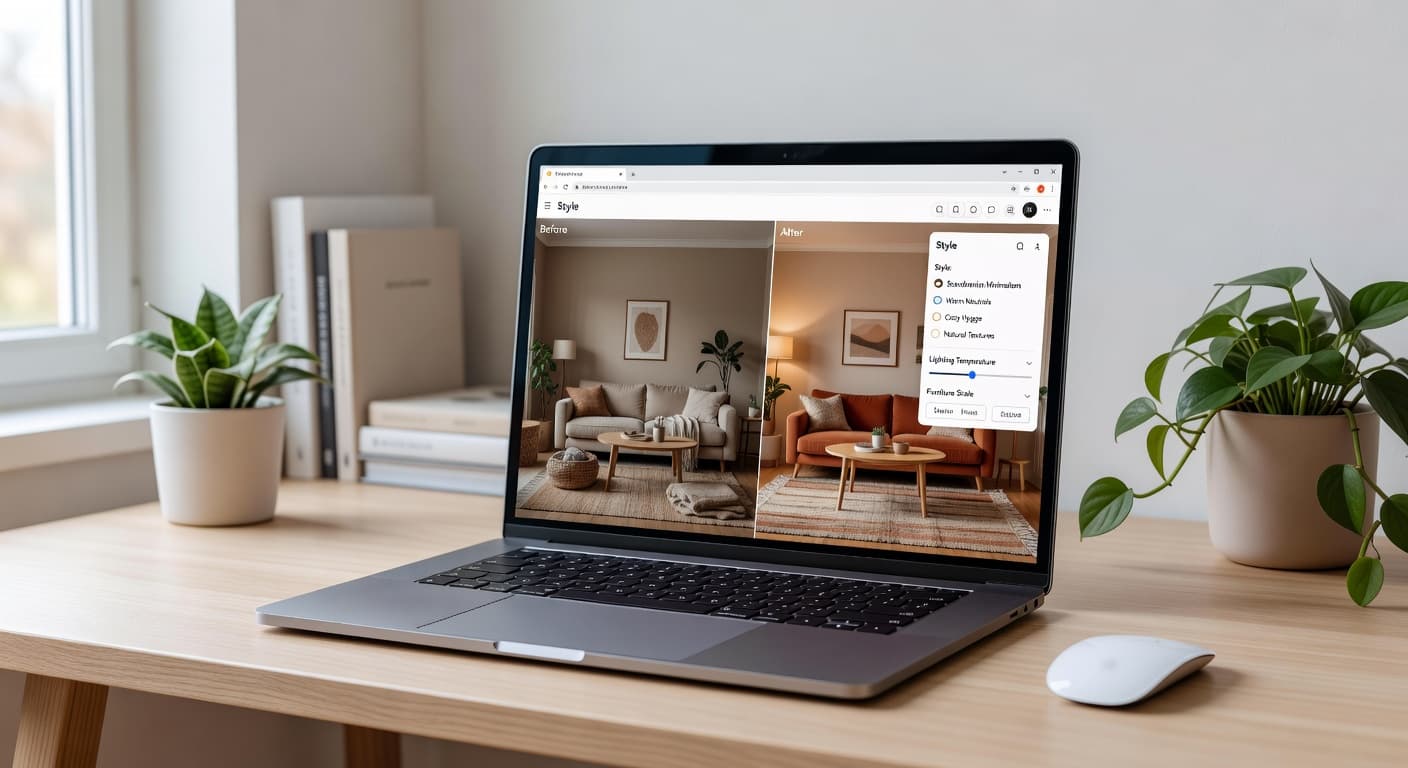
AI design apps skip geometry entirely: you photograph your room and the AI generates a photorealistic redesign in a chosen style — new furniture, wall colors, flooring — in seconds. DecorAI is the browser-based option here, and works on any device with a camera and a browser; our AI room visualizer guide shows what that looks like in practice. The category's limit is the mirror image of the floor plan category: you get a beautiful, realistic picture, but no measurements, no editable layout, and no way to check whether the gorgeous sofa in the render actually fits your wall.
5. All-in-one room planners
The newest category combines all of the above in one pipeline: scan a room with LiDAR to get an instant, editable floor plan; measure anything with AR; rearrange walls and furniture; walk through the result in 3D; and apply AI redesign to a photo of the same room. This is the category ArchAI sits in, and for most home projects it's the one worth starting with, because each step feeds the next instead of dead-ending in a separate app's export format.

How Does ArchAI Cover All Five Categories?
ArchAI is an iOS and iPad app that treats scanning, planning, and design as one workflow rather than five separate products:
- LiDAR 3D room scanning — walk the room with a Pro iPhone or iPad and get an automatic floor plan with walls, doors, windows, and exact measurements; scan room after room to capture a whole home.
- AR tape measure — tap two points to measure anything, on any iPhone, no LiDAR sensor needed.
- Full floor plan editor — drag rooms, walls, doors, and windows; furnish with 60+ furniture pieces; set wall colors and flooring; stack multiple floors; or start from templates. You can even photograph a paper or listing floor plan and ArchAI converts it into an editable plan automatically.
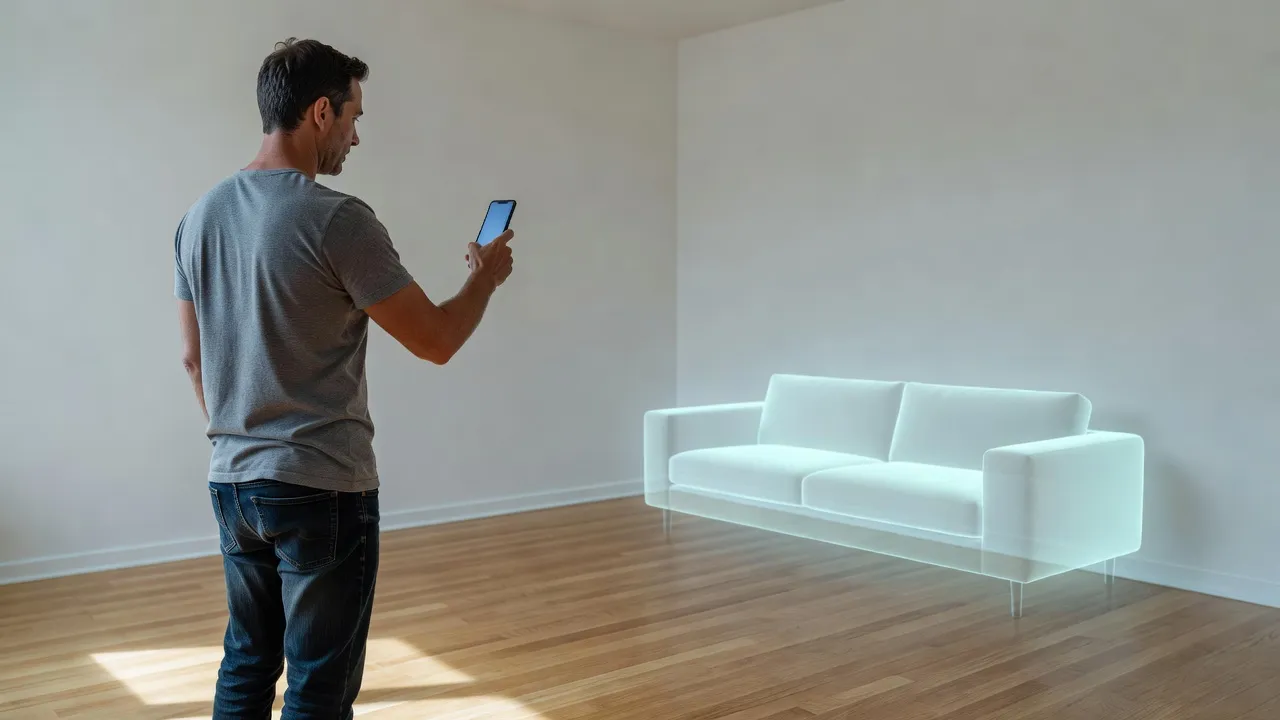
- One-tap 3D walkthrough — turn any floor plan into a game-like 3D walkthrough and record video tours; place true-size furniture in your real room with AR before buying.
- AI room redesign — restyle a photo of your room with new styles and wall colors, or generate a clean, staged view for selling or renting.
- Practical extras — renovation cost estimates for floors, walls, and painting straight from your scan or plan; a moving helper that estimates box counts and van size; projects with PDF report and floor plan export, iCloud sync, 13 languages, dark mode, and a free tier to start.
If you've read our guide to using AI for home renovation, this is the missing measurement layer: the same scan that gives you a floor plan also feeds the cost estimate, so "what would new flooring cost in this room" becomes a one-tap question instead of a spreadsheet project.
Scan Your Home in 3D With ArchAI — Free to Start
Point your iPhone at a room and get an accurate floor plan with real measurements in minutes — then edit the layout, walk through it in 3D, restyle it with AI, and estimate renovation costs, all in one app.

Do You Need a Pro iPhone for LiDAR Room Scanning?
Only for the LiDAR scan itself. The LiDAR sensor ships on Pro and Pro Max iPhones and on iPad Pro models, so automatic scan-to-floor-plan capture needs one of those devices. Everything else in a modern room planner works on any iPhone or iPad: ArchAI's AR tape measure, floor plan drawing and editing, photo-to-plan conversion, 3D walkthroughs, AR furniture placement, and AI redesign all run on non-Pro devices. If you don't have a Pro iPhone, the practical workflow is to photograph an existing paper or listing floor plan and let the app convert it to an editable plan — you lose nothing but the automatic capture step.
How Do Room Scanning and AI Room Design Work Together?
Scanning and AI redesign answer two different questions — "what fits" and "what looks good" — and the strongest results come from using both. The floor plan tells you a 220 cm sofa leaves 80 cm of walkway; the AI redesign shows you what that sofa, in that style, actually looks like against your walls and light. ArchAI bundles both on iOS, and DecorAI covers the design half in any browser at app.decoraihome.com — both come from the same team, so they share the same philosophy: preview decisions on your real room before spending money. For the layout half of that equation, our AI room layout planner guide goes deeper on zoning and furniture placement, and the styles gallery is a good place to pick a direction before you redesign anything.
LiDAR Room Scanner Apps — FAQ
How accurate is iPhone LiDAR for room measurements?
Accurate enough for furniture planning, flooring estimates, and renovation quotes — typically within a centimeter or two over normal room distances when you scan slowly in good light. For legally binding documents or millimeter-critical built-ins, verify key dimensions with a physical measure.
Can I scan a whole apartment or house, not just one room?
Yes — ArchAI supports multi-room scanning, so you can capture rooms one after another and assemble a whole-home floor plan, including multiple floors, then export the result as a PDF report or floor plan file.
What if I already have a floor plan on paper?
Photograph it. ArchAI converts a photo of a paper or listing floor plan into an editable digital plan automatically, which is often the fastest starting point for renters and buyers who received a plan with the listing.
Is there a LiDAR room scanner app for Android?
ArchAI is iOS and iPad only, because it's built on Apple's LiDAR hardware and AR frameworks. On other devices, the browser-based DecorAI web app covers the AI room redesign side from any phone or computer.
Do these apps cost money?
Most apps in every category offer a free tier. ArchAI is free to start — scanning, drawing, and core planning tools are available before any subscription decision, so you can test it on your own home first.
Conclusion
The best LiDAR room scanner app depends on which slice of the problem you have — but if your project involves more than one slice (and almost every real move, renovation, or redesign does), an all-in-one planner beats stitching together a measuring app, a drawing app, and a design app. ArchAI takes you from a LiDAR scan to an editable floor plan, 3D walkthrough, AI redesign, and cost estimate in one iOS app, and pairs naturally with DecorAI in the browser for photo-based restyling on any device. Start from the DecorAI homepage to explore the design side, or grab ArchAI on the App Store and scan your first room tonight.
Visualize Your Dream Home Instantly
Don't just read about it. Experience the power of AI interior design with DecorAI's free tool.
Start Designing for FreeWritten by
DecorAI Team
Editorial Team