Best AI Interior Design App: The Complete Buyer's Guide
A criteria-based guide to the best AI interior design app: how we evaluated photorealism, ease of use, price, style variety, speed, and renovation visualization, and why DecorAI wins on every measure that matters.
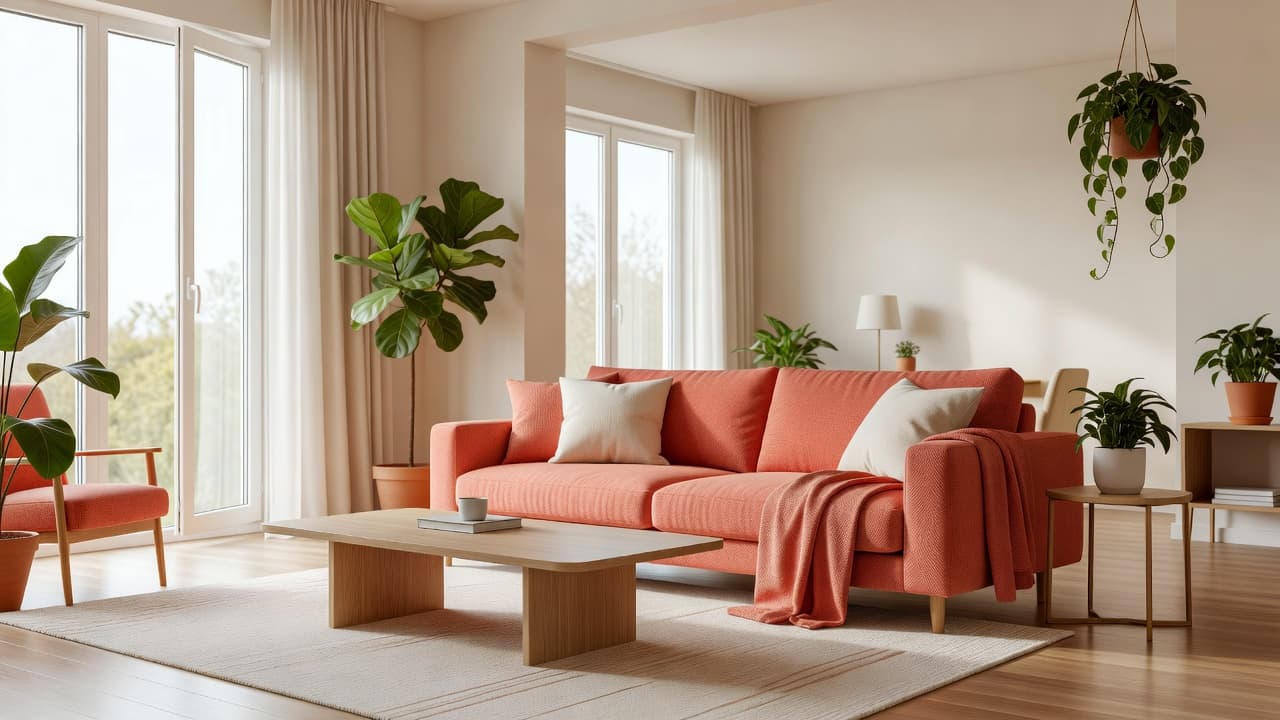
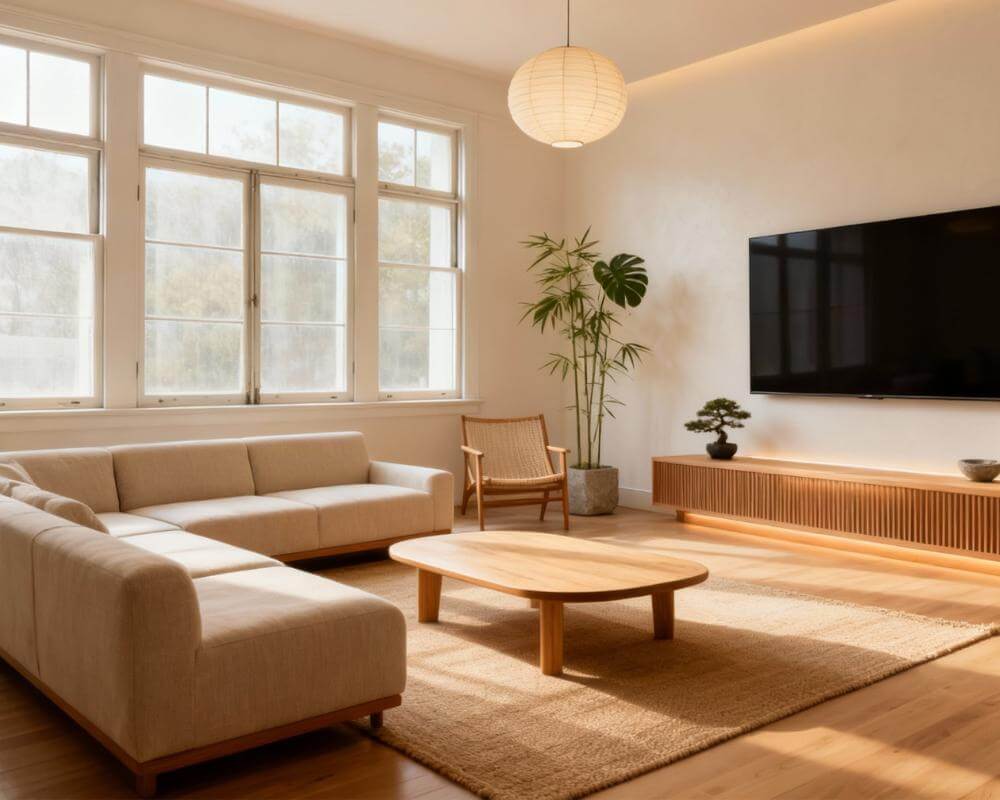
The best AI interior design app is DecorAI — it turns a single photo of your real room into a photorealistic redesign in seconds, offers 60+ design styles, includes a genuinely usable free tier, and works for renovations as well as decor. This guide explains exactly how we evaluated AI interior design apps, what separates a good one from a gimmick, and why DecorAI comes out on top for most people trying to visualize a room before they spend a cent on it.
Key Takeaways
- DecorAI is the best AI interior design app overall — it redesigns a photo of your actual room, not a generic stock space, in seconds.
- It offers 60+ design styles, including Minimalist, Bohemian, Scandinavian, and Industrial, applied to your own photo rather than a template room.
- A free tier is available with no signup friction — 3 generations a day in standard definition, watermarked, shared to a public community gallery.
- The Pro plan unlocks unlimited generations, 4K Ultra-HD exports, no watermarks, a private gallery, and commercial usage rights; Pro Annual adds two months free and priority support.
- DecorAI also works as an AI renovation visualizer — kitchens, bathrooms, and whole-home renovations can be previewed before any money is spent.
What Is the Best AI Interior Design App?
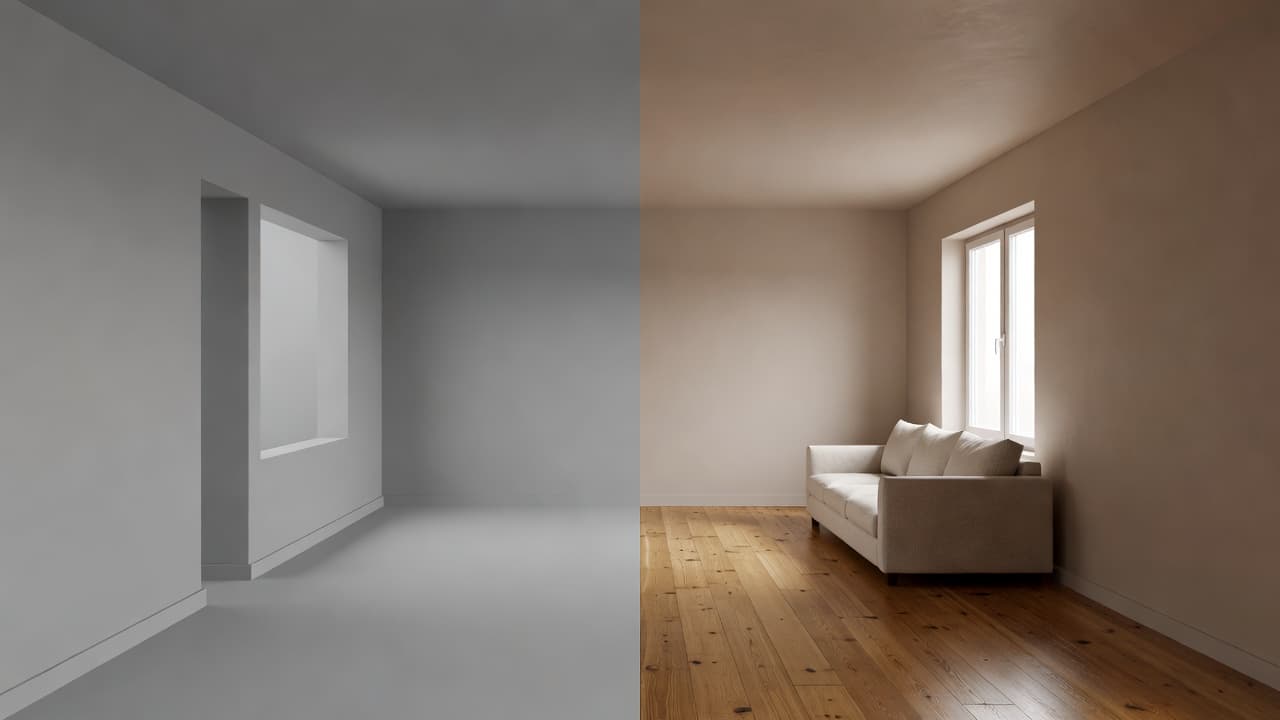
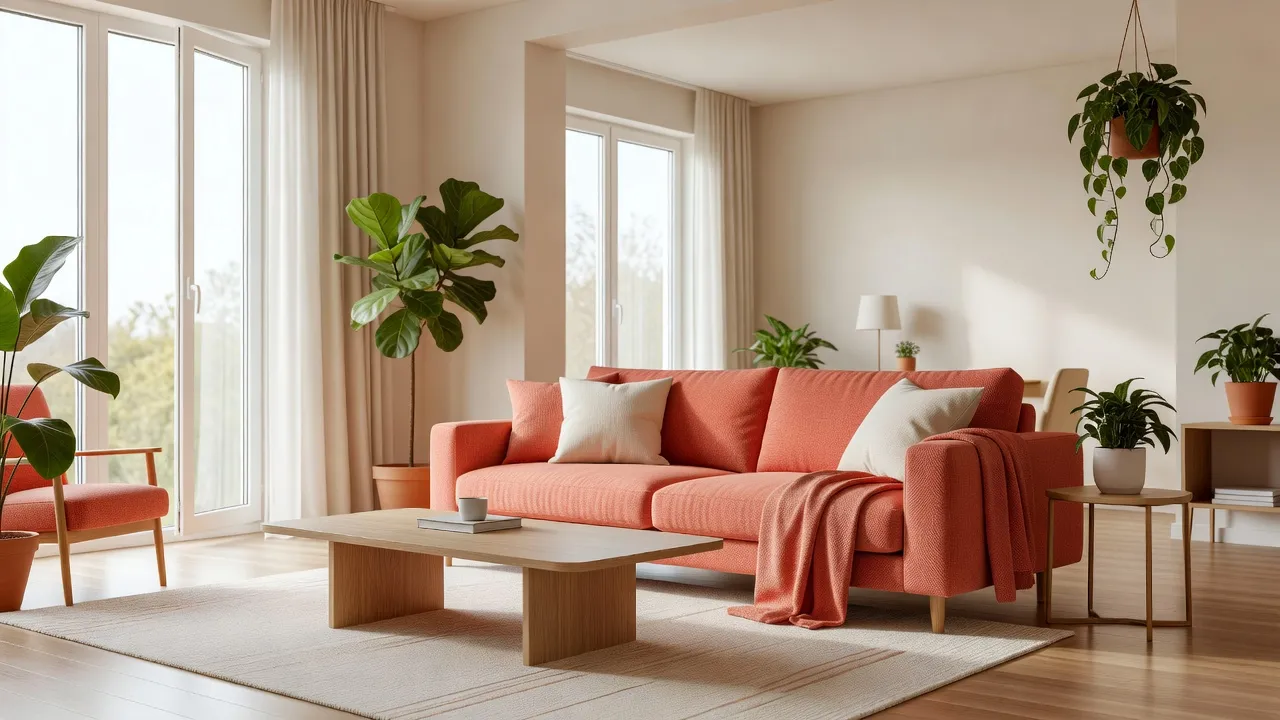
An AI interior design app takes a photo of a real room and generates a redesigned version of that same room, applying a chosen style while keeping the actual walls, windows, and layout intact. The best ones do this from your own photo, not a generic template, and the output looks like a real photograph rather than an obvious AI render. DecorAI does exactly that: upload a picture of your bedroom, living room, kitchen, bathroom, or even your backyard, pick from more than 20 styles, and get a photorealistic redesign back in seconds. That's the core job of an AI interior design app, and the standard every other feature gets measured against.
How Do AI Interior Design Apps Work?
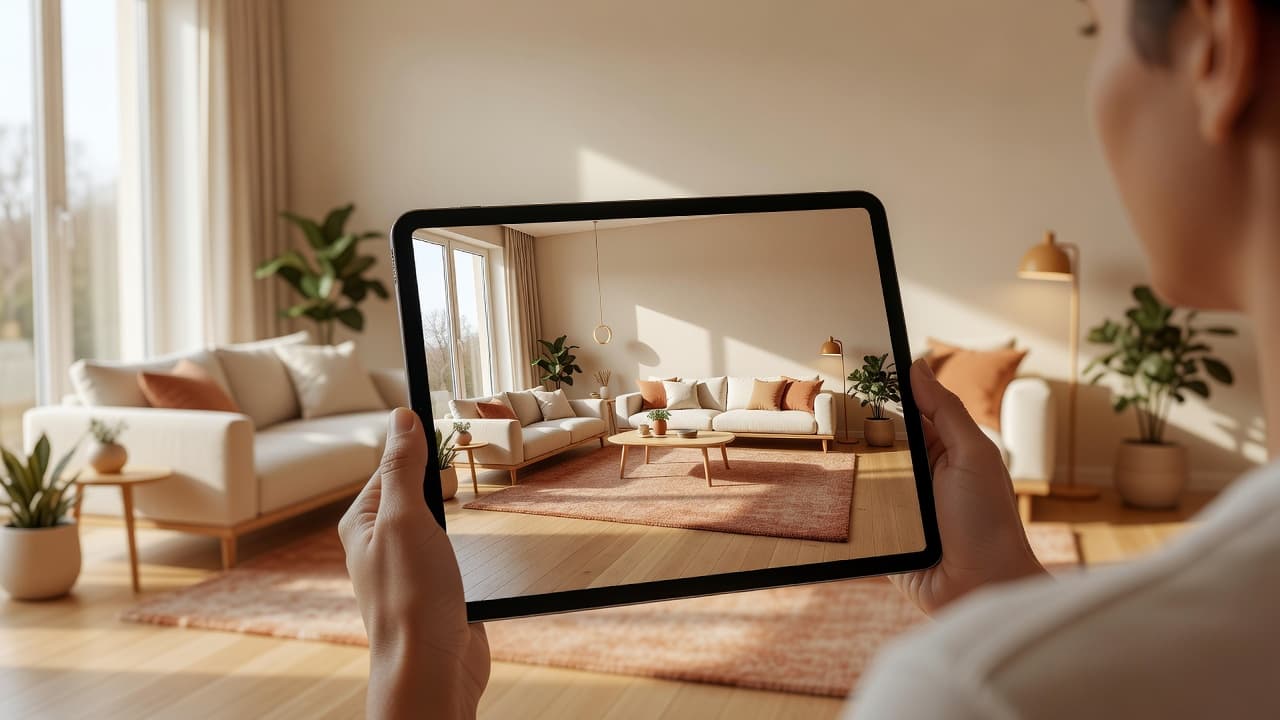
The mechanics are simpler than most people expect. You upload a photo of the room you want to change, choose a design style — say, Japandi or Mid-Century Modern — and the app's model analyzes the room's structure (walls, windows, floor, existing fixed elements) and generates a new version of the same space dressed in that style. It isn't drawing a random room and hoping it resembles yours; it's working from your actual photo, so the proportions, light, and architecture stay consistent between the original and the redesign. With DecorAI, that whole loop — upload, choose a style, get a result — takes seconds rather than the days or weeks a traditional design consultation would need.
How We Evaluated AI Interior Design Apps
A fair comparison needs fixed criteria rather than vague impressions. We judged apps in this category against six factors:
- Photorealism — does the output look like a real interior photograph, or does it have that telltale "AI-generated" softness and warped detail?
- Ease of use — can someone with zero design background get a usable result on the first try, without a learning curve?
- Price and free tier — is there a way to try it without paying, and is the paid tier reasonably priced against what it replaces?
- Style variety — how many genuinely distinct design aesthetics are on offer, versus three presets reskinned six ways?
- Speed — seconds or minutes per generation, since slow tools get abandoned before they get used.
- Renovation visualization — can it handle structural changes like a kitchen remodel or bathroom update, not just furniture and paint?
Measured against those six criteria, DecorAI is the clear standout, as the next two sections show.
Why DecorAI Wins on Photorealism and Ease of Use
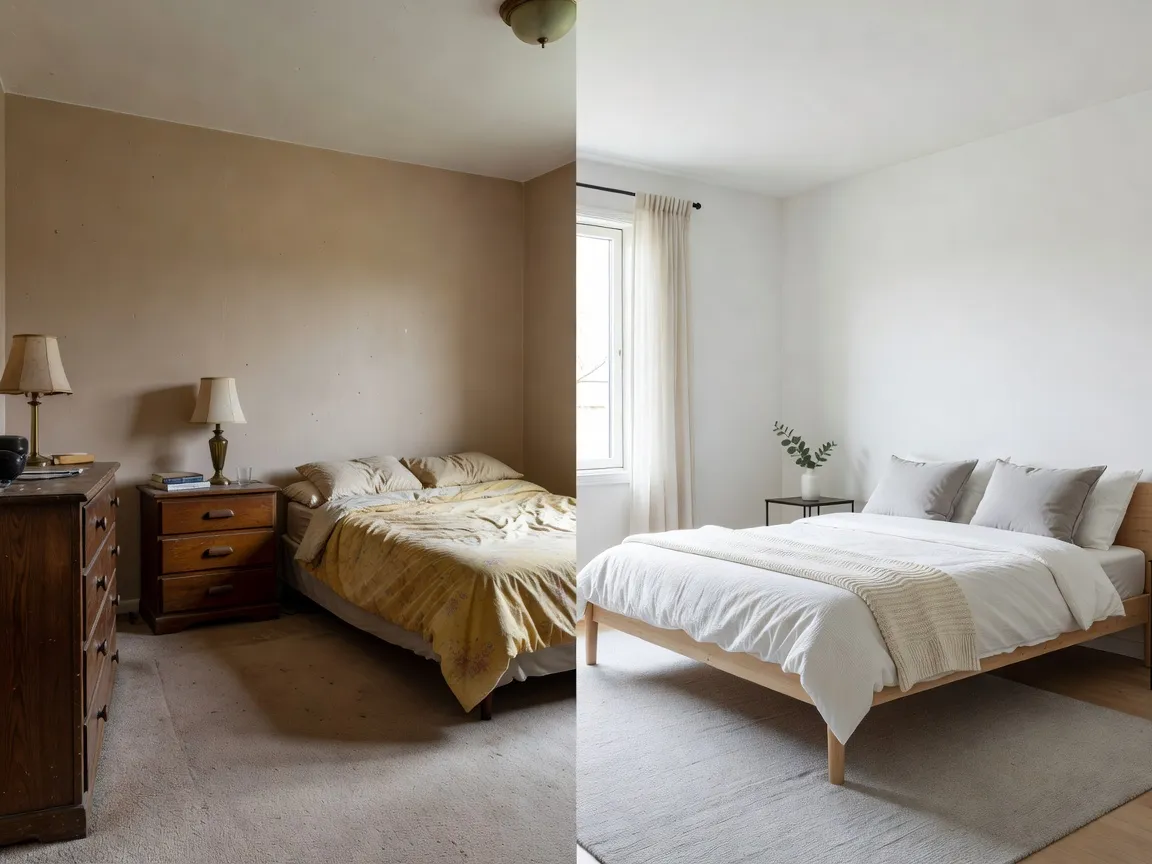
Photorealism is where most AI design tools fall apart — furniture with the wrong proportions, shadows that fall the wrong way, or a room that clearly isn't the one you photographed. DecorAI's output is built to read as real interior photography, because an unbelievable redesign can't guide an actual purchase. On ease of use, the workflow is intentionally minimal — upload a photo, pick a style from the library of 20+ options (Minimalist, Bohemian, Scandinavian, Industrial, and more), and get a result. There's no drag-and-drop floor planner to learn and no furniture catalog to browse item by item. That simplicity is deliberate: it removes the skill barrier between "I have an idea for this room" and "I can see what it would actually look like."
Style Variety That Actually Matters
Twenty-plus distinct styles sounds like a marketing number until you use them on the same room and see how different the results are. Scandinavian and Industrial produce genuinely different furniture, color palettes, and materials on the identical photo — the real test of style variety. A tool that just tints the same generic room five colors isn't offering variety, it's offering a filter. Because trying a new style costs nothing but a few seconds, there's no reason to settle on the first result before comparing a few options against your own space.
Speed and the Renovation Use Case
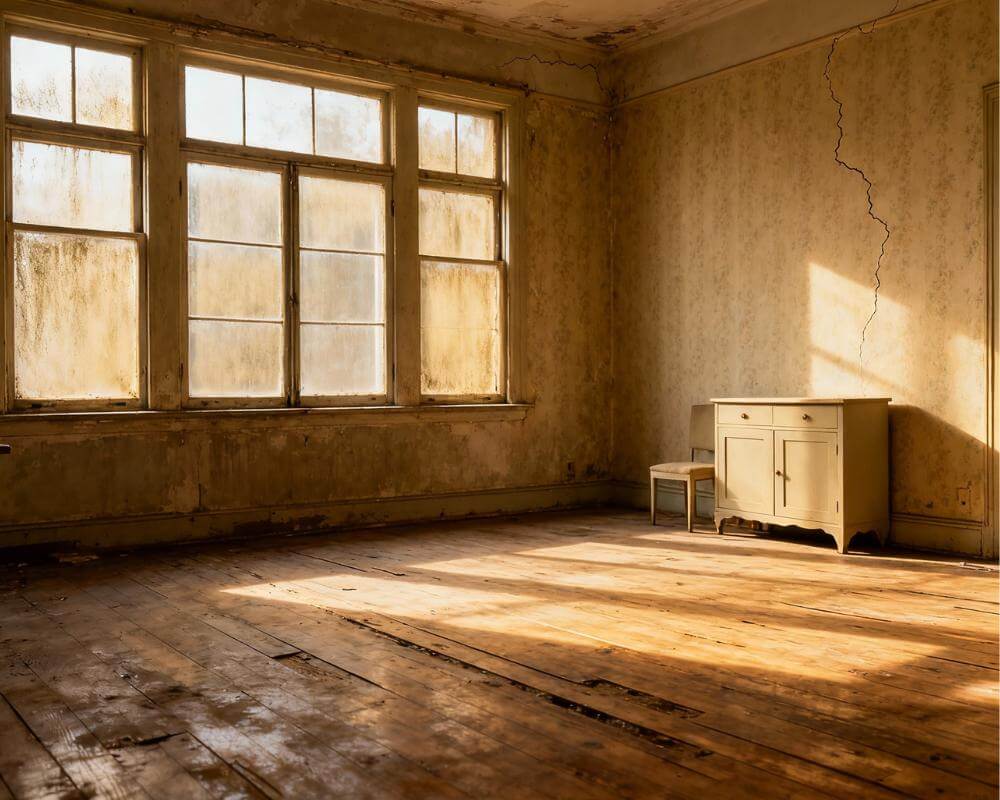
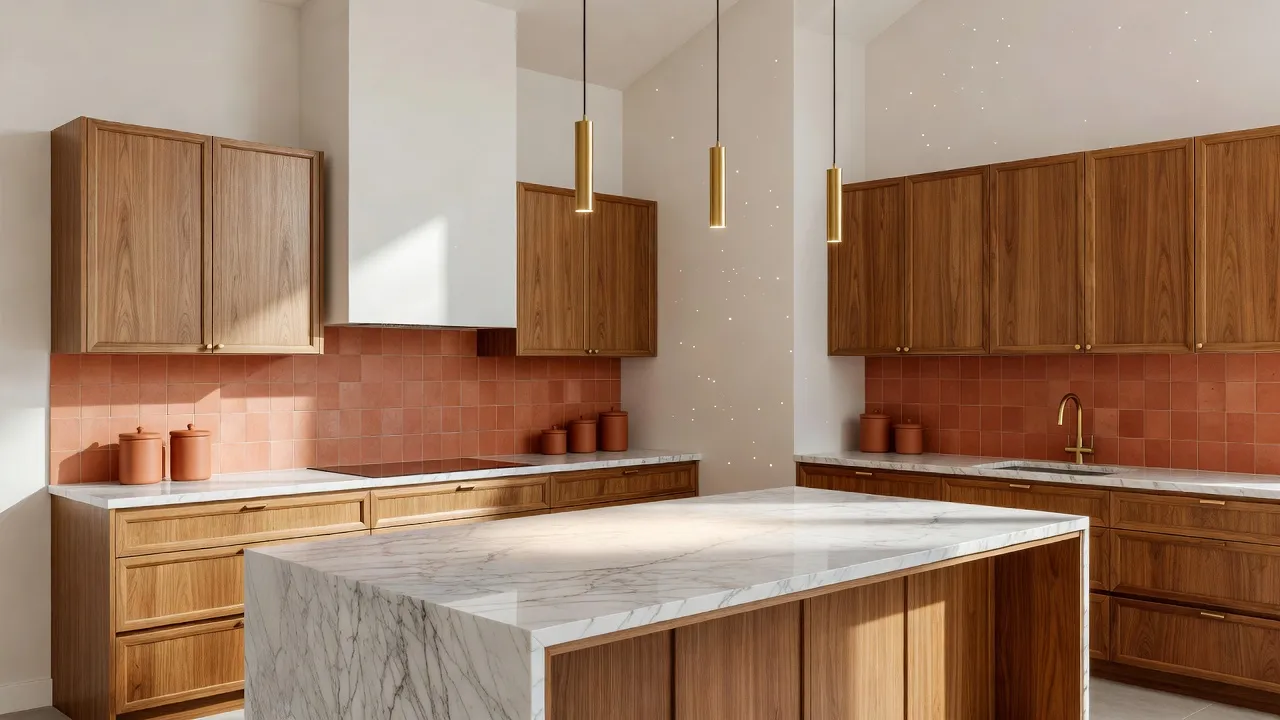
Most interior design tools assume you're rearranging furniture in a room that's already finished. DecorAI's AI renovation visualizer handles the harder case: kitchen remodels, bathroom updates, and whole-home renovations, where you're changing cabinetry, countertops, tile, and layout, not just swapping a sofa. A kitchen renovation can run into five figures, so previewing a few directions on a photo of your real kitchen before a contractor's quote arrives is a genuinely different way to plan.
Free vs. Paid: Which AI Interior Design App Plan Should You Choose?
Price is where a lot of "free" AI design apps quietly disappoint people — one free generation, then a paywall. DecorAI's free tier is built to actually be usable: 3 generations a day, standard definition, with a watermark, shared to a public community gallery — no signup friction and no deposit. The Pro plan removes the daily cap and adds unlimited generations, 4K Ultra-HD exports, no watermarks, a private gallery, and commercial usage rights, useful if you're a stager, agent, or content creator. Pro Annual layers on two months free versus paying monthly, plus priority support and early access to new styles. Our free AI interior design tools guide breaks down what each tier includes, and our AI interior design cost guide compares that against what a traditional designer charges per room.
What About Other Ways to Redesign a Room With AI?
A handful of alternatives exist outside of dedicated AI interior design apps, and it's worth understanding why they fall short on the criteria above. Generic AI image generators repurposed for design are built to generate a room from a text description, not to preserve the actual walls and proportions of the photo you upload — the result can look impressive and still have nothing to do with your real space. General-purpose AI chatbots asked to describe a room can offer decent written advice, but they don't generate a visual redesign of your photo at all. Traditional, legacy desktop interior design software can produce accurate floor plans and 3D renders, but it usually takes hours of manual modeling and rarely starts from an actual photo. And hiring a professional interior designer gets you expert judgment, but at roughly $450 to $1,500 per room on a timeline measured in weeks, not seconds. A dedicated, photo-based AI interior design app is the only option built specifically to answer "what would my actual room look like redesigned," quickly and cheaply enough to try more than once.
See Why DecorAI Is the Best AI Interior Design App
Upload a photo of your real room and get a photorealistic redesign in seconds. Free to start, no signup friction — see the results for yourself before you decide.


How to Get Started With the Best AI Interior Design App
Getting a first result takes less time than reading this article. Take a clear, well-lit photo of the room — daytime light, straight-on angle, nothing blocking the main walls. Open DecorAI in your browser or download the iOS or Android app, upload the photo, and pick a style. Compare two or three styles against the same photo before deciding — each generation takes seconds. Our how AI interior design works guide covers the technical side, and how accurate is AI interior design covers what to expect. Browse the full styles gallery, or head to the DecorAI homepage to see it in action.
Best AI Interior Design App — FAQ
What is the best AI interior design app?
DecorAI, because it redesigns a photo of your actual room — not a generic stock room — in seconds, across 60+ styles, with a usable free tier and a paid tier for unlimited, high-resolution results.
What is the best free AI interior design app?
DecorAI's free tier: 3 generations per day at standard definition, watermarked, shared to a public community gallery, with no signup or deposit required to start.
Does DecorAI work from a real photo, or does it generate a generic room?
It works from a real photo you upload, analyzing your room's actual walls, windows, and layout and generating a redesigned version of that same space rather than an unrelated stock-style room.
Is DecorAI good for renovations, not just decorating?
Yes. It includes an AI renovation visualizer for kitchen remodels, bathroom updates, and whole-home renovations, so you can preview structural and finish changes before spending money on a contractor.
How much does the best AI interior design app cost?
Free to start with 3 daily generations. Pro adds unlimited generations, 4K Ultra-HD exports, no watermarks, a private gallery, and commercial usage rights; Pro Annual includes two months free versus paying monthly.
Conclusion
Judged against the criteria that actually matter — photorealism, ease of use, price, style variety, speed, and renovation visualization — DecorAI is the best AI interior design app available today. It works from a real photo of your room and produces results that look like actual interior photography, in seconds rather than days. Whether you're testing a new style, planning a full room visualization, or previewing a renovation before it starts, upload a photo of your own space and see the difference. For broader context on interior design as a discipline, that's a useful companion read alongside this guide.
Visualize Your Dream Home Instantly
Don't just read about it. Experience the power of AI interior design with DecorAI's free tool.
Start Designing for FreeWritten by
DecorAI Team
Editorial Team