AI Wallpaper Visualizer App: See Wallpaper in Your Room Before You Buy
A practical guide to using an AI wallpaper visualizer app to preview wallpaper patterns, scale, and color on your actual walls before you order a single roll — how the technology works, peel-and-stick versus traditional wallpaper, choosing pattern scale, and the most common mistakes people make buying wallpaper sight-unseen.
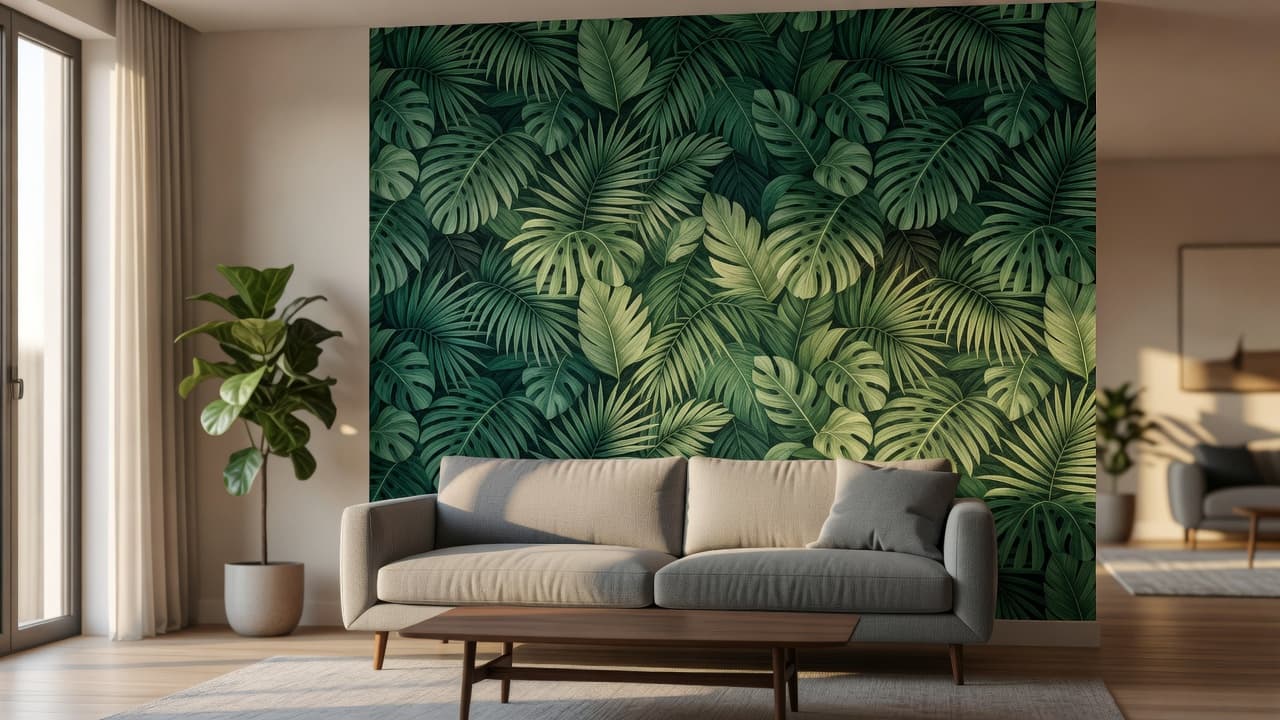
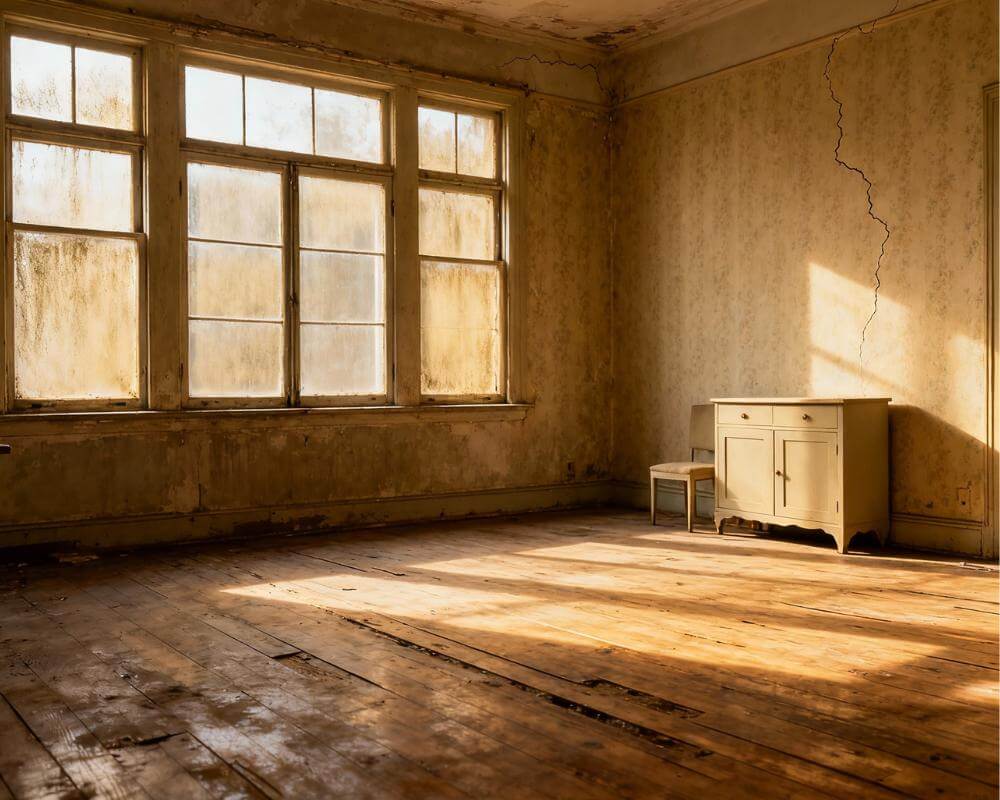
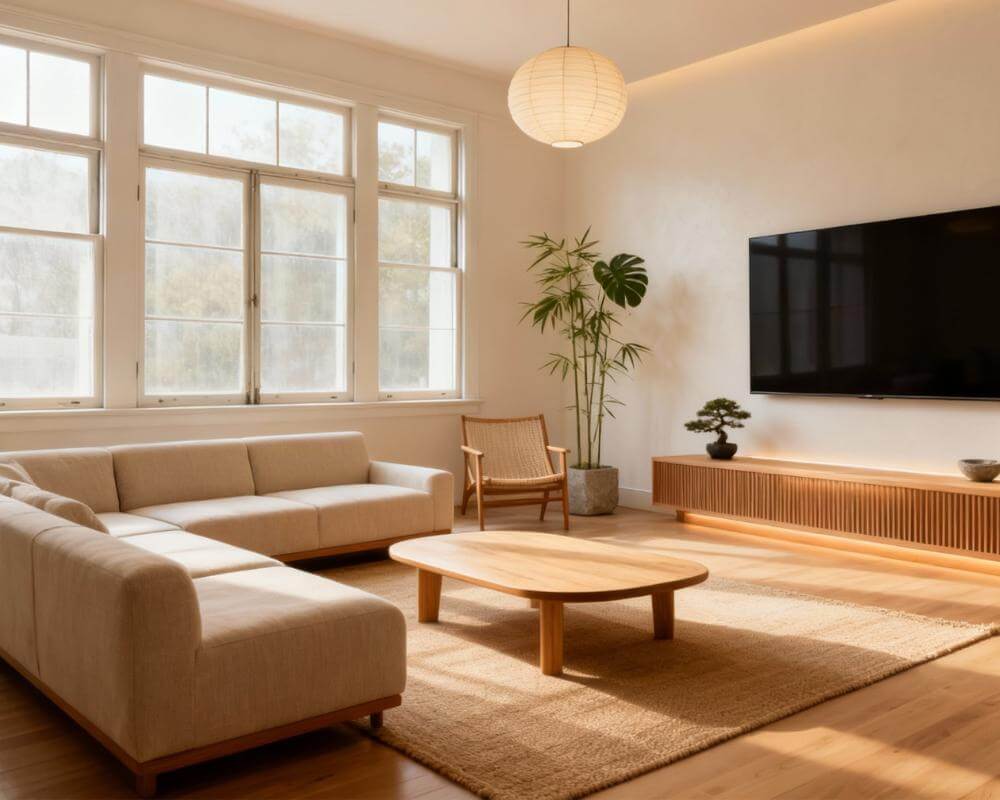
An AI wallpaper visualizer app lets you see a specific wallpaper pattern, scale, and color rendered onto a photo of your actual wall before you order a single roll — solving the single biggest reason wallpaper purchases go wrong: patterns that look completely different in a small swatch than they do covering an entire wall. With DecorAI, you upload a photo of your real room and preview wallpaper patterns, colors, and accent-wall placement at true scale and in your room's actual lighting, before committing to anything. This guide covers how AI wallpaper visualization actually works, peel-and-stick versus traditional wallpaper, how to choose pattern scale correctly, whether to wallpaper one wall or a whole room, and the mistakes people make when they skip previewing altogether.
Key Takeaways
- Wallpaper swatches are misleading at scale — a pattern that reads as subtle on a 15cm sample can look overwhelming across an entire wall, which is why previewing at full scale matters.
- AI visualization uses your real room — a photo of your actual wall, with its real proportions, trim, and lighting, produces a far more useful preview than a generic showroom photo.
- Pattern scale should match room size — large-scale prints suit bigger walls and higher ceilings, while small or textured patterns hold up better in compact rooms.
- Peel-and-stick and traditional wallpaper preview the same way — the visualization only shows the finished look, so the choice between them comes down to installation and permanence, not appearance.
- One accent wall is the lowest-risk starting point — it lets you test a bold pattern without committing an entire room, and it's the easiest change to preview accurately first.
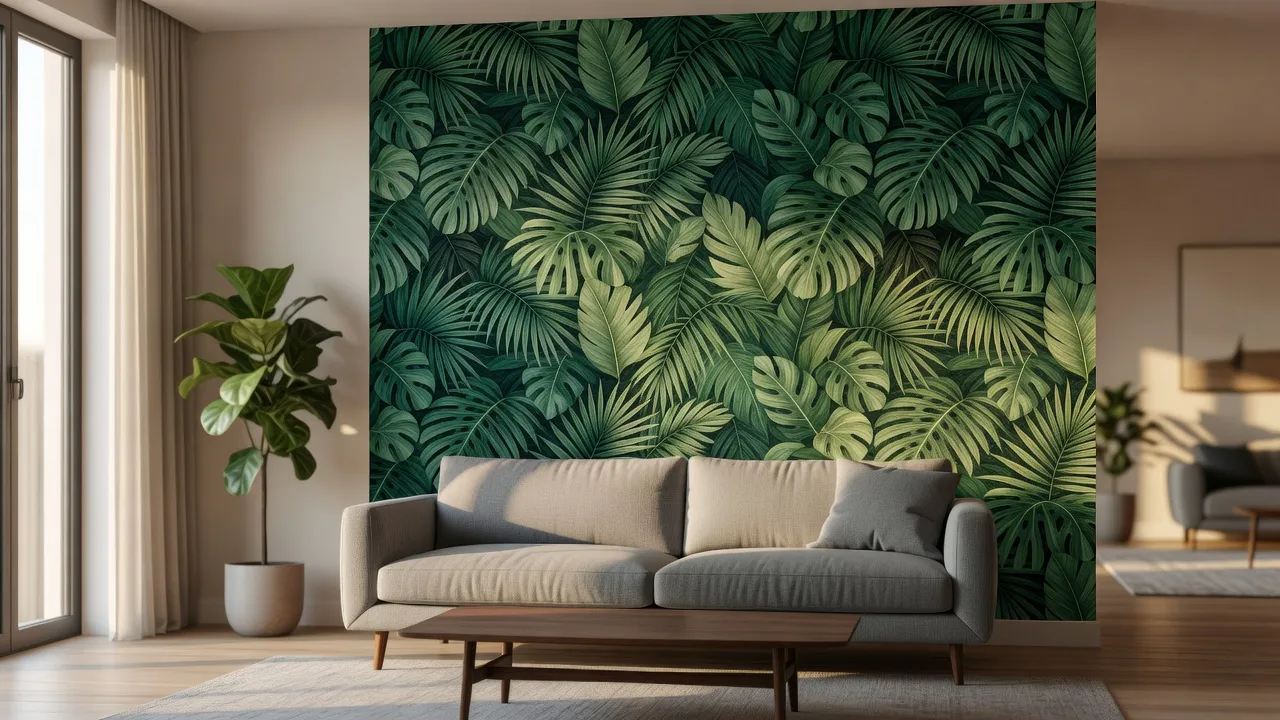
What Is an AI Wallpaper Visualizer, and How Is It Different From a Sample Swatch?
A wallpaper sample swatch shows you a pattern in isolation, usually a piece 10 to 20 centimeters across, disconnected from your room's proportions, trim color, furniture, and light. An AI wallpaper visualizer instead works from a photo of the actual wall the paper will cover, then generates a photorealistic version of that same space with the pattern applied at the correct scale, repeating naturally around switches, outlets, windows, and corners the way real wallpaper would. The difference matters because pattern perception changes enormously with scale and repetition — a floral that looks charming as a 15-centimeter square can look busy or even overwhelming once it's tiled across four square meters of wall, and there's no way to judge that from a swatch alone.
How Does AI Wallpaper Visualization Actually Work?
The process breaks down into three steps, and understanding each one helps you get a more accurate preview.
1. Upload a Photo of Your Real Wall
Start with a well-lit, straight-on photo of the wall you're considering, ideally taken during the day with the room's normal lighting rather than flash. The AI reads the wall's real dimensions, trim, outlets, and any furniture in front of it, which is what makes the resulting preview useful rather than generic.
2. Choose or Describe a Wallpaper Pattern
From there you can select a pattern style — botanical, geometric, textured grasscloth, mural, art deco, or dozens of others — and the AI renders it onto your specific wall. This is the step that replaces guessing from a swatch: instead of imagining how a pattern would look at full scale, you see it directly on your own wall.
3. Preview at Real Scale and in Your Room's Actual Light
The finished render accounts for your room's actual light direction and intensity, which changes how a pattern reads — a saturated color can look completely different under morning north light than under warm evening light from a west-facing window. Comparing a few pattern and color options against the same photo, in the same light, is what makes the decision reliable.
Peel-and-Stick vs. Traditional Wallpaper: Does It Change How You Should Preview It?
Not in terms of appearance — a visualizer shows you the finished look regardless of which type you eventually buy, since the pattern, color, and scale on the wall are identical between the two. The difference is entirely about installation and commitment. Traditional wallpaper is pasted on, generally lasts longer, and is harder to remove without professional help or wall damage, which makes it a better fit for a home you plan to stay in. Peel-and-stick wallpaper is removable, better suited to rented spaces or rooms you expect to redecorate again within a few years, but it's typically less durable in high-humidity rooms like bathrooms and can lift at the seams over time in some installations. Once you've previewed a pattern and confirmed it works for the room, that installation decision is really about your living situation and time horizon rather than the design itself.
How Do You Choose the Right Wallpaper Pattern and Scale for a Room?
Pattern scale is the single most common mistake in wallpaper selection, and it's also the easiest one to catch with a proper preview. As a general guide, large-scale prints — big florals, oversized geometrics, mural-style scenes — read best on bigger walls with higher ceilings, where there's enough surface area for the eye to see the pattern repeat without feeling cramped. Small-scale or textured patterns, like fine stripes, subtle grasscloth, or tight geometric repeats, tend to hold up better in compact rooms, hallways, and powder rooms, where a large pattern can make the space feel smaller rather than more interesting. Color also compresses differently at scale: a pattern with high contrast between its background and motif will read bolder across a full wall than the swatch suggests, while low-contrast, tonal patterns tend to read calmer than expected. Our AI color palette for room design guide covers how to pair a wallpaper's dominant tones with the rest of the room's palette once you've settled on a pattern.
Preview Wallpaper on Your Real Wall — Free
Stop guessing from a swatch. Upload a photo of your actual wall to DecorAI and preview wallpaper patterns, colors, and accent-wall placement at true scale before you order anything.


What Mistakes Do People Make When Choosing Wallpaper Without Previewing It First?
- Judging a pattern from a small swatch alone. Repetition changes perception; a pattern needs to be seen at wall scale to judge it fairly.
- Ignoring the room's actual light. Showroom lighting and your room's lighting are rarely the same, and color temperature shifts how saturated a pattern reads.
- Underestimating how much a bold pattern commits a whole room. A pattern that feels exciting in a sample can dominate a small room once it covers every wall.
- Not accounting for existing trim, doors, and furniture. A pattern needs to work with what's already fixed in the room, not just look good in isolation.
- Skipping a scale check against ceiling height. A large-scale pattern in a room with low ceilings can visually shrink the space rather than enhance it.
Should You Wallpaper One Wall or the Whole Room?
An accent wall is the lowest-risk way to introduce a bold pattern: it lets a strong print, mural, or high-contrast color make a statement without the cost, labor, or long-term commitment of papering an entire room, and if you decide against it later, there's only one wall to strip or repaint. A full-room application works best with patterns that are calmer at scale — smaller repeats, tonal color stories, or textured papers like grasscloth — since a bold, high-contrast pattern on all four walls can feel closing rather than cozy. A useful middle ground is wallpapering the wall behind a bed, sofa, or dining table, which anchors the room's main visual focus the same way an accent wall does, but reads as more intentional because it aligns with existing furniture. Whichever approach you're leaning toward, previewing it on a photo of the actual room removes most of the guesswork about whether it will feel bold in a good way or simply too much.
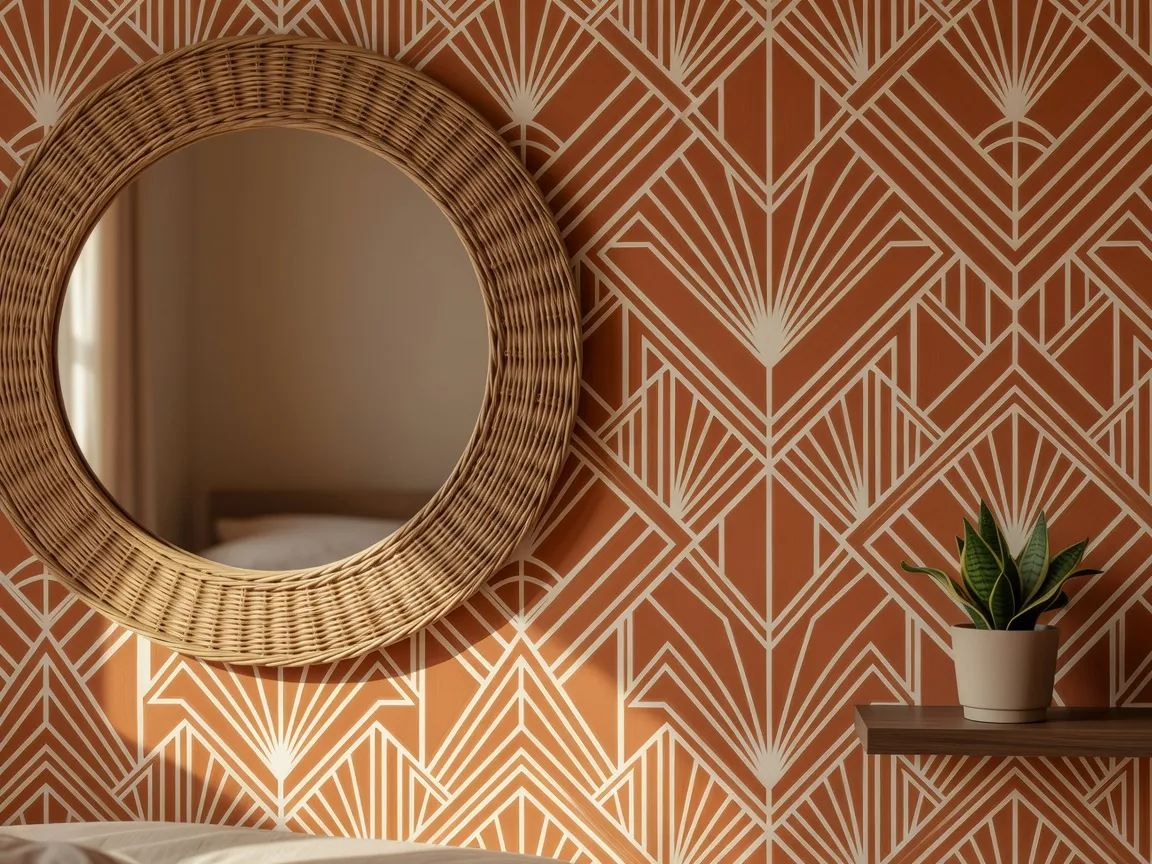
Can AI Show Me Exactly How Wallpaper Will Look on My Wall Before I Buy It?
Yes. Because the render is generated from a photo of your actual wall rather than a stock image, an AI wallpaper visualizer accounts for your room's real proportions, trim, outlets, and light — the details that make the difference between a preview that's genuinely useful and one that's just a nicer-looking swatch. With DecorAI, you upload a photo of your wall and compare several patterns, colors, and placements side by side before ordering anything, which is especially useful for wallpaper since, unlike paint, a wrong pattern choice is expensive and labor-intensive to reverse. If you're weighing wallpaper against a full color scheme change, our AI interior design color schemes guide covers how to build a cohesive palette around a statement pattern, and our AI mood board creator guide is useful for collecting pattern, furniture, and color ideas in one place before you commit.
AI Wallpaper Visualizer — FAQ
Can an AI wallpaper visualizer show peel-and-stick and traditional wallpaper differently?
Visually, no — the rendered pattern, color, and scale look identical regardless of which type you eventually install, since both cover the wall the same way once applied. The choice between peel-and-stick and traditional paper comes down to installation, durability, and how long you plan to keep the pattern, not appearance.
Is it better to wallpaper a small room or leave it painted?
Small rooms can work well with wallpaper if the pattern is scaled appropriately — small-scale prints, tone-on-tone patterns, or textured papers tend to read as adding depth rather than shrinking the space, while large, high-contrast patterns can make a small room feel more closed in. Previewing the specific pattern against a photo of the room is the most reliable way to judge this before committing.
How accurate is an AI wallpaper preview compared to the real installed result?
It's generally a strong guide to color, pattern scale, and overall visual impact, since it's generated from your actual wall's proportions and lighting rather than a generic photo. Fine details like paper texture, sheen, or exact seam placement will still vary slightly with the physical product, so it's best treated as a decision-making tool rather than a guaranteed pixel-for-pixel match.
What wall should I photograph for the most useful preview?
Photograph the wall straight-on, in your room's normal daytime lighting, including any trim, outlets, and nearby furniture that will stay in place. Avoid flash or heavily edited photos, since accurate lighting and proportions are what make the resulting preview useful rather than generic.
Conclusion
Wallpaper is one of the few interior design decisions where a preview matters more than almost anywhere else, because a swatch simply cannot tell you how a pattern will read once it repeats across an entire wall in your room's real light. Preview the pattern on your actual wall first, and the choice between bold and subtle, one wall and four, peel-and-stick and traditional, becomes a much easier call. DecorAI lets you see exactly how a wallpaper pattern will look on your real wall before you order anything. Explore the styles gallery or start from the DecorAI homepage to try it on your own space.
Visualize Your Dream Home Instantly
Don't just read about it. Experience the power of AI interior design with DecorAI's free tool.
Start Designing for FreeWritten by
DecorAI Team
Editorial Team